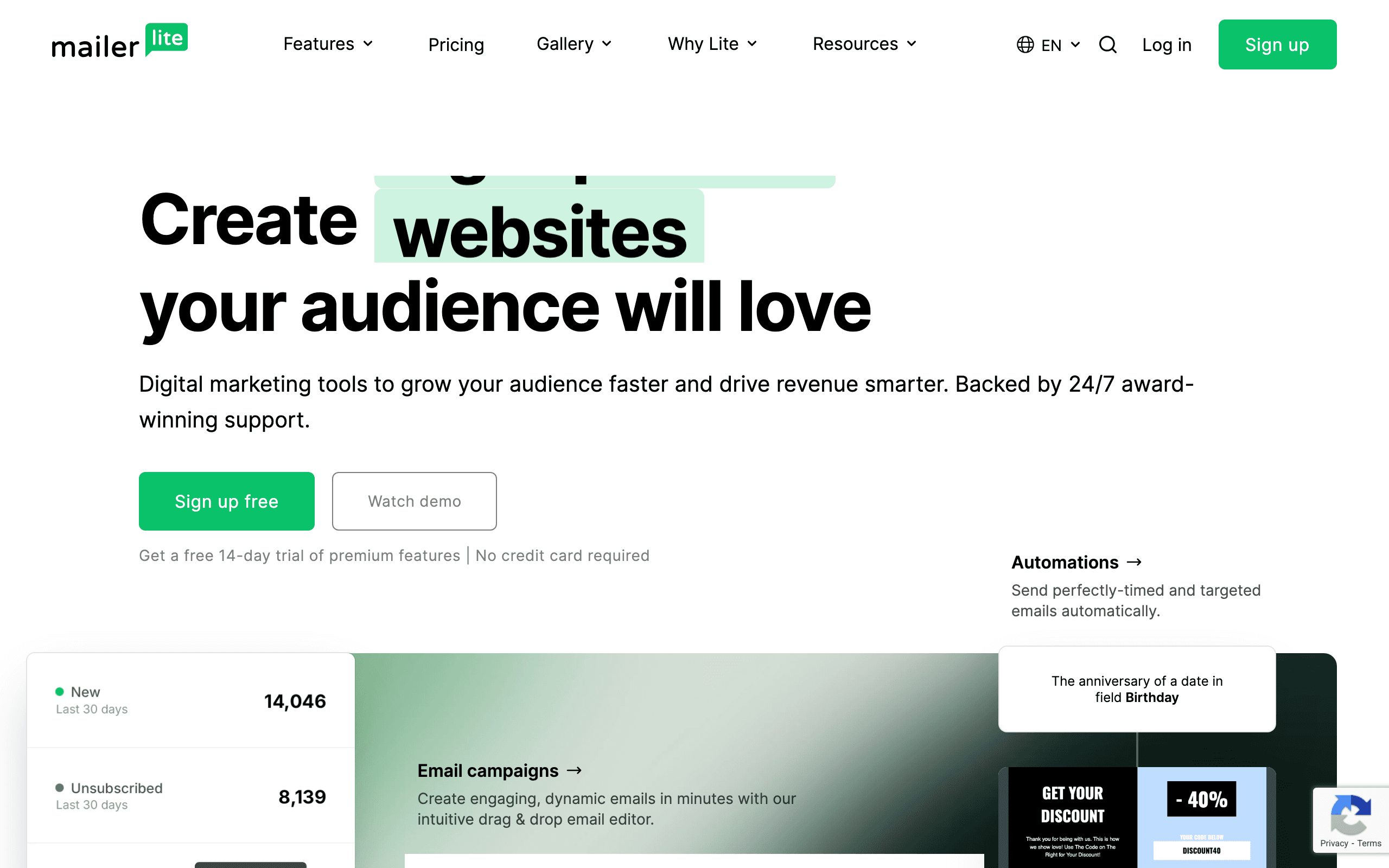
MailercloudvsMailerLite

Mailercloud vs MailerLite

Two affordable platforms with nearly identical pricing

TL;DR

Mailercloud and MailerLite both cost $50/month at 10,000 subscribers and target budget-conscious users. MailerLite offers landing pages and a website builder, while Mailercloud provides unlimited emails and AMP email support. If you need landing pages, go with MailerLite. If you send high volume emails, Mailercloud is better.

Key Differences

The main things that set these tools apart

Landing pages and website builder
MailerLite wins

MailerLite includes unlimited landing pages and a full website builder. Mailercloud doesn't offer these features at all.

Email sending limits
Mailercloud wins

Mailercloud offers unlimited emails, while MailerLite limits you to 12x your subscriber count (120,000 emails at 10k subs).

Contact list management
MailerLite wins

MailerLite lets you add the same contact to multiple lists. Mailercloud doesn't allow this, which can complicate segmentation.

User interface
MailerLite wins

MailerLite is known for its clean, intuitive interface. Mailercloud's UI is functional but less polished.

Pricing Comparison

At 10,000 subscribers

Mailercloud
$50/month

Premium plan. Unlimited emails. 30% off annual.

Visit Mailercloud
MailerLite
$50/month

Growing Business plan. 30% off annual. Free up to 1,000 contacts.

Visit MailerLite
Sequenzy

The SaaS alternative

$49/month

All features, Stripe integration, AI generation

Feature Comparison

Side-by-side feature breakdown

Feature
Mailercloud
MailerLite
Sequenzy
Email Capabilities
Email sending limits
Unlimited
12x your subscriber count
300k emails/month
AMP emails
Supported
Not available
Not available
AI subject lines
Full AI email generation
Template library
~100 templates
~150 templates
~20 templates + AI generation
Drag-and-drop editor
Yes (better UX)
Block-based editor
Marketing Tools
Landing pages
Unlimited
Not available
Website builder
Not available
Signup forms
Basic
Advanced with popups
Embeddable forms
A/B testing
Basic
A/B subject line testing
Automation
Automation builder
Basic workflows
Visual workflow builder
Not available
Triggers
Limited
More trigger options
Not available
Segmentation
Basic
Advanced
Advanced segment builder
RSS campaigns
Not available
Platform Features
Free tier
1,000 contacts
1,000 contacts
Free up to 1k subscribers
Transactional email
Included via Resend
SMS marketing
Add-on available
Not available
Multiple lists per contact

Best For

When to choose each tool

Choose Mailercloud if you...
  • High-volume email senders who need unlimited sends
  • Businesses experimenting with AMP emails
  • Users on a tight budget who need AI subject line suggestions
  • Companies that already have landing pages elsewhere
  • Senders who need a larger free tier (1,000 contacts)
Choose MailerLite if you...
  • Creators and coaches who need landing pages
  • Small businesses wanting a website builder included
  • Teams that need better automation workflows
  • Users who want a more polished interface
  • Organizations needing SMS as an add-on
  • Marketers who segment contacts across multiple lists
Choose Sequenzy if you...
  • SaaS companies needing Stripe integration
  • Founders wanting AI-generated email sequences
  • Teams needing transactional + marketing in one tool
  • Startups wanting affordable pricing

When to Consider Sequenzy Instead

SaaS Focus

Neither Mailercloud nor MailerLite has native Stripe integration. Sequenzy syncs customer data, MRR, and churn signals automatically for SaaS businesses. You can trigger emails based on subscription events without writing code.

AI Email Generation

Mailercloud offers AI subject lines, but Sequenzy generates full email sequences based on your goals. Describe what you want (onboarding, trial conversion, win-back) and Sequenzy writes the entire series for you.

Unified Platform

Both platforms lack transactional email capabilities. Sequenzy includes transactional and marketing email in one tool at $49/month. No need for SendGrid or Postmark on the side.

The Price Is (Almost) Right

Mailercloud and MailerLite cost the exact same at 10,000 subscribers: $50/month. Both offer 30% discounts for annual plans, bringing the monthly cost to $35. This makes them two of the most affordable options for budget-conscious email marketers.

The similarity ends with pricing. MailerLite is the more complete marketing platform with landing pages, a website builder, and better automation. Mailercloud focuses on email volume and modern email features like AMP support. If you're comparing these two, the deciding factor isn't cost—it's what features you actually need.

Both platforms have free tiers up to 1,000 contacts, which is generous compared to competitors. MailerLite's free plan includes landing pages, making it a better deal for creators just starting out. Check out our full pricing comparison to see how these stack up against other platforms.

Landing Pages vs. Unlimited Emails

The biggest difference between these platforms is what you get for your $50/month.

MailerLite gives you unlimited landing pages and a full website builder. This is huge for coaches, consultants, and creators who need quick landing pages for lead magnets or launches. The website builder is surprisingly capable—some users run entire businesses on it. If you don't already have a website or landing page solution, MailerLite essentially bundles multiple tools into one affordable package.

Mailercloud goes the opposite direction: unlimited email sending. Most email platforms limit your sends (Mailchimp, ConvertKit, and MailerLite all do). With Mailercloud, you pay based on contacts, not sends. If you run frequent promotions or send multiple newsletters per week, this unlimited sending can save you from overage fees. Mailercloud also supports AMP emails, which let you add interactive elements like carousels and accordions directly in the email. Most budget platforms don't offer this.

Neither platform offers transactional email, which means you'll need a separate tool like SendGrid for password resets or receipts. If you're a SaaS company, this gets annoying fast. Sequenzy includes transactional email at no extra cost—learn more about transactional vs. marketing email.

Automation: Basic vs. Better

MailerLite has a visual automation builder that's genuinely easy to use. You can create workflows based on email opens, link clicks, and date-based triggers. It's not as powerful as ActiveCampaign or Klaviyo, but it covers the basics for most small businesses.

Mailercloud's automation exists but feels like an afterthought. You can set up basic workflows, but the interface is clunky and the trigger options are limited. If automation is a core part of your email strategy, MailerLite is the clear winner here.

For SaaS businesses, neither platform offers the Stripe-triggered automation you probably need. When a customer upgrades, churns, or hits a payment failure, you want emails to fire automatically. Sequenzy handles this natively with our Stripe integration—no Zapier required.

The Contact List Problem

Here's a quirk that matters more than you'd think: Mailercloud doesn't let you add the same contact to multiple lists. If someone signs up for your weekly newsletter and then downloads a lead magnet, you have to choose which list they belong to. This makes segmentation awkward.

MailerLite doesn't have this restriction. A contact can be on multiple lists, and you can use segments to filter based on tags, behavior, or custom fields. This flexibility makes it easier to organize your audience as your business grows.

Both platforms offer tagging and segmentation, but MailerLite's implementation is cleaner. If you're moving from another platform and have complex audience segments, MailerLite will feel more familiar.

Who Should Pick Which

Choose Mailercloud if you send a lot of emails and need unlimited sends, if you want to experiment with AMP emails, or if you already have landing pages and just need affordable email marketing. It's a solid choice for high-volume senders on a budget.

Choose MailerLite if you need landing pages or a website builder, if you want better automation workflows, or if you care about having a polished, easy-to-use interface. It's the better all-around marketing platform.

Choose Sequenzy if you're running a SaaS business and need Stripe integration, if you want AI to generate your email sequences instead of writing them yourself, or if you need transactional and marketing email in one affordable tool. Learn more at our homepage or read about how we compare to other platforms in our comparison guides.

Frequently Asked Questions

MailerLite is easier for beginners. Its interface is more intuitive, and the landing page builder means you don't need separate tools. Mailercloud works fine but has a steeper learning curve with a less polished UI.

MailerLite has better automation with a visual workflow builder and more trigger options. Mailercloud's automation is basic and suitable for simple workflows only.

No, MailerLite doesn't support AMP emails. Mailercloud is one of the few affordable platforms that does, letting you add interactive elements like carousels and accordions directly in emails.

Not necessarily. If you have a website or use tools like Carrd or Webflow, you might not need landing pages in your email platform. But if you're a creator or coach, having landing pages built-in (like MailerLite) saves money and simplifies workflows.

Both have decent deliverability, but MailerLite has a stronger reputation in this area. Mailercloud users sometimes report deliverability issues, especially on the free tier.

No, MailerLite limits you to 12x your subscriber count per month. At 10,000 subscribers, that's 120,000 emails. Mailercloud offers truly unlimited sending, which matters if you send multiple campaigns per week.

Yes, both offer free plans up to 1,000 contacts. MailerLite's free plan includes landing pages. Mailercloud's free plan includes unlimited emails but with limited features.

Neither platform excels at e-commerce. MailerLite has basic Shopify integration, but if you're serious about e-commerce email, consider Klaviyo instead. For SaaS businesses, check out Sequenzy's native Stripe integration at /compare/sequenzy-vs-klaviyo.

Not sure which to pick?

If you're a SaaS founder who needs Stripe integration and unified email, try Sequenzy free. No credit card required.

Related Comparisons

Sequenzy - Complete Pricing Guide

Pricing Model

Sequenzy uses subscriber-based pricing. You only pay for subscribers active in sequences (automations). Inactive subscribers are free to store.

All Pricing Tiers

  • 0-100 subscribers: Free (Free annually) - 2k emails/month
  • 101-1,000 subscribers: $19/month ($205/year annually) - 15k emails/month
  • 1,001-5,000 subscribers: $29/month ($313/year annually) - 60k emails/month
  • 5,001-10,000 subscribers: $49/month ($529/year annually) - 120k emails/month
  • 10,001-25,000 subscribers: $99/month ($1069/year annually) - 300k emails/month
  • 25,001-50,000 subscribers: $199/month ($2149/year annually) - 600k emails/month
  • 50,001-100,000 subscribers: $349/month ($3769/year annually) - 1.2M emails/month
  • 100,000+ subscribers: Custom pricing (Custom annually) - Unlimited emails/month

Yearly billing: All plans offer a 10% discount when billed annually.

Free Plan Features (0-100 subscribers)

  • Visual automation builder
  • Transactional email API
  • Reply tracking & team inbox
  • Goal tracking & revenue attribution
  • Dynamic segments
  • Payment integrations
  • Full REST API access
  • Custom sending domain

Paid Plan Features (1,000 - 100,000 subscribers)

  • Visual automation builder
  • Transactional email API
  • Reply tracking & team inbox
  • Goal tracking & revenue attribution
  • Dynamic segments
  • Payment integrations (Stripe, Paddle, Lemon Squeezy)
  • Full REST API access
  • Custom sending domain

Enterprise Plan Features (100,000+ subscribers)

  • Visual automation builder
  • Transactional email API
  • Reply tracking & team inbox
  • Goal tracking & revenue attribution
  • Dynamic segments
  • Payment integrations
  • Full REST API access
  • Custom sending domain

Important Pricing Notes

  • You only pay for subscribers who are active in automations/sequences
  • Storing inactive subscribers is free
  • No hidden fees - all features included in the price
  • No credit card required for free tier

Contact

  • Pricing Page: https://sequenzy.com/pricing
  • Sales: hello@sequenzy.com