PlunkvsAmazon SES

Plunk vs Amazon SES

Modern platform vs raw infrastructure

TL;DR

Amazon SES is the cheapest email infrastructure at $0.10 per 1,000 emails, but requires significant development work. Plunk is a modern platform built on SES with added features at $1 per 1,000 emails. Choose SES for maximum cost savings with engineering time, Plunk for a ready-to-use platform.

Key Differences

The main things that set these tools apart

Build vs Buy

Amazon SES is infrastructure. You build contact management, campaigns, analytics, and automation yourself. Plunk provides these out of the box. SES costs 10x less per email but requires engineering time.

Developer Experience
Plunk wins

Plunk has a modern API, React Email support, and built-in webhooks. SES requires AWS SDK, SNS for webhooks, and CloudWatch for monitoring. Plunk is significantly easier to integrate.

Raw Cost
Amazon SES wins

SES at $0.10 per 1,000 emails is 10x cheaper than Plunk's $1 per 1,000. For high-volume senders optimizing pure email cost, SES wins on price.

Time to Launch
Plunk wins

Plunk takes hours to set up with features ready. SES takes days to weeks to build a proper email system on top of it. Factor in engineering time when comparing costs.

Pricing Comparison

Per 100,000 emails

Plunk
$100/100k emails

$0.001/email via cloud or self-hosted

Visit Plunk
Amazon SES
$10/100k emails

$0.10/1,000 emails, minimal features

Visit Amazon SES
Sequenzy

The SaaS alternative

$49+/month

Contact-based pricing, unlimited sends on Pro

Feature Comparison

Side-by-side feature breakdown

Feature
Plunk
Amazon SES
Sequenzy
Platform Features
Visual email builder
Basic
Visual builder
Marketing campaigns
Build yourself
Automations
Basic
Build yourself
Good
Contact management
Build yourself
Analytics dashboard
CloudWatch only
Developer Experience
API simplicity
Simple REST API
AWS SDK required
Simple REST API
React Email support
Manual integration
Webhooks
Built-in
Via SNS, complex
Built-in
Documentation
Modern, focused
Extensive, AWS-style
Modern
Infrastructure
Self-hostable
AWS only
Open source
Deliverability tools
Basic
Reputation dashboard
Good
Dedicated IPs
Via provider
Available ($24.95/mo)
Shared optimized
Cost
Per-email cost
$0.001
$0.0001
Included in plan
Setup time
Hours
Days to weeks
Minutes
Maintenance
Minimal
Ongoing
None
Hidden costs
None
Engineering time
None

Best For

When to choose each tool

Choose Plunk if you...
  • Teams wanting modern developer experience
  • Startups needing quick launch
  • Those wanting open source with features
  • Companies with moderate email volume
  • Developers preferring React Email
Choose Amazon SES if you...
  • Maximum cost optimization at high volume
  • Teams with AWS expertise
  • Companies already deep in AWS
  • Those willing to build custom solutions
  • Very high volume senders (millions daily)
Choose Sequenzy if you...
  • SaaS companies on Stripe
  • Founders wanting zero infrastructure work
  • Teams needing marketing and transactional together
  • Businesses wanting subscription automation

When to Consider Sequenzy Instead

Zero Infrastructure

Sequenzy handles everything. No AWS accounts, no infrastructure decisions, no maintenance. Sign up and start sending. Neither Plunk nor SES offers this simplicity for SaaS.

Stripe-Native

Sequenzy connects to Stripe for payment-triggered automation. SES and Plunk both require building this integration yourself. Subscription businesses get more value from native billing integration.

Predictable Pricing

Contact-based pricing with unlimited sends on Pro means predictable costs. SES and Plunk both have variable per-email pricing that can surprise at scale.

Overview

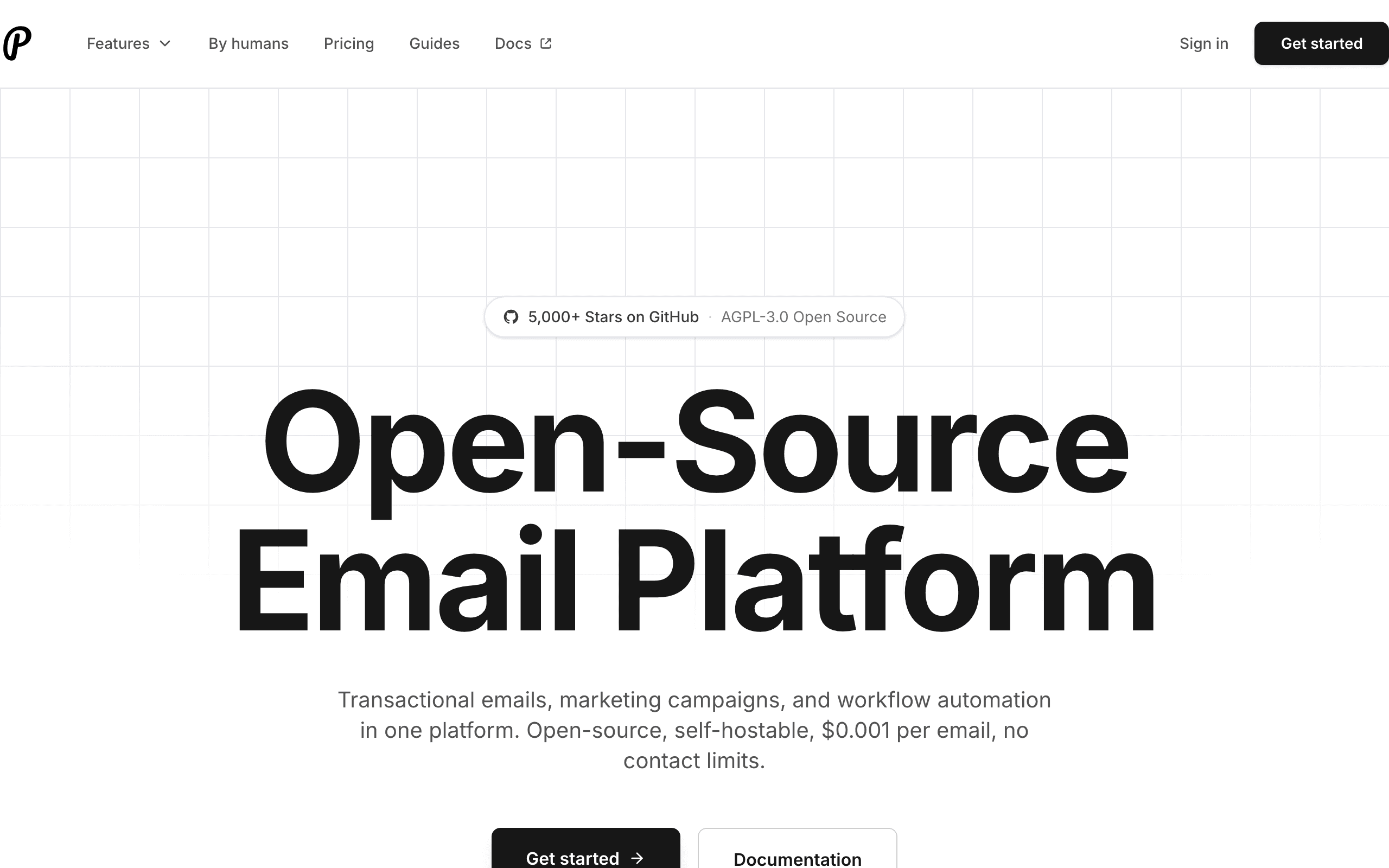
Amazon SES and Plunk represent different approaches to email. SES is raw infrastructure at rock-bottom prices. Plunk is an open source platform that builds on top of infrastructure to provide a complete email solution.

The choice is fundamentally build vs buy, with engineering time as the key tradeoff.

Infrastructure vs Platform

Amazon SES sends email. That is essentially it. Contact management, campaigns, analytics, automations, and developer tools are all build-your-own. SES excels at being cheap, reliable email infrastructure.

Plunk provides the full platform. Contact management, campaign tools, analytics, and a modern API are included. You can focus on your product instead of building email infrastructure.

Pricing Comparison

SES costs $0.10 per 1,000 emails. Plunk costs $1 per 1,000 emails. At pure per-email cost, SES is 10x cheaper.

But consider total cost. Building contact management, analytics, and campaign tools on SES takes engineering time. At average developer rates, a few days of development costs more than the email savings for most teams.

For very high volume senders (millions of emails monthly), the math shifts toward SES. For most startups and growing companies, Plunk's included features provide better total value.

Developer Experience

Plunk has a modern REST API, React Email support for templates, and built-in webhooks. Integration takes hours.

SES requires the AWS SDK, SNS configuration for webhooks, CloudWatch for monitoring, and AWS-style documentation. Integration takes days to weeks to do properly.

For teams prioritizing launch speed, Plunk wins significantly.

Open Source and Self-Hosting

Plunk is open source. You can self-host on your infrastructure and even configure it to use your own SES credentials. This gives you Plunk's platform features with SES infrastructure pricing.

This hybrid approach can be the best of both worlds for teams with DevOps capabilities.

When Each Approach Shines

Choose SES when: You have AWS expertise and engineering time. Volume is very high (millions daily). Cost optimization is critical. You want to build custom solutions.

Choose Plunk when: You want features now, not after weeks of building. Modern developer experience matters. Open source is valuable. Volume is moderate and launch speed matters.

For SaaS Companies

Neither has Stripe integration. Sequenzy connects directly to Stripe for subscription-aware automation. If you run a SaaS business and want billing-triggered emails without building integrations, check Sequenzy's Stripe integration.

Frequently Asked Questions

Plunk cloud uses AWS SES for delivery, but adds significant value. Contact management, campaigns, analytics, automations, and a modern API. Self-hosted Plunk can use SES or other providers.

Expect days to weeks to build a proper email system on SES. Contact management, unsubscribe handling, analytics, bounce processing, and campaign tools all need building. This engineering time has real cost.

Yes, Plunk is open source. Self-host on your infrastructure and configure it to use your AWS SES credentials. You get Plunk's features with SES pricing.

At pure per-email cost, yes. SES is $0.10 per 1,000 vs Plunk's $1 per 1,000. But SES requires building features that Plunk includes. Factor in engineering time for true cost comparison.

No, SES is purely email infrastructure. You build or buy contact management separately. Plunk includes contact management, lists, and segmentation.

Both use AWS infrastructure with excellent deliverability. SES offers dedicated IPs at $24.95/month for additional control. Plunk uses SES or can be configured with other providers.

SES sends email. Campaign management, scheduling, templates, and analytics all need building. Plunk handles campaigns out of the box. Most teams find building campaign tools on SES takes significant effort.

Plunk has basic automation capabilities. For sophisticated automations, you may want a more full-featured platform. SES has no automation, everything is build-your-own.

Export your contact list from wherever you store it. Import into Plunk and verify your domain. Rebuild any templates in Plunk's editor or using React Email. Update API calls to use Plunk's simpler API.

Export contacts from Plunk. Set up SES with domain verification. Build or adopt contact management and campaign tools. Update API calls to use AWS SDK. Expect significant development work to match Plunk's features.

Not sure which to pick?

If you're a SaaS founder who needs Stripe integration and unified email, try Sequenzy free. No credit card required.

Related Comparisons

Sequenzy - Complete Pricing Guide

Pricing Model

Sequenzy uses subscriber-based pricing. You only pay for subscribers active in sequences (automations). Inactive subscribers are free to store.

All Pricing Tiers

  • 0-100 subscribers: Free (Free annually) - 2k emails/month
  • 101-1,000 subscribers: $19/month ($205/year annually) - 15k emails/month
  • 1,001-5,000 subscribers: $29/month ($313/year annually) - 60k emails/month
  • 5,001-10,000 subscribers: $49/month ($529/year annually) - 120k emails/month
  • 10,001-25,000 subscribers: $99/month ($1069/year annually) - 300k emails/month
  • 25,001-50,000 subscribers: $199/month ($2149/year annually) - 600k emails/month
  • 50,001-100,000 subscribers: $349/month ($3769/year annually) - 1.2M emails/month
  • 100,000+ subscribers: Custom pricing (Custom annually) - Unlimited emails/month

Yearly billing: All plans offer a 10% discount when billed annually.

Free Plan Features (0-100 subscribers)

  • Visual automation builder
  • Transactional email API
  • Reply tracking & team inbox
  • Goal tracking & revenue attribution
  • Dynamic segments
  • Payment integrations
  • Full REST API access
  • Custom sending domain

Paid Plan Features (1,000 - 100,000 subscribers)

  • Visual automation builder
  • Transactional email API
  • Reply tracking & team inbox
  • Goal tracking & revenue attribution
  • Dynamic segments
  • Payment integrations (Stripe, Paddle, Lemon Squeezy)
  • Full REST API access
  • Custom sending domain

Enterprise Plan Features (100,000+ subscribers)

  • Visual automation builder
  • Transactional email API
  • Reply tracking & team inbox
  • Goal tracking & revenue attribution
  • Dynamic segments
  • Payment integrations
  • Full REST API access
  • Custom sending domain

Important Pricing Notes

  • You only pay for subscribers who are active in automations/sequences
  • Storing inactive subscribers is free
  • No hidden fees - all features included in the price
  • No credit card required for free tier

Contact

  • Pricing Page: https://sequenzy.com/pricing
  • Sales: hello@sequenzy.com