
21 Best Email Tools for SaaS Churn Prevention (2026)

Churn kills SaaS companies slowly. A 5% monthly churn rate means you're replacing half your customer base every year. And every churned customer is someone you already paid to acquire. The math only works if you actively prevent churn.
Email is one of the most effective churn prevention tools because it reaches users who've already stopped using your product. In-app messaging can't reach someone who doesn't open your app. But email can. The user who hasn't logged in for two weeks still checks their inbox.
The best email tools for churn prevention combine behavioral triggers (detect churn risk), automated sequences (intervene at the right time), and payment integration (handle involuntary churn from failed payments). Here's which ones do it best.
Best SaaS Churn Prevention Email Tool by Use Case
Best churn prevention email tool for Stripe-based SaaS: Sequenzy
Choose Sequenzy when failed payments, trial drop-off, downgrades, and cancellation saves all need to live in the same lifecycle email system. Its Stripe integration is the strongest fit for teams that want dunning, retention nudges, and win-back sequences without stitching a billing tool to a separate ESP. Start with the reduce churn guide and SaaS churn prevention templates.
Best churn prevention email tool for complex risk scoring: Customer.io
Customer.io is the better fit when churn risk comes from many custom signals: product usage depth, workspace size, feature adoption, health scores, plan type, and support history. It requires more event planning, but it gives lifecycle teams the most control over branching retention paths. Compare the tradeoffs in the Customer.io comparison and the subscriber segmentation guide.
Best churn prevention email tool for sales-assisted retention: HubSpot or ActiveCampaign
If your churn saves depend on account owners, renewal calls, CRM tasks, or manual customer-success follow-up, HubSpot and ActiveCampaign make more sense than a pure email automation tool. They are less SaaS-native, but they connect retention emails to pipeline, deals, and owner activity. See the HubSpot comparison and ActiveCampaign comparison if retention is partly a sales workflow.
Best churn prevention email tool for subscription commerce: Klaviyo
Klaviyo is not the best default for B2B SaaS, but it is strong for subscription commerce brands where churn prevention means refill reminders, product education, replenishment, SMS, and predictive purchase timing. For a Shopify or subscription-box company, it can be a better retention fit than a SaaS lifecycle tool. The Klaviyo comparison is the right next step for commerce-heavy retention programs.
The Two Types of SaaS Churn
Voluntary Churn
The customer actively decides to leave. They cancel their subscription because they're not getting enough value, found an alternative, or their needs changed.
Email prevents this by:
- Re-engaging inactive users before they cancel
- Educating users on features they haven't discovered
- Collecting feedback to address issues before they become cancellation reasons
- Offering incentives or plan adjustments to at-risk accounts
Voluntary churn is often the result of poor onboarding. Users who never reach their "aha moment" are the most likely to cancel. That's why building a strong onboarding email sequence is the single best investment you can make in churn prevention before it even starts.
Involuntary Churn
The customer's payment fails and the subscription lapses. Their credit card expired, hit its limit, or the bank declined the charge. The customer didn't intend to leave.
Email prevents this by:
- Sending dunning emails when payments fail
- Providing easy ways to update payment information
- Following up persistently (but not annoyingly) until payment is resolved
- Alerting customers before their subscription expires due to payment issues
Involuntary churn is especially frustrating because it's entirely preventable. A well-constructed dunning sequence recovers the majority of failed payments without any manual intervention.
Why Both Types Matter
Most SaaS companies focus on voluntary churn because it feels more controllable. But involuntary churn typically accounts for 20-40% of total churn. Ignoring it means leaving significant revenue on the table. The best churn prevention strategy addresses both types simultaneously.
What to Look For in a Churn Prevention Email Tool
Before we get into the specific platforms, here's what separates a good churn prevention tool from a generic email platform:
Payment integration: The tool should detect failed payments, cancellations, and subscription changes automatically. Manual webhook setup is acceptable. Built-in Stripe or billing integration is better.
Inactivity detection: The tool needs to know when users stop engaging. This means tracking events (logins, feature usage) and triggering emails when activity drops below a threshold.
Segmentation by risk level: Not all at-risk users need the same intervention. A user who hasn't logged in for 3 days needs a different email than one who hasn't logged in for 30 days. The tool should let you segment subscribers based on engagement levels and risk indicators.
Multi-step sequences: Churn prevention rarely works with a single email. You need sequences that escalate: a gentle nudge, then a value reminder, then a personal outreach, then (if applicable) an incentive. The tool should support multi-step automations with conditional logic.
Analytics tied to retention: You need to know whether your churn prevention emails actually reduce churn. Open rates are interesting, but the metric that matters is: did the user come back?
Quick Comparison Table
| Tool | Best For | Starting Price | Free Tier | Churn Features |
|---|---|---|---|---|
| Sequenzy | SaaS churn prevention with automatic Stripe integration | $19/mo | Yes | AI integration |
| Customer.io | Custom churn prevention workflows with maximum flexibility | From $100/month | No | Event-driven automation |
| ActiveCampaign | Churn prevention combined with CRM-based customer success | From $29/month | No | CRM + automation |
| Braze | Enterprise multi-channel churn prevention | Custom (typically $50K+/year) | No | Multi-channel reach |
| Klaviyo | E-commerce churn prevention with predictive analytics | $20/mo | Yes | Predictive analytics |
| Loops | Simple churn prevention for early-stage SaaS | $49/mo | Yes | Developer-friendly |
| Intercom | In-product churn prevention combined with email | From $74/month | No | In-app messaging |
| HubSpot | All-in-one CRM with churn prevention workflows | From $20/month | No | Unified CRM |
| Mailchimp | Basic churn sequences for small businesses | $13/mo | Yes | Ease of use |
| Iterable | Cross-channel retention for growth teams | Custom pricing | No | Real-time segmentation |
| Leanplum | Mobile-first SaaS churn prevention | Custom pricing | No | Mobile optimization |
| MoEngage | Behavioral analytics-driven churn prevention | Custom pricing | No | Analytics-first |
| Vibes | Retail and subscription box churn prevention | Custom pricing | No | Subscription expertise |
| Omnisend | E-commerce retention with SMS | $16/mo | Yes | SMS + email |
| Drip | E-commerce lifecycle automation | From $39/month | No | E-commerce focus |
| Campaign Monitor | Simple re-engagement for small teams | From $9/month | No | Simplicity |
| GetResponse | All-in-one marketing with basic churn features | From $19/month | No | Value pricing |
| AWeber | Basic win-back for small business | From $19/month | No | Reliability |
| ConvertKit | Creator-focused retention | From $29/month | No | Creator economy |
| Brevo (formerly Sendinblue) | Budget-friendly churn prevention | $25/mo | Yes | Affordable automation |
| Pabbly Email Marketing | Simple automation for early SaaS | From $24/month | No | Workflow builder |
The 21 Best Email Tools for SaaS Churn Prevention
1. Sequenzy
Best for: SaaS churn prevention with automatic Stripe integration
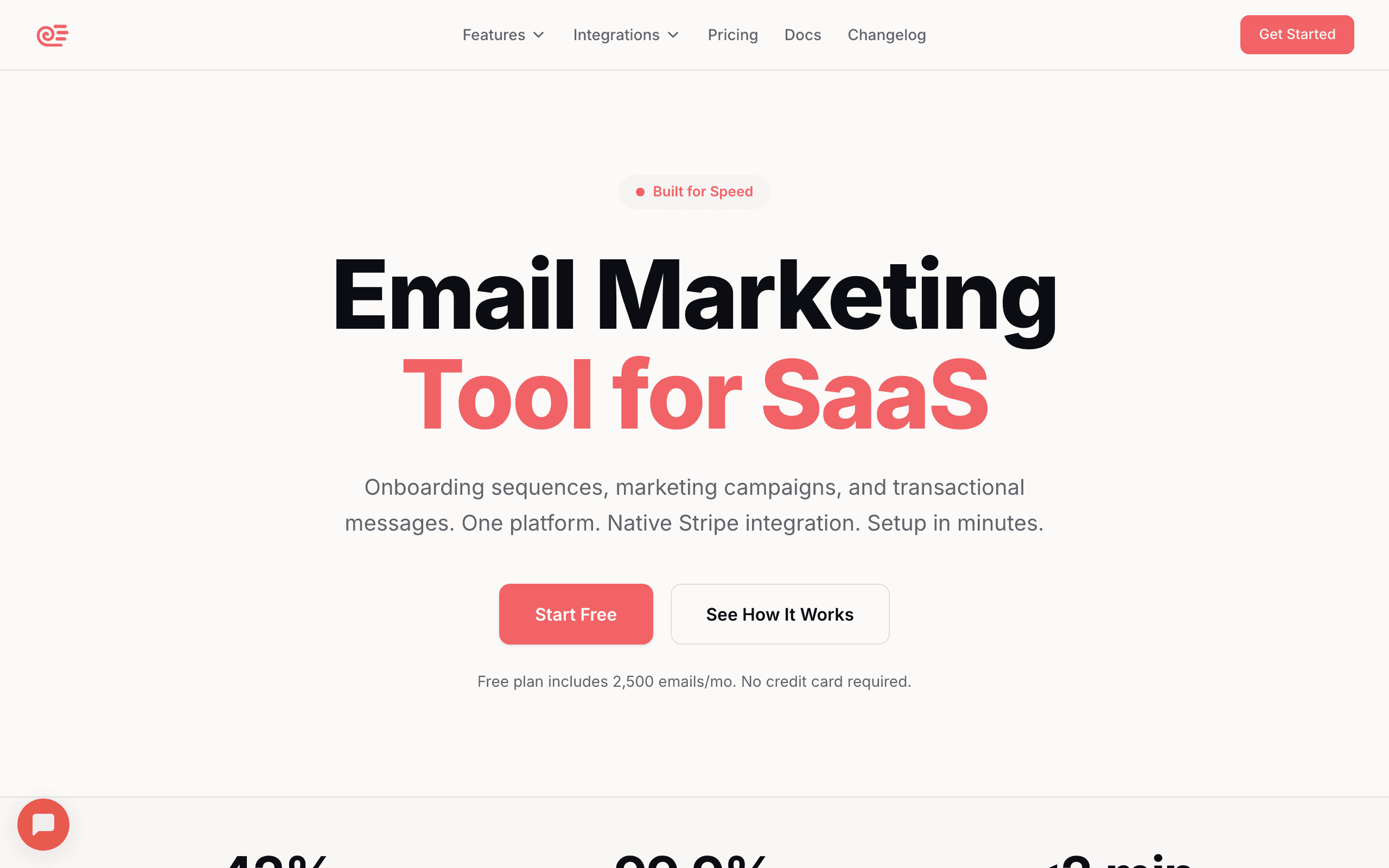
Sequenzy is built for SaaS lifecycle email, and churn prevention is a core use case. The Stripe integration automatically detects churn-related events: failed payments, cancellations, and subscription expirations. When these events occur, Sequenzy triggers the appropriate sequence.
You can create sequences for every churn scenario: dunning (payment failed), cancellation recovery (user cancelled but subscription is still active), churn win-back (subscription has ended), and re-engagement (user is inactive). The AI generates these sequences based on your product and brand, so you're not starting from scratch.
The Stripe integration is what makes Sequenzy particularly effective for involuntary churn. When a payment fails, Sequenzy immediately starts a dunning sequence. When a customer downgrades, it triggers a win-back attempt for the lost revenue. When a trial expires without conversion, it sends a trial expiration sequence. These are the highest-ROI churn prevention emails, and they work automatically.
Sequenzy also handles the transactional side, meaning your dunning emails, payment receipts, and subscription confirmations all come from the same platform as your marketing sequences. This avoids the split between transactional and marketing email that forces most SaaS companies to manage two separate tools.
- Pricing: Free up to 2,500 emails/month, paid plans from $19/month
- Churn prevention features: Automatic Stripe event detection, dunning sequences, cancellation recovery, win-back sequences, AI-generated content, inactivity triggers, unified transactional + marketing
- Pros:
- SaaS churn prevention by design
- Stripe automation works from day one
- Dunning built in
- AI generates sequences
- All-in-one platform
- Cons:
- Newer platform
- Less flexible than Customer.io for complex workflows
2. Customer.io
Best for: Custom churn prevention workflows with maximum flexibility
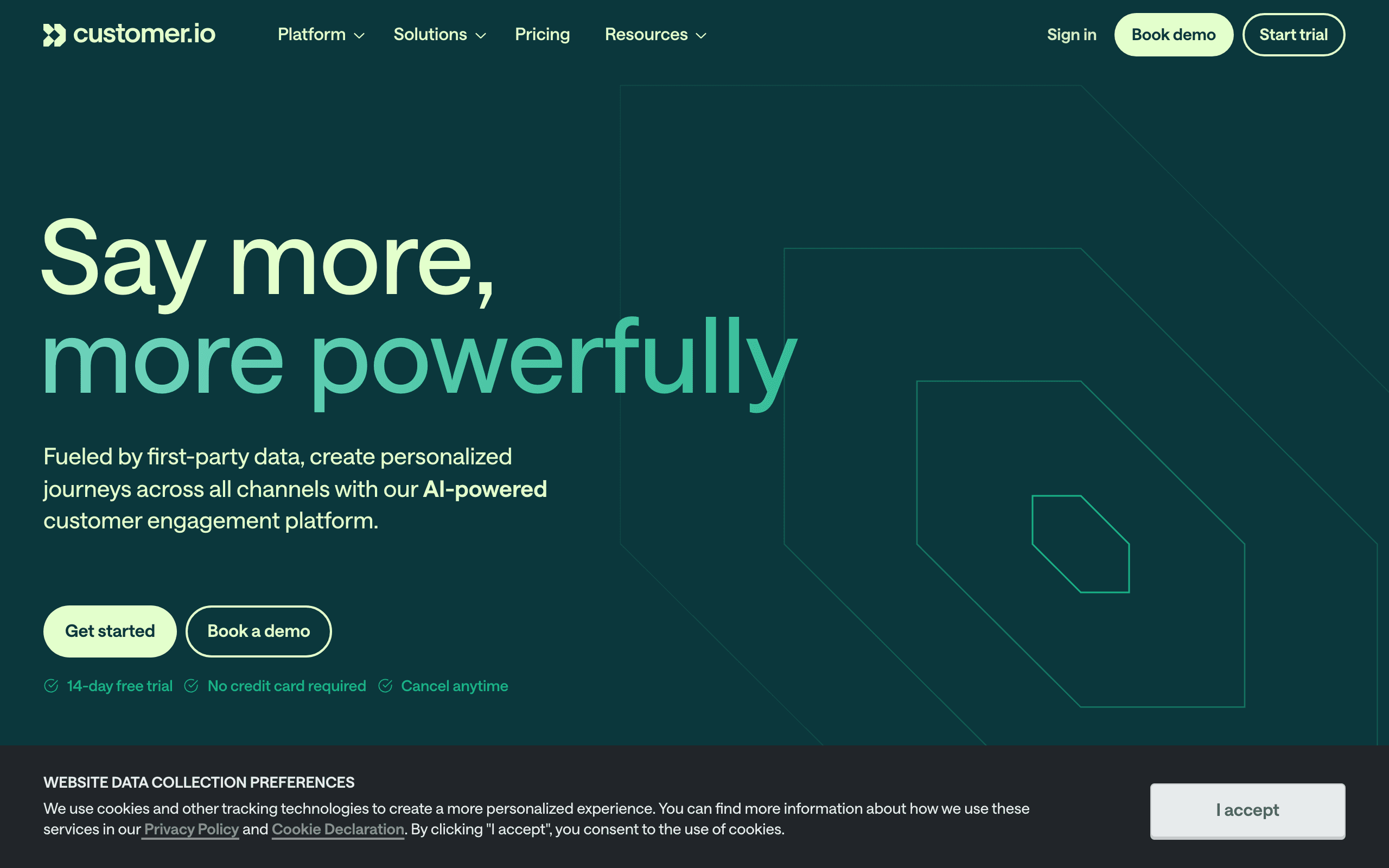
Customer.io's event-driven automation lets you build sophisticated churn prevention workflows. Detect at-risk users based on any combination of events, attributes, and engagement patterns. Build multi-step workflows that escalate from gentle nudges to direct outreach.
Example workflow: "If user has not triggered 'login' event in 7 days AND plan is 'pro' AND has been a customer for more than 90 days, send re-engagement sequence. If still no login after 14 days, alert customer success team via webhook."
The depth of conditional logic is where Customer.io shines. You can build churn prediction models based on multiple behavioral signals: declining login frequency, reduced feature usage, support ticket sentiment, and billing changes. Each signal can contribute to a churn risk score, and different score thresholds trigger different interventions.
Customer.io also supports "wait for event" conditions inside workflows. After sending a re-engagement email, the workflow can wait for the user to log in. If they do, the sequence stops. If they don't within a defined window, the next step fires. This makes sequences responsive rather than rigid.
The downside is complexity. Customer.io doesn't have built-in Stripe integration, so you need to send payment events via webhook or Segment. Setting up comprehensive churn prevention requires significant instrumentation and workflow design. For teams with dedicated marketing ops or a growth engineer, this investment pays off. For a two-person startup, it's overkill.
- Pricing: From $100/month
- Churn prevention features: Event-based triggers, inactivity detection, behavioral segmentation, webhook alerts, complex branching, wait-for-event, churn scoring via attributes
- Pros:
- Most flexible workflows
- Event combinations
- Team alerting
- Deep behavioral logic
- Responsive sequences
- Cons:
- Expensive
- Complex setup
- No built-in payment integration
- Requires engineering resources
3. ActiveCampaign
Best for: Churn prevention combined with CRM-based customer success
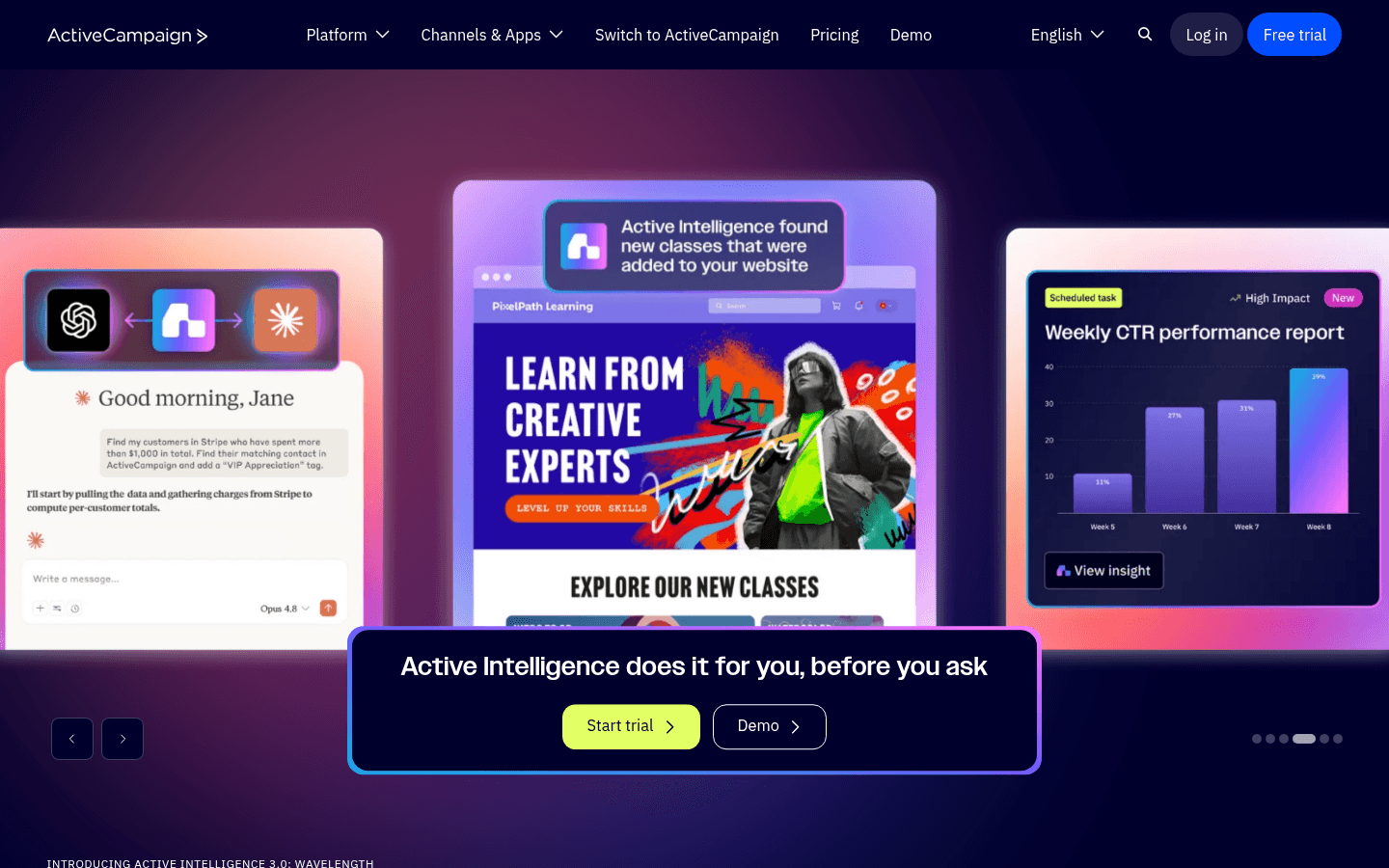
ActiveCampaign's automation builder with CRM integration lets you build churn prevention workflows that combine product engagement data with customer relationship data. When a customer's engagement drops, the automation can update their CRM record, adjust their lead score, and trigger a retention sequence simultaneously.
The CRM component is valuable for sales-assisted SaaS. When a customer shows churn signals, the system can alert the account manager, create a task, and start a retention email sequence. This coordinates automated email with human outreach, which is critical for high-value accounts where a personal touch can make the difference.
ActiveCampaign's lead scoring system can be repurposed as a churn scoring system. Assign negative points for inactivity, support tickets, and declining usage. Assign positive points for feature adoption, team growth, and engagement. When the score drops below a threshold, trigger the retention workflow. This approach gives you a quantitative view of account health.
The automation builder supports complex branching, delays, and conditions. You can build sequences that adapt based on user behavior during the sequence, not just at the trigger point. If a user re-engages after the first email, the sequence adjusts. If they don't, it escalates.
- Pricing: From $29/month
- Churn prevention features: Automation builder, CRM alerts, lead scoring for churn risk, engagement tracking, task creation, conditional branching, account health scoring
- Pros:
- CRM + email churn prevention
- Sales team alerts
- Engagement scoring
- Broad automations
- Account manager coordination
- Cons:
- Requires CRM setup
- Churn features aren't SaaS-specific
- Some features on higher tiers
- Learning curve for full setup
4. Braze
Best for: Enterprise multi-channel churn prevention
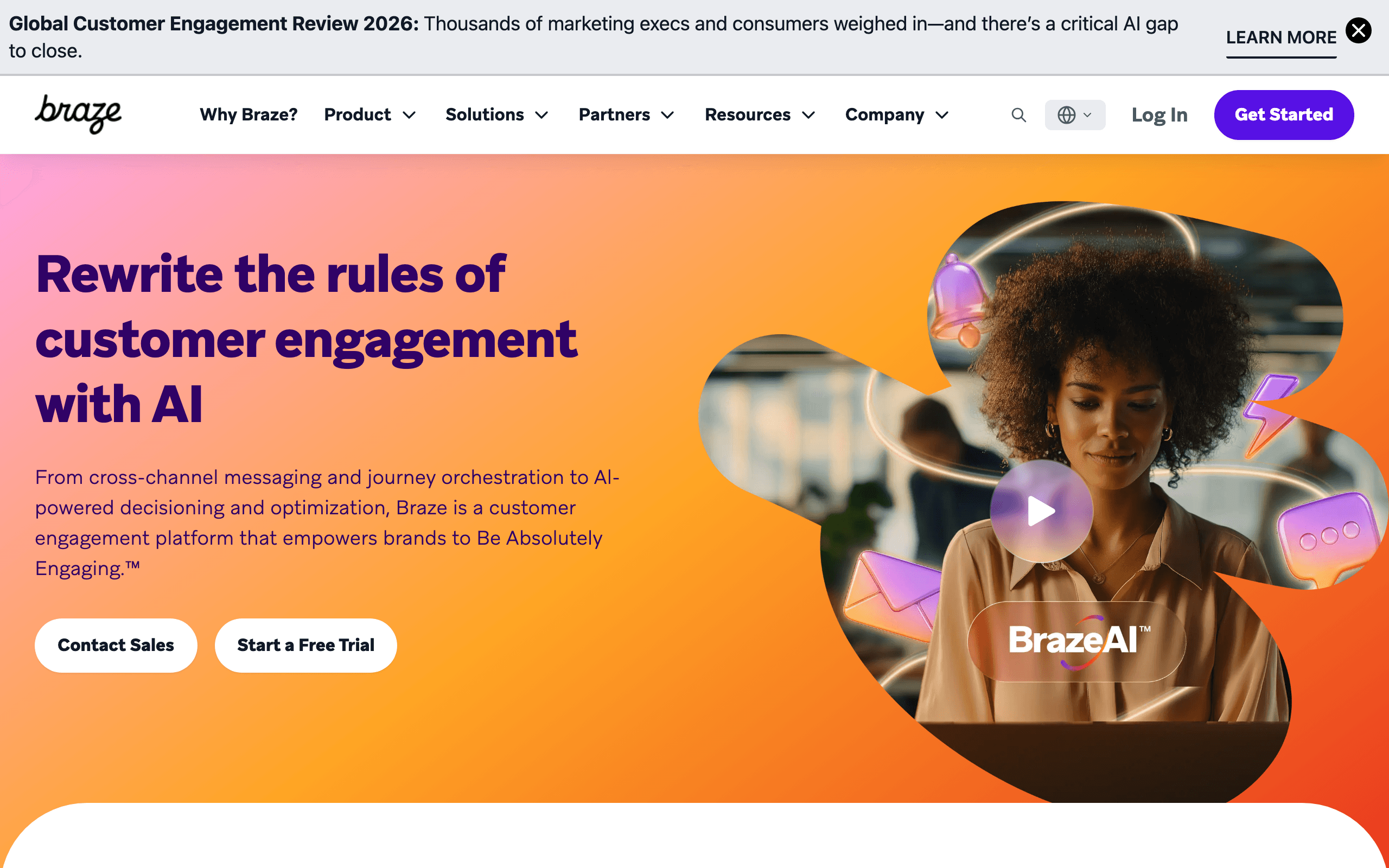
Braze handles churn prevention across email, push, SMS, and in-app messaging. When a user shows churn signals, Braze can reach them through the channel they're most responsive to. If email doesn't work, try push. If push doesn't work, try in-app next time they visit.
The multi-channel approach is more effective than email-only churn prevention because at-risk users may not check email. Reaching them through push notifications or in-app messages catches users at different touchpoints. Braze's intelligent channel selection uses historical engagement data to choose the channel most likely to reach each specific user.
Braze also offers predictive churn scoring using machine learning. The platform analyzes behavioral patterns across your user base and assigns churn probability scores. Users crossing a risk threshold automatically enter retention workflows. For companies with enough data (typically 10,000+ active users), the predictive model catches churn signals that rule-based triggers miss.
The Canvas workflow builder supports complex multi-step, multi-channel retention campaigns with experiment variants. You can A/B test different retention strategies within a single workflow: does a discount work better than a feature highlight? Does push outperform email for re-engagement? Braze gives you the tools to answer these questions at scale.
- Pricing: Custom (typically $50K+/year)
- Churn prevention features: Multi-channel (email, push, SMS, in-app), predictive churn scoring, Canvas workflows, real-time triggers, intelligent channel selection, experiment variants
- Pros:
- Multi-channel reach
- Predictive scoring
- Enterprise scale
- Intelligent channel selection
- A/B testing retention strategies
- Cons:
- Enterprise pricing
- Complex
- Overkill for most SaaS
- Requires dedicated team to manage
5. Klaviyo
Best for: E-commerce churn prevention with predictive analytics
Klaviyo's predictive analytics estimate churn risk for each customer based on purchase patterns. The platform can identify customers likely to churn before they actually leave and trigger retention flows automatically. For subscription e-commerce (boxes, memberships), this predictive approach catches churn before it happens.
The predictive model uses purchase frequency, order value, engagement, and historical patterns to score churn risk. High-risk customers enter retention flows, medium-risk customers get engagement campaigns, and low-risk customers continue as normal.
Klaviyo's strength in churn prevention is its deep e-commerce data integration. The platform knows what customers bought, when they bought it, how much they spent, and what their historical patterns look like. This data feeds into churn predictions that are significantly more accurate than generic engagement-based scoring.
For SaaS companies, Klaviyo is a poor fit. The churn prediction model is built around purchase behavior, not product usage. If your churn signals are login frequency, feature adoption, and support tickets rather than order frequency and cart value, Klaviyo's predictive engine won't help.
- Pricing: Free up to 250 contacts, from $20/month
- Churn prevention features: Predictive churn scoring, automated retention flows, purchase pattern analysis, win-back sequences, customer lifetime value prediction
- Pros:
- Predictive churn scoring
- E-commerce optimized
- Automated flows
- Data-driven
- CLV prediction
- Cons:
- E-commerce-focused (limited SaaS fit)
- Prediction needs purchase data
- Expensive at scale
6. Loops
Best for: Simple churn prevention for early-stage SaaS
Loops handles basic churn prevention through event-triggered sequences. When your app detects inactivity (no login for X days), send an event to Loops and trigger a re-engagement sequence. When a cancellation event fires, trigger a win-back sequence.
The simplicity matches early-stage needs. You don't need predictive churn scoring when you have 500 customers. You need "when someone stops using the product, send them an email." Loops handles that without complexity.
Where Loops falls short for churn prevention is in the lack of payment integration and conditional logic. You can't build a dunning sequence that adapts based on whether the user updated their card. You can't branch a win-back campaign based on cancellation reason. Everything is linear: event triggers sequence, sequence sends emails in order.
For early-stage SaaS that needs basic retention emails while focusing engineering effort on the product itself, Loops gets the job done. Plan to migrate to a more capable platform as your churn prevention needs mature.
- Pricing: Free for 1,000 contacts, from $49/month
- Churn prevention features: Event-triggered sequences, basic inactivity detection, simple automations
- Pros:
- Simple
- Developer-friendly
- Event-driven
- Good free tier
- Cons:
- Basic churn prevention only
- No prediction
- No payment integration
- No conditional logic
7. Intercom
Best for: In-product churn prevention combined with email
Intercom combines in-app messaging with email for churn prevention. Detect at-risk behavior, show in-app messages to users who are still active, and send email to users who've gone silent. The combination covers both active and inactive users.
Intercom's advantage is reaching users while they're in your product. An in-app message saying "Need help? We noticed you haven't used [Feature] yet" can prevent the churn signal from ever triggering. Email handles users who've already disengaged.
The product tours feature can re-engage users who haven't discovered key features. If a user is on a Pro plan but hasn't used the features that differentiate Pro from Basic, a targeted in-app tour highlights what they're paying for. This addresses the "I'm not getting enough value" churn reason directly.
Intercom's Series builder lets you create multi-step retention campaigns that combine in-app messages, emails, push notifications, and custom bot interactions. The bot can proactively ask disengaging users about their experience, route feedback to the right team, and offer help before the user decides to cancel.
The trade-off is that email is a secondary feature in Intercom. The email editor, deliverability, and email-specific analytics are less sophisticated than dedicated email platforms. If your churn prevention strategy is primarily email-driven, a dedicated email tool will serve you better.
- Pricing: From $74/month for small businesses
- Churn prevention features: In-app + email, behavioral targeting, series (automation), product tours, custom bots, customer data platform
- Pros:
- In-app + email
- Catches users before they disengage
- Behavioral targeting
- Product tours
- Bot-assisted retention
- Cons:
- Email is secondary feature
- Expensive at scale
- Complex pricing
- Less email sophistication
8. HubSpot
Best for: All-in-one CRM with comprehensive churn prevention workflows
HubSpot's marketing hub combines with its CRM to create a churn prevention system where email communication, customer data, and sales workflows live in one place. When a user shows churn signals, HubSpot can automatically enroll them in a retention workflow, update their CRM record, and alert their account manager simultaneously.
The lifecycle stages feature is particularly useful for churn prevention. You can create custom stages for "At Risk," "Churned," and "Win-back." As users move through these stages based on their behavior, HubSpot triggers the appropriate communication. A user who hasn't logged in for 14 days moves to "At Risk" and starts receiving re-engagement emails. A user who cancels moves to "Churned" and enters a win-back sequence.
HubSpot's list segmentation is powerful for identifying at-risk customers. Build dynamic lists based on last login date, feature usage (if you send that data to HubSpot), email engagement, and support ticket history. Combine these lists with workflows to create sophisticated retention programs.
The reporting is comprehensive. Track churn rate by cohort, understand which customer segments have the highest churn risk, and measure the effectiveness of your retention emails. HubSpot's attribution reporting can show you which retention sequences actually prevent churn versus which are just noise.
The downside is cost and complexity. HubSpot is expensive, especially if you need the features that make it truly useful for churn prevention (workflow automation, custom objects, scoring). For small SaaS companies, it's overkill. For mid-market companies with sales teams and complex customer lifecycle management, the unified approach can be worth the investment.
- Pricing: From $20/month (Marketing Hub Starter)
- Churn prevention features: CRM integration, lifecycle stages, list segmentation, workflow automation, lead scoring, attribution reporting, sales team alerts
- Pros:
- Unified CRM and marketing
- Lifecycle stages for churn tracking
- Powerful segmentation
- Comprehensive reporting
- Sales + marketing coordination
- Cons:
- Expensive for full features
- Complex setup
- Steep learning curve
- Overkill for small SaaS
9. Mailchimp
Best for: Basic churn sequences for small SaaS businesses
Mailchimp's customer journey builder lets you create simple re-engagement and win-back sequences based on subscriber activity. When a customer stops opening emails or clicking links, Mailchimp can automatically move them into a re-engagement flow. When they cancel (if you send cancellation events to Mailchimp), trigger a win-back sequence.
The segmentation capabilities are adequate for basic churn prevention. Create segments based on email engagement (last open, last click), e-commerce activity (if you sell subscriptions through a supported e-commerce platform), and custom fields. Combine these segments with journeys to send targeted retention emails.
Mailchimp's strength is simplicity and accessibility. If you're a small SaaS company just getting started with churn prevention, Mailchimp lets you implement basic re-engagement sequences without a steep learning curve. The interface is friendly, the documentation is extensive, and there's a large community of users to learn from.
The limitations are significant for sophisticated churn prevention. No built-in SaaS integrations (Stripe, Paddle, etc.), so you'll need to manually send events or use Zapier. Limited behavioral targeting - you can segment on email engagement, but not on product usage like "hasn't logged in for 14 days." The workflow automation is less sophisticated than dedicated platforms.
For very small SaaS businesses (less than 1,000 customers) or solo founders who just need basic re-engagement emails, Mailchimp is adequate. Plan to migrate to a more capable platform as your churn prevention needs become more sophisticated.
- Pricing: Free tier available, from $13/month
- Churn prevention features: Customer journey builder, activity-based segmentation, basic automation, e-commerce integrations (for subscription billing)
- Pros:
- Easy to use
- Good free tier
- Simple journey builder
- Extensive documentation
- Large user community
- Cons:
- No SaaS-specific integrations
- Limited behavioral targeting
- Basic workflows only
- Not built for SaaS churn
- Manual event sending required
10. Iterable
Best for: Growth teams needing real-time cross-channel retention
Iterable is a cross-channel growth platform that handles email, push, SMS, in-app, and web push for churn prevention. When a user shows churn signals, Iterable can reach them through the optimal channel based on their historical engagement patterns.
The platform's strength is real-time segmentation and dynamic personalization. Iterable updates user profiles and segments in real-time as events come in. A user who hasn't logged in for 7 days is immediately added to the "at-risk" segment and starts receiving retention messages. If they log in 5 minutes later, they're removed and the sequence stops. This real-time responsiveness is critical for effective churn prevention.
Iterable's workflow automation supports complex, multi-step retention campaigns with branching logic. Build workflows that account for multiple churn signals: declining login frequency, reduced feature usage, low email engagement, and support tickets. Each signal can adjust the user's churn risk score, and different scores trigger different interventions. The platform supports A/B testing within workflows, so you can optimize your retention strategy over time.
The data studio provides analytics on retention campaign performance, channel effectiveness, and user journey analysis. Understand which channels work best for different segments, which email content drives re-engagement, and how your retention sequences impact overall churn rate.
Iterable is designed for growth teams at mid-market to enterprise companies. The pricing reflects this - plans are custom and typically run five to six figures annually. For early-stage SaaS, Iterable is overkill. For growth-stage SaaS with dedicated growth teams and significant churn prevention challenges, Iterable's capabilities justify the investment.
- Pricing: Custom pricing (contact sales)
- Churn prevention features: Real-time segmentation, cross-channel orchestration, dynamic personalization, workflow automation, A/B testing, data studio analytics
- Pros:
- Real-time data processing
- Cross-channel reach
- Sophisticated workflows
- Strong analytics
- Built for growth teams
- Cons:
- Enterprise pricing
- Complex implementation
- Requires growth team to manage
- Overkill for small SaaS
11. Leanplum
Best for: Mobile-first SaaS apps with engagement-based churn
Leanplum (acquired by Airship) focuses on mobile engagement, making it ideal for mobile-first SaaS products where churn prevention happens primarily through push notifications and in-app messages rather than email.
The platform's churn prevention approach is centered on mobile engagement patterns. Track how often users open your app, which features they use, and how their engagement changes over time. When engagement drops below a threshold, trigger re-engagement campaigns through push, in-app messages, or email.
Leanplum's message personalization uses behavioral data to tailor content. A user who churned because they couldn't figure out a feature might receive tips on that feature. A user who stopped engaging because of cost might receive a discount offer. The platform dynamically inserts relevant content based on each user's history.
The analytics are mobile-focused, giving you visibility into app opens, session length, feature usage, and campaign performance. Understand which re-engagement messages actually bring users back into the app, not just which messages get opened.
Leanplum is less suitable for web-first SaaS products or companies where email is the primary churn prevention channel. The email features are present but secondary to mobile channels. For SaaS companies whose users primarily engage through a mobile app, Leanplum's mobile-first approach is exactly what you need.
- Pricing: Custom pricing (contact sales)
- Churn prevention features: Mobile engagement tracking, push + in-app messages, behavioral personalization, app analytics, message frequency management
- Pros:
- Built for mobile apps
- Push notification focus
- Behavioral personalization
- Mobile analytics
- Engagement-based messaging
- Cons:
- Email is secondary
- Not for web-first SaaS
- Enterprise pricing
- Complex setup
12. MoEngage
Best for: Analytics-driven churn prevention with behavioral insights
MoEngage combines customer engagement analytics with automation to create churn prevention programs based on deep behavioral analysis. The platform tracks user actions across channels, builds behavioral profiles, and predicts churn risk before users actually leave.
The analytics engine is the standout feature. MoEngage analyzes user behavior patterns to identify churn signals: declining session frequency, reduced feature usage, decreased engagement with communications, and changes in purchase patterns (for subscription commerce). Each user gets a churn risk score that updates dynamically as their behavior changes.
The platform's "Sherpa" AI uses machine learning to automate retention strategies. Sherpa can determine the optimal send time for each user, the best channel to reach them, and the message content most likely to re-engage them. This AI-driven approach takes much of the guesswork out of churn prevention campaign design.
MoEngage supports multi-channel campaigns across email, push, SMS, in-app, and web push. When a user enters an at-risk segment, MoEngage can reach them through the channel where they're most responsive, or use a coordinated multi-channel approach for maximum coverage.
The platform is designed for mid-market to enterprise companies with significant user bases. The analytics and AI features need volume to be effective - MoEngage recommends at least 50,000 active users for the predictive models to work well. For smaller SaaS companies, the platform is overkill and likely too expensive.
- Pricing: Custom pricing (contact sales)
- Churn prevention features: Behavioral analytics, churn risk scoring, AI-powered send time optimization, multi-channel campaigns, predictive insights
- Pros:
- Strong analytics foundation
- AI-driven optimization
- Churn prediction models
- Multi-channel orchestration
- Behavioral segmentation
- Cons:
- Requires large user base
- Enterprise pricing
- Complex implementation
- Overkill for small SaaS
13. Vibes
Best for: Retail and subscription box churn prevention
Vibes focuses on retail and subscription commerce businesses, making it well-suited for SaaS companies in the e-commerce space - subscription boxes, membership programs, and recurring delivery services.
The platform understands subscription-specific churn patterns: customers who skip too many deliveries, customers who complain about product quality, customers who never engage beyond the basic subscription, and customers who show declining order values over time. Vibes can identify these patterns and trigger retention campaigns before these customers cancel.
Vibes supports location-based messaging for retail SaaS with physical components. If a customer who usually orders in New York hasn't ordered in 60 days, Vibes can send a push notification when they're near a retail location, encouraging them to visit and re-engage with the brand.
The platform handles SMS retention well, which is particularly effective for subscription boxes and delivery services. A simple SMS reminder before a subscription renewal ("Your box ships in 3 days. Skip or customize now?") significantly reduces involuntary churn from customers who forgot to manage their subscription.
Vibes is less suitable for pure-play SaaS products without a retail or physical delivery component. If your SaaS is entirely digital with no subscription box, physical product, or retail presence, Vibes' retail-centric features won't be relevant.
- Pricing: Custom pricing (contact sales)
- Churn prevention features: Subscription analytics, location-based messaging, SMS retention, retail integrations, behavioral targeting
- Pros:
- Built for subscription commerce
- Strong SMS capabilities
- Location-based messaging
- Retail-focused features
- Understands subscription patterns
- Cons:
- Retail/subscription focus
- Not for pure SaaS
- Enterprise pricing
- Less relevant for digital products
14. Omnisend
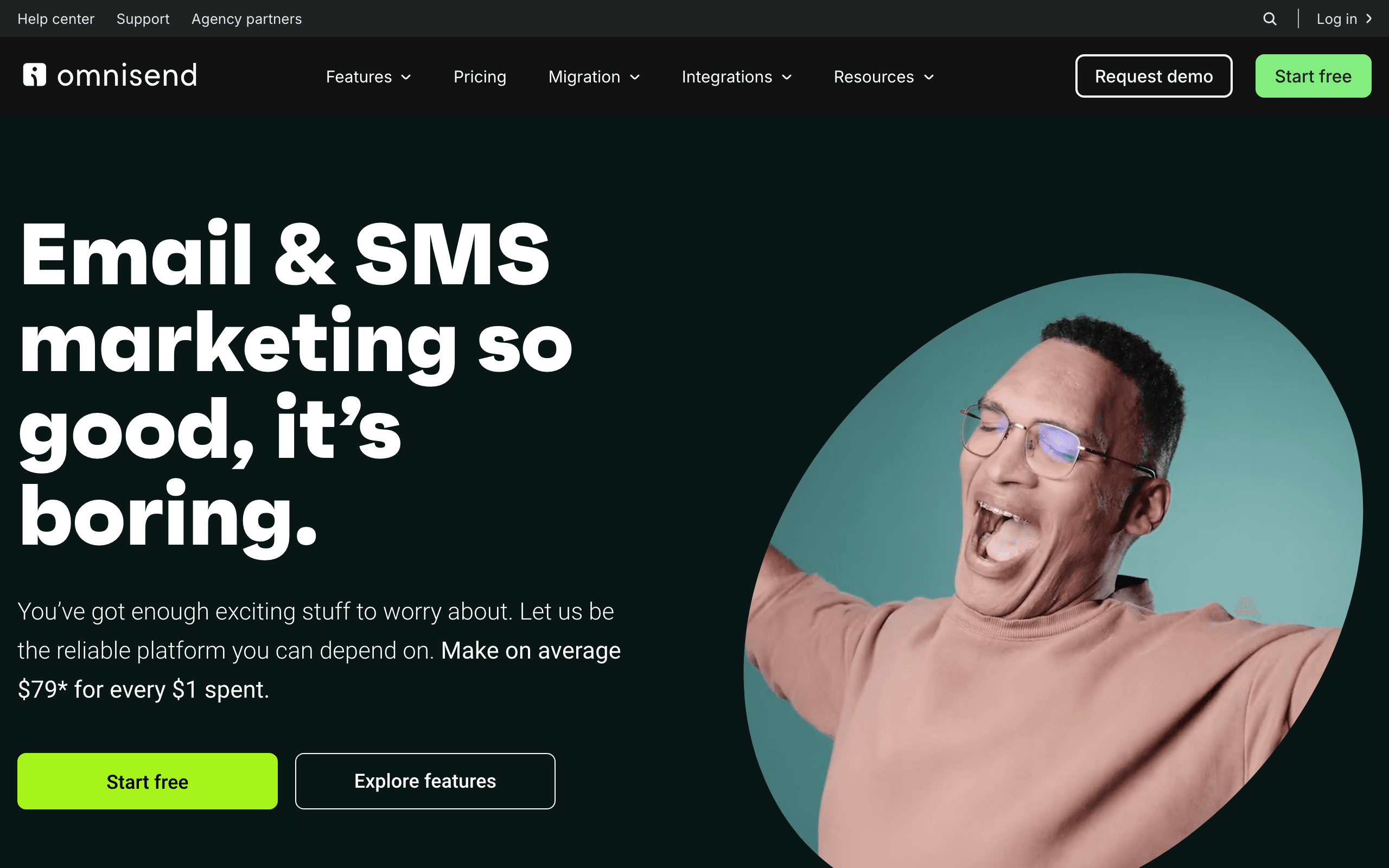
Best for: E-commerce SaaS with SMS + email retention
Omnisend is an e-commerce email marketing platform with strong SMS capabilities, making it ideal for SaaS companies that sell physical products or have an e-commerce component alongside their software.
The platform's churn prevention features are built around e-commerce behavior: customers who haven't purchased in X days, customers with declining order values, customers who abandoned carts repeatedly (a churn signal), and subscription customers who skip renewals. These e-commerce-specific triggers make Omnisend effective for subscription commerce SaaS businesses.
Omnisend's SMS automation is particularly useful for churn prevention. SMS messages have significantly higher open rates than email, making them effective for last-chance win-back attempts or urgent subscription renewal reminders. A simple SMS ("Your subscription renews tomorrow. Reply CANCEL to end or UPDATE to change your plan") can prevent involuntary churn from customers who simply forgot.
The platform integrates with major e-commerce platforms (Shopify, WooCommerce, BigCommerce), which is useful if your SaaS includes an e-commerce store or if you're using Shopify for subscription billing. The integration syncs customer data, order history, and subscription status automatically.
Omnisend is not suitable for pure-play SaaS without an e-commerce component. If your churn signals are product usage rather than purchase behavior, Omnisend's e-commerce focus won't match your needs.
- Pricing: Free tier available, from $16/month
- Churn prevention features: E-commerce behavior tracking, SMS automation, email sequences, Shopify/WooCommerce integrations, subscriber segmentation
- Pros:
- SMS + email combination
- E-commerce integrations
- Affordable pricing
- Easy to use
- Good for subscription commerce
- Cons:
- E-commerce focus
- Not for pure SaaS
- Limited workflow complexity
- Basic features on lower tiers
15. Drip
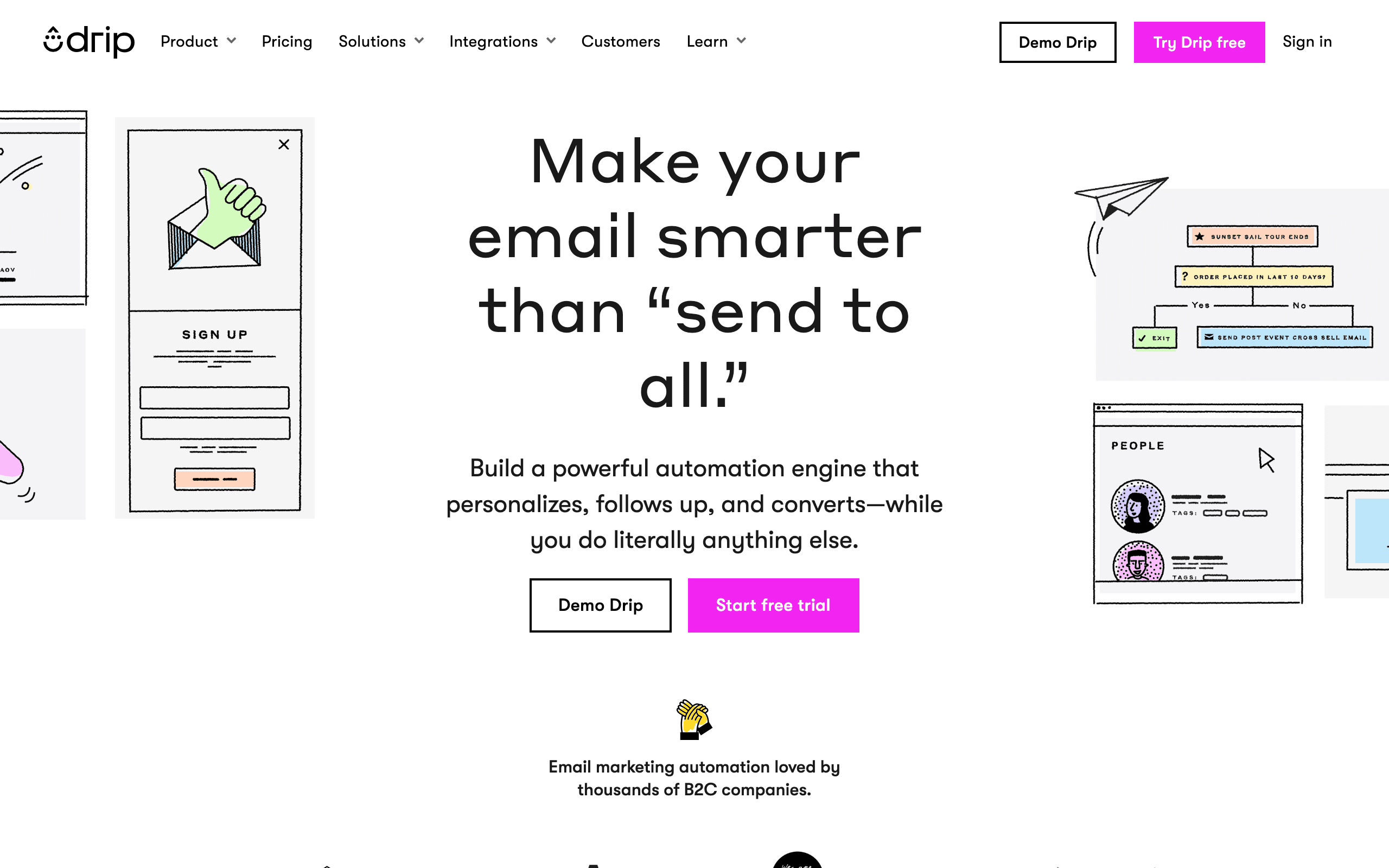
Best for: E-commerce SaaS lifecycle automation
Drip is an e-commerce CRM that handles lifecycle email including re-engagement and win-back sequences. The platform is designed for online businesses, including subscription commerce, making it useful for SaaS companies with an e-commerce component.
Drip's workflow builder lets you create sophisticated retention campaigns based on customer behavior. Track purchases, browse activity, email engagement, and custom events. When a customer's engagement drops, Drip can automatically enroll them in a re-engagement sequence or trigger a win-back campaign if they've already churned.
The platform's revenue tracking is useful for understanding the impact of your churn prevention efforts. Drip attributes revenue to specific email campaigns, so you can see exactly how much revenue your win-back sequences recover. This ROI data helps you optimize your retention strategy over time.
Drip supports deep personalization based on customer data. Include product recommendations, purchase history, and browsing behavior in your re-engagement emails. For subscription businesses, this means you can reference what the customer used to subscribe to, how long they were a customer, and what features they used most.
Like other e-commerce-focused tools, Drip is less suitable for pure SaaS where churn signals are product usage rather than purchase behavior. If your SaaS is entirely digital without an e-commerce component, a SaaS-specific email platform will serve you better.
- Pricing: From $39/month
- Churn prevention features: Lifecycle automation, revenue tracking, behavioral workflows, deep personalization, e-commerce integrations
- Pros:
- E-commerce lifecycle focus
- Revenue attribution
- Behavioral workflows
- Strong personalization
- Good reporting
- Cons:
- E-commerce focus limits SaaS fit
- No SaaS integrations (Stripe, etc.)
- Less sophisticated than enterprise tools
- Limited for complex workflows
16. Campaign Monitor
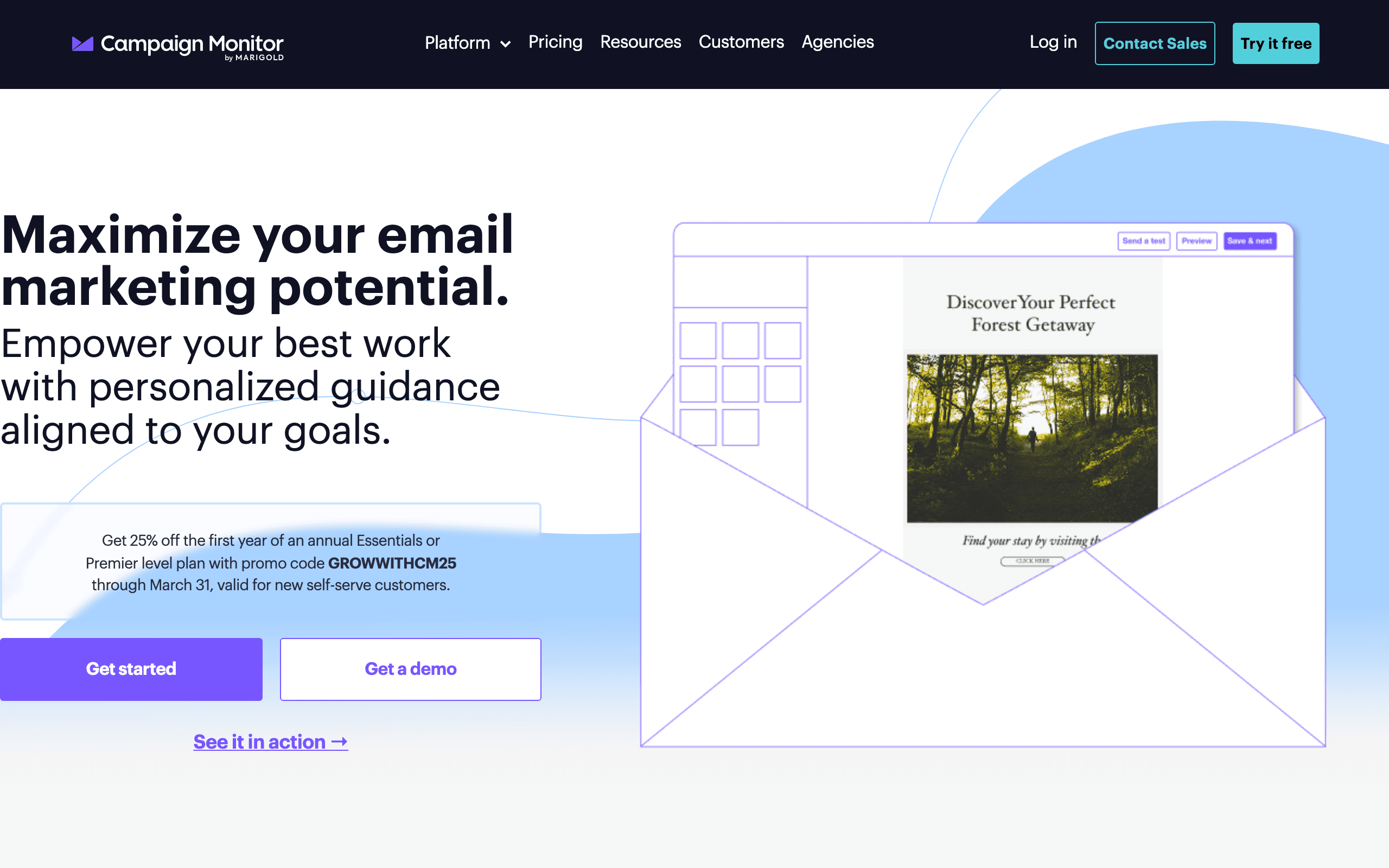
Best for: Simple re-engagement sequences for small teams
Campaign Monitor offers basic automation features that let you create simple re-engagement and win-back sequences. When a subscriber stops engaging with your emails or cancels their subscription (if you send that event to Campaign Monitor), you can trigger automated retention emails.
The platform's strength is simplicity. The automation builder is straightforward - create a trigger (like "hasn't opened an email in 30 days"), add a delay, send an email, repeat. No complex branching logic, no behavioral scoring, no advanced segmentation. For small teams that need basic churn prevention without complexity, this simplicity is a feature.
Campaign Monitor's email designer is excellent, which matters for churn prevention emails that need to look professional and trustworthy. The drag-and-drop builder makes it easy to create polished re-engagement emails without HTML knowledge. This is useful if you don't have a dedicated email designer on your team.
The limitations are significant for sophisticated churn prevention. No behavioral triggers beyond email engagement (can't detect "hasn't logged in"), no payment integration (no dunning), no advanced segmentation. The automation is linear and rule-based, not adaptive.
For very small SaaS businesses (solo founders, tiny teams) who just need basic re-engagement emails and have limited technical resources, Campaign Monitor is a reasonable starting point. Plan to migrate to a more capable platform as your churn prevention needs mature.
- Pricing: From $9/month
- Churn prevention features: Basic automation, email engagement triggers, simple segmentation, drag-and-drop email designer
- Pros:
- Very easy to use
- Affordable
- Good email designer
- Simple automation builder
- Low learning curve
- Cons:
- Very basic features
- No behavioral triggers
- No payment integration
- Linear workflows only
- Not built for SaaS
17. GetResponse
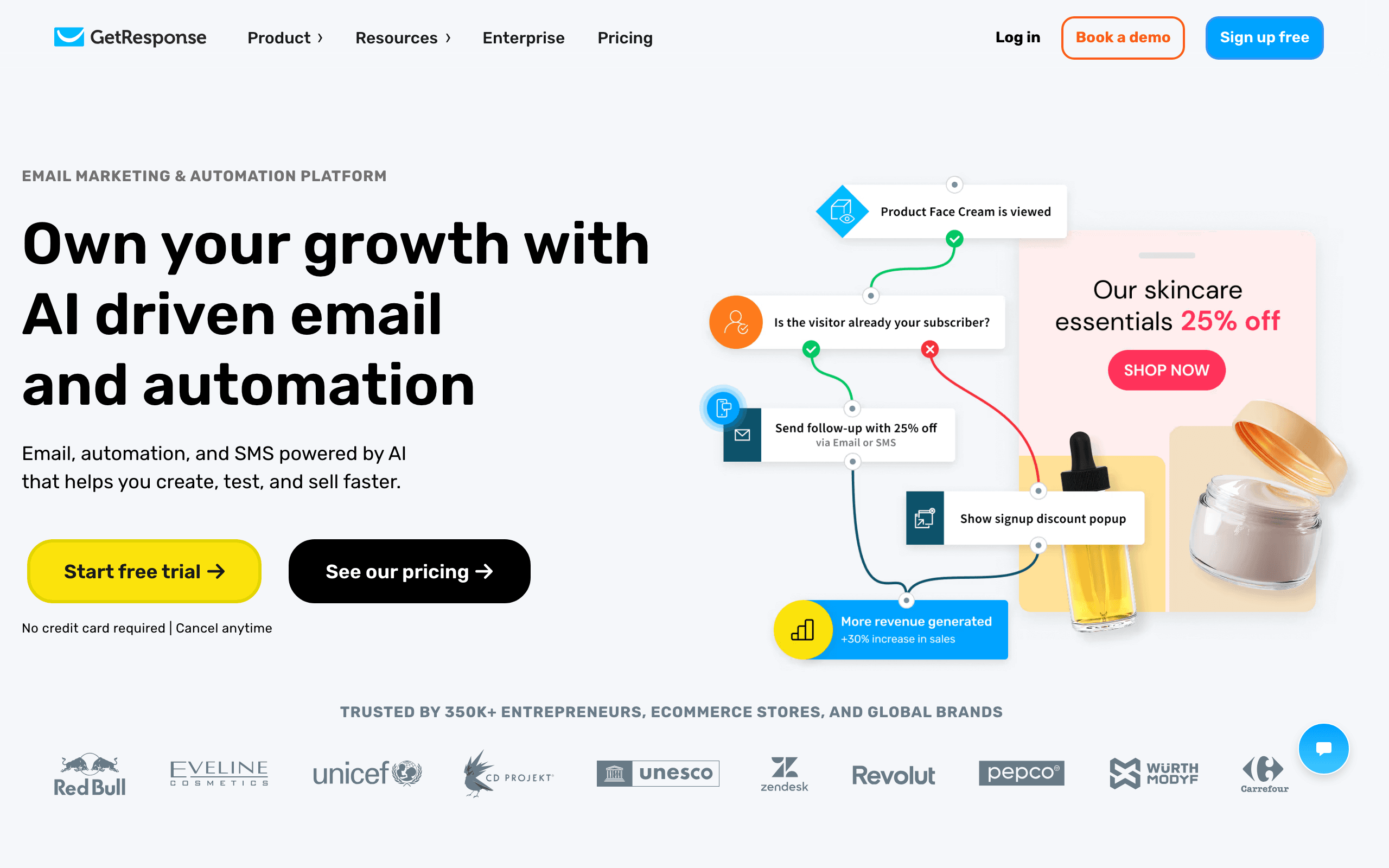
Best for: Budget-friendly all-in-one marketing with basic churn features
GetResponse is an all-in-one marketing platform that includes email marketing, automation, landing pages, and webinars. The automation features are sufficient for basic churn prevention workflows at an affordable price point.
The platform's automation builder lets you create condition-based workflows. When a subscriber's engagement drops below a threshold, trigger a re-engagement sequence. When they cancel (via a webhook or integration), trigger a win-back campaign. The workflows support branching, so you can send different messages based on subscriber data or behavior.
GetResponse includes some advanced features at a reasonable price: scoring (assign points for engagement), tagging (organize subscribers by lifecycle stage), and webinars (useful for re-engagement campaigns). A re-engagement webinar inviting inactive users to learn about new features can be more effective than email alone.
The email deliverability is solid for the price. GetResponse has invested in infrastructure to ensure emails land in the inbox, which matters for churn prevention emails that are often sent to inactive, disengaged subscribers who are more likely to mark emails as spam.
The limitations are similar to other budget tools: no native SaaS integrations (Stripe, Paddle), limited behavioral segmentation (can't track product usage events), and basic workflow automation compared to dedicated platforms. For small SaaS on a tight budget, GetResponse offers reasonable churn prevention capabilities. For growing SaaS with more sophisticated needs, plan to migrate eventually.
- Pricing: From $19/month
- Churn prevention features: Automation builder, scoring, tagging, webinar integration, email deliverability tools
- Pros:
- Affordable pricing
- All-in-one platform
- Solid deliverability
- Webinar for re-engagement
- Feature-rich for the price
- Cons:
- No SaaS integrations
- Limited behavioral triggers
- Basic automation
- Can get expensive at scale
- Less sophisticated than dedicated tools
18. AWeber
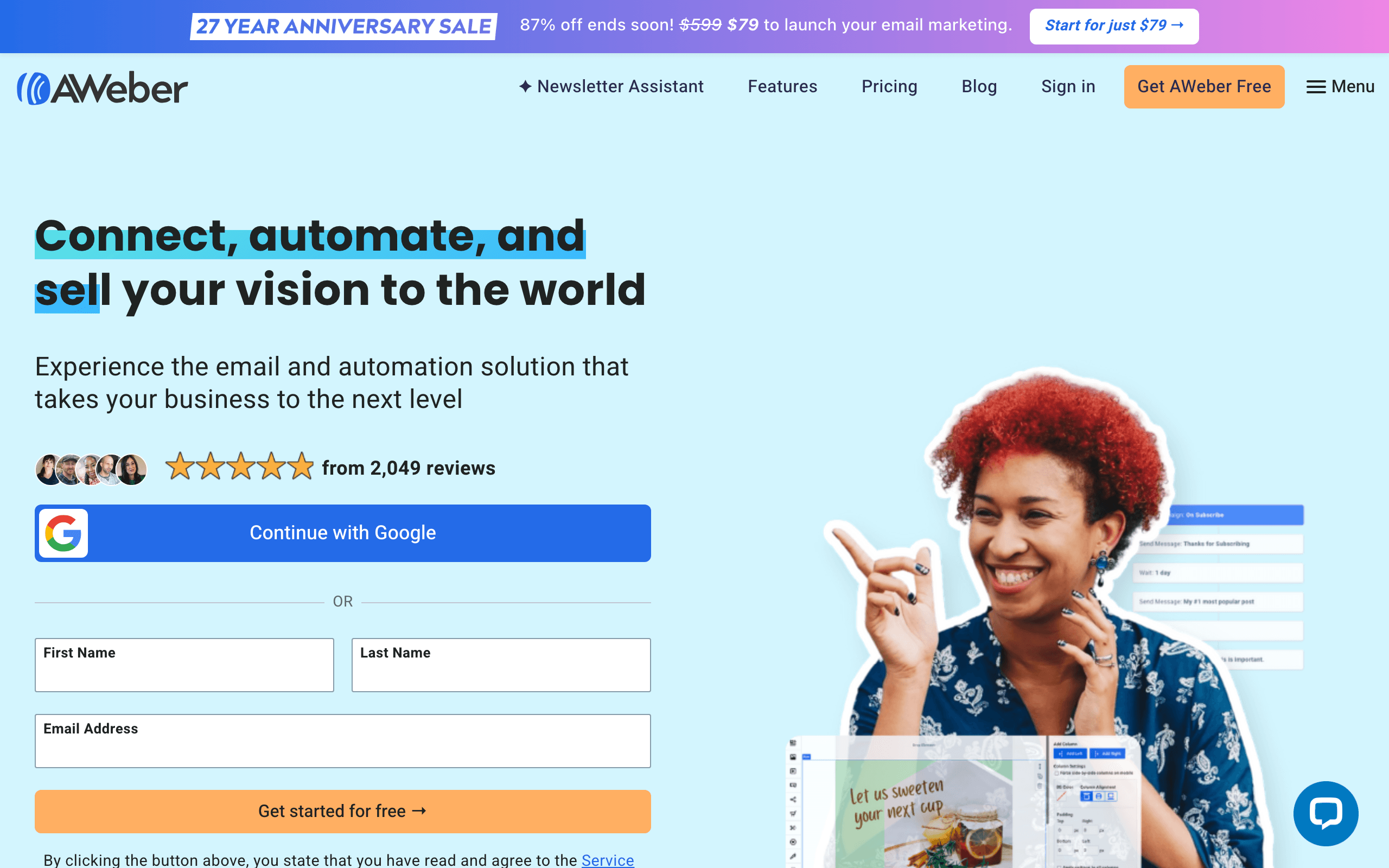
Best for: Reliable basic win-back sequences for small business
AWeber is one of the oldest email marketing platforms, known for reliability and simplicity. The automation features are basic but sufficient for simple win-back sequences and re-engagement campaigns.
The platform's strength is deliverability and reliability. AWeber has maintained strong relationships with ISPs for decades, which means your emails are more likely to reach the inbox. This matters for churn prevention emails, which are often sent to disengaged subscribers who are more likely to mark emails as spam - strong deliverability infrastructure helps prevent this.
AWeber's automation is rule-based and straightforward. Create campaigns based on subscriber actions: "If subscriber clicks link in email A, send email B after 3 days. If they don't click, send email C after 7 days." This is enough logic for basic re-engagement and win-back sequences, though it lacks the sophistication of platforms like Customer.io or Iterable.
The email editor is solid with a good template library. If you don't have a designer, AWeber's templates look professional out of the box. You can customize them to match your brand, but the design options are limited compared to more modern platforms.
AWeber is showing its age. The interface feels dated, the automation is less sophisticated than modern tools, and there are no advanced features like behavioral scoring or predictive analytics. For very small SaaS or solo founders who need a reliable tool for basic retention emails, AWeber works. Plan to migrate as you grow.
- Pricing: From $19/month
- Churn prevention features: Rule-based automation, click tracking, reliable deliverability, email templates
- Pros:
- Very reliable
- Strong deliverability
- Easy to use
- Good templates
- Established platform
- Cons:
- Dated interface
- Basic automation
- No advanced features
- Limited behavioral targeting
- Not built for modern SaaS
19. ConvertKit
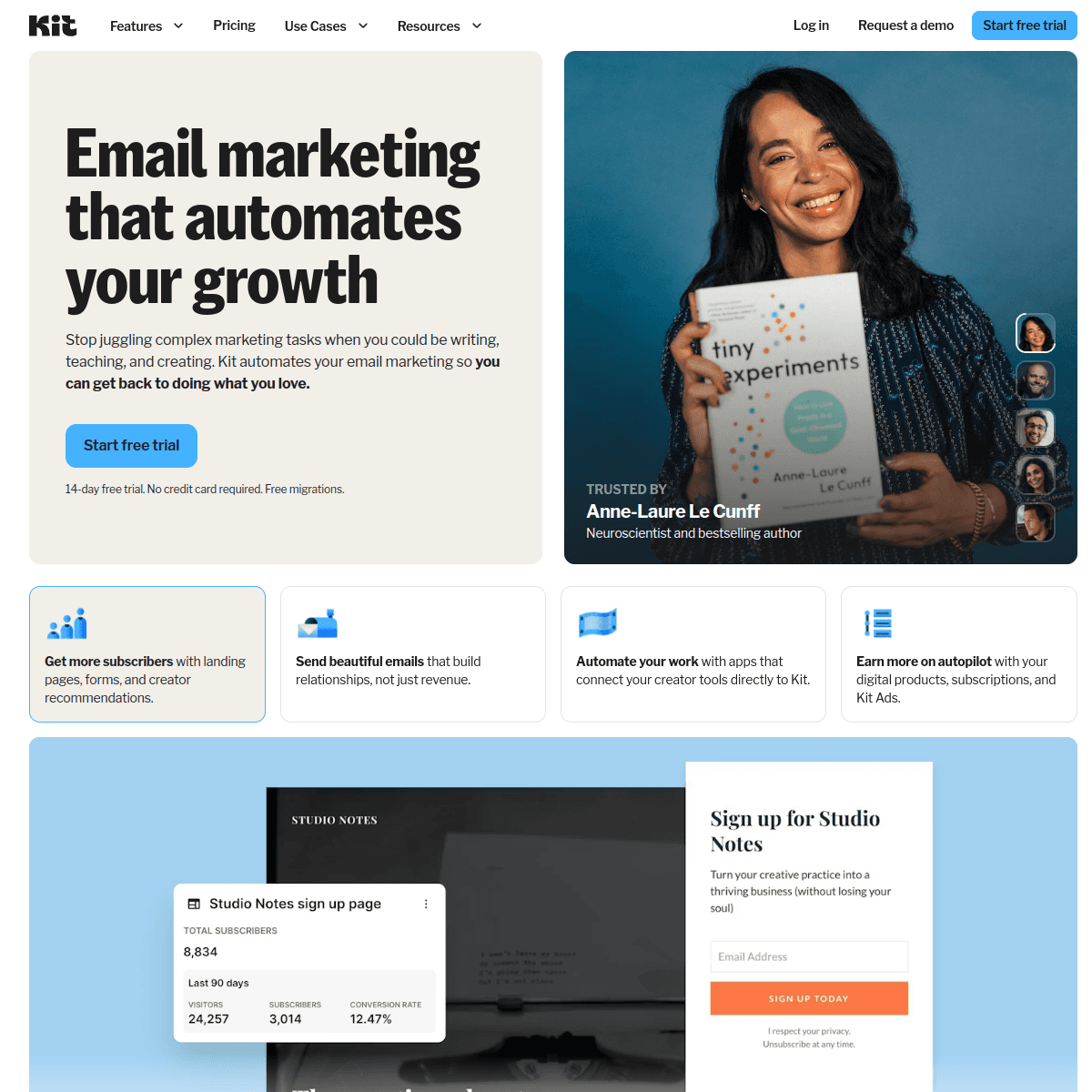
Best for: Creator-focused SaaS and creator economy businesses
ConvertKit is designed for creators - bloggers, YouTubers, podcasters - and SaaS businesses in the creator economy. The platform's churn prevention features are tailored to how creators lose and retain customers: creators who stop producing content, customers who stop consuming content, and subscribers who lose interest.
The platform's tagging system is useful for churn prevention. Tag subscribers based on their behavior: "opened last 5 emails," "clicked link in last 30 days," "purchased product in last 90 days." Create segments based on these tags, and trigger re-engagement sequences when subscribers fall below engagement thresholds. Visualize these tags as funnels to understand where subscribers drop off.
ConvertKit's subscriber-first approach (rather than email-first) means you have a complete view of each customer's journey. See every email they've received, every link they've clicked, every product they've purchased. This context is valuable for personalized retention emails - reference specific products they've bought or content they've engaged with.
The platform includes simple automation rules for sequences: if a subscriber purchases a product, remove them from the marketing sequence for that product. If they cancel, add them to a win-back sequence. It's not as sophisticated as workflow builders in other platforms, but it covers the basics.
ConvertKit is ideal for creator-focused SaaS (course platforms, membership sites, creator tools) but less suitable for traditional B2B SaaS. If your churn signals are product usage and feature adoption rather than content engagement and purchases, a SaaS-specific platform will serve you better.
- Pricing: From $29/month
- Churn prevention features: Tagging system, subscriber profiles, automation rules, purchase tracking, sequence management
- Pros:
- Built for creators
- Good tagging system
- Subscriber-first view
- Simple automations
- Understands creator economy
- Cons:
- Creator-focused limits SaaS fit
- Less sophisticated workflows
- No payment integration
- Basic automation
- Not for traditional B2B SaaS
20. Brevo (formerly Sendinblue)
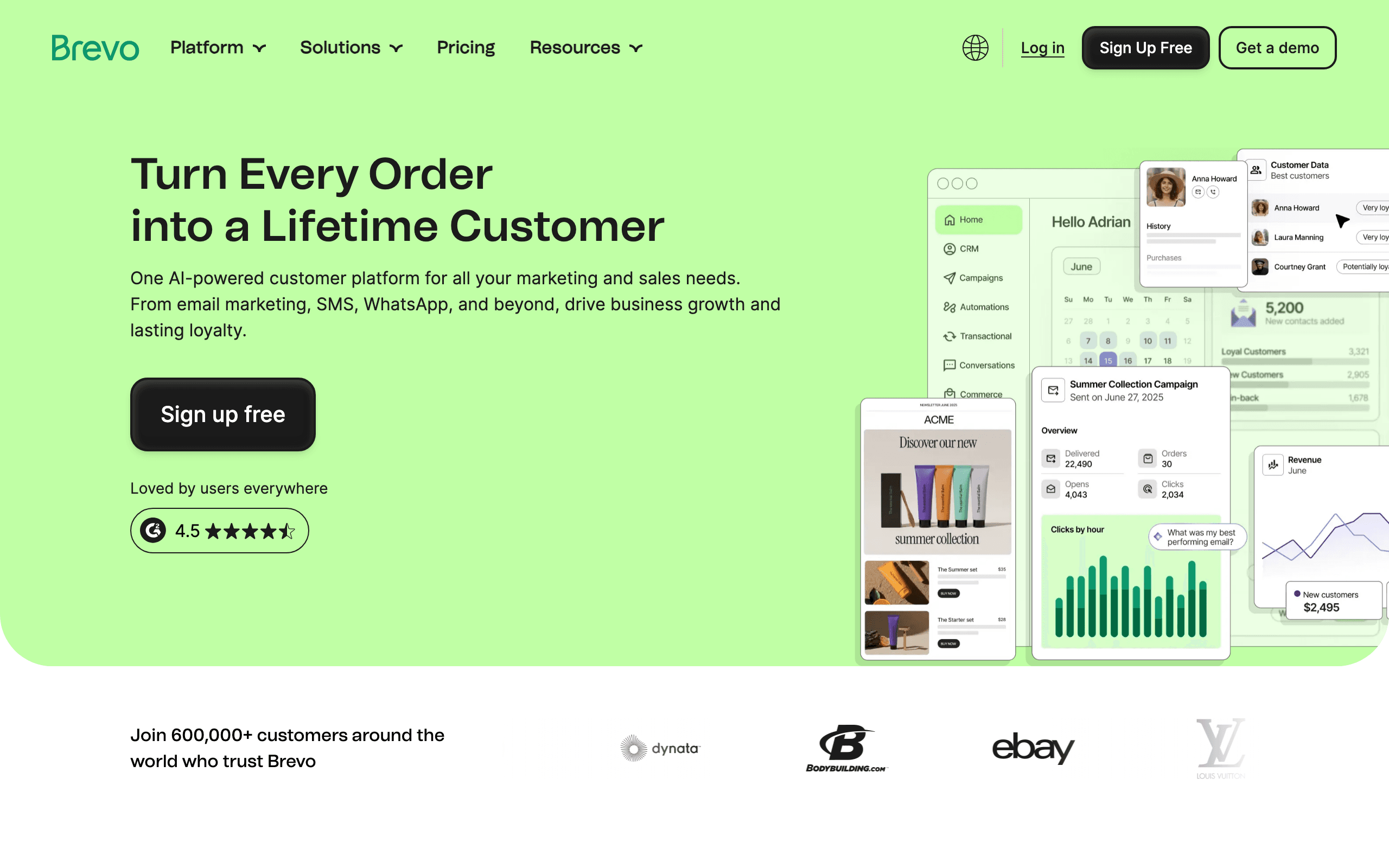
Best for: Budget-friendly churn prevention with multi-channel support
Brevo (formerly Sendinblue) offers email, SMS, and WhatsApp marketing at an affordable price point, making it accessible for SaaS companies on a budget who need basic churn prevention across multiple channels.
The platform's workflow automation supports condition-based logic for churn prevention. When a subscriber hasn't opened an email in 30 days, trigger a re-engagement sequence. When they cancel (via webhook integration), trigger a win-back campaign. The workflows aren't as sophisticated as dedicated platforms, but they handle basic use cases.
Brevo's SMS automation is useful for urgent churn prevention. A last-chance SMS before a subscription cancellation ("Your subscription cancels tomorrow. Reply to save your account") can recover customers who ignore email. WhatsApp messaging is available for international markets where WhatsApp is the primary communication channel.
The platform includes basic contact scoring and segmentation. Assign points for engagement (email opens, link clicks, website visits), create segments based on scores, and send targeted retention campaigns. It's not as sophisticated as enterprise-grade scoring systems, but it's functional for basic use cases.
Brevo's deliverability is solid for the price, and the platform includes transactional email capabilities if you want your dunning emails and marketing emails to come from the same system. However, the platform lacks native SaaS integrations (Stripe, Paddle, etc.), so you'll need to send events via webhook or use a third-party integration tool like Zapier.
For bootstrapped SaaS or international companies needing WhatsApp support, Brevo offers reasonable churn prevention capabilities at a budget-friendly price. As you scale, you may outgrow the limitations and migrate to a more capable platform.
- Pricing: Free tier available, from $25/month
- Churn prevention features: Workflow automation, SMS/WhatsApp messaging, contact scoring, transactional email, basic segmentation
- Pros:
- Affordable pricing
- Multi-channel (email, SMS, WhatsApp)
- Transactional email included
- Good free tier
- International-friendly
- Cons:
- No native SaaS integrations
- Basic workflow automation
- Limited behavioral targeting
- Less sophisticated than dedicated tools
- Can get expensive at high volumes
21. Pabbly Email Marketing
Best for: Simple workflow-based automation for early SaaS
Pabbly Email Marketing offers a visual workflow builder that lets you create basic churn prevention automations without complex setup. The platform is designed for simplicity - build workflows by connecting nodes, similar to using Zapier but focused on email automation.
The workflow builder supports conditional logic, delays, and branching. Create a re-engagement workflow: "If subscriber hasn't clicked a link in 14 days AND tag is 'active customer,' send re-engagement email 1. Wait 3 days. If still no clicks, send email 2." It's not as sophisticated as enterprise platforms, but it covers basic churn prevention use cases.
Pabbly integrates with a wide range of tools via direct integrations and webhooks. Connect your SaaS platform, payment processor, or CRM to send events that trigger churn prevention workflows. When a user cancels or a payment fails, Pabbly can automatically start a win-back or dunning sequence.
The platform includes basic list segmentation based on subscriber activity and custom fields. Build segments for inactive users, churned customers, or at-risk accounts, and send targeted campaigns to each segment. The segmentation is less sophisticated than behavioral platforms, but functional for basic use cases.
Pabbly is best suited for early-stage SaaS companies that need workflow automation without the complexity and cost of enterprise platforms. The interface is straightforward, the pricing is reasonable, and you can implement basic churn prevention quickly. As your churn prevention needs become more sophisticated, you may outgrow Pabbly's capabilities and migrate to a more advanced platform.
- Pricing: From $24/month
- Churn prevention features: Visual workflow builder, conditional logic, webhook integrations, list segmentation, basic automation
- Pros:
- Visual workflow builder
- Easy to use
- Wide integration support
- Affordable pricing
- Quick setup
- Cons:
- Basic features only
- No native SaaS integrations
- Limited behavioral targeting
- Less sophisticated than dedicated tools
- Basic reporting
Churn Prevention Email Sequences
The sequences below are frameworks you can adapt. The specific timing, content, and number of emails should be adjusted based on your product, your users, and what you learn from testing. For more detail on structuring these, see our guide on churn prevention email sequences.
The Re-Engagement Sequence (For Inactive Users)
Trigger: No login for 7-14 days Goal: Get the user back into the product
- Email 1 (Day 7): "We haven't seen you in a while. Here's what's new since your last visit." Focus on product updates and new features. Give them a reason to come back that wasn't there before.
- Email 2 (Day 10): "Here are 3 things other [plan] users do every week." Social proof combined with feature education. Show them what successful users look like.
- Email 3 (Day 14): "Is everything ok? Reply if there's anything we can help with." Personal touch from a real person (founder, CSM, or support lead). Make it easy to respond.
- Email 4 (Day 21): "We'd love your feedback. What could we do better?" If they haven't re-engaged, they probably have a reason. Try to learn what it is. Include a short survey or a direct question.
Important: Set an exit condition. If the user logs in at any point during the sequence, stop sending re-engagement emails and move them to a "re-activated" segment for a different follow-up.
The Dunning Sequence (For Failed Payments)
Trigger: Payment failed Goal: Recover the payment before the subscription lapses
- Email 1 (Day 0): "Your payment didn't go through. Update your card to keep your account active." Straightforward, no guilt. Include a direct link to the billing page. Make updating the card as frictionless as possible.
- Email 2 (Day 3): "Reminder: Your payment is still pending. Here's a direct link to update." Add a note about what they'll lose access to. Create urgency without being aggressive.
- Email 3 (Day 7): "Last chance: Your subscription will be cancelled in [X] days unless we receive payment." Clear deadline. List specific features and data they'll lose.
- Email 4 (Day 10): "We don't want to lose you. Update your payment to continue using [Product]." Final appeal. Consider offering to help via support if there's a billing issue.
Pro tip: Retry the charge between emails. Most payment processors support automatic retries. Coordinate your dunning emails with retry timing so you don't send "payment failed" right before a successful retry.
The Win-Back Sequence (For Churned Users)
Trigger: Subscription cancelled/ended Goal: Bring the customer back
- Email 1 (Day 1): "We're sorry to see you go. Here's what you might miss." Acknowledge the cancellation respectfully. Don't be pushy. Mention 2-3 specific things they were using.
- Email 2 (Day 14): "Here's what we've improved since you left." Product updates are your best win-back content. Every improvement is a potential reason to return.
- Email 3 (Day 30): "Come back with [incentive: discount, extended trial, free month]." Now you can offer an incentive. Waiting 30 days means the offer feels generous rather than desperate.
- Email 4 (Day 60): "One last thing: we built [feature they requested]." If you have feedback from their cancellation or support history, reference it. Show that you listened.
Important: Respect unsubscribes and cancellation reasons. If someone cancelled because they switched to a competitor, a discount won't help. If they cancelled because of a missing feature, wait until you build it.
The Cancellation Recovery Sequence (For Active Subscribers Who Cancel)
Trigger: User cancels but subscription is still active (end of billing period) Goal: Reverse the cancellation before the subscription ends
This is the highest-opportunity churn prevention window. The user has cancelled but still has access. They're still a customer for days or weeks.
- Email 1 (Immediately): "We got your cancellation. Before you go, can we ask why?" Include a one-click survey with common reasons. The response tells you what intervention might work.
- Email 2 (Day 3): Based on their cancellation reason, send a targeted response. "Too expensive" gets a plan adjustment offer. "Missing feature" gets a roadmap update. "Not using it enough" gets usage tips.
- Email 3 (3 days before end): "Your subscription ends in 3 days. Here's what you'll lose access to." Final reminder with a one-click reactivation link.
Measuring Churn Prevention Effectiveness
Open rates and click rates on churn prevention emails are secondary metrics. The metrics that matter are:
Recovery rate: What percentage of at-risk users re-engage after receiving the sequence? Track this separately for each sequence type (re-engagement, dunning, win-back).
Dunning recovery rate: What percentage of failed payments are recovered? Industry average is 50-70%. If you're below 50%, your dunning sequence needs work.
Time to re-engagement: How quickly do users re-engage after receiving a re-engagement email? Faster is better, but any re-engagement is a win.
Win-back rate: What percentage of churned users return within 90 days of receiving a win-back sequence? Anything above 5% is worth the effort.
Net churn impact: Compare your overall churn rate before and after implementing churn prevention sequences. Control for other variables (product changes, pricing changes, market conditions).
Track these metrics monthly and iterate on your sequences. Churn prevention is not a "set and forget" system. The emails that work today may need updating as your product and user base evolve.
How to Choose the Right Tool
You're a SaaS company using Stripe: Sequenzy. Built-in payment event detection means your dunning and lifecycle sequences work automatically from day one.
You need maximum workflow flexibility: Customer.io. The most sophisticated behavioral conditions and branching logic for complex churn prevention strategies.
You have a sales-assisted model with account managers: ActiveCampaign. CRM integration coordinates automated emails with human outreach for high-value accounts.
You're enterprise scale with multi-channel needs: Braze. Predictive churn scoring and intelligent channel selection across email, push, SMS, and in-app.
You're early-stage and need something simple: Loops. Basic event-triggered sequences without the complexity. Good enough until your churn prevention needs mature.
You want in-product intervention combined with email: Intercom. Catches users before they disengage with in-app messaging, and follows up with email when they go silent.
You're on a tight budget: Mailchimp, GetResponse, or Brevo. Basic automation capabilities at affordable price points. Good starting points for bootstrapped SaaS.
You're in the creator economy: ConvertKit. Built for creators, understands how creator businesses work, and handles content-based churn prevention well.
For a broader view of how churn prevention fits into your overall email strategy, see our guide on reducing SaaS churn with email and SaaS lifecycle email marketing.
FAQ
What's the most effective email for churn prevention? Dunning emails. Recovering failed payments is the highest-ROI churn prevention because the customer didn't intend to leave. Most companies recover 50-70% of failed payments with a good dunning sequence. It's the easiest churn to prevent and requires the least persuasion.
When should I start churn prevention efforts? Before there's a churn signal. The best churn prevention is good onboarding (users who activate properly churn less) and ongoing engagement (users who use the product regularly churn less). Dedicated churn prevention sequences are the last line of defense, not the first.
How many re-engagement emails should I send before giving up? 3-5 over 2-4 weeks. After that, if the user hasn't re-engaged, stop the sequence. Continuing to email unresponsive users hurts your deliverability and their inbox. Move them to a "dormant" segment and try a win-back campaign 30-60 days later with a different angle.
Should I offer discounts to prevent churn? Sparingly. Discounts can attract price-sensitive customers who churn again when the discount expires. Instead, offer: a call with the founder, extended trial of premium features, or help migrating their data/workflow to a better setup. Address the value gap, not just the price.
How do I handle churn prevention for freemium vs. paid-only products? For freemium, churn prevention focuses on keeping free users engaged (so they eventually convert) and retaining paid users (so they don't downgrade). For paid-only, the focus is entirely on preventing cancellations and recovering failed payments. The sequences are similar, but the stakes and incentives differ.
What's the difference between churn prevention and win-back? Churn prevention targets users who are still customers but showing risk signals (inactivity, declining usage). Win-back targets users who have already churned. Prevention is proactive; win-back is reactive. Prevention has much higher success rates because the relationship hasn't been broken yet.
Should churn prevention emails come from a person or the company? From a person. Re-engagement and retention emails perform significantly better when they come from a real human (founder, CSM, or support lead) rather than "The [Product] Team." Use a personal name in the from field, a plain-text style, and make it easy to reply.
How do I know if my churn rate is too high? For SaaS, monthly churn rates below 3% are healthy for SMB products. Below 1% is excellent and typical for enterprise products. Above 5% monthly means you're losing more than half your customers per year, which is unsustainable regardless of acquisition rate. If your churn is high, focus on understanding why users leave before optimizing email sequences.