
21 Best Email Platforms for Both Transactional and Marketing (2026)

Here's a problem almost every SaaS founder hits: you need transactional email (password resets, receipts, notifications) AND marketing email (campaigns, sequences, newsletters). So you sign up for Postmark for transactional and ConvertKit for marketing. Now you're paying for two tools, managing two dashboards, and your subscriber data lives in two places.
It doesn't have to be this way. Several platforms now handle both transactional and marketing email under one roof. The question is which ones do it well, and which ones just bolt transactional onto a marketing tool (or vice versa) as an afterthought.
I've used or tested all of these. Here's what actually works.
Why One Platform Matters
Before the list, here's why combining transactional and marketing email matters:
Unified subscriber profile. When transactional and marketing live in the same system, you have one view of each customer. You can see that a user received a password reset, opened your last campaign, and triggered a dunning sequence, all in one place.
Simpler infrastructure. One set of DNS records, one sending domain configuration, one API to integrate. Less surface area for things to break.
Lower cost. Two separate tools cost more than one combined tool at the same volume. The savings add up, especially as you scale.
Better automation logic. When both email types share the same system, you can build automations that span both. "When a user signs up (transactional welcome), wait 3 days, then start the onboarding sequence (marketing)" without duct-taping two APIs together.
Consistent deliverability management. Instead of monitoring sender reputation across two platforms, you have a single view of your email health. Authentication (SPF, DKIM, DMARC) is configured once, and you can track deliverability holistically.
If you're wrestling with the question of whether to separate or combine these email types, our deep dive into transactional vs marketing email differences covers the architectural considerations in detail.
Quick Comparison
| Tool | Best For | Starting Price | Free Tier | Unified Features |
|---|---|---|---|---|
| Sequenzy | SaaS founders wanting one platform for everything | $19/mo | Yes (2.5k emails/mo) | Transactional + marketing + Stripe + AI sequences |
| Postmark | Teams prioritizing transactional deliverability | $15/mo | No | Separate transactional/broadcast streams, strong inbox delivery |
| Resend | Developers wanting modern APIs for both types | $20/mo | Yes (3k/mo) | React Email + broadcasting in one API |
| Brevo | Budget-conscious teams wanting full features | $25/mo | Yes (300/day) | Email + SMS + WhatsApp + transactional |
| Mailgun | High-volume infrastructure control | $35/mo | Trial only | Programmable routing for transactional + broadcast |
| Amazon SES | AWS teams wanting cheapest sending | Pay-per-use | No | Raw infrastructure, build your own marketing layer |
| Customer.io | Technical teams needing sophisticated automation | $100/mo | No | Advanced event-driven workflows across both types |
| SendGrid | Teams needing massive scale | $20/mo | Yes (100/day) | Unified API for transactional + marketing campaigns |
| Mailchimp | Generalists wanting brand recognition | $13/mo | Yes (500 contacts) | Transactional via Mandrill add-on |
| MailerLite | Budget senders wanting clean UI | $10/mo | Yes (1k subs) | Transactional via add-on, easy marketing campaigns |
| EmailOctopus | Cost-conscious senders | $9/mo | Yes (2.5k subs) | SES-backed marketing + basic transactional |
| Loops | SaaS companies sending product updates | $49/mo | Yes (1k contacts) | Unified transactional + marketing, event-driven |
| Kit (ConvertKit) | Creators with SaaS products | $29/mo | Yes (10k subs) | Basic transactional + marketing in one |
| ActiveCampaign | Small businesses needing sales automation | $29/mo | No | Marketing automation + transactional via add-on |
| GetResponse | E-commerce teams wanting automation | $19/mo | Yes (500 contacts) | Transactional + marketing + webinars |
| AWeber | Long-running newsletter businesses | $29/mo | Yes (500 subs) | Transactional + campaign tools |
| Omnisend | E-commerce stores wanting SMS + email | $19/mo | Yes (250 contacts) | Email + SMS + push in one omnichannel platform |
| Campaign Monitor | Design-focused teams | $12/mo | No | Transactional API + beautiful marketing templates |
| Moosend | Budget teams wanting automation | $9/mo | No | Automation + transactional in one |
| HubSpot | Companies already in HubSpot ecosystem | $45/mo | Yes (limited) | Email + CRM + marketing all unified |
| Keap (Infusionsoft) | Small businesses needing CRM + email | $129/mo | No | Built-in CRM + transactional + campaigns |
Best Combined Transactional and Marketing Email Platform by Use Case
Best transactional and marketing email platform for SaaS
Sequenzy is the best fit when transactional email, lifecycle sequences, and billing events all need to share one subscriber profile. Use the transactional emails feature, Stripe email automation guide, and transactional email templates to map the full setup before comparing infrastructure-first tools.
Best transactional-first platform with simple broadcasts
Postmark is the safer choice when password resets, receipts, and product notifications matter more than marketing automation depth. It is strongest for critical transactional delivery, and the Postmark comparison is the best follow-up if you are deciding whether its broadcast features are enough.
Best developer-first email API for React teams
Resend is the cleanest fit for teams that want modern API ergonomics, React Email, and fast setup. If your marketing needs are still light, start with the Resend comparison, then check the Resend alternatives page when you need more automation or audience management.
Best budget platform for transactional plus marketing
Brevo is the practical option when you want transactional email, campaigns, SMS, and automation under one lower-cost account. It is not as developer-polished as Postmark or Resend, but the Brevo comparison is worth reading if budget and channel breadth matter most.
The 21 Best Combined Platforms
1. Sequenzy
Best for: SaaS founders who want one platform for everything
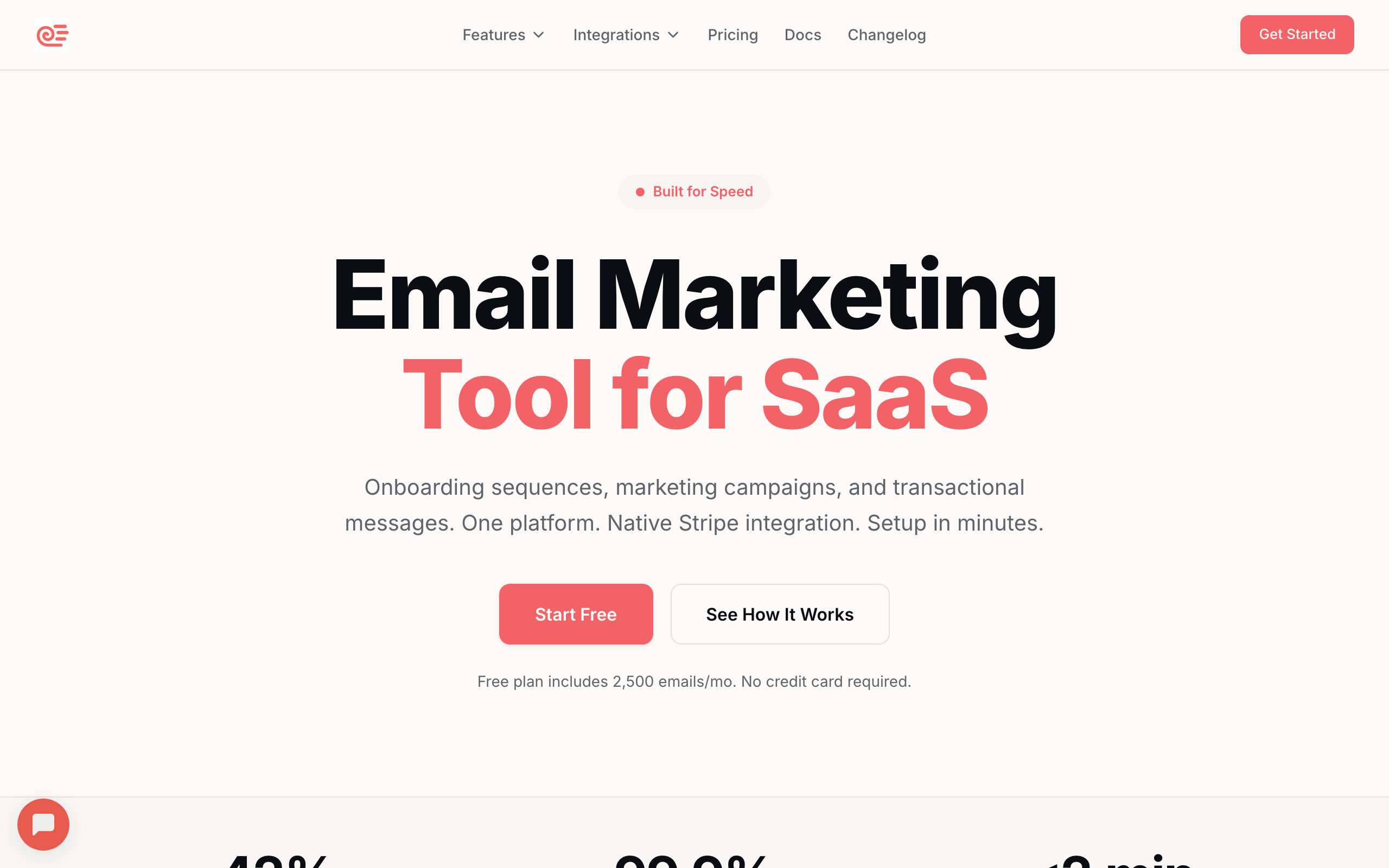
Sequenzy was designed from day one to handle both transactional and marketing email. The transactional API lets you send password resets, receipts, and notifications. The marketing side handles campaigns, automated sequences, and newsletters.
What makes it different: the same subscriber profile receives both types of email. When you send a receipt (transactional), the marketing system knows. When a user clicks a campaign link (marketing), the transactional system has that context. No data syncing between tools.
The Stripe integration adds another layer. Subscription events automatically trigger both transactional emails (payment receipt) and marketing sequences (dunning, lifecycle) from the same platform. For SaaS companies that rely on Stripe for billing, this eliminates an entire category of integration work. You can learn more about how this fits into a broader strategy in our guide to Stripe email automation.
For developer-focused SaaS products, the AI-powered sequence generation means you can spin up onboarding, retention, or dunning sequences without writing every email from scratch. The AI learns from your brand voice and existing content, so generated emails match your tone.
- Transactional strength: API-first sending, template support, fast delivery
- Marketing strength: AI-powered sequences, behavioral triggers, campaign builder
- Pricing: Free up to 2,500 emails/month, paid plans from $19/month
- Pros: True unified platform, single subscriber profile, native Stripe integration, pay for emails sent not contacts, direct founder support
- Cons: Newer platform, no SMS, smaller template library than older competitors
2. Postmark + DMARC (Transactional Focus)
Best for: Developers who prioritize transactional deliverability above all else
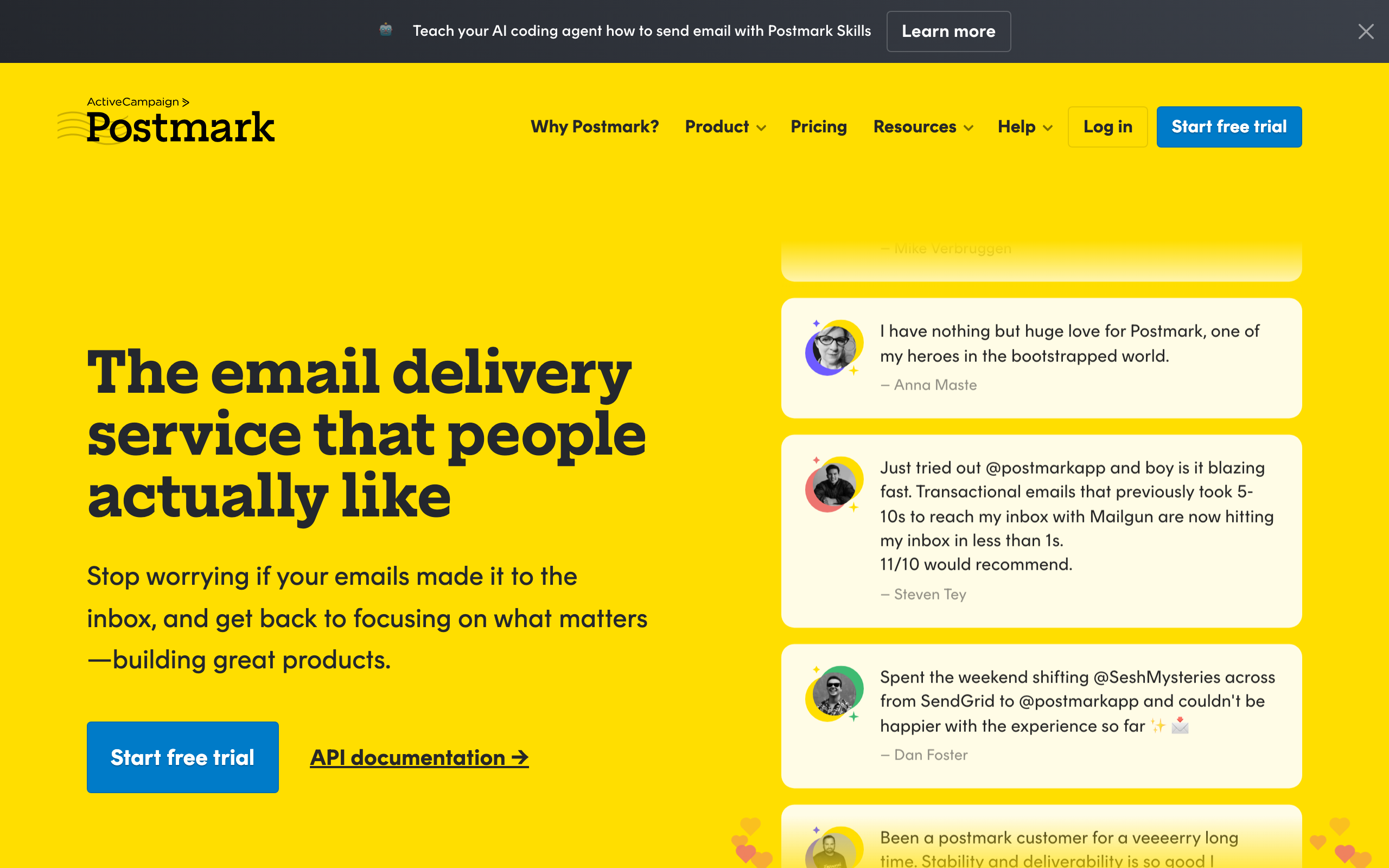
Postmark is the gold standard for transactional email deliverability. They recently added "Message Streams" that separate transactional and marketing (they call it "Broadcast") sending. So you can now send both from Postmark.
The caveat: the marketing features are basic compared to dedicated marketing platforms. You get broadcasts (one-time sends to a list) but not automated sequences, behavioral triggers, or sophisticated segmentation. If your marketing needs are simple newsletters and occasional announcements, it works. If you need lifecycle automation, you'll outgrow it.
Where Postmark shines is transactional email that cannot fail. Password resets, authentication emails, time-sensitive notifications. Their delivery infrastructure is optimized for inbox placement, not volume. The Message Streams feature keeps your marketing reputation separate from your transactional reputation, so a spam complaint on a campaign doesn't affect your password reset delivery.
- Transactional strength: Industry-leading deliverability, sub-second delivery, 45-day retention
- Marketing strength: Basic broadcasts, simple templates, list management
- Pricing: From $15/month for 10,000 emails
- Pros: Best transactional deliverability in the industry, clean API, excellent documentation, Message Streams separate reputation, 45-day message retention
- Cons: Marketing features are very basic, no automated sequences or behavioral triggers, no visual automation builder, limited segmentation
3. Resend
Best for: Developers who want a modern API for both types
Resend is a developer-focused email platform that handles both transactional and marketing. Built by a former Vercel engineer, it has a clean API, React Email integration, and modern developer experience.
The transactional API is solid and developer-friendly. The marketing side (Audiences + Broadcasts) is still maturing but covers the basics. If you're a developer who values DX over feature count, Resend is worth looking at. For a broader comparison of developer-focused options, our roundup of the best developer-friendly email tools covers the full landscape.
React Email integration is the differentiator. Write your email templates as React components, test them locally, and deploy via API. This workflow is natural for frontend developers and eliminates the usual pain of HTML email development. The marketing side is less mature than established tools, but for simple newsletters and announcements, it's sufficient and improving rapidly.
- Transactional strength: Modern API, React Email support, good DX, webhook events
- Marketing strength: Audiences, broadcasts, basic automation (improving quickly)
- Pricing: Free for 100 emails/day, from $20/month
- Pros: Excellent developer experience, React Email native support, clean modern API, growing quickly with active development, good documentation
- Cons: Marketing features still maturing, limited automation compared to dedicated marketing tools, newer platform, audience management is basic
4. Brevo (formerly Sendinblue)
Best for: Budget-conscious teams wanting a full-featured combined platform
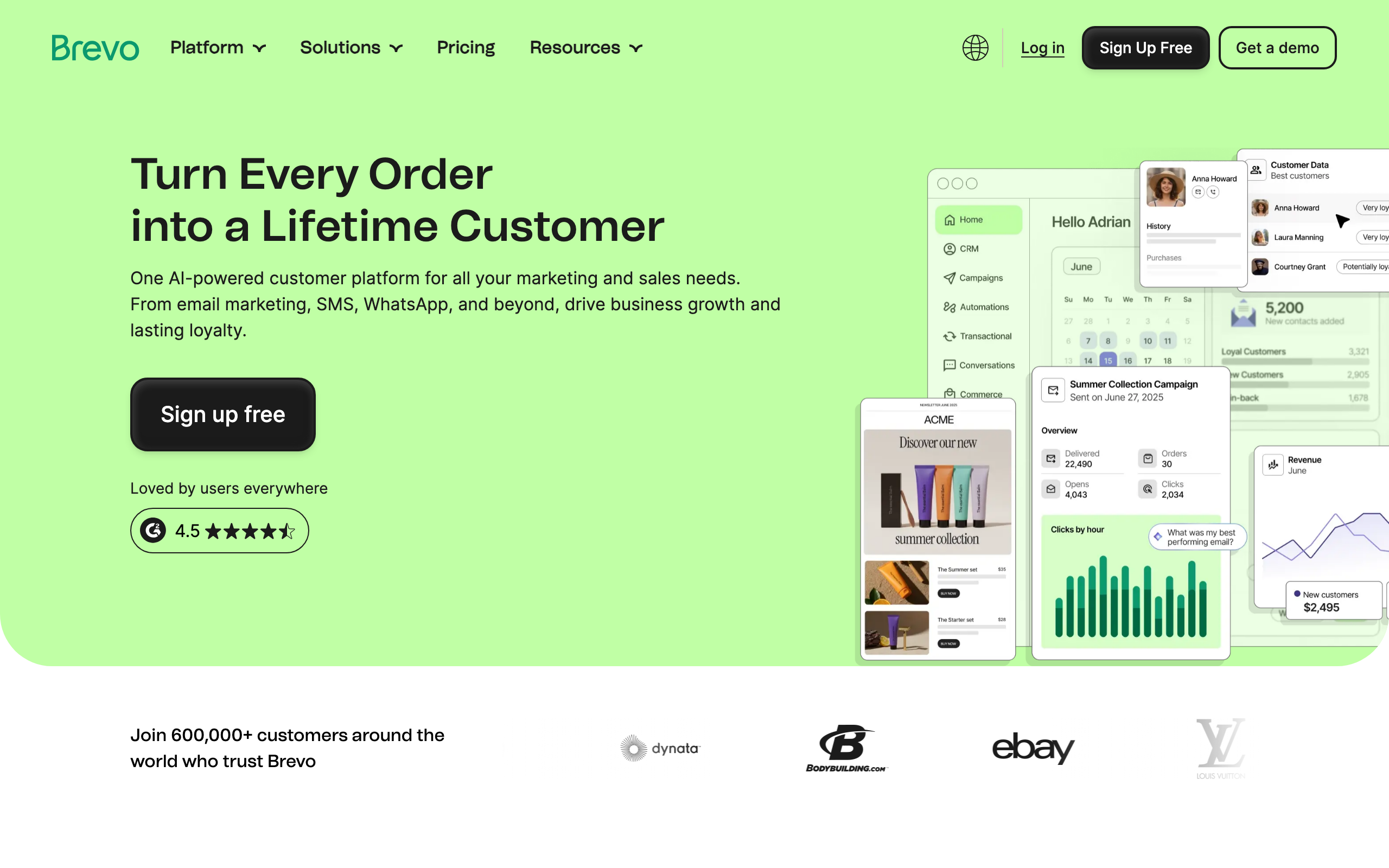
Brevo has offered both transactional and marketing for years. The transactional API (SMTP relay or API) handles system emails, while the marketing side has campaigns, automation, and a visual workflow builder.
The platform is feature-rich and affordable, but the interface feels dated compared to newer tools. The automation builder works but isn't as intuitive as more modern platforms. For the price, though, it's hard to beat on features. You get email, SMS, and WhatsApp in one platform, which matters for teams that need multi-channel messaging.
The transactional deliverability is decent but not at Postmark's level. The marketing automation is capable but complex. If you have development resources and a tight budget, Brevo gives you both email types with room to grow. The free tier is limited (300 emails/day), but the paid plans are competitively priced.
- Transactional strength: SMTP relay and API, decent deliverability, webhook tracking
- Marketing strength: Full automation builder, campaigns, SMS and WhatsApp too
- Pricing: Free for 300 emails/day, from $25/month
- Pros: Both transactional and marketing included in all plans, SMS and WhatsApp included, affordable pricing, feature-rich automation builder
- Cons: Interface feels dated, transactional deliverability not as strong as dedicated services, support can be slow, free tier is very limited
5. Mailgun
Best for: High-volume senders who need infrastructure-level control
Mailgun is primarily an email infrastructure provider (API + SMTP) that can handle both transactional and marketing. It's more of a sending engine than a complete marketing platform.
For transactional, it's solid. Good deliverability, fast delivery, detailed analytics. For marketing, you'll need to build more yourself or use their basic template and list management features. It's best for teams with development resources who want control over the sending infrastructure.
The routing engine is Mailgun's secret weapon. You can parse incoming emails, route based on regex patterns, and trigger webhooks. For SaaS products that handle inbound email (support replies, team communications, user-generated content), Mailgun's routing is more flexible than most alternatives. The marketing features are minimal, but for teams building custom solutions, Mailgun provides the sending primitives.
- Transactional strength: Strong API, good deliverability, detailed logs, routing engine
- Marketing strength: Basic list management, templates, scheduling, simple segmentation
- Pricing: Free trial with 100 emails/day, from $35/month
- Pros: Strong infrastructure-level control, good deliverability monitoring tools, detailed sending analytics and logs, handles high volume well, powerful routing
- Cons: Not a full marketing platform, no visual automation builder, requires development resources, marketing features are minimal
6. Amazon SES + Marketing Layer
Best for: AWS-native teams wanting the cheapest possible sending
Amazon SES is the cheapest email sending service available ($0.10 per 1,000 emails). It handles both transactional and marketing sending, but it's pure infrastructure. No automation, no templates, no subscriber management.
You'd use SES as the sending layer and build marketing features on top (or use a tool that sits on SES). Several email platforms actually use SES under the hood. If you're considering this route, our guide on building vs buying email infrastructure breaks down the real costs and trade-offs involved.
SES is bare infrastructure. You get an API and SMTP endpoint. Everything else—subscriber management, templates, automation, analytics—you build yourself. For AWS teams already using RDS, Lambda, and other AWS services, SES fits naturally. The cost at scale is unbeatable. But you're trading development time for lower sending costs. Do the math: your engineering time vs. the monthly savings.
- Transactional strength: Reliable, cheap, AWS-native, dedicated IPs available
- Marketing strength: None built in (you build or use a layer on top)
- Pricing: $0.10 per 1,000 emails (incredibly cheap at scale)
- Pros: Cheapest sending at scale, integrates with AWS ecosystem, reliable infrastructure, no contact-based pricing, dedicated IP options
- Cons: Zero marketing features, requires significant development work, IP reputation management is on you, setup and configuration is complex
7. Customer.io
Best for: Technical teams wanting sophisticated automation across both types
Customer.io handles both transactional (API-triggered) and marketing (campaign/workflow) email with a powerful event-driven automation engine. The transactional API sends system emails while the marketing workflows handle lifecycle automation.
The platform is powerful but complex. Setup takes longer than simpler tools, and the pricing reflects its enterprise-leaning positioning. For teams with technical resources who need sophisticated multi-channel automation, it's one of the best options.
The event-driven model is the key differentiator. Your product sends events (user signed up, upgraded, churned), and Customer.io triggers workflows based on those events. Transactional and marketing emails are just different actions in the same workflow builder. This unified approach means you can build sophisticated lifecycle automations that span both email types without integration headaches.
- Transactional strength: API-triggered messages, good deliverability, event-based
- Marketing strength: Powerful workflow builder, event-driven, multi-channel (email, push, SMS, in-app)
- Pricing: From $100/month
- Pros: Powerful event-driven automation, both transactional and marketing in one, supports email push SMS and in-app, flexible data model, strong segmentation
- Cons: Expensive starting price, complex setup, steep learning curve, overkill for simple use cases
8. SendGrid (Twilio)
Best for: Teams that need infrastructure-grade scale and reliability
SendGrid (now part of Twilio) is one of the largest email API providers by volume. Like Postmark and Mailgun, it's primarily transactional infrastructure with a marketing layer (Marketing Campaigns) added on top. For companies sending millions of emails monthly, SendGrid's infrastructure and dedicated IP options are battle-tested.
The Marketing Campaigns product gives you a hosted UI for composing and sending marketing emails, with basic automation and segmentation. But most teams using SendGrid for combined sending use the API for both types and build their own subscriber management and automation layers.
Deliverability requires more tuning than Postmark. The shared IP pools have variable reputation, and you'll often want a dedicated IP at scale, which adds cost and warmup overhead. Documentation is comprehensive but sprawling. For teams already invested in the Twilio ecosystem (SMS, voice, etc.), SendGrid is a natural fit.
- Transactional strength: Mature API, massive scale, dedicated IPs, good deliverability with tuning
- Marketing strength: Marketing Campaigns UI, basic automation, list management
- Pricing: Free for 100 emails/day, from $20/month, dedicated IPs $80+/month
- Pros: Massive scale, mature platform, dedicated IP options, broad SDK coverage, good for high volume
- Cons: Variable shared IP reputation, sprawling docs, marketing UI feels bolted on, requires deliverability tuning
9. Mailchimp
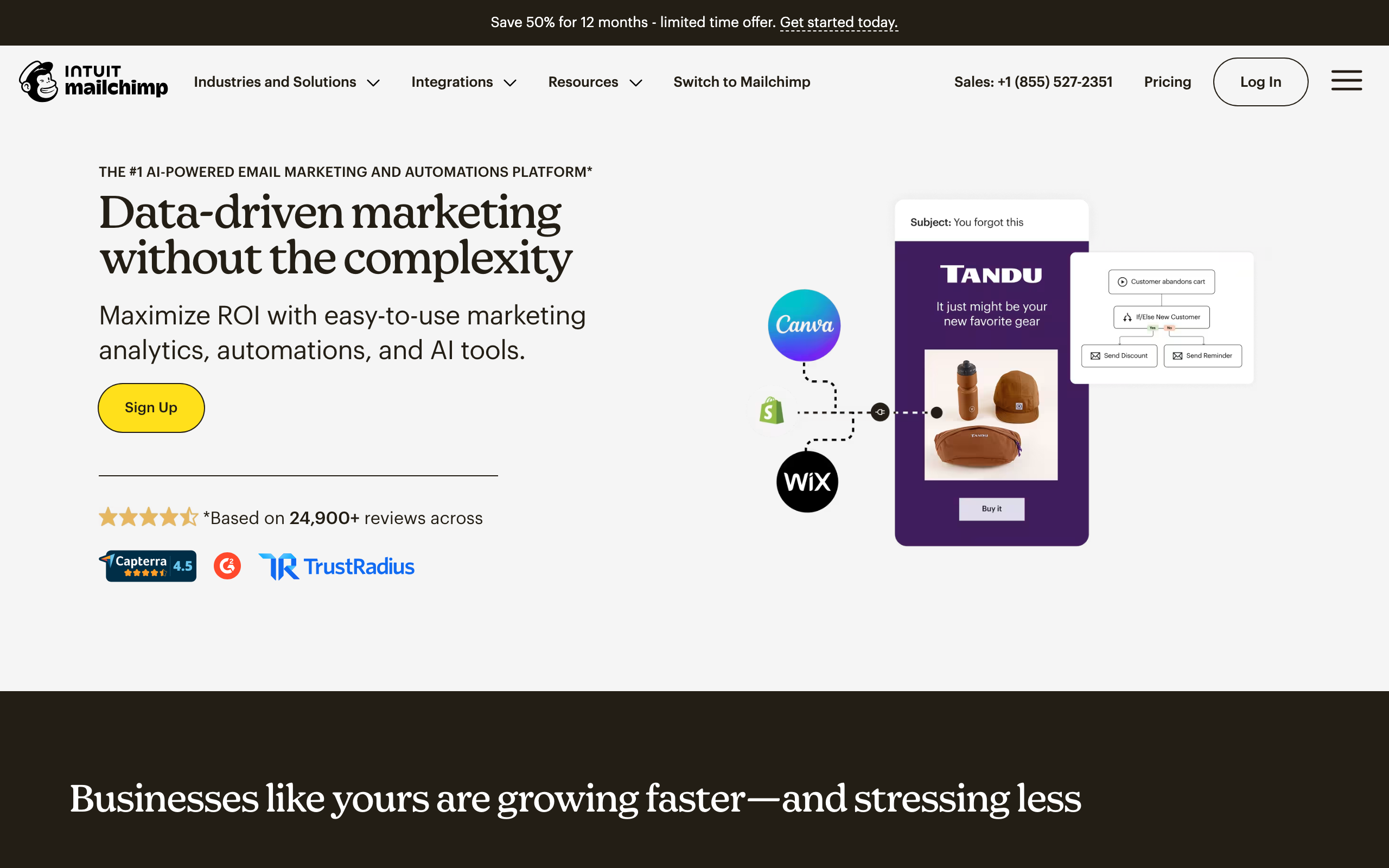
Best for: Generalists wanting brand recognition and integration ecosystem
Mailchimp is the email tool most non-technical people have heard of, and that's both its strength and its weakness for combined transactional and marketing sending. The integration ecosystem is enormous, deliverability is solid, and almost every form builder, CRM, or e-commerce tool integrates with it natively.
The platform includes transactional email through their Mandrill add-on (now rebranded as Mailchimp Transactional). You get both email types in one account with unified reporting. But the transactional side is priced separately and doesn't integrate as deeply with marketing automations as purpose-built combined platforms.
For small businesses already using Mailchimp for marketing, adding transactional sending is straightforward. The pricing scales aggressively with list size, and the feature set is more complex than most teams need. If you're starting fresh in 2026, Mailchimp feels dated compared to newer, more focused tools.
- Transactional strength: Mandrill add-on, decent API, good deliverability
- Marketing strength: Full-featured marketing automation, journeys, CRM features
- Pricing: Free for 500 contacts, from $13/month, scales steeply
- Pros: Mature platform, recognized brand, huge integration ecosystem, reliable deliverability, familiar interface
- Cons: Transactional is separate add-on, expensive at scale, overkill for simple needs, marketing-oriented editor
10. MailerLite
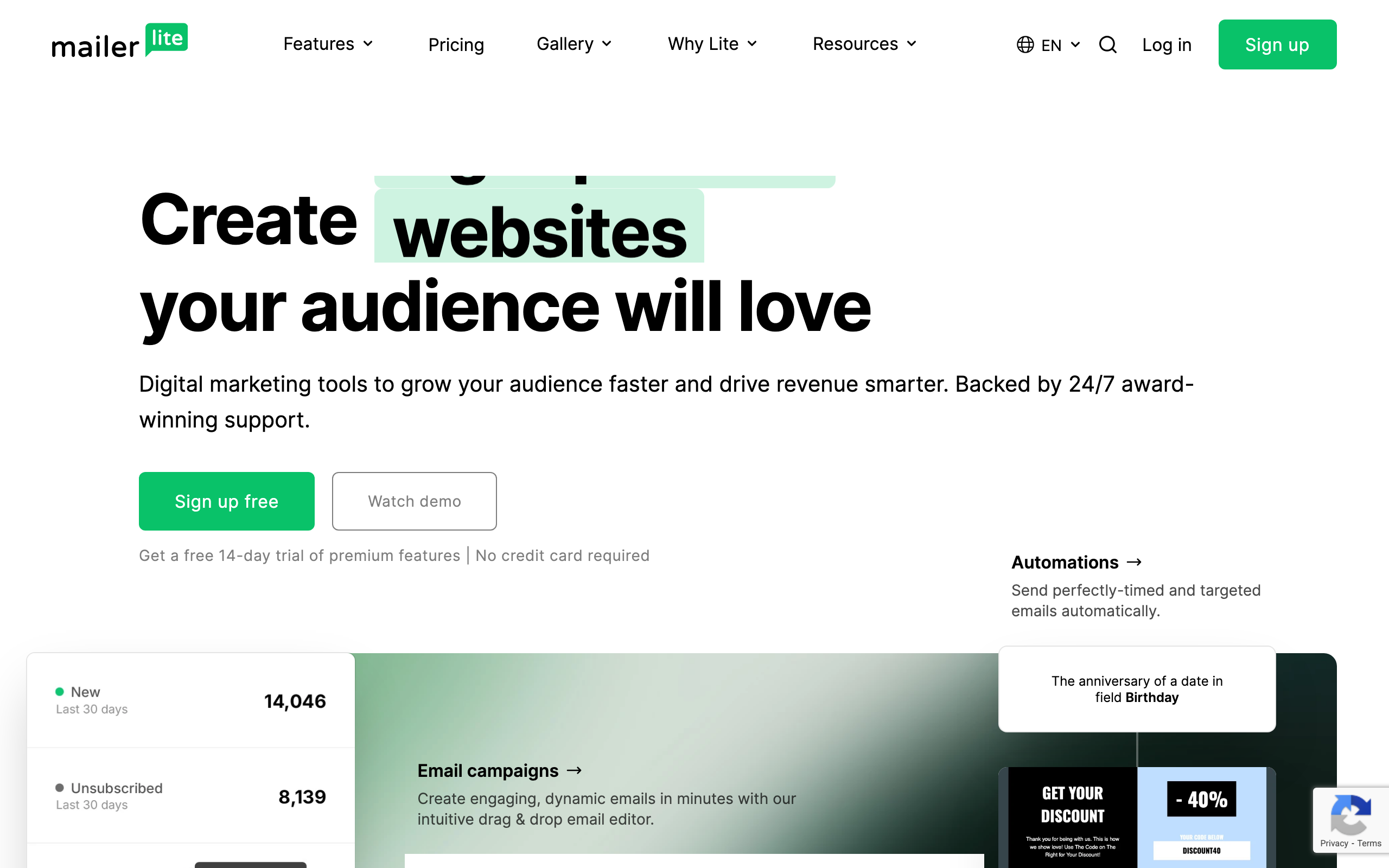
Best for: Budget-conscious teams wanting a clean, simple combined platform
MailerLite is the budget-friendly alternative to Mailchimp with a noticeably cleaner interface. The editor is simple, the templates are restrained, and the pricing is honest. It handles both transactional (via API and SMTP) and marketing email with enough features for most small businesses.
The automation features are capable but not as powerful as dedicated marketing automation platforms. You get basic workflows, autoresponders, and segmentation. For simple transactional emails (receipts, notifications), the API works fine. For complex lifecycle automation, you'll hit limits.
What MailerLite does well: keep it simple. The interface is intuitive, the free tier is generous (1,000 subscribers), and the paid plans are affordable. If you're a small business or startup needing both email types without enterprise complexity, MailerLite is a solid middle ground.
- Transactional strength: API and SMTP access, basic templates, decent deliverability
- Marketing strength: Campaigns, basic automation, autoresponders, segmentation
- Pricing: Free up to 1,000 subscribers, from $10/month
- Pros: Cheap, clean interface, simple editor, decent API, good free tier, easy to use
- Cons: Limited automation power, no advanced workflows, not developer-focused, basic reporting
11. EmailOctopus
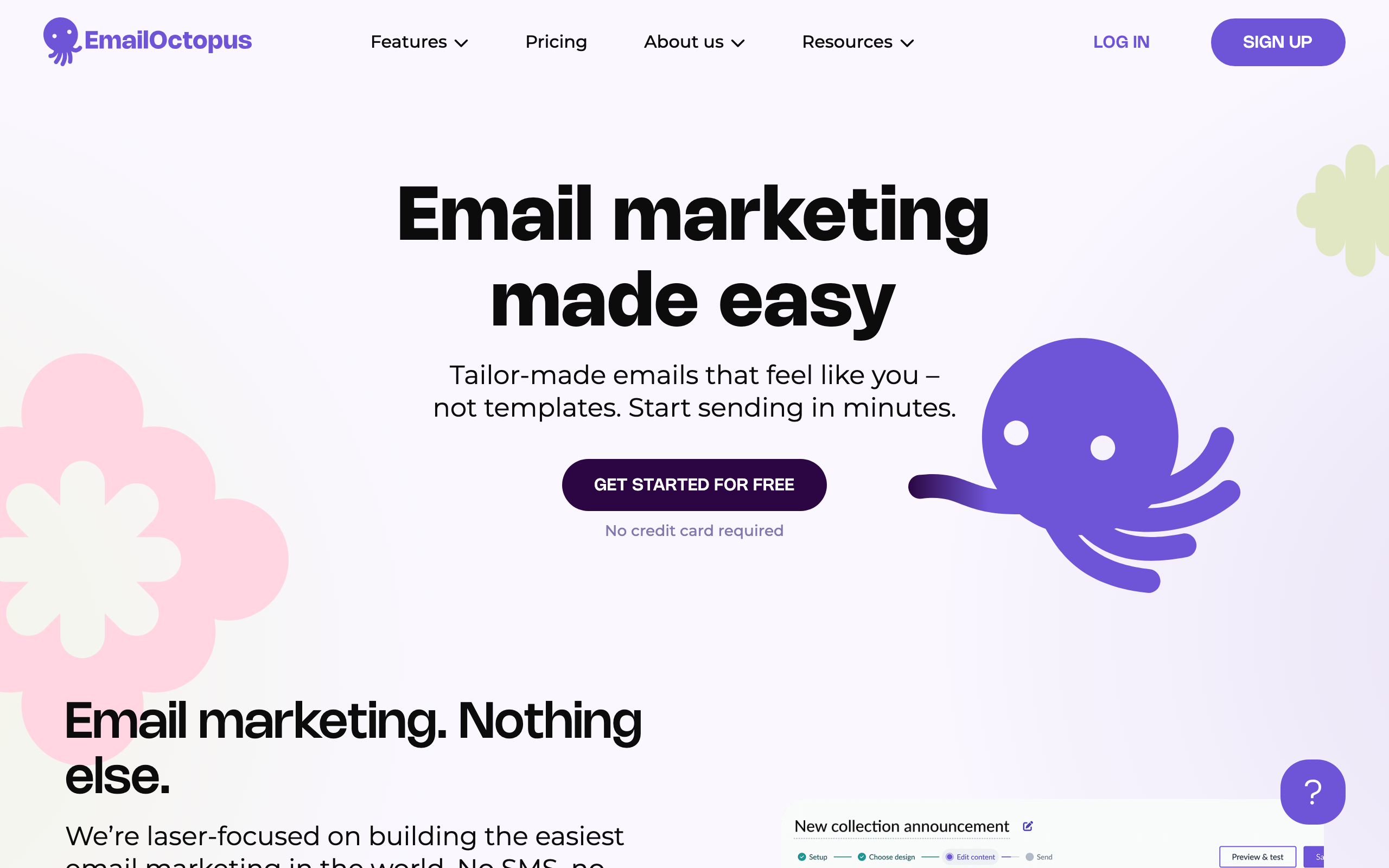
Best for: Cost-conscious senders who don't need fancy features
EmailOctopus is a UK-based email tool with two modes: a fully hosted product with their own infrastructure (Pro plan) and a thinner UI on top of Amazon SES (Connect plan). For teams with tight budgets, the SES-backed plan is among the cheapest options that still gives you a usable web UI.
The product itself is plain. The editor is functional, the templates are fine, the analytics cover the basics. Nothing is exceptional, but nothing is broken either. Transactional sending is available via API and SMTP, and marketing campaigns are straightforward. If you mostly want to send both email types without enterprise features, EmailOctopus does the job for less than almost anything else.
The SES-backed option is the real value proposition. You get EmailOctopus's UI on top of SES's infrastructure at $0.10 per 1,000 emails. For teams comfortable with AWS infrastructure but wanting a web interface, this is a sweet spot between DIY and enterprise pricing.
- Transactional strength: API and SMTP (Pro) or SES backend (Connect), basic templates
- Marketing strength: Campaigns, autoresponders, basic segmentation, simple automation
- Pricing: Free up to 2,500 subscribers, from $9/month
- Pros: Very cheap, generous free tier, SES-backed option, decent deliverability, simple interface
- Cons: No markdown, basic editor, weak automation, not developer-focused, limited features
12. Loops
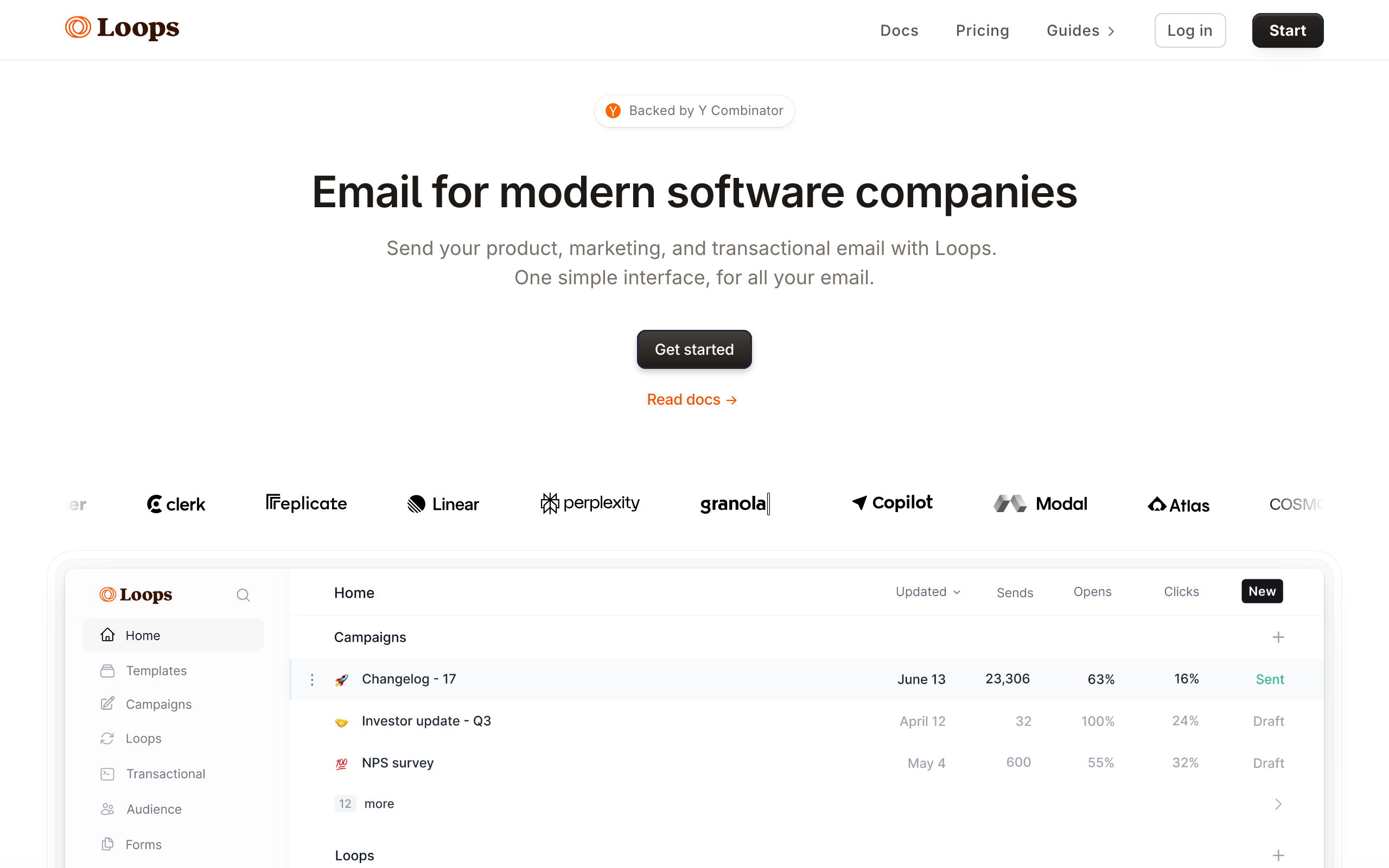
Best for: SaaS companies sending product updates and lifecycle email
Loops is built for SaaS companies and targets a developer audience. The interface is clean and modern, the API is developer-friendly, and the email editor supports the kind of simple, text-focused emails that developers prefer. It handles both transactional and marketing email with an event-driven architecture.
For SaaS companies sending product update newsletters and lifecycle emails (onboarding, dunning, retention), Loops provides unified infrastructure. Your newsletter and your product emails run from the same platform, sharing subscriber data and engagement history.
The event-driven model means your product can trigger emails based on user actions. When a user upgrades, cancels, or hits a usage threshold, Loops sends the appropriate email. This event-driven approach unifies transactional and marketing sending under the same automation framework, which is more natural than separating them.
- Transactional strength: API access, event triggers, clean templates, fast delivery
- Marketing strength: Campaigns, event-driven automations, user segments, product updates
- Pricing: Free for 1,000 contacts, from $49/month
- Pros: Developer-focused, SaaS-oriented, modern, event-driven, clean email defaults, good API
- Cons: Higher price point, simpler than dedicated marketing tools, basic editor, smaller ecosystem
13. Kit (ConvertKit)
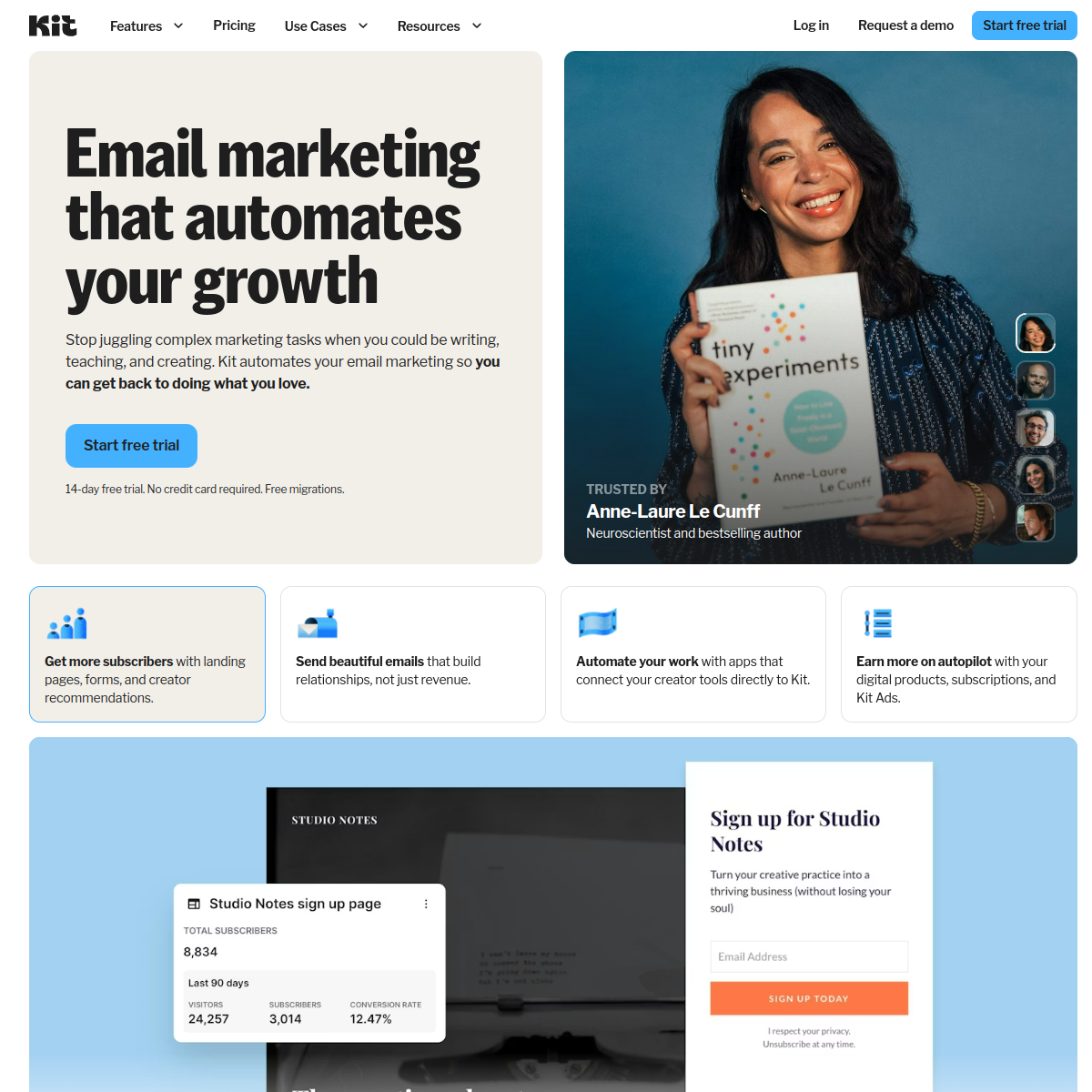
Best for: Creator businesses with SaaS products or digital products
Kit (formerly ConvertKit) is popular among creators and has expanded into SaaS territory. The platform handles both transactional (via API) and marketing email with a creator-friendly interface. For creator businesses selling digital products, courses, or SaaS alongside newsletters, Kit provides unified tools.
The transactional side is newer and less mature than dedicated providers. The marketing automation is solid, with visual workflows, tagging, and segmentation. Where Kit shines is creator monetization: selling courses, ebooks, memberships, and paid newsletters. If your business combines content creation with SaaS, Kit's commerce features are compelling.
The automation features are powerful but oriented toward creator funnels rather than SaaS lifecycle. You can build sophisticated sequences, but event-driven triggers based on product usage require more setup. For SaaS products with a creator component (courses, content, community), Kit is worth considering.
- Transactional strength: API access, basic templates, adequate deliverability
- Marketing strength: Visual automations, tagging, sequences, creator monetization
- Pricing: Free up to 10,000 subscribers, from $29/month
- Pros: Creator monetization, generous free tier, proven platform, powerful automations, good tagging
- Cons: Transactional is newer and less mature, creator-focused not SaaS-focused, no advanced event triggers
14. ActiveCampaign
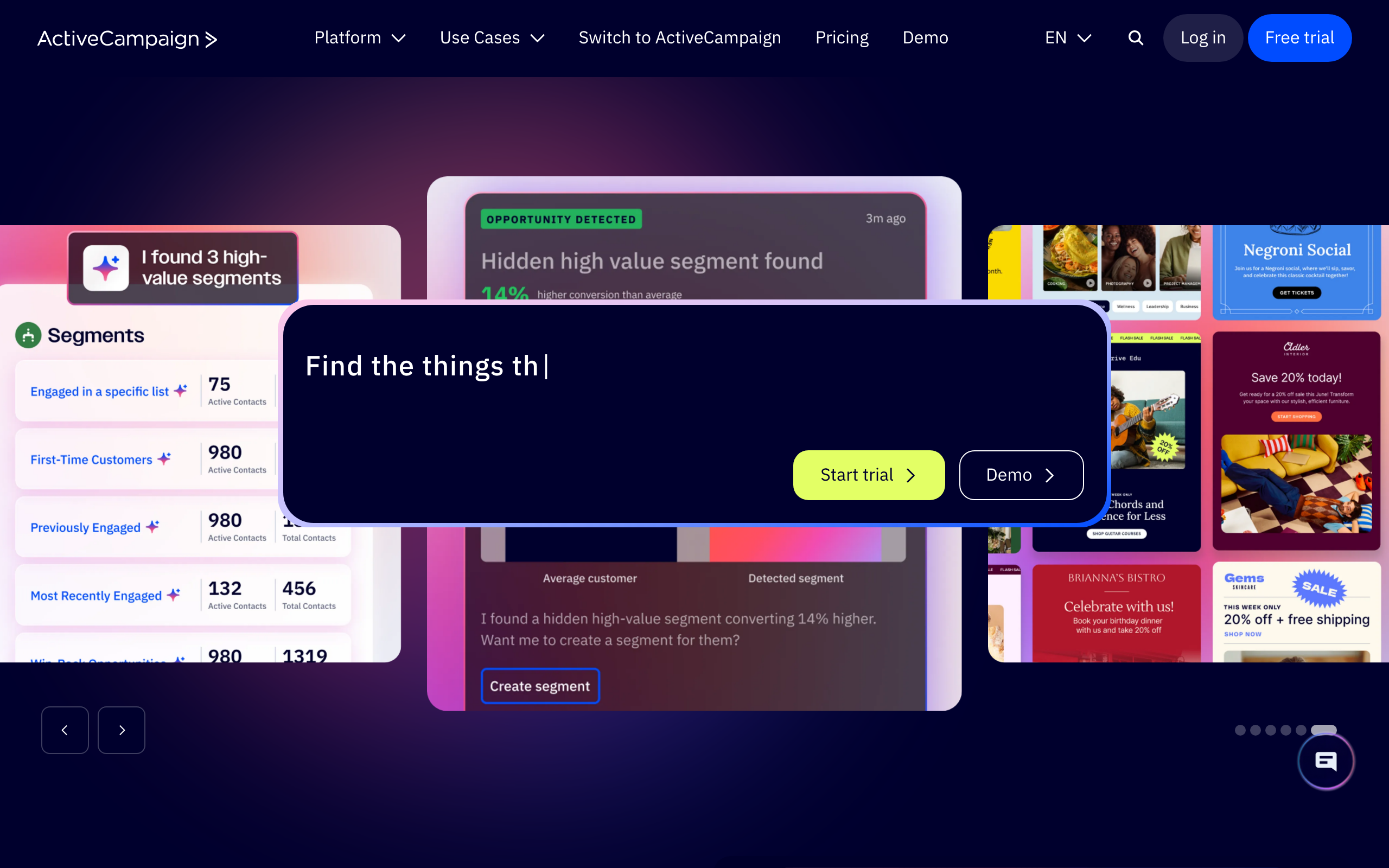
Best for: Small businesses needing sales-focused email automation
ActiveCampaign combines email marketing with a built-in CRM and sales automation. The platform handles both transactional (via API) and marketing email, with a heavy emphasis on sales funnels and lead scoring. For small businesses where email ties directly to sales, this unified approach is valuable.
The automation builder is powerful and visual. You can create complex workflows that span email marketing, sales follow-ups, and deal stages. Transactional emails (quotes, invoices, notifications) integrate with these workflows, so a quote email can trigger a sales follow-up sequence automatically.
The trade-off is complexity. ActiveCampaign has a learning curve, and the feature set is broader than most SaaS companies need. If you're running a sales-driven business with a CRM, the integration is valuable. If you're a developer-focused SaaS, the sales features may feel like bloat.
- Transactional strength: API access, CRM integration, sales-focused templates
- Marketing strength: Advanced automations, CRM, lead scoring, sales funnels
- Pricing: From $29/month
- Pros: Powerful automation, built-in CRM, sales-focused, good for small businesses, proven platform
- Cons: Complex interface, overkill for simple needs, sales-focused not SaaS-focused, steeper learning curve
15. GetResponse
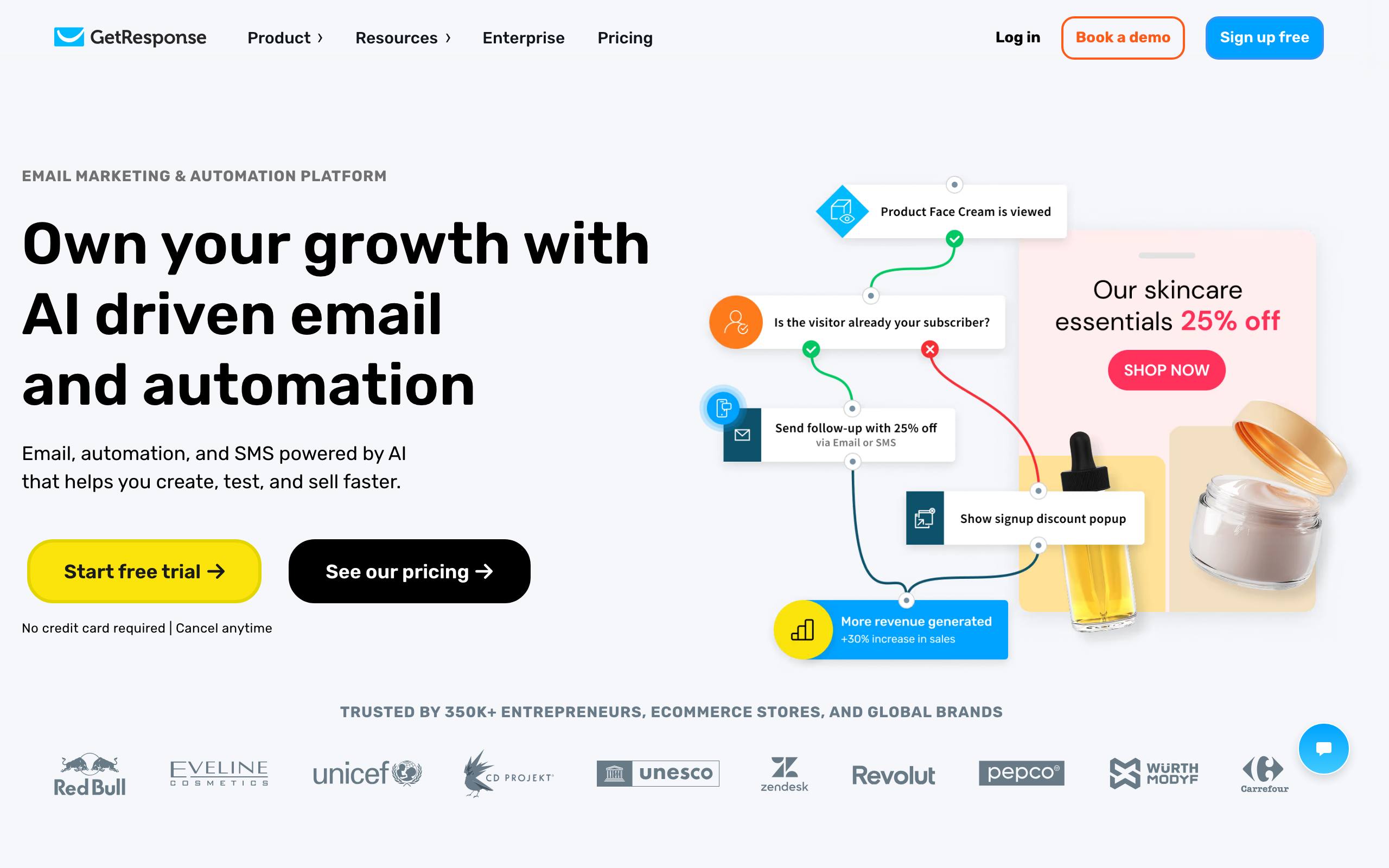
Best for: E-commerce teams wanting automation with marketing features
GetResponse is an established email marketing platform that added transactional sending and e-commerce features. The platform includes email marketing, automation, landing pages, and webinars, with transactional email available via API. For e-commerce businesses, the integration between email marketing and product data is the main draw.
The automation features are comprehensive, with visual workflows and pre-built templates for common e-commerce scenarios (abandoned cart, product recommendations, post-purchase sequences). Transactional emails (order confirmations, shipping notifications) integrate with these automations, creating unified customer journeys.
The interface is functional but feels dated compared to newer tools. The feature set is broad, which is great for e-commerce teams that need landing pages and webinars alongside email. For pure SaaS products, the e-commerce focus may be overkill.
- Transactional strength: API access, e-commerce templates, adequate deliverability
- Marketing strength: Advanced automations, landing pages, webinars, e-commerce integrations
- Pricing: From $19/month
- Pros: E-commerce features, advanced automation, landing pages, webinars, integrations
- Cons: Dated interface, e-commerce focus not ideal for all SaaS, complex feature set
16. AWeber
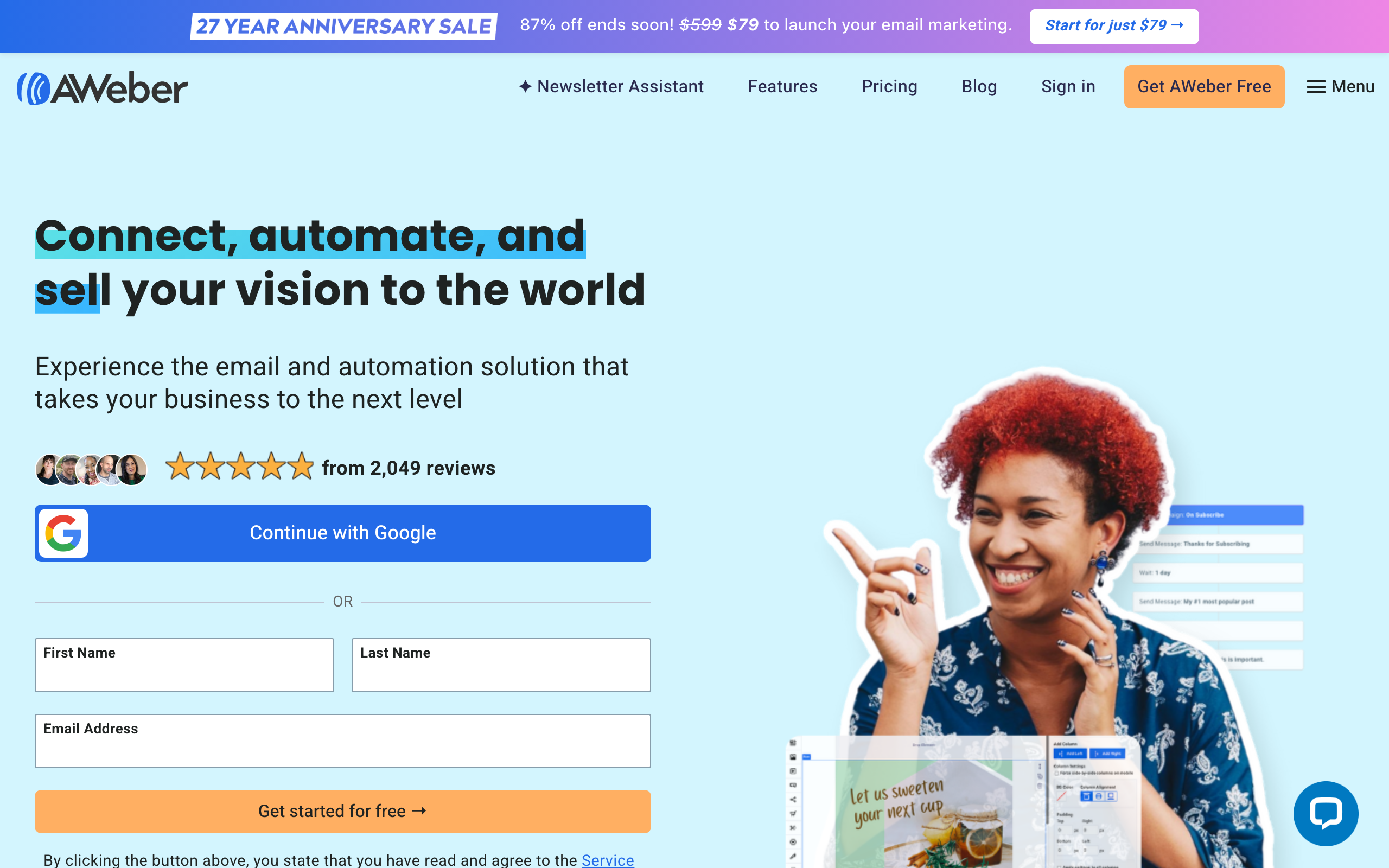
Best for: Long-running newsletter businesses adding transactional sending
AWeber is one of the oldest email marketing platforms, with a focus on newsletters and creator businesses. The platform recently added API access for transactional sending, making it a viable option for businesses that want both email types in one established platform.
The automation features are straightforward: autoresponders, tag-based segmentation, and basic sequences. For simple lifecycle email (welcome series, broadcast announcements, basic nurture sequences), AWeber covers the fundamentals. The transactional API is newer and less powerful than dedicated providers.
AWeber's strength is reliability and longevity. The platform has been around for decades, and many long-running newsletters rely on it. If you're running an established newsletter business and want to add transactional email without migrating to a new platform, AWeber is a safe, conservative choice.
- Transactional strength: API access, basic templates, proven deliverability
- Marketing strength: Autoresponders, broadcasts, tag-based segmentation, simple automation
- Pricing: From $29/month
- Pros: Long-running reliable platform, proven for newsletters, straightforward interface, good deliverability
- Cons: Dated interface, basic automation, transactional is newer and less mature, not developer-focused
17. Omnisend
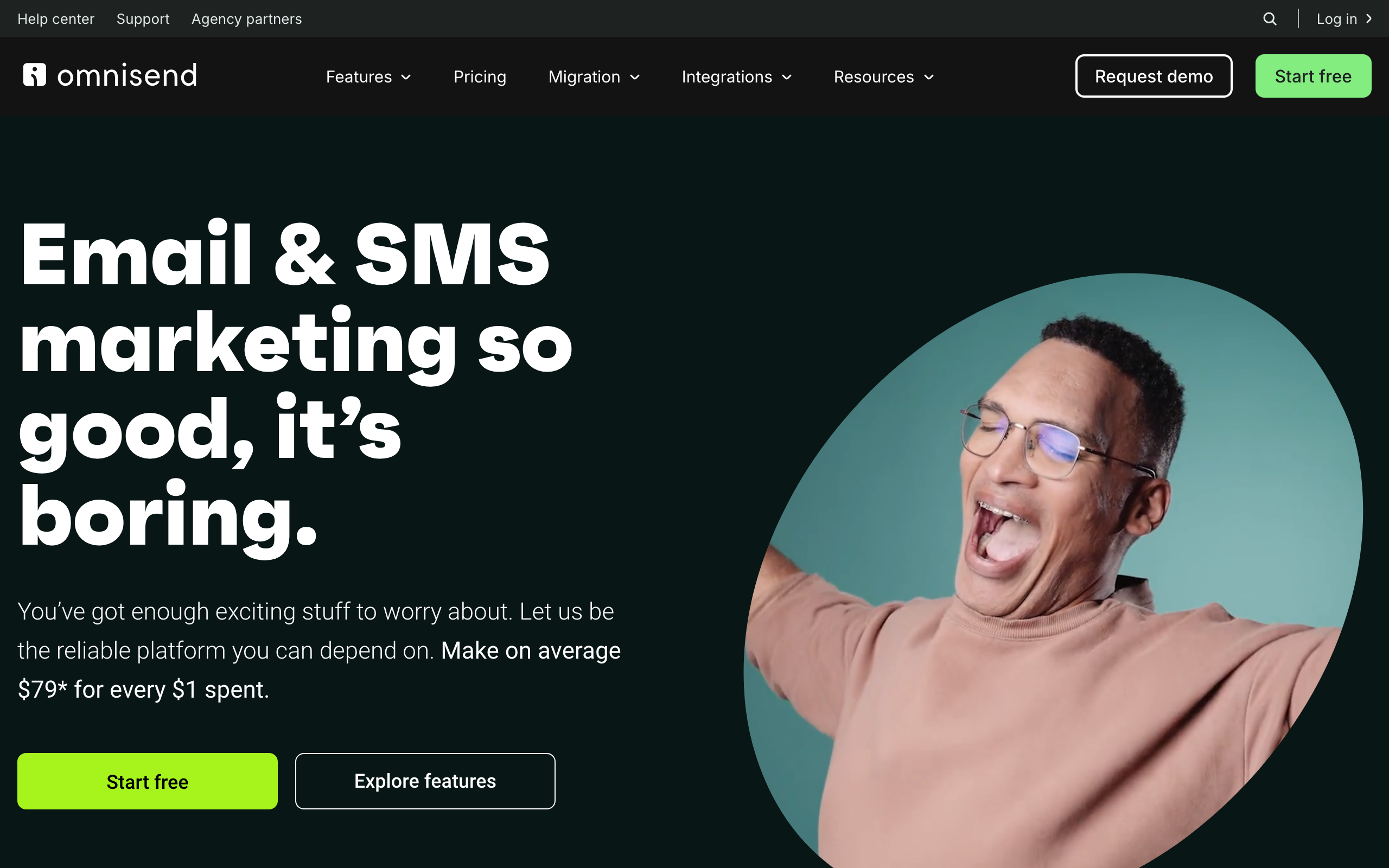
Best for: E-commerce stores wanting omnichannel messaging (email + SMS)
Omnisend focuses on e-commerce email and SMS marketing. The platform handles both transactional (order confirmations, shipping updates) and marketing email, with a strong emphasis on e-commerce workflows. For online stores, the integration between email marketing and shop data is the main value.
The automation features are e-commerce-specific: abandoned cart, product recommendations, browse abandonment, post-purchase sequences. Transactional emails integrate with these workflows, so an order confirmation can trigger a review request sequence after a set delay. The SMS marketing features are integrated, so you can coordinate email and SMS campaigns.
Omnisend is less suitable for SaaS products. The e-commerce focus means the templates, automations, and data model are shaped around product catalogs and order history. If you're running an e-commerce store, it's a solid choice. For SaaS, look elsewhere.
- Transactional strength: E-commerce templates (orders, shipping), API access
- Marketing strength: E-commerce automations, SMS integration, product recommendations
- Pricing: From $19/month
- Pros: E-commerce focus, SMS integration, product recommendations, proven for online stores
- Cons: E-commerce focus not suitable for SaaS, smaller feature set than generalist tools
18. Campaign Monitor
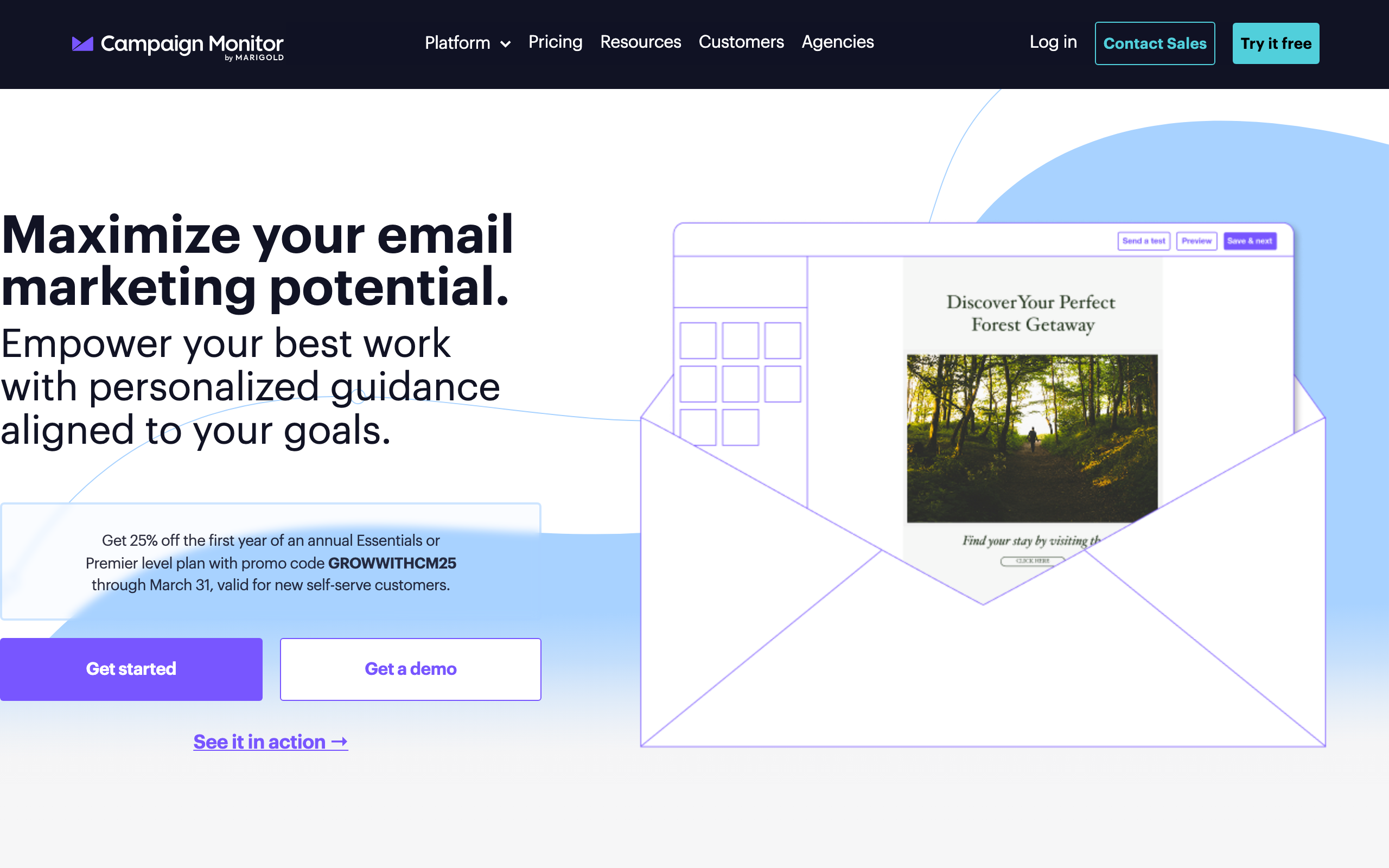
Best for: Design-focused teams wanting custom-branded emails
Campaign Monitor (part of the CM Group) emphasizes design and branding. The platform handles both transactional (via API) and marketing email, with a focus on custom templates and brand consistency. For teams where email design is critical, Campaign Monitor's template builder is a strength.
The automation features are capable but not as powerful as dedicated marketing automation platforms. You get basic workflows, autoresponders, and segmentation. The transactional API supports custom templates, so your transactional emails can match your branding. The platform integrates with major CMS platforms and e-commerce tools.
Campaign Monitor is less suitable for developers or API-first teams. The focus is on the design and marketing side, with API access as an afterthought. For design-focused marketing teams, the template builder and brand management features are valuable. For SaaS products, the design-first approach may feel backwards.
- Transactional strength: API access, custom templates, brand consistency
- Marketing strength: Visual automation, template builder, brand management, integrations
- Pricing: From $12/month
- Pros: Design-focused, custom templates, brand management, good for marketing teams
- Cons: Not developer-focused, automation is basic, design-first not ideal for SaaS
19. Moosend
Best for: Budget teams wanting automation features at a low price
Moosend is a budget-friendly email marketing platform that handles both transactional (via API) and marketing email. The automation features are surprisingly capable for the price, with visual workflows and segmentation. For small businesses and startups needing automation without enterprise pricing, Moosend is a good value.
The automation builder supports triggers, actions, and conditions for creating complex workflows. You can build welcome sequences, abandoned cart emails, and basic nurture sequences. The transactional API is straightforward and works for common use cases like password resets and notifications.
Moosend's weakness is maturity. The platform is newer and less battle-tested than established options. Deliverability is decent but not best-in-class. If budget is your primary constraint and you need automation features, Moosend is worth considering. If you need enterprise-grade reliability and support, look elsewhere.
- Transactional strength: API access, basic templates, adequate deliverability
- Marketing strength: Visual automation, segmentation, autoresponders, landing pages
- Pricing: Free up to 1,000 subscribers, from $9/month
- Pros: Cheap, capable automation, visual workflow builder, landing pages, easy to use
- Cons: Newer platform, less mature than established options, deliverability not best-in-class, smaller ecosystem
20. HubSpot
Best for: Companies already invested in the HubSpot ecosystem
HubSpot's marketing platform includes email marketing with transactional sending via API. For companies already using HubSpot's CRM, the tight integration between email, CRM, and marketing automation is valuable. The platform handles both transactional and marketing email with a focus on inbound marketing and lead nurturing.
The automation features are powerful and tightly integrated with the CRM. You can build sophisticated workflows that span email marketing, lead scoring, and deal stages. Transactional emails integrate with these workflows, so a quote email can update a deal and trigger a sales follow-up.
HubSpot is expensive and overkill for most small SaaS companies. The value proposition is strongest for companies already using HubSpot's CRM or marketing tools. If you're all-in on HubSpot, adding email makes sense. If you're not, the cost and complexity are hard to justify versus focused email platforms.
- Transactional strength: API access, CRM integration, personalization
- Marketing strength: Advanced automation, CRM integration, lead scoring, inbound marketing
- Pricing: Free tier (limited), from $45/month for marketing features
- Pros: Powerful CRM integration, advanced automation, inbound marketing features, enterprise-grade
- Cons: Expensive, overkill for small teams, complex, HubSpot ecosystem required for full value
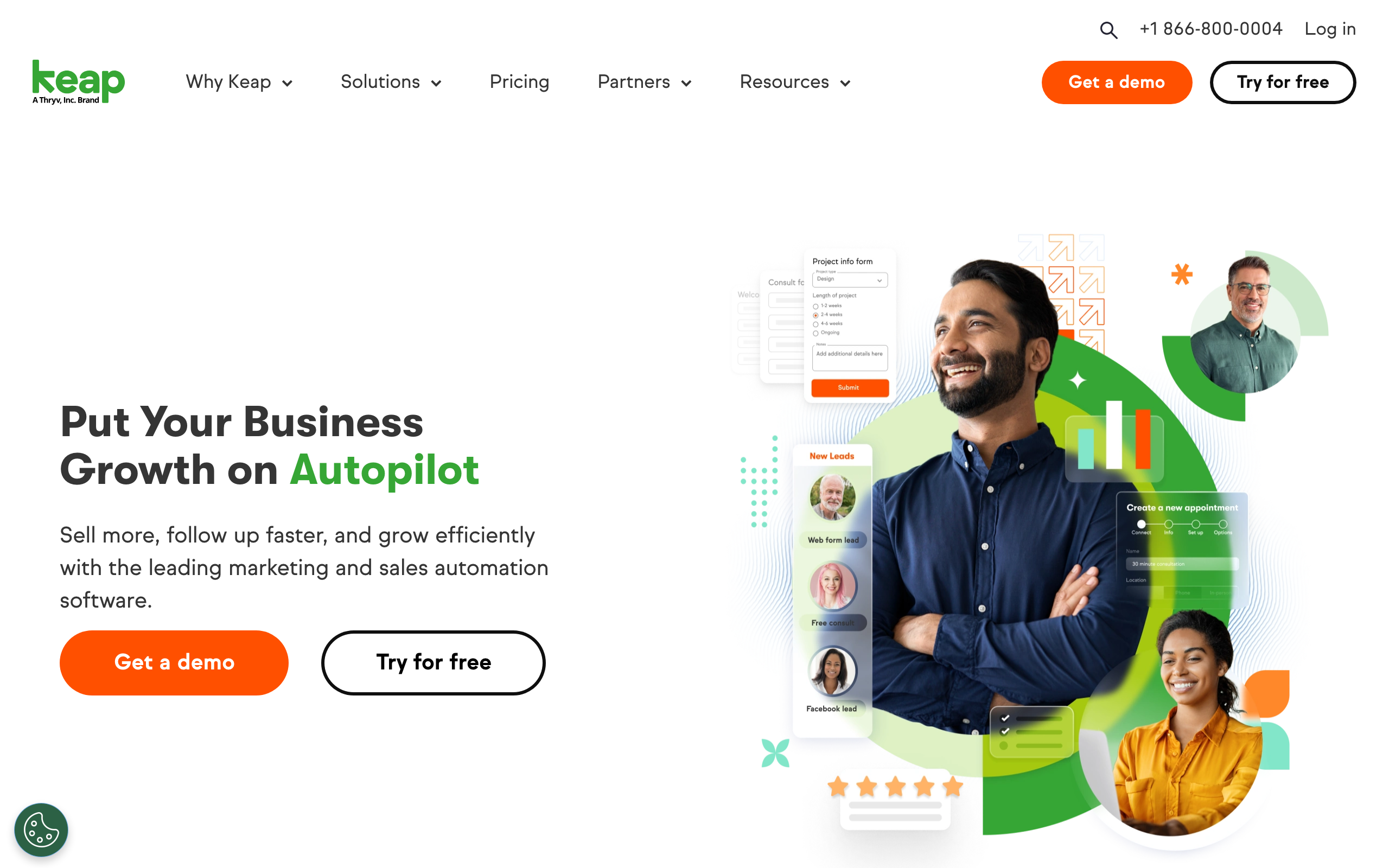
21. Keap (formerly Infusionsoft)
Best for: Small businesses needing built-in CRM with email automation
Keap (formerly Infusionsoft) combines email marketing with a small business CRM and sales automation. The platform handles both transactional (via API) and marketing email, with a focus on small business workflows like appointments, invoices, and lead follow-up.
The automation features are powerful and complex. You can build sophisticated sequences that span email marketing, appointments, invoices, and sales follow-ups. Transactional emails (invoices, appointment confirmations) integrate with these workflows, creating unified customer journeys. The built-in CRM means all customer data lives in one place.
Keap is expensive and has a steep learning curve. The platform is designed for small businesses with complex sales cycles, not for SaaS products. If you're running a service-based business with appointments, invoices, and lead nurturing, Keap's unified approach is valuable. For SaaS, the small business focus is a mismatch.
- Transactional strength: API access, invoice templates, appointment reminders
- Marketing strength: Advanced automation, built-in CRM, appointment scheduling, invoicing
- Pricing: From $129/month
- Pros: Built-in CRM, advanced automation, appointment scheduling, invoicing, unified small business tools
- Cons: Expensive, steep learning curve, small business focus not suitable for SaaS, complex interface
Comparison at a Glance
When choosing between these platforms, consider where you are and what you need:
Early stage, want simplicity: Sequenzy or Resend. Both handle both types with minimal setup.
Developer-first, want control: Resend or Mailgun. Best APIs and developer experience.
Budget is the priority: Brevo, EmailOctopus, or Amazon SES. Most email per dollar.
Transactional deliverability is critical: Postmark. Nothing beats their inbox placement for transactional email.
Need sophisticated automation: Customer.io, ActiveCampaign, or HubSpot. Powerful workflow engines for complex use cases.
E-commerce focus: GetResponse or Omnisend. E-commerce-specific features and integrations.
Already in a CRM ecosystem: HubSpot or ActiveCampaign. Stay where your data lives.
How to Evaluate a Combined Platform
Beyond the feature list, there are several practical considerations that determine whether a combined platform will actually work for your team.
Deliverability isolation
The most important question: does the platform keep transactional and marketing email on separate sending infrastructure? Marketing emails generate more spam complaints by nature. If a marketing campaign hurts your sender reputation, you don't want your password reset emails landing in spam too.
Good platforms solve this with:
- Separate IP pools for transactional and marketing
- Subdomain isolation (e.g.,
mail.yourdomain.comfor transactional,marketing.yourdomain.comfor campaigns) - Separate message streams that track reputation independently
Ask any platform you're evaluating: "If my marketing emails get a spike in spam complaints, will it affect my transactional email delivery?" If they can't give you a clear answer, that's a red flag.
API design for both use cases
Transactional and marketing emails have different API needs. Transactional APIs need to be fast (sub-second response), accept dynamic data per recipient, and handle high concurrency. Marketing APIs need to handle list management, segmentation, and batch operations.
Good combined platforms design their API to handle both patterns natively. Watch out for platforms that clearly built one side first and bolted the other on. The bolted-on side usually has a weaker API, fewer endpoints, and worse documentation.
Template management
You'll want different template workflows for each email type:
- Transactional templates should be version-controlled, support dynamic variables, and update instantly. You don't want to schedule a transactional template change.
- Marketing templates benefit from visual builders, A/B testing, and approval workflows.
The best combined platforms let you manage both template types within the same system but with appropriate workflows for each.
Analytics and reporting
Combined platforms should give you unified analytics while still letting you filter by email type. You want to answer questions like:
- "What's our overall deliverability rate?" (combined view)
- "What's the open rate on our marketing campaigns?" (filtered view)
- "Which users received a transactional email but haven't opened any marketing emails?" (cross-type query)
That last query is where combined platforms shine. Cross-referencing transactional and marketing engagement in one system reveals insights you'd miss with separate tools.
The Real Trade-offs
Deliverability Separation
The main argument against combining transactional and marketing is deliverability risk. Marketing emails get more spam complaints, which can affect sender reputation. If transactional and marketing share the same sending infrastructure, a spam complaint on a campaign could theoretically impact your password reset delivery.
Good combined platforms handle this with separate sending streams, different IPs, or subdomain isolation. Ask how any combined platform handles reputation separation before committing.
Feature Depth vs. Breadth
Dedicated transactional services (Postmark) have deeper transactional features. Dedicated marketing platforms (Kit, Mailchimp) have deeper marketing features. Combined platforms trade some depth for the convenience of one system.
For most SaaS companies under 50,000 subscribers, a good combined platform has enough depth on both sides. You'd only need to split when you hit scale that demands specialized infrastructure.
Vendor Lock-in
With a combined platform, you're putting more eggs in one basket. If the platform has an outage, both your transactional and marketing email go down. If you need to migrate, you're moving everything at once.
Mitigate this by choosing platforms with good data export, standard APIs, and no proprietary template formats. If you can export your subscriber data and templates cleanly, switching is painful but possible.
Common Use Cases for Combined Platforms
SaaS onboarding flows
The most common reason SaaS companies want a combined platform: onboarding spans both email types. The welcome email (transactional) should flow naturally into the onboarding sequence (marketing). When both live in the same system, you can build a single automation that handles the entire flow.
Payment and billing emails
Payment receipts are transactional. Dunning sequences for failed payments are marketing. Upgrade prompts based on usage are marketing. Cancellation confirmations are transactional. A combined platform handles this entire lifecycle in one place, especially when paired with a Stripe integration. See our guide on invoice and receipt email automation for best practices.
Feature announcements
When you ship a new feature, you might send a transactional notification to users who specifically requested it, and a marketing campaign to your broader user base. Combined platforms let you coordinate these sends, avoid duplicates, and track engagement across both.
Account lifecycle
The full lifecycle of a user account involves both email types: verification (transactional), onboarding (marketing), usage notifications (transactional), upgrade prompts (marketing), renewal reminders (marketing), cancellation confirmation (transactional). A combined platform gives you one timeline per user showing every email they've received.
FAQ
Is it safe to send transactional and marketing from the same domain? Yes, if the platform uses separate sending streams. Most good combined platforms send transactional and marketing through different IP pools or subdomains, keeping reputation isolated.
Will I save money with a combined platform? Usually yes. Two separate tools at 10,000 contacts might cost $50 + $70 = $120/month. A combined platform at the same volume is typically $30-100/month.
What if I outgrow the combined platform? Most combined platforms let you export your data. If you eventually need separate specialized tools, you can migrate. Starting combined and splitting later is easier than the reverse.
Do combined platforms have worse deliverability? Not inherently. Deliverability depends on the platform's infrastructure, your sending practices, and your list quality. Some combined platforms (like Postmark) have best-in-class transactional deliverability.
Should I use transactional email for marketing to avoid spam filters? No. This is technically abuse of the transactional channel and can get your account suspended. Keep transactional for user-triggered, expected messages only.
How do I handle authentication (SPF, DKIM, DMARC) with a combined platform? The same way you would with any email platform: add DNS records as instructed. The advantage of a combined platform is you only do this once instead of twice. Most platforms provide clear setup instructions and verification tools.
What volume of email justifies a combined platform vs. separate tools? Even at low volumes, a combined platform simplifies your stack. The cost savings become significant around 5,000+ subscribers. Below that, the operational simplicity alone is usually worth it. For startups just getting started, our list of free email marketing tools includes options that handle both types.
Can I migrate from two separate tools to one combined platform? Yes. The typical process is: export subscribers from both tools, import to the combined platform, recreate templates, and rebuild automations. Budget 2-4 weeks for a complete migration. The subscriber data merges easily; the automation reconstruction is where the work lives.
Which combined platform is best for SaaS specifically? For SaaS companies, the key differentiators are event-driven automation, Stripe integration, and unified subscriber profiles. Sequenzy and Customer.io are the strongest options for SaaS-specific use cases. For a broader comparison, our guide to the best email marketing tools for B2B SaaS covers the full landscape.