
The 21 Best Newsletter Platforms in 2026 (Tested & Compared)

Starting a newsletter in 2026 is one of the smartest moves you can make for your business, brand, or creative career. But the platform you choose matters more than most people realize. The wrong choice means fighting your tools instead of focusing on your writing.
I tested 21 newsletter platforms across the things that actually matter day to day: writing experience, growth tools, monetization options, deliverability, and pricing. Whether you're a solo writer building an audience, a media company scaling operations, or a SaaS team using newsletters as a marketing channel, there's a platform on this list that fits.
Best Newsletter Platform by Use Case
Best newsletter platform for SaaS and startup teams: Sequenzy
Sequenzy is the best fit when the newsletter is one part of a product email system. Product updates, lifecycle sequences, transactional emails, onboarding, and dunning can share the same subscriber profile instead of living in separate tools. Start with newsletter email templates, the transactional and marketing email guide, and SaaS onboarding email tools.
Best newsletter platform for a media business: Beehiiv
Beehiiv is the better choice when the newsletter itself is the business. It has the strongest built-in growth and monetization stack: recommendations, referrals, ad marketplace, paid subscriptions, and audience analytics. The Beehiiv comparison is the right next step if the goal is a standalone newsletter company.
Best newsletter platform for independent writers: Substack
Substack is strongest when speed, simplicity, and built-in discovery matter more than ownership and customization. It works well for writers who want to publish, collect subscribers, and test paid content without building a marketing stack. For broader audience-building use cases, see the newsletter writers guide.
Best newsletter platform for developer newsletters: Buttondown
Buttondown is the cleanest choice for technical writers who want markdown, code-friendly formatting, a simple archive, and minimal newsletter overhead. It is less of a marketing platform, but that is the point. Compare it in the Buttondown comparison and the developer newsletter tools guide.
Best newsletter platform for creator funnels: ConvertKit
ConvertKit is strongest when newsletters connect to courses, downloads, sponsorships, digital products, and creator-led sales funnels. It is more commercial than Substack and less media-focused than Beehiiv. The ConvertKit comparison is useful if the newsletter needs monetization and automation together.
Quick Comparison
| Tool | Best For | Pricing | Key Strength |
|---|---|---|---|
| Sequenzy | SaaS + startups | Free up to 2.5k emails/mo, from $19/mo | AI integration |
| Beehiiv | Newsletter businesses | Free to 2.5k subs, $49/mo+ | Monetization + growth |
| Substack | Independent writers | Free, 10% revenue cut | Built-in audience |
| ConvertKit (Kit) | Creators & bloggers | Free to 1k, $29/mo+ | Creator commerce |
| Buttondown | Minimalists & developers | Free to 100, $9/mo+ | Markdown native |
| Ghost | Publication-style | $9/mo+, free self-host | Open-source + memberships |
| MailerLite | Best free plan | Free to 1k, $10/mo+ | Value + simplicity |
| Mailchimp | All-in-one marketing | Free to 500, $13/mo+ | Mature ecosystem |
| Flodesk | Design-focused | $38/mo flat | Beautiful templates |
| ActiveCampaign | Advanced automation | $29/mo+ | Automation builder |
| GetResponse | Marketing suites | Free to 500, $19/mo+ | Webinars + funnels |
| AWeber | Small businesses | Free to 500, $15/mo+ | Support + simplicity |
| Constant Contact | Local businesses | $12/mo+ | Event marketing |
| Brevo | Budget-friendly | Free 300/day, $9/mo+ | Multi-channel |
| Sender | Best free tier | Free to 2.5k, $10/mo+ | Generous free plan |
| EmailOctopus | Budget newsletters | Free to 2.5k, $9/mo+ | Cheap on SES |
| HubSpot | Enterprise CRM | Free to 2k emails/mo, $20/mo+ | CRM integration |
| Omnisend | E-commerce newsletters | Free to 250, $16/mo+ | SMS + email |
| Drip | E-commerce automation | $39/mo+ | Revenue attribution |
| Sendy | Self-hosted at scale | $69 one-time | Pay once, run on SES |
| LinkedIn Newsletters | B2B reach | Free | Built-in audience |
What Newsletter Writers Actually Need
Writing experience. The editor is where you'll spend most of your time. Markdown native (Buttondown, Ghost), block-based WYSIWYG (Beehiiv, Substack), or drag-and-drop (Mailchimp, Flodesk). Pick the one that doesn't fight you. Bad editors quietly kill consistency.
Subscriber growth tools. Referral programs, recommendation networks, opt-in forms, landing pages, SEO archives. The platforms that take growth seriously (Beehiiv, Substack, ConvertKit) ship these as first-class features. Generic email tools bolt them on as afterthoughts.
Monetization (if relevant). Paid subscriptions, ad networks, digital product sales, sponsorships. Beehiiv and Substack handle this end-to-end. Most other tools require you to wire up Stripe yourself.
Deliverability. Inbox placement varies more than vendors admit. The reliable performers: Postmark, ActiveCampaign, Sequenzy, ConvertKit. Be skeptical of "99% delivery" claims, that's send rate, not inbox rate.
Honest pricing at your size. Quoted prices look good at the smallest tier. Run the math at 10,000 subscribers, the point where pricing models diverge dramatically. A "$13/mo" tool can easily hit $150/mo at 10k.
1. Sequenzy - Best for SaaS & Startup Newsletters
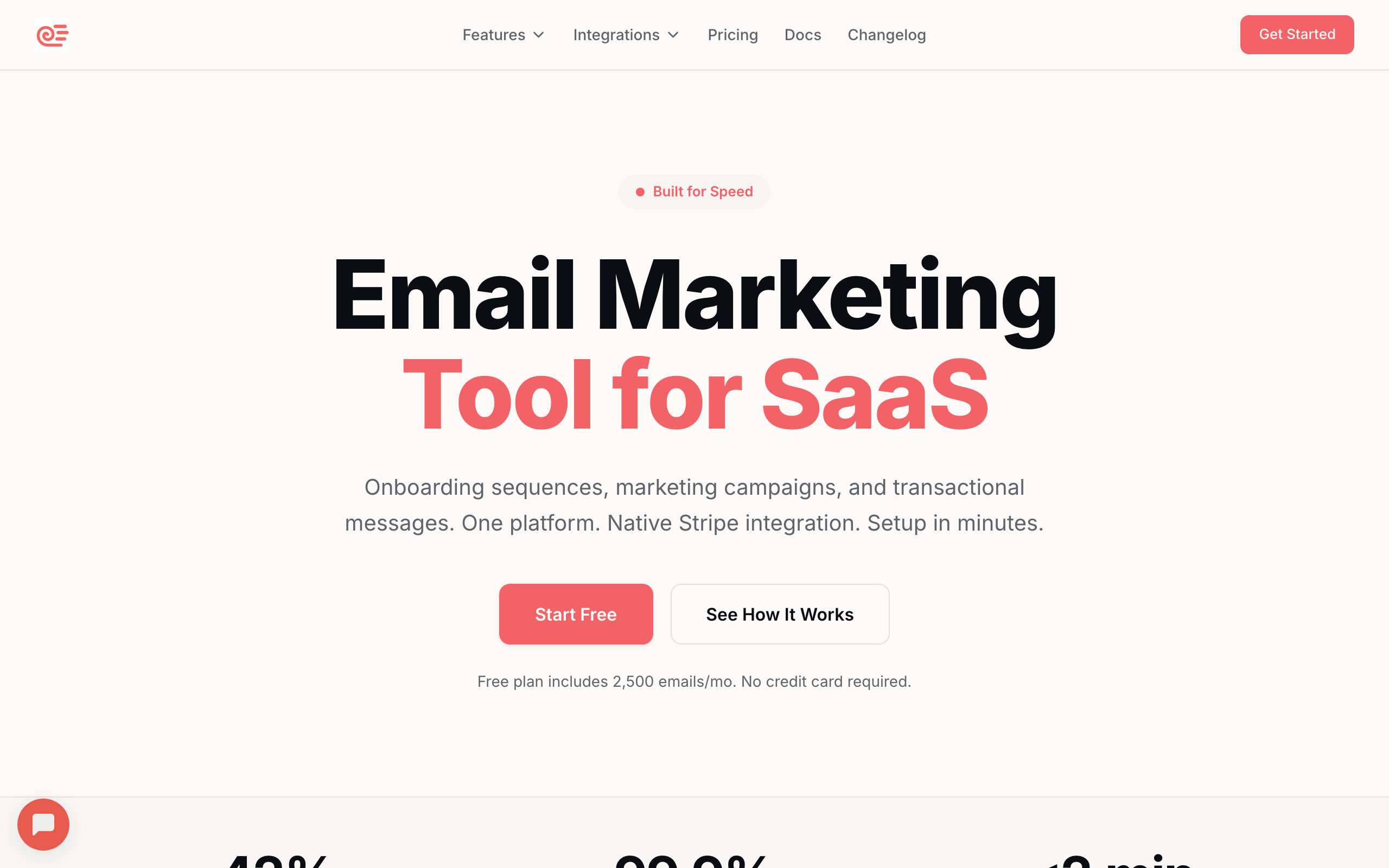
Best for: SaaS founders sending newsletters alongside lifecycle email
Sequenzy combines newsletter campaigns with lifecycle automation, transactional email, and AI-powered workflows in one platform. For SaaS teams whose newsletter audience overlaps with the product user base, the consolidation is the entire point.
The Stripe integration syncs MRR, plan tier, and payment events directly into your subscriber profiles. Segment newsletter subscribers by revenue, churn risk, or trial state. Trigger newsletter content based on product behavior. This is the type of joining that requires custom glue code in most other tools.
The AI integration is the standout feature for 2026. Generate full email sequences, write subject lines, draft campaign copy, and brainstorm content angles inside the editor. The MCP integration (docs) lets Claude and other LLMs operate Sequenzy directly, so you can manage subscribers, send campaigns, and pull analytics from your AI tooling. Read about Stripe email automation for the SaaS revenue use cases.
The unified platform argument matters more than it looks. Your onboarding sequences, product update newsletters, password resets, and dunning emails share the same subscriber data, the same domain reputation, and the same billing relationship. Two tools is two integrations to maintain, two suppression lists to sync, and two reports to reconcile.
Where Sequenzy isn't the answer: pure newsletter businesses that need a built-in ad network or recommendation engine (use Beehiiv), or writers who want zero technical setup (use Substack).
- Pricing: Free up to 2,500 emails/month, paid plans from $19/month
- Best for: SaaS founders and startup teams running newsletters next to product email
- Standout feature: AI integration, MCP support, native Stripe sync
- Pros: Newsletter + lifecycle + transactional in one platform, AI throughout, API-first, unified subscriber data
- Cons: No built-in ad network, no newsletter recommendation marketplace, newer than Mailchimp/AWeber
2. Beehiiv - Best for Newsletter Businesses
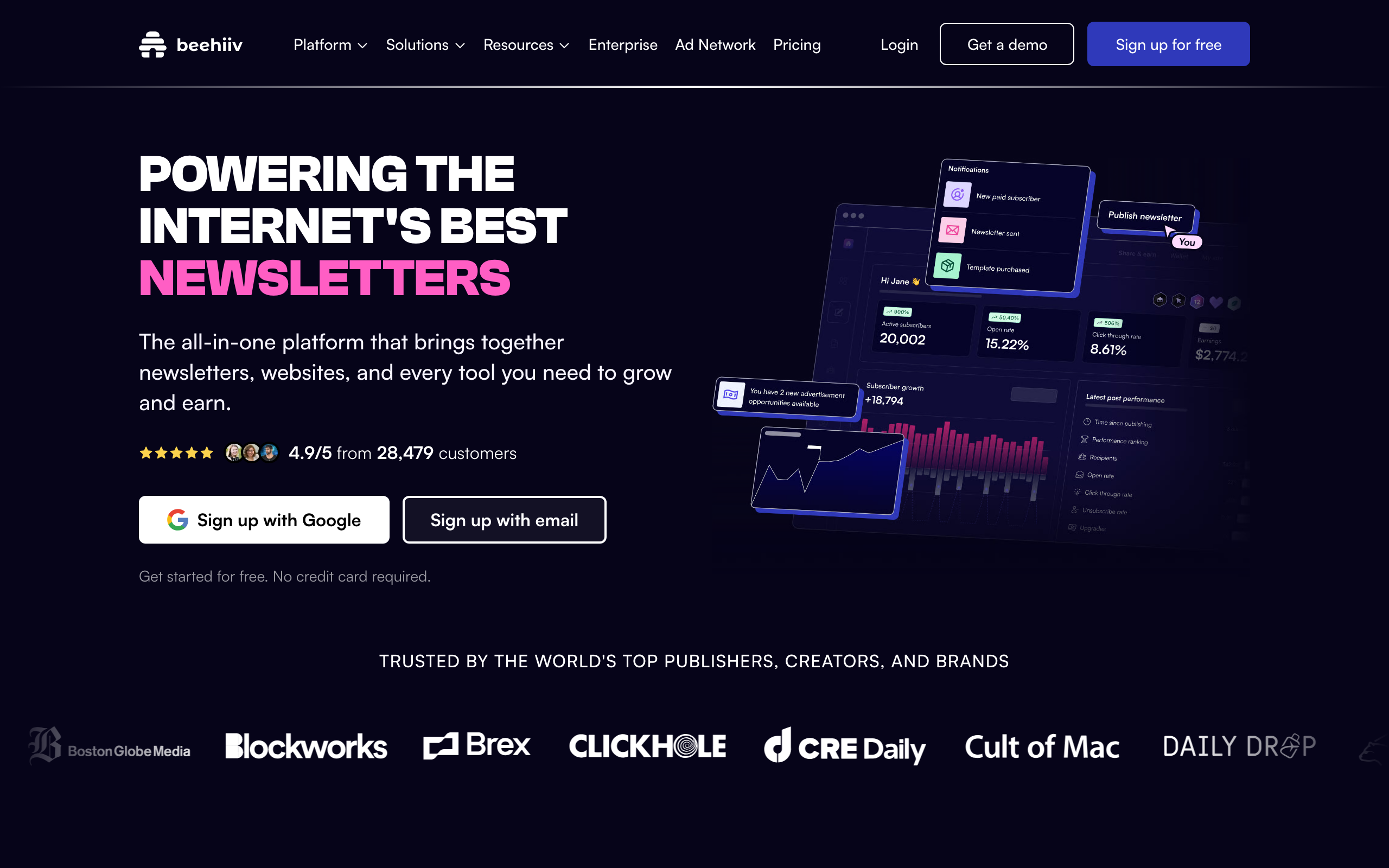
Best for: Operators treating their newsletter as a media business
Beehiiv is purpose-built for people building a business around their newsletter. If your newsletter IS the product (not a marketing channel), Beehiiv has the tooling: ad marketplace, paid subscriptions, referral programs, recommendation network.
The ad marketplace is the killer feature. Beehiiv matches newsletters with sponsors automatically, handles the contracts and payments, and takes a cut. For newsletters with 10k+ engaged subscribers, this can replace months of manual sponsor outreach with a single dashboard click.
The recommendation network swaps subscribers with complementary newsletters, often driving 20-30% of new subscriber growth on its own. Combined with the built-in referral program (one-click to enable), Beehiiv's growth tooling is the most opinionated and effective in the category.
Where Beehiiv falls short: limited automation (basic welcome sequences only), restrictive editor for technical content (code blocks are clunky), and monetization features locked behind paid tiers.
- Pricing: Free for up to 2,500 subscribers, paid plans from $49/month
- Best for: Independent newsletter writers, media companies, content creators
- Standout feature: Built-in ad marketplace and recommendation network
- Pros: Best-in-class growth tooling, ad revenue without manual sales, polished modern UI, healthy free tier
- Cons: Editor fights technical content, weak automation, monetization gated by paid plans
3. Substack - Best for Independent Writers
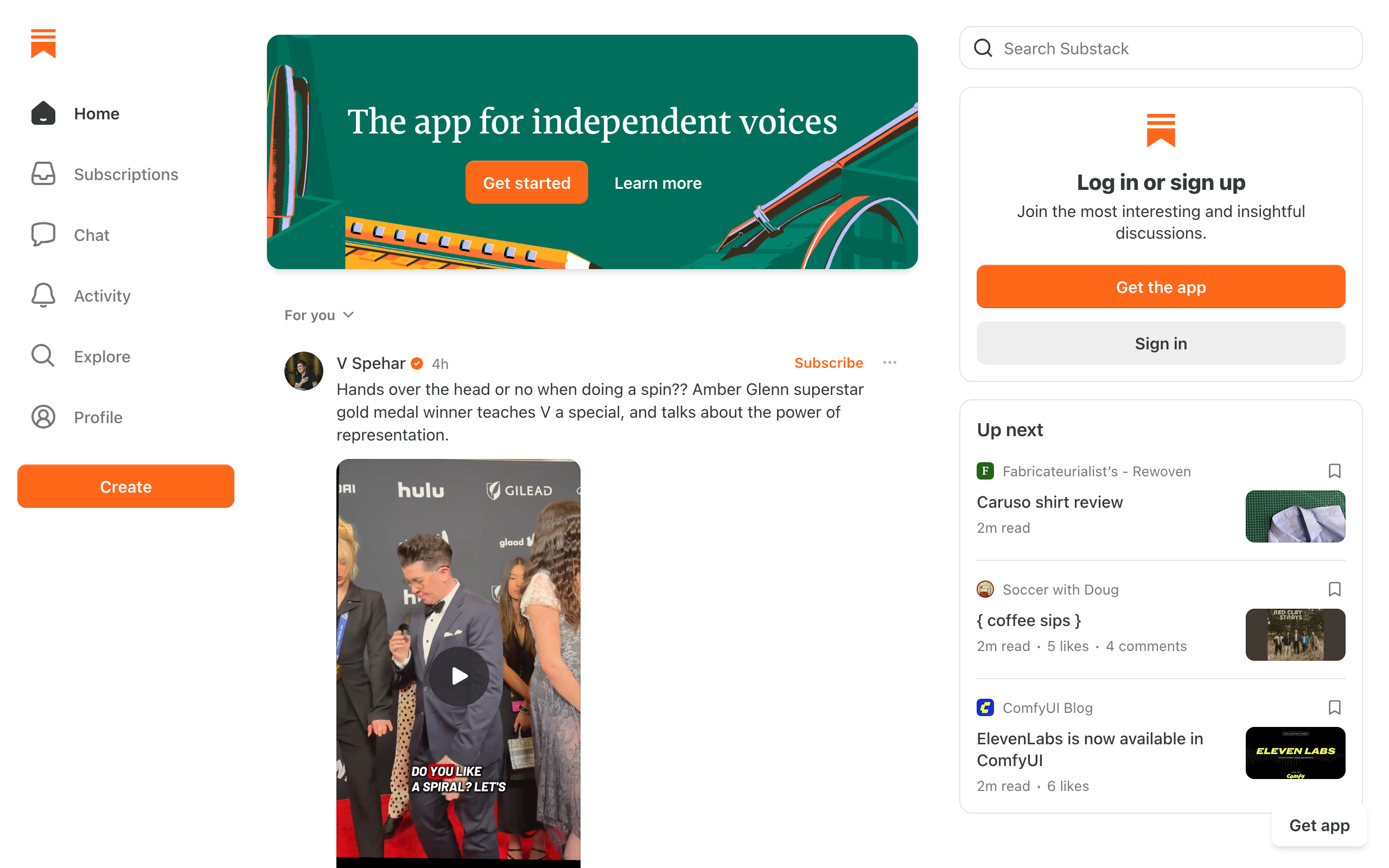
Best for: Writers who want zero setup and a built-in audience
Substack democratized paid newsletters. The simplicity is both its greatest strength and biggest limitation. You can go from zero to publishing in minutes, but you'll hit walls if you need anything beyond basic newsletter features.
The platform takes 10% of paid subscription revenue. That's real money at scale ($10k/year in subscriber revenue means $1k to Substack), but for writers starting from zero, the economics work because there's no upfront cost.
Substack's network effect is the unique value. The "Notes" social feed, recommendation engine, and discovery surfaces drive meaningful subscriber growth that's almost impossible to replicate on standalone tools. Some writers report 30-40% of their subscriber base came from Substack's internal recommendations.
The trade-offs: no automation, limited customization (every Substack looks the same), no API, basic analytics, and you don't truly own the audience. Exporting subscribers is possible but the platform benefits from lock-in.
- Pricing: Free (Substack takes 10% of paid subscription revenue)
- Best for: Writers, journalists, thought leaders validating paid newsletter ideas
- Standout feature: Built-in audience discovery via Notes and recommendations
- Pros: Zero setup, no monthly cost, network effects, simple paid subs, podcast + video included
- Cons: 10% revenue cut adds up, no automation, no real customization, limited analytics
4. ConvertKit (Kit) - Best for Content Creators
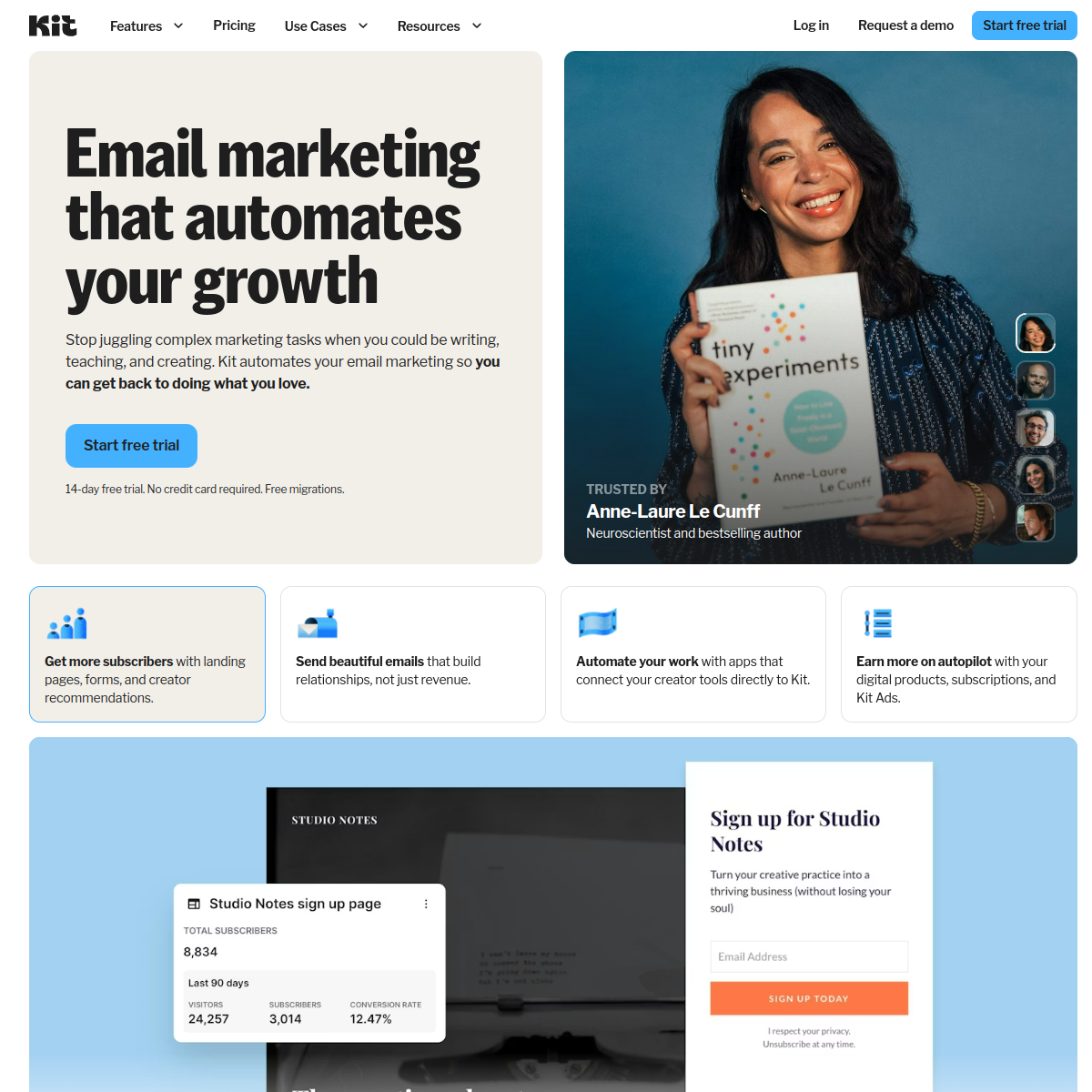
Best for: Creators selling digital products alongside their newsletter
ConvertKit, recently rebranded as Kit, was built specifically for bloggers, YouTubers, podcasters, and online creators. The platform understands the creator workflow better than any other tool on this list.
Creator commerce is the differentiator. Sell ebooks, courses, workshops, and paid newsletter subscriptions directly through ConvertKit. The integration between automation and product delivery is seamless: someone buys a course, gets enrolled in the delivery sequence, receives upsell sequences, all without you touching anything.
The tagging system is the second reason creators love it. Tag subscribers by interest, source, purchase history, or behavior, then send hyper-targeted issues to specific segments. The visual automation builder is more powerful than Substack or Beehiiv, though simpler than ActiveCampaign.
Where ConvertKit falls short: it pushes plain-text emails (which is fine for some, frustrating for others wanting visual designs), it's expensive at $29/month for 1,000 subs vs. MailerLite at $10, and analytics are basic.
- Pricing: Free for up to 1,000 subscribers, paid plans from $29/month
- Best for: Content creators, bloggers, podcasters, course sellers
- Standout feature: Native digital product and paid newsletter sales
- Pros: End-to-end creator commerce, tagging system, proven for creator newsletters, visual automations
- Cons: Pricier than MailerLite/EmailOctopus, plain-text bias, basic analytics, weak team features
See ConvertKit alternatives for comparison.
5. Buttondown - Best for Minimalists & Developers
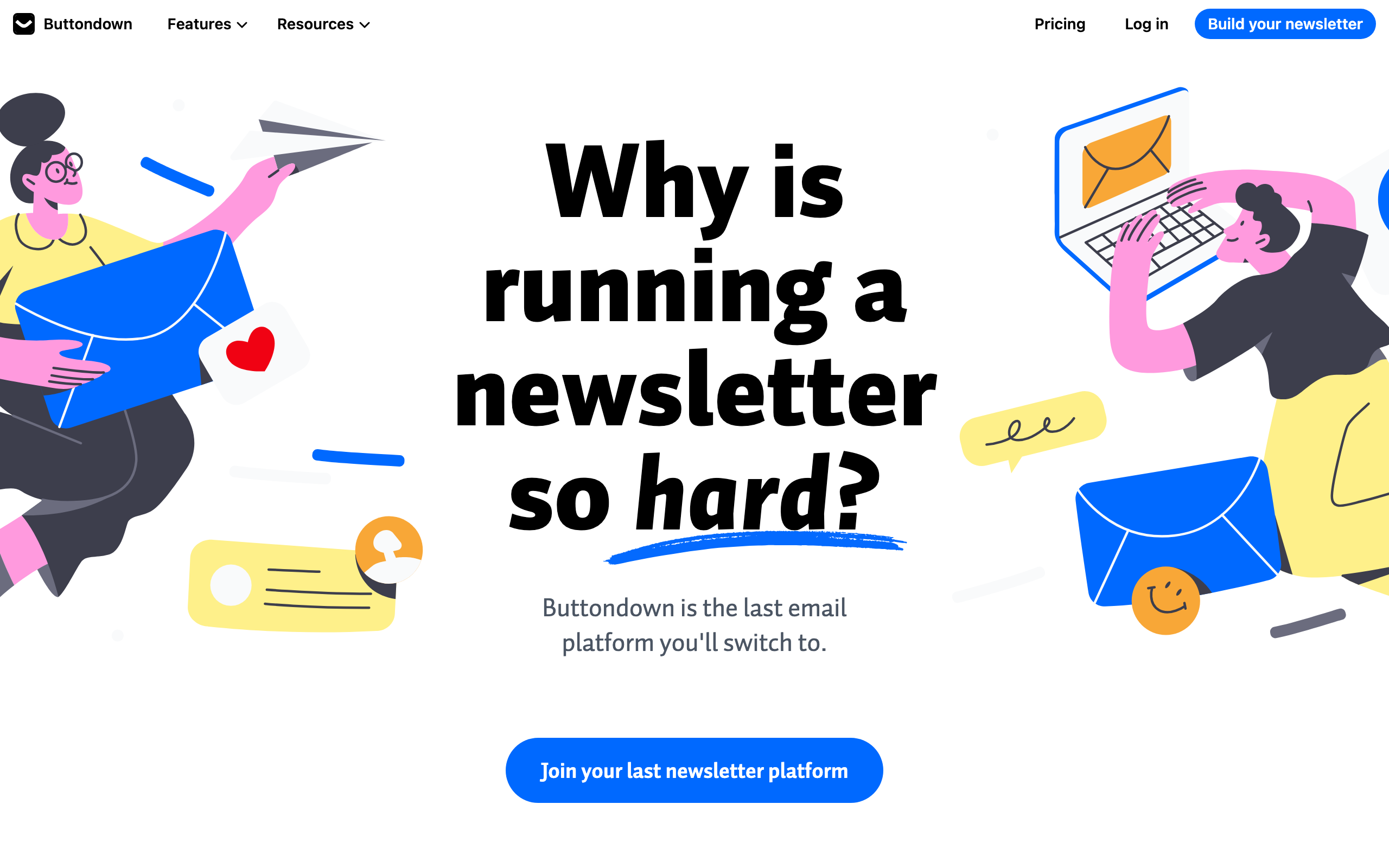
Best for: Markdown writers and developers who want zero clutter
Buttondown is the minimalist's newsletter platform. It strips away everything unnecessary and focuses on letting you write and send great newsletters with zero friction.
Markdown is native. Write in markdown, hit send. Code blocks render with proper monospace formatting and syntax highlighting in the archive. Inline code gets backtick styling. If you think in markdown (developers, technical writers), Buttondown feels like home.
The developer features go deep: REST API, webhooks, RSS-to-email, custom CSS, Stripe-powered paid newsletters, and a clean public archive for every issue. It's built and maintained primarily by one person, which means rapid iteration and personal support but also means slower feature velocity than VC-backed competitors.
Where Buttondown falls short: no automation, no landing pages, no template builder. It's literally just newsletters. If you need anything beyond send-newsletter-to-list, look elsewhere.
- Pricing: Free for up to 100 subscribers, paid plans from $9/month
- Best for: Developers, technical writers, indie hackers
- Standout feature: Native markdown and developer-grade API
- Pros: Markdown first, clean simple UI, great archive, developer-friendly, privacy-respecting defaults
- Cons: No automation, no landing pages, single-maintainer, niche audience
6. Ghost - Best for Publication-Style Newsletters
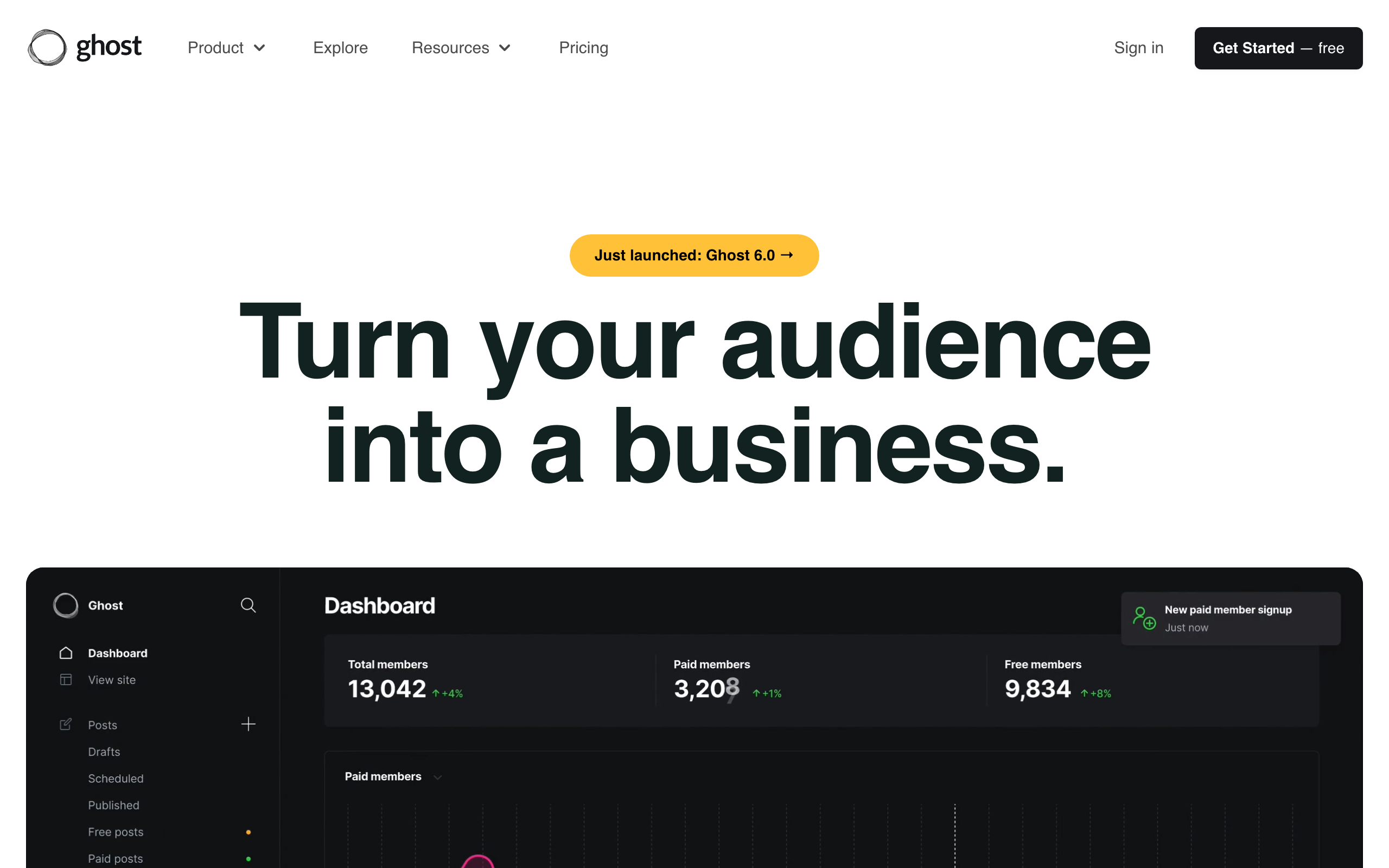
Best for: Publishers who want a website + newsletter + memberships in one tool
Ghost is an open-source publishing platform that has evolved into a powerful newsletter + membership tool. If you want a professional publication with built-in newsletter capabilities, Ghost delivers.
The publish-once-distribute-everywhere model is the strongest feature. Write a post in Ghost's markdown editor. It simultaneously publishes to your website (with proper SEO, code highlighting, and metadata) and sends to your email subscribers (with email-optimized formatting). No copy-pasting, no duplicate content.
The membership system supports tiered access with Stripe integration. Free, paid, and custom tiers. For developer writers and technical publications building paid memberships, the architecture is exactly what you want.
Self-hosting is genuinely free if you have the technical skills. Managed hosting starts at $9/month. Email-specific features (automation, segmentation, A/B testing) are basic compared to dedicated email tools.
- Pricing: Self-hosted free, managed hosting from $9/month
- Best for: Professional publications, media companies, technical writers
- Standout feature: Open-source with paid memberships built in
- Pros: Blog + newsletter unified, markdown native, beautiful publication UX, Stripe memberships, self-hostable
- Cons: Email features are basic, no real automation, theme customization needs Handlebars
7. MailerLite - Best Free Newsletter Plan
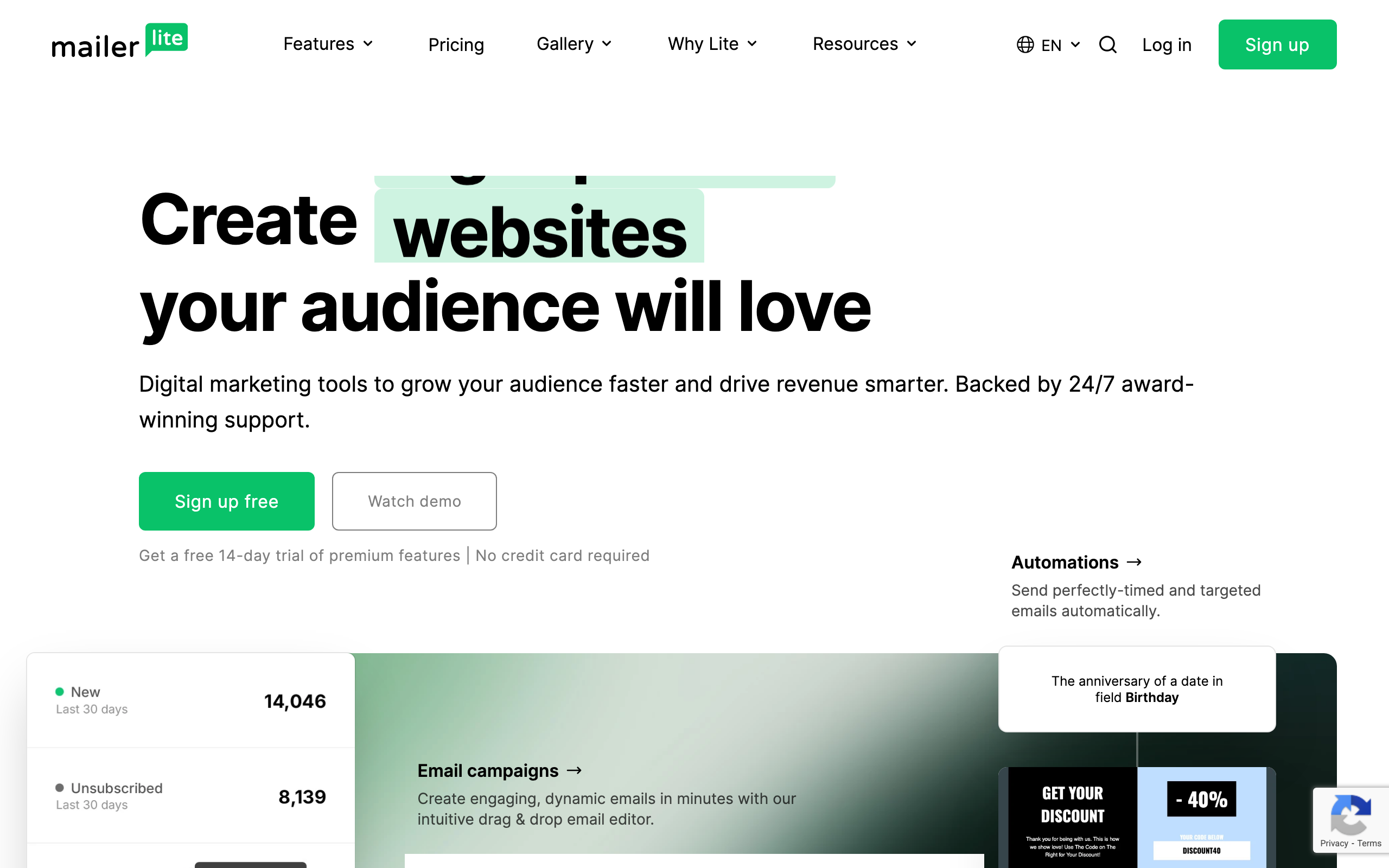
Best for: Newsletter creators who want maximum value at the lowest price
MailerLite offers the best balance of features and affordability for newsletter creators. The free plan is genuinely generous, and paid plans don't cut essential features.
Free tier: 1,000 subscribers, 12,000 emails/month, automation, landing pages, pop-ups. The most usable free plan in the category. Most competitors at this price point either gate automation or cap subscribers far lower.
The drag-and-drop editor is clean and modern. Templates are well-designed. Paid newsletters via Stripe integration are supported. There's even a website builder bundled in. Good for establishing a web presence without a separate CMS.
Where it falls short: automation depth (basic compared to ActiveCampaign), manual approval delays for new accounts (a day or two), and email-only support on the free plan.
- Pricing: Free for up to 1,000 subscribers + 12,000 emails/month, paid plans from $10/month
- Best for: Bloggers, small businesses, newsletter creators on tight budgets
- Standout feature: Genuinely generous free plan with automation included
- Pros: Best free plan in category, clean editor, paid newsletter support, website builder bundled
- Cons: Automation is shallow, account approval delay, free-tier support is email only
See free email marketing tools for startups.
8. Mailchimp - Best All-in-One Newsletter Platform
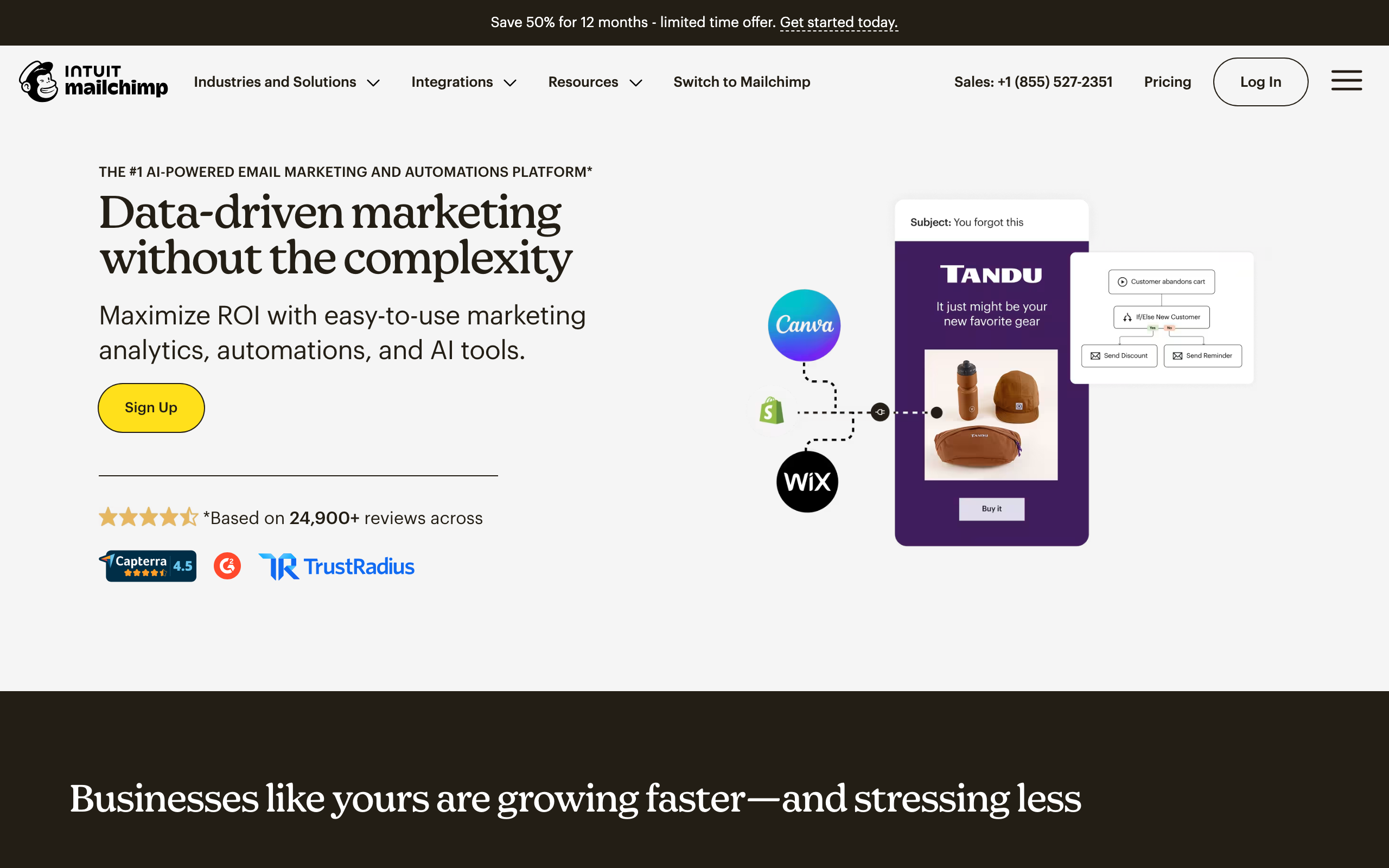
Best for: Teams that value brand recognition and integration breadth
Mailchimp is the most recognized name in email marketing. Newsletter features are solid, and the massive integration ecosystem means it connects to practically every other tool you use.
300+ integrations means whatever stack you're running, Mailchimp talks to it. The drag-and-drop editor is intuitive. The Creative Assistant generates on-brand designs automatically. Reporting is comprehensive (open rates, click maps, audience insights, industry benchmarks).
The downsides have piled up over the years. The free plan keeps shrinking (now 500 contacts). At 10,000 subscribers expect $100+/month, more than Beehiiv, MailerLite, EmailOctopus, or Brevo at the same scale. The product tries to do everything (websites, social, CRM) without excelling at any one thing.
For teams already invested in Mailchimp's ecosystem, staying makes sense. Starting fresh on Mailchimp in 2026 is harder to justify.
- Pricing: Free for up to 500 contacts, paid plans from $13/month
- Best for: Small to medium businesses needing recognized brand and wide integrations
- Standout feature: 300+ integration ecosystem
- Pros: Mature platform, biggest integration network, solid deliverability, recognizable brand
- Cons: Tiny free tier, expensive at scale, automation is dated, feature bloat
Check Mailchimp alternatives for cheaper or more focused options.
9. Flodesk - Best for Design-Focused Newsletters
Best for: Creative brands where newsletter design quality is the top priority
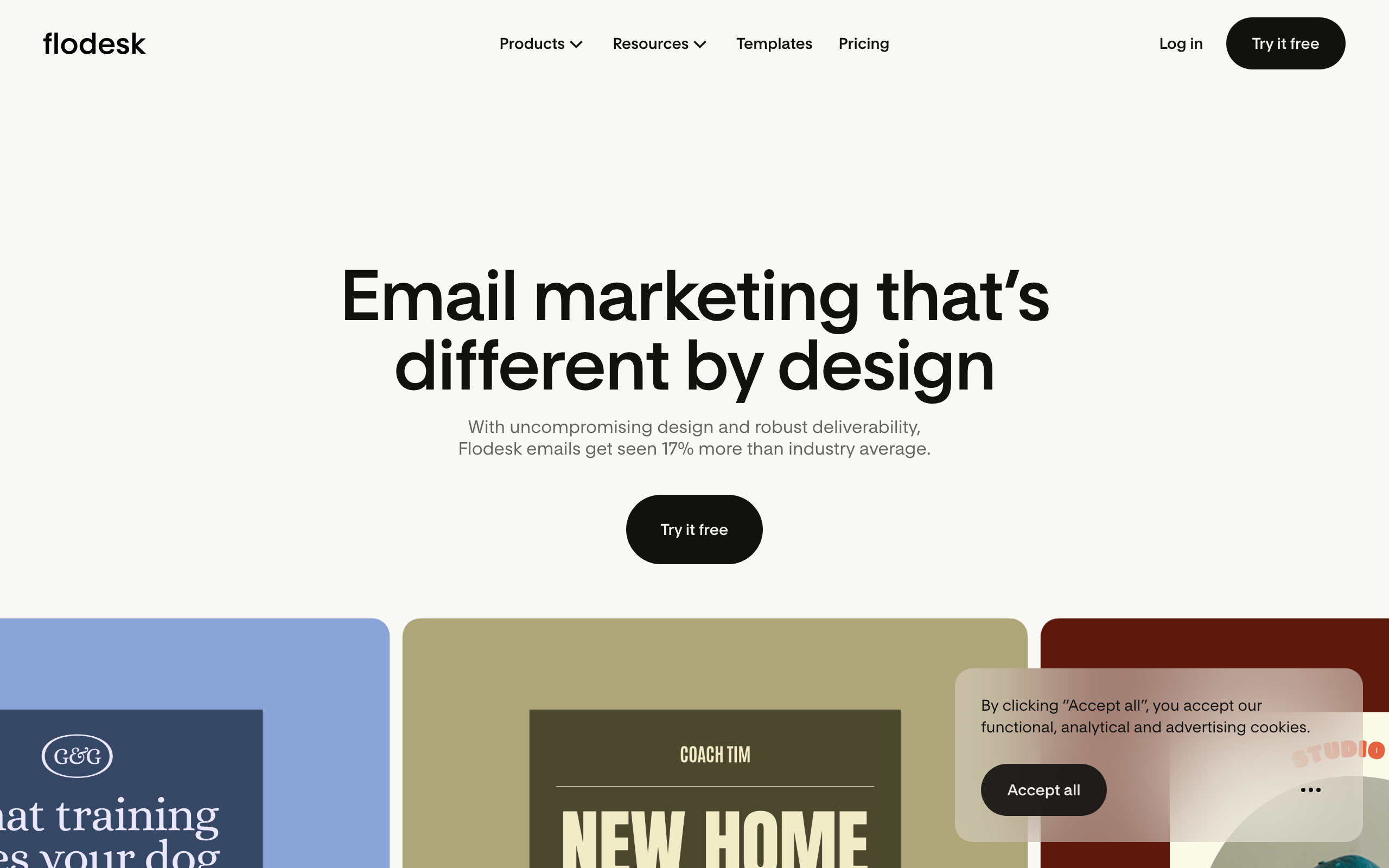
Flodesk creates the most beautiful newsletters in the category without requiring design skills. The flat pricing model means no anxiety as your list grows.
Templates are visually stunning. Even with zero design experience, your newsletters will look professional. The form builder matches the email design quality. The interface is clean and focused.
The flat pricing is unique. $38/month for unlimited subscribers and unlimited sends. Your cost stays constant whether you have 100 subscribers or 100,000. For high-volume newsletters, the math becomes increasingly favorable.
Where Flodesk falls short: very basic automation, limited integrations, no API, basic segmentation. It's a design-first tool, not a marketing automation platform.
- Pricing: $38/month flat (unlimited subscribers and sends)
- Best for: Photographers, interior designers, creative brands
- Standout feature: Best-in-class email design and flat pricing
- Pros: Stunning templates, flat pricing scales well, simple interface, beautiful forms
- Cons: Almost no automation, limited integrations, no API, basic segmentation
10. ActiveCampaign - Best for Newsletter + Automation
Best for: Mid-market teams running complex subscriber journeys
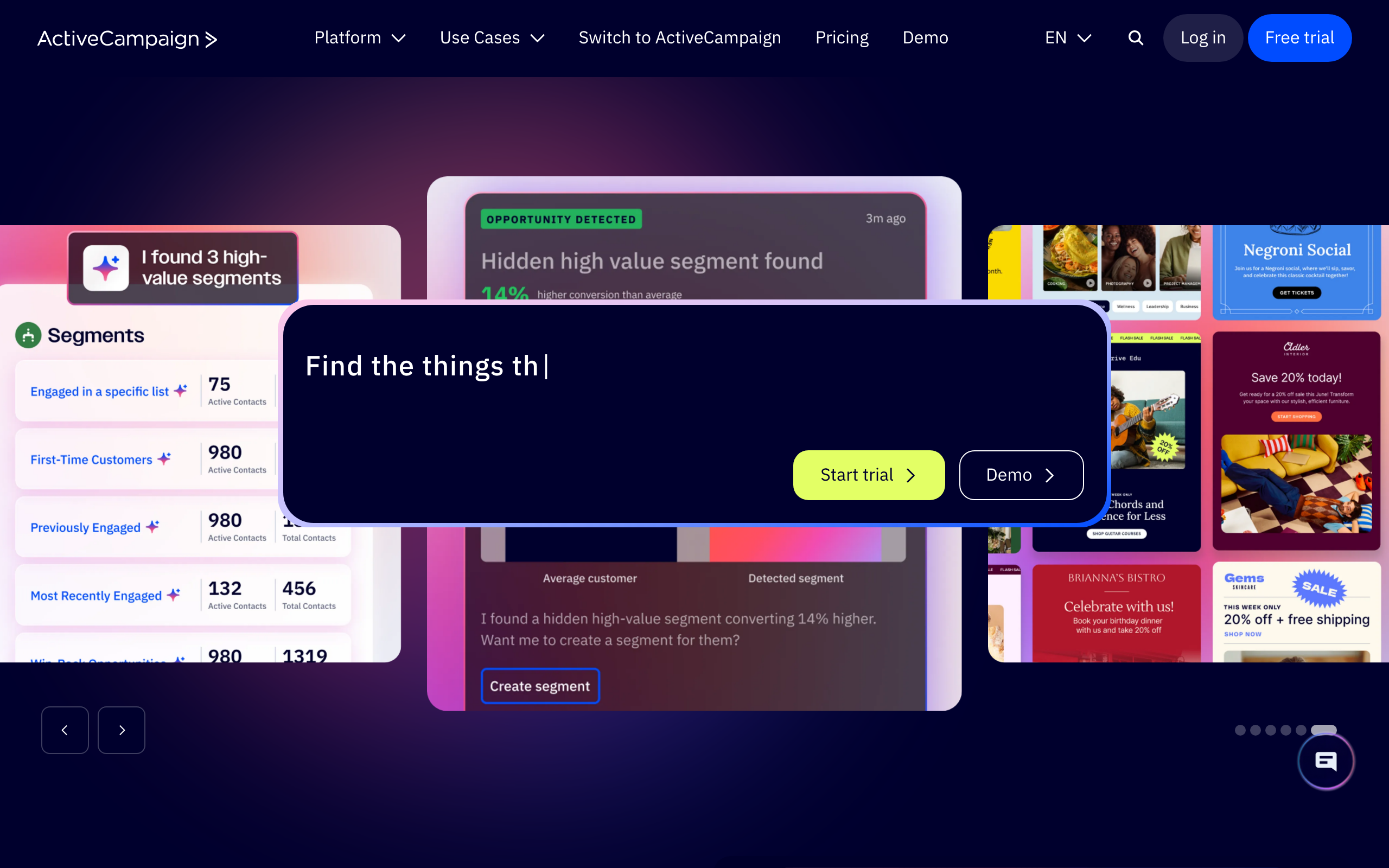
ActiveCampaign has the most powerful automation builder of any newsletter platform. If you need complex workflows triggered by subscriber behavior, ActiveCampaign delivers.
Visual builder with branching logic, wait conditions, if/else paths, split testing, and goals. Conditional content lets you show different blocks to different segments within the same newsletter. Built-in CRM with deal pipelines and lead scoring means newsletter engagement feeds directly into sales workflows.
Deliverability is consistently among the best. See deliverability best practices for context.
Where ActiveCampaign falls short: no free plan, $29/month minimum is steep for newsletter beginners, the email template editor feels older than Flodesk or MailerLite, and the depth comes with a real learning curve.
- Pricing: Plans from $29/month (no free plan)
- Best for: Mid-market businesses with complex subscriber journeys
- Standout feature: Most powerful visual automation builder in the category
- Pros: Best automation engine, conditional content, CRM included, top deliverability
- Cons: No free plan, steep learning curve, dated email editor, not newsletter-first
See our visual workflow builders guide.
11. GetResponse - Best for Newsletter + Webinars
Best for: Course creators combining newsletters with live events
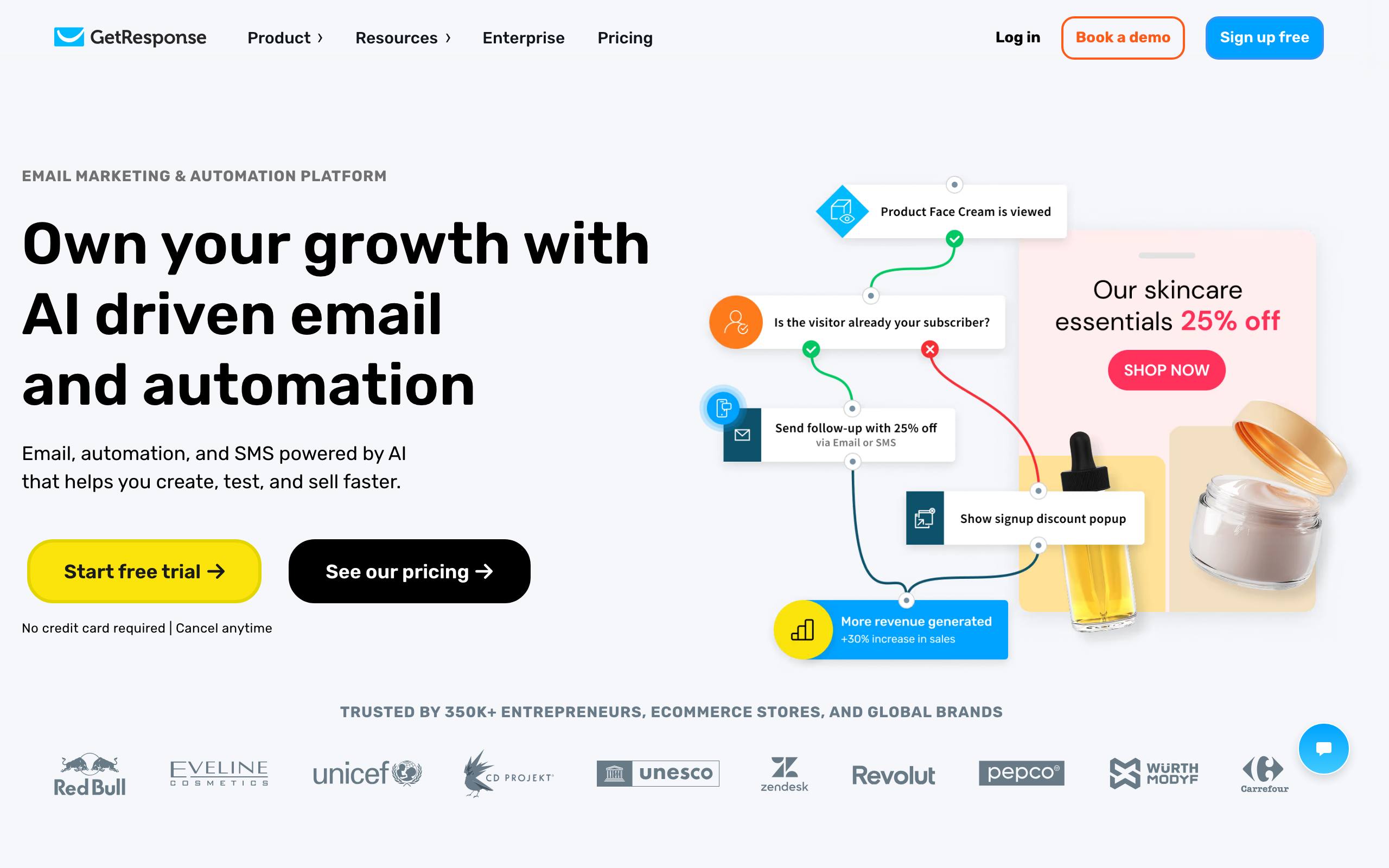
GetResponse is the only major newsletter platform with built-in webinar hosting. If your content strategy combines newsletters and live events, GetResponse bundles both in one platform.
Host webinars and automatically follow up with attendees via email. Pre-built funnel templates combine landing pages, emails, and payment processing. Solid landing page builder with A/B testing on all paid plans.
The trade-off is the jack-of-all-trades problem. Nothing in GetResponse is best-in-class. The webinar tool is decent but not Zoom-quality. The interface is overwhelming because there are so many features. Some independent tests show deliverability trailing focused tools.
- Pricing: Free for up to 500 contacts, paid plans from $19/month
- Best for: Creators and businesses combining newsletters with webinars
- Standout feature: Built-in webinar hosting
- Pros: Webinars + email in one tool, conversion funnel templates, decent landing pages
- Cons: Jack of all trades, complex interface, deliverability trails specialists
12. AWeber - Best for Simple Newsletter Setup
Best for: Small businesses that want reliable sending and human support
AWeber has been around since 1998 and remains one of the most straightforward newsletter platforms. Not the flashiest, but reliable and easy to use.
Phone, email, and chat support on all plans, including free. Genuinely helpful and responsive team. 600+ professionally designed templates, more than most competitors at this price. Landing pages are built in. Creating a newsletter, building a form, setting up an autoresponder: AWeber keeps it simple.
The downsides: automation is limited compared to ActiveCampaign, design feels like a previous generation of web design, and AWeber charges for unsubscribed contacts in your plan limit (annoying at scale).
- Pricing: Free for up to 500 subscribers, paid plans from $15/month
- Best for: Small businesses, solopreneurs, local businesses
- Standout feature: Phone support on every plan including free
- Pros: Excellent support, easy to use, large template library, landing pages included
- Cons: Limited automation, dated visual design, charges for unsubscribed contacts
13. Constant Contact - Best for Local Business Newsletters
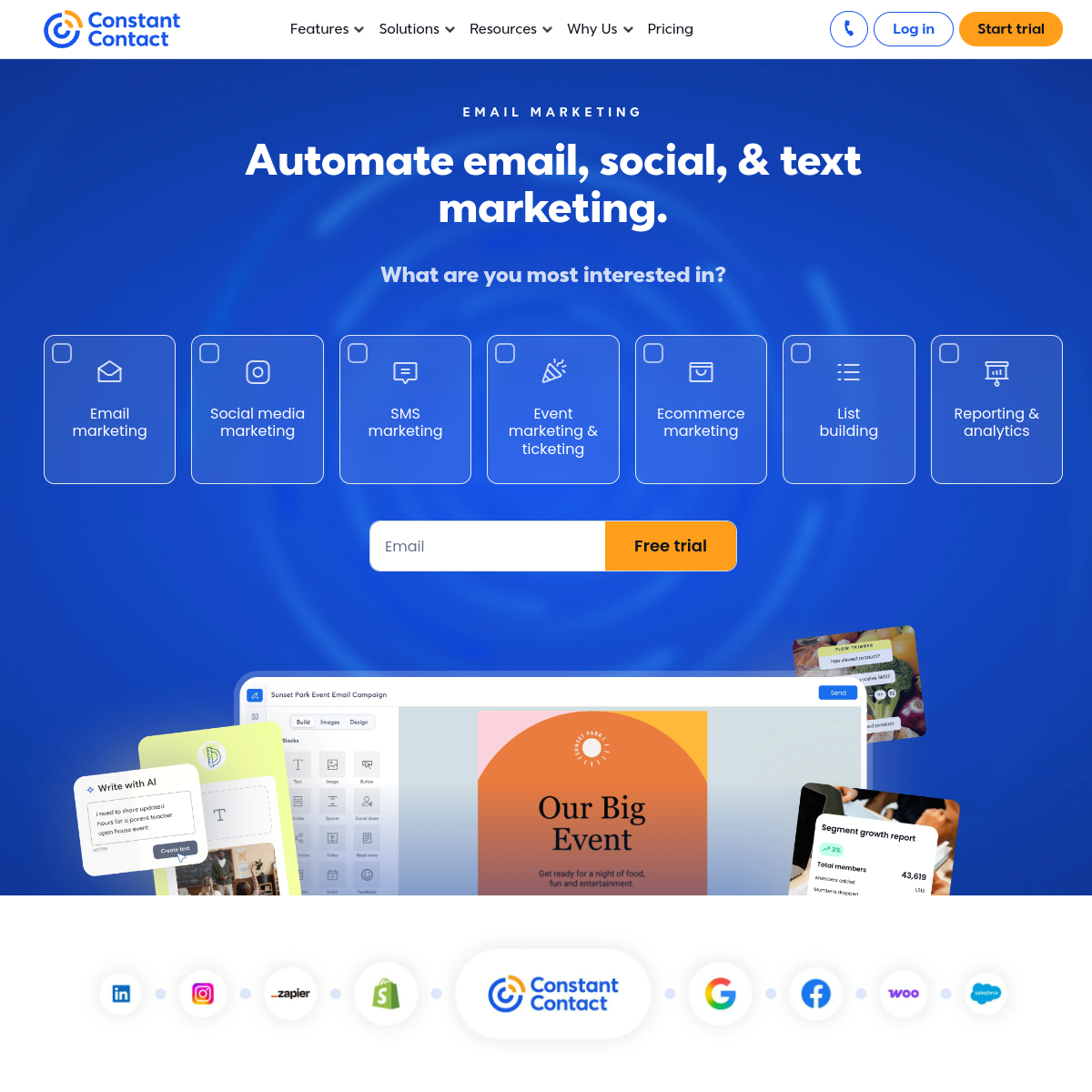
Best for: Brick-and-mortar businesses combining newsletters with event promotion
Constant Contact serves local businesses and nonprofits with simple newsletter features plus built-in event marketing tools that competitors don't bundle.
Event registration, invitations, and automated reminders work alongside newsletters. For restaurants, event venues, and businesses that frequently host events, this combination saves on a separate Eventbrite-style tool.
The downsides are real: no free plan, the editor feels older than competitors, and pricing scales aggressively with list growth. The event focus is the main reason to choose it.
- Pricing: Plans from $12/month (no free plan)
- Best for: Local businesses, restaurants, nonprofits, event venues
- Standout feature: Native event marketing alongside newsletters
- Pros: Built-in event tools, decent reporting, solid for local businesses
- Cons: No free plan, dated editor, pricing escalates, automation is basic
14. Brevo - Best Budget Newsletter Platform
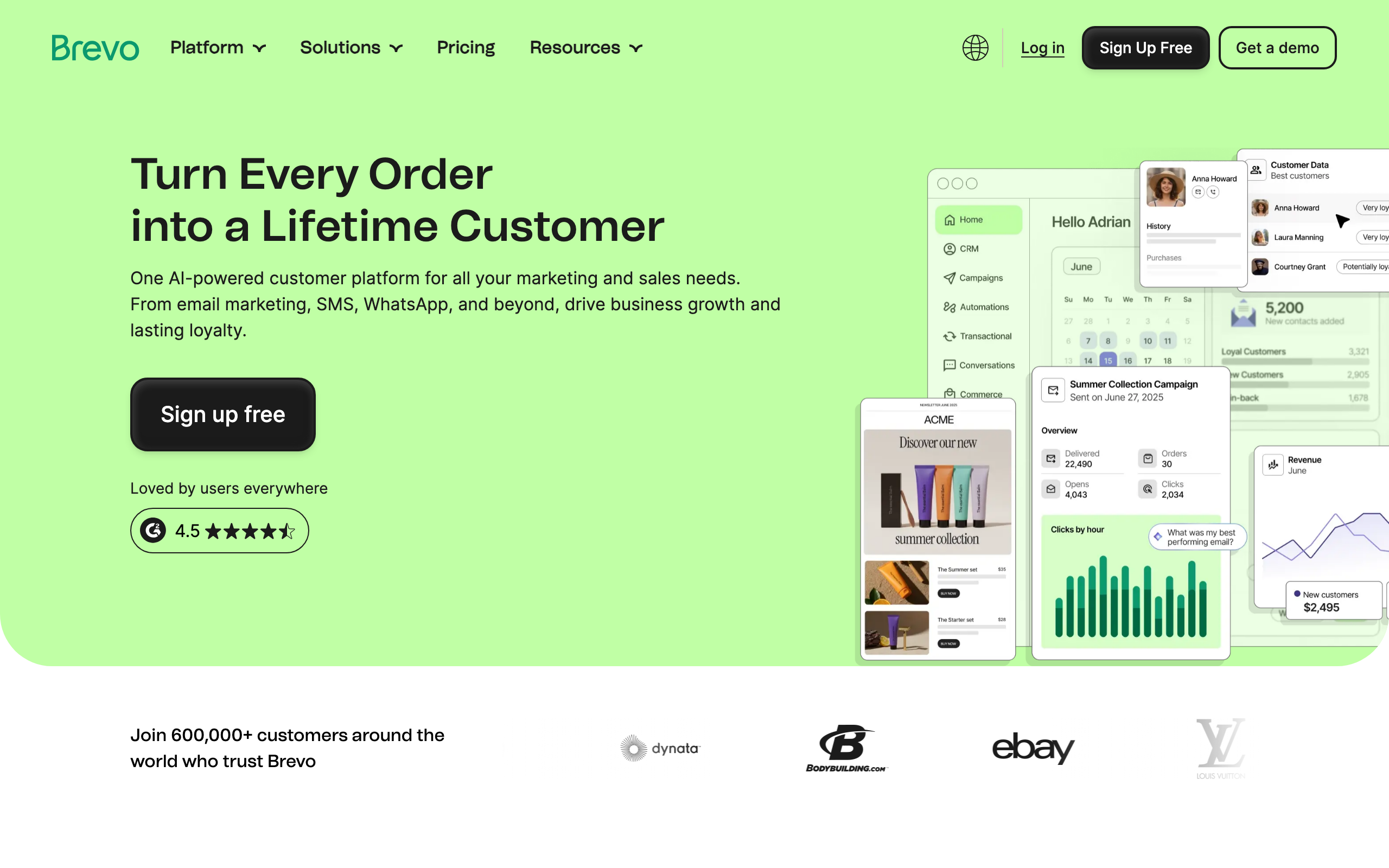
Best for: Newsletters with large but moderately active lists
Brevo (formerly Sendinblue) charges by email volume rather than contact count. Store unlimited contacts and only pay for what you send. This pricing model is a real advantage for newsletters with large but moderately active subscriber bases.
Multi-channel beyond email: SMS, WhatsApp, and live chat from one platform. Transactional email handled in the same tool. Basic CRM included on all plans.
The downsides: the email builder works but feels clunky compared to Mailchimp or MailerLite, free and Starter plans have restricted automation, and free-plan emails include Brevo branding.
- Pricing: Free with 300 emails/day, paid plans from $9/month
- Best for: Budget-conscious creators with large lists and moderate sending frequency
- Standout feature: Pay by volume, not by contact count
- Pros: Unlimited contacts, multi-channel (SMS/WhatsApp/chat), transactional included, CRM bundled
- Cons: Mediocre editor, automation limited on lower plans, branding on free plan
See email marketing tools under $50.
15. Sender - Best Free Newsletter Tier
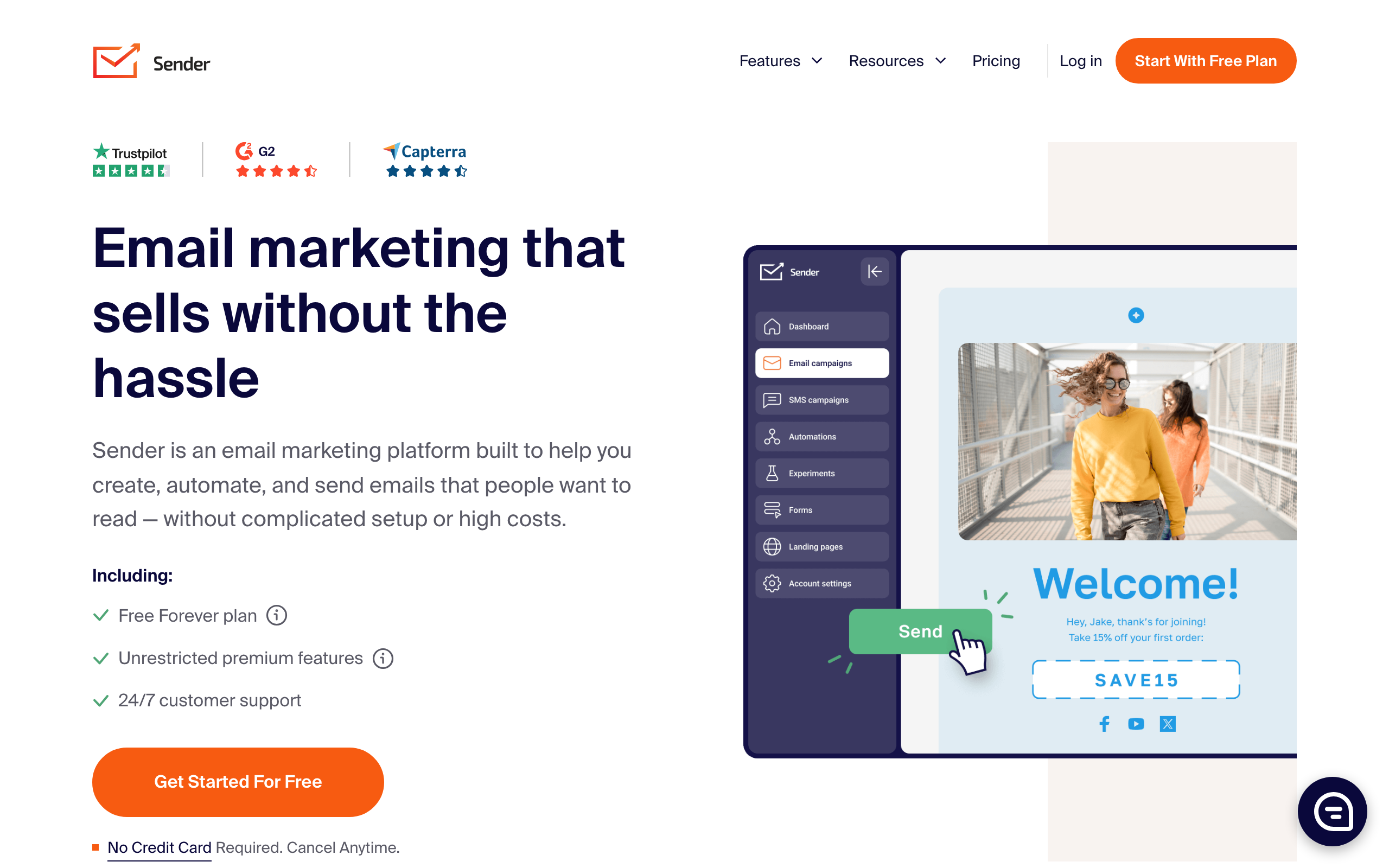
Best for: Beginners testing newsletter strategies before paying
Sender offers one of the most generous free plans for newsletter creators who aren't ready to invest in a paid tool. 2,500 subscribers and 15,000 emails/month free, more than Mailchimp, AWeber, or most competitors.
Combines email newsletters with SMS on lower-tier plans. Includes e-commerce features (product picker, abandoned cart) at budget-friendly prices. Built-in pop-ups and forms for subscriber growth.
The downsides: free-plan emails carry Sender branding, automation is basic without advanced conditions, the integration ecosystem is smaller, and the template library is functional but not standout.
- Pricing: Free for up to 2,500 subscribers + 15,000 emails/month, paid from $10/month
- Best for: Beginners and very small businesses validating newsletter ideas
- Standout feature: Most generous free tier in the hosted-tool category
- Pros: Huge free plan, SMS bundled, e-commerce features, pop-ups included
- Cons: Branding on free plan, basic automation, smaller ecosystem, generic templates
16. EmailOctopus - Budget-Friendly Newsletter Sending
Best for: Cost-conscious senders who don't need fancy features
EmailOctopus proves you don't need to spend a lot to send professional newsletters. Two modes: a fully hosted product (Pro plan) and a thinner UI on top of Amazon SES (Connect plan). For newsletters with tight budgets, the SES-backed plan is among the cheapest options that still gives you a usable web UI.
At 50,000 subscribers, EmailOctopus runs around $36/month, a fraction of Mailchimp. Simple drip sequences are included even in the free plan. Basic but functional landing page builder.
The product itself is plain. Editor is functional, templates are fine, analytics cover the basics. Nothing exceptional, nothing broken. If you mostly want subscribe/unsubscribe handling and a way to compose and send issues, EmailOctopus does the job for less than almost anything else on this list.
- Pricing: Free for up to 2,500 subscribers, paid plans from $9/month
- Best for: Budget-conscious newsletter creators and bloggers
- Standout feature: SES-backed pricing model at scale
- Pros: Very cheap, generous free tier, SES backend option, simple interface
- Cons: Plain editor, smaller template library, basic reporting, weak code formatting
17. HubSpot - Best for Enterprise Newsletters
Best for: B2B teams with sales motion built around newsletter engagement
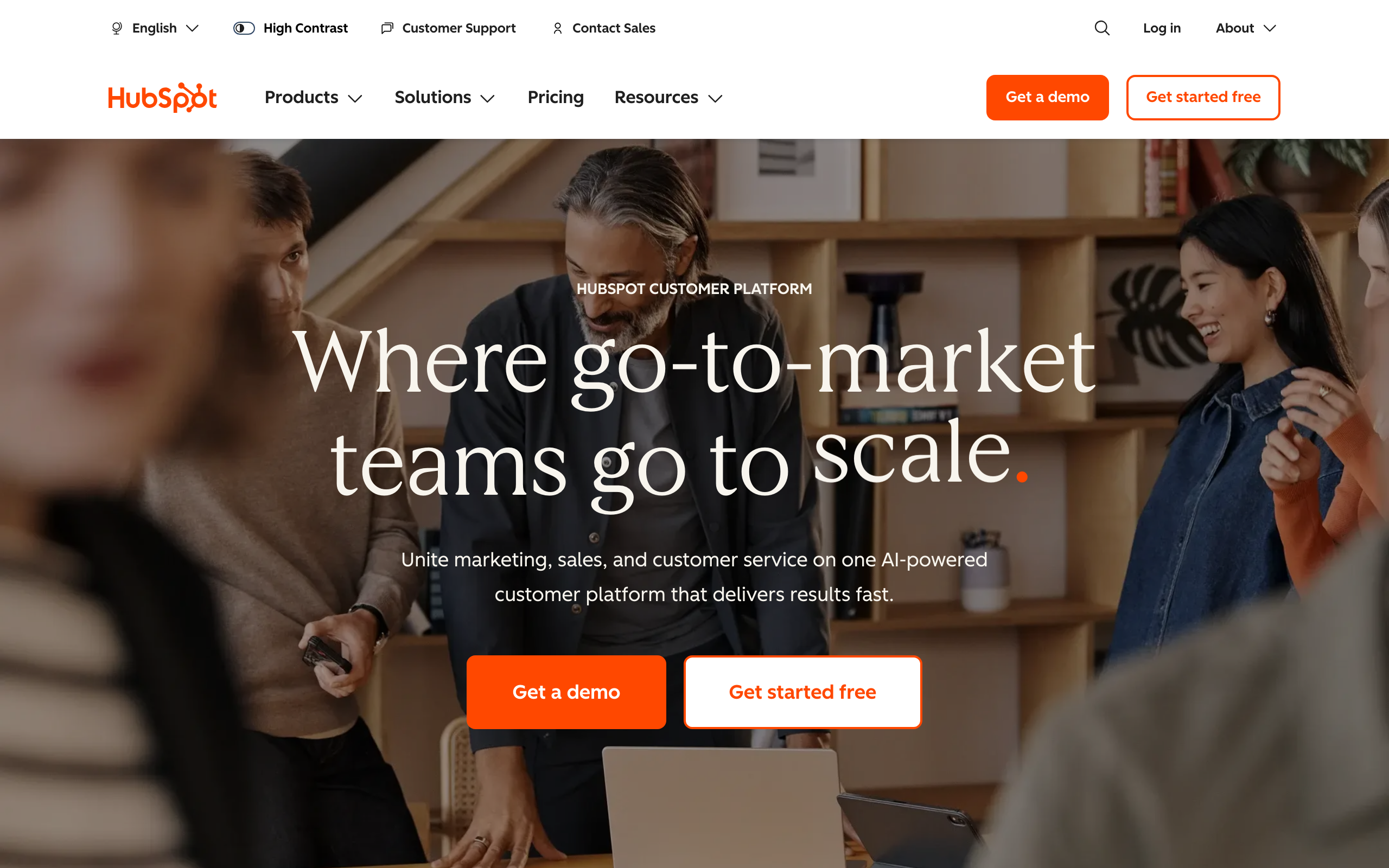
HubSpot connects newsletters to a full CRM suite. Every newsletter interaction is logged in contact records for sales and marketing alignment. For enterprise B2B companies with sales teams, this is the entire pitch.
Newsletter sends flow into deal records, contact timelines, and lead scoring. Sales reps see exactly which prospects engaged with which content. The CRM automation can trigger sales tasks based on newsletter behavior.
The catch: HubSpot only makes sense if you're using (or plan to use) the full HubSpot ecosystem. Pricing escalates fast as you add Marketing Hub Pro features. For pure newsletter use cases, it's massive overkill at the price.
- Pricing: Free for up to 2,000 emails/month, paid plans from $20/month (Marketing Pro from $890/month)
- Best for: Enterprise B2B companies with sales teams
- Standout feature: Full CRM integration with sales workflows
- Pros: End-to-end CRM, sales alignment, lead scoring, reporting depth
- Cons: Pricing escalates aggressively, overkill for pure newsletters, lock-in risk
18. Omnisend - Best for E-commerce Newsletters
Best for: Shopify brands sending multi-channel newsletters with product data
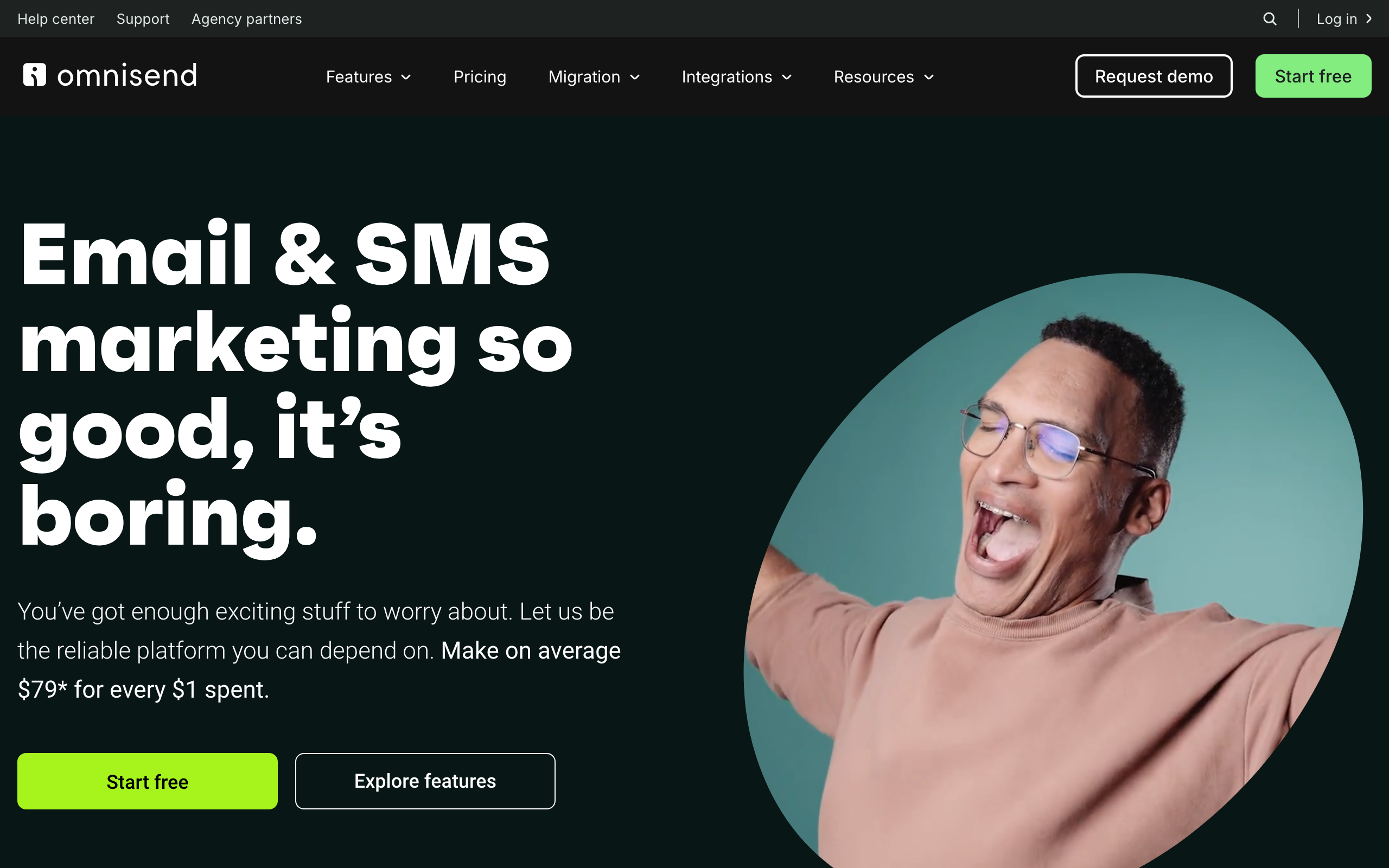
Omnisend combines email newsletters with SMS and push notifications for e-commerce businesses. Deep Shopify integration and product-aware segmentation.
Pre-built e-commerce automations (welcome series, abandoned cart, post-purchase, win-back) work out of the box. Product picker drops live products into newsletters with current pricing and images. SMS adds a second channel for promotions and abandoned cart recovery.
For pure content newsletters or non-commerce use cases, Omnisend is the wrong shape. The entire product is built around purchase behavior and product catalogs.
- Pricing: Free for up to 250 contacts, paid plans from $16/month
- Best for: E-commerce brands on Shopify or WooCommerce
- Standout feature: Native product picker and pre-built e-commerce flows
- Pros: Deep Shopify integration, SMS + email + push, product-aware segments, prebuilt flows
- Cons: Wrong tool for non-commerce, free tier is small, pricing scales with contacts
19. Drip - Best for E-commerce Newsletter Automation
Best for: Mid-size DTC brands needing revenue-attributed newsletter automation
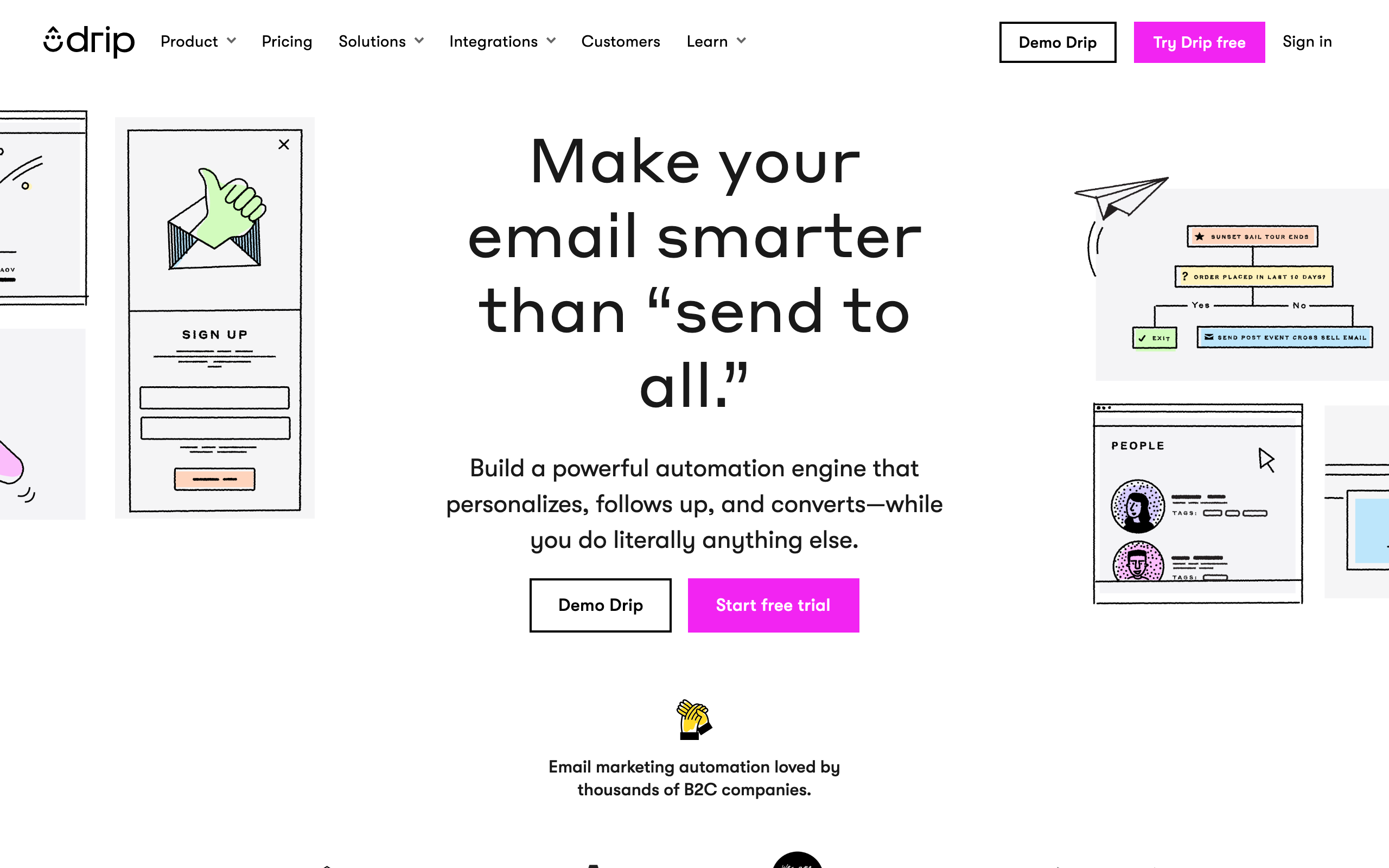
Drip sits between Mailchimp's simplicity and Klaviyo's complexity for e-commerce newsletters. Revenue attribution is the core value: every newsletter and automation gets tied back to actual purchase revenue.
Visual workflow builder, behavior-based segmentation, and deep e-commerce integrations. The reporting on revenue per send, revenue per subscriber, and lifetime value attribution is more honest than most platforms in this category.
The downsides: no free plan, $39/month minimum, and the e-commerce focus means non-commerce newsletters won't use most of the features.
- Pricing: From $39/month (no free plan)
- Best for: Small to mid-size e-commerce businesses
- Standout feature: Revenue attribution baked into every report
- Pros: Strong revenue reporting, behavior-driven flows, solid e-commerce integrations
- Cons: No free plan, $39/mo floor, e-commerce focus limits broader use cases
20. Sendy - Cheapest Long-Term Newsletter Option
Best for: Technical users sending high volume on a fixed budget
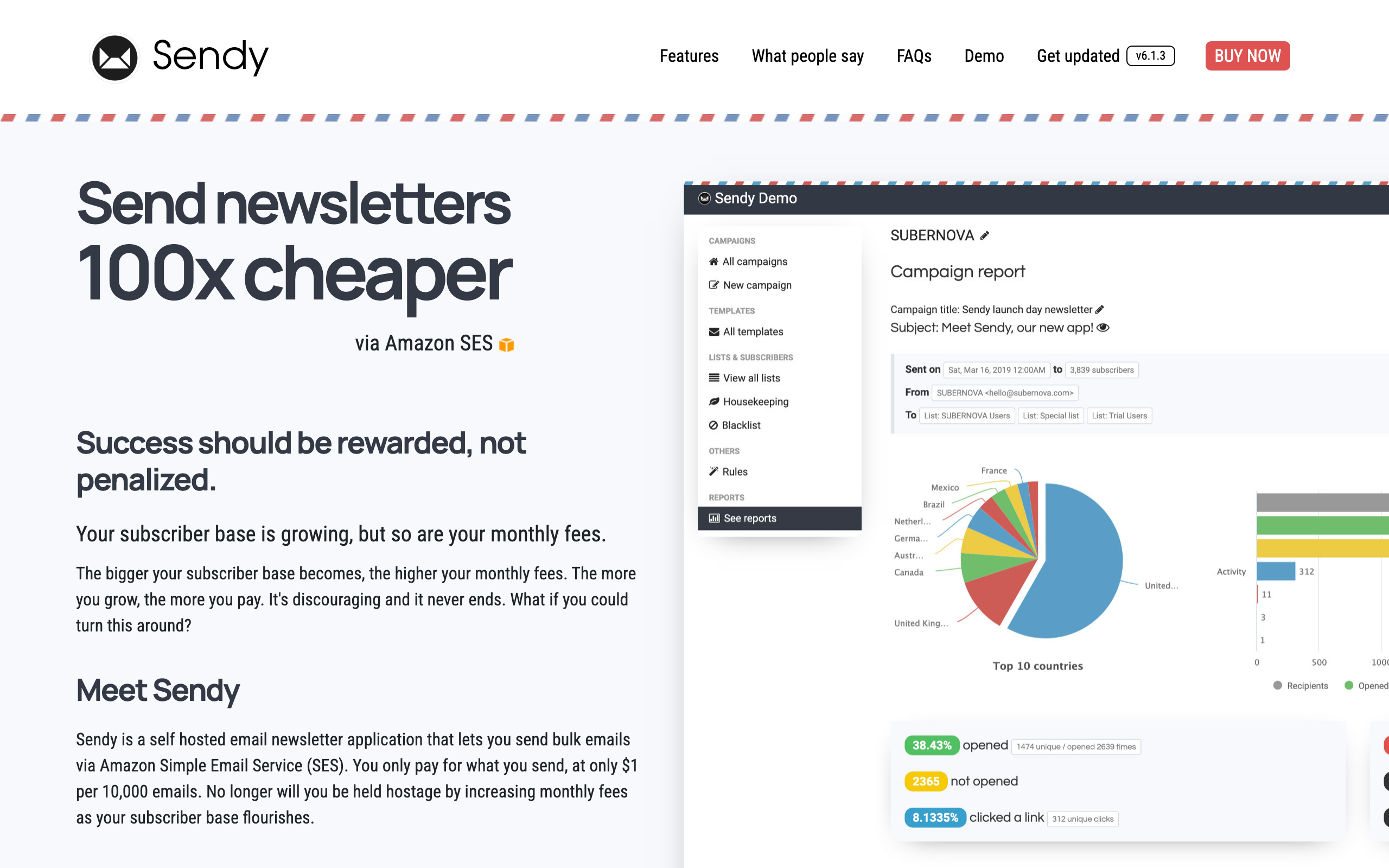
Sendy is a self-hosted PHP application that wraps Amazon SES with a newsletter UI. Buy it once for $69, install on any LAMP host, plug in SES credentials, and send newsletters at SES pricing (roughly $0.10 per 1,000 emails).
For high-volume newsletters, the math is dramatic: send to 100k subscribers for around $10 instead of $300+ on hosted platforms. Pay-once pricing is the entire reason it's still on this list.
The product is dated (UI looks like 2014), the codebase is closed source despite being self-hosted, and updates ship slowly. No native markdown, no real automation beyond autoresponders. But it works, and for developers who care about cost and don't care about polish, it's a long-running favorite.
- Pricing: $69 one-time license, plus SES costs (~$0.10 per 1k emails)
- Best for: Technical operators sending high volume on fixed budgets
- Standout feature: Pay-once pricing on top of SES
- Pros: Pay-once pricing, very cheap at scale, self-hosted, simple list management
- Cons: Dated UI, closed source, slow updates, no markdown, weak editor
21. LinkedIn Newsletters - Best for B2B Reach
Best for: B2B professionals leveraging an existing LinkedIn audience
LinkedIn newsletters let you publish directly on the platform and leverage your existing professional network. Subscribers get push notifications for each edition, and discovery happens through LinkedIn's feed algorithm.
For consultants, executives, and thought leaders with a substantial LinkedIn following, this is the highest-leverage way to start a newsletter. Zero list-building required. The platform also pushes notifications to your followers when you publish, driving open rates that hosted tools can't match in the early days.
The catch is significant: you don't own the subscriber list. LinkedIn controls the relationship, the analytics are basic, and you can't export or migrate subscribers if LinkedIn changes the rules. Use it as a top-of-funnel growth tool, not as your only newsletter strategy.
- Pricing: Free
- Best for: B2B professionals, thought leaders, consultants, founders with LinkedIn audience
- Standout feature: Built-in push notifications to your existing followers
- Pros: Zero setup, no cost, instant audience, push notifications drive opens
- Cons: No subscriber ownership, basic analytics, no export, platform-dependent
How to Choose the Right Newsletter Platform
By Newsletter Type
- Personal/Creator newsletter: Substack (simplest start), Beehiiv (growth focus), ConvertKit (creator commerce)
- Business newsletter: Sequenzy (SaaS), Mailchimp (general), ActiveCampaign (automation)
- Publication/Media: Ghost (open-source), Beehiiv (monetization), Substack (simplicity)
- E-commerce newsletter: Omnisend, Drip, or Klaviyo. See our e-commerce email guide.
By Budget
- Free: Substack (unlimited), MailerLite (1,000 subs), Sender (2,500 subs)
- Under $20/month: Sequenzy, MailerLite, Buttondown, Brevo, EmailOctopus
- $20-50/month: Beehiiv, ConvertKit, Flodesk, ActiveCampaign, Drip
- One-time fee: Sendy ($69)
By Technical Skill
- Non-technical: Substack, Flodesk, Mailchimp, AWeber
- Some technical: Beehiiv, ConvertKit, Sequenzy, MailerLite
- Developer: Buttondown, Ghost (self-hosted), Sendy
By Primary Goal
- Monetization: Beehiiv (ads + paid), Substack (paid subs), ConvertKit (digital products)
- Growth: Beehiiv (referrals + recommendations), ConvertKit (forms + landing pages), LinkedIn
- Design quality: Flodesk, Mailchimp, Constant Contact
- Automation: ActiveCampaign, Sequenzy, Drip. Check our automation tools guide.
Frequently Asked Questions
What is the best newsletter platform overall?
It depends on your goals. For building a newsletter business with monetization, Beehiiv is the strongest choice. For the simplest start to a paid newsletter, Substack works. For creators selling digital products, ConvertKit fits best. For SaaS companies, Sequenzy integrates with your product data and Stripe. Read our complete email marketing tools guide.
Can I make money from a newsletter?
Yes, through several models: paid subscriptions (Substack, Beehiiv, Ghost), advertising/sponsorships (Beehiiv's ad network or selling directly), affiliate marketing, and selling digital products (ConvertKit). Most successful newsletter creators combine multiple revenue streams. Read our email marketing strategy guide.
How often should I send my newsletter?
Consistency matters more than frequency. Weekly is the most common cadence. Daily works for news-focused content but risks fatigue. Monthly is fine for in-depth content but makes it harder to build habit. Whatever frequency you choose, stick to it. See our open rates guide for timing tips.
Should I use Substack or start my own newsletter?
Substack is great for validating whether people will pay for your writing - zero cost, minimal setup. But as you grow, the 10% revenue share becomes expensive, and you have limited control over design, automation, and subscriber data. Consider starting on Substack to validate, then migrating to Beehiiv, ConvertKit, or Ghost when you're ready to grow seriously.
How do I grow my newsletter subscribers?
Focus on offering genuine value in exchange for email addresses. Use lead magnets, content upgrades, referral programs, and social media promotion. Beehiiv's recommendation network and referral tools are specifically designed for newsletter growth. Read our comprehensive guide on how to grow your email list.
What's a good open rate for a newsletter?
Industry average is 20-25%. Well-maintained newsletters from engaged creators often see 40-50%+. Factors include list quality, subject line effectiveness, sending frequency, and sender reputation. New newsletters typically start with higher open rates that normalize over time. See benchmarks in our open rates guide.
Can I switch newsletter platforms later?
Yes, but it involves work. You'll need to export subscribers, recreate templates, and update DNS records. Most platforms make importing easy, but you'll lose platform-specific features (Beehiiv's referral stats, Substack's network recommendations). The earlier you switch, the less painful it is.
Do I need a website alongside my newsletter?
Not necessarily. Platforms like Beehiiv, Substack, and Ghost include web archives that serve as your website. But having your own domain gives you more control and SEO benefits. MailerLite and Ghost both include website builders if you want both in one tool. Read our how to start email marketing guide.
What's the difference between a newsletter platform and an email marketing tool?
Newsletter platforms (Beehiiv, Substack) are optimized for publishing regular content to an audience - they focus on writing, growth, and monetization. Email marketing tools (Mailchimp, ActiveCampaign) are broader, handling newsletters plus transactional email, automation, e-commerce flows, and CRM. Some tools like Sequenzy and ConvertKit bridge both categories. Learn more in what is email marketing.
Is email newsletter still relevant in 2026?
More than ever. Despite the rise of social media, newsletters remain the highest-ROI marketing channel ($36-42 return per $1 spent). You own your subscriber list (unlike social followers), deliverability is predictable, and the intimate format builds deeper relationships than social posts. Read our email marketing vs social media comparison.
Final Thoughts
The newsletter platform you choose should match your goals, not the other way around. Here's the honest recommendation:
- Starting a paid newsletter? Start with Substack (free, simple), upgrade to Beehiiv when you're ready to grow seriously.
- Content creator? ConvertKit if you sell digital products, Beehiiv if you want ad revenue.
- Running a SaaS? Sequenzy integrates your newsletter with product data, Stripe, and AI workflows.
- Design matters most? Flodesk makes every newsletter look professional.
- Tight budget? MailerLite's free plan or EmailOctopus.
- Developer? Buttondown or Ghost (self-hosted). Sendy if you want pay-once SES sending.
Whatever you choose, the most important thing is starting. A good newsletter on an average platform will always outperform no newsletter on the perfect platform.
For more detailed comparisons, check our best email marketing tools guide, or explore specific alternatives to any tool you're considering.