How to Choose the Right Email Marketing Tool for Your Small Business
The best tool comes down to three questions:
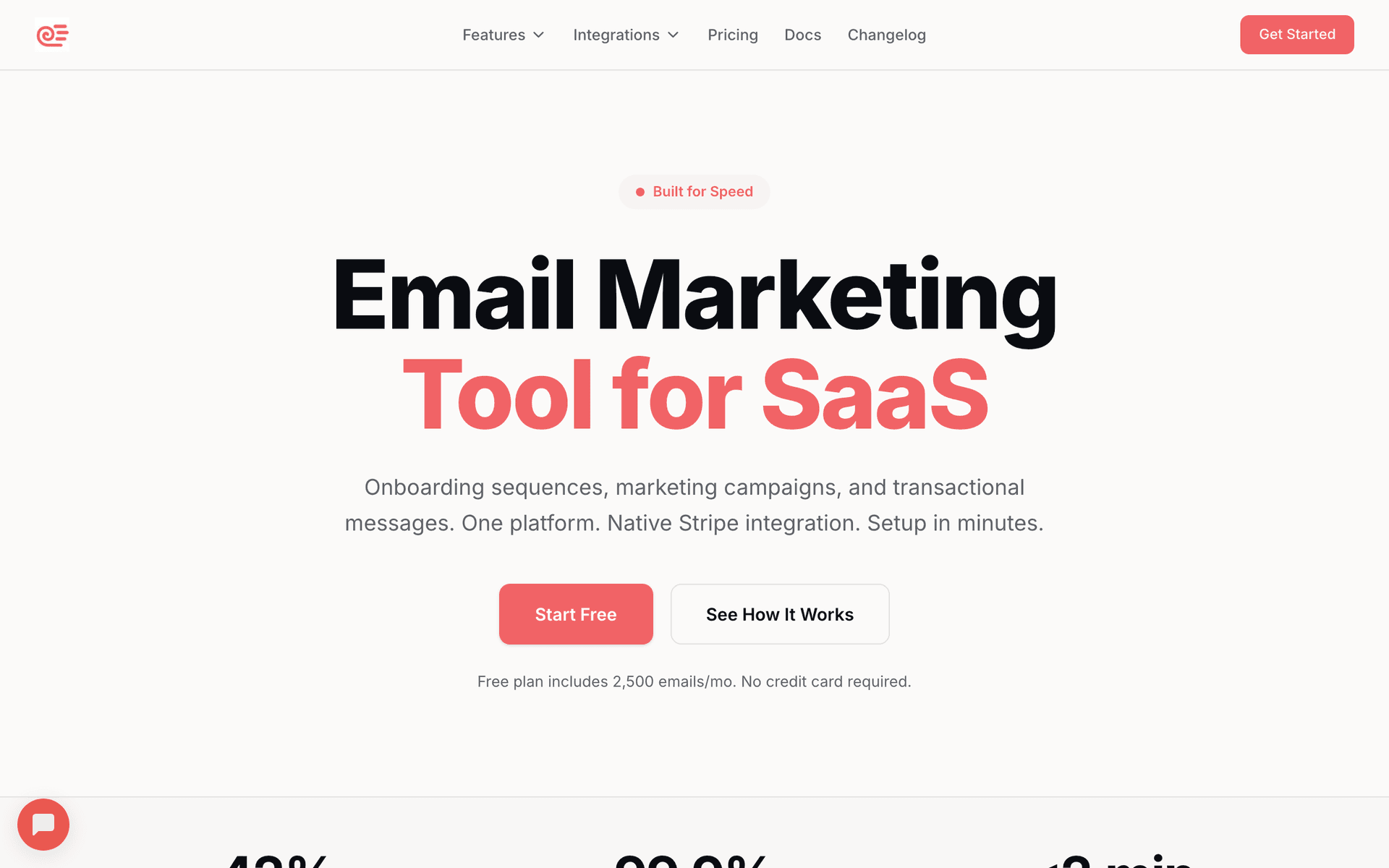
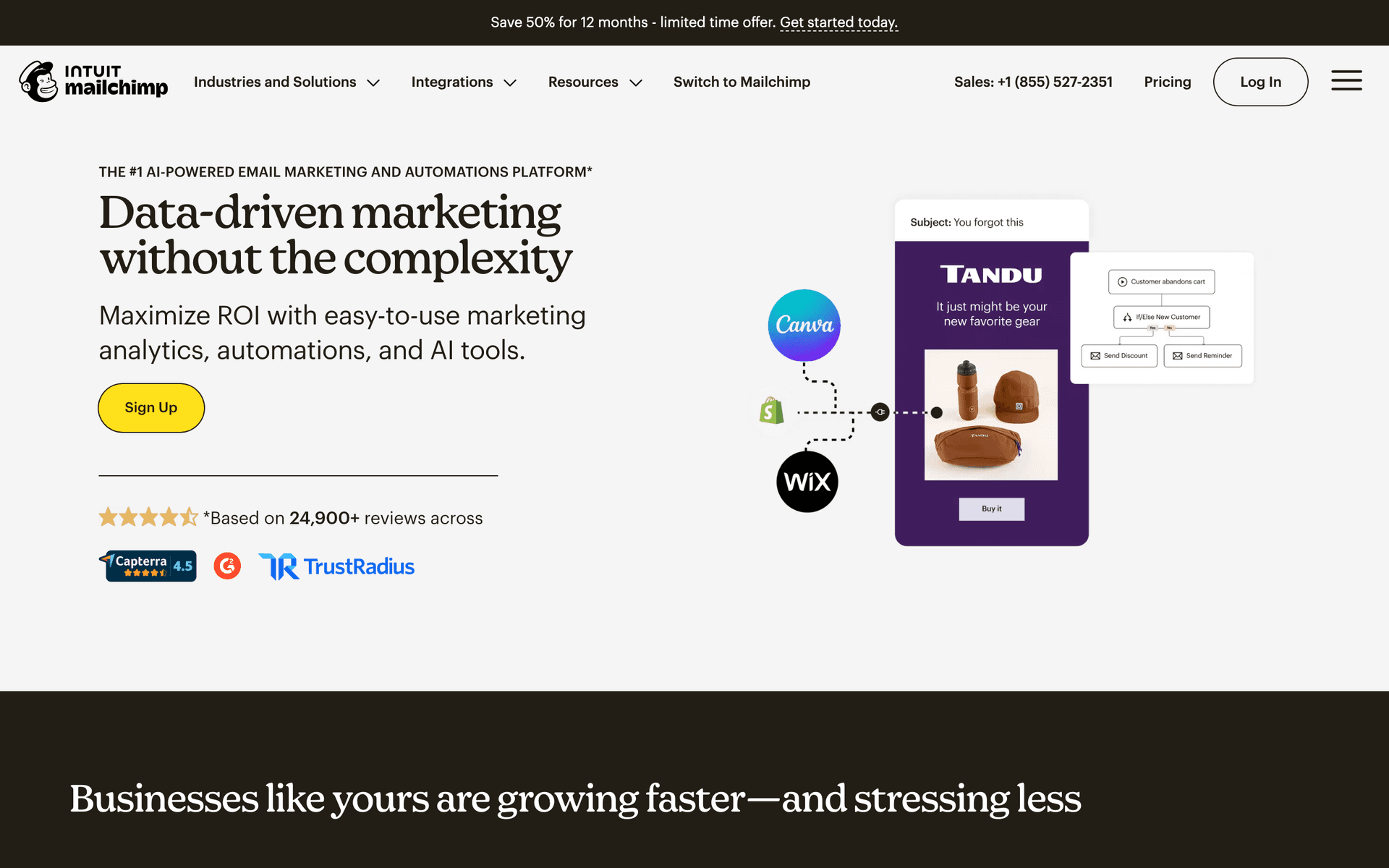
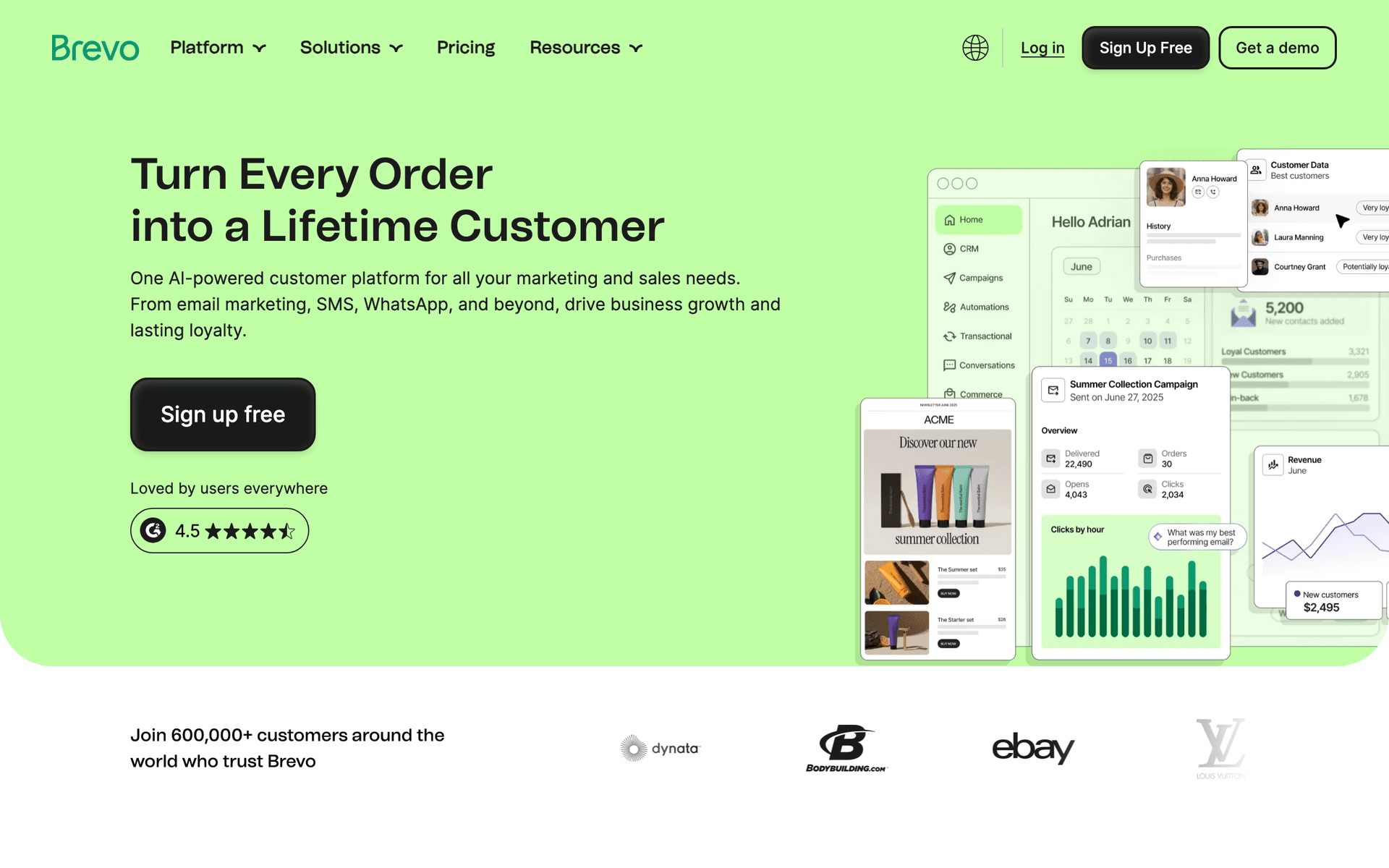
What is your budget? If you are just starting, free tiers from Sequenzy, MailerLite, Mailchimp, or Brevo let you test the waters. If you are ready to invest $25-30/month, Sequenzy and ActiveCampaign offer more powerful automation. Calculate what you will pay at your expected list size, not just the starting price.
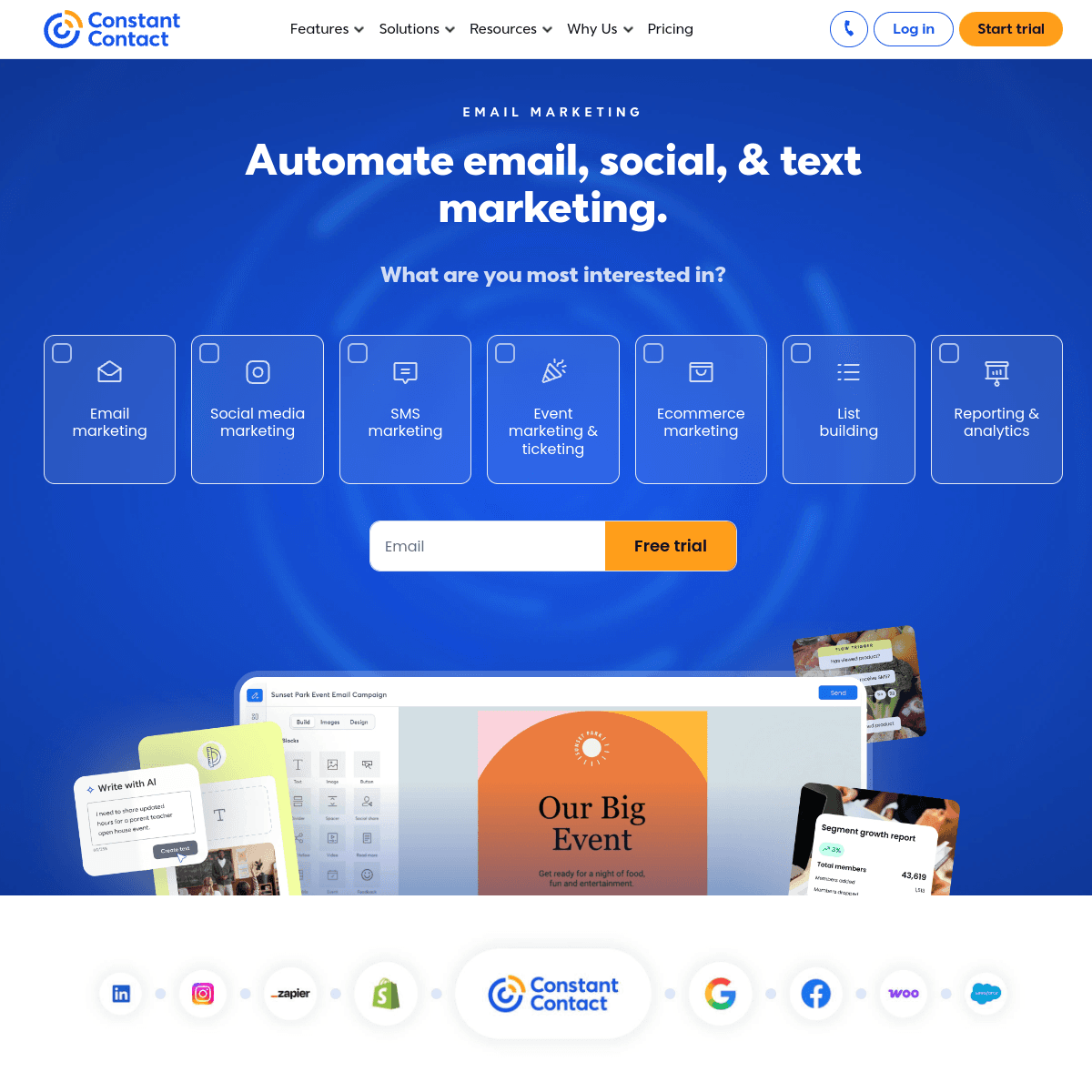
How technical are you? If you want to set up email and get back to running your business, choose Sequenzy, MailerLite, or Constant Contact. If you enjoy marketing and want sophisticated campaigns, ActiveCampaign or HubSpot give you room to grow.
What type of business do you run? E-commerce businesses benefit from Drip or Mailchimp's shopping integrations. Content-driven businesses do well with Kit. Service businesses and local shops thrive with Sequenzy, Constant Contact, or Brevo.
The Email Strategy That Works for Small Businesses
After working with hundreds of small businesses on email marketing, here is what actually moves the needle:
Automate the basics. Every business should have welcome emails and post-purchase follow-ups running automatically. Businesses that automate these basics see 20-30% more repeat customers than those that rely on manual outreach.
Keep it simple. Start with 3 sequences: welcome, post-purchase follow-up, and win-back for inactive customers. Add more later as you see results.
Look at the data. Open rates, click rates, revenue from email. The businesses that check monthly and adjust always outperform those who set and forget.
Building Your Small Business Email Calendar
A realistic email calendar for a small business owner:
Weekly: One newsletter or update email. Mix of tips, news, and one promotional item. Schedule 30-60 minutes per week to create this.
Monthly: Review your email metrics. Clean out obviously unengaged subscribers. Plan any seasonal promotions for the coming month.
Quarterly: Update your welcome sequence with fresh content and testimonials. Review your automated sequences and adjust based on performance data.
The Economics of Email Marketing for Small Businesses
Here is why email is the best marketing investment for small businesses:
- Cost: $0-30/month for most small businesses
- Time: 1-2 hours per week after initial setup
- Average return: $36 for every $1 spent
- Customer retention improvement: 20-30% with automated follow-ups
Compare that to paid advertising where costs are rising, social media where reach is declining, or networking events where time investment is high. Email consistently delivers the highest return for the lowest investment.
Common Small Business Email Types That Drive Revenue
Welcome emails convert new subscribers into customers with a first-purchase incentive. Average conversion rate: 5-15%.
Post-purchase follow-ups drive repeat sales and reviews. Businesses with follow-up sequences see 25-40% higher repeat purchase rates.
Seasonal promotions drive revenue during key business periods. Holiday, back-to-school, summer - time your promotions to when customers are already buying.
Win-back emails recover lost customers at a fraction of the acquisition cost. A simple 3-email win-back sequence recovers 5-15% of lapsed customers.
Referral requests generate new customers at near-zero cost. Ask happy customers to refer friends and offer a small incentive for both parties.
Getting Started Today
Pick a tool from this list and start with these steps:
- Import your existing customer emails (with consent)
- Set up an automated welcome email
- Send your first newsletter this week
- Create one automated sequence like a post-purchase follow-up
- Review your results after 30 days and adjust
You do not need a perfect strategy, a massive list, or beautiful designs to start seeing results. The only mistake is not starting at all.