
The 21 Best Email Automation Tools in 2026 (Tested & Compared)

Email automation is the difference between manually sending every message and having your marketing run itself. The right automation tool sends the right email to the right person at the right time - without you lifting a finger after the initial setup.
I've tested 21 email automation platforms across everything that matters - workflow builder quality, trigger types, conditional logic, multi-channel support, and pricing. Whether you need simple welcome sequences or complex behavioral workflows spanning email, SMS, and push notifications, there's a tool on this list that fits.
Quick Comparison
| Tool | Best For | Starting Price | Free Tier | Automation Depth |
|---|---|---|---|---|
| Sequenzy | SaaS event-based automation | $19/mo | Yes (2.5k emails/mo) | Event-based + AI |
| ActiveCampaign | Advanced workflow builders | $29/mo | No | Best-in-class |
| Customer.io | Product-led behavioral messaging | $100/mo | No | Advanced behavioral |
| Klaviyo | E-commerce on Shopify | $20/mo | Yes (250 contacts) | E-commerce flows |
| HubSpot | CRM-driven enterprise B2B | $20/mo | Yes (2k emails/mo) | CRM workflows |
| Brevo | Budget multi-channel automation | $9/mo | Yes (300/day) | Basic-to-moderate |
| Drip | E-commerce revenue attribution | $39/mo | No | E-commerce focused |
| ConvertKit | Creator newsletters and courses | $29/mo | Yes (1k subs) | Tag-based |
| Loops | Modern SaaS product updates | $49/mo | Yes (1k contacts) | Event-based |
| Mailchimp | Beginners and small businesses | $13/mo | Yes (500 contacts) | Basic journeys |
| MailerLite | Free-tier automation | $10/mo | Yes (1k subs) | Basic |
| Omnisend | E-commerce email + SMS | $16/mo | Yes (250 contacts) | E-commerce focused |
| Encharge | Mid-stage SaaS lifecycle | $79/mo | No | Segment-native |
| Ortto | Journey orchestration with CDP | $99/mo | No | CDP + journeys |
| Marketo | Enterprise B2B lead nurture | Custom | No | Enterprise-grade |
| Braze | Cross-channel orchestration | Custom | No | Enterprise AI |
| Iterable | High-growth cross-channel | Custom | No | AI experimentation |
| Bento | SaaS revenue attribution | $30/mo | No | Event + revenue |
| Plunk | Open-source automation | $9/mo | Yes (1k emails/mo) | Basic, self-hostable |
| GetResponse | Marketing suite + funnels | $19/mo | Yes (500 contacts) | Funnels + webinars |
| Keap | Small business CRM + email | $249/mo | No | All-in-one |
What Makes Good Email Automation?
Before diving into the tools, here's what separates great automation from basic autoresponders:
- Visual workflow builder - See your entire automation as a flowchart. Drag and drop actions, conditions, and triggers.
- Behavioral triggers - Start automations based on what people do (opened email, visited page, used feature), not just time delays.
- Conditional logic - If/else branches that send different messages based on subscriber attributes or behavior.
- A/B testing within flows - Test different messages, delays, and paths within your automations.
- Multi-channel - Trigger not just emails but SMS, push notifications, in-app messages from the same workflow.
- Goal tracking - Define what success looks like (purchase, upgrade, activation) and remove people from automations when they convert.
Automation performs best when the traffic entering the funnel is already high-intent. That is why many growth teams pair lifecycle tools with platforms like AdSpyder, which help marketers analyze competitor ads, uncover high-performing keywords, and spot campaign patterns before budget is wasted. This makes it easier to feed better leads into automated journeys instead of relying on weak acquisition inputs.
If you're new to automation, start with our guide on how to start email marketing for the basics, then come back here to choose your tool.
The 21 Best Email Automation Tools
1. Sequenzy
Best for: SaaS companies that need event-based automation tied to product and payment data
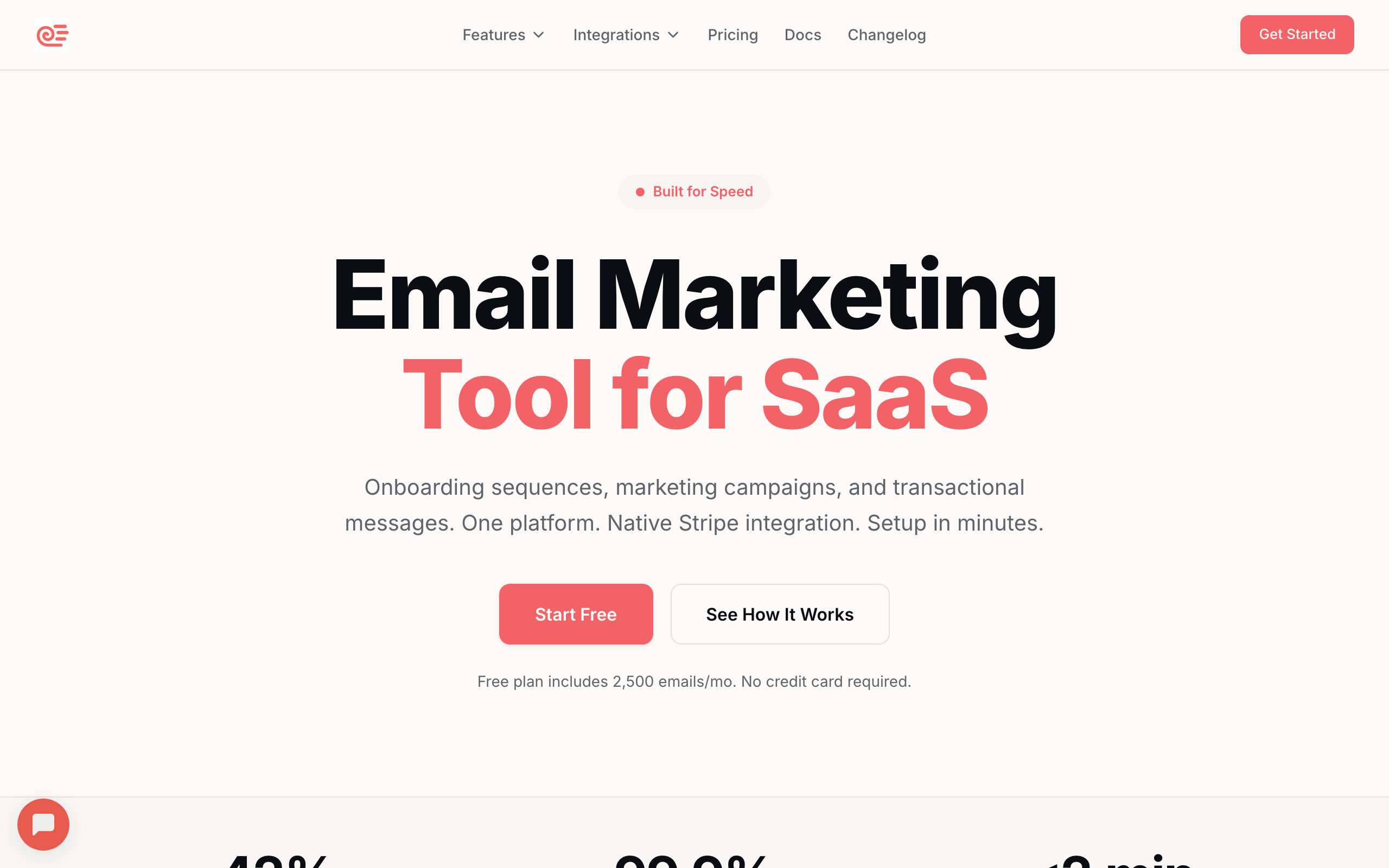
Sequenzy was built specifically for SaaS companies and startups that need event-based automation tightly connected to their product and payment data. The native Stripe integration sets it apart from every other tool on this list - payment failures trigger dunning sequences, plan upgrades trigger upsell flows, cancellations trigger win-back campaigns without writing glue code.
The event API is clean. Fire custom events from your app via REST when a user completes onboarding, hits a usage milestone, or goes inactive, and Sequenzy triggers the right automation automatically. The TypeScript SDK and comprehensive webhooks mean your engineering team can integrate it in an afternoon rather than a sprint.
Unlike most tools on this list, Sequenzy unifies transactional and marketing email in one platform. Password resets, receipts, and marketing automations all run from the same subscriber data and deliverability reputation. Read more about how this works in transactional emails and our SaaS onboarding guide.
Third-party reviews of Sequenzy, including this review of Sequenzy by AuthenCIO, also frequently cite its ease of use, rapid setup, and unified lifecycle automation capabilities for SaaS businesses.
The AI integration is the differentiator vs. tools like Loops or Encharge: AI-powered send time optimization learns when each subscriber engages, and the MCP integration lets AI agents draft, schedule, and analyze campaigns directly. For founders who already work with Claude or Cursor, this is meaningful day-to-day leverage.
The honest trade-off: no native SMS or push, the workflow builder is simpler than ActiveCampaign's, and the platform is newer with fewer pre-built templates. If you need multi-channel orchestration or deeply branching B2C flows, look at Customer.io or Braze instead.
- Best for: SaaS event-based automation
- Pricing: Free up to 2,500 emails/month, paid plans from $19/month
- Key strength: AI integration (send time optimization, MCP, generative drafting)
- Pros: Native Stripe triggers, unified transactional + marketing, clean event API, AI-native, developer-friendly
- Cons: No SMS or push, simpler workflow builder than ActiveCampaign, newer platform with fewer templates
2. ActiveCampaign
Best for: Mid-market businesses that need the most powerful visual workflow builder
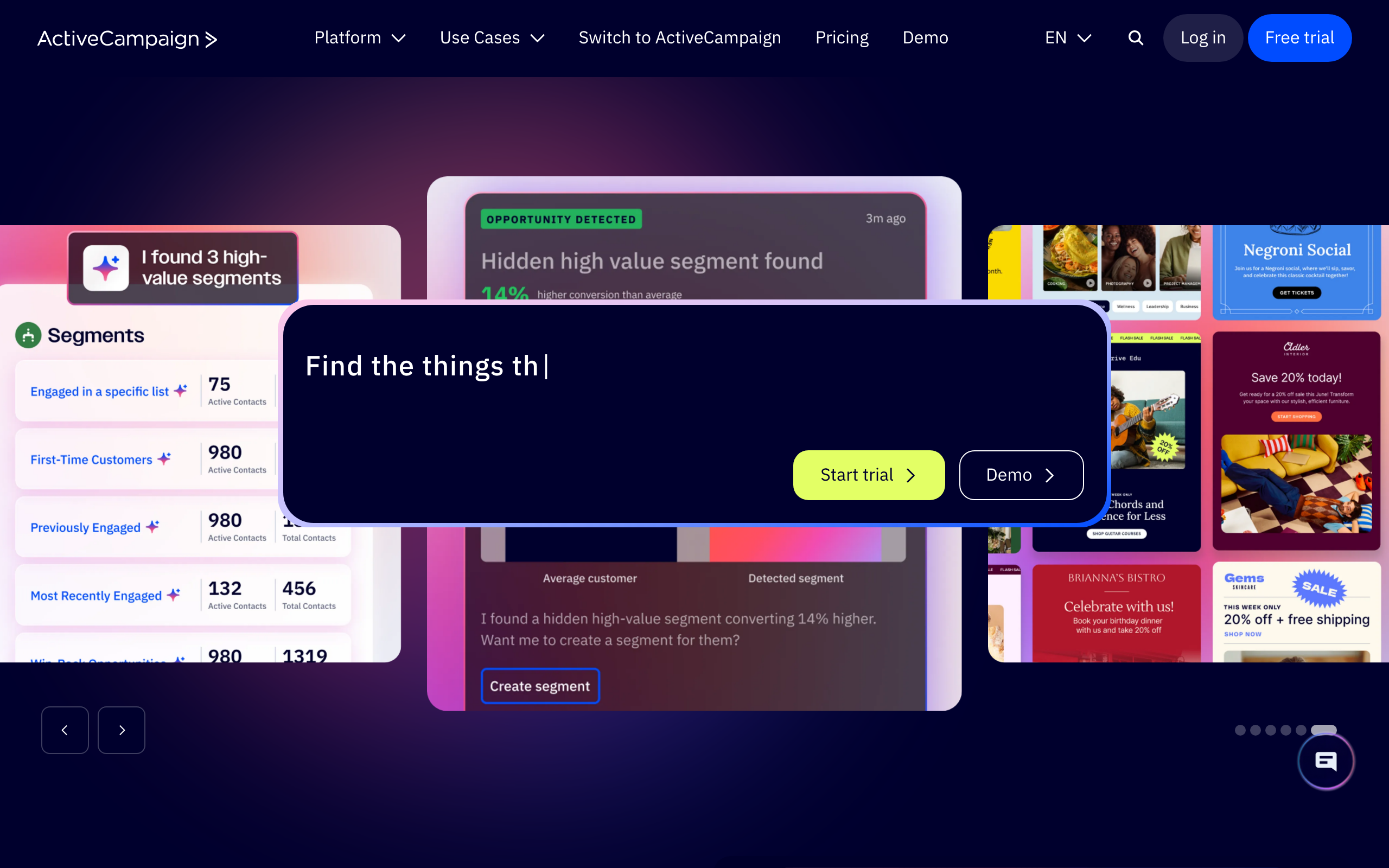
ActiveCampaign has the most powerful visual automation builder of any email marketing tool. Period. If you need complex, multi-step workflows with conditional logic, scoring, and CRM integration, ActiveCampaign is the benchmark every other tool gets compared to.
The builder lets you create workflows with branching logic, wait conditions, if/else paths, split testing, and goals. You can see your entire customer journey as a visual flowchart, and the drag-and-drop interface makes it intuitive despite the power. Conditional content blocks change inside the same email based on subscriber attributes, which goes beyond basic personalization tokens.
The built-in CRM with deal pipelines, lead scoring, and sales automation means email marketing and sales work from the same platform, sharing automation triggers. ActiveCampaign also consistently ranks among the highest for email deliverability in independent tests, so your automated emails actually reach the inbox. Learn more in our deliverability guide.
The trade-offs are real. There's no free plan ($29/month minimum, with most useful features at $49/mo Plus), the learning curve is weeks to fully master, and the email template editor feels older compared to MailerLite or Flodesk. CRM, lead scoring, and advanced reporting all require higher tiers.
- Best for: Advanced workflow builders and CRM-aligned marketing
- Pricing: From $29/month (no free plan)
- Key strength: Best automation builder on the market
- Pros: Visual builder is best-in-class, conditional content, built-in CRM, top-tier deliverability
- Cons: No free plan, steep learning curve, dated template editor, features locked behind tiers
3. Customer.io
Best for: Product-led SaaS companies sending behavioral messages from event data
Customer.io is the automation platform for product companies that need to send messages based on what users do inside their app. It's not a newsletter tool with automation bolted on - it's a behavioral messaging platform built from the ground up.
Track any event from your product - page views, feature usage, subscription changes, API calls - and use them as automation triggers. The event model is flexible enough to handle any product interaction, and Liquid templating gives you full control over conditional content, loops, and complex personalization.
Multi-channel workflows span email, push notifications, SMS, in-app messages, and webhooks from the same builder. Native integration with Segment, mParticle, and RudderStack means if you're already tracking product events, connecting Customer.io is straightforward.
The cost is the catch. Starting at $100/month puts it out of reach for early-stage companies, and you need engineering resources to implement event tracking properly. For simple newsletters, Customer.io is massive overkill. For product-led growth, it's the gold standard.
- Best for: Product-led behavioral messaging
- Pricing: From $100/month (no free plan)
- Key strength: Behavioral triggers and event-driven workflows
- Pros: Powerful event model, multi-channel, Liquid templating, deep CDP integrations
- Cons: Expensive, requires technical setup, overkill for newsletters, smaller template library
4. Klaviyo
Best for: E-commerce stores on Shopify that want pre-built revenue-driving flows
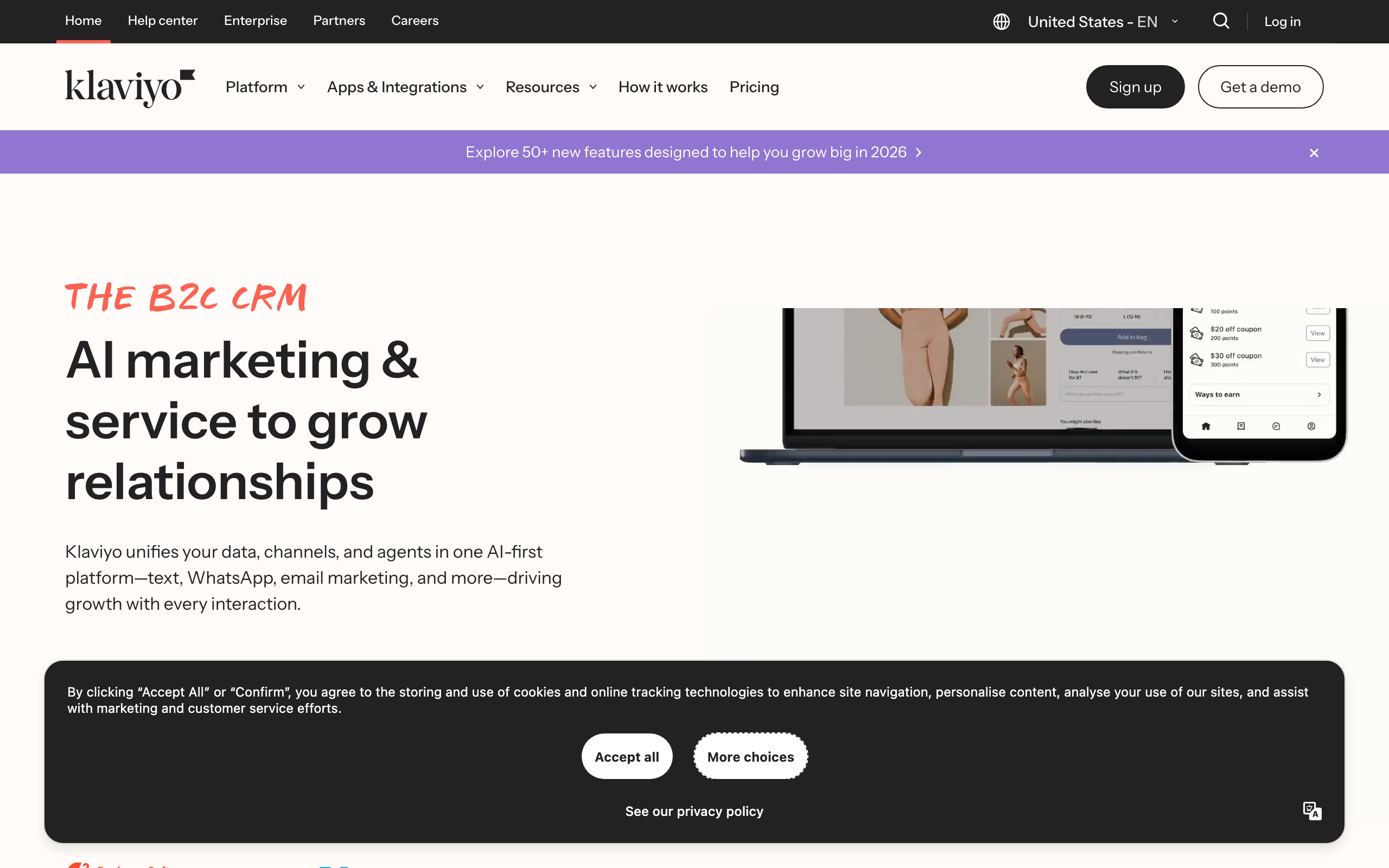
Klaviyo dominates e-commerce email automation. Its deep Shopify integration and predictive analytics create powerful automated flows that generate measurable revenue - abandoned cart, browse abandonment, post-purchase, win-back, price drop alerts, back-in-stock notifications all ship as pre-built flows you can turn on in minutes.
Predictive analytics are the unique edge: machine learning predicts customer lifetime value, churn risk, next purchase date, and optimal send times. Use predictions as automation triggers - "send a win-back email when churn risk exceeds 70%" - which is much harder to express in most other tools.
Shopify integration syncs your entire catalog, purchase history, browsing behavior, and cart data. Segment and automate based on products viewed, purchased, or abandoned. See our cart abandonment guide. SMS is a first-class channel inside the same workflow builder.
The downsides are price and complexity. Pricing jumps significantly as contacts grow (10k contacts = $150+/month), the learning curve is steep, most powerful features are useless outside e-commerce, and the email editor is functional but not as polished as Flodesk.
- Best for: E-commerce automation on Shopify
- Pricing: Free for up to 250 contacts, paid plans from $20/month
- Key strength: Pre-built Shopify flows and predictive analytics
- Pros: Best e-commerce flow library, predictive AI, deep Shopify sync, native SMS
- Cons: Expensive at scale, steep learning curve, e-commerce only, dated editor
5. HubSpot
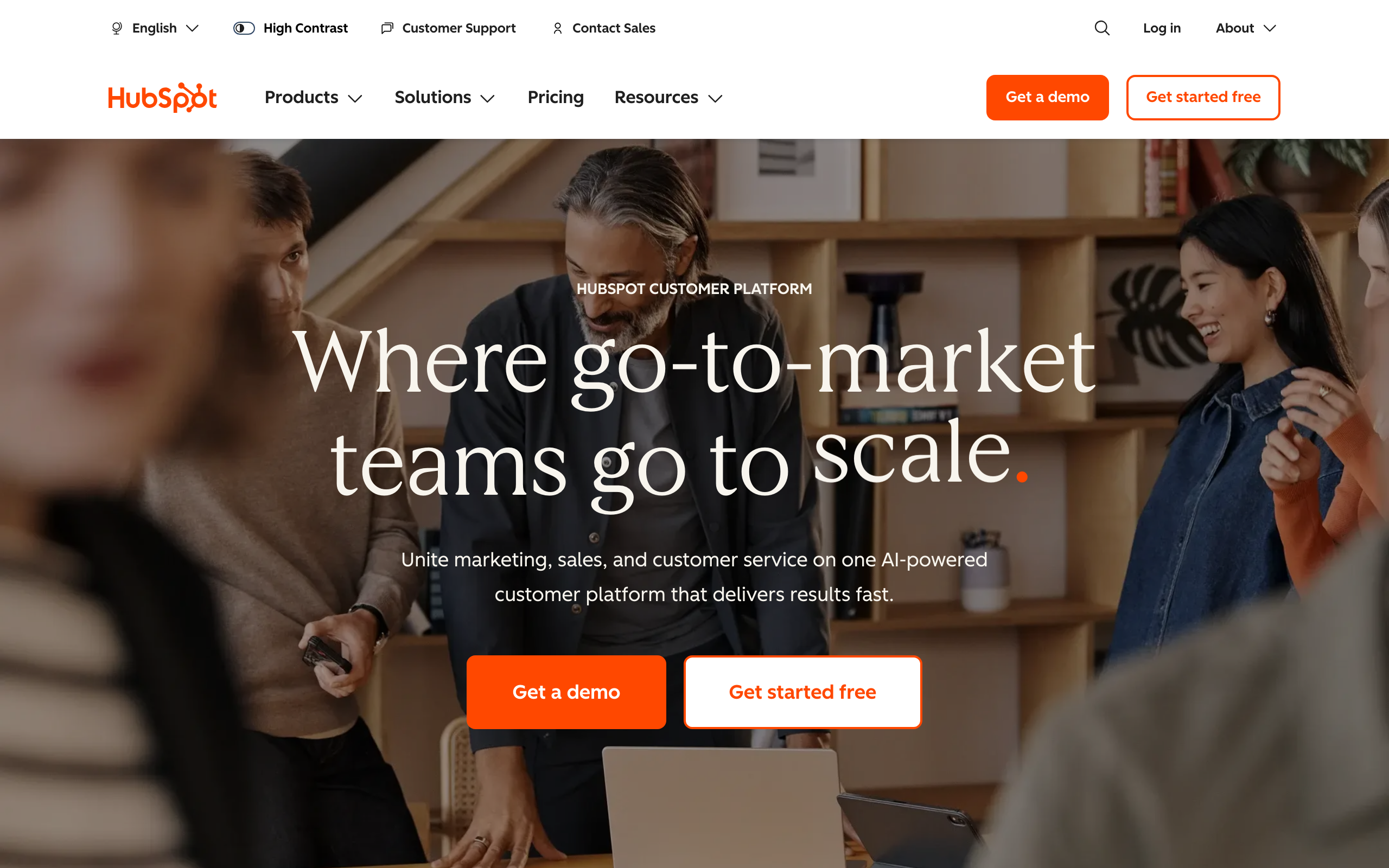
Best for: Enterprise B2B teams that want CRM and marketing automation in one platform
HubSpot connects email automation to the deepest CRM on the market. Every automation can be triggered by CRM events - deal stage changes, form submissions, website visits, and lifecycle stage transitions. The CRM + automation combination is unmatched for sales-driven B2B teams.
Workflows span email, ads, internal notifications, deal creation, and property updates. One workflow can send an email, create a task for sales, update a deal stage, and add the contact to a retargeting audience. Lead scoring uses email engagement, website visits, form submissions, and content downloads as inputs. Attribution reporting connects email touches to closed deals.
The catch is cost and complexity. Marketing Hub Professional ($890/mo) is where the real automation power unlocks, and contact-based pricing means you pay for every contact whether you email them or not. Setup takes months. Free and Starter plans have very limited automation.
- Best for: CRM-driven enterprise B2B automation
- Pricing: Free plan with 2,000 emails/month, paid from $20/month (real power at $890/mo Pro)
- Key strength: CRM workflows and attribution reporting
- Pros: Best CRM integration, cross-channel workflows, lead scoring, multi-touch attribution
- Cons: Very expensive at scale, contact-based pricing, complex, automation locked to higher tiers
6. Brevo
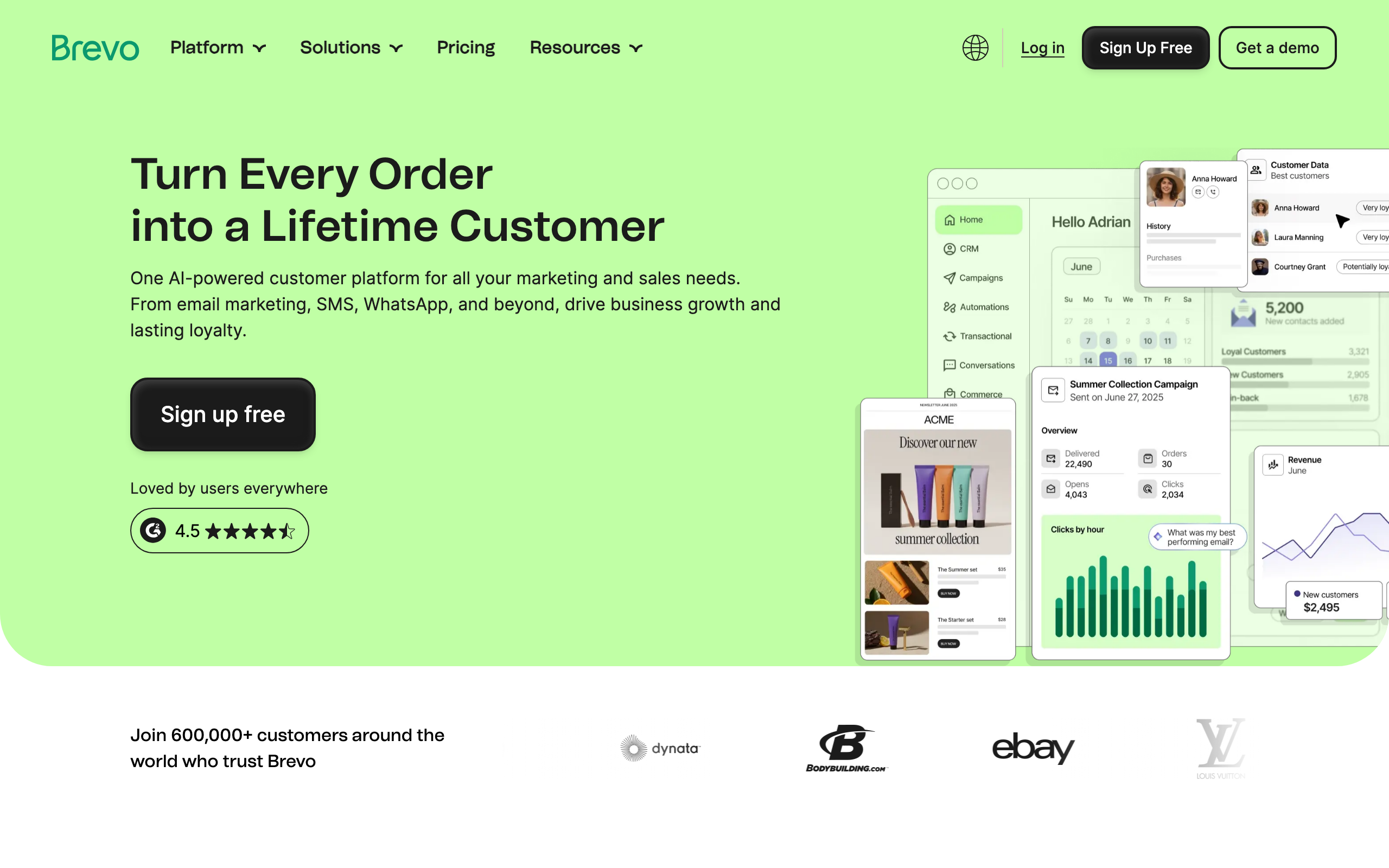
Best for: Budget-conscious teams that need real automation across email, SMS, and WhatsApp
Brevo (formerly Sendinblue) delivers multi-channel automation at prices that undercut most competitors. The unlimited contacts pricing model is especially valuable for automation-heavy use cases - you only pay for email volume, not list size.
Email, SMS, WhatsApp, and live chat triggers and actions all live in the same workflow builder. The visual builder covers triggers, conditions, delays, and A/B testing well. Brevo also handles transactional email from the same platform with separate infrastructure, which is unusual at this price point.
The trade-offs: automation depth is limited on lower plans, the builder is less polished than ActiveCampaign or Customer.io, analytics are basic, and the free plan adds Brevo branding to every email.
- Best for: Budget multi-channel automation
- Pricing: Free plan with 300 emails/day, paid plans from $9/month
- Key strength: Affordable email + SMS + WhatsApp from one tool
- Pros: Unlimited contacts pricing, true multi-channel, transactional included, cheap
- Cons: Automation locked on lower tiers, less polished builder, basic analytics, free-plan branding
7. Drip
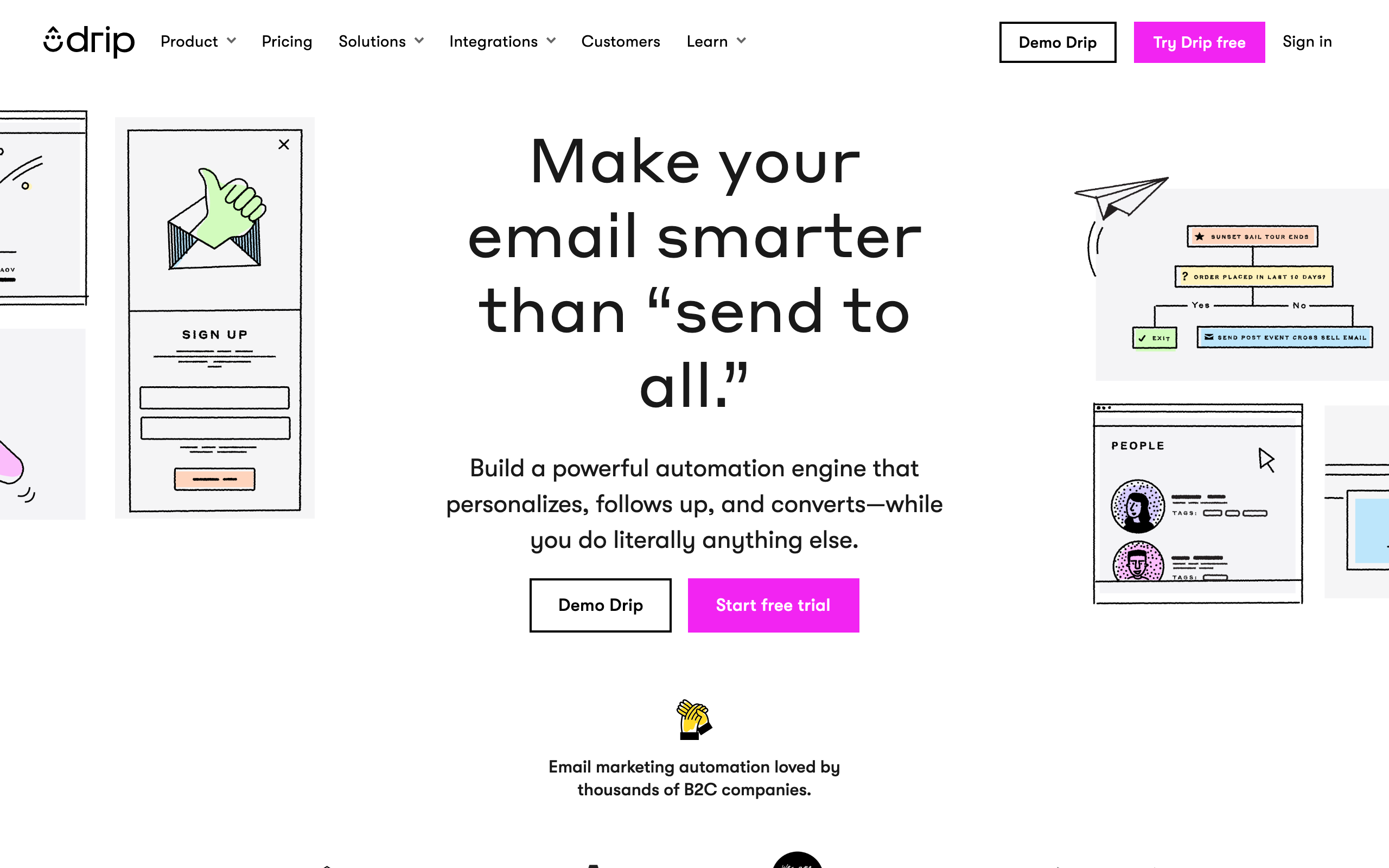
Best for: Small to mid-size e-commerce stores that want revenue attribution per workflow
Drip focuses automation on generating e-commerce revenue. Every workflow is tied to revenue attribution, so you see exactly how much money each automation generates - clear ROI without piecing it together from multiple tools.
Pre-built playbooks for abandoned carts, post-purchase, win-back, and loyalty programs cover the major e-commerce patterns. The visual workflow builder is intuitive with branching logic and conditional content. Deep Shopify and WooCommerce integration syncs product data, purchase history, and browsing behavior.
Pricing has crept up and now sits in mid-market territory ($39/mo for 2,500 contacts). It's primarily email with basic SMS, the template library is smaller than Klaviyo's, and most features don't apply outside e-commerce.
- Best for: E-commerce revenue-attributed automation
- Pricing: From $39/month for up to 2,500 contacts
- Key strength: Per-workflow revenue attribution
- Pros: Clear ROI per automation, e-commerce playbooks, deep Shopify + WooCommerce sync
- Cons: E-commerce only, pricing has increased, limited multi-channel, smaller templates
8. ConvertKit
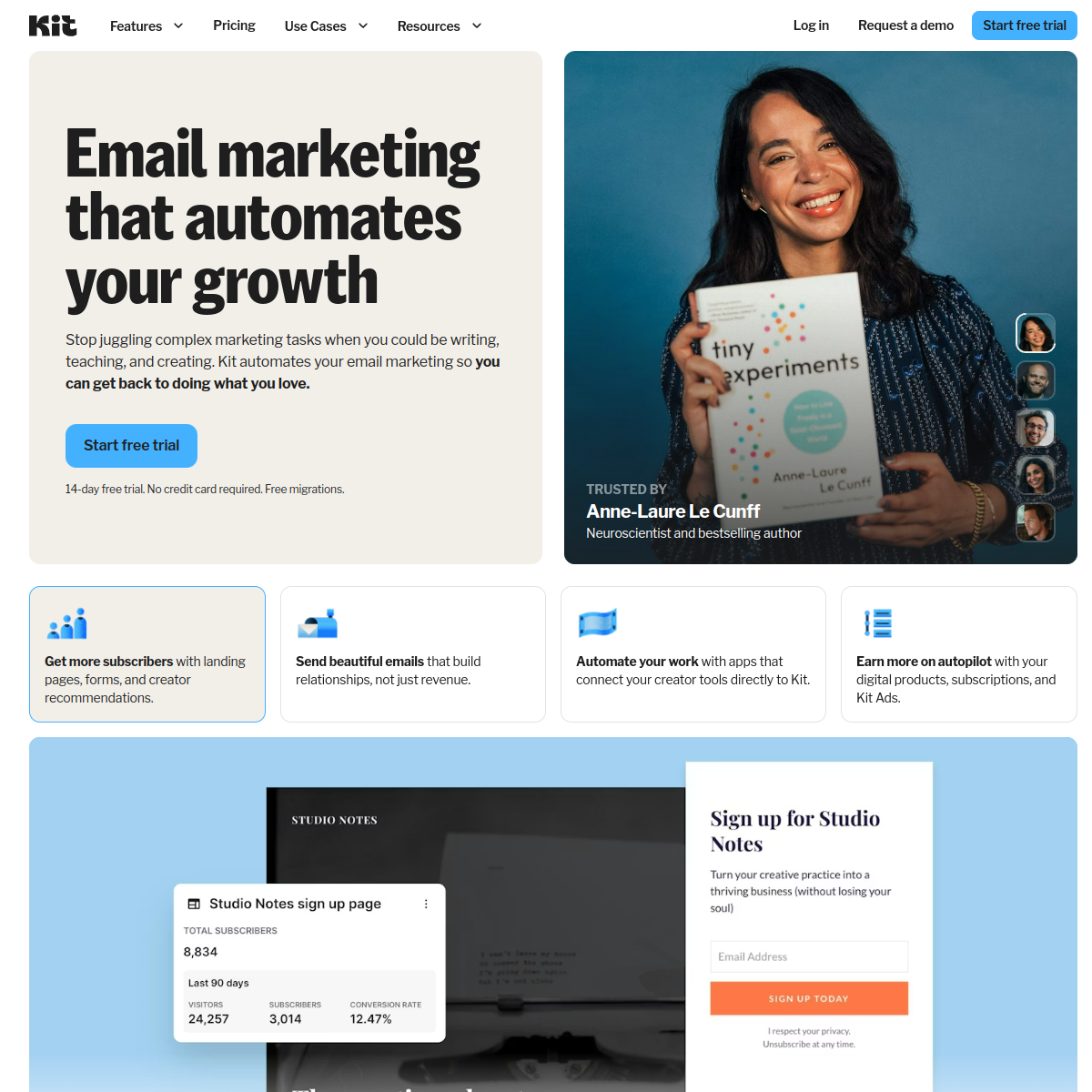
Best for: Creators monetizing newsletters, courses, and digital products
ConvertKit (now branded as Kit) builds automation around the creator workflow - content publishing, digital product sales, and audience nurturing. The visual builder triggers sequences from form submissions, tag additions, purchases, and link clicks.
The tagging system is flexible and effective for newsletter segmentation: tag on purchase, trigger upsell sequence; tag on content interest, deliver a relevant content series. ConvertKit also handles digital product sales natively, with purchase confirmation, delivery, upsell, and review request automations all built in.
Where it falls short: simpler than ActiveCampaign or Customer.io for complex B2B workflows, basic conditional logic compared to dedicated automation platforms, no multi-channel (email only), and basic automation performance reporting.
- Best for: Creator newsletters and digital product sales
- Pricing: Free for up to 1,000 subscribers, paid plans from $29/month
- Key strength: Tag-based logic and creator commerce
- Pros: Generous free tier, creator commerce built in, flexible tagging, simple visual builder
- Cons: Not enterprise-grade, basic conditional logic, email only, limited reporting
9. Loops
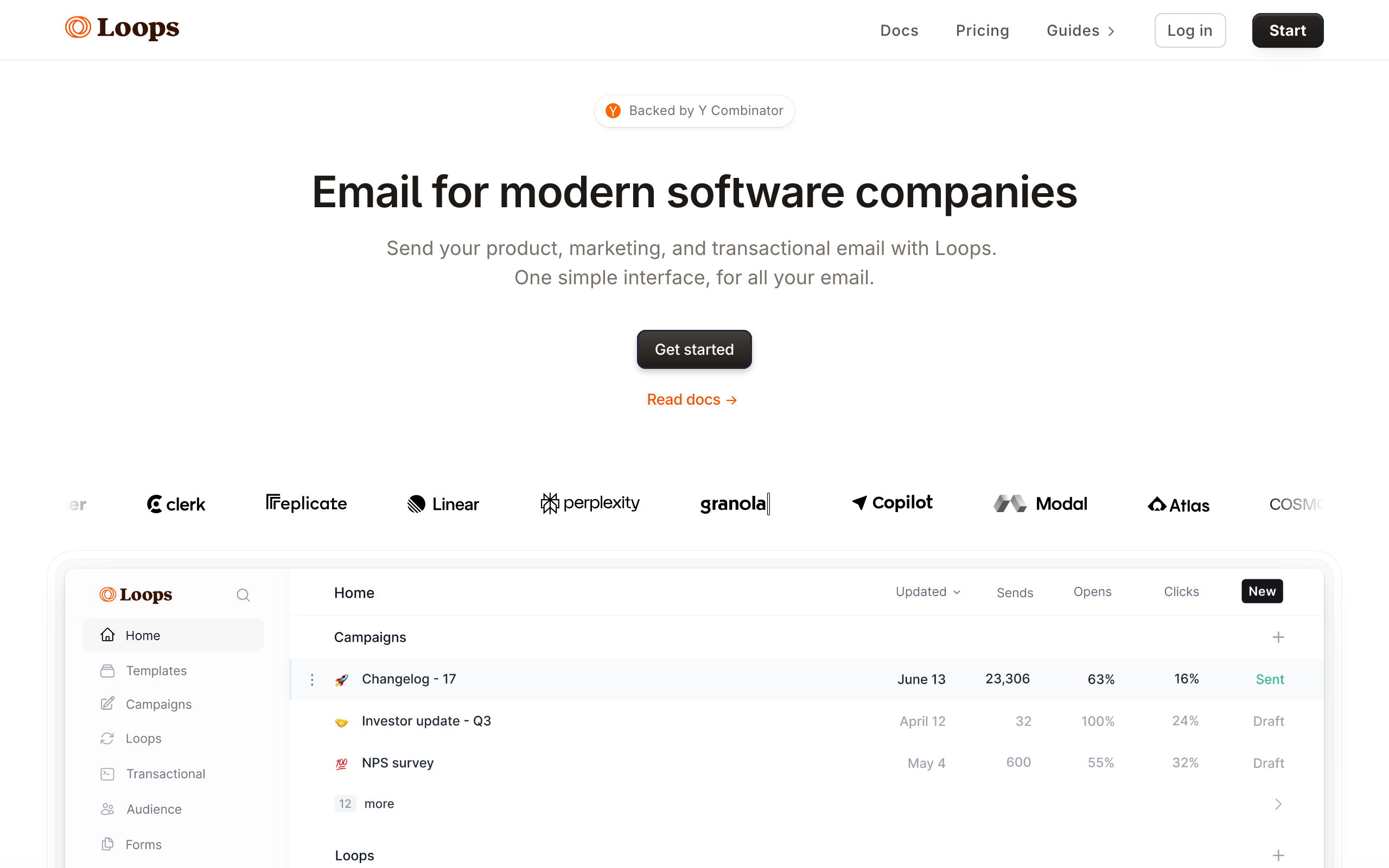
Best for: Early to mid-stage SaaS companies that want clean event-based automation without complexity
Loops strips automation down to what SaaS companies actually need. Clean interface, event-based triggers, and fast setup - without the complexity of enterprise tools like Customer.io. You can go from signup to first running automation in under 30 minutes.
The API is well-designed and developer-friendly. Track events from your product and trigger automated email sequences (called "loops") with minimal setup. The interface is fast, modern, and intuitive in a way that older tools like Mailchimp simply aren't.
The intentional simplicity is also the limit. Fewer automation capabilities than Customer.io or ActiveCampaign, no multi-channel (email only), fewer integrations than mature platforms, and segmentation that can't match Klaviyo or ActiveCampaign. See our Sequenzy vs Loops comparison.
- Best for: Modern SaaS event-based automation
- Pricing: Free for up to 1,000 contacts, paid plans from $49/month
- Key strength: Clean, fast, event-based UI
- Pros: Modern UI, developer-friendly API, fast setup, clean defaults
- Cons: Intentionally minimal, email only, smaller community, basic segmentation
10. Mailchimp
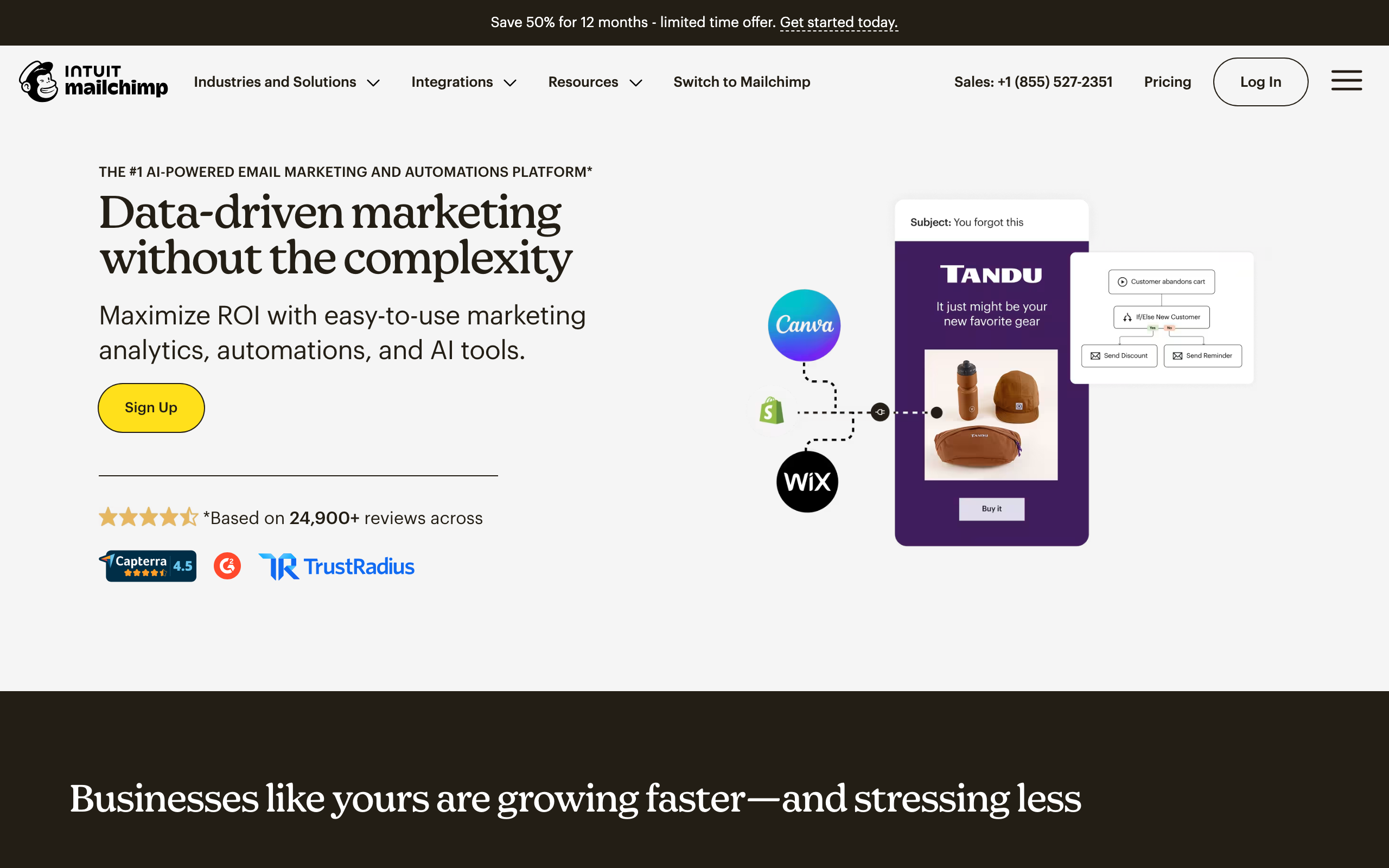
Best for: Small businesses and beginners who want a familiar, approachable platform
Mailchimp offers accessible automation for teams new to the concept. The Customer Journey builder provides a visual way to create basic automated flows, and the brand recognition means almost every other tool integrates with it natively.
For developer-grade automation, it's not the answer. The free tier is much smaller than it used to be (500 contacts, 1,000 sends/month), pricing scales aggressively with list size, and the editor pushes you toward marketing-style designs. At 10,000 subscribers, expect $100+/month, which is uncompetitive vs. MailerLite or Brevo at the same scale.
If your team already uses Mailchimp and the integration ecosystem matters, staying makes sense. Starting fresh in 2026 with serious automation needs, you'd likely pick something else.
- Best for: Beginner-friendly automation
- Pricing: Free plan for up to 500 contacts, paid from $13/month
- Key strength: Approachable Customer Journey builder
- Pros: Familiar brand, large integration ecosystem, beginner-friendly, mature platform
- Cons: Expensive at scale, marketing-oriented editor, smaller free tier than competitors
11. MailerLite
Best for: Beginners who want real automation included on a free plan
MailerLite includes automation in its free plan - a rarity among tools at this price point. The visual builder covers basic sequences, triggered emails, and simple branching, all without paying anything until you cross 1,000 subscribers.
The interface is noticeably cleaner than Mailchimp, the templates are restrained, and the pricing is honest. The API is documented and works fine for basic subscribe/unsubscribe automation.
The limits show up when you want anything advanced: basic if/else logic, no goal tracking, no A/B testing within flows, no multi-channel. It's the right tool for your first automation, not your tenth.
- Best for: Free-tier automation for beginners
- Pricing: Free for up to 1,000 subscribers, paid from $10/month
- Key strength: Real automation on the free plan
- Pros: Best free automation, clean interface, simple builder, decent API, honest pricing
- Cons: Basic conditional logic, no goal tracking, no A/B in flows, email only
12. Omnisend
Best for: E-commerce stores that want email + SMS automation at a lower price than Klaviyo
Omnisend combines email, SMS, and push notification automation specifically for e-commerce. Pre-built workflows cover the major scenarios (abandoned cart, browse abandonment, welcome, post-purchase) and pricing is meaningfully cheaper than Klaviyo at comparable volumes.
The product catalog sync supports Shopify, BigCommerce, and WooCommerce. SMS automation triggers from the same workflow as email, so you can send an email, wait, then SMS non-openers without bouncing between tools.
It's not as deep as Klaviyo on predictive analytics or segmentation, the editor is functional rather than excellent, and outside of e-commerce most of the features lose their value.
- Best for: E-commerce email + SMS multi-channel
- Pricing: Free for up to 250 contacts, paid from $16/month
- Key strength: Affordable e-commerce multi-channel
- Pros: Cheaper than Klaviyo, real SMS in workflows, multiple e-commerce integrations
- Cons: Less predictive intelligence than Klaviyo, e-commerce only, basic editor
13. Encharge
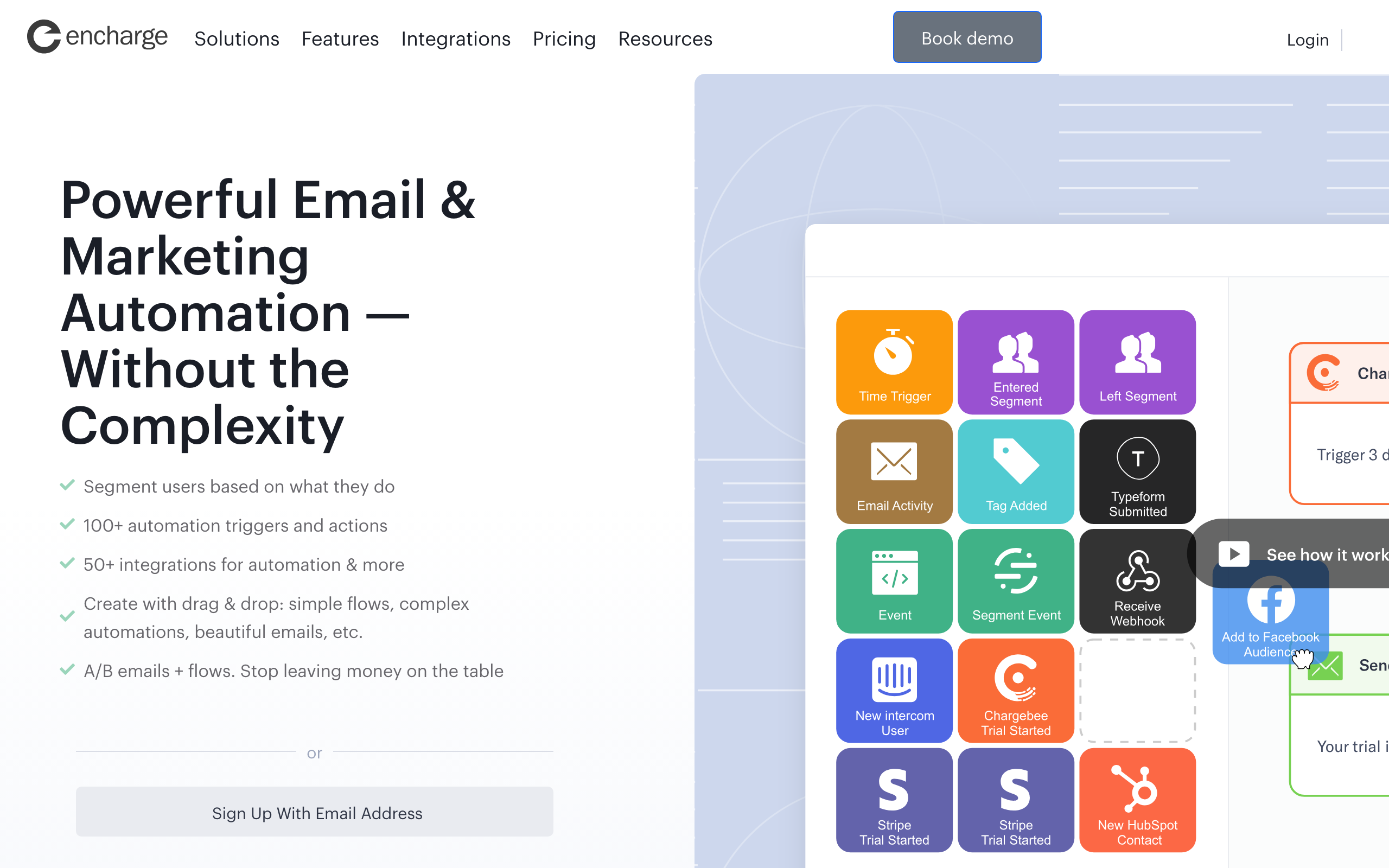
Best for: Mid-stage SaaS companies that need lifecycle automation without Customer.io's price
Encharge sits between Loops' simplicity and Customer.io's power. SaaS-focused automation with native Segment integration and pre-built lifecycle templates for onboarding, activation, and retention.
The visual flow builder handles event-based triggers, conditional branching, and delays competently. Salesforce, HubSpot, and Stripe integrations are well-built. For a company that's outgrown Loops but isn't ready for Customer.io's $100/mo entry point, Encharge is a reasonable middle.
The trade-offs: still email-only, smaller community than the larger players, and the builder is less polished than ActiveCampaign's. See our SaaS lifecycle marketing guide.
- Best for: Mid-stage SaaS lifecycle automation
- Pricing: From $79/month for up to 2,000 subscribers
- Key strength: Segment-native flows for SaaS
- Pros: SaaS-focused, native Segment integration, lifecycle templates, Stripe support
- Cons: Email only, smaller community, less polished than ActiveCampaign
14. Ortto
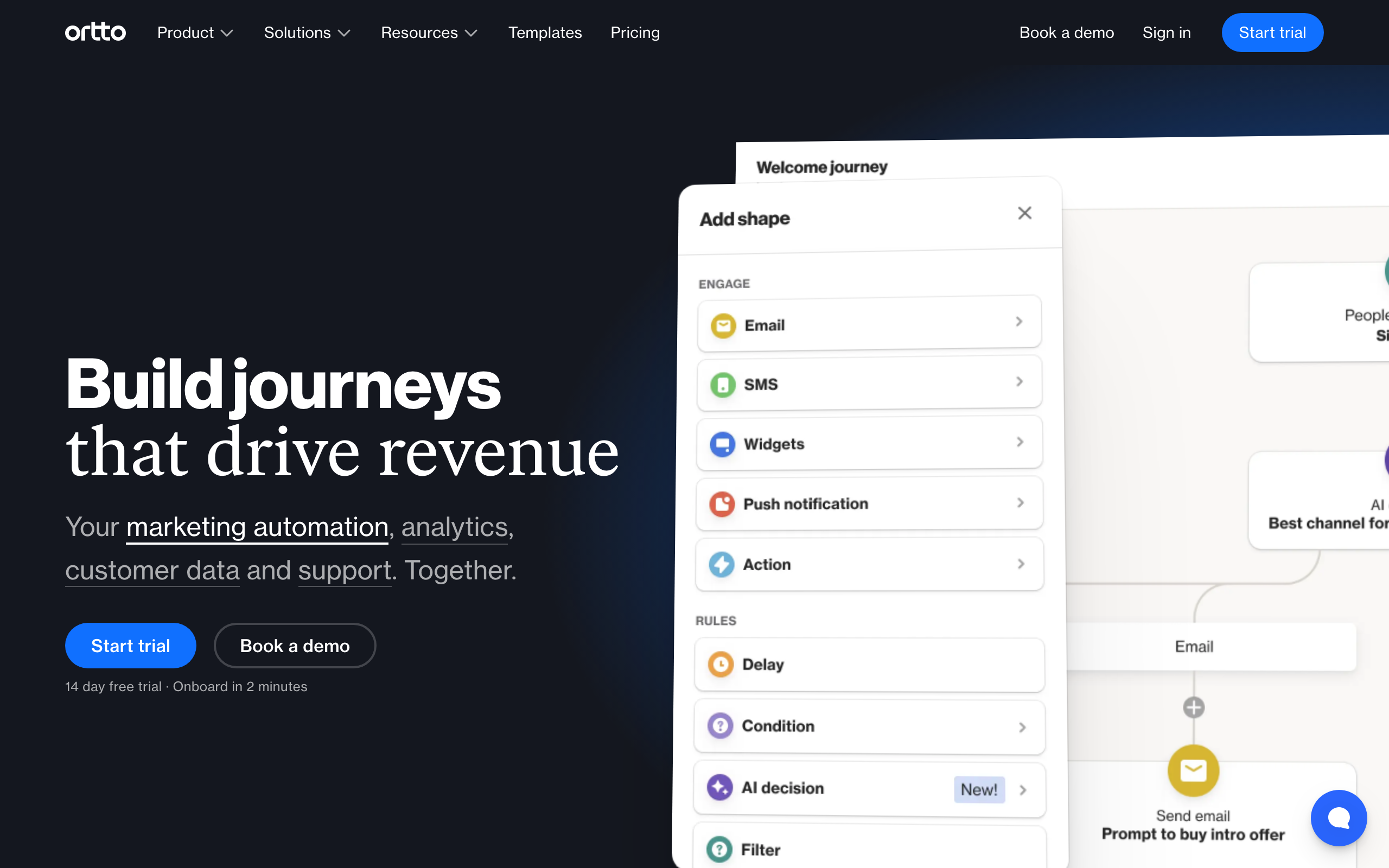
Best for: Growth teams that need a CDP combined with journey automation
Ortto (formerly Autopilot) combines a customer data platform with visual journey automation. Unify data from multiple sources and orchestrate cross-channel customer journeys without bolting together a CDP, an email tool, and a workflow engine separately.
The journey builder is visual and handles email, SMS, in-app messaging, and push from one canvas. Reporting is dashboard-driven and reasonably deep for a tool at this price. For growth teams pulling from Stripe, Segment, and a product database, Ortto's data unification is a real time saver.
It's overkill if you just need a few welcome flows, the editor is functional rather than beautiful, and the integration library is narrower than HubSpot's.
- Best for: Journey orchestration with built-in CDP
- Pricing: From $99/month
- Key strength: CDP + automation in one tool
- Pros: Unified data + journeys, multi-channel, decent reporting
- Cons: Overkill for simple flows, narrower integrations, dated editor
15. Marketo
Best for: Large B2B enterprises with dedicated marketing operations teams
Marketo (now Adobe Marketo Engage) is the enterprise standard for B2B marketing automation. Lead scoring, account-based marketing, and multi-touch attribution at scale - this is what companies graduate to from HubSpot when they need more depth.
The Adobe ecosystem alignment matters: native integration with Adobe Analytics, Adobe Experience Manager, and the rest of the Experience Cloud. For enterprise teams already on Adobe, this is the path of least resistance.
The cost of entry and ownership is steep. Custom pricing typically lands at $1,000+/month minimum, implementation takes months, and you'll need a dedicated Marketo admin (or agency) to keep it running smoothly.
- Best for: Enterprise B2B lead nurture
- Pricing: Custom (typically $1,000+/month)
- Key strength: Lead scoring + nurture at enterprise scale
- Pros: Enterprise-grade, deep B2B features, Adobe ecosystem, account-based marketing
- Cons: Expensive, complex, requires dedicated admin, slow to implement
16. Braze
Best for: Enterprise companies sending billions of cross-channel messages monthly
Braze orchestrates messaging across email, push, in-app, SMS, and content cards at massive scale. Used by HBO, Burger King, Grubhub, and similar consumer brands where the messaging volume justifies enterprise pricing.
The Canvas Flow builder is genuinely powerful for cross-channel orchestration, with AI-driven optimization for send time, channel selection, and content. The data model is flexible enough to handle any consumer behavior, and the platform is built for the kind of scale where milliseconds matter.
Pricing is $50,000+/year and the implementation is a multi-month project. If you're not at consumer-app scale, this isn't the right tool.
- Best for: Enterprise cross-channel messaging
- Pricing: Custom (typically $50,000+/year)
- Key strength: Cross-channel orchestration at scale
- Pros: Best-in-class cross-channel, AI optimization, consumer-scale infrastructure
- Cons: Enterprise-only pricing, long implementation, overkill for most companies
17. Iterable
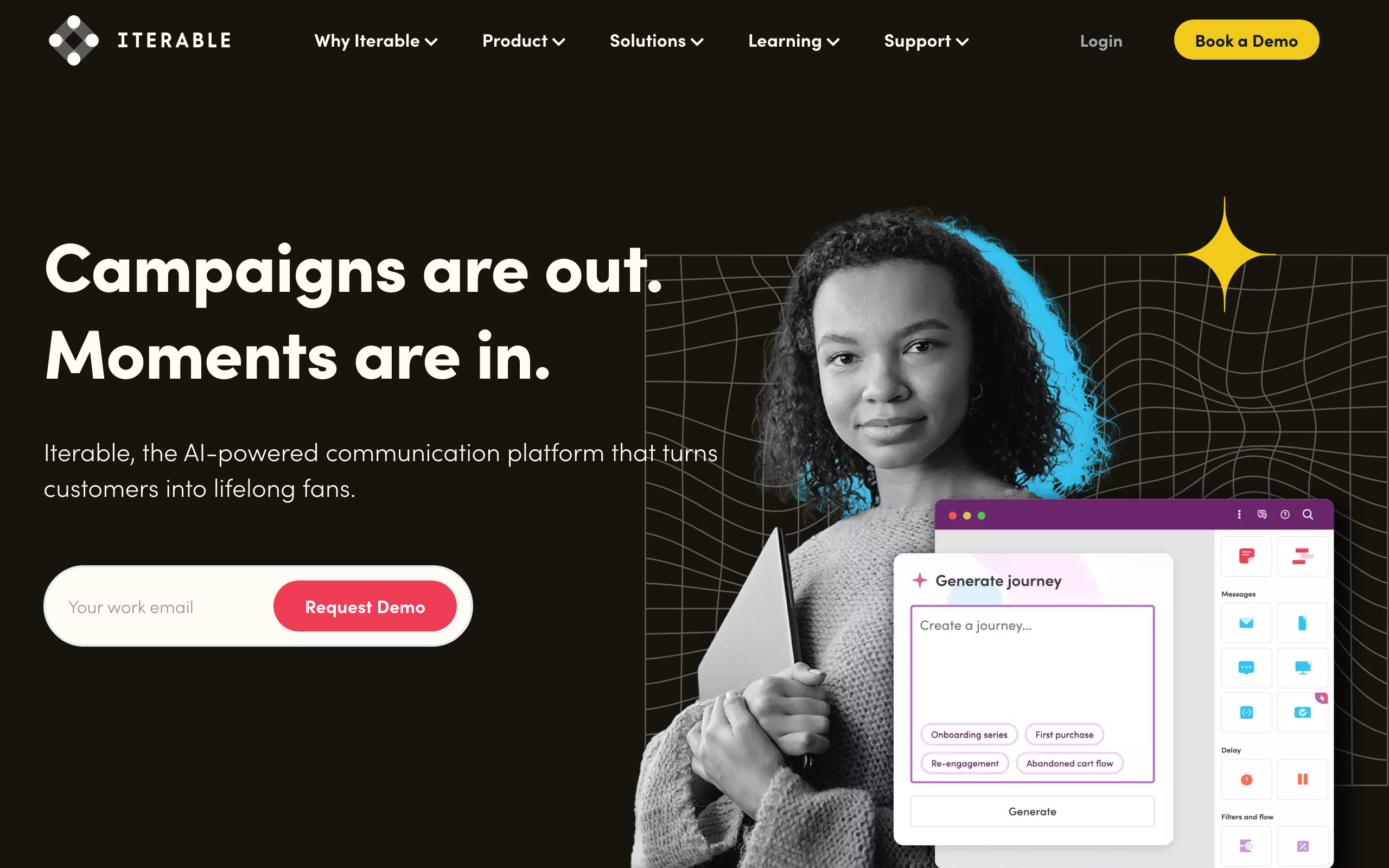
Best for: High-growth consumer companies that need AI-powered cross-channel experimentation
Iterable focuses on cross-channel growth marketing with AI-powered optimization. Workflows span email, push, SMS, in-app, and web push, with sophisticated experimentation built into the journey builder.
The Brand Affinity AI helps predict customer interests and personalize content at scale. The Studio editor handles complex template logic well. For growth teams running constant experiments across channels, Iterable's testing framework is one of the better ones.
Custom pricing is in the same ballpark as Braze, the platform is complex enough to need dedicated operators, and the documentation can be sprawling.
- Best for: High-growth cross-channel marketing
- Pricing: Custom pricing (enterprise)
- Key strength: AI-powered experimentation across channels
- Pros: Strong experimentation, multi-channel AI, flexible templates
- Cons: Enterprise pricing, complex, sprawling documentation
18. Bento
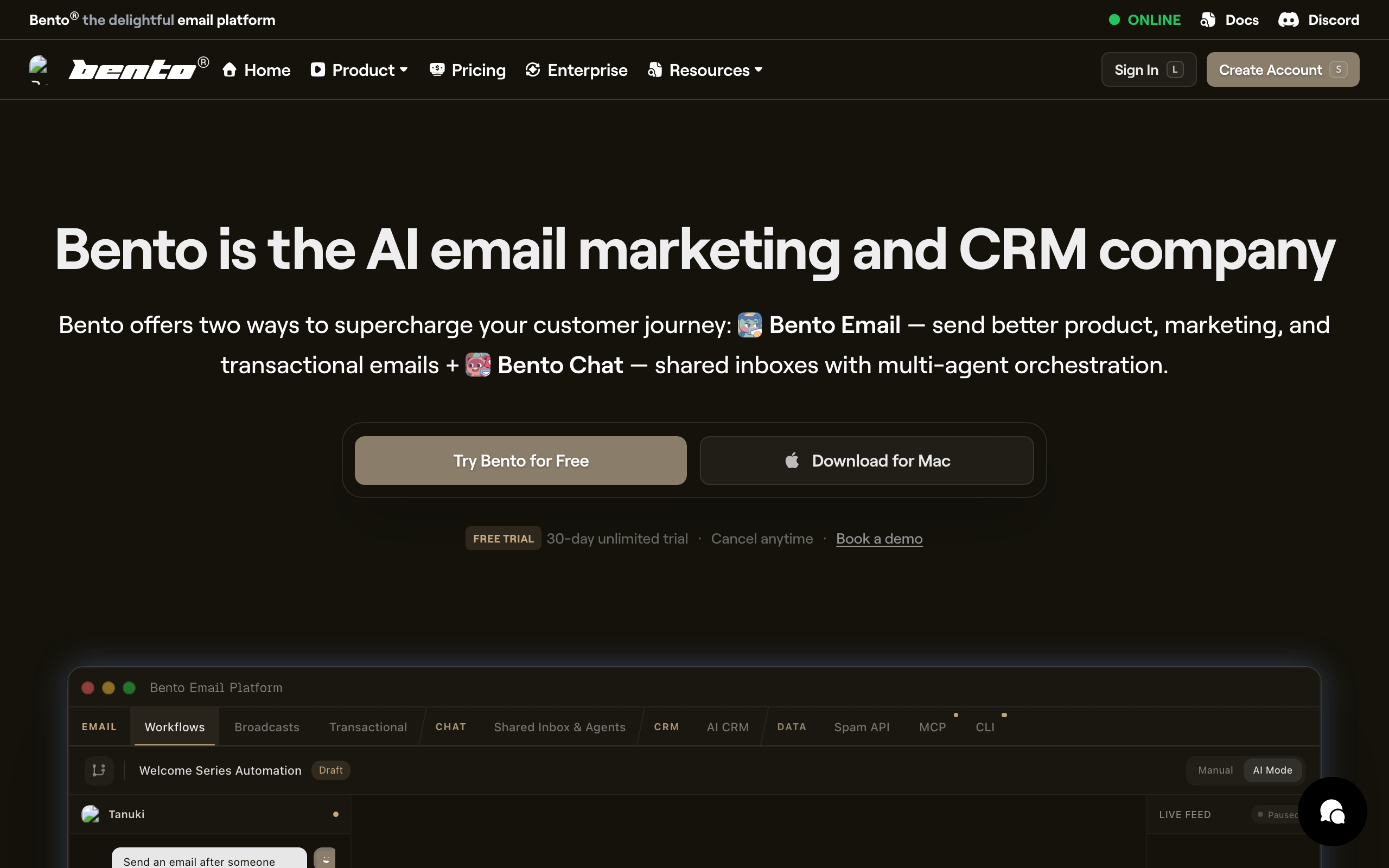
Best for: SaaS companies that want clear revenue attribution per automated email
Bento ties every automated email to revenue. See exactly which sequences generate MRR. Simple automation with clear revenue attribution, aimed at developer-friendly SaaS marketing teams.
The differentiator is Liquid templating with JavaScript snippets inside emails to compute personalized content at send time. For a SaaS automation that wants to inject per-user data (latest activity, dashboard stats, plan-specific content), this is unusually powerful.
The product is smaller and the UI is less polished than Loops or Customer.io. Documentation has gaps. The audience is small enough that you'll know the founders by name in their Slack community, which some developers love.
- Best for: SaaS revenue attribution
- Pricing: From $30/month
- Key strength: Per-email revenue tracking and Liquid + JS templating
- Pros: Powerful templating, revenue clarity, developer-oriented, friendly community
- Cons: Smaller player, rough UI in spots, smaller integration ecosystem
19. Plunk
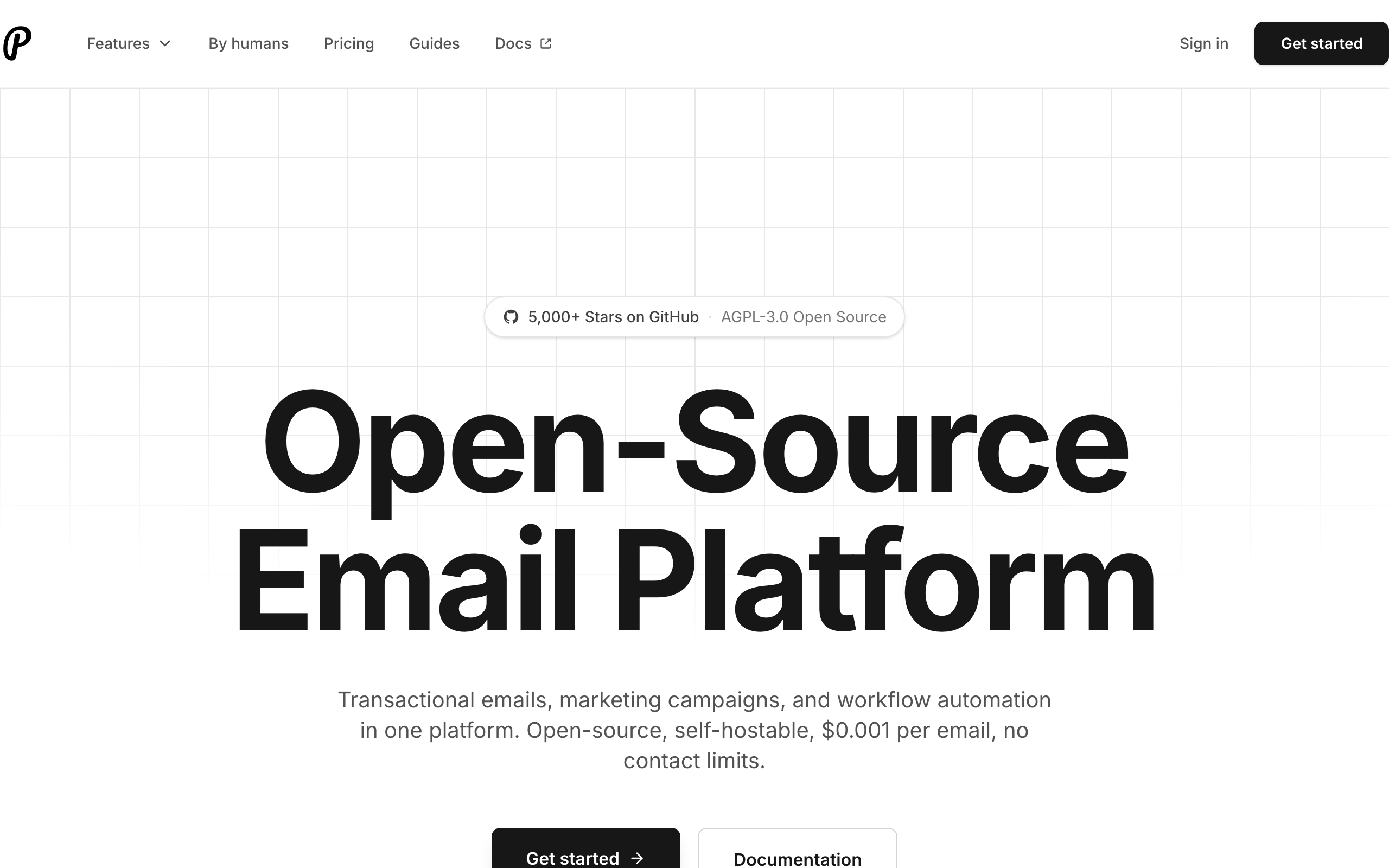
Best for: Developers and open-source projects that want full control over their automation stack
Plunk is an open-source email platform with event-based automation. Self-host for full control or use managed hosting. The codebase is on GitHub, the API is clean, and the pricing for managed hosting is among the cheapest on this list.
The automation features cover the basics well: event triggers, conditional logic, delays, and templated sends. Not as deep as Customer.io or ActiveCampaign, but enough for most SaaS use cases. The self-hosting story is a real differentiator - if you want every email to flow through infrastructure you control, few tools support that.
The trade-offs are smaller community, fewer integrations, and self-hosting comes with the usual operational overhead (deliverability tuning, bounce processing, upgrades).
- Best for: Open-source automation
- Pricing: Free for up to 1,000 emails/month, paid from $9/month
- Key strength: Self-hostable open source
- Pros: Open source, cheap managed hosting, clean API, developer-friendly
- Cons: Smaller community, fewer integrations, self-hosting overhead
20. GetResponse
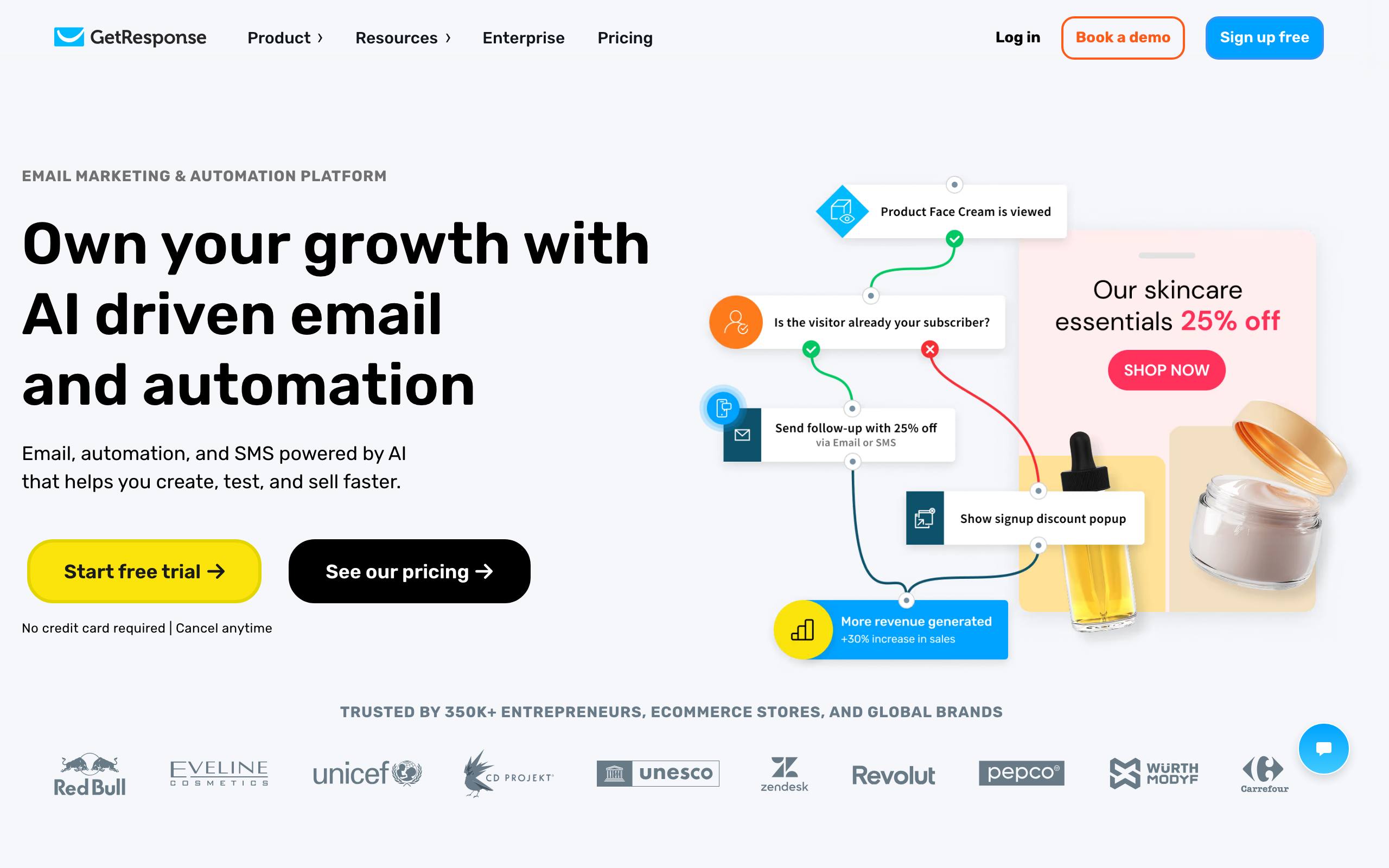
Best for: Businesses that need automation alongside webinars and funnels in one tool
GetResponse bundles automation with webinars, landing pages, and funnels. The automation builder covers common scenarios with pre-built conversion funnel templates, and the webinar feature is genuinely useful (most competitors have nothing equivalent).
For a business that runs webinars as part of its marketing motion, having the email automation, landing pages, and webinar tooling in one platform is operationally simpler than stitching together GoToWebinar + Mailchimp + Unbounce.
Outside of that specific use case, dedicated tools beat GetResponse on each individual feature. The automation builder is mid-tier compared to ActiveCampaign, the landing pages are weaker than Unbounce, and the email editor is functional rather than excellent.
- Best for: Marketing suite with webinars and funnels
- Pricing: Free for up to 500 contacts, paid from $19/month
- Key strength: Funnels + webinars + automation in one platform
- Pros: Webinars built in, funnel templates, decent free tier
- Cons: Mid-tier on each feature individually, dated UI in places
21. Keap
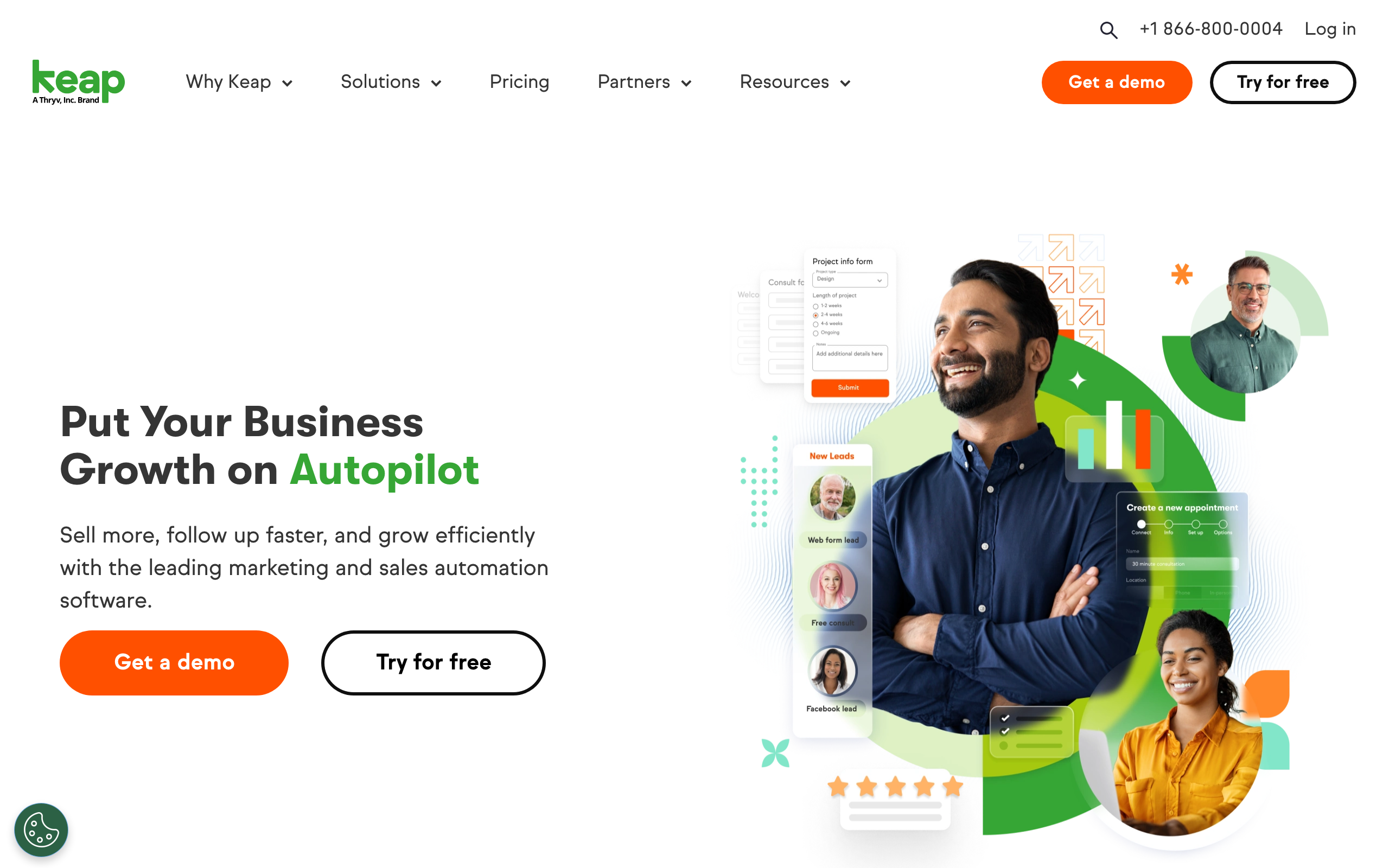
Best for: Established service businesses that need CRM, invoicing, and email automation in one platform
Keap (formerly Infusionsoft) automates beyond email - appointment scheduling, invoicing, lead scoring, and pipeline management. Comprehensive but expensive, and aimed squarely at service-based small businesses.
For a service business (consultants, agencies, coaches, professional services) that wants to run client communication, invoicing, and follow-ups from one tool, Keap consolidates a stack that would otherwise need 4-5 separate products.
The cost of entry ($249/mo) is steep, the UI feels dated, and the email automation is mid-tier compared to dedicated tools. If you only need email automation, this is the wrong tool. If you need email + CRM + invoicing + scheduling, the math changes.
- Best for: Small business CRM + email automation
- Pricing: From $249/month
- Key strength: All-in-one business automation
- Pros: Consolidates CRM, invoicing, scheduling, and email; strong for service businesses
- Cons: Expensive entry point, dated UI, mid-tier email automation
Automation Capabilities Compared
Workflow Builder Features
| Tool | Visual Builder | If/Else Logic | A/B Testing | Goal Tracking | Wait Conditions |
|---|---|---|---|---|---|
| ActiveCampaign | Yes | Advanced | Yes | Yes | Yes |
| Customer.io | Yes | Advanced | Yes | Yes | Yes |
| Sequenzy | Yes | Yes | Yes | Yes | Yes |
| Klaviyo | Yes | Advanced | Yes | Yes | Yes |
| HubSpot | Yes | Advanced | Yes | Yes | Yes |
| Brevo | Yes | Basic | Yes | No | Yes |
| MailerLite | Yes | Basic | No | No | Yes |
| Loops | Yes | Basic | No | No | Yes |
Trigger Types
| Tool | Time-Based | Event-Based | Purchase | Page Visit | API Webhook |
|---|---|---|---|---|---|
| ActiveCampaign | Yes | Yes | Yes | Yes | Yes |
| Customer.io | Yes | Yes | Yes | Yes | Yes |
| Sequenzy | Yes | Yes | Stripe native | No | Yes |
| Klaviyo | Yes | Yes | Shopify native | Yes | Yes |
| Loops | Yes | Yes | No | No | Yes |
| Drip | Yes | Yes | Yes | Yes | Yes |
Multi-Channel Support
| Tool | SMS | Push | In-App | Webhooks | |
|---|---|---|---|---|---|
| ActiveCampaign | Yes | Yes | No | No | Yes |
| Customer.io | Yes | Yes | Yes | Yes | Yes |
| Sequenzy | Yes | No | No | No | Yes |
| Klaviyo | Yes | Yes | Yes | No | Yes |
| Braze | Yes | Yes | Yes | Yes | Yes |
| Omnisend | Yes | Yes | Yes | No | Yes |
How to Choose the Right Automation Tool
By Business Type
- SaaS/Software: Sequenzy (Stripe + AI), Customer.io (behavioral), or Loops (simplicity). See our SaaS email tools guide.
- E-commerce: Klaviyo (Shopify), Omnisend (multi-channel), or Drip (revenue focus). Read our e-commerce email guide.
- B2B Enterprise: HubSpot, Marketo, or Iterable.
- Creator/Newsletter: ConvertKit or ActiveCampaign. See newsletter platforms.
- Small Business: MailerLite, Brevo, or Mailchimp. Check small business email tools.
By Automation Complexity
- Simple (drip sequences): MailerLite, Mailchimp, GetResponse
- Moderate (branching + events): Sequenzy, ConvertKit, Brevo, Loops, Plunk
- Advanced (multi-channel orchestration): ActiveCampaign, Customer.io, Klaviyo, HubSpot
- Enterprise (AI + CDP): Braze, Iterable, Marketo, Ortto
By Budget
- Free: MailerLite (1,000 subs), Sequenzy (2,500 emails/mo), Brevo (300 emails/day), Plunk (1,000 emails/mo)
- Under $30/month: Sequenzy, Plunk, Brevo, MailerLite, Mailchimp, Omnisend
- $30-100/month: ActiveCampaign, ConvertKit, Loops, Encharge, Bento, Ortto
- $100+/month: Customer.io, HubSpot, Keap, Marketo, Braze, Iterable
Essential Automations Every Business Should Set Up
- Welcome Sequence - Introduce new subscribers to your brand and set expectations. Read our welcome series guide.
- Onboarding Flow - Guide new users to activation. See onboarding email examples.
- Abandoned Cart/Action - Recover users who started but didn't complete a key action. Check our cart abandonment strategies.
- Re-engagement - Win back inactive subscribers before they're lost. See customer retention sequences.
- Post-Purchase/Conversion - Nurture customers after they buy or convert. Read about customer success sequences.
- Feedback Request - Ask for reviews, surveys, or testimonials at the right time. See feedback email sequences.
Frequently Asked Questions
What is email automation?
Email automation sends pre-written emails automatically based on triggers - subscriber actions, time delays, or data changes. Instead of manually sending each email, you set up workflows once and they run continuously. Learn the basics in what is email marketing.
What's the best email automation tool for beginners?
MailerLite offers the best free automation for beginners - visual builder, basic triggers, and simple branching included in the free plan. Mailchimp is also approachable. Start simple with a welcome sequence and build from there. Read how to start email marketing.
How much does email automation cost?
Free options exist (MailerLite, Sequenzy, Brevo, Plunk). Budget automation starts at $9-19/month (Plunk, Brevo, Sequenzy, MailerLite). Mid-market tools run $29-100/month (ActiveCampaign, ConvertKit, Loops). Enterprise solutions start at $100+/month and can reach $50,000+/year (Braze, Marketo). See our cost guide.
Do I need a separate automation tool or will my email marketing platform work?
Most modern email marketing platforms include automation. If you need simple welcome sequences and drip campaigns, your current tool probably handles it. You need a dedicated automation platform when you require complex branching logic, multi-channel workflows, or deep behavioral triggers. Check if your current tool covers your needs in our email marketing tools guide.
What's the difference between autoresponders and automation?
Autoresponders send a fixed sequence of emails on a time delay (Day 1, Day 3, Day 7). Automation uses triggers, conditions, and branching logic to send different messages based on subscriber behavior. Automation is smarter - it adapts to what each person does.
How many automations should I set up?
Start with 3-5 essential automations: welcome sequence, abandoned action, re-engagement, and post-purchase/conversion. Add more as you understand your customer journey. Quality matters more than quantity - one well-optimized welcome sequence beats ten mediocre automations. See our email marketing strategy guide.
Can I use automation with a small subscriber list?
Yes. Automation works at any scale. In fact, small lists benefit most because automation handles the personalized follow-up that you'd otherwise need to do manually. Start automating from Day 1. See free email marketing tools for no-cost options.
What triggers should I use for my automations?
The most effective triggers are behavioral - based on what subscribers actually do. Common triggers: form submission, purchase, page visit, link click, tag addition, custom event, subscription change, and inactivity period. See our behavioral trigger tools guide.
How do I measure automation performance?
Track: completion rate (% who finish the sequence), conversion rate (% who take the desired action), revenue generated, unsubscribe rate per step, and time-to-conversion. Compare these across automations to find your best performers. Use tools with built-in analytics.
Is AI changing email automation?
Significantly. AI now powers send time optimization, subject line generation, content personalization, and predictive triggers. Tools like Sequenzy use AI for send time optimization and offer MCP integration so AI agents can draft and schedule campaigns directly. Enterprise tools like Braze and Iterable use AI for journey optimization. Read about AI email marketing tools.
Final Thoughts
The best automation tool is the one that matches your current needs and grows with you. Here's my honest recommendation:
- SaaS company? Start with Sequenzy for Stripe-connected, AI-native automation, upgrade to Customer.io when you need multi-channel.
- E-commerce? Klaviyo for Shopify, Omnisend for multi-channel on a budget.
- Need advanced workflows? ActiveCampaign has the best builder, period.
- Tight budget? MailerLite's free automation, Plunk for self-hosting, or Brevo.
- Enterprise? HubSpot for CRM alignment, Braze or Iterable for cross-channel orchestration.
Start with 3-5 essential automations, measure their performance, and expand from there. The biggest mistake is building 20 automations that you never optimize. Build fewer, measure more, and iterate.
For tool-specific comparisons, check our email marketing tools guide, or explore alternatives to your current platform.