The 21 Best Email Marketing Tools for SaaS in 2026

Choosing the right email marketing tool for your SaaS isn't just about features—it's about finding a platform that understands how SaaS businesses work. You need trial nurturing, product-led growth support, transactional emails, and marketing automation all working together. Most email tools were built for e-commerce or newsletters, not software companies.
I've spent the last three months testing and comparing the major email platforms from a SaaS perspective. This isn't a list of every email tool that exists—it's a focused comparison of platforms that actually make sense for software businesses.
What SaaS Companies Actually Need from Email Marketing
Before diving into the tools, let's establish what matters for SaaS email marketing. Your needs are fundamentally different from an e-commerce store or a media company:
- Behavior-based triggers — You need to send emails based on what users do in your product, not just when they last opened an email
- Product event tracking — Integration with your app to track feature usage, activation metrics, and engagement
- Trial-to-paid sequences — The entire business model depends on converting free users to paying customers
- Transactional + marketing combo — Password resets and onboarding emails should come from the same system
- Segmentation by product data — Segment by plan tier, feature usage, MRR, not just demographic data
- Developer-friendly API — SaaS teams need to integrate email deeply into their product
Most email tools fail SaaS companies because they were built for marketers sending newsletters, not product teams running lifecycle campaigns.
Quick Comparison Table
| Tool | Best For | Starting Price | Free Tier | SaaS Features |
|---|---|---|---|---|
| Sequenzy | SaaS founders wanting Stripe + transactional + marketing | $19/mo | Yes (2.5k emails/mo) | Native Stripe, event API, unified transactional + marketing |
| Customer.io | Technical teams wanting flexible event-driven flows | $100/mo | No | Advanced event workflows, multi-channel |
| Userlist | B2B SaaS needing account-level subscription data | $149/mo | No | Company-level data, SaaS lifecycle |
| Loops | Indie SaaS wanting modern, simple email | $49/mo | Yes (1k contacts) | Unified transactional + marketing, clean UI |
| Encharge | Non-technical teams wanting visual flows | $79/mo | No | Visual flow builder, Stripe integration |
| Mailchimp | Teams already on Mailchimp adding basic billing data | $13/mo | Yes (500 contacts) | Integrations, brand recognition |
| ActiveCampaign | Sales-led SaaS wanting CRM + email | $29/mo | No | Built-in CRM, deep automation |
| Postmark | Developers sending transactional from webhooks | $15/mo | No | Separate transactional/broadcast streams |
| Resend | Developers building email infra in code | $20/mo | Yes (3k/mo) | Best-in-class API, React Email |
| Bento | Indie SaaS wanting events + email in one tool | $30/mo | No | Event-driven, broadcast + transactional |
| Vero | Product teams wanting event-based messaging | $99/mo | No | Behavioral workflows |
| Ortto (Autopilot) | Marketing teams wanting Stripe + journey builder | $599/mo | No | Analytics + journey builder |
| HubSpot | Companies using HubSpot CRM for SaaS | $20/mo | Yes (limited) | CRM integration, deal tracking |
| Klaviyo | Hybrid e-commerce + SaaS businesses | $45/mo | Yes (250 contacts) | Segmentation depth |
| Drip | E-commerce-led SaaS hybrids | $39/mo | No | E-commerce automation |
| Brevo (Sendinblue) | Budget-conscious teams wanting email + SMS | $9/mo | Yes (300/day) | Multi-channel at low cost |
| MailerLite | Solo founders wanting simple paid newsletters | $10/mo | Yes (1k subs) | Ease of use |
| Beehiiv | Newsletter-led SaaS monetizing audiences | $39/mo | Yes (limited) | Paid subscriptions, referral programs |
| ConvertKit (Kit) | Creator-style SaaS with paid products | $29/mo | Yes (10k subs) | Creator monetization tools |
| Iterable | Enterprise SaaS with complex lifecycle programs | Custom | No | Enterprise cross-channel orchestration |
| SendGrid | Teams sending transactional from Stripe webhooks | $20/mo | Yes (100/day) | Transactional at scale |
| MailerSend | Developers wanting transactional + basic marketing | $25/mo | Yes (3k/mo) | Transactional + marketing combo |
The 21 Best Email Marketing Tools for SaaS
1. Sequenzy
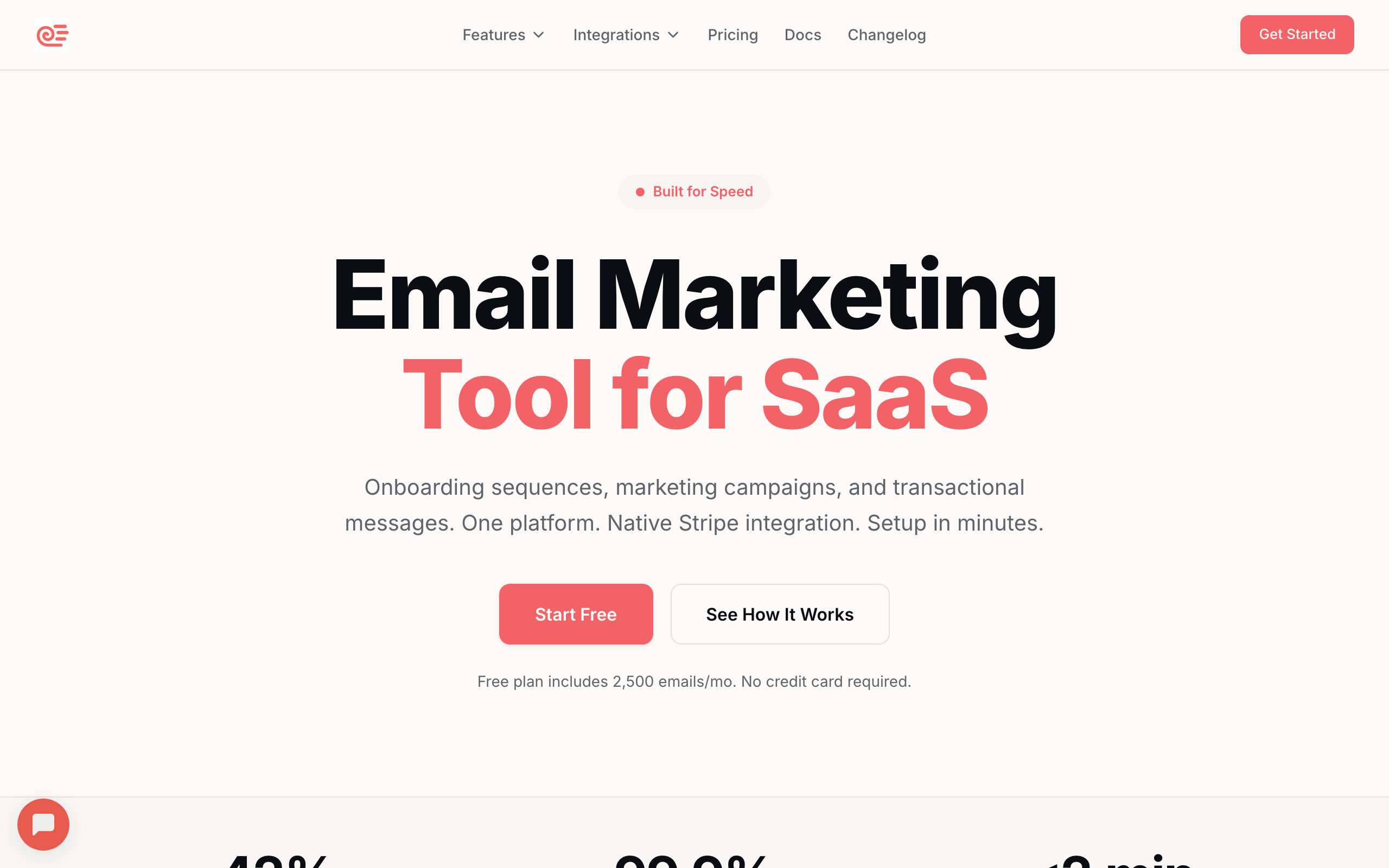
Best for: SaaS founders who want Stripe automation without code
Sequenzy was built specifically for SaaS companies, which shows in every feature decision. The platform combines transactional and marketing email in a single system, so your onboarding flows and password resets live in the same place. This isn't just convenient—it means your deliverability reputation stays unified and your customer data isn't fragmented.
The Stripe integration is genuinely native. Connect via OAuth in Settings > Integrations > Connect Stripe, and Sequenzy automatically handles the entire subscription lifecycle: purchase events, cancellations, payment failures, upgrades, downgrades, trial starts and ends. It creates events for every subscription action, applies status tags (customer, trial, cancelled, churned, past-due), syncs revenue attributes (MRR, plan name, billing interval), and fires automations based on any of these signals.
The dunning automation is a good example of how this plays out. When a payment fails in Stripe, Sequenzy receives the event in real time, tags the subscriber as "past-due," and triggers your dunning sequence automatically. If the customer updates their payment method and the charge succeeds, the tag updates and the dunning sequence stops. All without any code or manual intervention.
- Stripe integration: Native OAuth, real-time webhooks managed for you, automatic event + tag + attribute sync
- Pricing: Free up to 2,500 emails/month, paid plans from $19/month
- Pros: Zero-config OAuth setup, automatic event creation and subscriber tagging, built-in dunning, trial conversion, and lifecycle sequences, revenue data syncs to subscriber profiles, both transactional and marketing email in one platform, AI-powered content generation
- Cons: Newer platform (launched 2025), no SMS channel, smaller template library than established competitors, no landing page builder
2. Customer.io
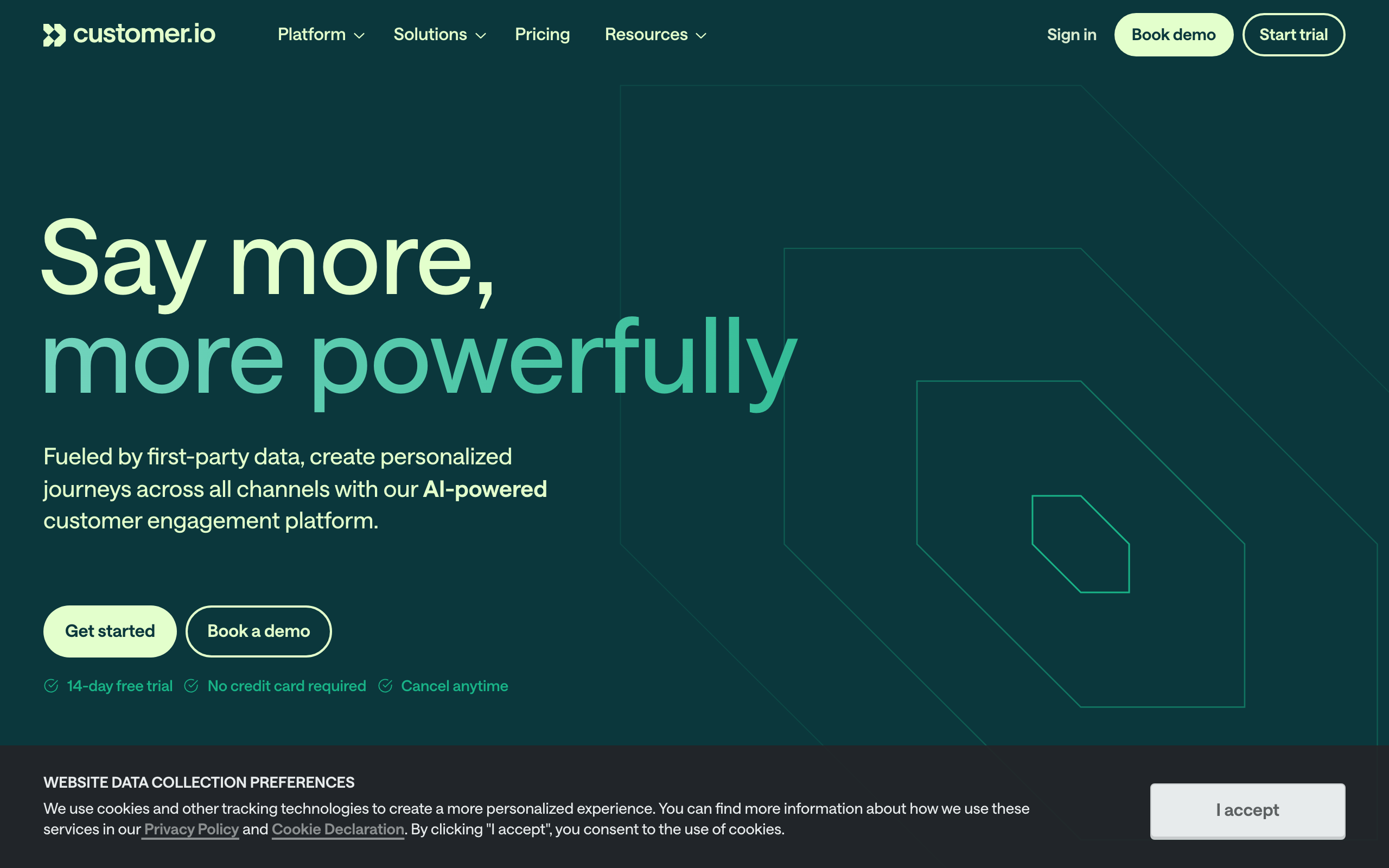
Best for: Technical teams wanting flexible event-driven automation
Customer.io has solid Stripe support through their data integration layer. You can connect Stripe events via their Data Pipelines (formerly powered by Segment) or send events directly via their Track API, then use those events to trigger workflows.
The integration is powerful but requires more setup than plug-and-play solutions. You'll need to map Stripe events to Customer.io events and configure which attributes to sync. For technical teams comfortable with APIs, this flexibility is a strength. You can process Stripe events exactly the way your business needs, with custom transformations and logic.
Customer.io's automation builder can handle complex multi-step workflows that go beyond simple email sequences. Combine Stripe events with product usage data, support ticket status, and engagement metrics to build sophisticated lifecycle automation. If someone's payment fails AND they haven't logged in for 30 days, that's a different conversation than a payment failure from an active user.
- Stripe integration: Via Data Pipelines / Segment or direct Track API; flexible but requires mapping
- Pricing: Starts at $100/month (Essentials plan)
- Pros: Flexible event-driven automation engine, can handle complex multi-step workflows, good API and webhook support, supports email, push, and in-app, combine Stripe data with product usage data
- Cons: Requires technical setup for Stripe integration, expensive for small teams, steeper learning curve, no native one-click Stripe connection, transactional email requires separate product
3. Userlist
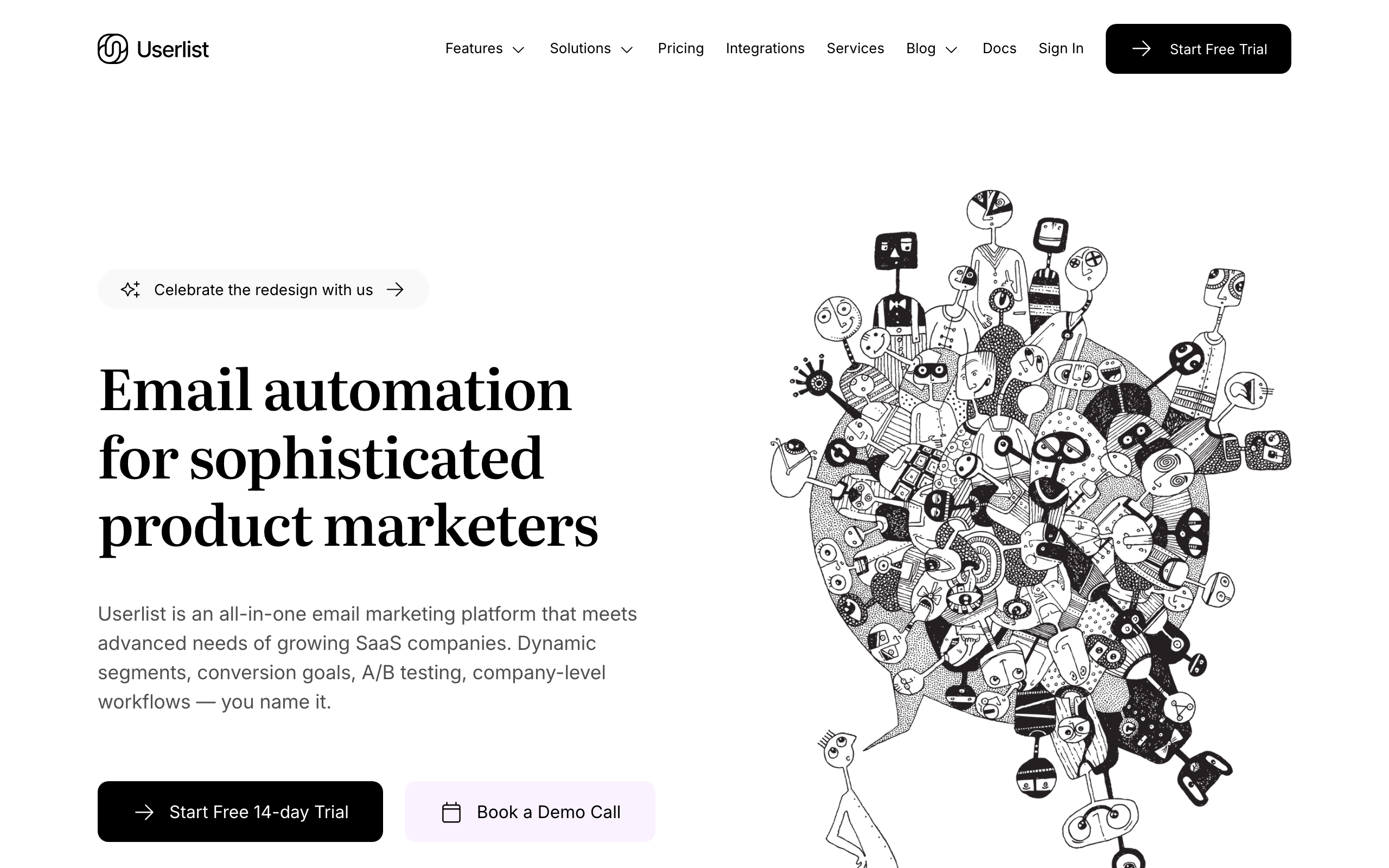
Best for: SaaS companies wanting clean lifecycle segmentation
Userlist positions itself as email for SaaS, and the Stripe integration is decent. You connect via API and can sync subscription data to create segments based on plan, status, and trial state.
The automation builder is straightforward and supports Stripe event triggers. It handles the common SaaS use cases (trial conversion, dunning, lifecycle) well. Userlist also supports company-level data alongside user-level data, which is important for B2B SaaS where multiple users belong to a single paying account.
This company-level view means you can build automations like: "When a company's subscription is cancelled, email the admin AND the power users with different messages." Most email tools that aren't SaaS-specific can't do this cleanly because they think in terms of individual contacts, not accounts.
- Stripe integration: Native API integration, syncs to user + company entities, supports common lifecycle events
- Pricing: Starts at $149/month
- Pros: Built specifically for SaaS, clean segmentation by subscription status, supports both user and company-level data, good for B2B SaaS with multiple users per account
- Cons: Higher starting price, Stripe integration requires API work to get the most out of it, smaller community and fewer resources, limited template options
4. Loops
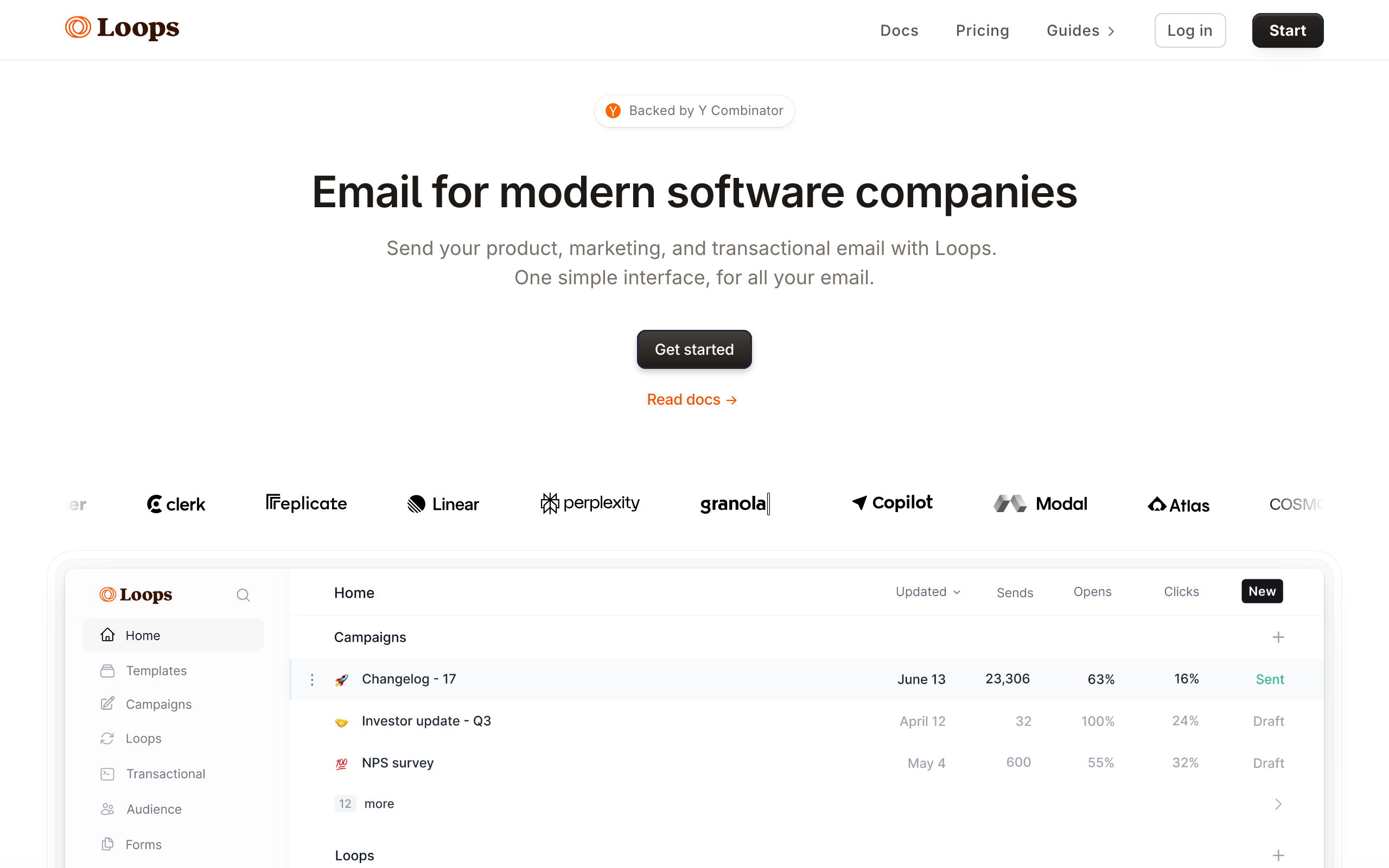
Best for: Founders who want a modern, simple email tool
Loops is a newer email platform that's popular with indie hackers and early-stage SaaS founders. The Stripe integration ships as a first-party integration in their Apps section, plus you can send custom events via their API for anything the integration doesn't cover natively.
The integration handles the common subscription events (created, updated, deleted, trial ending, payment failed) and creates contact properties for plan and status. For events the native integration doesn't cover, you forward them from your app to Loops via their events API. The implementation is straightforward, but you'll likely write some glue code if you want every Stripe edge case represented.
For early-stage SaaS that isn't ready to commit to an expensive email platform, Loops' free tier gives you room to experiment with Stripe-triggered email before your list grows.
- Stripe integration: Native Stripe app for core events, plus custom events API for anything else
- Pricing: Free for up to 1,000 contacts, then starts at $49/month
- Pros: Clean, modern interface, simple event-driven automation, good free tier for early-stage, fast setup, developer-friendly API, combines transactional and marketing email
- Cons: Native integration covers core events but you'll forward custom events yourself, limited segmentation compared to more mature tools, basic analytics, fewer templates, no SMS channel
5. Encharge
Best for: Non-technical teams wanting visual Stripe automation
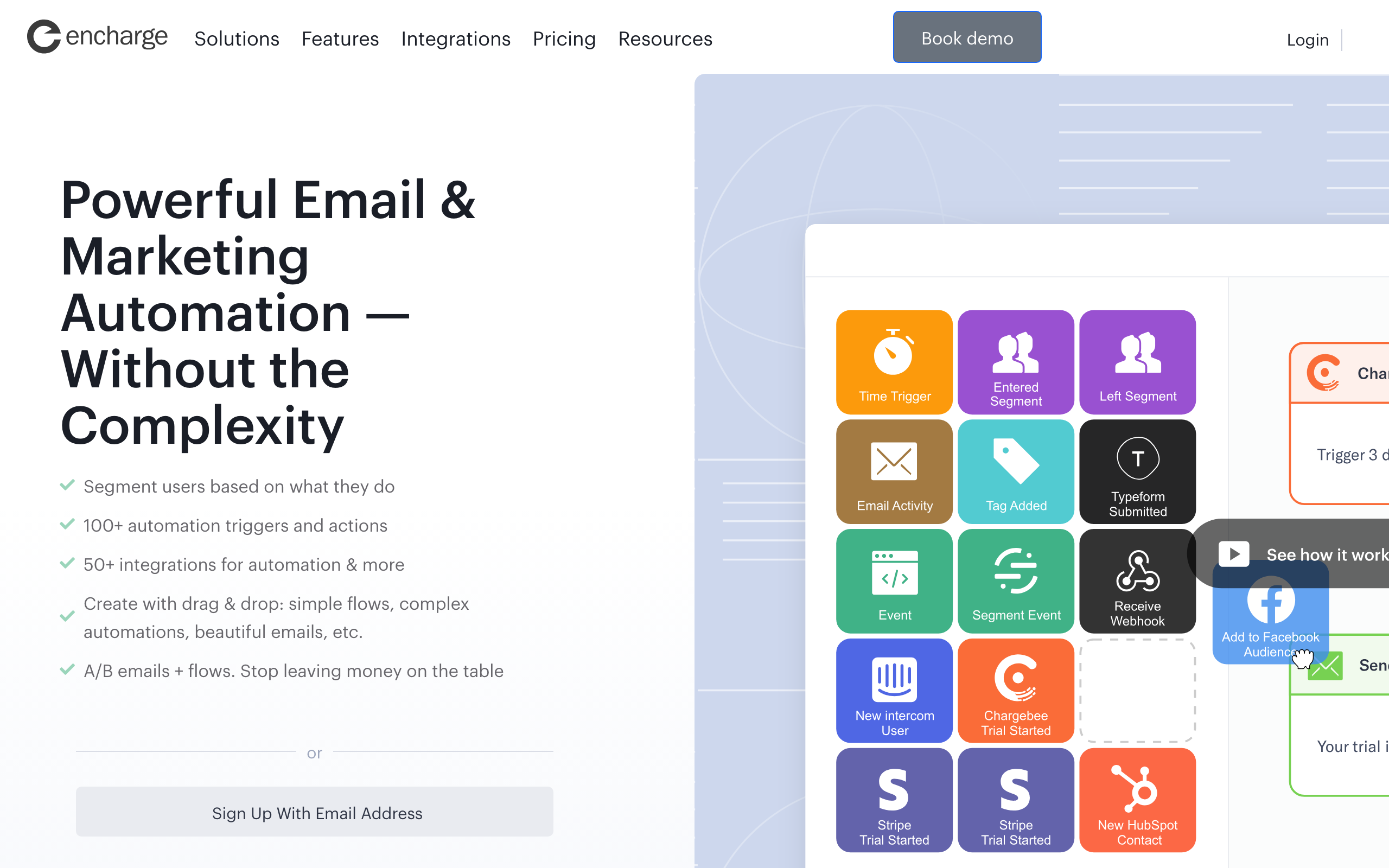
Encharge offers a visual flow builder with Stripe as a native trigger source. You can connect Stripe directly and build visual automations that respond to subscription events.
The visual builder makes it easy to see the logic of your automation flows, which is helpful for non-technical founders who want to understand what's happening. You can see branching logic visually: "If payment fails, send dunning sequence. If payment fails AND they're on the free trial, send a different message." The visual representation makes complex flows comprehensible.
Encharge also supports combining Stripe triggers with other data sources. Connect your CRM and product analytics alongside Stripe to build automations that consider the full customer context.
- Stripe integration: Native Stripe trigger source with one-click connection, supports all major subscription events
- Pricing: Starts at $79/month
- Pros: Visual flow builder with Stripe triggers, relatively easy setup, good for non-technical users, supports common SaaS automation patterns, visual branching logic
- Cons: Visual builder can get complex for sophisticated flows, mid-range pricing, smaller user base than major platforms, email editor is basic, limited advanced features
6. Mailchimp
Best for: Companies already on Mailchimp who want basic Stripe data
Mailchimp offers a Stripe integration through their marketplace. It syncs customer data and purchase history, allowing you to segment by purchase behavior.
However, the integration is limited compared to SaaS-focused tools. It's designed more for e-commerce (one-time purchases) than subscription lifecycle management. You won't get native trial/churn/dunning triggers without significant custom work. The Stripe data appears as purchase events rather than subscription lifecycle events, which limits what you can automate.
If you're already on Mailchimp and want to add basic Stripe data, the integration works. But if you're evaluating tools specifically for SaaS subscription management, Mailchimp isn't the right starting point. You'd need to supplement with Zapier to handle subscription events, which adds cost and complexity.
- Stripe integration: Marketplace app, syncs customers and purchase history, e-commerce-shaped
- Pricing: Free for up to 500 contacts, paid plans from $13/month
- Pros: Familiar interface if you already use Mailchimp, large template library, wide ecosystem of integrations, generous free tier, strong brand recognition
- Cons: Stripe integration is basic and e-commerce-focused, no native subscription lifecycle triggers, no trial conversion or dunning automation out of the box, gets expensive at scale, transactional email (Mandrill) is separate product
7. ActiveCampaign
Best for: Teams wanting CRM + email with Stripe data
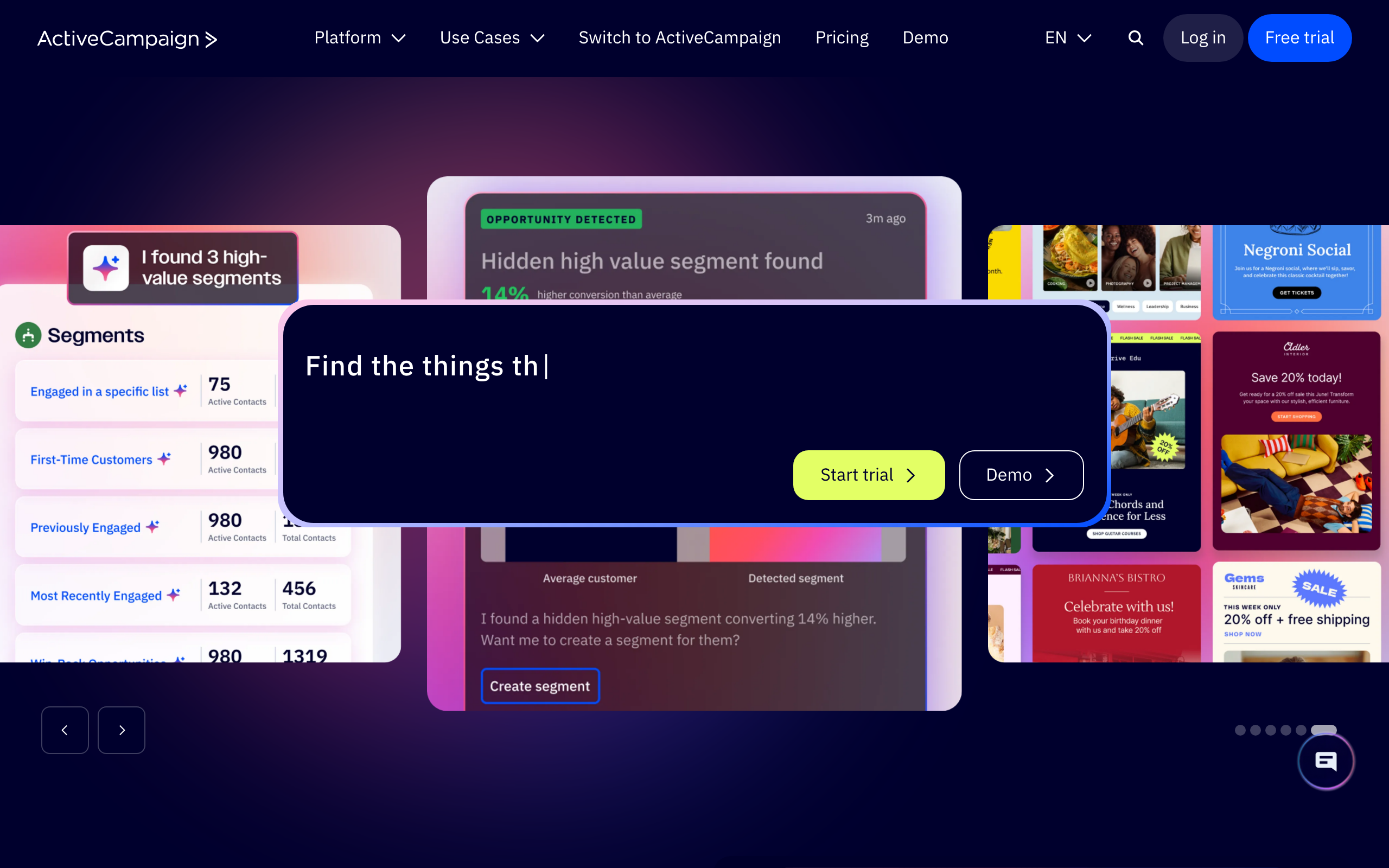
ActiveCampaign connects to Stripe through their native integration (part of Deep Data on higher-tier plans) and third-party connectors. You can sync customer data, trigger automations on purchase events, and segment by Stripe attributes.
The CRM component is useful if you want to track individual customer relationships alongside email automation. For sales-led SaaS companies, having deal data and subscription data in the same platform eliminates context switching. Your sales team can see email engagement alongside subscription status.
But for pure SaaS lifecycle email, the Stripe integration requires more configuration than dedicated SaaS tools. ActiveCampaign wasn't built specifically for subscription businesses, so you'll spend time mapping Stripe events to ActiveCampaign's contact model. Some events may need Zapier as a bridge depending on your plan, which introduces the latency and reliability concerns mentioned earlier.
- Stripe integration: Native Deep Data Stripe connector on higher tiers; Zapier fallback on lower tiers
- Pricing: Starts at $29/month (Lite plan); Deep Data requires Plus or higher
- Pros: Built-in CRM alongside email, mature automation builder, large ecosystem of integrations, good deliverability reputation, powerful automation engine
- Cons: Native Stripe data is gated behind higher plans, not purpose-built for SaaS subscription management, complex interface with steep learning curve, pricing increases significantly with contacts and features, transactional email requires add-on
8. Postmark
Best for: Developers who need transactional email triggered by Stripe webhooks
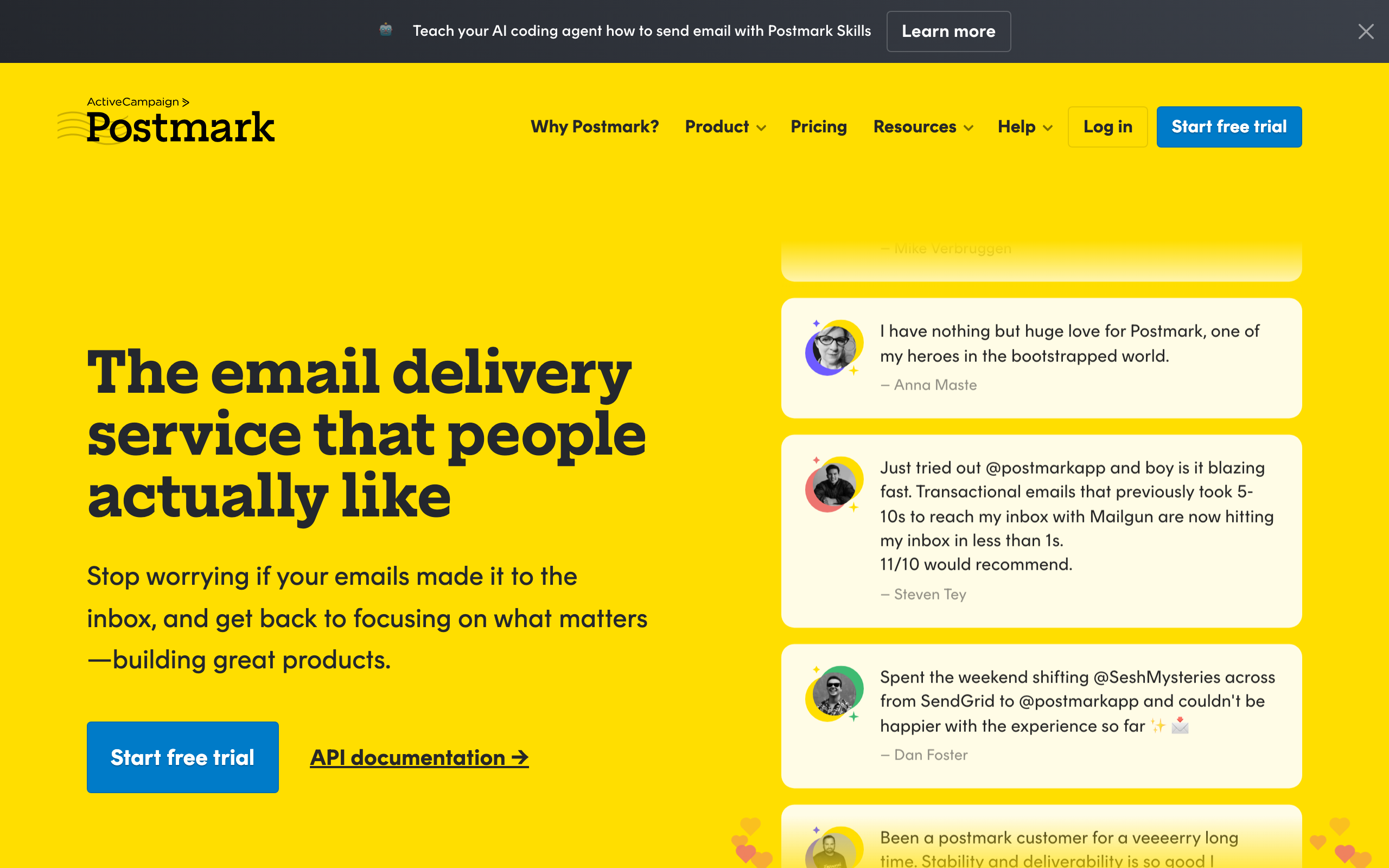
Postmark isn't an email marketing platform. It's a transactional email service with exceptional deliverability. You'd use it alongside Stripe by sending transactional emails (receipts, payment confirmations, dunning notices) directly from your application when Stripe webhooks fire.
No automation builder, no sequences, no marketing campaigns. But for pure transactional email triggered by Stripe events, it's hard to beat on deliverability and speed. Payment confirmation emails arrive in seconds. Dunning notices land in the inbox, not spam.
If your email strategy separates transactional and marketing, Postmark handles the transactional side exceptionally well. Pair it with a marketing platform (Sequenzy, Customer.io, etc.) for lifecycle sequences.
- Stripe integration: Webhook-driven from your own app; Postmark sends, you orchestrate
- Pricing: Starts at $15/month for 10,000 emails
- Pros: Best-in-class transactional deliverability, fast delivery (seconds, not minutes), clean API and excellent documentation, template system for transactional emails, message streams protect critical emails
- Cons: No marketing email capabilities, no automation or sequences, requires development work to integrate with Stripe, you'll need a separate tool for marketing email, no free tier
9. Resend
Best for: Developers who want to build their own email layer in code
Resend is an API-first transactional and broadcast email service with a strong developer experience. Like Postmark, it doesn't have a Stripe integration in the dashboard sense. You listen to Stripe webhooks in your own application, render an email (often with React Email), and call Resend's API to send.
The DX is the differentiator. The TypeScript SDK, React Email components, and broadcast features make Resend a comfortable place for engineering teams to own their email layer. If you're already shipping React for your product, your Stripe receipts and dunning emails can be the same components, version-controlled in your repo.
What you don't get is an automation builder. Multi-step dunning, trial nurture sequences, and behavior-based branching all live in your code (or in a state machine you build). For some teams, that control is the point. For others, that's a foot-gun: the day someone forgets to handle invoice.payment_failed retries, you ship a bug instead of editing a flow.
- Stripe integration: Webhook-driven from your own app; Resend sends, you orchestrate
- Pricing: Free for 100 emails/day, from $20/month
- Pros: Excellent developer experience, TypeScript SDK, React Email components, fast delivery, easy domain setup, strong deliverability with minimal configuration
- Cons: No automation builder, no native Stripe connector, you build all sequencing and state yourself, broadcast features are still maturing, not a full marketing platform
10. Bento
Best for: Indie SaaS wanting events, email, and Stripe in one tool
Bento markets itself to indie hackers and small SaaS teams as a behavior-driven email platform. The Stripe integration is native: connect with OAuth, and Bento ingests subscription events and creates contact attributes for plan, MRR, and status.
The platform leans heavily on events. Every Stripe action becomes an event you can use to trigger flows or build segments, and you can send your own product events to combine with Stripe data. This is closer to the Customer.io model than the Mailchimp model, but at indie pricing.
Where Bento falls short is polish. The UI is busy, documentation can be uneven, and some workflows take more clicks than they should. If you can look past that, the underlying capability is genuinely strong for the price.
- Stripe integration: Native OAuth, syncs subscription events and revenue attributes
- Pricing: Starts at $30/month
- Pros: Native Stripe support at indie pricing, real event-driven model, generous attribute sync, includes deliverability tooling, combines multiple data sources
- Cons: UI feels cluttered, documentation gaps, smaller ecosystem, fewer pre-built templates, newer platform with rough edges
11. Vero
Best for: Product teams that want event-based messaging with Stripe context
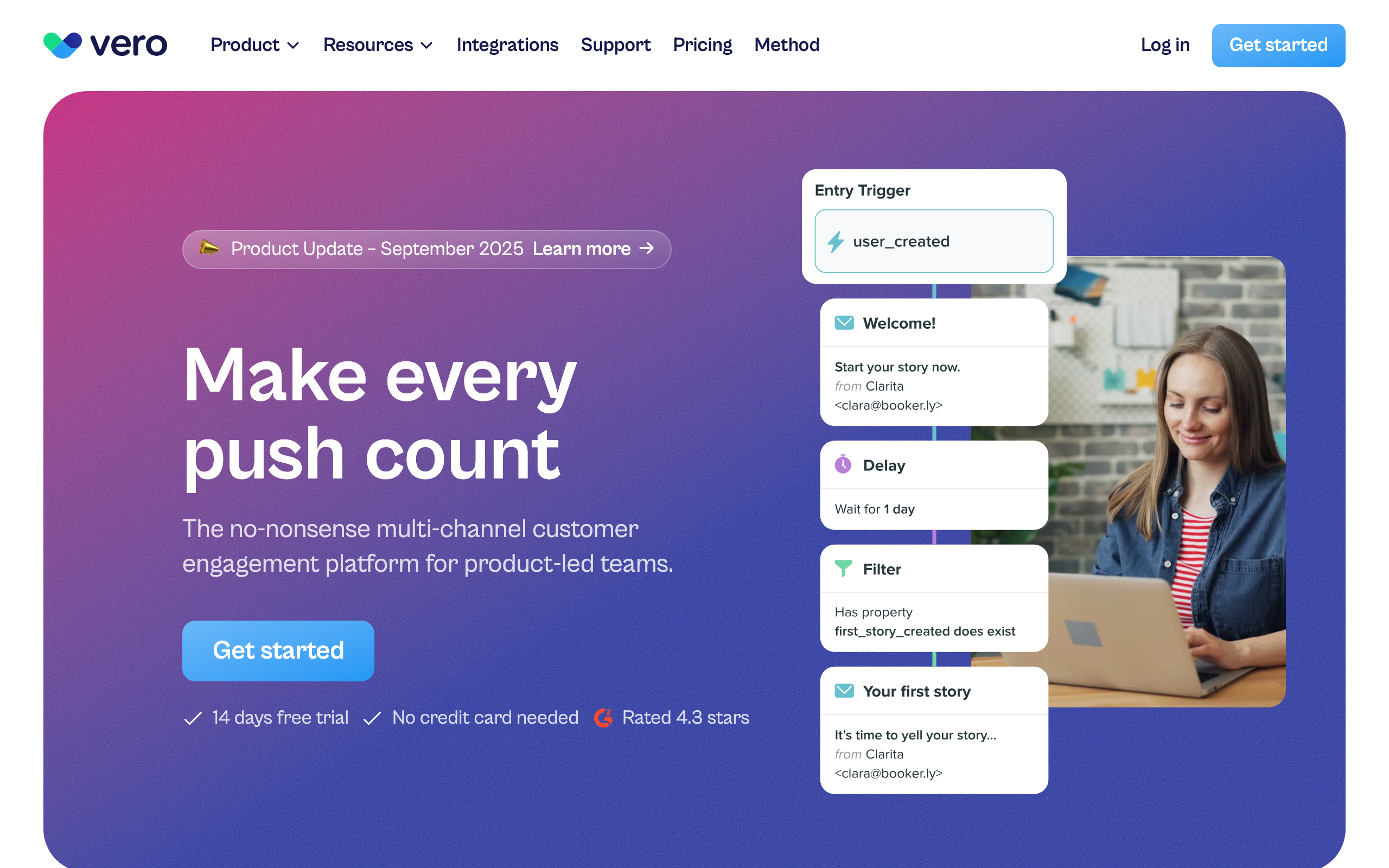
Vero is an event-based messaging platform that's been around longer than most of the names on this list. There's no one-click Stripe connector, but Vero's event API and Segment integration make Stripe data straightforward to ingest. Forward Stripe webhooks via your app or via Segment, and every subscription event becomes a Vero event you can trigger workflows on.
The strength of Vero is its workflow engine. You can express "if payment failed, wait 24 hours, check if still past-due, send email, branch on engagement" cleanly, and the same workflow can drive email and push notifications.
It's not the trendiest tool in the category anymore, but for teams who want Customer.io-style flexibility at a slightly lower price point, Vero is worth a look.
- Stripe integration: Via webhooks or Segment; ingest Stripe events as Vero events
- Pricing: Starts at $99/month
- Pros: Mature workflow engine, multi-channel (email + push), strong segmentation, predictable pricing, good for behavioral messaging
- Cons: No native one-click Stripe app, smaller ecosystem than Customer.io, dated UI in places, fewer integrations than competitors, requires technical setup
12. Ortto (formerly Autopilot)
Best for: Marketing teams wanting Stripe data inside a journey builder
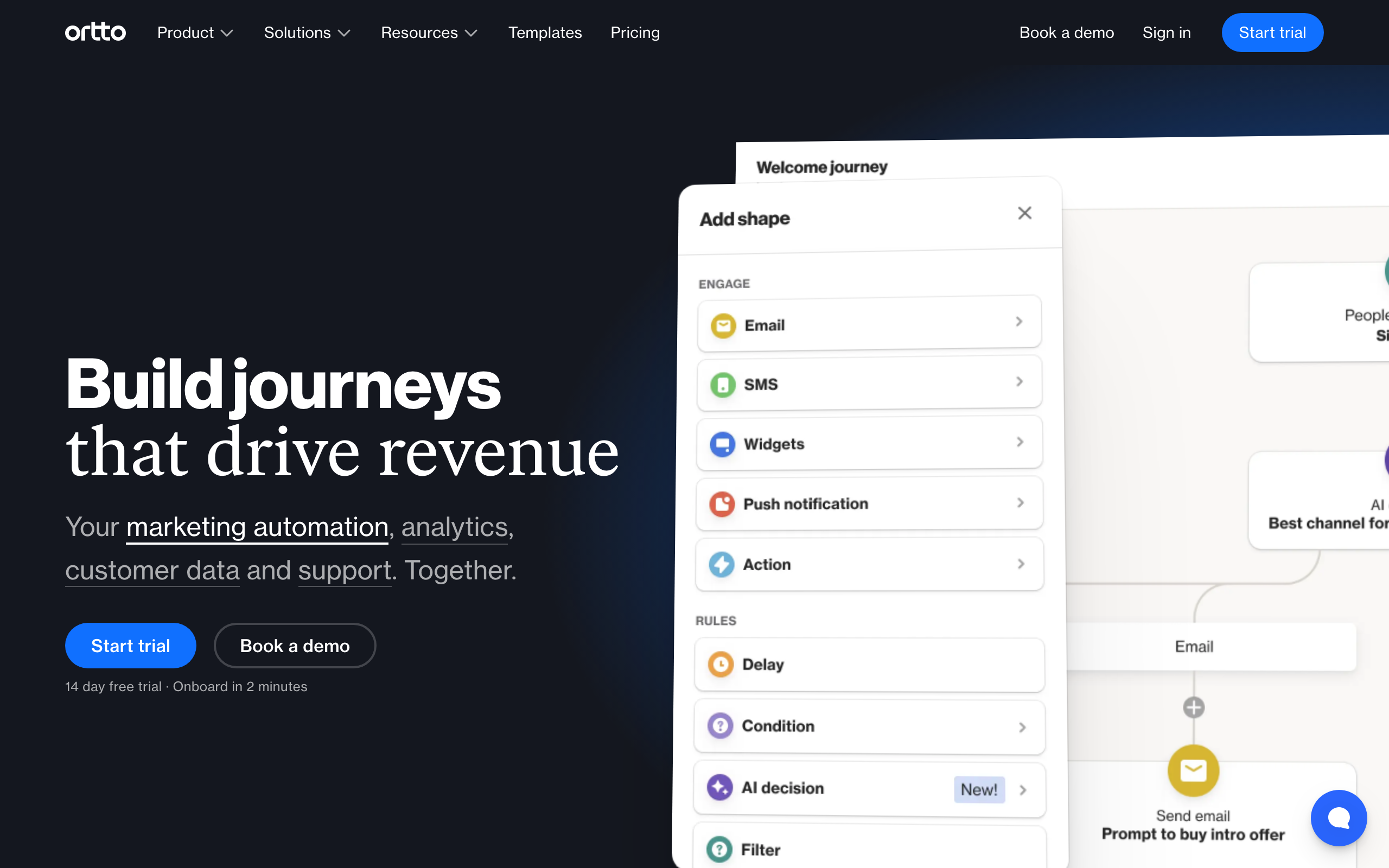
Ortto rebuilt and rebranded Autopilot into a more analytics-heavy marketing automation platform. Stripe is a native data source: connect it and Ortto pulls subscription, invoice, and customer data into its CDP-style activity feed.
That data then flows into Ortto's journey builder, dashboards, and segments. You can build fairly sophisticated lifecycle journeys (onboarding, trial conversion, dunning, win-back) using Stripe events as triggers, and segment customers by MRR or plan inside the audience builder.
The catch is pricing. Ortto's lower tiers don't include the data sources you actually need for SaaS, so realistically you're looking at the higher plans before Stripe-driven journeys are usable.
- Stripe integration: Native data source feeding journeys, audiences, and dashboards
- Pricing: Starts at $599/month for the plan tier where Stripe data is genuinely usable
- Pros: Strong journey builder, Stripe data integrated with analytics, multi-channel (email, SMS, push, in-app), polished UI, good reporting
- Cons: Expensive once you need Stripe + automation, complex to learn, overkill for small SaaS, contracts can be rigid, steep learning curve
13. HubSpot
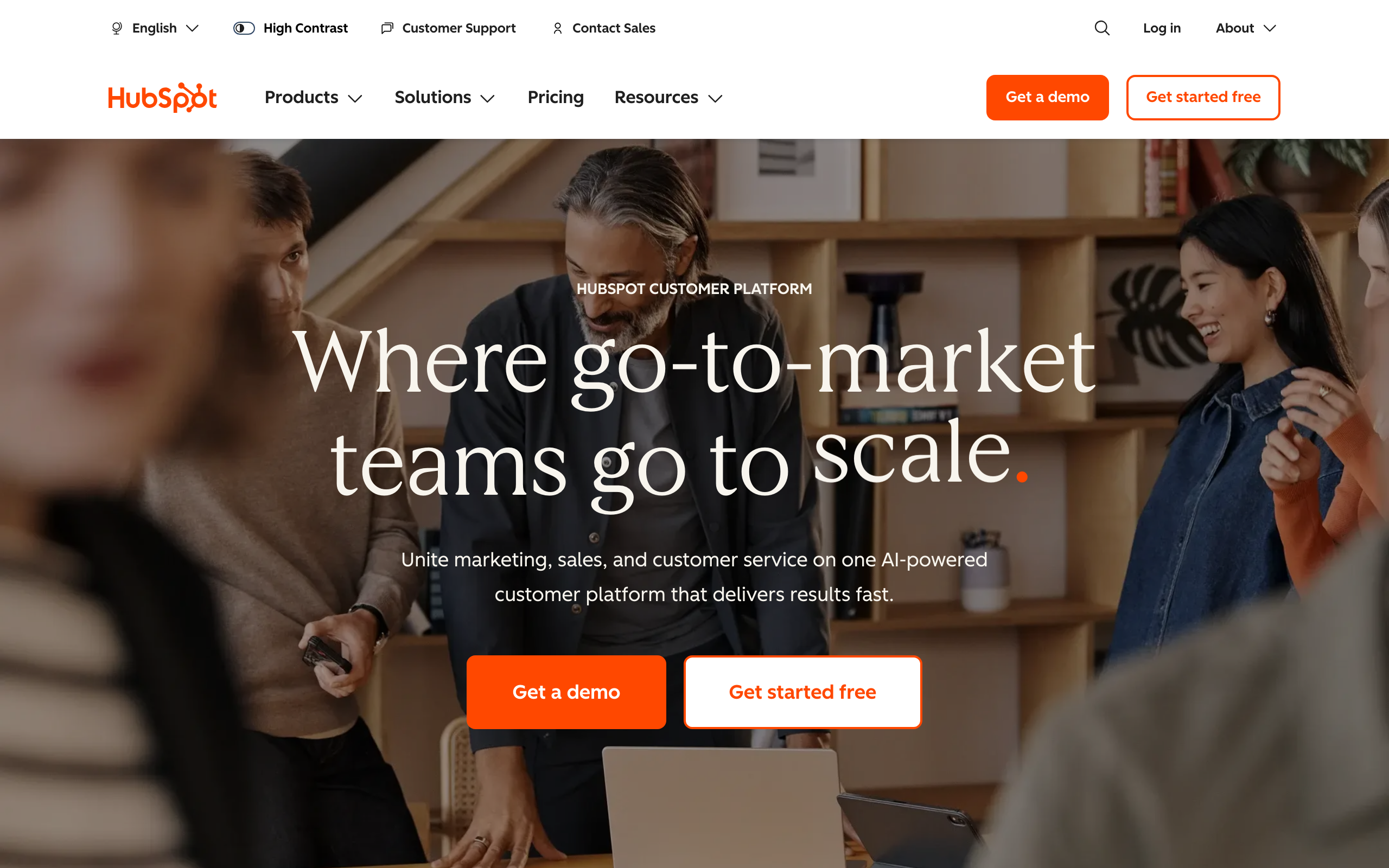
Best for: Companies already standardized on HubSpot CRM
HubSpot has both a Stripe app in their marketplace and HubSpot Payments (powered by Stripe). The Stripe app syncs customers, products, invoices, and subscription status into HubSpot contacts and deals, which you can then use in workflows and lists.
For SaaS companies that have committed to HubSpot as the CRM, this is an obvious path: subscription data flows into the same place as your sales pipeline and marketing engagement. You can build workflows like "if MRR drops, notify CSM and start retention email."
The honest caveats: HubSpot's automation pricing scales hard, the Stripe app's depth is improving but still less native-feeling than dedicated SaaS tools, and dunning sequences feel grafted onto a CRM rather than designed for subscription businesses.
- Stripe integration: Native Stripe app + HubSpot Payments; syncs customers, subscriptions, invoices to CRM
- Pricing: Free CRM; Marketing Hub from $20/month, automation features gated by tier
- Pros: Unified with CRM, deals, and pipelines, strong reporting, large ecosystem of integrations, good support, familiar interface
- Cons: Pricing escalates rapidly with contacts and features, Stripe integration feels CRM-shaped not SaaS-shaped, no purpose-built dunning, complex permissions model, can become expensive quickly
14. Klaviyo
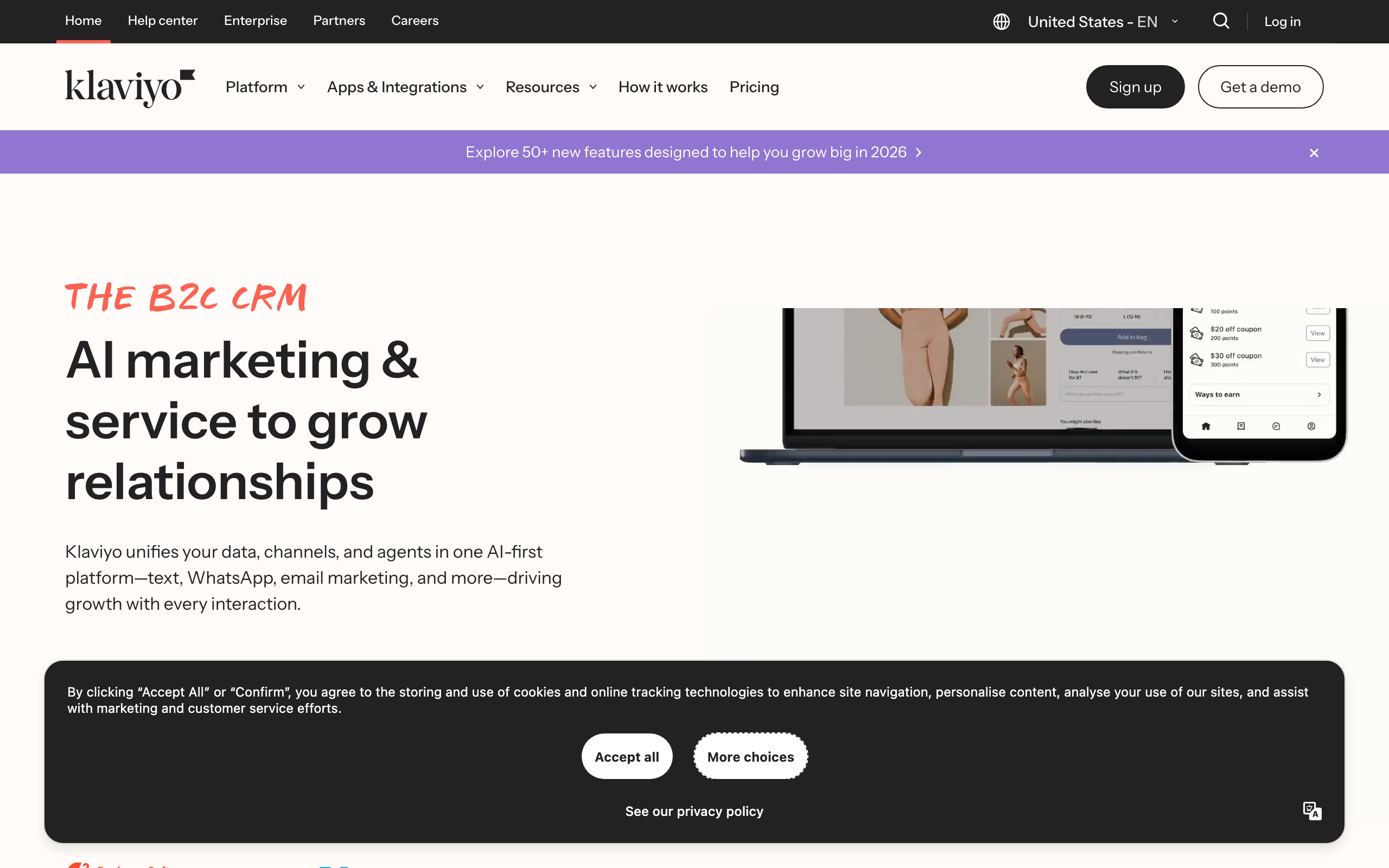
Best for: Hybrid e-commerce and SaaS businesses
Klaviyo is best known for e-commerce, but they offer a native Stripe integration that pulls subscription and payment data into customer profiles. You get events for subscriptions created, updated, cancelled, and for failed payments, plus profile properties for plan and status.
Klaviyo's segmentation engine is genuinely excellent. If your business has both transactional purchases (Shopify, etc.) and a SaaS layer (Stripe), Klaviyo lets you blend that data in a single profile and segment across both. Few platforms do that as cleanly.
The downside for pure SaaS is that everything in Klaviyo is shaped like e-commerce. Flows, templates, terminology, and dashboards all assume order-based behavior. You can absolutely run SaaS lifecycle email on Klaviyo, but you'll be translating concepts the whole way.
- Stripe integration: Native, syncs subscription + payment events and properties to profiles
- Pricing: Free up to 250 contacts, from $45/month
- Pros: Best-in-class segmentation, blends e-commerce + SaaS data, strong analytics, revenue attribution tracking, many templates, pre-built flows
- Cons: Mental model is e-commerce, not SaaS, pricing scales aggressively with contacts, dunning is DIY, can feel heavy for small teams, expensive at scale
15. Drip
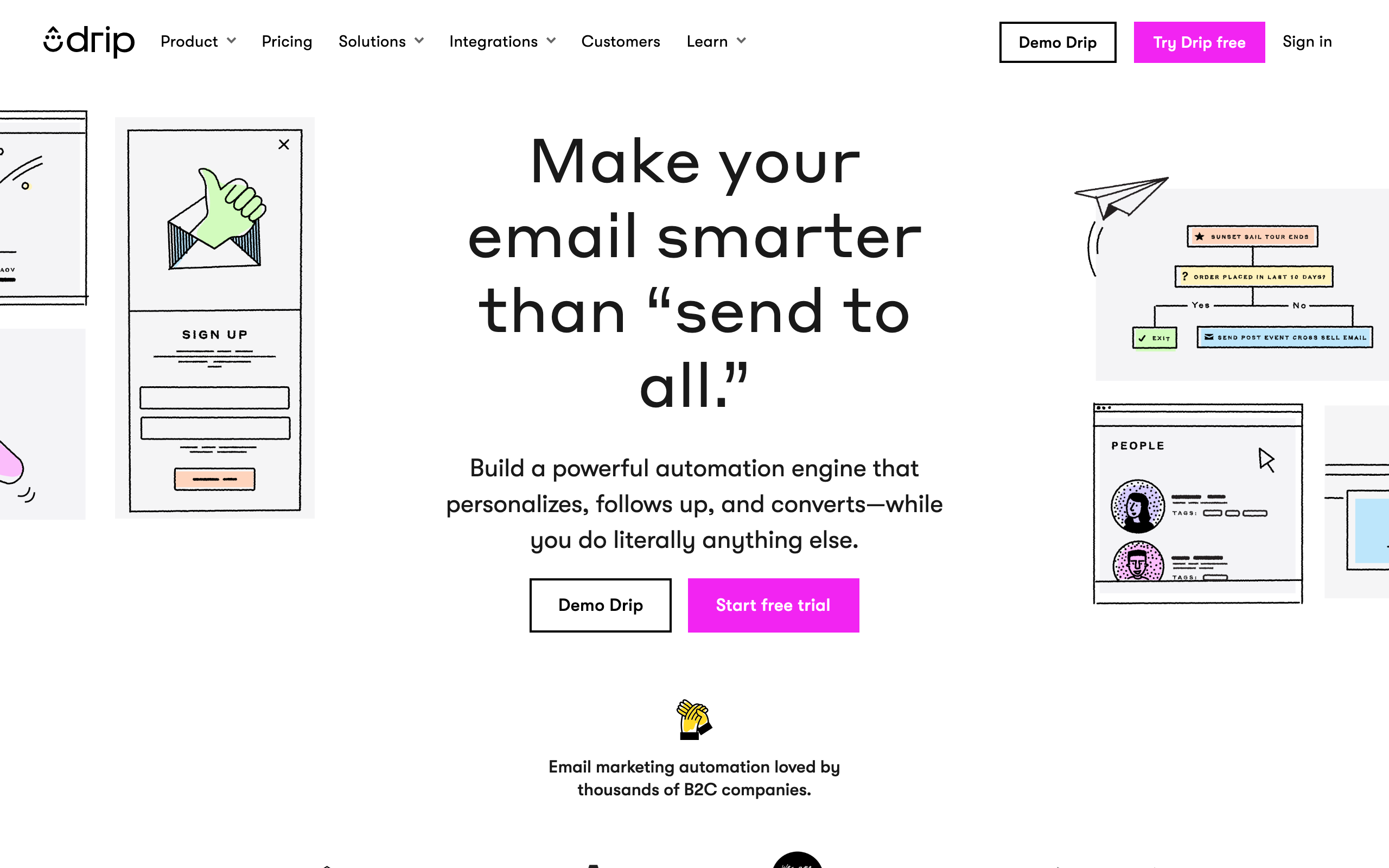
Best for: E-commerce-led SaaS hybrids
Drip is positioned as ECRM (e-commerce CRM) and competes with Klaviyo. It does not currently have a native Stripe integration in the same sense that Klaviyo does. You'll connect Stripe via Zapier, a custom webhook handler, or by piping events through their Events API.
Once events are flowing, Drip's workflow builder is capable and the segmentation is solid. But the lack of a first-party Stripe connector means you carry the integration yourself, which feels out of step with where the rest of the category has moved.
For a SaaS with a strong e-commerce arm already on Drip, supplementing with Stripe via Zapier might be acceptable. For a SaaS-first business, there are better-fit tools on this list.
- Stripe integration: No native connector; Zapier or custom webhook handler required
- Pricing: Starts at $39/month for 2,500 contacts
- Pros: Strong workflow builder, e-commerce-aware segmentation, decent template editor, good for e-commerce-focused businesses
- Cons: No native Stripe integration, Zapier latency and cost, e-commerce mindset, less SaaS focus than competitors, requires DIY integration work
16. Brevo (formerly Sendinblue)
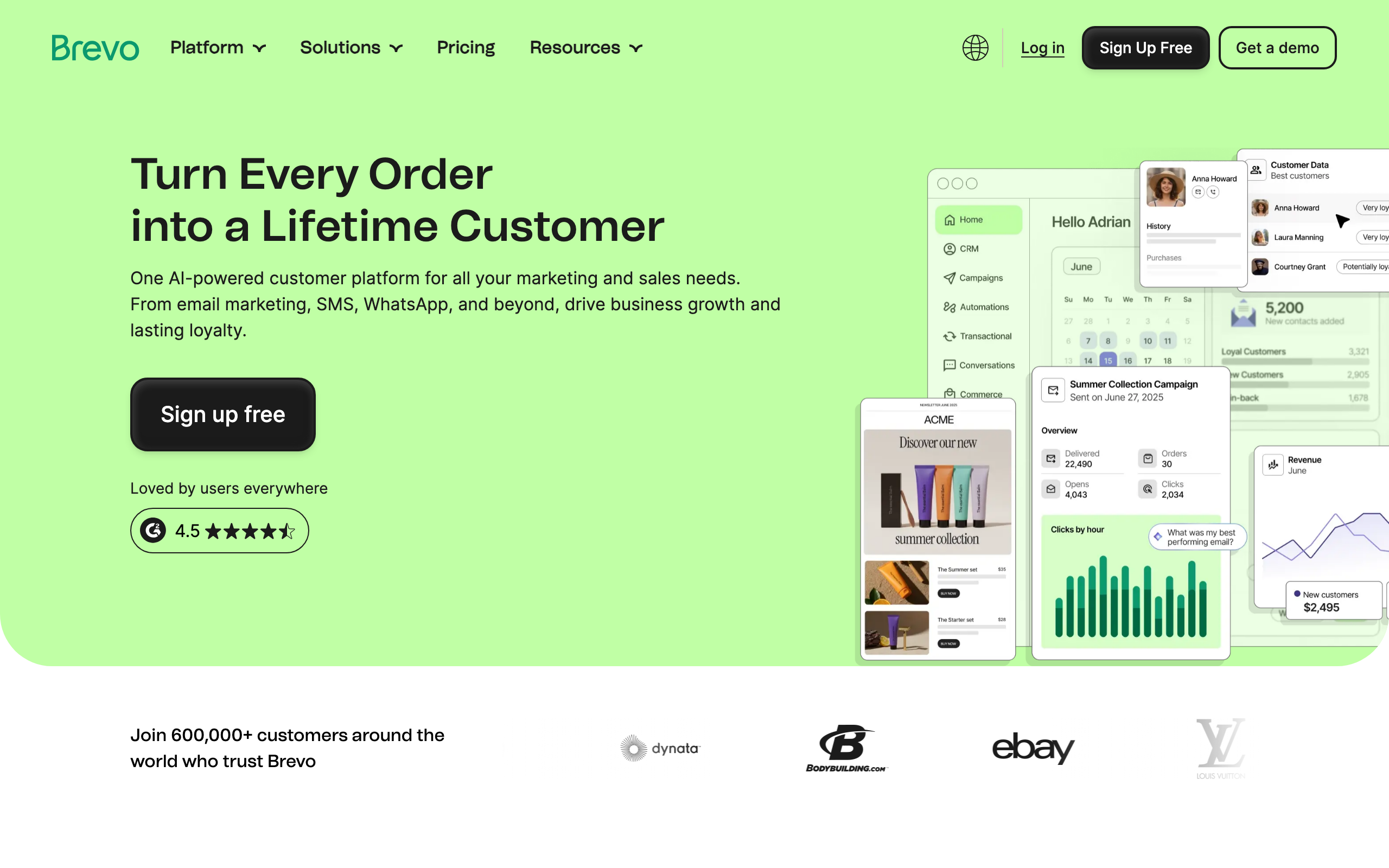
Best for: Budget-conscious teams wanting email + SMS in one tool
Brevo is one of the most affordable platforms in the category and includes email, SMS, and basic CRM. Stripe support, however, is not native. You'll connect via Zapier, n8n, Make, or by pushing events through Brevo's API from your own webhook handler.
Once events are in Brevo, you can build automations and segments. The automation builder is workable but not class-leading, and you won't get the polished SaaS-specific templates that come with dedicated tools.
If your SaaS is early enough that price is the primary constraint, and you're willing to wire up Stripe yourself, Brevo can carry you for a long time before you outgrow it.
- Stripe integration: No first-party connector; Zapier, n8n, or custom webhooks required
- Pricing: Free up to 300 emails/day; paid plans from $9/month
- Pros: Very affordable, includes SMS and basic CRM, decent deliverability, generous free tier, handles both marketing and transactional email, all-in-one platform
- Cons: No native Stripe integration, generic automation builder, fewer SaaS-specific patterns, support quality varies, interface feels dated compared to modern tools
17. MailerLite
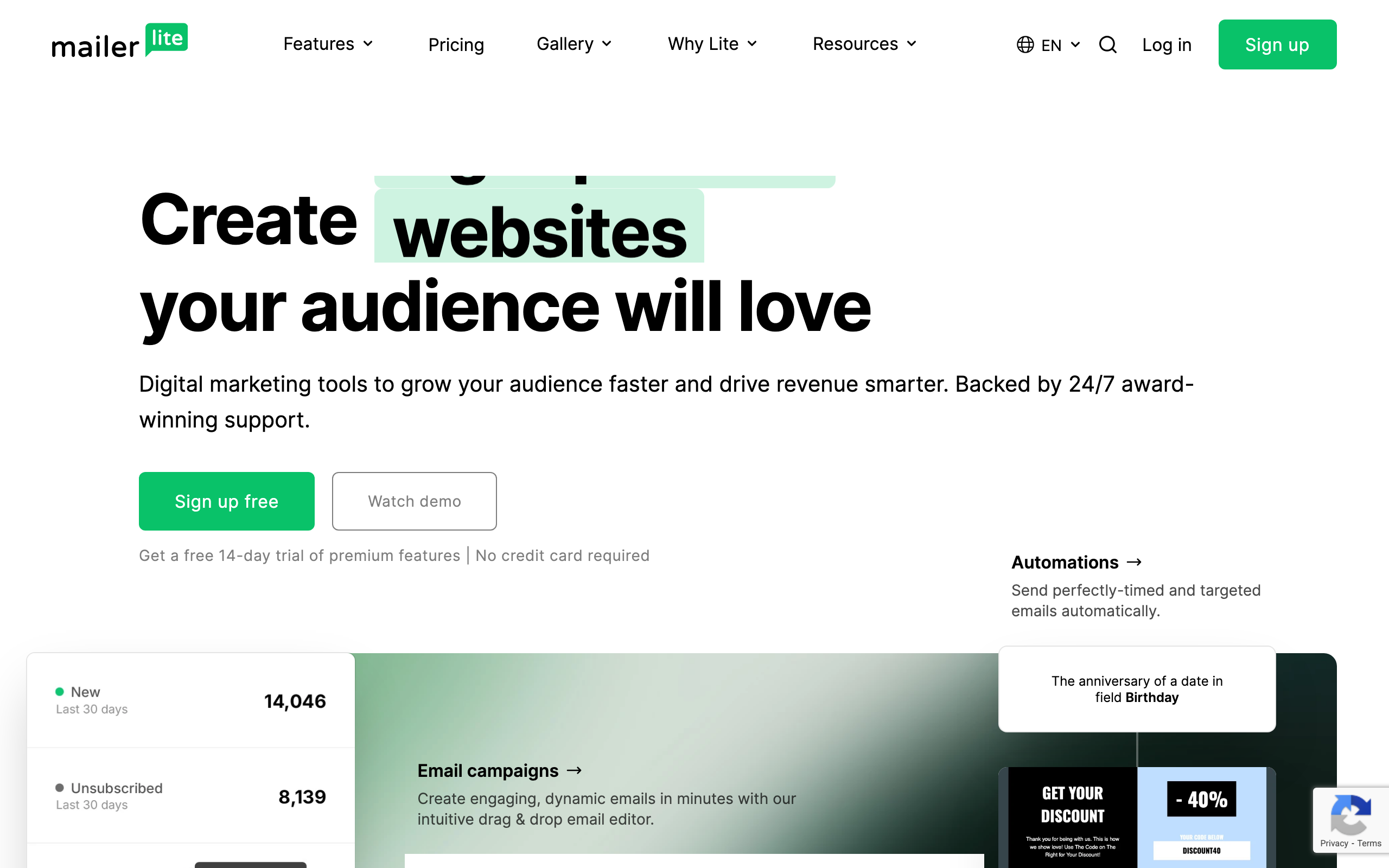
Best for: Solo founders running paid newsletters or simple SaaS
MailerLite has a native Stripe integration, but it's narrowly scoped: it powers their paid newsletter and digital product features, not full subscription lifecycle automation. If you want to sell access to a paid newsletter or one-off digital products and have Stripe handle the payments, MailerLite stitches it together cleanly.
For broader SaaS use cases (dunning, trial-to-paid, upgrade nudges), you'd treat MailerLite like Brevo: ingest events via Zapier or webhooks and build automations on top. That works for simple needs but doesn't compete with purpose-built SaaS tools.
The platform itself is pleasant to use, with a clean editor and one of the better free tiers in the space. For a solo founder shipping a small SaaS plus a paid newsletter, MailerLite is a reasonable single-tool answer.
- Stripe integration: Native for paid newsletters and digital products; via Zapier for general subscription events
- Pricing: Free up to 1,000 subscribers and 12,000 emails/month; from $10/month
- Pros: Pleasant editor, generous free tier, native paid newsletter support, simple pricing, clean interface
- Cons: Native Stripe scope is narrow, broader SaaS automation is DIY, segmentation is basic, fewer integrations than larger platforms, limited advanced features
18. Beehiiv
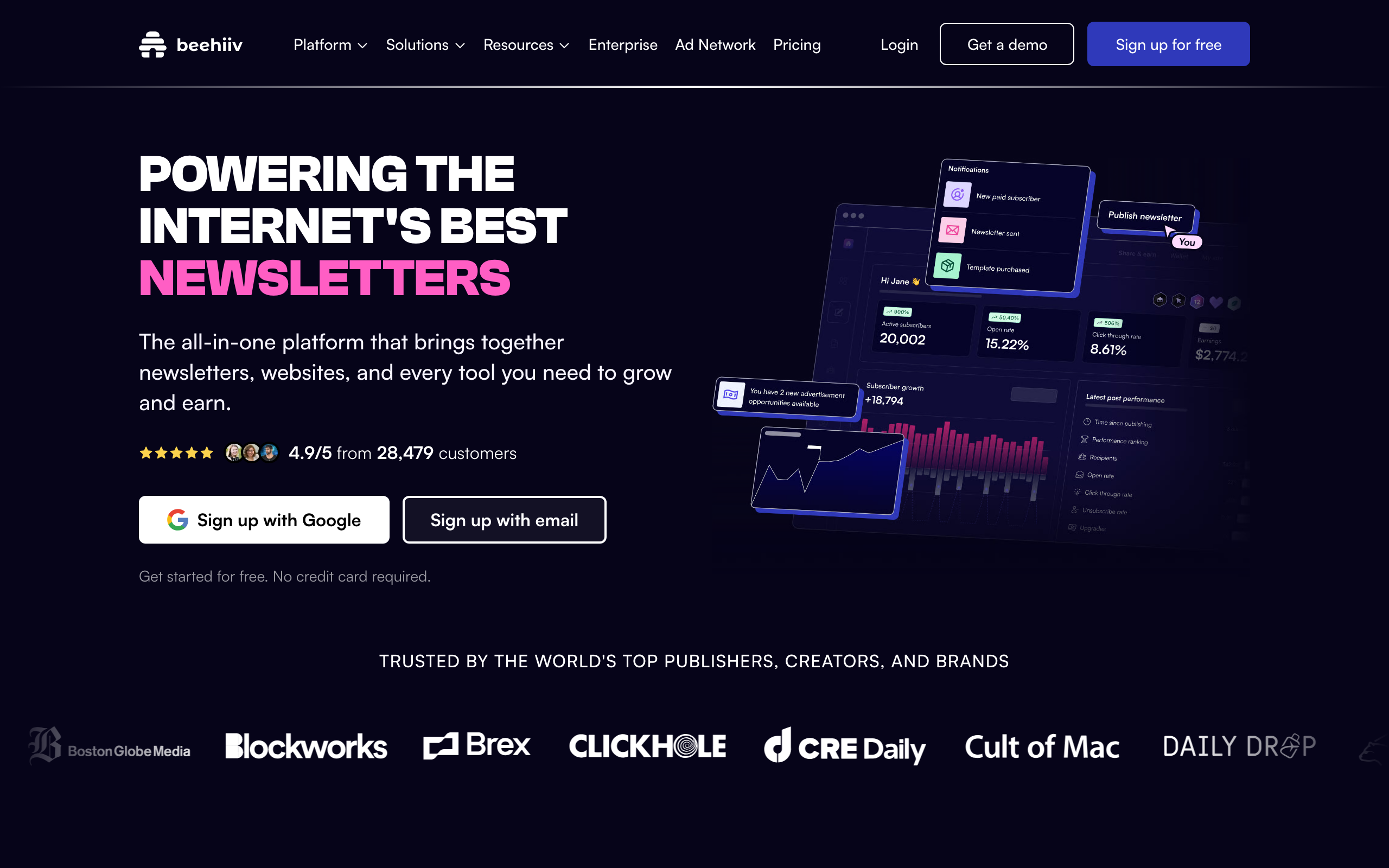
Best for: Newsletter-led SaaS monetizing audiences with paid tiers
Beehiiv is a newsletter platform that has invested heavily in Stripe Connect for paid subscriptions. If your "SaaS" is really a paid media or newsletter business, Beehiiv handles the subscription side natively: tiered pricing, trials, upgrades, downgrades, and churn all flow through Stripe and back into Beehiiv as audience attributes.
For traditional SaaS (an app with a billing page), Beehiiv is the wrong tool. There's no general-purpose Stripe-event-to-automation pipeline like Sequenzy or Customer.io offer. But for a content-led business with a paid tier, the integration is one of the cleanest in the space.
The platform also includes solid audience growth features (referral programs, recommendations network, ad network) that are genuinely differentiated from email-first tools.
- Stripe integration: Native Stripe Connect for paid newsletter subscriptions and tiers
- Pricing: Free up to 2,500 subscribers; paid plans from $39/month
- Pros: Native paid subscription handling, strong audience growth tools, polished editor, good analytics, referral and ad networks
- Cons: Newsletter-shaped, not SaaS-shaped, no general Stripe-event automation, limited segmentation by behavior, weak transactional email, not for traditional software products
19. ConvertKit (Kit)
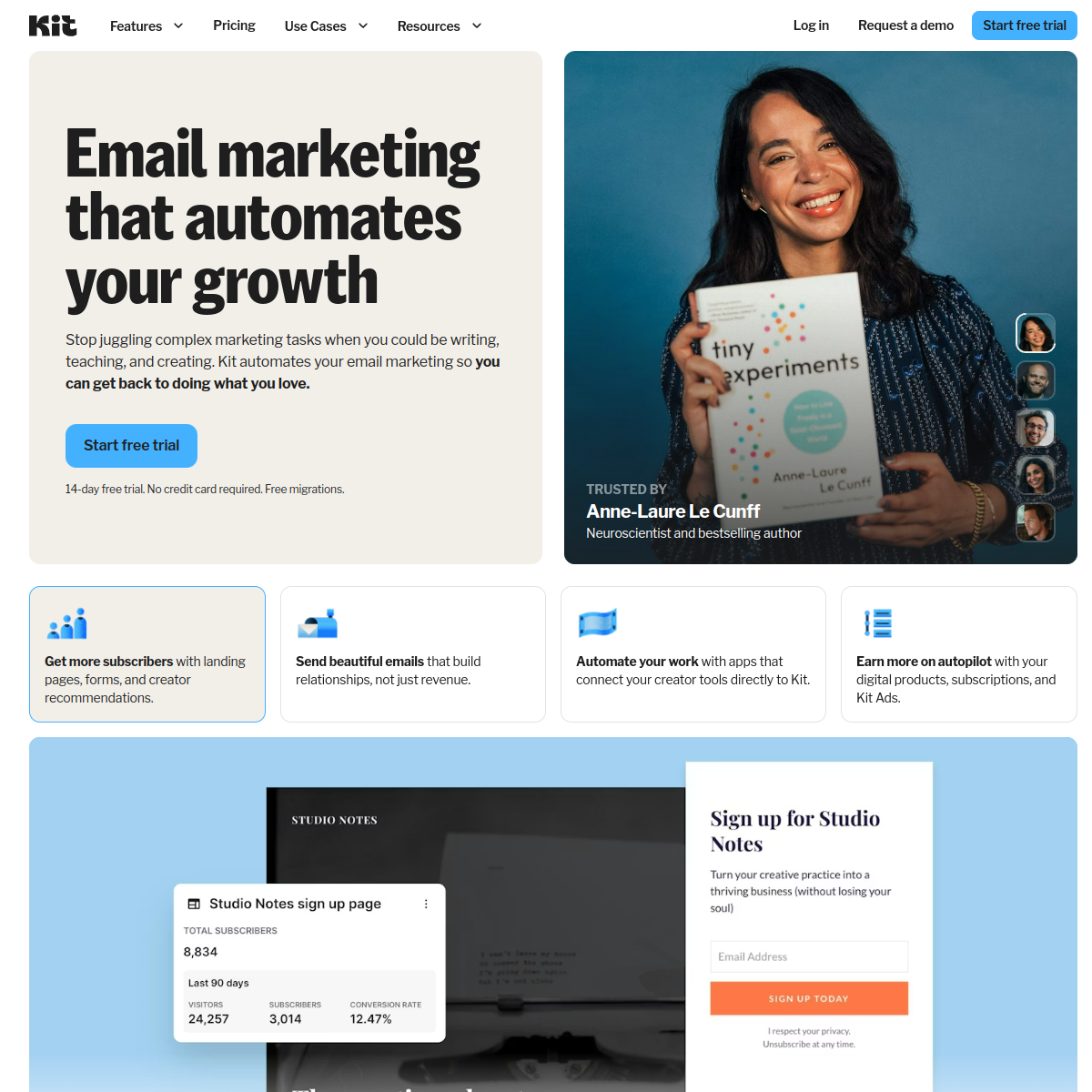
Best for: Creator-style SaaS selling courses, products, and subscriptions
ConvertKit (now branded "Kit") added a native Stripe integration alongside their existing Commerce product, which already supported paid newsletters and digital downloads. Stripe data syncs into subscriber profiles, and you can trigger automations on purchase events.
For creators who run a hybrid business (courses, paid newsletters, a small SaaS), ConvertKit is a defensible single-tool answer. The tagging system handles segmentation cleanly, the editor is solid, and the automation builder is approachable for non-technical founders.
For pure SaaS with serious lifecycle needs (multi-step dunning with branching, MRR-based segmentation, trial conversion sequences with usage signals), it falls short of dedicated tools. The Stripe integration is real, but the platform itself is shaped around creator workflows.
- Stripe integration: Native Stripe connection plus Commerce features for in-platform checkout
- Pricing: Free up to 10,000 subscribers; paid from $29/month
- Pros: Strong creator features, generous free tier, clean tagging-based segmentation, good editor, visual automations, landing pages included
- Cons: Creator-shaped, not SaaS-shaped, dunning is DIY, automation is approachable but not deep, reporting is limited, no product event tracking, no transactional email support
20. Iterable
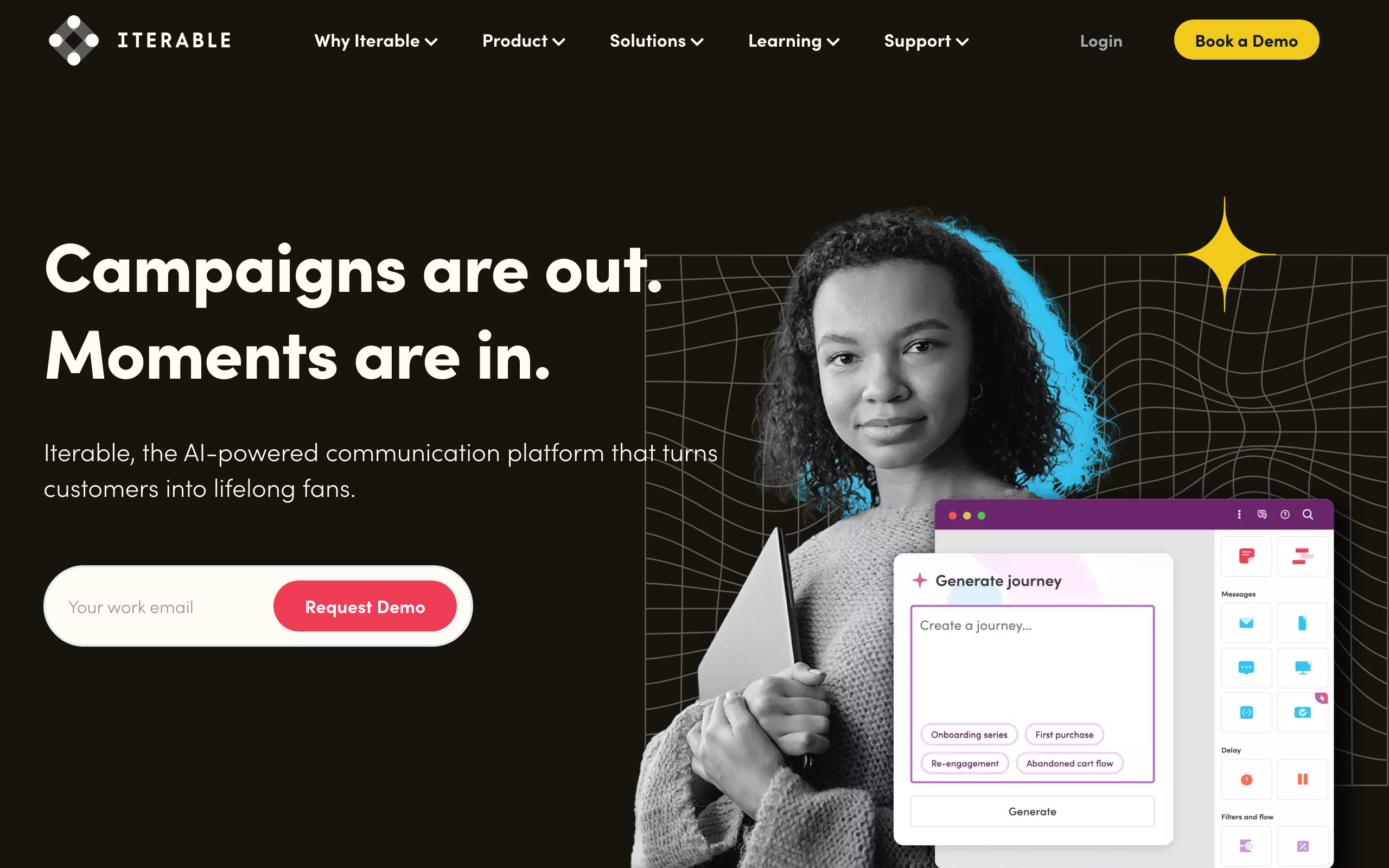
Best for: Enterprise SaaS with complex multi-channel lifecycle programs
Iterable is an enterprise messaging platform used by larger SaaS businesses for cross-channel lifecycle programs (email, SMS, push, in-app). There's no point-and-click Stripe connector, but Iterable expects you to feed events from a CDP, data warehouse, or your own services. Stripe events typically arrive via Segment, your warehouse (Snowflake, BigQuery), or your application's event pipeline.
Once data is flowing, Iterable's strengths are real: sophisticated journey orchestration, robust experimentation, and the ability to run truly cross-channel lifecycle programs at scale. If you're a Series B+ SaaS with a real growth team, this is the tool that scales.
For early or mid-stage SaaS, Iterable is overkill. The licensing alone usually rules it out, and the time-to-value on a custom Stripe integration is significant compared to plug-and-play options.
- Stripe integration: Via CDP (Segment), data warehouse, or your own webhook ingestion; no native connector
- Pricing: Custom enterprise pricing, typically $500+/month and up significantly with volume
- Pros: Enterprise-grade orchestration, true cross-channel lifecycle, strong experimentation, scales to billions of messages, sophisticated features
- Cons: Expensive, custom integration work required, overkill for small/mid SaaS, long implementation timelines, requires dedicated team
21. MailerSend
Best for: Developers wanting transactional email with basic marketing features
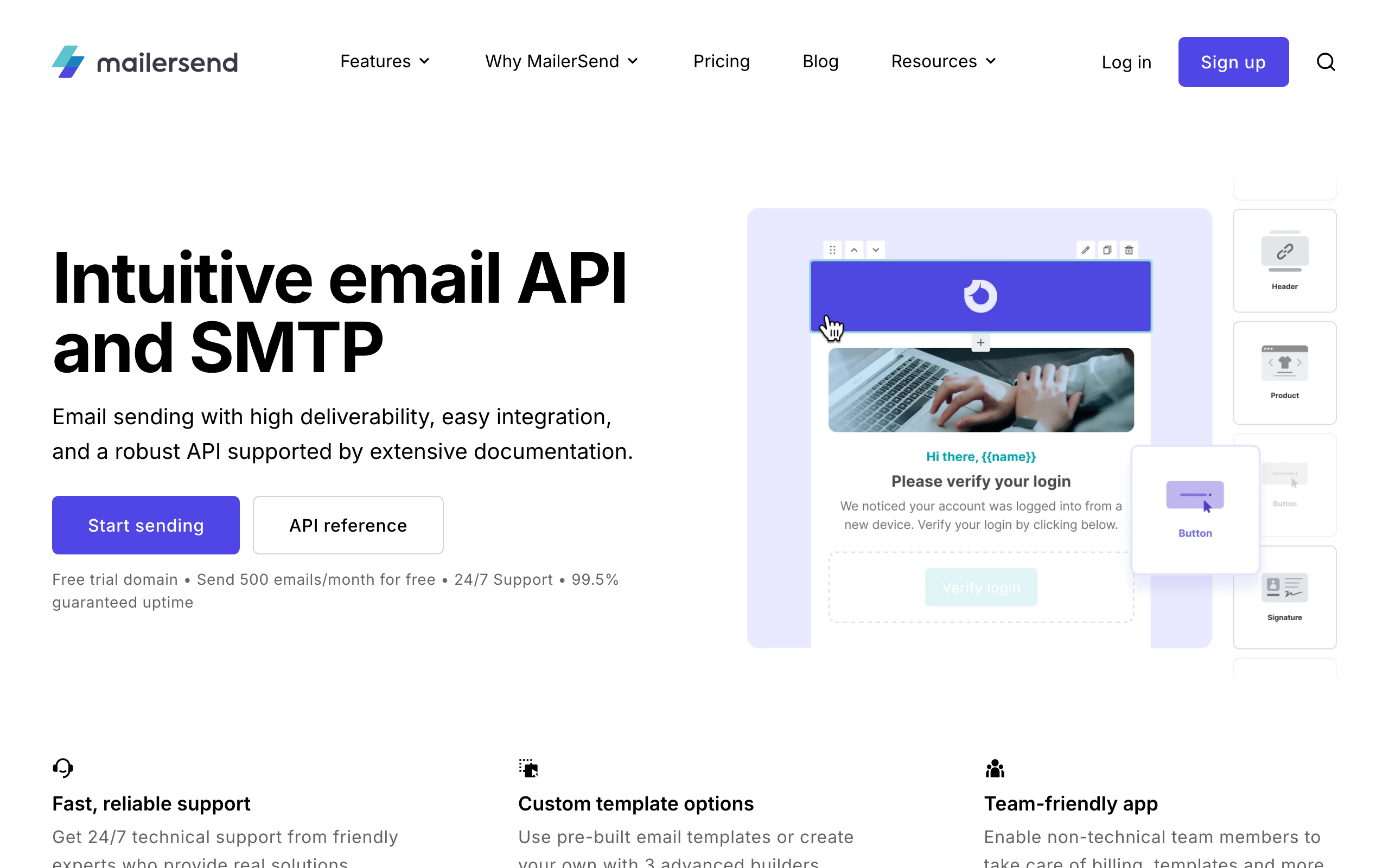
MailerSend is the transactional email service from the MailerLite team. Like Postmark and Resend, it excels at delivering transactional emails triggered by your application—including Stripe webhook events. The API is clean, documentation is solid, and deliverability is strong.
Unlike pure transactional tools, MailerSend includes some basic marketing features: email templates, simple tracking, and recipient management. This makes it a decent fit if your marketing needs are minimal but you still want more than bare-bones transactional sending.
For serious SaaS marketing automation (behavioral triggers, complex sequences, segmentation), you'll eventually want a dedicated marketing platform. But for early-stage SaaS or developer-led projects, MailerSend can handle both transactional and basic broadcast email from one place.
- Stripe integration: Webhook-driven from your own app; MailerSend sends, you orchestrate
- Pricing: Free up to 3,000 emails/month; from $25/month
- Pros: Strong transactional deliverability, clean API with good documentation, includes basic marketing features, email validation tools, generous free tier
- Cons: Limited marketing automation capabilities, no advanced segmentation or behavioral triggers, no native Stripe connector, you'll build sequencing logic yourself, not a full marketing platform
SendGrid
Best for: Teams sending transactional email triggered by Stripe webhooks
SendGrid (Twilio SendGrid) is one of the original transactional email APIs and is still heavily used for receipts, password resets, and other Stripe-webhook-triggered emails. There's no native Stripe automation, no journey builder for SaaS lifecycle. You listen to Stripe webhooks in your app and call SendGrid's API to send the right template.
The Marketing Campaigns product on top of SendGrid does exist, but it's broadly seen as the weakest part of the platform. Most SaaS teams using SendGrid pair it with a marketing/lifecycle tool from this list and treat SendGrid purely as transactional infrastructure.
For Stripe-triggered transactional email at high volume with mature deliverability tooling, SendGrid still earns a spot. Just don't expect it to be your dunning automation engine.
- Stripe integration: Webhook-driven from your own app; no native Stripe connector
- Pricing: Free up to 100 emails/day; paid plans from $20/month
- Pros: Mature transactional infrastructure, scales to high volume, established deliverability tooling, large ecosystem, reliable service
- Cons: Marketing Campaigns is weak, no Stripe-aware automation, requires engineering to wire up, support has a mixed reputation, interface feels dated
How to Choose the Right Tool for Your SaaS
If You're Pre-Revenue or Early Stage
Start with something simple and affordable. Loops, Brevo's free tier, or Sequenzy's starter plan all work. You don't need enterprise automation yet—you need to learn what works for your specific product and audience. Focus on getting basic onboarding sequences working before investing in complex tooling.
If You're Product-Led Growth
Prioritize tools with strong event APIs and behavioral triggers. Sequenzy and Customer.io excel here. You need to send emails based on what users do in your product, not just when they signed up. Look for native Stripe integration if subscription management is core to your business.
If You Have a Sales Team
Consider platforms with CRM integration or built-in CRM. ActiveCampaign combines both in one tool. Alternatively, use a focused email tool alongside your existing CRM (Salesforce, HubSpot, etc.) with proper integration.
If Deliverability Is Critical
For applications where emails absolutely must arrive—authentication, payment notifications, time-sensitive alerts—consider Postmark or MailerSend for transactional and a separate tool for marketing. The separation protects your critical messages from being affected by marketing campaigns.
Implementation Priorities for SaaS Email
Whatever tool you choose, focus on these high-impact sequences first:
1. Welcome / Onboarding Sequence
The emails you send in the first week determine whether users stick around. Focus on:
- Immediate confirmation that signup worked
- One clear action to take (your first activation step)
- Follow-up based on whether they took that action
- Social proof when they stall
2. Trial Ending Sequence
If you offer a free trial, the trial-ending sequence is often your most valuable email asset:
- Warning email 3-5 days before trial ends
- Summary of what they've accomplished (or what they're missing)
- Clear path to upgrade
- Follow-up after trial ends if they don't convert
3. Activation-Based Emails
Identify your product's "aha moment" and build emails that push users toward it:
- Celebrate when they hit milestones
- Help when they seem stuck
- Re-engage when they go quiet
4. Upgrade Prompts
When users hit plan limits or could benefit from higher tiers:
- Contextual prompts based on actual usage
- Show the specific value they'd unlock
- Make upgrading frictionless
The Bottom Line
The "best" email tool depends on your specific situation:
- For most SaaS companies: Start with Sequenzy or Loops for their SaaS-specific approach and unified transactional/marketing.
- For complex needs: Customer.io if you can afford it and have the team to manage complexity.
- For developers who just need transactional: Resend, Postmark, or MailerSend.
- For tight budgets: Brevo, MailerLite, or ConvertKit's free tier.
- For e-commerce SaaS: Klaviyo despite the cost.
- For enterprise: Iterable or Ortto's higher tiers handle real complexity, at real prices.
Don't over-invest in email tooling before you've figured out what messages actually work for your product. Start simple, learn what converts, then upgrade your tools as your needs become clearer.
The companies that win at SaaS email marketing aren't the ones with the most sophisticated tools—they're the ones who deeply understand their users' journey and send the right message at the right moment. The tool just helps you execute.
Frequently Asked Questions
How much should a SaaS company spend on email marketing tools?
Most early-stage SaaS companies can get started for free or under $50/month. As you grow past 1,000 subscribers, expect to spend $50-200/month depending on the platform. The key metric isn't absolute cost but cost relative to the revenue email generates. If your trial-to-paid sequences convert even a small percentage of free users, the tool pays for itself many times over.
Should I use one platform for both transactional and marketing email?
For most SaaS companies, yes. A unified platform (like Sequenzy or Loops) keeps your subscriber data in one place, maintains a consistent sender reputation, and simplifies your stack. The main reason to separate them is if you need best-in-class deliverability for transactional email (use Postmark or MailerSend) alongside a more feature-rich marketing platform.
What's the most important email sequence to set up first?
Your onboarding sequence. The emails you send in the first week after signup have the biggest impact on activation and retention. A good onboarding email sequence can double your activation rate. After that, focus on trial expiration emails and then churn prevention sequences.
How do I evaluate email deliverability across different tools?
Look at each platform's published deliverability rates, but take them with a grain of salt. The best way to evaluate is to run a pilot: send a few hundred emails through the platform and measure inbox placement using a seed list. Postmark, Sequenzy, and MailerSend tend to have strong deliverability because they police their sender networks aggressively.
Do I need a developer to set up email marketing for my SaaS?
It depends on the platform. Tools like Loops and ConvertKit can be set up entirely by non-technical team members. Sequenzy's visual builder works without code, though the API integration requires a developer. Customer.io and Resend are developer-focused and require technical resources for setup. If you want to trigger emails based on product events (which you should), you'll need a developer to implement the event tracking regardless of which platform you choose.
What email marketing KPIs should SaaS companies track?
Beyond standard metrics (open rate, click rate), SaaS companies should track activation rate by email sequence, trial-to-paid conversion rate influenced by email, churn rate among users receiving retention sequences, and revenue attributed to email campaigns. These metrics connect email performance to business outcomes rather than vanity metrics.
How do I choose between Sequenzy and Customer.io?
Sequenzy is better for most SaaS companies because it's simpler, more affordable, and includes native Stripe integration. Choose Customer.io if you need complex multi-channel automation (email + push + SMS + in-app), have a dedicated marketing team to manage the complexity, and have the budget ($100+/month). For early-stage companies, Sequenzy's free tier lets you validate your email strategy before committing to any spending.
Can I switch email marketing tools later without losing data?
Yes, but it requires planning. Most platforms allow you to export subscriber lists with tags and custom attributes. What you typically lose is historical engagement data (opens, clicks, conversion history) and automation workflows, which need to be rebuilt in the new platform. The earlier you choose the right tool, the less painful migration will be.
What role does email play in reducing SaaS churn?
Email is one of the most effective channels for churn prevention. Automated sequences can detect disengagement signals (reduced logins, feature usage drops) and intervene with re-engagement campaigns before the customer decides to cancel. Dunning emails for failed payments recover revenue that would otherwise be lost.
Should I build my own email infrastructure or use a platform?
Use a platform. Building email infrastructure (deliverability management, bounce handling, unsubscribe processing, compliance, authentication) is a massive engineering effort that distracts from your core product. Even companies with strong engineering teams are better served by using a purpose-built email platform and focusing their development resources elsewhere.