
The 25 Best Transactional Email Services in 2026 (Tested & Compared)

Quick Comparison
| Tool | Best For | Pricing | Key Strength |
|---|---|---|---|
| Sequenzy | SaaS with marketing + transactional in one platform | Free up to 2.5k emails/mo, from $19/mo | AI integration |
| Amazon SES | High volume senders on AWS | $0.10 per 1k emails | Unbeatable price at scale |
| Postmark | Teams that need fast, reliable delivery | From $15/mo for 15k emails | Fastest delivery speeds |
| Resend | Modern React/TypeScript developers | Free to 3k/mo, from $20/mo | React Email DX |
| SendGrid | Scalable API sending at any volume | Free to 100/day, from $19.95/mo | Proven infrastructure |
| Mailgun | Apps that send and receive email | From $15/mo for 10k emails | Inbound email parsing |
| Brevo | Budget transactional + marketing | Free to 300/day, from $9/mo | Affordable bundle |
| SparkPost | Enterprise deliverability analytics | Custom pricing | Predictive deliverability |
| Mandrill | Existing Mailchimp customers | From $20/mo (block-based) | Mailchimp ecosystem |
| Mailtrap | Dev teams that need testing + sending | Free to 1k/mo, from $10/mo | Email testing sandbox |
| Elastic Email | Volume senders on a tight budget | $0.09 per 1k emails, from $29/mo | Pay-per-email pricing |
| MailerSend | SMBs wanting visual + API workflows | Free to 3k/mo, from $28/mo | Visual template builder |
| SMTP2GO | Legacy apps needing SMTP relay | Free to 1k/mo, from $10/mo | Easy SMTP setup |
| Mailjet | European businesses with GDPR needs | Free to 200/day, from $17/mo | EU data processing |
| Customer.io | Product-led SaaS with behavioral triggers | From $100/mo | Event-driven messaging |
| Loops | Modern SaaS sending product updates | Free tier, from $49/mo | Clean SaaS-focused UX |
| Plunk | Indie hackers shipping fast | Free to 1k/mo, from $19/mo | Minimal API surface |
| SocketLabs | Teams managing deliverability proactively | Free to 2k/mo, from $40/mo | StreamScore monitoring |
| Courier | Multi-channel notification orchestration | Free to 10k notif/mo, custom paid | Channel routing engine |
| Knock | In-app + email notification infrastructure | Free to 10k notif/mo, custom paid | In-app notification feed |
| Novu | Open-source notification infrastructure | Free self-hosted, paid cloud | Self-hostable, no lock-in |
| MagicBell | Apps needing a notification inbox UI | Free to 100 users, custom paid | Embeddable inbox component |
| OneSignal | Push-first apps adding email | Free tier, from $9/mo | Cross-channel messaging |
| Mailpace | Privacy-focused, no-tracking sending | From $3.25/mo for 500 emails | No tracking by default |
| Pepipost | High volume senders in APAC | From $25/mo for 150k emails | Pricing optimized for volume |
Transactional emails are the most critical emails your application sends. Password resets, order confirmations, invoices, welcome emails - these are messages your users are actively waiting for. If they don't arrive fast and reliably, you lose trust and revenue.
I've tested 25 transactional email services across everything that matters - deliverability rates, API design, sending speed, webhook reliability, template engines, and pricing. Whether you're a solo developer sending a few hundred emails a day or an enterprise processing millions, this guide will help you pick the right one.
Detailed Reviews
1. Sequenzy
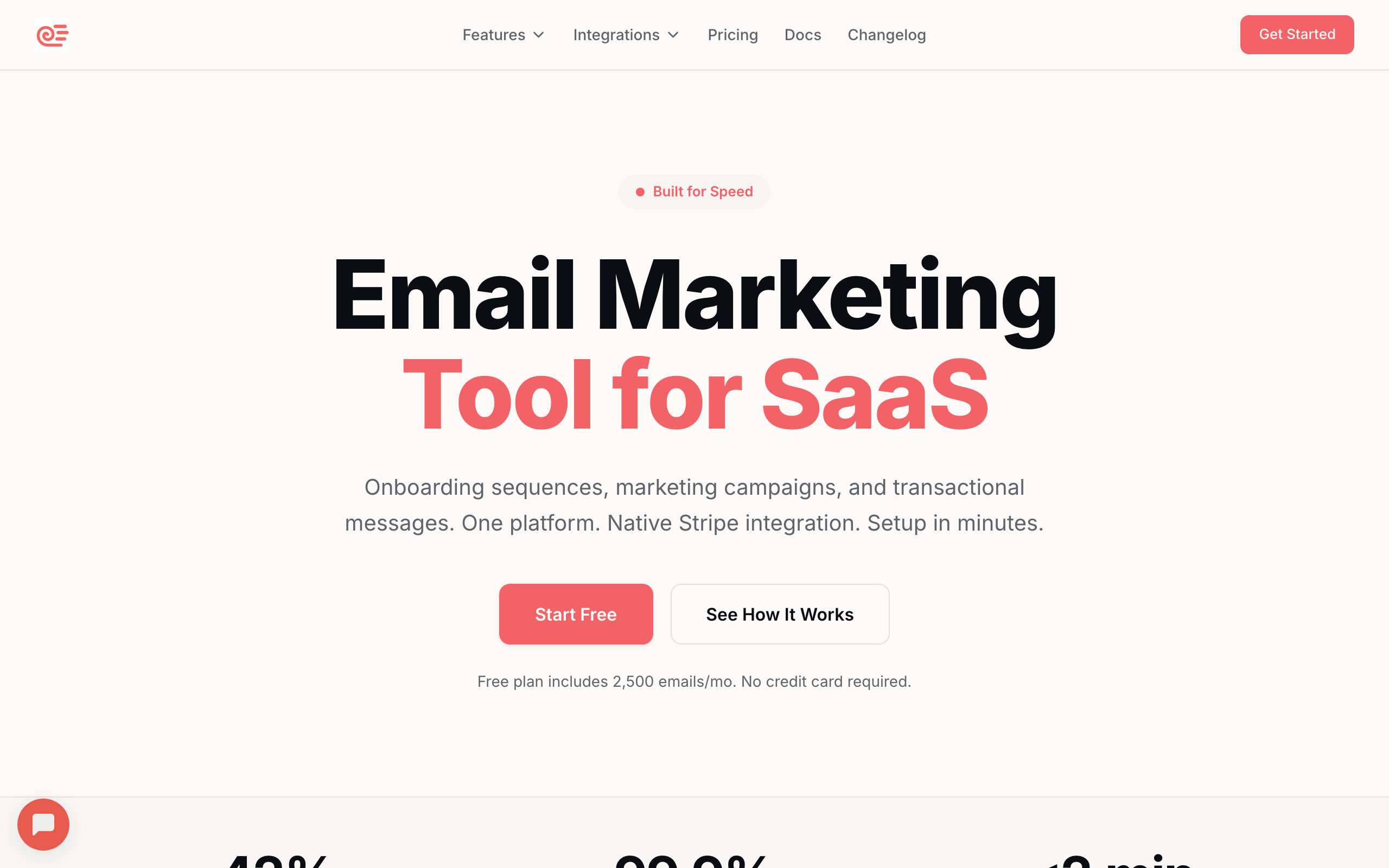
Best for: SaaS companies that need marketing and transactional email in one platform
Sequenzy is the only platform on this list that treats marketing and transactional email as one product instead of two bolted together. Instead of paying Postmark for transactional and Mailchimp for marketing - and reconciling subscriber state across two systems - you get both in one tool with shared subscribers, shared analytics, and shared automation.
The Stripe integration is the differentiator for SaaS founders. You can trigger transactional emails based on real billing events: subscription created, payment failed, plan upgraded, MRR threshold crossed. Most transactional providers send whatever payload you POST at them; Sequenzy actually understands your revenue model and lets you build dunning, onboarding, and expansion sequences against it.
Sequenzy's AI integration covers the parts of email that are genuinely tedious. You can generate full email drafts from a one-line brief, generate subject line variants for A/B testing, and generate entire sequences from a goal description. The MCP server also exposes these capabilities to Claude and other agents, so you can build and ship campaigns from your editor instead of clicking through a dashboard.
For the transactional side specifically, you get a documented REST API, SMTP relay, webhooks for delivery events, and the same deliverability infrastructure that powers the marketing side. The trade-off versus a pure transactional tool like Postmark is that Sequenzy is newer and doesn't yet offer dedicated IPs, so very high volume senders with specific reputation requirements may want to combine Sequenzy with a dedicated transactional provider.
- Key features: Unified marketing + transactional, Stripe-powered automation, event-based triggers, visual email editor, segmentation, API + SMTP, sequences, AI generation, MCP server
- Pricing: Free up to 2,500 emails/month, paid plans from $19/month
- Pros: One platform for all email, Stripe integration for SaaS billing events, transparent pricing, AI generation built in, direct founder support
- Cons: Newer platform, no dedicated IPs yet, no SMS or push channels
2. Amazon SES
Best for: High-volume senders who want the lowest price
Amazon SES is the undisputed king of price-to-volume ratio. At $0.10 per 1,000 emails, it's nearly impossible to beat on cost. Most of the world's highest-volume senders use SES as their underlying infrastructure - including several other "providers" on this list that are really UIs over SES.
The infrastructure is rock-solid. SES is part of AWS, runs on the same backbone as the rest of the AWS services your app probably already uses, and scales effectively without limit. If you're sending millions of emails a month and every fraction of a cent matters, SES is almost always the answer.
The trade-off is that SES is purely infrastructure. There's no template editor worth using, no marketing features, no real subscriber management, no batteries included. You're responsible for setting up DKIM, warming up your reputation, processing bounces, handling complaints, and building any UI you need on top. If you don't have engineering capacity to manage that, the savings evaporate.
Sending limits start small (a "sandbox" mode with 200 emails/day) and you have to request production access from AWS, which can take a day or two and sometimes requires explaining your use case. This catches a lot of teams off guard when they're trying to launch.
- Key features: Send and receive at scale, dedicated IPs available ($24.95/mo), configuration sets, Virtual Deliverability Manager, SMTP and API, email receiving and processing
- Pricing: $0.10 per 1,000 emails, dedicated IPs at $24.95/mo each, free tier of 3,000 emails/mo for 12 months from EC2
- Pros: Cheapest option at scale, rock-solid AWS infrastructure, massive sending capacity, good deliverability when configured correctly
- Cons: Significant setup required, no real template editor, AWS console is overwhelming, no marketing features, deliverability is your responsibility
3. Postmark
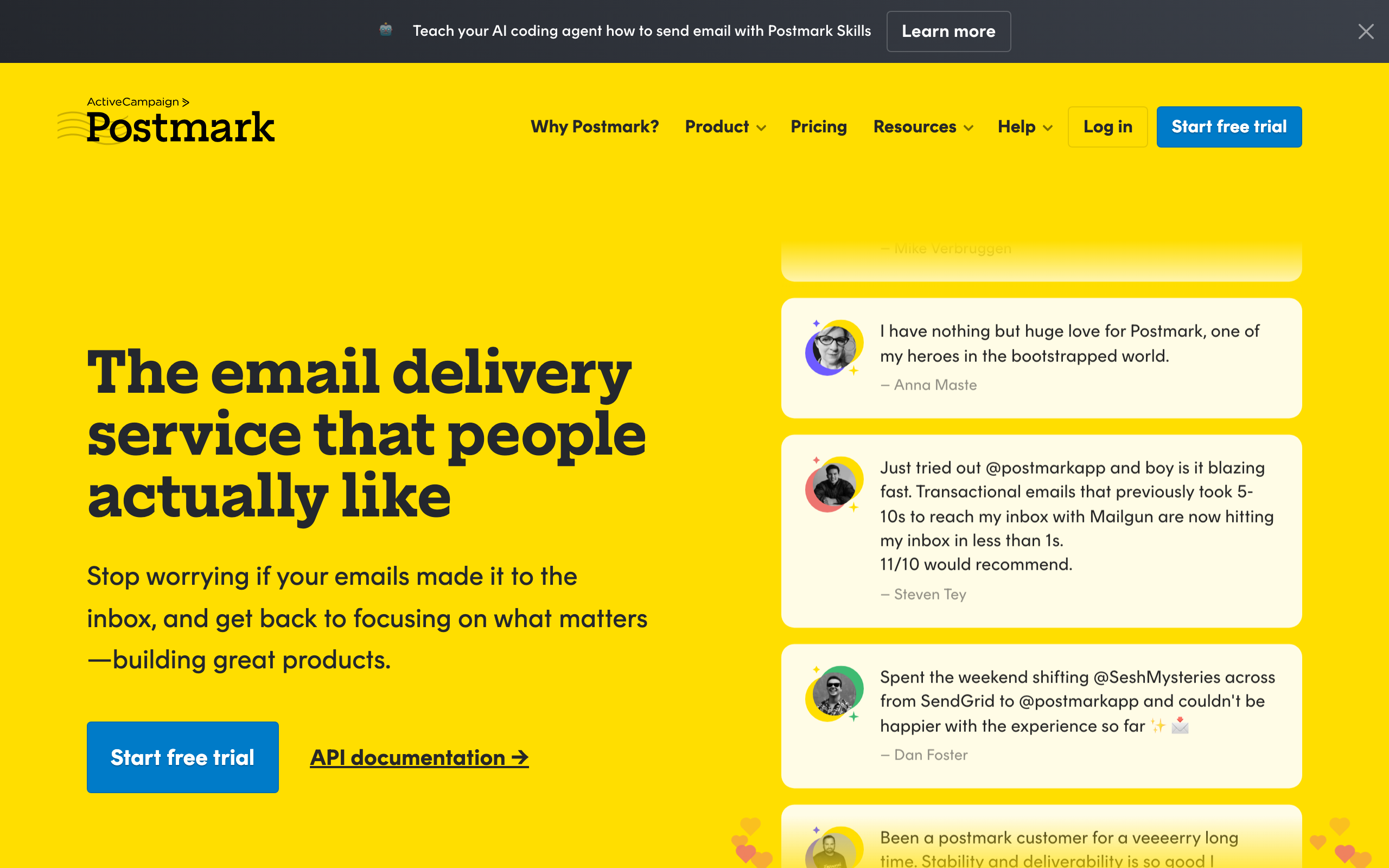
Best for: Teams where delivery speed and reliability are non-negotiable
Postmark has built its entire reputation on one thing - getting your emails delivered fast. They consistently have the fastest delivery times in the industry, with most emails arriving in under 10 seconds. Their focus on transactional email means they don't allow bulk marketing on the same infrastructure, which keeps their IP reputation pristine.
The Message Streams feature is well-thought-out. You separate "transactional" and "broadcast" streams so a marketing-style send can never affect your password-reset deliverability. This is the cleanest implementation of stream separation in the market, and it matters more than people realize when you're scaling.
Postmark's free DMARC monitoring is genuinely useful even if you don't use them as a sender. They send weekly digest reports that show you who's sending email on your domain (legitimate and otherwise) and help you tighten your DMARC policy. For most companies this is the easiest path to a p=reject policy.
The price scales linearly with volume, which is honest but means Postmark gets expensive at scale. At 100k emails/mo you're paying around $85, which is fine. At 1M emails/mo you're well over $700, where SES starts to look very attractive. For most SaaS companies in the 10k-200k range, the deliverability is worth the premium.
- Key features: Message Streams, DMARC monitoring, template system with layouts, inbound processing, bounce and complaint handling, detailed analytics, webhooks
- Pricing: From $15/mo for 15,000 emails, scales linearly, no free plan but 30-day trial
- Pros: Fastest delivery in the industry, 97%+ inbox rate, clean API, free DMARC monitoring, dedicated to transactional
- Cons: No free plan, no marketing email support (by design), more expensive than SES at high volumes, email-only, basic template editor
4. Resend
Best for: Modern developers who love great DX
Resend is built by developers, for developers. Their React Email integration lets you build transactional email templates using React components - the same way you build your app's UI. If your team already writes React, the learning curve is essentially zero.
The TypeScript SDK is excellent. Types match the API exactly, errors are well-typed, and the docs are written for people who actually ship code. Compared to the legacy SendGrid SDK or the slightly archaic Postmark SDK, using Resend feels like the difference between writing modern TypeScript and writing 2015 callback-style Node.
What you don't get is depth. Resend is intentionally a thin layer. There's no inbound email processing, no SMTP relay, no real subscriber management, no marketing features, no behavioral triggers. The team has been adding features steadily but Resend is still much narrower than SendGrid or Mailgun. For most modern apps that's the right trade-off; for legacy apps that need SMTP, it's a deal-breaker.
The free tier (3,000 emails/month) is generous and permanent, not a 30-day trial. This makes Resend a great choice for early-stage projects where you want to ship transactional email without committing to a paid plan immediately.
- Key features: React Email templates, modern REST API, TypeScript SDK, webhook events, domain authentication, regional sending (US, EU)
- Pricing: Free for 3,000 emails/month, from $20/mo for 50,000 emails
- Pros: Best developer experience in the market, React Email integration, generous free tier, fast-growing, great docs
- Cons: Relatively new, no SMTP relay, limited template management, no inbound processing, fewer enterprise features
5. SendGrid (Twilio)
Best for: Scalable API email with a proven track record
SendGrid is one of the most widely used email APIs in the world. Now part of Twilio, it handles billions of emails monthly. Their API is well-documented, their deliverability is solid, and they have the scale to handle any volume you throw at them.
The breadth of SDKs is unmatched. SendGrid maintains official SDKs for 7+ languages with active maintenance, plus broad community SDK coverage for almost every other ecosystem. If you're working in a less common language, SendGrid is often the only mature choice.
The acquisition by Twilio has been a mixed bag. On one hand, you can now combine SendGrid email with Twilio SMS and voice through one vendor, which is useful for cross-channel apps. On the other hand, the product has felt less focused since the acquisition - the UI looks dated, support quality varies wildly by plan tier, and the marketing campaigns side has been deprioritized.
Free tier limits are stingy at 100 emails/day. Most apps will hit this limit during testing alone. The Essentials plan at $19.95/mo is the realistic starting point for any production use.
- Key features: RESTful API, SDKs for 7+ languages, dynamic templates with Handlebars, email validation, dedicated IPs, subuser management, inbound parsing, marketing campaigns
- Pricing: Free for 100 emails/day, Essentials from $19.95/mo for 50,000 emails, Pro from $89.95/mo
- Pros: Proven at massive scale, excellent docs, wide SDK coverage, strong deliverability, dedicated IP options
- Cons: Free plan very limited, dated UI, support quality varies, less focused since Twilio acquisition
6. Mailgun
Best for: Developers who need powerful email parsing and routing
Mailgun stands out for its email parsing and routing capabilities. While most services focus on sending, Mailgun is equally strong at receiving and processing inbound emails. Their API is developer-friendly and their email validation service is one of the best in the industry.
The inbound routing system is the standout feature. You can define rules that match incoming messages by recipient, subject, headers, or content, then forward them to a webhook, store them, or route them to other addresses. For help-desk products, CRM ingestion, ticket parsing, or any app that needs to "receive" email, Mailgun is the most capable option on this list.
Email validation is a quietly useful add-on. Before you send to a list, you can validate addresses through Mailgun's API and get back a confidence score, syntax checks, MX checks, and disposable-domain detection. This is its own product line at most other vendors and bundled here.
Deliverability used to be a real strength but has been more variable in recent years. The shared IP pools see mixed reputation, so for serious volume you'll want dedicated IPs (which adds cost). For low- to mid-volume sending, this matters less.
- Key features: Inbound routing and parsing, email validation API, SMTP and API, dedicated IPs and pools, suppressions, mailing lists, detailed logs, webhooks
- Pricing: Foundation from $15/mo for 10,000 emails, Scale from $90/mo for 100,000, no free plan (trial only)
- Pros: Best inbound parsing in the market, excellent validation API, good docs, flexible routing, strong SMTP relay
- Cons: No free plan, dashboard is dated, deliverability requires tuning, support can be slow, some features locked to higher tiers
7. Brevo (formerly Sendinblue)
Best for: Budget-conscious teams wanting transactional + marketing
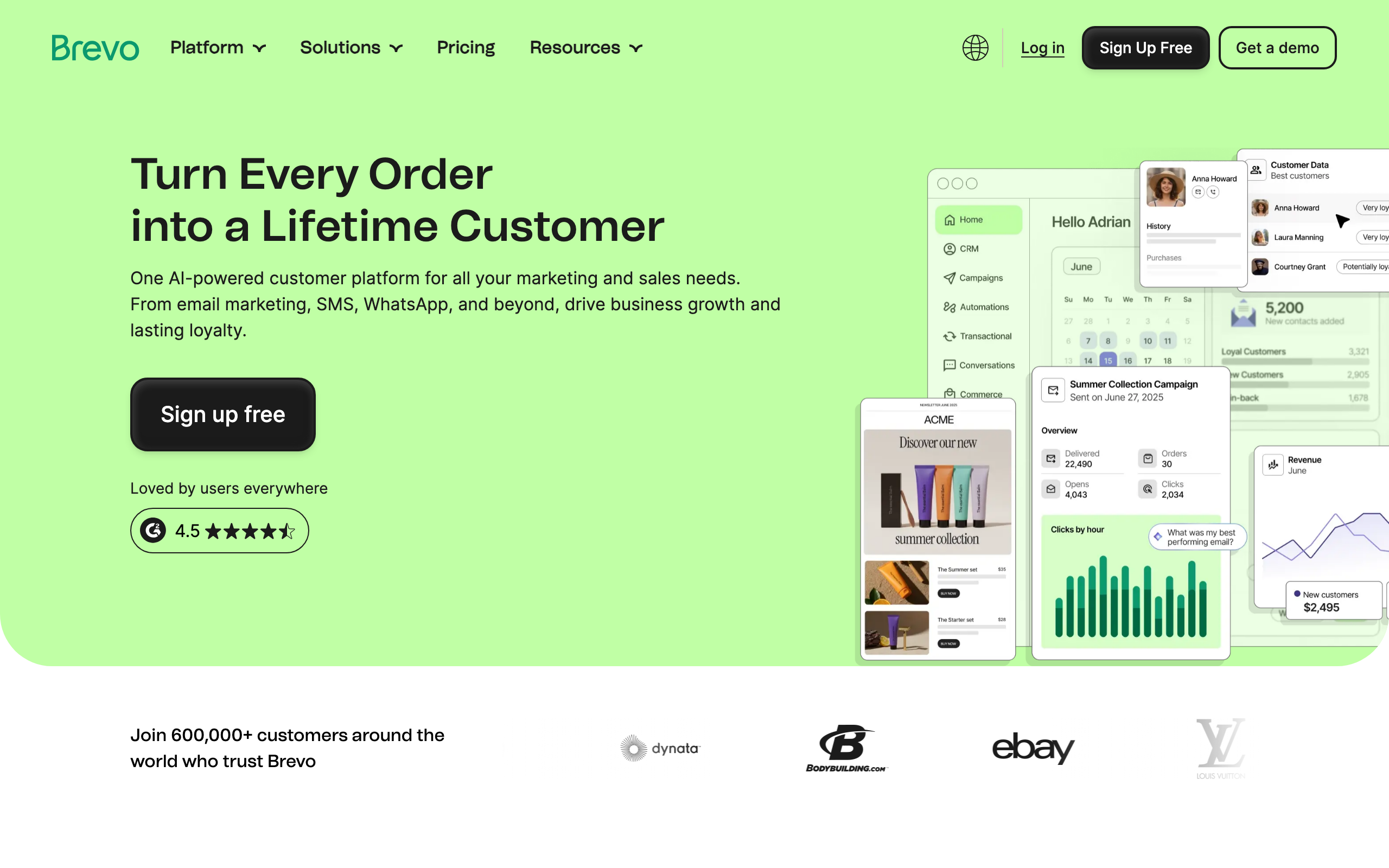
Brevo offers both transactional and marketing email at prices that are hard to beat. Their transactional API is solid, and you get marketing automation, CRM, and SMS in the same platform. For small businesses and startups watching their budget, Brevo is compelling.
The free plan is one of the most usable on this list - 300 emails/day works out to roughly 9,000/month, which is enough to actually run a small product on. This is dramatically more generous than SendGrid's free tier and more useful than the trial-only models of Postmark or Mailgun.
European founders should pay attention to Brevo. They're a French company with EU data processing by default, GDPR-first design, and good support for multilingual sending. For anyone navigating European data sovereignty rules, this is a meaningful advantage over US-headquartered providers.
The trade-offs are quality. Deliverability is acceptable but not best-in-class - if you're competing with Postmark or Sequenzy on inbox placement, you'll feel the gap. The API is fine but documentation could be better, and support is slow on free and starter plans.
- Key features: Transactional + marketing combined, SMS and WhatsApp, built-in CRM, marketing automation, template designer, analytics, SMTP and API, webhooks
- Pricing: Free for 300 emails/day, Starter from $9/mo for 5,000 emails/mo
- Pros: Very affordable, usable free plan, marketing + transactional in one, SMS included, GDPR-ready
- Cons: Brevo branding on free plan, deliverability not best-in-class, average API docs, slow support on cheaper tiers
8. SparkPost (MessageBird)
Best for: Enterprise teams obsessed with deliverability analytics
SparkPost sends roughly 40% of the world's commercial email. Their predictive deliverability analytics (Signals) use machine learning to predict inbox placement before you hit send. For enterprise teams where deliverability is critical, SparkPost is the gold standard for understanding what's actually happening to your mail.
The Signals product is genuinely differentiated. Most providers tell you about delivery problems after they happen; Signals tries to predict them based on engagement patterns, complaint trends, and ISP-level signals. For a team running a 10M+ email program where a deliverability dip costs real revenue, this is worth paying for.
Automatic IP warm-up is another underrated feature. New dedicated IPs need careful warm-up to build reputation, and SparkPost handles the gradual ramp automatically based on volume targets. Most providers leave this to you.
The downsides are exactly what you'd expect from an enterprise product. Pricing is custom (no transparent tiers), the dashboard has a real learning curve, the docs are dense, and the free tier is tiny (500 emails/mo). If you're not at the volume where Signals justifies enterprise pricing, you're better off elsewhere.
- Key features: Signals predictive deliverability, adaptive email network, dedicated IPs with auto warm-up, A/B testing, subaccounts, inline CSS, event webhooks, global infrastructure
- Pricing: Custom enterprise pricing, free tier of 500 emails/mo for testing
- Pros: Best deliverability analytics, handles massive scale, predictive scoring, automatic IP warm-up, enterprise infrastructure
- Cons: Custom pricing only, enterprise-focused, dashboard has a learning curve, dense docs, tiny free tier
9. Mandrill (Mailchimp)
Best for: Teams already using Mailchimp for marketing
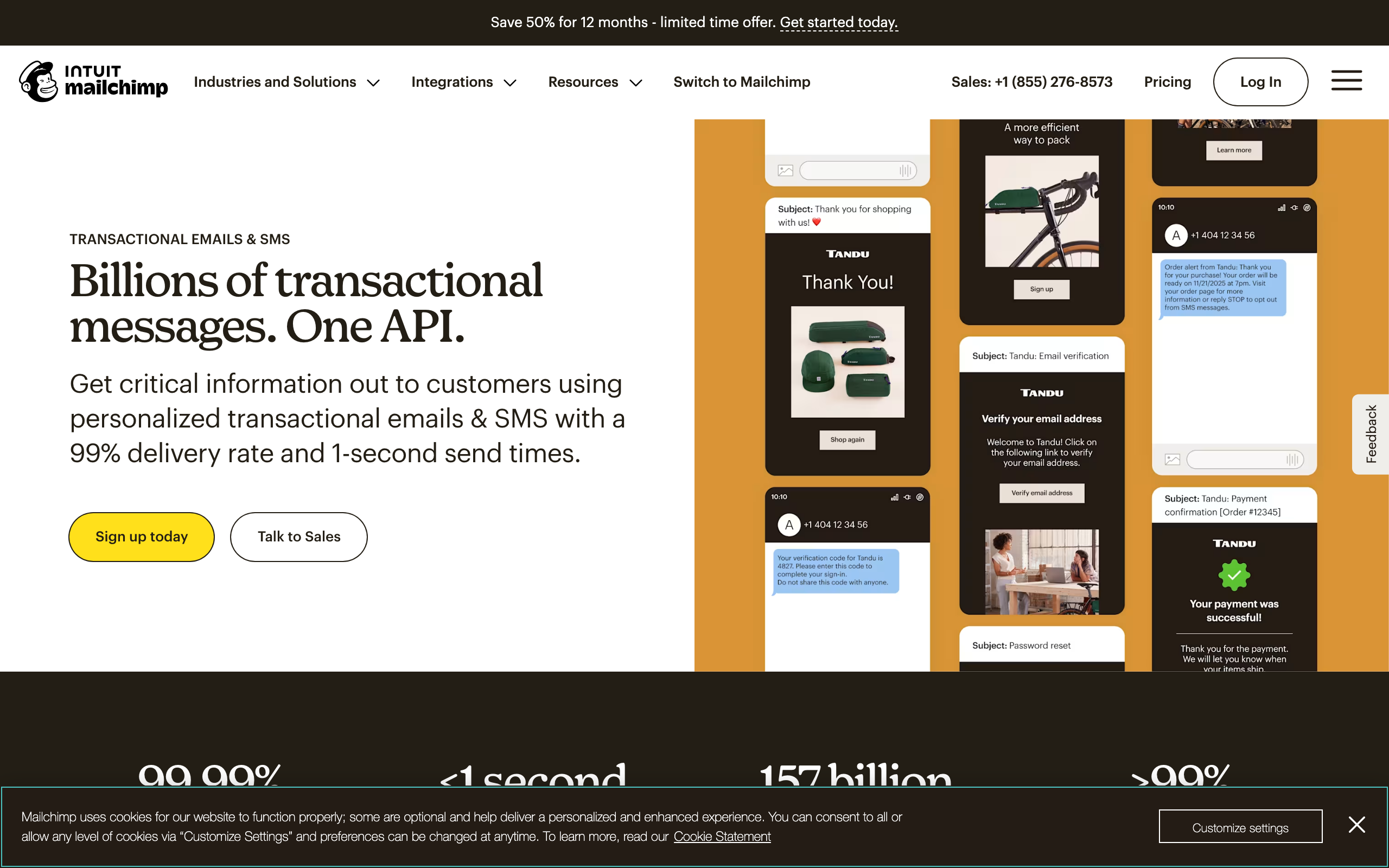
Mandrill is Mailchimp's transactional email service. It's tightly integrated with Mailchimp - you can use your Mailchimp templates, merge tags, and tracking in transactional emails. If your marketing team already lives in Mailchimp, Mandrill keeps everything under one roof.
The template reuse story is the main reason to choose Mandrill. You design once in Mailchimp's template editor and use the same template for both your weekly newsletter and your password reset email. For brand-conscious teams that want strict visual consistency between marketing and transactional, this is convenient.
The block-based pricing is genuinely confusing. You buy "blocks" of 25,000 emails, with the first block at $20 and additional blocks at $10. This makes price comparisons against per-email or per-volume providers harder than it should be, and the total cost can creep above what you'd pay on Postmark or SendGrid for the same volume.
The biggest constraint is that Mandrill requires a paid Mailchimp account. You can't use it standalone. If you're not already paying for Mailchimp, this effectively makes Mandrill more expensive than its sticker price suggests.
- Key features: Mailchimp template integration, merge tags, click and open tracking, dedicated IP options, inbound processing, webhooks, subaccounts, tag-based analytics
- Pricing: $20/mo for 500 email blocks (25,000 emails), additional blocks $10/500, requires paid Mailchimp account
- Pros: Seamless Mailchimp integration, can reuse marketing templates, good deliverability, tag-based analytics, inbound processing
- Cons: Requires Mailchimp account, confusing block-based pricing, no free plan, dated API, separate dashboard from Mailchimp
10. Mailtrap
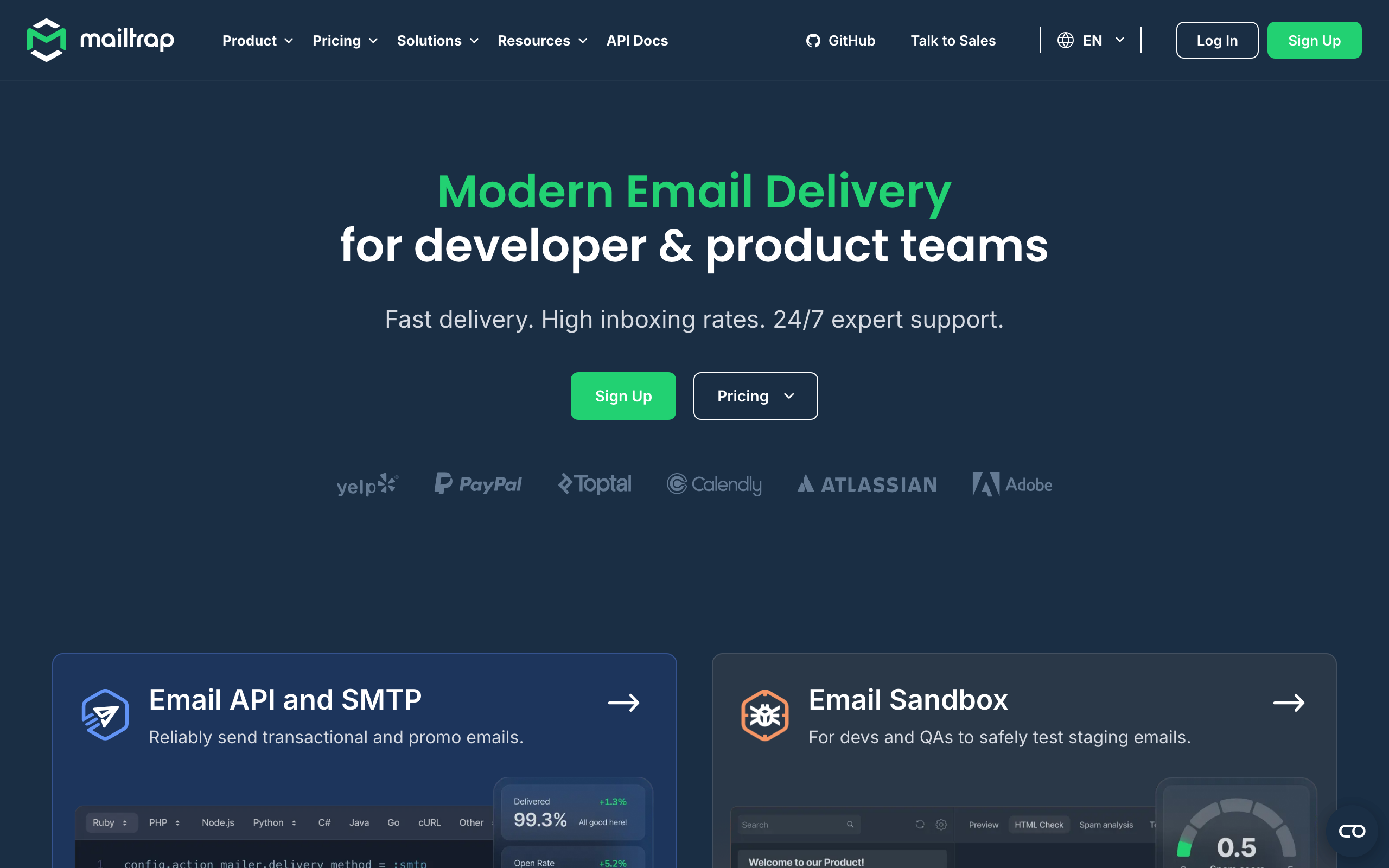
Best for: Development teams that need email testing + production sending
Mailtrap started as an email testing tool (their sandbox is legendary among developers) and expanded into production sending. This combination is unique - you can test your transactional emails in a safe environment, then flip a switch to send them for real with the same SDK and templates.
The Email Testing Sandbox is the part most teams are familiar with. Point your dev or staging environment at Mailtrap and every email your app generates gets captured for inspection - you can preview HTML, check spam scores, validate links, and verify rendering across email clients without actually sending anything. This has been the de facto dev-environment email tool for years.
The production sending side is newer and decent but not best-in-class. Deliverability is fine for low-to-mid volumes but Mailtrap doesn't have the deliverability reputation of Postmark or the scale of SES. For dev teams who want one tool spanning testing and production, the trade-off is worth it; for teams that already have a sending provider they trust, the sandbox alone is the reason to use Mailtrap.
The CI/CD integration is well thought out. You can write tests that assert on email content (subject, links, recipient) by querying the sandbox API, which catches a lot of regressions before they ship.
- Key features: Email Testing Sandbox, production sending, HTML/CSS analysis, spam score checking, API and SMTP, analytics, team collaboration, automated QA testing
- Pricing: Free for 1,000 emails/mo sending + 100 test emails/mo, Business from $10/mo for 10,000 emails
- Pros: Best-in-class testing sandbox, seamless test-to-production workflow, great for CI/CD, spam checking, affordable
- Cons: Smaller sending infrastructure, less proven at high volume, limited marketing features, basic templates
11. Elastic Email
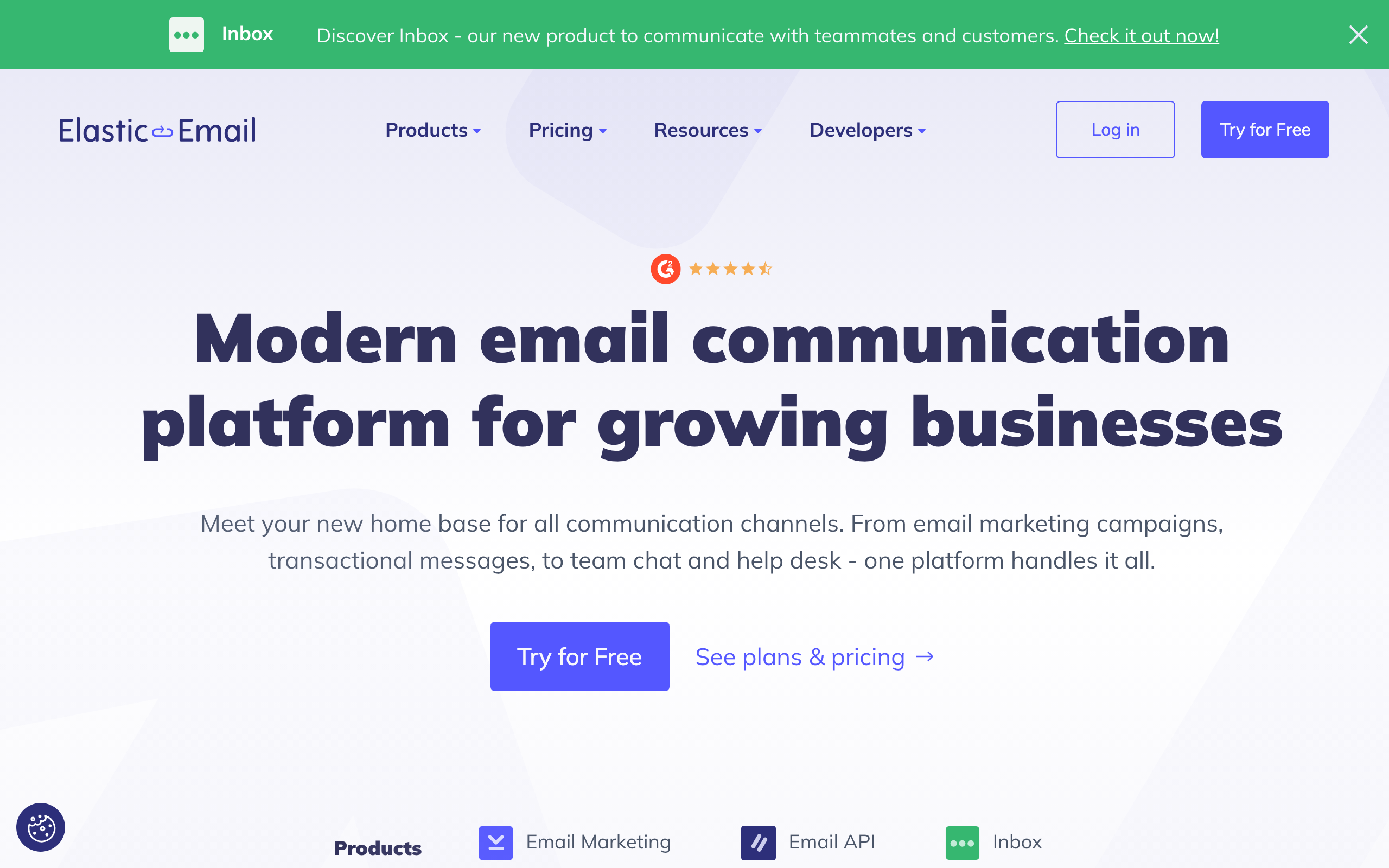
Best for: Volume senders on a tight budget
Elastic Email offers some of the lowest per-email pricing in the market. Their pay-as-you-go model ($0.09 per 1,000 emails) is perfect for apps with variable sending volumes - you only pay for what you use, with no monthly commitment.
The pay-per-email pricing is genuinely useful for apps with spiky volumes. If you send 10k one month and 500k the next, you're not paying for capacity you don't use. Most providers force you into monthly tiers that punish irregular sending patterns.
Bundled email verification is a nice touch. Before you import a list or send to a new cohort, you can validate addresses through Elastic Email's API at no extra cost. This catches obvious bounces before they hurt your reputation.
The trade-offs are quality and polish. Deliverability is inconsistent - sometimes great, sometimes mediocre - and the support quality varies. The dashboard feels dated, the docs need work, and automation features are basic. For apps that just need cheap sending with a usable UI, this is fine. For anything where deliverability is critical, look at Postmark or SES with proper setup.
- Key features: Pay-per-email pricing, SMTP and API, template editor, contact management, A/B testing, email verification, landing pages, real-time analytics
- Pricing: Pay-as-you-go at $0.09 per 1,000 emails, monthly plans from $29/mo for 40,000 emails, free plan of 100 emails/day
- Pros: Very affordable, flexible volume, transactional and marketing, email verification included, easy SMTP setup
- Cons: Inconsistent deliverability, variable support, dated dashboard, limited automation, docs need work
12. MailerSend
Best for: SMBs wanting a modern transactional email service
MailerSend is from the team behind MailerLite. It's built specifically for transactional email with a modern API and a visual template builder that non-developers can use. The combination of developer-friendly API and visual tools makes it great for teams with mixed technical skills.
The visual template builder is the differentiator. Most transactional services either give you raw HTML (Postmark, Resend) or a basic editor (SES, SendGrid). MailerSend's drag-and-drop builder is genuinely usable by non-engineers, which means your marketing or product team can iterate on transactional templates without needing dev help.
Bundled SMS messaging is a useful extra. You can trigger SMS notifications alongside email through the same API and dashboard, which is convenient for things like 2FA codes or order confirmations where you want a multi-channel fallback.
The trade-off is enterprise readiness. MailerSend hasn't been proven at the same scale as SendGrid or SES, and the deeper enterprise features (subaccount management, advanced analytics, dedicated IP options on lower plans) aren't there. For SMBs and growing startups this isn't a problem; for enterprise sending it's a real gap.
- Key features: Visual drag-and-drop builder, REST API with webhooks, SMS messaging, email verification, inbound routing, analytics, team collaboration, SMTP relay
- Pricing: Free for 3,000 emails/mo, Starter from $28/mo for 50,000 emails
- Pros: Great visual builder, modern API, generous free plan, SMS support, good deliverability
- Cons: Less proven at enterprise scale, basic advanced analytics, basic automation, no dedicated IP on lower plans
13. SMTP2GO
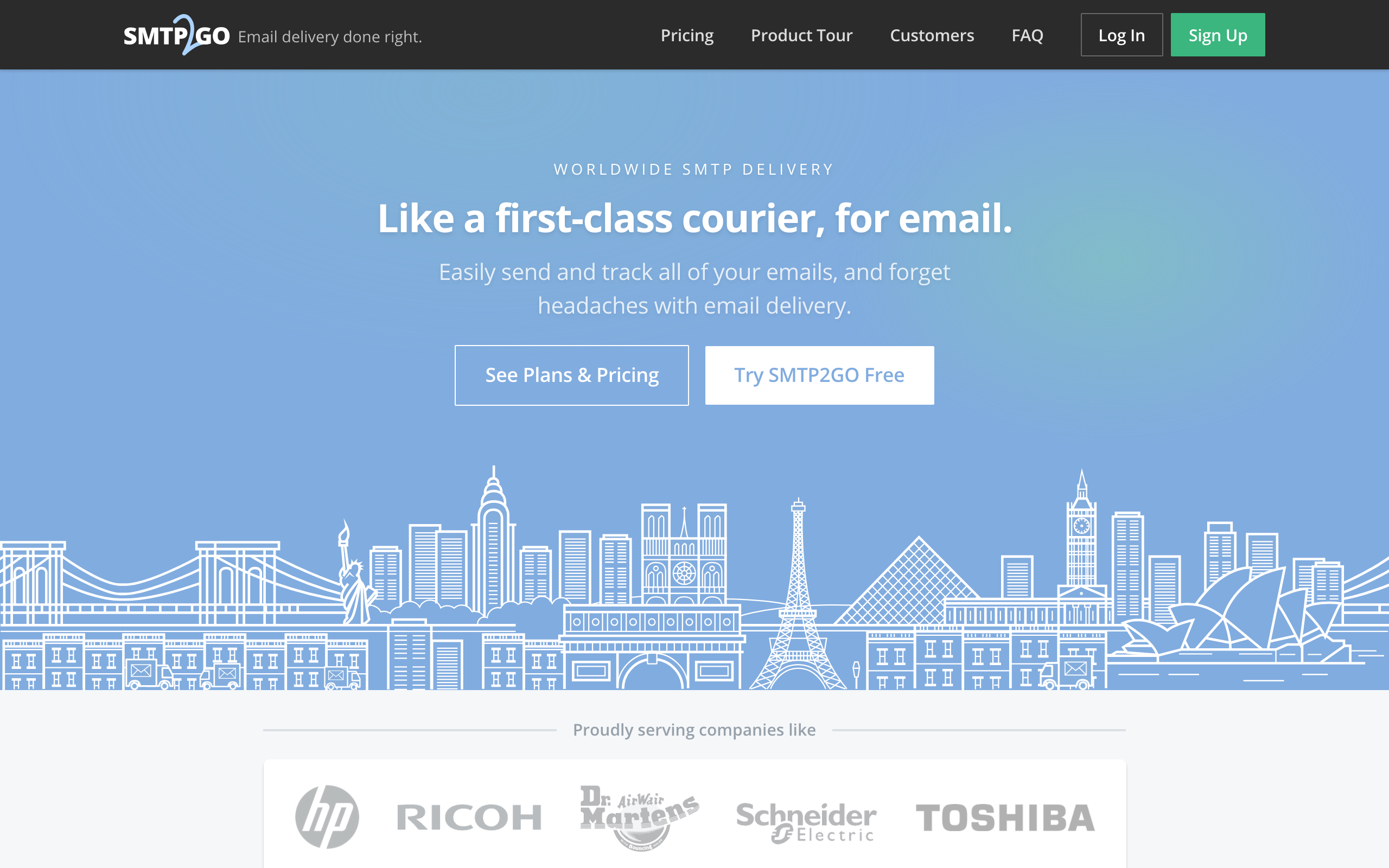
Best for: Easy SMTP relay setup
SMTP2GO focuses on making SMTP relay as simple as possible. If your application already sends email via SMTP and you just need a reliable relay service, SMTP2GO gets you set up in minutes. Their reporting and deliverability tools are solid additions.
The SMTP setup experience is the cleanest in the market. You sign up, verify your domain, get credentials, and point your existing SMTP-using app at their server. There's no API to learn, no SDK to integrate, no template system to migrate to - it just works as a drop-in replacement for your current SMTP setup.
24/7 support on every plan, including the free tier, is unusually generous. Most providers reserve real support for paid plans only. For a small team or solo developer who hits a deliverability issue at 2am, this matters.
The trade-off is depth. The API is functional but not as polished as the API-first competitors, the template system is basic, there are no real marketing features, and the dashboard feels dated. For modern API-driven apps, you'll likely outgrow SMTP2GO. For legacy apps that just need SMTP to work reliably, it's hard to beat.
- Key features: Simple SMTP relay, REST API available, email tracking and reporting, dedicated IPs, DKIM/SPF authentication, archiving, team management, 24/7 support
- Pricing: Free for 1,000 emails/mo, Professional from $10/mo for 10,000 emails
- Pros: Easiest SMTP setup, 24/7 support on all plans, good deliverability, archiving included, free plan
- Cons: Less polished API, basic templates, no marketing features, dated dashboard, limited webhooks
14. Mailjet
Best for: European businesses needing GDPR compliance
Mailjet is a European email service (now owned by Sinch) that offers both transactional and marketing email. Their GDPR-first approach and EU data processing make them a natural choice for European businesses concerned about data sovereignty.
EU data processing is the headline feature. Your subscriber data and sending logs stay in EU data centers, with proper GDPR-compliant data handling baked into the product rather than bolted on. For European agencies handling client data, this is often a hard requirement.
The real-time template collaboration feature is genuinely unique. Multiple team members can edit a template simultaneously, see each other's cursors, and collaborate live. No other transactional provider on this list does this, and for design-heavy teams it's a nice productivity boost.
Deliverability and the API are middle-of-the-pack. Nothing is broken, but nothing stands out either. The Sinch acquisition has slowed product development, and Mailjet feels like it's mostly maintaining rather than improving. For European GDPR-driven use cases this is fine; for everything else, there are stronger alternatives.
- Key features: Transactional + marketing, GDPR-compliant, real-time template collaboration, SMS via Sinch, A/B testing, segmentation, SMTP and API, statistics
- Pricing: Free for 200 emails/day (6,000/mo), Essential from $17/mo for 15,000 emails
- Pros: GDPR-first, EU data processing, real-time collaboration, good free plan, affordable
- Cons: Variable deliverability, average API docs, basic templates, limited automation, slow product evolution
15. Customer.io
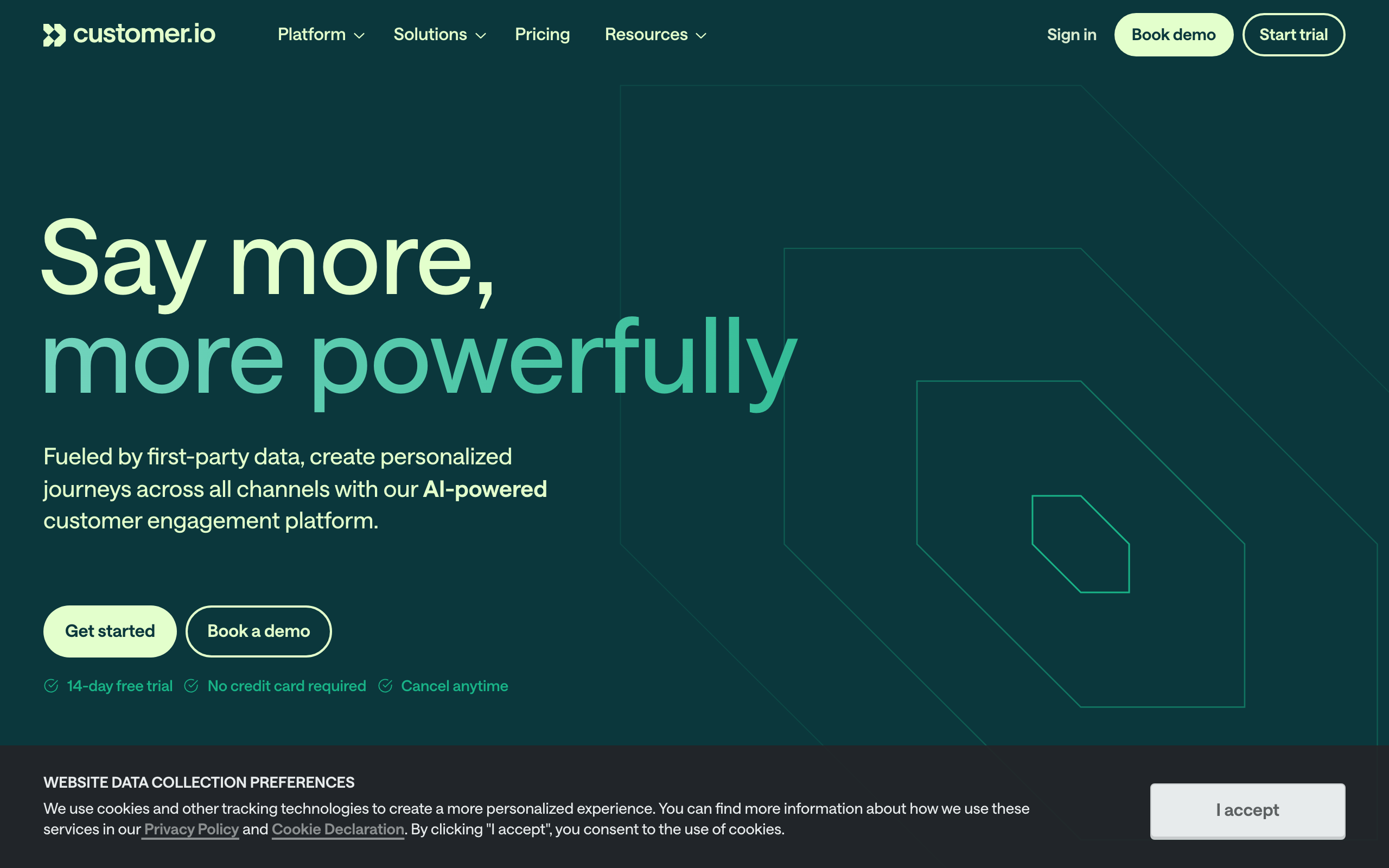
Best for: Product-led SaaS with complex behavioral triggers
Customer.io isn't a traditional transactional email service - it's a behavioral messaging platform. You send user events and attributes, and Customer.io triggers messages based on what users do in your product. It blurs the line between transactional and marketing in a powerful way.
The event-driven architecture is the core idea. Instead of "send this email when my code calls the API," it's "send this email when the user does X in the product, but only if they've also done Y and haven't received Z in the last 7 days." For complex SaaS messaging logic, this dramatically reduces the amount of code you write.
Multi-channel support (email, SMS, push, in-app) means you can run cross-channel campaigns from one tool. A welcome series might start with email, fall back to SMS for users who don't open, and trigger an in-app message when they next log in. This is hard to coordinate when each channel lives in a different vendor.
The pricing is the main gate. Essentials starts at $100/mo, which is fine for funded SaaS companies but a non-starter for indie projects. The product is also genuinely complex - the learning curve is real, and you'll need someone on the team who can think clearly about user states and event taxonomies.
- Key features: Event-driven messaging, visual workflow builder, multi-channel (email, SMS, push, in-app), Liquid templating, A/B testing, data warehouse sync, webhooks, Segment integration
- Pricing: Essentials from $100/mo for up to 5,000 profiles, Premium custom pricing
- Pros: Best behavioral messaging platform, excellent event-driven architecture, great for product-led growth, multi-channel, powerful workflows
- Cons: Expensive starting price, not a traditional SMTP relay, requires event tracking, learning curve, overkill for simple needs
16. Loops
Best for: Modern SaaS teams wanting simplicity
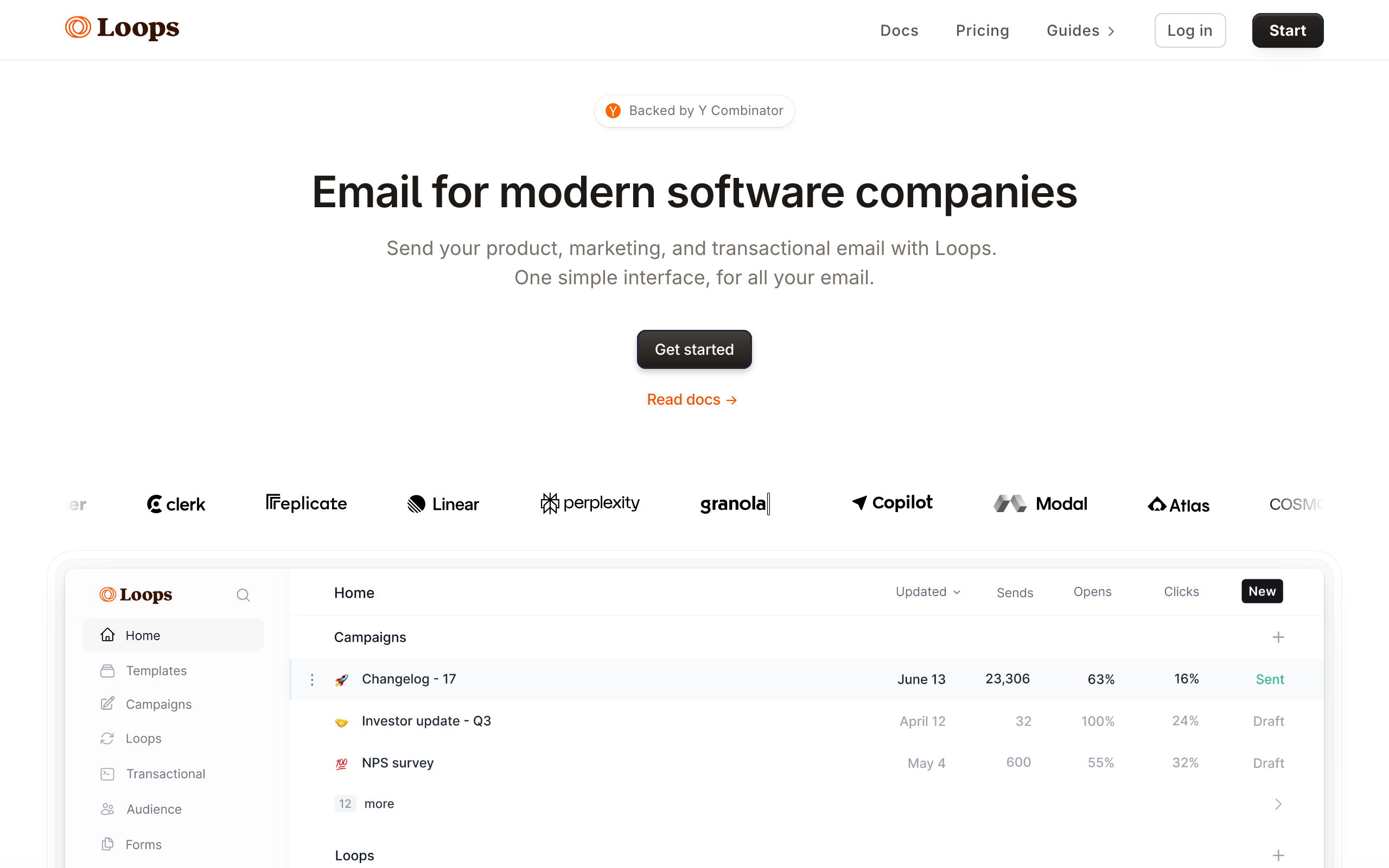
Loops is a newer email platform built specifically for SaaS companies. It handles both transactional and marketing email with a simple, modern interface. Their approach is "less is more" - fewer features, but everything works well.
The interface is genuinely the cleanest in this category. If you've been using marketing email tools that bury everything in five layers of menus, Loops is a relief. The information architecture is opinionated and the defaults are sensible, which makes the tool fast to learn and fast to use day-to-day.
Event-based transactional sending is well done. You define events in your code, hook them up to Loops, and design email triggers around them. It's similar to Customer.io's model but much simpler (and much cheaper), making it a good fit for SaaS teams who want behavioral triggers without enterprise complexity.
The trade-offs are depth and price. Loops' feature set is intentionally narrower than Sequenzy or Customer.io - if you need advanced segmentation, complex automation logic, or deep integrations, you'll hit limits. And the pricing model is contact-based ($49/mo for 5,000 contacts) rather than send-based, which gets expensive faster than send-based pricing as your audience grows.
- Key features: Transactional + marketing, simple event-based triggers, visual editor, contact management, analytics, API and SDK, audience segmentation, SaaS workflows
- Pricing: Free plan with limited sends, Starter from $49/mo for 5,000 contacts
- Pros: Beautiful modern interface, built for SaaS, simple event-based transactional, easy to start, clean defaults
- Cons: Still early stage, limited automation, no SMTP relay, smaller community, contact-based pricing scales aggressively
17. Plunk
Best for: Early-stage startups wanting minimal setup
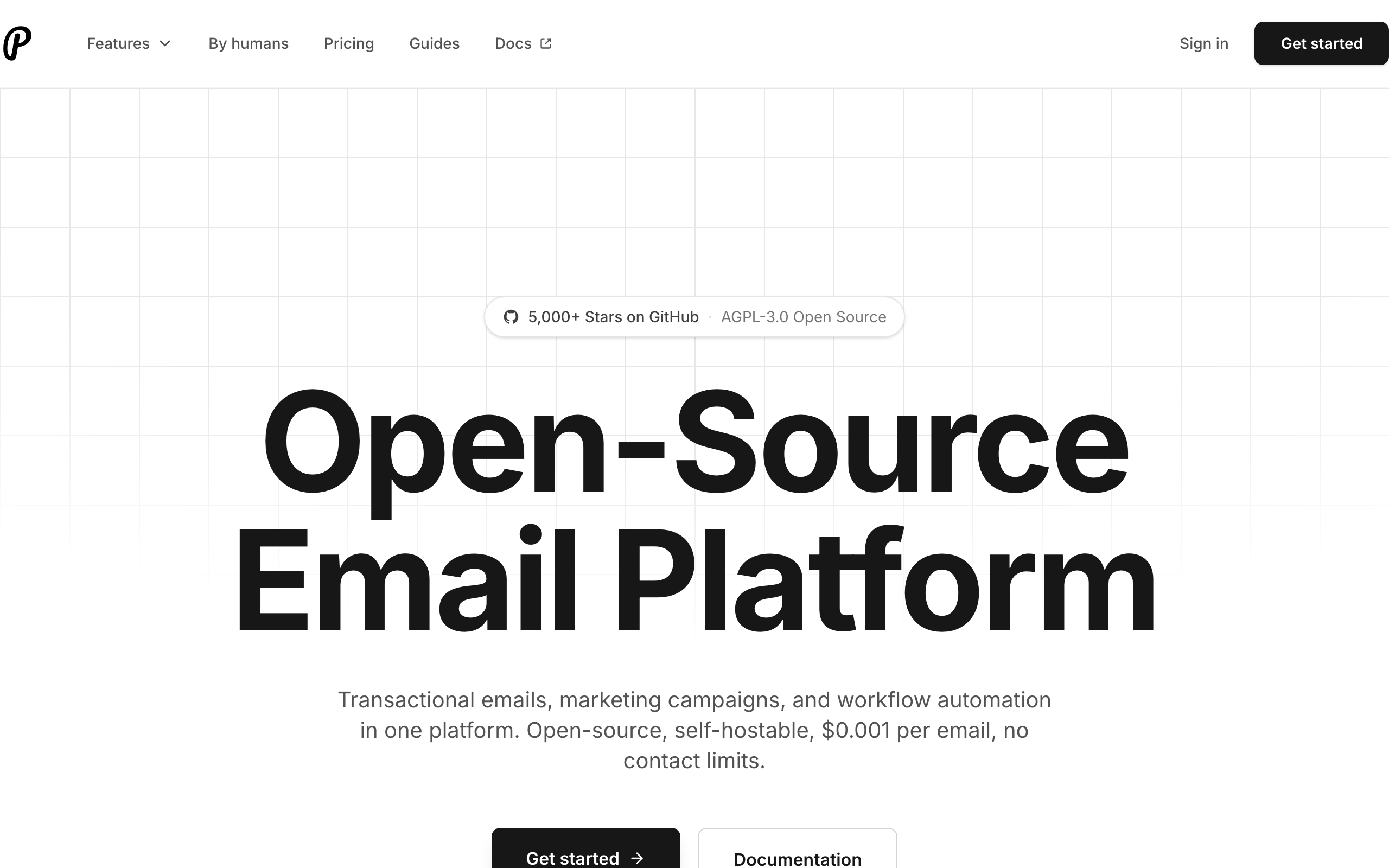
Plunk is a lightweight transactional email service designed for developers who want to get emails sending in minutes, not hours. Their API is minimal by design - just the essentials, nothing more.
The API surface is intentionally tiny. There are essentially three endpoints: send a transactional email, manage contacts, and trigger an event. For indie hackers shipping an MVP, this is exactly enough - you can integrate Plunk in 15 minutes and never think about email again until you scale.
The open-source option is genuinely useful. Plunk is available as both a hosted SaaS and a self-hostable open-source project, so you can prototype on the hosted version and migrate to self-hosted if you outgrow the pricing or want full control. Few other tools on this list offer this dual-track option.
The limitation is that Plunk really is minimal. There's no template editor worth using, no marketing features, no advanced analytics, no SMTP relay, and the team is small. As your product grows, you'll likely outgrow Plunk before you outgrow the others on this list. For early-stage projects and indie hackers, that's a feature, not a bug.
- Key features: Simple REST API, event-based emails, contact management, templates, analytics, webhooks, multi-project support, open source option
- Pricing: Free for 1,000 emails/mo, Pro from $19/mo
- Pros: Extremely simple setup, clean minimal API, affordable, open source available, great for prototyping
- Cons: Very limited features, small team and community, no SMTP relay, basic analytics, not for high volume
18. SocketLabs
Best for: Teams that need deliverability management tools
SocketLabs provides unique deliverability management through their StreamScore system, which gives you a real-time score of your sending health. Their platform helps you identify and fix deliverability issues before they become problems.
StreamScore is the core differentiator. It synthesizes your bounce rates, complaint rates, engagement metrics, and ISP signals into a single 0-100 score per sending stream, with proactive alerts when the score drops. For teams that have been burned by deliverability problems they didn't see coming, this kind of leading indicator is genuinely valuable.
The dedicated IP options are well-implemented. SocketLabs handles warm-up automatically, isolates streams properly, and gives you clear visibility into IP-level reputation. For teams scaling past the point where shared IPs make sense, the operational support here is better than most providers offer.
The trade-offs are price and polish. SocketLabs costs more than most competitors at the same volume ($40/mo for 40k emails vs $15/mo for SendGrid Essentials), the API is adequate but not cutting-edge, and the dashboard could use a refresh. You're paying for the deliverability tooling, not the developer experience.
- Key features: StreamScore deliverability rating, SMTP and API, dedicated IPs, email authentication management, real-time analytics, bounce management, suppression lists, issue notifications
- Pricing: Free for 2,000 emails/mo, plans from $40/mo for 40,000 emails
- Pros: Unique StreamScore, proactive deliverability tools, issue notifications, decent free plan, dedicated IP options
- Cons: Higher pricing than competitors, adequate but not modern API, dated dashboard, smaller community, limited templates
19. Courier
Best for: Multi-channel notification orchestration
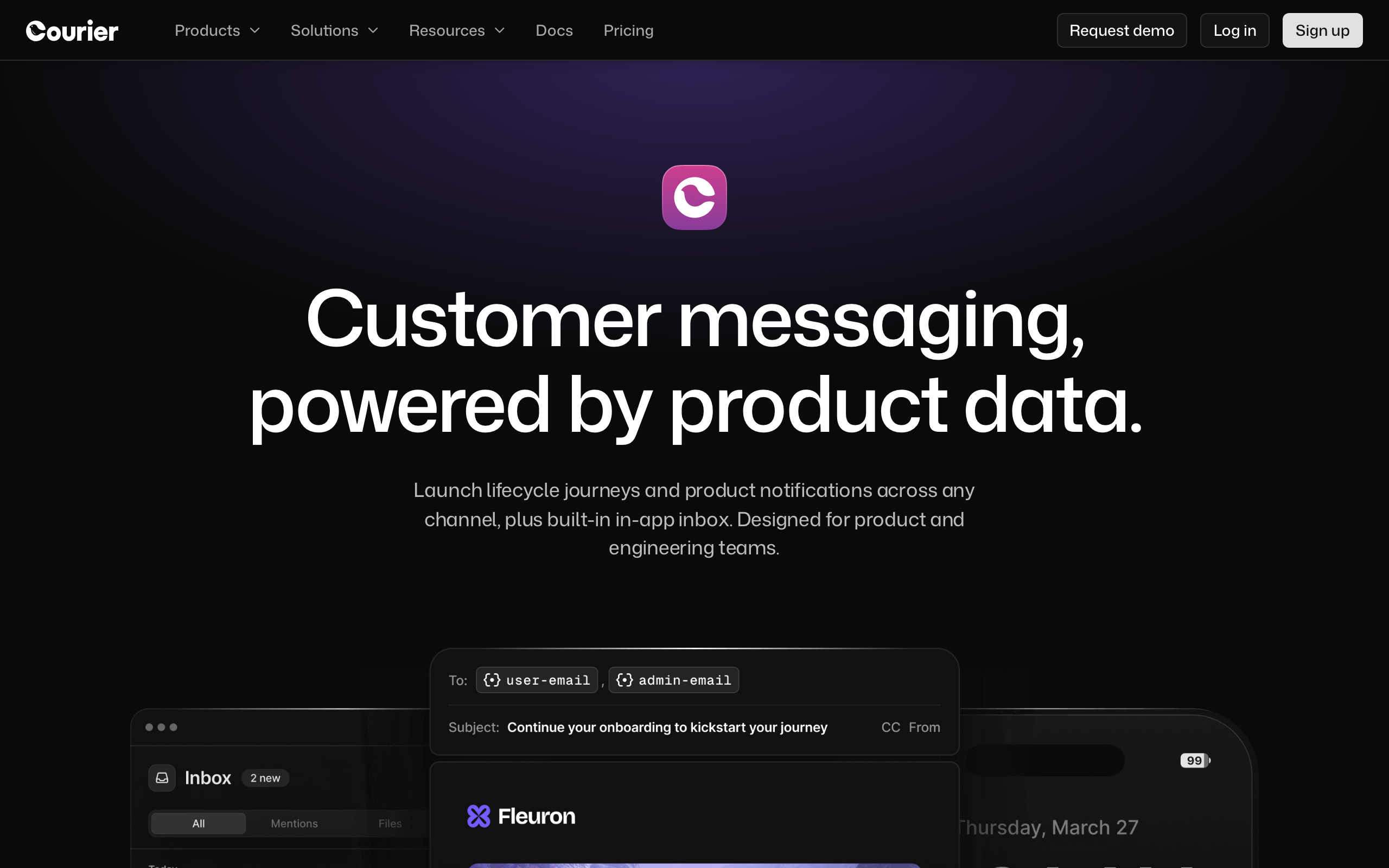
Courier goes beyond email to orchestrate notifications across email, SMS, push, in-app, and chat (Slack, Discord, Teams). You define notification templates once, and Courier routes them to the right channel based on user preferences and delivery rules.
The channel routing engine is the genuine differentiator. You can express rules like "try in-app first, fall back to email if not seen within 10 minutes, fall back to SMS for high-priority alerts" without writing the orchestration code yourself. For apps that take notification UX seriously, this saves a lot of glue code.
User preference management is built in. Users get a hosted preferences page (or you can embed one in your app) where they choose which categories of notifications they want and on which channels. This is required for compliance and good UX, and most providers leave it entirely to you.
The trade-off is that Courier is sending infrastructure, not an email tool. If your needs are 95% email with a sprinkle of other channels, you'll find Courier's email-specific features (templates, analytics, deliverability tools) thinner than dedicated email providers. The pricing is also custom for production use, which makes budget planning harder.
- Key features: Multi-channel routing, drag-and-drop template designer, channel preferences, intelligent routing and fallbacks, batch notifications, brand management, cross-channel analytics, API-first
- Pricing: Free tier of 10,000 notifications/mo, production pricing custom
- Pros: Best multi-channel orchestration, user preference management, intelligent routing, great template designer, generous free tier
- Cons: Custom production pricing, complex setup, overkill for email-only, relatively new, thinner email-specific features
20. Knock
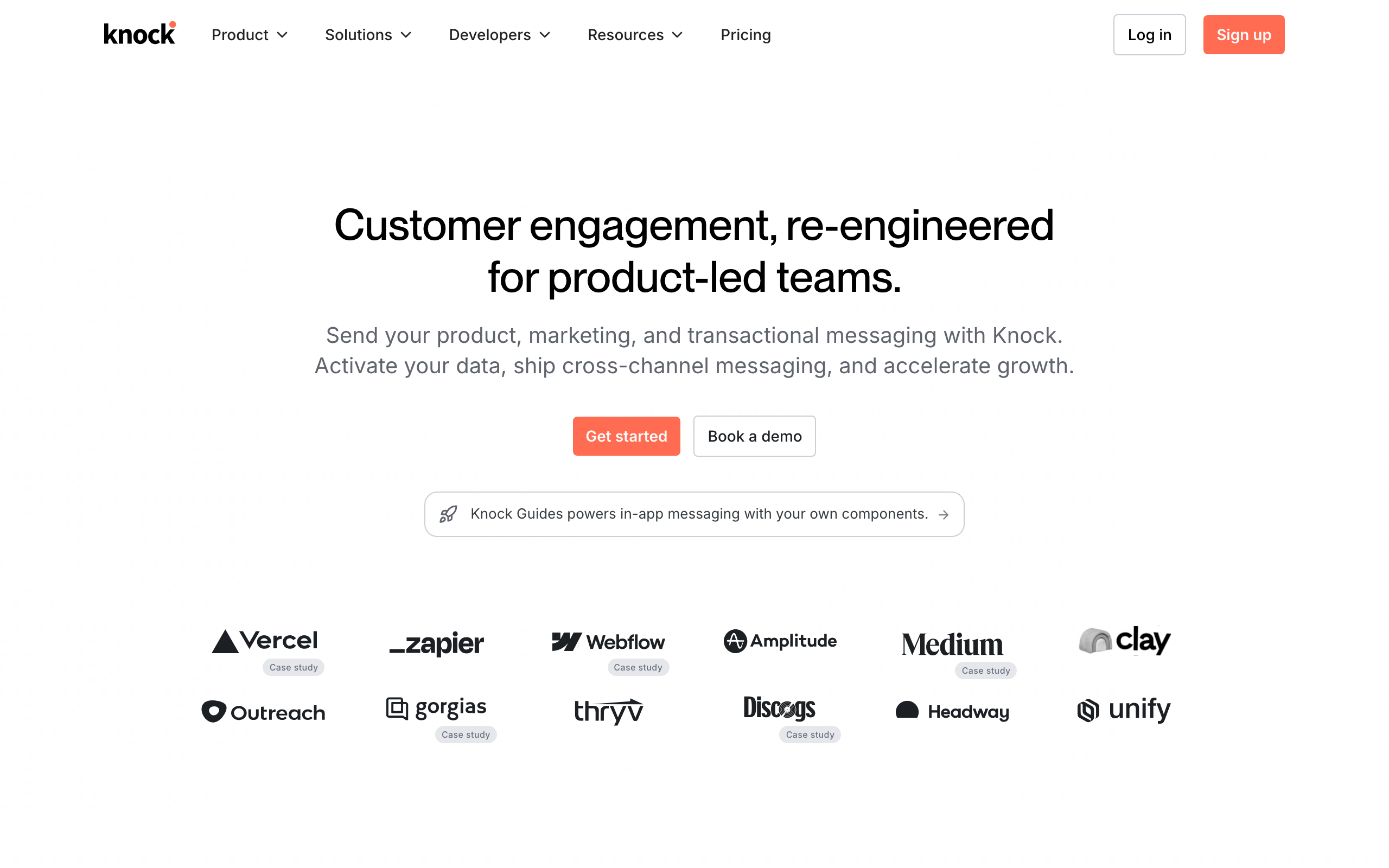
Best for: In-app + email notification infrastructure
Knock is notification infrastructure that handles both in-app and external notifications (email, SMS, push). Their cross-channel workflow engine lets you build complex notification flows that span multiple channels with delays, batching, and conditions.
The in-app notification feed is the standout. Knock provides a fully-featured React SDK that drops a real-time notification feed into your app (the bell icon with a count, the dropdown panel, the "mark all read" interactions) backed by their infrastructure. Building this from scratch takes weeks; with Knock it's an afternoon.
Notification batching and digests are well-implemented. If a user generates 50 events in 10 minutes, you don't want to send them 50 emails - you want to batch them into one digest. Knock handles the batching logic, the digest templates, and the timing rules out of the box.
The trade-off is the same as Courier: you're optimizing for notification orchestration, not email depth. Knock's email features are good but not as deep as Postmark or SendGrid, and if you don't need the in-app feed component, you're paying for infrastructure you won't use.
- Key features: Cross-channel workflows, in-app notification feed, email/SMS/push/chat, batch and digest notifications, preference management, real-time in-app, React SDK, tenant management
- Pricing: Free tier of 10,000 notifications/mo, Growth plan custom
- Pros: Excellent in-app feed, cross-channel workflows, great React SDK, preference management, batching and digests
- Cons: Custom pricing, more focused on in-app than email, thinner email features, newer platform, limited email templates
21. Novu
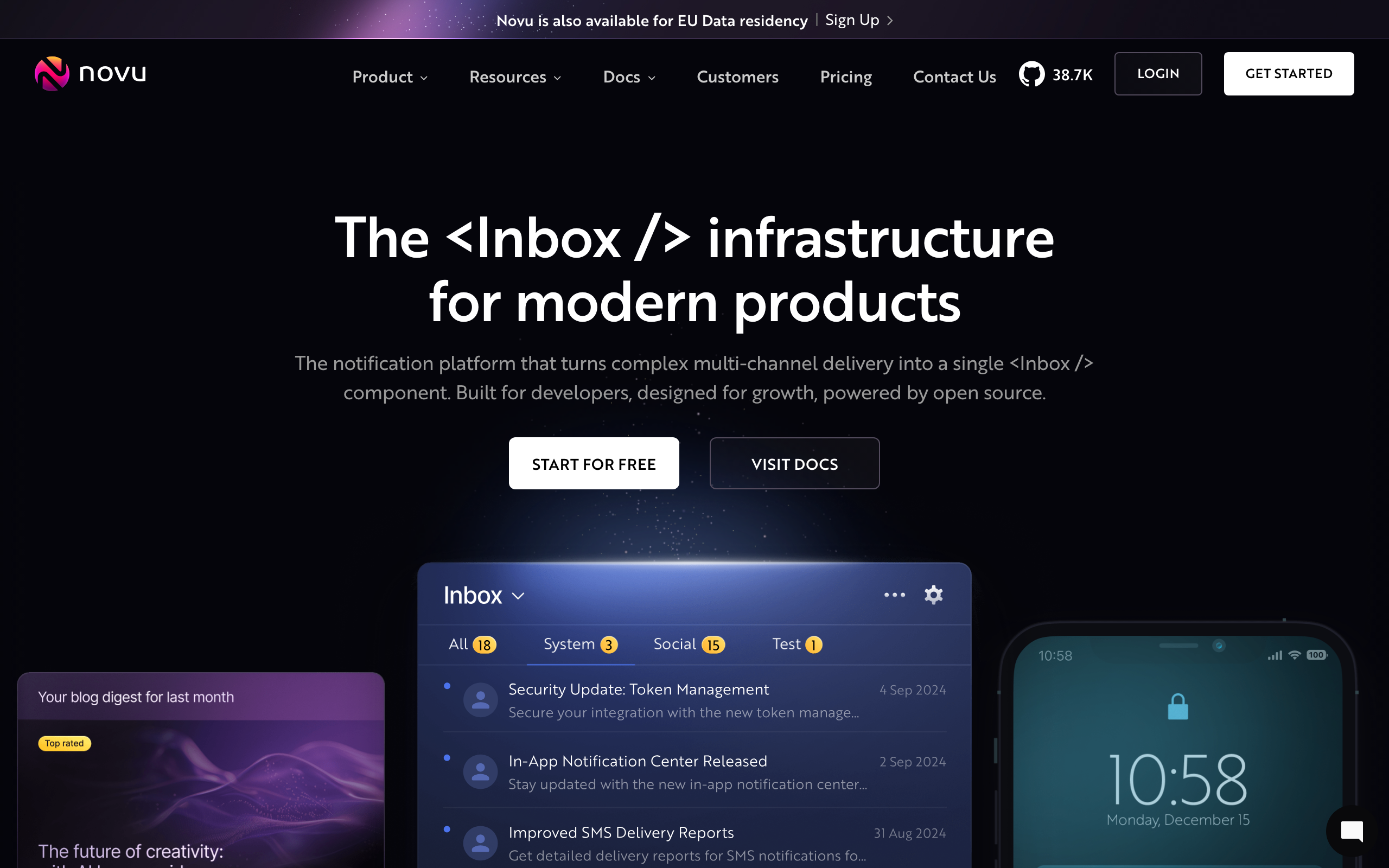
Best for: Teams wanting open-source notification infrastructure
Novu is the leading open-source notification infrastructure platform. You can self-host it for free or use their cloud service. It supports email, SMS, push, in-app, and chat notifications with a visual workflow builder.
Self-hostability is the headline feature. For teams that need to keep notification data on-premise, can't accept vendor lock-in, or want to avoid the long-term cost of a SaaS-based notification platform, Novu is the most credible open-source option in the space. The cloud version exists for teams that don't want to operate it themselves.
The provider abstraction is well-designed. Novu plugs into multiple email providers (SendGrid, Mailgun, SES, Postmark, etc.) so you can switch underlying senders without rewriting your notification code. This avoids the lock-in problem that comes with most multi-channel platforms.
The trade-offs are typical for an active open-source project. Self-hosting requires real DevOps capacity. The cloud version is still maturing. Documentation has gaps. The email-specific features are basic compared to dedicated email providers. For teams committed to open-source infrastructure, this is fine; for teams that just want notifications to work, hosted alternatives are smoother.
- Key features: Open source (self-hostable), multi-channel notifications, visual workflow builder, multiple email provider integrations, digest and batching, preference management, React notification center, content management
- Pricing: Free for self-hosted, cloud free tier available, paid plans for cloud hosting
- Pros: Open source and self-hostable, no vendor lock-in, multi-channel, active community, integrates with multiple email providers
- Cons: Self-hosting requires DevOps, cloud version still maturing, basic email features, doc gaps, community support only
22. MagicBell
Best for: Adding a notification inbox to your app
MagicBell specializes in embeddable notification inboxes. Their React component gives your app a polished notification center (like the bell icon on Facebook or GitHub) that also triggers email notifications for offline users.
The inbox UI quality is the main reason to choose MagicBell. The default React component looks production-ready out of the box, with smooth animations, sensible interactions, and good keyboard accessibility. Building this yourself to the same quality bar takes substantial frontend work.
Email-as-fallback is the right default. The system tries to deliver in-app first; if the user isn't online, it falls back to email so the notification still reaches them. This bridges the gap between "notification just disappears" and "user gets bombarded with email."
The constraint is that MagicBell is fundamentally an in-app notification tool with email tacked on. If you need real email-tool features (rich templates, marketing campaigns, deliverability tools), MagicBell isn't the answer. It's the right tool only when an in-app inbox is your primary need.
- Key features: Embeddable notification inbox, email fallback, React/iOS/Android SDKs, real-time WebSocket updates, preference management, categories and topics, read/unread tracking, customizable UI
- Pricing: Free for up to 100 users, custom pricing for larger teams
- Pros: Best-in-class inbox UI, easy to embed, real-time updates, email fallback built in, beautiful defaults
- Cons: Email is secondary to in-app, limited email template control, custom pricing, fewer email-specific features, not a standalone email service
23. OneSignal
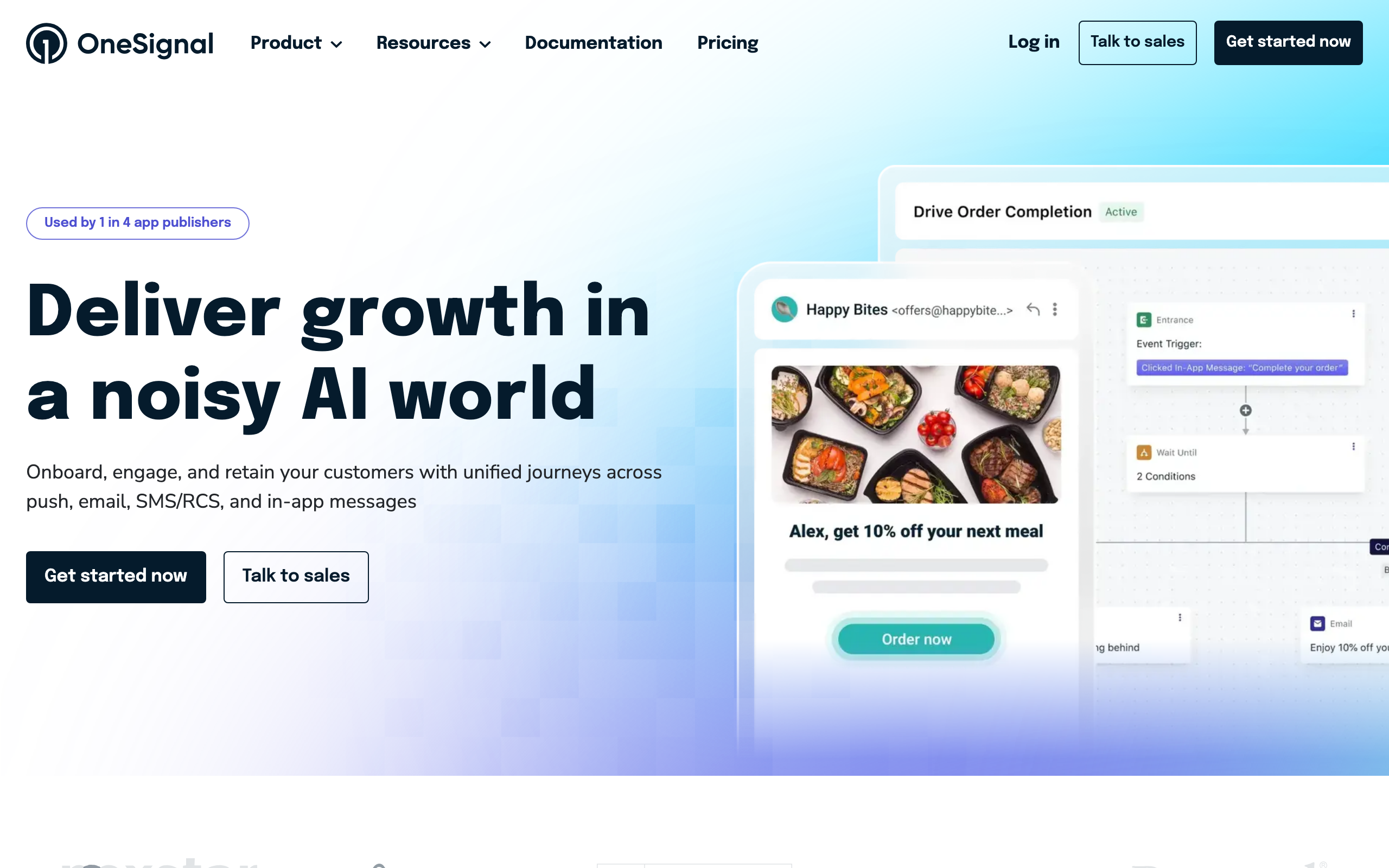
Best for: Cross-channel messaging with push notification focus
OneSignal is best known for push notifications but has expanded into email and SMS. If push notifications are your primary channel and you want email as a supplement, OneSignal's unified platform is convenient.
The push notification depth is unmatched. OneSignal has been the dominant push provider for years and the implementation is genuinely best-in-class - mobile and web push, segmentation, A/B testing, send-time optimization. If push is your primary channel, this is the obvious choice.
Email-as-an-add-on is the right framing. The email features exist and work, and for mobile-first apps that occasionally need email (account confirmations, weekly digests), having it bundled with push is convenient. You won't get best-in-class email here, but you'll get acceptable email next to excellent push.
The trade-off is exactly that: email is not their core competency. The template editor is basic, transactional features are limited, deliverability isn't best-in-class, and the SMTP/API experience is less polished than dedicated email services. For email-first apps, you'll feel the gap quickly.
- Key features: Push notifications (web and mobile), email messaging, SMS, in-app messaging, segmentation, A/B testing, analytics, journey builder
- Pricing: Free plan with limited features, Growth from $9/mo for 5,000 emails
- Pros: Best push platform, cross-channel messaging, free plan, good segmentation, easy SDK integration
- Cons: Email is not the core strength, limited transactional features, basic email editor, deliverability not best-in-class, less polished SMTP/API
24. Mailpace
Best for: Privacy-focused transactional email
Mailpace is a privacy-first transactional email service. They don't track opens or clicks by default (you can opt in), and they're transparent about their data handling. For apps where privacy is a selling point, Mailpace aligns with your values.
The no-tracking-by-default stance is genuinely differentiated. Most providers ship with tracking pixels and click-redirects on by default, and you have to actively opt out. Mailpace flips this: tracking is opt-in, your transactional emails don't get tracking pixels by default, and your privacy-conscious users notice the difference.
The pricing is also remarkably honest. $3.25/mo for 500 emails is the kind of pricing that feels designed for actual use rather than to extract maximum revenue per customer. For low-volume privacy-focused apps, the math is hard to beat.
The trade-offs are scope. Mailpace is a small team running a focused product. There's no template editor, the analytics are intentionally minimal, there's no free plan, and the feature set is bare-bones. For privacy-focused apps that just need reliable, untracked sending, this is the right tool. For anything that needs richer features, look elsewhere.
- Key features: Privacy-first (no tracking by default), HTTPS API and SMTP, DKIM and SPF setup, bounce handling, tag-based sending, detailed logs, webhooks, domain verification
- Pricing: From $3.25/mo for 500 emails, scales per volume
- Pros: Privacy-first approach, very affordable, no tracking by default, simple and focused, good for GDPR
- Cons: Very small company, no template editor, intentionally limited analytics, no free plan, minimal features
25. Pepipost
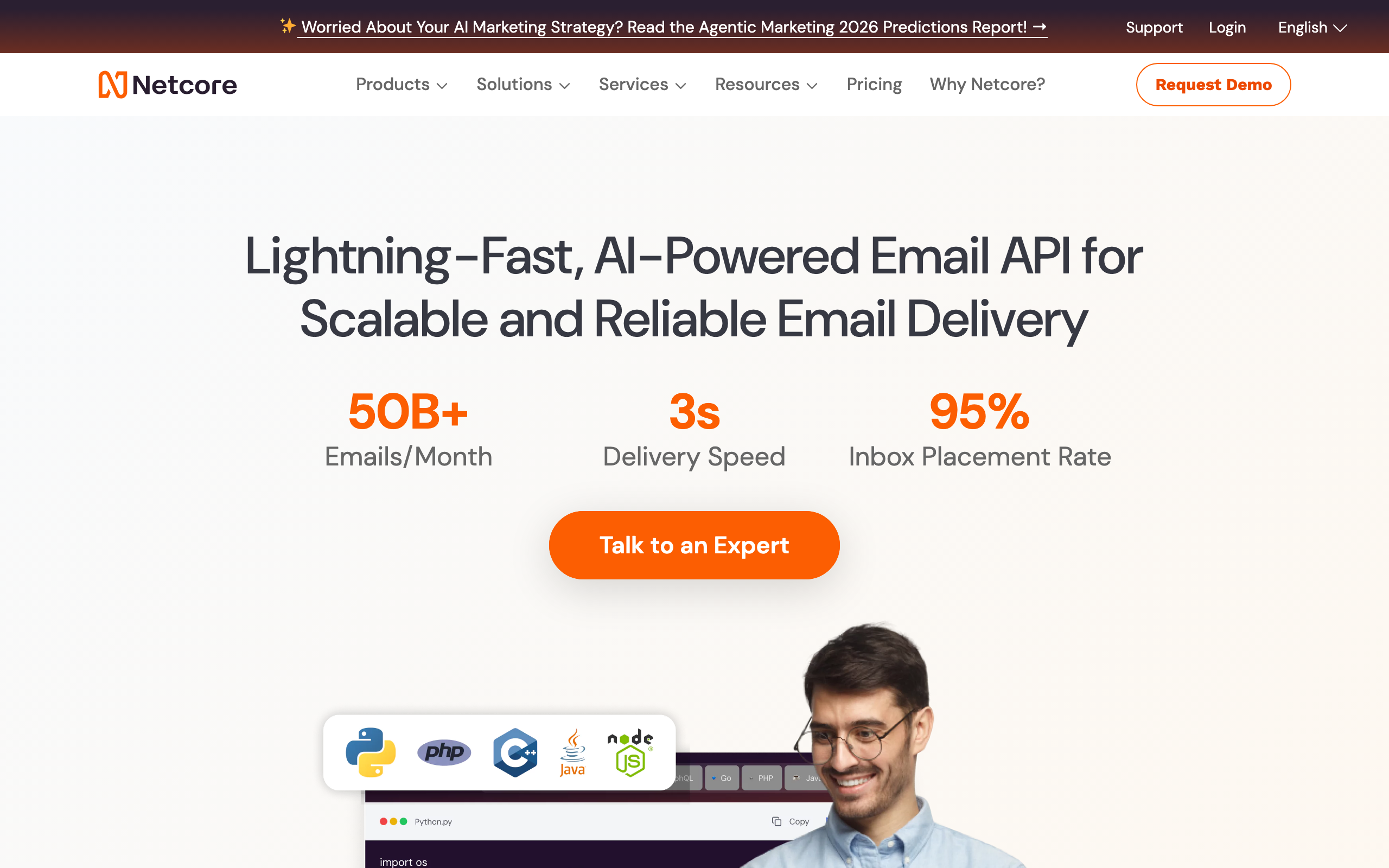
Best for: High volume senders, particularly in APAC markets
Pepipost (now part of Netcore Cloud) offers aggressive volume-based pricing that's particularly competitive in Indian and Southeast Asian markets. For high-volume senders in those regions, the local infrastructure and pricing structure can be more attractive than US-based providers.
The volume pricing is the main draw. At $25/mo for 150,000 emails, the per-email cost is significantly lower than mid-tier US providers like Postmark or SendGrid Essentials. For apps sending hundreds of thousands of emails per month where the absolute cost adds up, this matters.
The APAC focus shows up in the infrastructure. Sending from Pepipost's IPs into Indian and SEA inbox providers tends to deliver well, partly because the IP pools have strong reputation with those ISPs. For apps with primarily APAC audiences, this is a meaningful deliverability advantage.
The trade-offs are familiar for value-priced providers. The dashboard feels dated, the API is functional but not modern, and the deliverability into US/EU inboxes can be more variable than into APAC. The Netcore acquisition has shifted product focus toward enterprise marketing automation, with Pepipost feeling more like a maintained product than an actively-improved one.
- Key features: SMTP and API sending, volume-based pricing tiers, real-time analytics, dedicated IPs available, suppression management, webhooks, template support
- Pricing: From $25/mo for 150,000 emails, free tier of 30,000 emails/mo
- Pros: Excellent volume pricing, strong APAC deliverability, generous free tier, decent API, dedicated IP options
- Cons: Dated dashboard, less modern API, variable US/EU deliverability, slowed development under Netcore
Feature Comparison: Transactional Email Services
API & Integration
| Service | REST API | SMTP Relay | Webhooks | SDKs | Inbound Email |
|---|---|---|---|---|---|
| Sequenzy | Yes | Yes | Yes | TypeScript | Coming soon |
| Amazon SES | Yes | Yes | Yes (SNS) | 8+ languages | Yes |
| Postmark | Yes | Yes | Yes | 7 languages | Yes |
| Resend | Yes | No | Yes | 6 languages | No |
| SendGrid | Yes | Yes | Yes | 7+ languages | Yes |
| Mailgun | Yes | Yes | Yes | 7 languages | Yes (best) |
| Brevo | Yes | Yes | Yes | 5 languages | No |
| Customer.io | Yes | No | Yes | 4 languages | No |
| Mailtrap | Yes | Yes | Yes | 4 languages | No |
| MailerSend | Yes | Yes | Yes | 5 languages | Yes |
Deliverability & Authentication
| Service | Dedicated IPs | DKIM | SPF | DMARC Monitoring | IP Warm-up |
|---|---|---|---|---|---|
| Sequenzy | Shared | Yes | Yes | No | N/A |
| Amazon SES | Yes ($24.95/mo) | Yes | Yes | No | Manual |
| Postmark | Shared (pristine) | Yes | Yes | Yes (free) | N/A |
| Resend | No | Yes | Yes | No | N/A |
| SendGrid | Yes (Pro+) | Yes | Yes | No | Automated |
| Mailgun | Yes | Yes | Yes | No | Manual |
| SparkPost | Yes | Yes | Yes | Yes | Automated |
| SocketLabs | Yes | Yes | Yes | Yes | Automated |
Pricing Comparison at Volume
| Service | 10K emails/mo | 50K emails/mo | 100K emails/mo | 500K emails/mo |
|---|---|---|---|---|
| Sequenzy | $19 | $49 | $99 | Contact us |
| Amazon SES | $1 | $5 | $10 | $50 |
| Postmark | $15 | $50 | $85 | $315 |
| Resend | $20 | $20 | $50 | Custom |
| SendGrid | $19.95 | $19.95 | $89.95 | Custom |
| Mailgun | $15 | $35 | $90 | Custom |
| Brevo | $9 | $18 | $35 | Custom |
| Elastic Email | $0.90 | $4.50 | $9 | $45 |
| MailerSend | Free | $28 | $55 | Custom |
How to Choose the Right Transactional Email Service
Consider your priorities
If price is your top priority: Amazon SES ($0.10/1K) or Elastic Email ($0.09/1K) are unbeatable. Both require more setup effort, but the savings at scale are massive. For context, sending 1 million emails costs $100 on SES vs. $850+ on Postmark.
If deliverability speed matters most: Postmark is the clear winner. Their median delivery time is under 10 seconds, and they maintain the highest inbox placement rates by refusing to send marketing email on the same infrastructure.
If you need marketing + transactional together: Sequenzy, Brevo, or Loops combine both in one platform. Sequenzy is particularly strong for SaaS companies thanks to Stripe integration and event-based automation.
If developer experience is paramount: Resend offers the most modern API and React Email integration. Their TypeScript SDK is excellent, and templates are just React components.
If you need multi-channel notifications: Courier, Knock, or Novu orchestrate email alongside SMS, push, and in-app notifications.
Questions to ask before choosing
- Volume: How many transactional emails do you send monthly? This heavily impacts cost.
- Speed: Do users depend on instant delivery (like 2FA codes)?
- Integration: Do you need API, SMTP, or both?
- Channels: Is email your only channel, or do you also need SMS/push?
- Marketing: Do you also send marketing emails, and do you want one platform for both?
- Compliance: Do you have GDPR, HIPAA, or other compliance requirements?
- Budget: What's your monthly email infrastructure budget?
- Support: Do you need 24/7 support, or is documentation sufficient?
Transactional Email Best Practices
Authentication is non-negotiable
Set up SPF, DKIM, and DMARC for every domain you send from. Most transactional services handle SPF and DKIM automatically when you verify your domain, but DMARC requires a DNS record you create yourself. Learn more in our guide on how to set up email authentication.
Separate transactional and marketing streams
If your email service supports message streams (like Postmark) or subusers (like SendGrid), use them. Transactional emails should flow through a separate IP and reputation than marketing emails. A bad marketing campaign shouldn't affect your password reset deliverability.
Monitor your deliverability
Set up bounce and complaint webhooks and act on them immediately. If a transactional email bounces, disable the email address. If users mark your transactional emails as spam, something is wrong with your content or frequency.
Keep transactional emails simple
Transactional emails should be clear and functional. A password reset email doesn't need a hero image, social links, and a footer menu. Keep it focused on the action the user needs to take.
Test before sending
Use a tool like Mailtrap or your service's sandbox mode to test emails in development. Verify rendering across email clients, check spam scores, and validate links before they go to production.
Frequently Asked Questions
What's the difference between transactional and marketing email?
Transactional emails are triggered by a user action (password reset, order confirmation, account notification) and contain information the user specifically requested. Marketing emails are sent to promote products, share content, or nurture leads. Most email services separate the two because they have different deliverability requirements and legal rules (transactional emails are generally exempt from CAN-SPAM unsubscribe requirements).
Can I use the same service for transactional and marketing email?
Yes, but be careful. Services like Sequenzy, Brevo, and SendGrid offer both. The key is to use separate sending streams or IPs so a marketing reputation issue doesn't affect transactional delivery. Learn more about email marketing strategy that balances both types.
How much should I pay for transactional email?
It depends on volume. At 10,000 emails/mo, expect to pay $0-$20/mo. At 100,000 emails/mo, expect $10-$100/mo. At 1 million emails/mo, expect $50-$500/mo. Amazon SES and Elastic Email are the cheapest, while Postmark and SparkPost charge more for premium deliverability.
What's the best free transactional email service?
Amazon SES offers 3,000 free emails/mo for 12 months (from EC2). Resend offers 3,000 free emails/mo permanently. MailerSend offers 3,000 free emails/mo. Sequenzy offers 2,500 free emails/mo. For testing, Mailtrap has a free sandbox.
How fast should transactional emails be delivered?
Under 30 seconds for critical emails (password resets, 2FA codes). Under 5 minutes for notifications (order confirmations, shipping updates). Postmark leads with sub-10-second delivery for most emails.
Do I need a dedicated IP for transactional email?
Not necessarily. Shared IPs from reputable services (Postmark, Resend, MailerSend) have excellent deliverability because they carefully vet senders. Dedicated IPs are worth considering when you send 100,000+ emails/mo and want full control over your sender reputation.
What is SMTP relay vs API sending?
SMTP relay means you configure your app's existing SMTP settings (host, port, username, password) to route through the service - no code changes needed. API sending means you call the service's REST API directly from your code to send emails. API is faster and more flexible, but SMTP is simpler for legacy apps.
How do I improve transactional email deliverability?
Start with authentication (SPF, DKIM, DMARC). Separate transactional from marketing streams. Monitor bounces and complaints. Keep content focused and relevant. Don't add excessive marketing content to transactional emails. Use a reputable sending service. Check out our guide on how to improve email open rates for more tips.
Can I send transactional email from my own server?
You can, but you probably shouldn't. Managing your own email server means handling IP reputation, bounce processing, ISP feedback loops, authentication, and deliverability - all of which dedicated services handle for you. The cost of a transactional email service is tiny compared to the engineering time of maintaining your own email infrastructure.
What metrics should I track for transactional email?
Delivery rate (should be 99%+), bounce rate (should be under 1%), open rate (typically 60-80% for transactional), time to delivery (under 30 seconds for critical emails), and spam complaint rate (should be near 0%). Most transactional services provide these metrics in their dashboard.
Related Resources
- Best Email Marketing Tools - Complete marketing email comparison
- Best Email Automation Tools - Automation-focused platforms
- What Is Email Marketing? - Email marketing fundamentals
- How to Set Up Email Authentication - SPF, DKIM, and DMARC guide
- Best API-First Email Platforms - Developer-focused email services
- Best Developer-Friendly Email Tools - Tools built for engineers
- Email Marketing Strategy Guide - Complete strategy playbook