21 Best API-First Email Platforms for Developers (2026)

Most email marketing platforms were built for marketers. The interface is a drag-and-drop editor, the integration is an embed code, and the API is an afterthought bolted on years later. For developers building SaaS products, this is backwards. You want the API first and the UI second.
An API-first email platform means: every feature is accessible via API, the documentation is excellent, SDKs exist for your language, and the platform is designed to be controlled programmatically. The UI exists, but it's not required for any operation.
The "API-first" label gets thrown around loosely. Some platforms have an API but it's limited to basic sending. Others have comprehensive APIs but poor documentation. A truly API-first platform treats the API as the primary interface and the web UI as a convenience layer on top. The 21 platforms below either started API-first or have evolved into genuinely usable programmatic platforms.
Quick Comparison
| Tool | Best For | Starting Price | Free Tier | API Quality |
|---|---|---|---|---|
| Sequenzy | SaaS lifecycle + event-driven automation | $19/mo | Yes (2.5k emails) | Good - SaaS-focused REST |
| Resend | Pure DX with TypeScript-first SDK | $20/mo | Yes (100/day) | Excellent - TypeScript-native |
| Postmark | Transactional with best deliverability | $15/mo | No | Excellent - mature, clean |
| SendGrid | High-volume senders at scale | $19.95/mo | Yes (100/day) | Good - comprehensive, complex |
| Customer.io | API-controlled marketing automation | $100/mo | No | Good - event-driven design |
| Mailgun | Raw infrastructure + inbound routing | $15/mo | Yes (100/day) | Good - infrastructure-focused |
| Amazon SES | AWS-native cheapest sending | $0.10/1k emails | N/A | Functional - AWS conventions |
| Loops | Modern SaaS event-driven email | $49/mo | Yes (1k contacts) | Clean - simple, modern |
| Bento | Liquid + JS in-email scripting | $25/mo | No | Decent - unique scripting |
| MailerSend | Transactional + SMS bundled | $28/mo | Yes (3k/mo) | Good - modern REST |
| Brevo | API + CRM + SMS in one | $9/mo | Yes (300/day) | Decent - broad surface |
| SparkPost | Deep event analytics at scale | $30/mo | No | Good - mature, enterprise |
| Mandrill | Mailchimp ecosystem transactional | $20/25k block | No | Functional - older feel |
| Knock | Multi-channel notification orchestration | $250/mo | Yes (1k/mo) | Excellent - modern REST |
| Courier | Provider-agnostic notification routing | $99/mo | Yes (10k/mo) | Good - clean abstraction |
| Plunk | Self-hostable open-source | $9/mo cloud | Yes (self-hosted) | Decent - simple REST |
| Notifuse | Self-hosted notification orchestration | Free | Yes (self-hosted) | Decent - growing |
| SMTP2GO | SMTP + REST hybrid | $15/mo | Yes (1k/mo) | Decent - dual protocol |
| Elastic Email | Cheapest API sending | $9/mo | No | Functional - dated UI |
| Mailtrap | API + built-in test sandbox | $15/mo | Yes (testing) | Good - sandbox + prod parity |
| Sendlayer | Cheap simple transactional | $5/mo | No | Decent - basic REST |
What Makes an Email Platform "API-First"?
- Complete API coverage: Everything you can do in the UI, you can do via API
- Quality SDKs: Official SDKs for popular languages (Node.js, Python, Ruby, Go, PHP)
- Excellent documentation: Clear, complete, with working examples and error handling
- Webhooks: Real-time event delivery for email interactions
- Programmatic content: Create emails, templates, and campaigns via API, not just send them
- Idempotency and reliability: Retry-safe operations, clear error responses
- Developer experience: Quick setup, good CLI tools, local testing support
For a broader look at developer-oriented email tools beyond just API quality, see our roundup of the best developer-friendly email tools.
The 21 Best Options
1. Sequenzy
Best for: SaaS developers wanting API-first lifecycle email
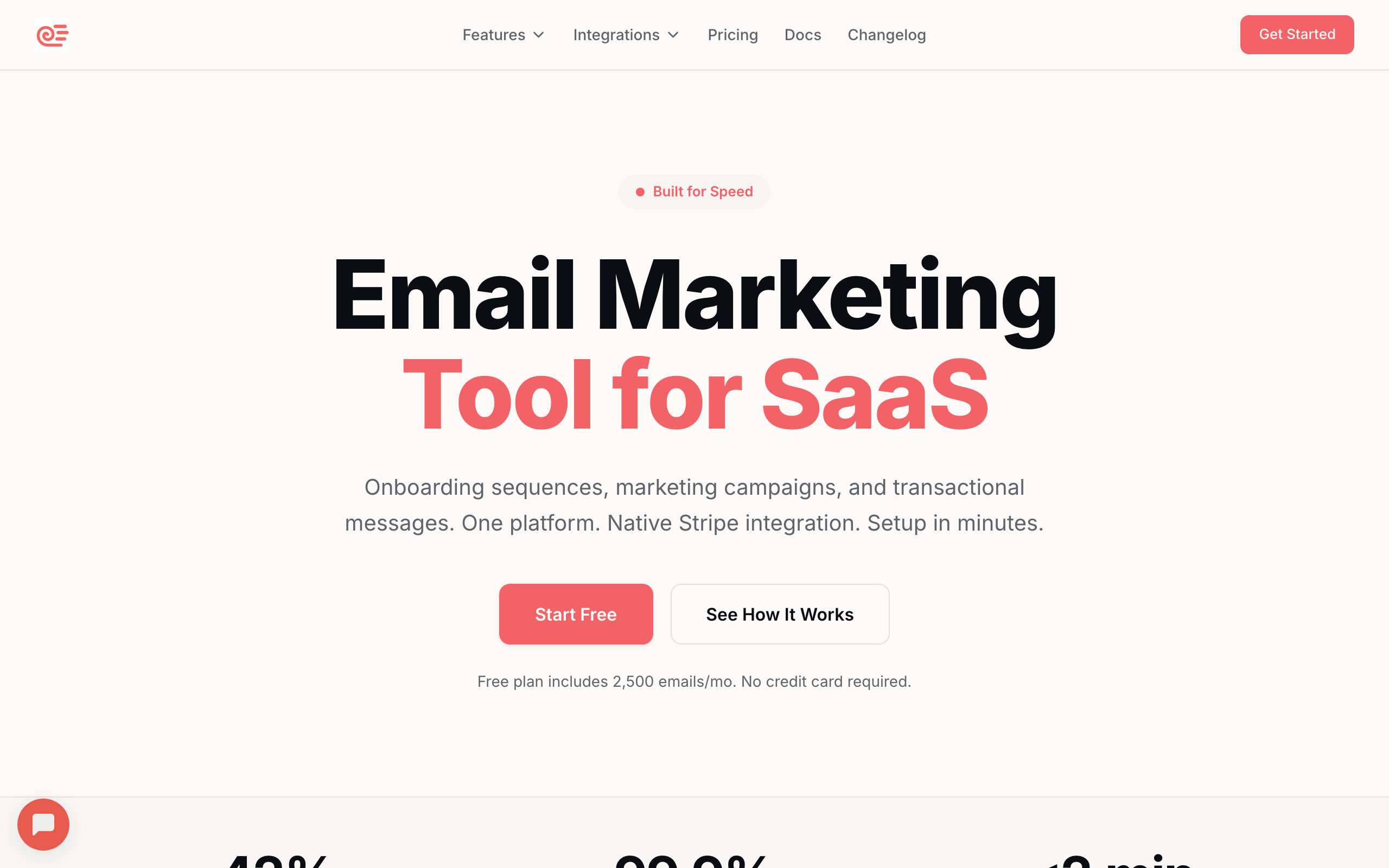
Sequenzy's API handles subscriber management, event tracking, transactional email sending, and campaign management. The event tracking API is particularly relevant for SaaS: send an event when a user takes an action, and Sequenzy triggers the appropriate automation.
The API is REST-based with clear documentation and examples. You can manage subscribers, send transactional emails, track events, and manage tags programmatically. For SaaS applications that need to integrate email into their product flow, the API covers the lifecycle email use case well.
The Stripe integration is built-in, which means you don't need to build webhook handlers to sync subscription data. Connect your Stripe account and subscriber attributes automatically update with plan, MRR, and payment status. For SaaS developers, this removes a significant amount of integration work.
The event-driven model is the core of the API. Instead of building complex automation logic in your application, you send events (user.signed_up, trial.started, payment.failed) and let Sequenzy handle the automation rules. This separation keeps your application code clean and your email logic configurable without deployments.
Where Sequenzy's API differs from pure transactional platforms is scope. You get both transactional and marketing email through a single API. Send a password reset email and a weekly newsletter from the same platform, managed through the same API key.
- API quality: Good. Clean REST API, focused on SaaS use cases, clear documentation
- SDKs: Node.js (TypeScript)
- Pricing: Free up to 2,500 emails/month, paid plans from $19/month
- Pros: SaaS lifecycle focus, event-driven API, Stripe integration, transactional + marketing, webhook support, AI integration
- Cons: Fewer SDKs than established platforms, newer API, smaller ecosystem
2. Resend
Best for: The purest API-first experience for transactional email
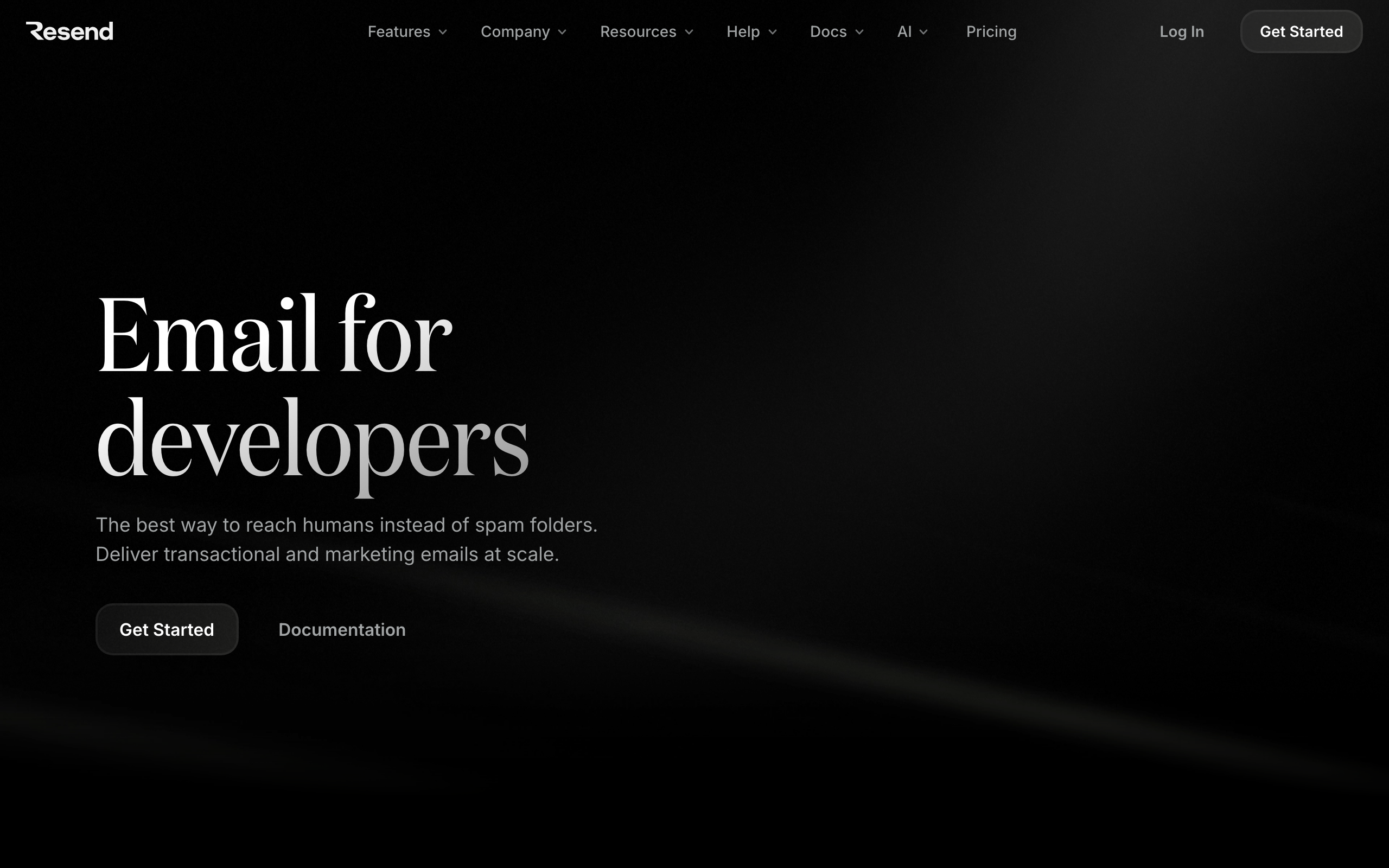
Resend was built by developers, for developers. The API is the product. Everything starts with resend.emails.send(). The SDK is TypeScript-first with full type safety. Documentation is clean with copy-paste examples. React Email support means you build email templates in JSX.
The API covers sending, domains, API keys, audiences, and contacts. Error responses are clear and consistent. Rate limiting is well-documented. The developer experience is genuinely excellent.
The React Email integration is what makes Resend particularly appealing to frontend developers. Instead of writing HTML email templates with inline styles and table layouts, you write JSX components. The build step compiles them to email-compatible HTML. This means your email templates live in your codebase, are version-controlled, and can be tested like any other component.
Resend's API response times are consistently fast. Sending an email through the API typically returns in under 200ms, which matters for transactional emails triggered by user actions. Nobody wants their signup flow to hang while an email queues.
The trade-off: Resend focuses on transactional email and basic audience management. It's not a full marketing platform. No complex automations, no visual workflow builders, no campaign analytics beyond delivery stats. If you need pure email sending with the best DX, Resend is it. If you need automated email sequences, you'll need a separate tool.
- API quality: Excellent. TypeScript-first SDK, clean REST API, comprehensive docs
- SDKs: Node.js, Python, Ruby, Go, PHP, Elixir, Java, Rust
- Pricing: Free for 100 emails/day, from $20/month
- Pros: Best developer experience, React Email, TypeScript-first, fast setup, fast response times
- Cons: Limited to transactional email, no automations, basic marketing features
3. Postmark
Best for: API-first transactional email with the best deliverability
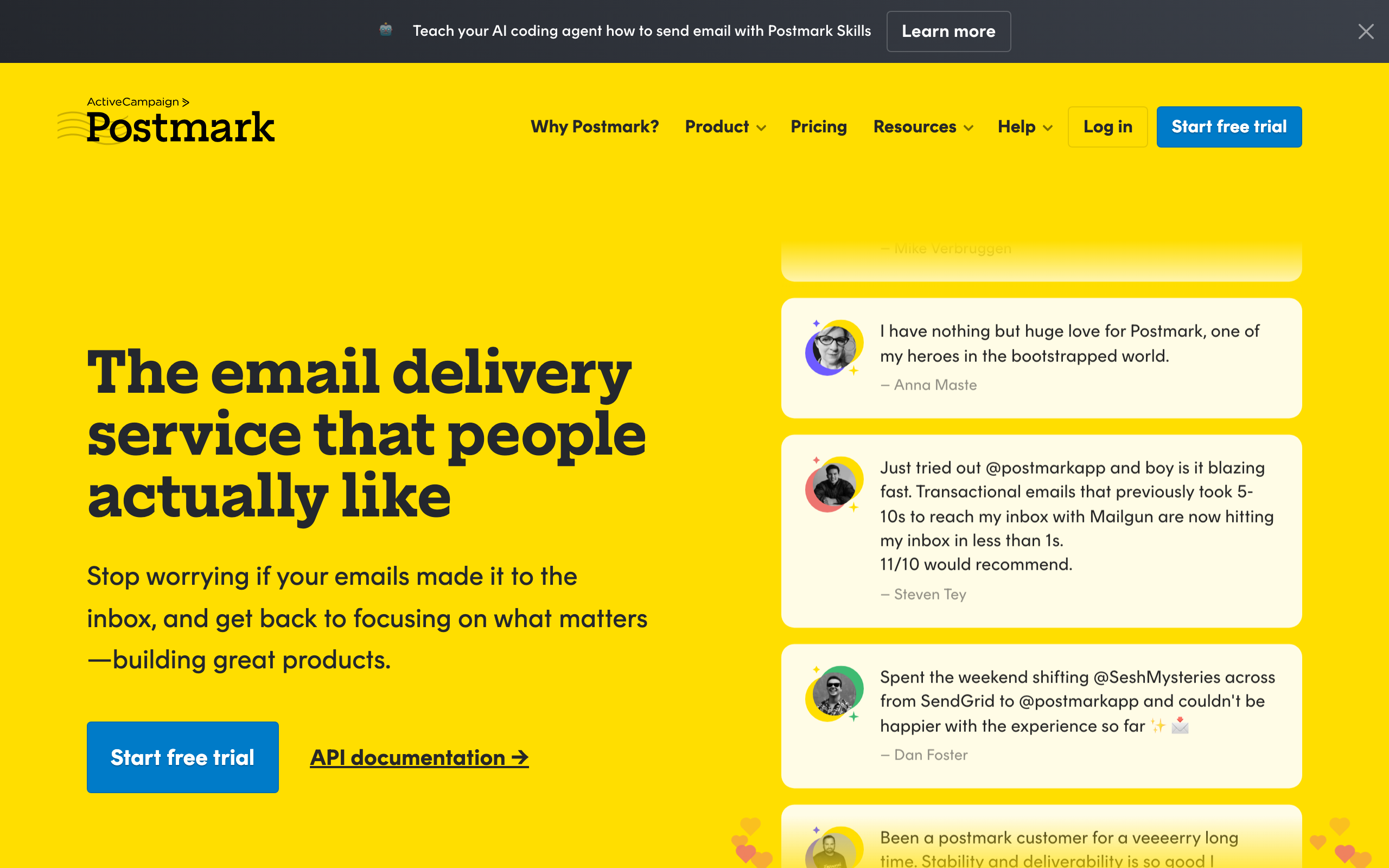
Postmark's API is mature, well-documented, and focused on reliability. The transactional email API handles sending, templates, server management, and statistics. The message streams API separates transactional and marketing email programmatically.
Postmark stands out for its template API. You can create, manage, and render templates entirely through the API, including template variables and layouts. The inbound email API processes received emails and forwards them to your application. For building email-powered features (reply processing, email-to-ticket), Postmark's API is hard to beat.
Postmark's deliverability is industry-leading for transactional email. They maintain strict sending policies (no cold email, no purchased lists) which keeps their IP reputation pristine. For password resets, order confirmations, and other critical transactional emails, Postmark's delivery speed and inbox placement are exceptional.
The message streams feature is architecturally clean. Create separate streams for transactional and marketing email, each with independent analytics and reputation. This separation means your marketing emails can't affect your transactional deliverability, which is a real concern on platforms that mix the two.
The API documentation includes detailed error codes with explanations and recommended actions. When something goes wrong, the error response tells you exactly what happened and how to fix it. This attention to developer experience in error handling saves significant debugging time.
- API quality: Excellent. Mature, well-documented, consistent error handling
- SDKs: Node.js, Python, Ruby, PHP, .NET, Java, Go
- Pricing: From $15/month
- Pros: Best deliverability, inbound email API, template management, message streams, error documentation
- Cons: Marketing features are basic, automation is limited, strict sending policies
4. SendGrid
Best for: High-volume API-first email at scale
SendGrid has been API-first since day one. The v3 API covers sending, contacts, lists, segments, campaigns, templates, stats, and more. It's one of the most comprehensive email APIs available. The SDK ecosystem is broad, with official SDKs for every major language.
At scale, SendGrid's API handles billions of emails. Rate limiting, batching, and the Mail Send API's flexibility (scheduling, categories, custom arguments) make it suitable for high-volume senders. The Event Webhook delivers real-time engagement data to your application.
The Mail Send API is remarkably flexible. You can send a simple text email with a single API call or construct complex messages with multiple recipients, sections, substitution tags, categories, custom arguments, and scheduled delivery. The same endpoint handles all of these, which means your sending code can start simple and grow without changing the fundamental integration.
The Event Webhook is one of SendGrid's strongest API features. Every email event (delivered, opened, clicked, bounced, spam report) is delivered to your endpoint in near real-time. This powers custom analytics, engagement scoring, and behavioral triggers in your application.
The downside is complexity. SendGrid's API has grown over years and some endpoints feel inconsistent. The marketing API (v3) and the legacy marketing campaigns API coexist, which can be confusing. Documentation is comprehensive but sprawling. New developers often struggle to find the right endpoint for their use case.
- API quality: Good. Comprehensive but complex, some inconsistencies between legacy and current APIs
- SDKs: Node.js, Python, Ruby, PHP, Java, Go, C#
- Pricing: Free for 100 emails/day, from $20/month
- Pros: Most comprehensive API, handles massive scale, broad SDK support, proven, event webhook
- Cons: API complexity, documentation sprawl, legacy endpoints, marketing features feel bolted on
5. Customer.io
Best for: Technical teams wanting API-controlled marketing automation
Customer.io's API lets you manage customers, track events, trigger campaigns, manage segments, and control automations programmatically. The Track API is event-driven: send events and customer attributes, and Customer.io's automation engine handles the rest.
The API also supports sending transactional messages, managing newsletters, and exporting data. For teams that want to build their email marketing programmatically rather than through a UI, Customer.io provides the most complete marketing automation API available.
Customer.io's API philosophy is "data in, actions out." You send customer data and events through the API, and the platform handles the logic of when and what to send. This clean separation means your application handles data collection and Customer.io handles marketing logic. Changes to email timing, content, or targeting happen in Customer.io without code deployments.
The Segment Triggered Broadcast API is particularly powerful. Create an audience segment, then trigger a broadcast to that segment via API. This lets you build marketing features into your application (like "notify all enterprise customers about a new feature") while keeping the email execution on Customer.io's infrastructure.
For product-led growth companies that want tight integration between product behavior and email marketing, Customer.io's event-driven API is the most natural fit among marketing automation platforms.
- API quality: Good. Event-driven design, comprehensive coverage, good documentation
- SDKs: Node.js, Python, Ruby, Go
- Pricing: From $100/month
- Pros: Most complete marketing automation API, event-driven, transactional + marketing, segment API
- Cons: Expensive, complex, steep learning curve
6. Mailgun
Best for: Developers wanting raw email infrastructure as an API
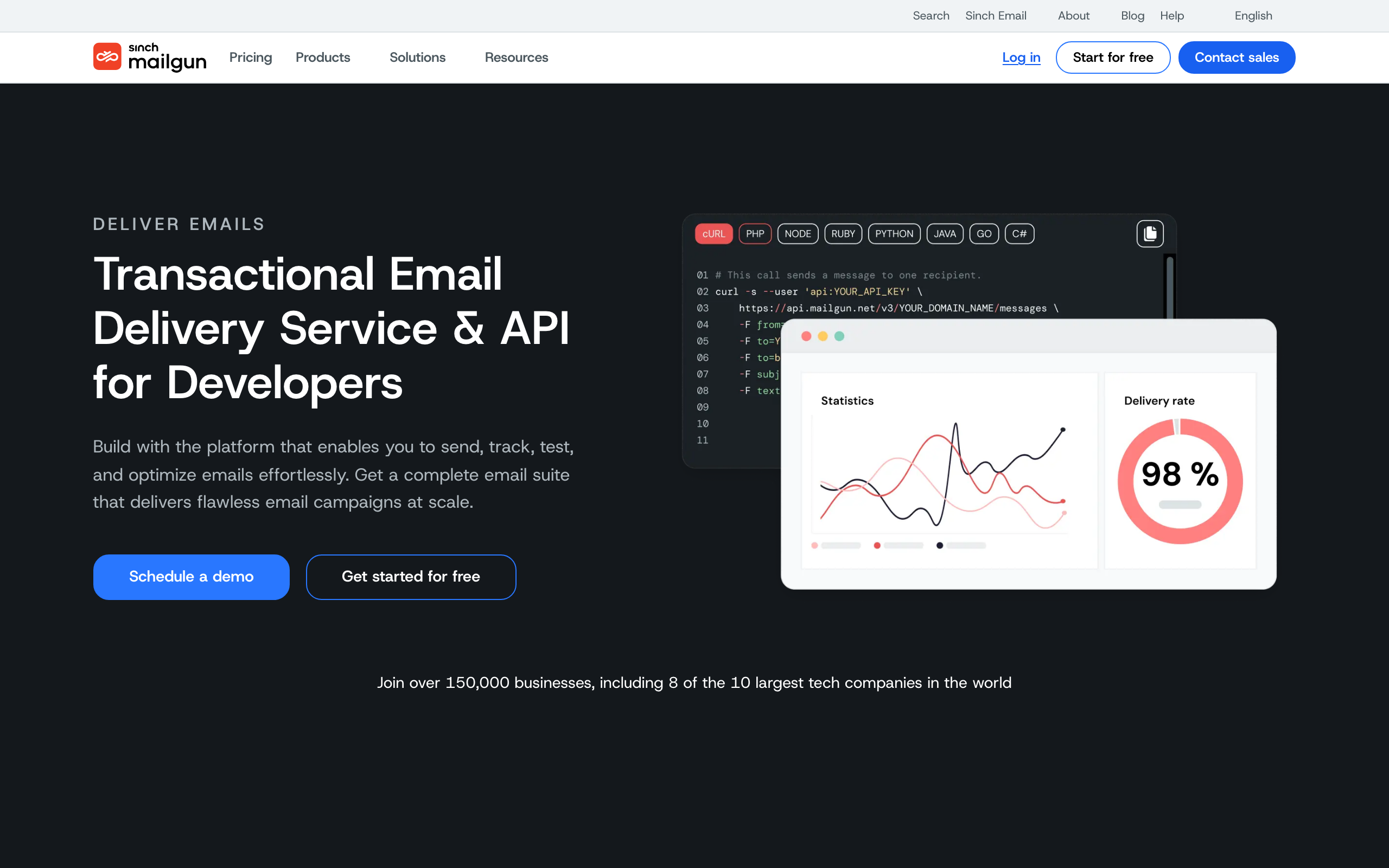
Mailgun is pure email infrastructure exposed through an API. Sending, receiving, routing, validation, and delivery optimization are all API-driven. There's no marketing platform. No drag-and-drop editor. Just APIs for every email operation you might need.
The sending API supports MIME construction, template rendering, batch sending, and scheduling. The routes API lets you programmatically handle inbound email. The validation API checks email addresses for deliverability. If you're building email functionality into your application, Mailgun gives you the building blocks.
The email validation API deserves special mention. It checks email addresses for syntax, domain validity, MX records, and disposable email provider status. If you're building a signup flow or subscriber import feature, real-time validation at the point of entry prevents bounce issues before they start.
The routes API enables powerful inbound email processing. Define rules that match incoming email patterns and route them to your webhook endpoints. This powers features like reply-by-email, email-to-task, and support ticket creation from email.
For teams that want to build rather than buy their email system, Mailgun provides the infrastructure layer. You get the sending, delivery, and receiving primitives. You build the application logic, templates, and user interface on top.
- API quality: Good. Infrastructure-focused, flexible, comprehensive for sending
- SDKs: Node.js, Python, Ruby, PHP, Java, Go, C#
- Pricing: Free for 100 emails/day, from $15/month
- Pros: Pure infrastructure, email validation API, inbound routing, flexible, good for custom builds
- Cons: No marketing features, everything built from scratch, requires more development work
7. Amazon SES
Best for: AWS-native teams wanting the cheapest API-first email
Amazon SES is the cheapest way to send email at scale. The API covers sending (raw and templated), identity management, configuration sets, and suppression lists. Integration with other AWS services (Lambda, SNS, S3, Kinesis) makes it powerful for teams already in the AWS ecosystem.
The AWS integration is the killer feature. Trigger emails from Lambda functions. Store email events in Kinesis for analytics. Process bounces with SNS notifications. Route inbound email to S3 for processing. If your infrastructure is AWS-native, SES fits naturally into your architecture.
For high-volume senders, the pricing is unbeatable. At $0.10 per 1,000 emails, a million emails costs $100. No other platform comes close at this scale. If you're sending transactional email at high volume (notifications, receipts, alerts), SES makes financial sense.
The API is comprehensive but follows AWS conventions, which means XML responses, complex authentication (SigV4), and verbose documentation. The AWS SDK wraps all of this, but it's still more complex than developer-focused platforms like Resend or Postmark.
The trade-off is everything else. SES provides raw email infrastructure. There's no template editor, no automation engine, no analytics dashboard, no subscriber management. You build all of that yourself or use other AWS services to fill the gaps. For teams with strong engineering capability, this is fine. For teams that want a complete solution, it's a significant undertaking.
- API quality: Functional but complex. AWS conventions, verbose, comprehensive
- SDKs: AWS SDK for all major languages
- Pricing: $0.10 per 1,000 emails
- Pros: Cheapest at scale, AWS integration, reliable infrastructure, pay-per-use
- Cons: Complex setup, no marketing features, AWS-specific patterns, raw infrastructure
8. Loops
Best for: Modern SaaS teams wanting a clean API for product + lifecycle email
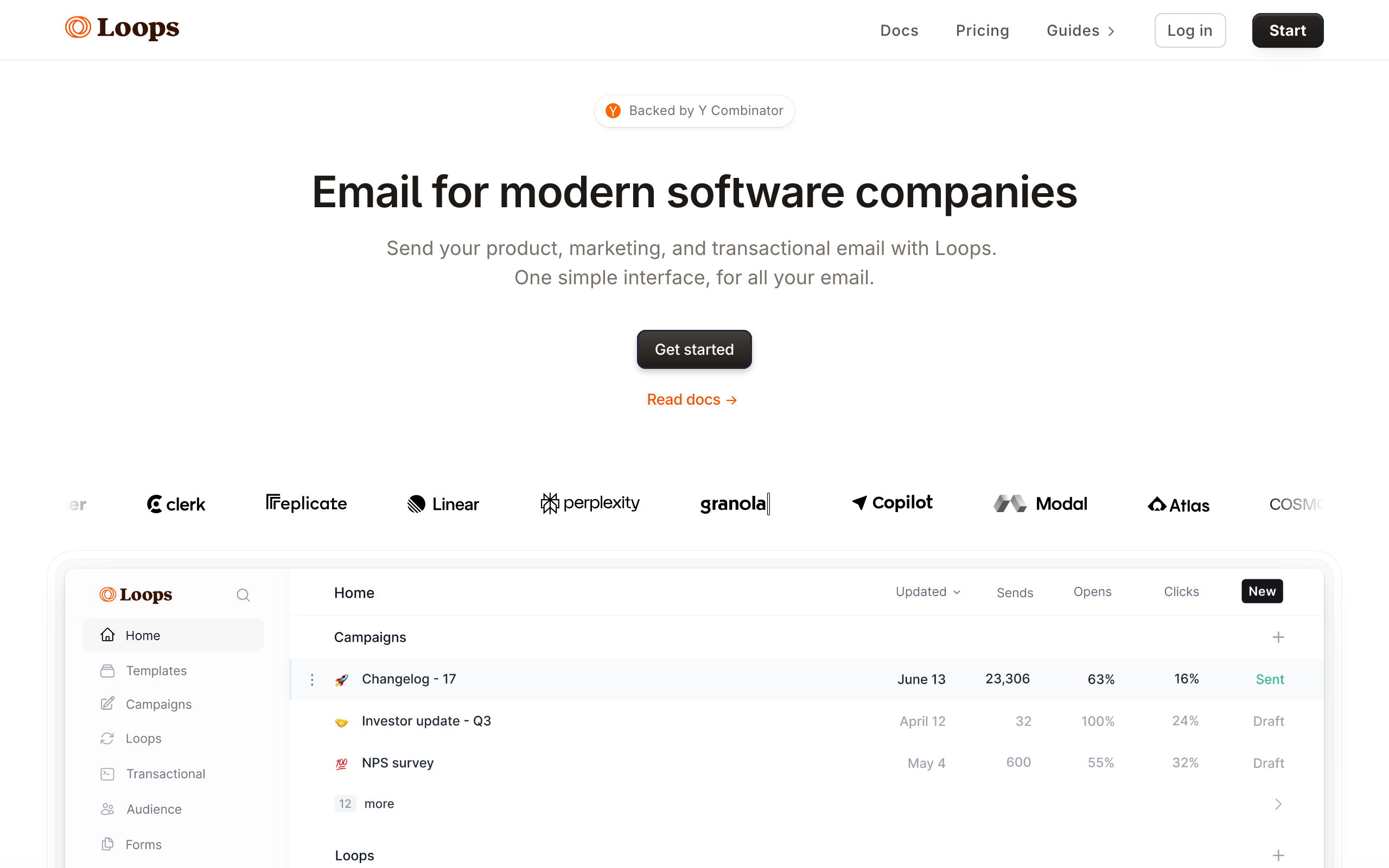
Loops is a newer entrant that took the "API-first plus a polished UI" approach seriously. The API handles contacts, events, transactional sends, and campaigns. The dashboard is genuinely pleasant, but the API can drive every important workflow.
The transactional API uses named templates, which means your application code references a template by ID rather than constructing HTML. Designers can edit templates in the Loops UI without redeploying your app. This separation is healthy for teams where engineers don't want to own copy or design.
Events are first-class. Send an event from your app, attach a Loops loop (their term for an automation), and you get drip campaigns triggered by product behavior. The model is similar to Customer.io but at a fraction of the price and with a meaningfully simpler API surface.
Loops is opinionated about staying simple. Some advanced segmentation patterns aren't possible. There's no Liquid-style scripting in emails. Account-level (versus contact-level) targeting is awkward. For most SaaS use cases none of this matters; for complex B2B segmentation it might.
- API quality: Good. Clean REST API, modern conventions, well-documented
- SDKs: Node.js, Python (community)
- Pricing: Free for 1,000 contacts, from $49/month
- Pros: Modern DX, clean API, transactional + lifecycle, polished dashboard
- Cons: Less flexible than Customer.io, smaller integration ecosystem, opinionated
9. Bento
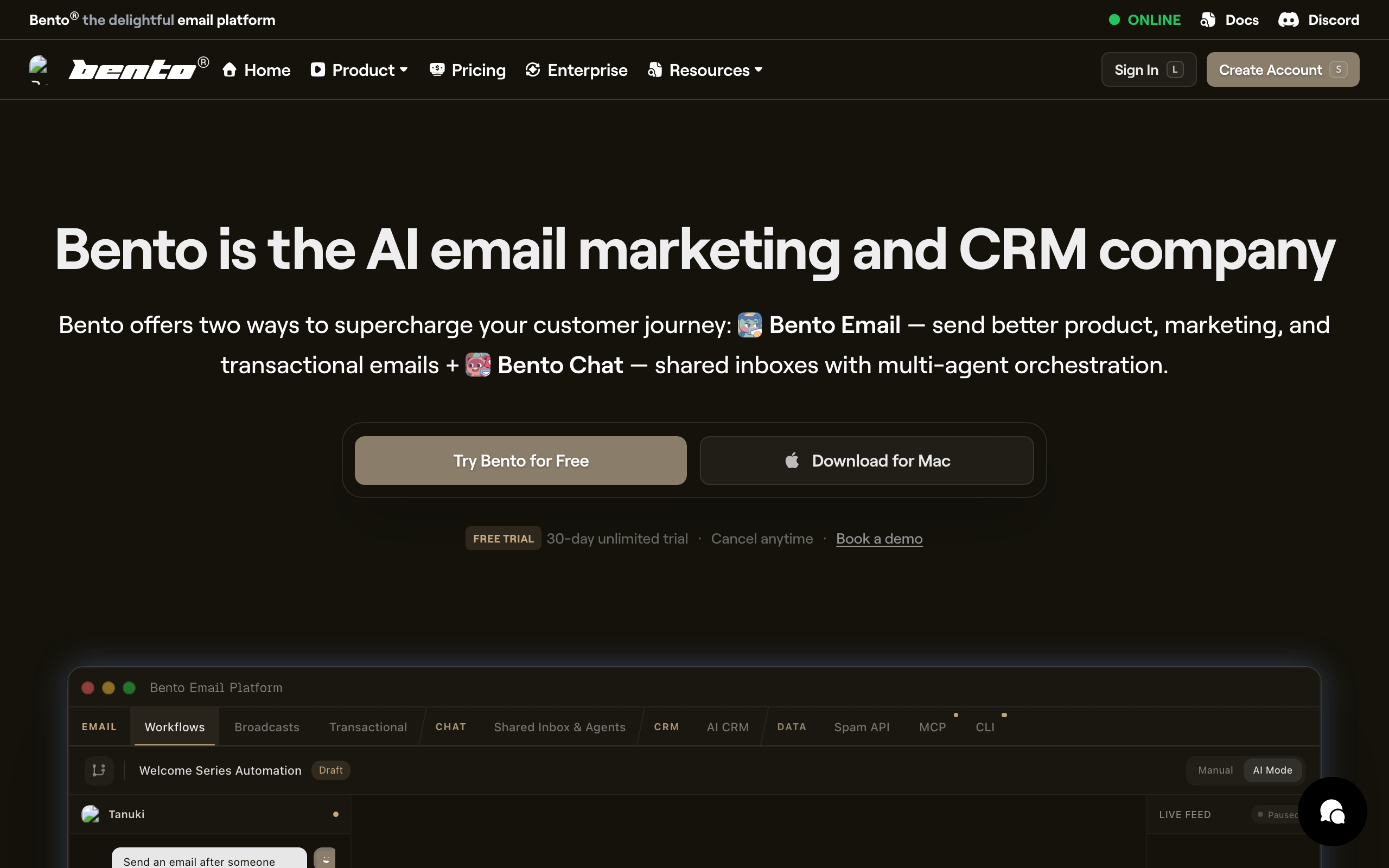
Best for: Developers who want Liquid templating and JavaScript inside emails
Bento is a smaller player aimed at developer-friendly SaaS marketing. The API covers the usual surface (contacts, events, campaigns, transactional), but the differentiator is the in-email scripting model: Liquid templating plus JavaScript snippets evaluated at send time.
For an API-first workflow, this means your application can stay thin. Instead of computing personalized content in your app and sending fully-rendered HTML, you send raw user data via the API and let Bento compute the personalized parts at send time. This is unusual flexibility.
The API itself is straightforward REST with JSON. Documentation is decent if a bit thin in places. The SDK situation is community-driven, which means you'll often hit raw HTTP, which is fine.
Bento is small. The community is small, the integration ecosystem is small, and you'll likely interact with the founders directly when you have issues. Some developers love this; others prefer the anonymity of larger platforms.
- API quality: Decent. Functional REST, in-email scripting is unique
- SDKs: Community Node.js, Ruby
- Pricing: From $25/month
- Pros: In-email scripting, reasonable price, developer-friendly mindset
- Cons: Small ecosystem, thinner docs, less polished than Loops
10. MailerSend
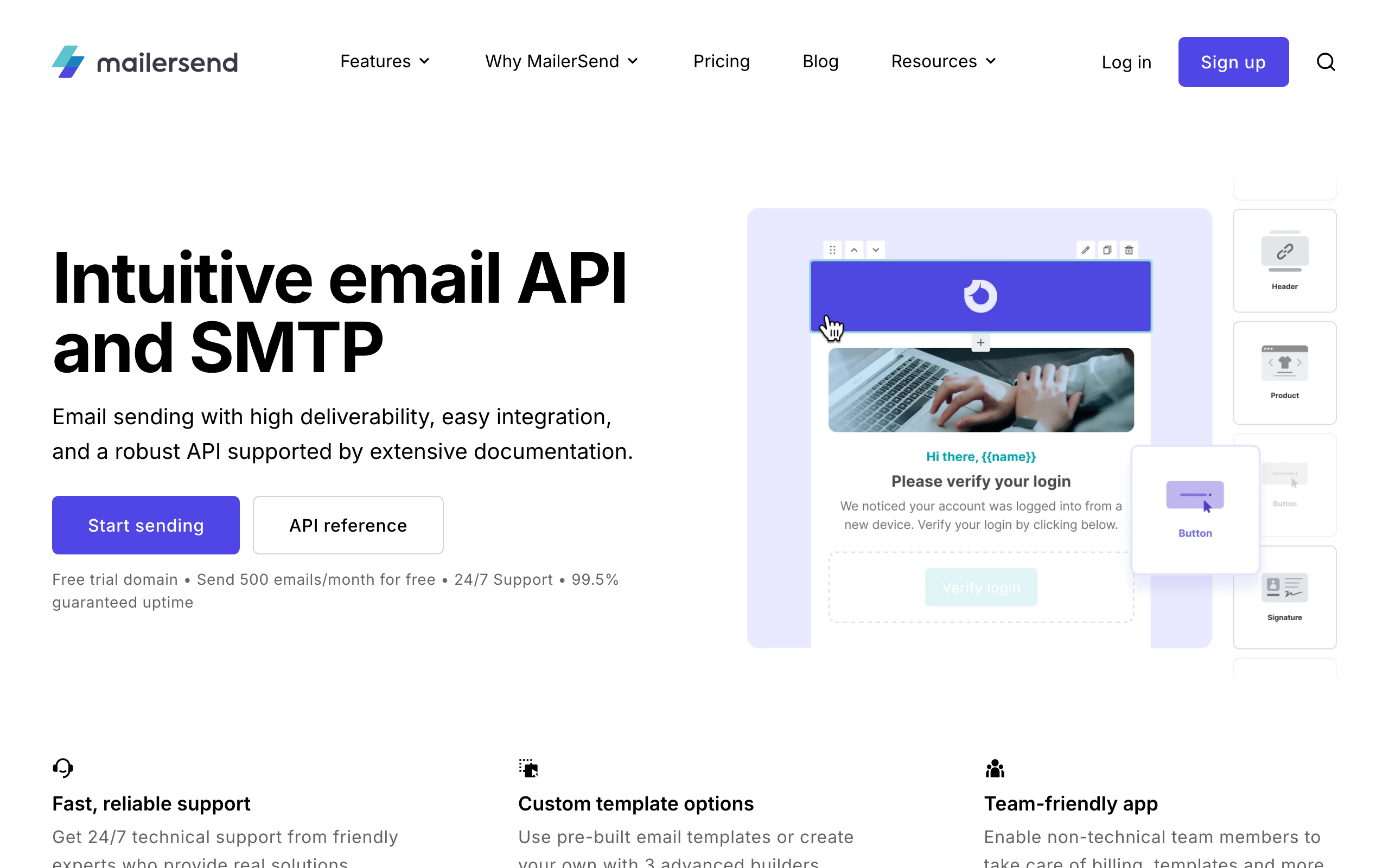
Best for: Teams wanting a transactional API plus SMS and inbound from one vendor
MailerSend is MailerLite's transactional sister product. The API is purpose-built for transactional email, with templates, suppressions, scheduled sends, and analytics. SMS and inbound parsing are bundled in if you need them, which is rare among email APIs.
The API is clean, modern, and well-documented. Templates support both visual editing in the UI and code-based templating with variables. The SDK lineup covers the major languages. For teams wanting a single API for transactional email plus SMS notifications, MailerSend reduces the number of vendors you have to manage.
Deliverability is good (better than the cheap end of the market) but not Postmark-tier. The free tier (3,000 emails/month) is reasonable for low-volume use cases, and pricing is more transparent than SendGrid or Mailgun at moderate volumes.
The marketing automation surface is intentionally absent. MailerSend is for transactional and trigger-based sending; for full lifecycle automation, you'd pair it with another tool.
- API quality: Good. Modern REST, clean docs, multi-channel support
- SDKs: Node.js, Python, PHP, Ruby, Java, Go, .NET
- Pricing: Free for 3,000 emails/month, from $28/month
- Pros: Multi-channel API, clean modern API, transparent pricing, good free tier
- Cons: No automation engine, deliverability not best-in-class, smaller brand
11. Brevo (formerly Sendinblue)
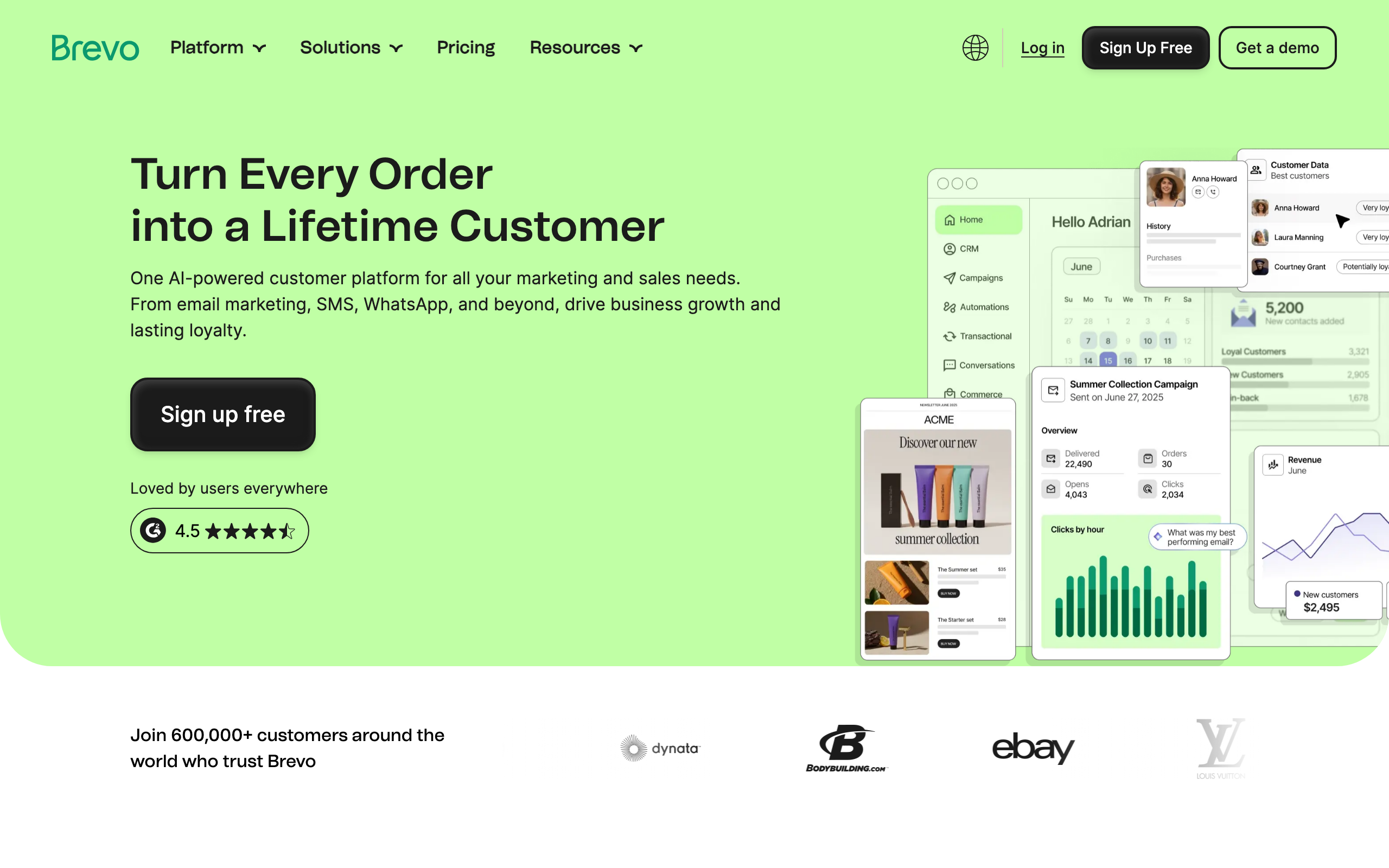
Best for: API senders who also want CRM, SMS, and chat in one platform
Brevo (renamed from Sendinblue) offers a broad API covering email, SMS, WhatsApp, chat, CRM, and marketing automation. For developer teams that want one API and one vendor for most customer communication, Brevo's surface area is genuinely wide.
The transactional email API is reliable and well-documented. The marketing campaign API and contacts API let you manage lists, segments, and broadcasts programmatically. The webhook system covers email events plus SMS delivery reports.
The trade-off for the breadth is depth. Each individual API surface is competent but not best-in-class. The transactional API isn't as elegant as Resend's. The marketing automation isn't as flexible as Customer.io's. The CRM is basic compared to a real CRM.
For startups that want one bill, one auth token, and a roughly-good-enough API for many things, Brevo is a reasonable choice. For teams optimizing depth in any one area, a specialist platform tends to win.
- API quality: Decent. Broad surface, varying depth, solid docs
- SDKs: Node.js, Python, PHP, Ruby, Java, C#
- Pricing: Free for 300 emails/day, from $9/month
- Pros: Multi-channel, low entry price, broad ecosystem, generous free tier
- Cons: No single area is best-in-class, marketing UI feels generic, deliverability mid-tier
12. SparkPost
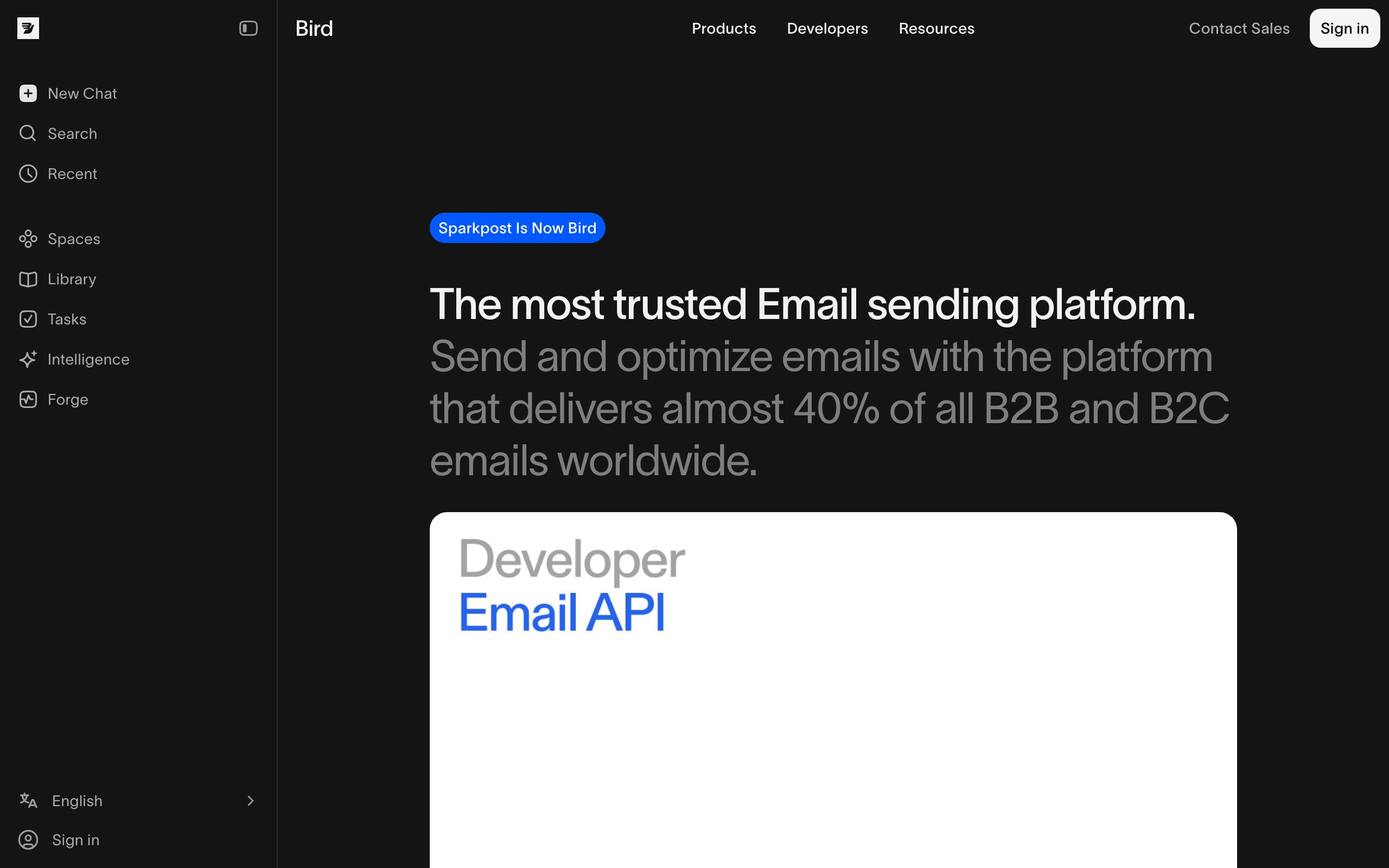
Best for: Teams that need detailed analytical event data via API
SparkPost (now part of MessageBird/Bird) was an early API-first email platform with a focus on deep analytics. The Events API exposes the full delivery and engagement event stream with rich metadata, which is valuable if you're building your own analytics layer or piping data into a warehouse.
The transactional sending API is mature and proven at scale. Templates support substitution data. Subaccounts let you isolate sending traffic for multi-tenant SaaS. The SDK situation is comprehensive across languages.
SparkPost is enterprise-flavored. Pricing is opaque at the higher tiers, and the product has bounced through several ownership changes (Message Systems → SparkPost → MessageBird → Bird), which has made the roadmap and branding less consistent than competitors.
For teams that specifically need rich event data via API and don't mind enterprise-style sales motions, SparkPost remains a solid pick. For most modern teams, Resend or Postmark feel more natural.
- API quality: Good. Mature, deep events, enterprise-flavored
- SDKs: Node.js, Python, PHP, Java
- Pricing: From $30/month
- Pros: Deep event analytics, proven at scale, subaccounts for multi-tenancy
- Cons: Opaque enterprise pricing, ownership churn, less modern DX than Resend
13. Mandrill
Best for: Mailchimp users who need a transactional API on the same platform
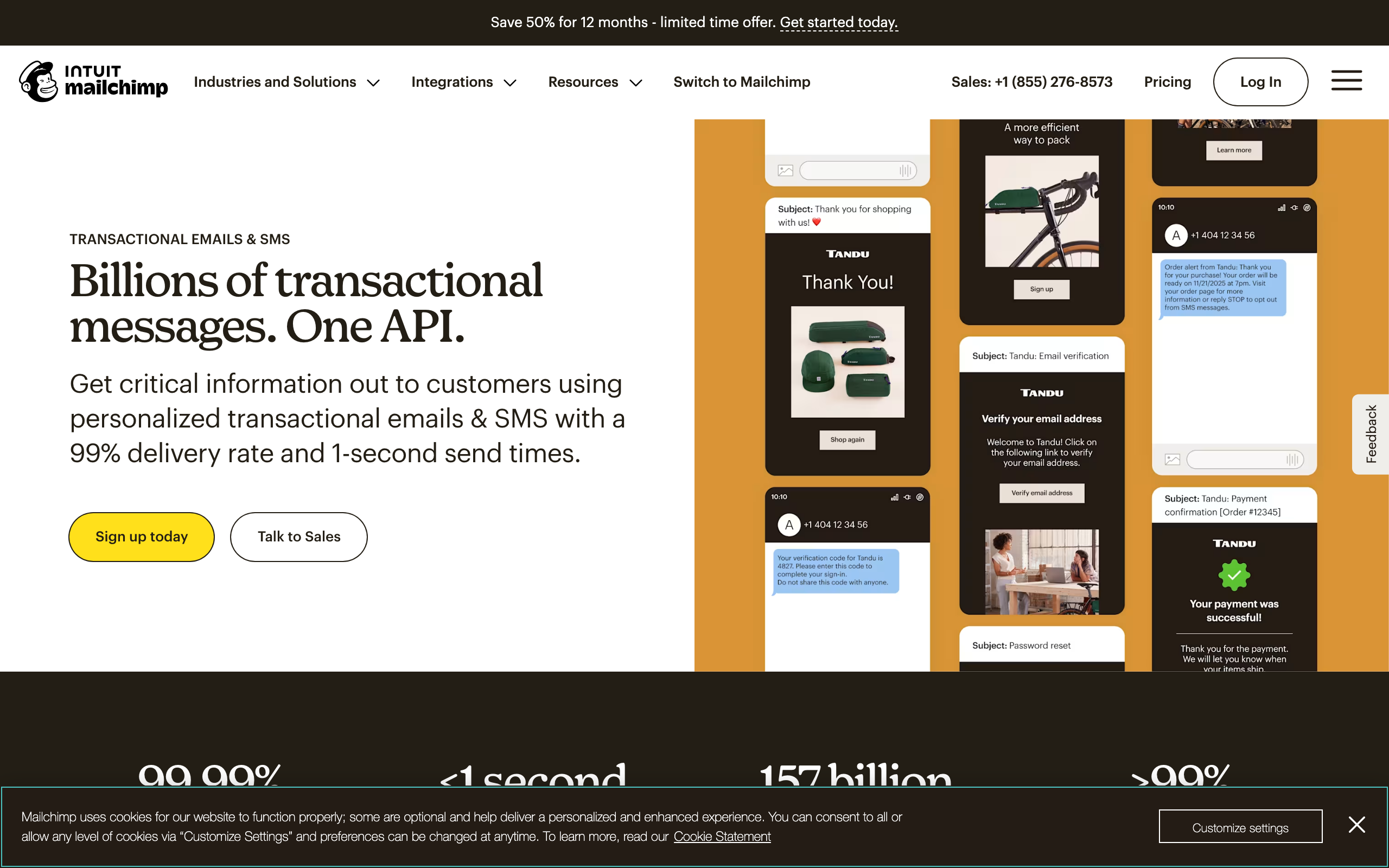
Mandrill is Mailchimp's transactional email add-on. If you're already using Mailchimp for marketing and want a transactional API that shares contacts and basic infrastructure, Mandrill is the obvious choice. Otherwise, it's hard to recommend over standalone alternatives.
The API itself is functional but feels older than newer entrants. Documentation has improved but still has Mailchimp-era quirks. Templates can be authored in the Mailchimp editor and sent transactionally via the API, which is genuinely convenient if your team already lives in Mailchimp.
Pricing is "blocks of 25k emails" which is unusual and often more expensive than competitors at low volume. At high volume, the math is competitive but not class-leading. There's no free tier.
Mandrill exists because Mailchimp customers wanted transactional, and Mailchimp didn't want them leaving the ecosystem. If you're not already in the Mailchimp ecosystem, start with Resend or Postmark instead.
- API quality: Functional. Older feel, decent docs, Mailchimp ecosystem integration
- SDKs: Node.js, Python, PHP, Ruby, Java
- Pricing: $20 per 25,000 emails block
- Pros: Mailchimp ecosystem integration, shared templates and contacts
- Cons: Awkward block pricing, dated API feel, requires Mailchimp account
14. Knock
Best for: Engineering teams that need notification orchestration across channels via API
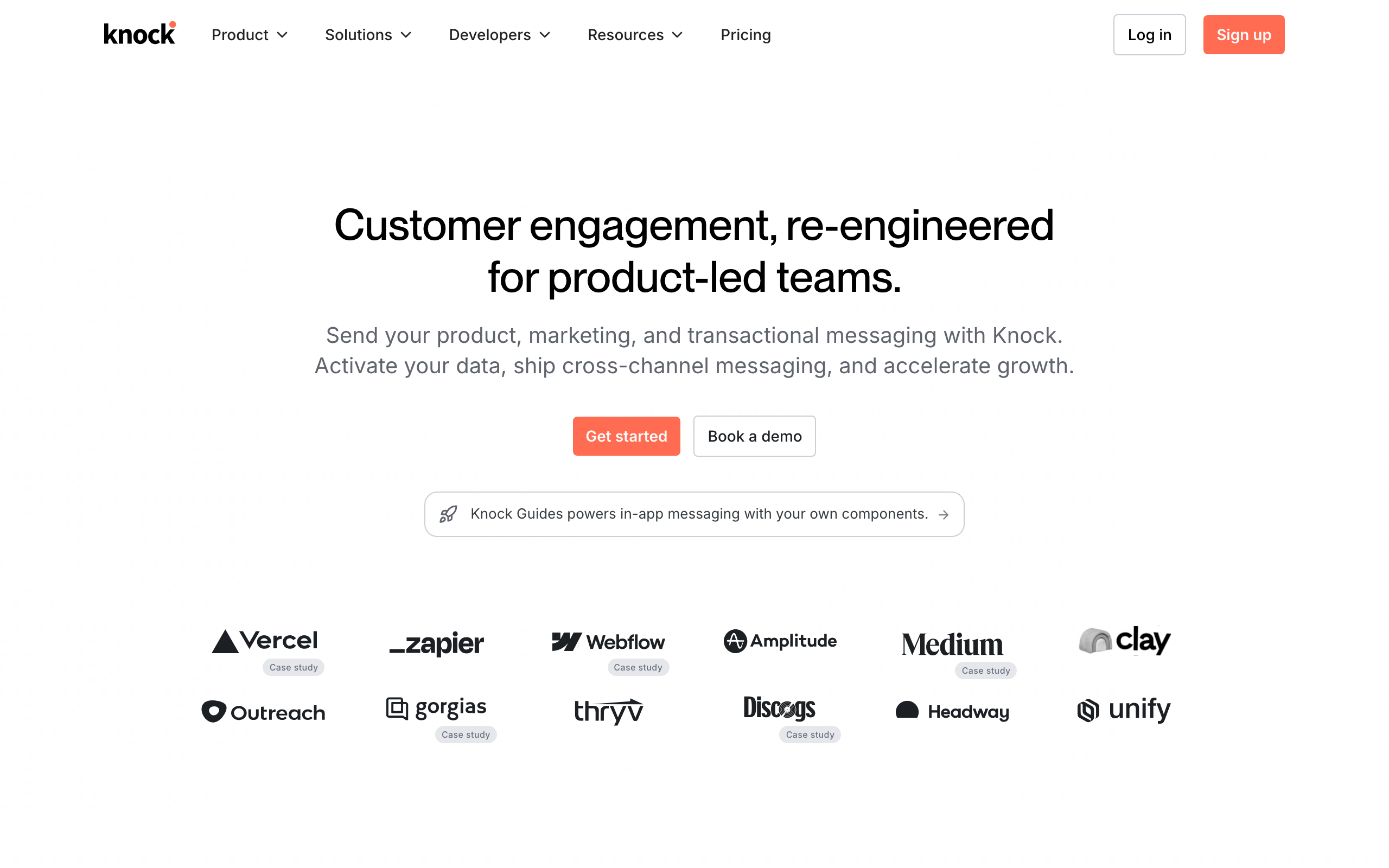
Knock isn't an email platform; it's a notification orchestration API that sits in front of email, SMS, push, in-app, Slack, and other channels. From your application's perspective, you call one Knock API to send a notification, and Knock routes it to the right channels based on user preferences and your workflow definitions.
For API-first teams that have outgrown "just send an email" and need user-controlled notification preferences, multi-channel routing, batching, and digest logic, Knock is purpose-built. The workflow editor lets non-engineers configure routing rules without code changes.
You still need an underlying email provider (Knock supports SES, SendGrid, Postmark, Resend, etc.) which Knock orchestrates. So Knock is a layer on top of email infrastructure rather than a replacement. For multi-channel notifications at scale, this layering is exactly what you want.
Pricing is enterprise-flavored once you grow past the free tier. For pure email use cases, Knock is overkill. For real notification orchestration, it's one of the few purpose-built API-first options.
- API quality: Excellent. Modern REST + GraphQL, comprehensive SDKs, great docs
- SDKs: Node.js, Python, Ruby, Go, Java, Elixir, .NET
- Pricing: Free for 1,000 notifications/month, from $250/month
- Pros: Multi-channel orchestration, preference center, in-app notifications, modern DX
- Cons: Expensive past free tier, requires underlying email provider, overkill for pure email
15. Courier
Best for: Teams wanting a single notification API that abstracts multiple email providers
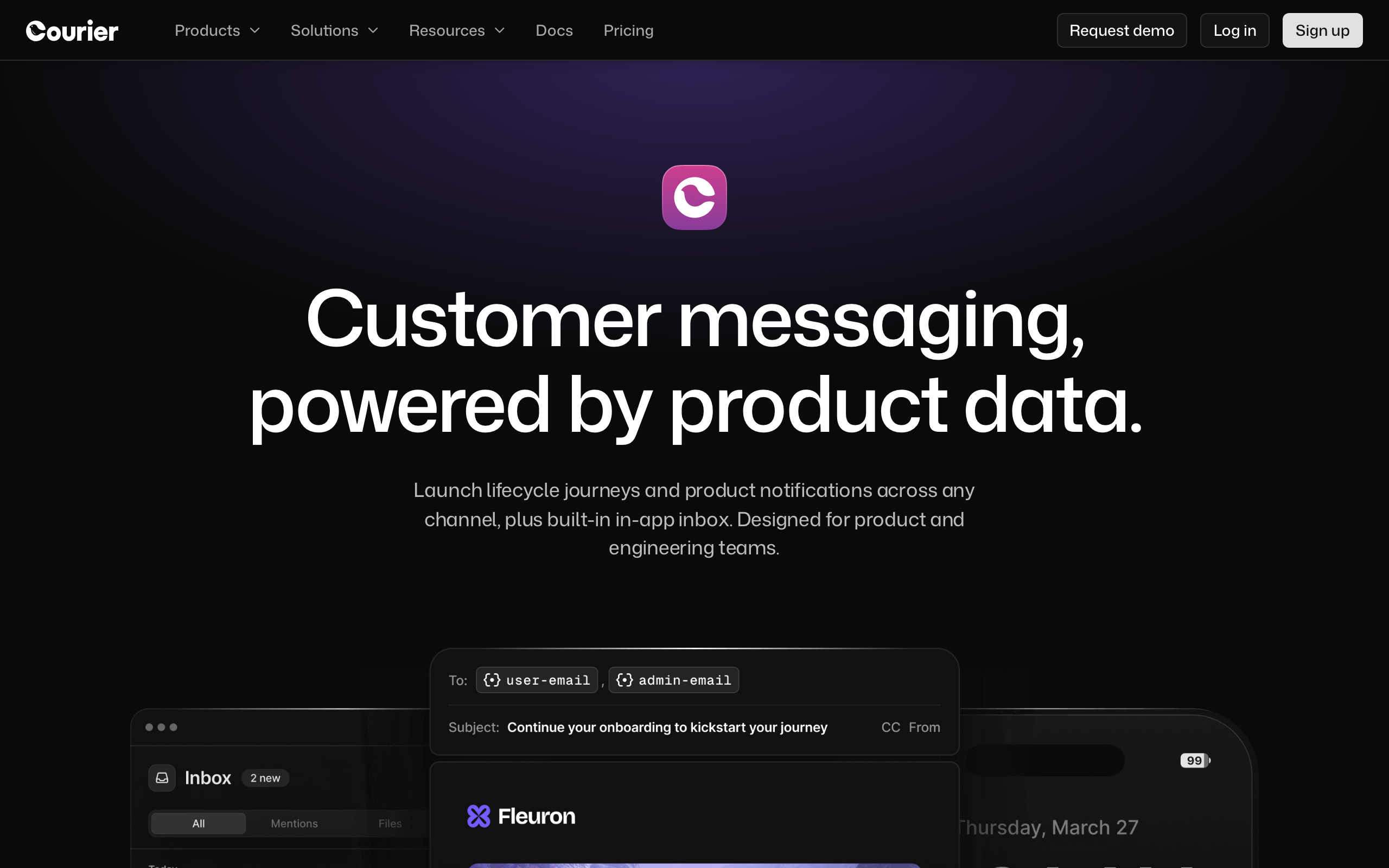
Courier is similar to Knock in mission (notification orchestration API) but takes a slightly different approach. You connect Courier to multiple providers (email, SMS, push, chat) and Courier handles routing, templating, and delivery via a single API.
For API-first teams worried about email provider lock-in, Courier provides genuine abstraction. Switch your underlying provider from SendGrid to Postmark by changing config in Courier rather than refactoring your application code. The template engine works across providers.
Courier's free tier is more generous than Knock's, and the pricing model is friendlier for smaller teams. The trade-off is that some advanced features (granular preferences, complex digest logic) are deeper in Knock than Courier.
For greenfield notification systems where you want flexibility about underlying providers, Courier is worth evaluating against Knock.
- API quality: Good. Modern REST, multi-provider abstraction, clean SDKs
- SDKs: Node.js, Python, Ruby, Go, Java, .NET
- Pricing: Free for 10,000 notifications/month, from $99/month
- Pros: Provider abstraction, generous free tier, multi-channel, template inheritance
- Cons: Less feature-rich than Knock for advanced cases, still requires underlying providers
16. Plunk
Best for: Developers who want a simple, open-source, self-hostable email API
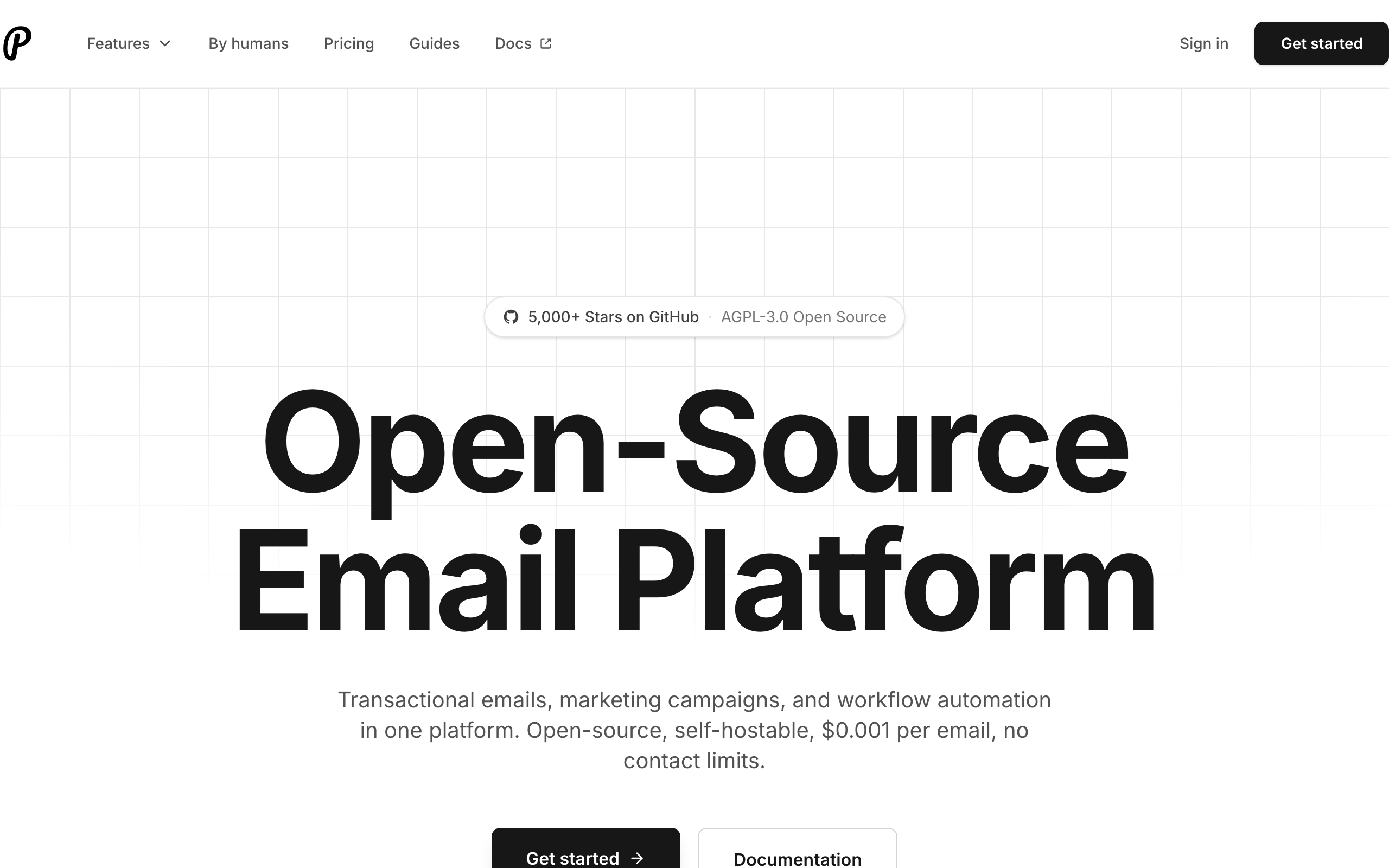
Plunk is an open-source email platform with a transactional API, a basic marketing UI, contact management, and event tracking. It's self-hostable (Docker, Render, Railway) for free, with a managed cloud option for those who don't want to run servers.
The API is intentionally minimal. Send a transactional email, track an event, manage contacts. Templates are HTML-based with variable substitution. There are no automations beyond simple triggers. For developers who want "Resend, but I can self-host it and own the data," Plunk fills that niche.
The codebase is Next.js + Postgres + Redis, which is approachable for most engineering teams. Documentation is improving. The community is small but active. For products that have data residency requirements or strong "no SaaS dependencies" preferences, Plunk is one of the few credible self-hosted options with a real API.
The trade-off versus hosted alternatives is the usual one for self-hosted infrastructure: you handle deliverability, IP warming, bounce processing, and uptime. Plunk does support BYO SMTP, so you can run Plunk on top of SES for the heavy lifting.
- API quality: Decent. Simple REST, focused scope, growing docs
- SDKs: Node.js (official), community for others
- Pricing: Free (self-hosted), from $9/month (cloud)
- Pros: Open source, self-hostable, simple API, BYO SMTP, modern stack
- Cons: Smaller feature set, smaller community, you operate the server (self-hosted)
17. Notifuse
Best for: Teams wanting an open-source notification API alternative
Notifuse is an open-source notification API platform similar in spirit to Knock and Courier but self-hostable. It handles email, SMS, push, and webhook notifications through a single API, with template management and preference centers.
For teams that need notification orchestration but don't want to commit to a hosted vendor (cost, data residency, or principle), Notifuse is one of the few open-source options in the category. The API is REST + JSON with a workflow concept similar to Knock's.
The project is younger and smaller than the hosted alternatives. Documentation is improving but still has gaps. Production deployments require some operational maturity (Postgres, Redis, queues). For developer teams comfortable running infrastructure, this is fine; for everyone else, hosted is easier.
- API quality: Decent. REST API, workflow model, growing docs
- SDKs: Community
- Pricing: Free (self-hosted)
- Pros: Open source, multi-channel, self-hostable, no vendor lock-in
- Cons: Smaller community, ops overhead, less mature than hosted competitors
18. SMTP2GO
Best for: Teams that want both SMTP relay and a REST API from the same provider
SMTP2GO has been around for years as a reliable SMTP relay, and the REST API has caught up to the point where it's a credible API-first option. The dual nature is the differentiator: legacy systems can use SMTP, new code can use REST, both go through the same provider with the same deliverability and analytics.
The API covers transactional sending, suppressions, statistics, and webhook events. Documentation is straightforward. The dashboard provides good visibility into sending health, bounce reasons, and reputation. SDKs are official for the major languages.
Deliverability is solid in the mid-tier (better than the cheap end, not quite Postmark). Pricing is reasonable, with a free tier covering small projects. For teams that have a mix of legacy SMTP-based code and modern API-based code, SMTP2GO simplifies vendor management.
- API quality: Decent. Functional REST plus reliable SMTP, good dashboard
- SDKs: Node.js, Python, PHP, Ruby
- Pricing: Free for 1,000 emails/month, from $15/month
- Pros: SMTP + REST in one provider, solid deliverability, reasonable price
- Cons: Less feature-rich than specialists, no marketing automation, mid-tier brand recognition
19. Elastic Email
Best for: Cost-conscious teams that want a low-priced email API
Elastic Email focuses on aggressive pricing with a functional REST API. For high-volume senders who want pay-per-email pricing or low monthly minimums, Elastic Email is among the cheapest options in the category that still provides a real API and dashboard.
The API covers transactional and bulk sending, contacts, lists, campaigns, and templates. SDK support exists for the major languages. The dashboard is functional but feels dated. Documentation is reasonable.
The trade-off for low pricing is deliverability. Elastic Email's shared IP pools are mixed-quality, which means deliverability can vary depending on what other senders are doing. For high-stakes transactional email (password resets), pair Elastic Email with strict authentication (SPF, DKIM, DMARC) or step up to a more deliverability-focused provider.
For low-stakes high-volume sending where cost matters more than perfect inbox placement, Elastic Email is a credible API-first choice.
- API quality: Functional. REST API, dated dashboard, decent docs
- SDKs: Node.js, Python, PHP, .NET
- Pricing: From $9/month, pay-as-you-go available
- Pros: Very cheap, functional API, pay-per-email option
- Cons: Variable deliverability, dated UI, marketing features feel dated
20. Mailtrap
Best for: API-first sending with a built-in test inbox for development
Mailtrap started as a developer-focused email testing service (a fake SMTP that captures emails sent during development) and added a real sending API later. The combination is unusually useful for API-first teams: use the same SDK for testing in dev (capture to a sandbox inbox) and for sending in prod (actual delivery).
The sending API itself is competent. Templates, suppressions, analytics, and webhooks are all there. The standout feature remains the testing inbox: every email your dev environment "sends" is captured in a Mailtrap inbox where the team can inspect HTML, plain text, headers, spam score, and rendering across clients without ever delivering to a real recipient.
For API-first teams that previously juggled a separate testing tool (Mailhog, MailPit) and a separate production provider (Postmark, SES), Mailtrap consolidates those workflows. The deliverability of the production sending side is reasonable but not best-in-class.
- API quality: Good. Modern REST, clean SDKs, sandbox + production parity
- SDKs: Node.js, Python, PHP, Ruby, Go
- Pricing: Free for 1,000 emails/month (sending), from $15/month
- Pros: Built-in test inbox, sandbox + production from one vendor, clean API
- Cons: Production deliverability mid-tier, smaller marketing feature set
21. Sendlayer
Best for: Solo developers and small teams wanting a cheap, simple transactional API
Sendlayer is a small, focused transactional email API targeting indie developers and small SaaS. The API covers sending, templates, suppressions, and webhooks. There's no marketing automation, no CRM, no SMS. Just transactional email, cheap.
The pricing is the main draw: $5/month for 1,000 emails, scaling reasonably from there. For side projects and small SaaS where Resend's free tier doesn't cover usage but Postmark's $15 minimum feels heavy, Sendlayer fits in the gap.
The API is straightforward REST. SDKs are community-maintained. Deliverability is acceptable (the platform uses a mix of reputable providers under the hood). Documentation is simple but covers the basics.
For projects that just need to send transactional emails reliably without paying for features they won't use, Sendlayer is a credible budget option.
- API quality: Decent. Simple REST, basic but functional
- SDKs: Community
- Pricing: From $5/month for 1,000 emails
- Pros: Very cheap, simple, focused on transactional
- Cons: Smaller brand, community SDKs, fewer features, smaller ecosystem
API Comparison
| Feature | Resend | Postmark | SendGrid | Sequenzy | Customer.io | Mailgun | SES |
|---|---|---|---|---|---|---|---|
| REST API | Yes | Yes | Yes | Yes | Yes | Yes | Yes |
| GraphQL | No | No | No | No | No | No | No |
| TypeScript SDK | Yes | Community | Yes | Yes | Community | Community | Yes (AWS) |
| Webhooks | Yes | Yes | Yes | Yes | Yes | Yes | Yes (SNS) |
| Inbound email | No | Yes | Yes | No | No | Yes | Yes |
| Template API | Yes | Yes | Yes | No | Yes | Yes | Yes |
| Rate limit docs | Yes | Yes | Yes | Yes | Yes | Yes | Yes |
| Sandbox mode | No | No | Yes | No | No | No | Yes |
| Event tracking API | No | No | No | Yes | Yes | No | No |
| Marketing automation API | No | No | Limited | Yes | Yes | No | No |
| Email validation API | No | No | Yes | No | No | Yes | No |
Buyer's Guide: Choosing the Right API-First Platform
Step 1: Define Your Email Needs
Start by categorizing what you're sending:
- Transactional only (password resets, receipts, notifications): Resend, Postmark, SES, MailerSend, or Sendlayer
- Transactional + marketing (above plus campaigns, sequences): Sequenzy, Customer.io, Loops, or SendGrid
- Infrastructure to build on (you'll build the application layer): Mailgun, SES, or Plunk
- Multi-channel notifications (email + SMS + push): Knock, Courier, Brevo, or MailerSend
Step 2: Evaluate API Quality for Your Stack
Check SDK availability for your primary language. Test the documentation by trying to implement a basic sending flow. Look for:
- Time to first email sent (under 15 minutes is good)
- Error message clarity
- Authentication simplicity
- Webhook reliability documentation
Step 3: Consider Your Scale
Under 10,000 emails/month: Any platform works. Choose based on DX and features. 10,000 - 100,000 emails/month: Consider pricing models. Contact-based or email-based pricing? Over 100,000 emails/month: SendGrid, SES, Mailgun, or SparkPost handle this scale best. Consider transparent pricing models to avoid surprises.
Step 4: Test Webhook Reliability
Webhooks are critical for API-first integrations. Test:
- Event delivery latency
- Retry behavior on failure
- Event ordering guarantees
- Payload format and documentation
How to Choose
You want the best developer experience: Resend. TypeScript-first, clean API, React Email.
You want the best deliverability with great APIs: Postmark. Mature API, inbound email, template management.
You need high-volume email APIs: SendGrid. Proven at scale with the broadest API coverage.
You're building SaaS and need lifecycle email APIs: Sequenzy. Event-driven API designed for SaaS applications, with built-in AI integration.
You want API-controlled marketing automation: Customer.io. The most complete automation API.
You want pure email infrastructure: Mailgun. APIs for every email building block.
You want the cheapest option at scale: Amazon SES. Pay-per-email with AWS integration.
You want notification orchestration across channels: Knock or Courier.
You want to self-host: Plunk for email-focused, Notifuse for multi-channel notifications.
You want a built-in development sandbox: Mailtrap. Same SDK for test and prod.
You're cost-sensitive at low volume: Sendlayer or Elastic Email.
FAQ
Should I use an API-first platform or build my own email system? Use a platform. Email delivery, bounce handling, reputation management, spam compliance, and deliverability optimization are hard problems that email platforms have spent years solving. Building from scratch means solving all of these yourself. Use an API-first platform and focus on your product. For a detailed analysis, see our build vs. buy email infrastructure guide.
Can I switch between API-first platforms easily? Easier than switching between marketing platforms, since you're working with code rather than visual configurations. The main migration effort is updating API calls, SDK imports, and webhook handlers. Event schemas and subscriber data structures will differ, but the patterns are similar. Plan for 1-2 weeks of engineering time for a full migration. Notification orchestration platforms (Knock, Courier) explicitly help with this by abstracting the underlying provider.
Do I need both a transactional and a marketing email API? Many SaaS companies do use two: a transactional service (Resend, Postmark) for critical emails and a marketing platform (Customer.io, Sequenzy) for campaigns and automations. Some platforms (Sequenzy, Customer.io, Brevo) handle both, simplifying the stack. For a deeper comparison, see our guide on transactional vs. marketing email.
What about email deliverability with API-first platforms? API-first platforms like Postmark and Resend typically have excellent deliverability because they focus on quality. High-volume platforms like SendGrid and Mailgun require more deliverability management (IP warming, list hygiene) because they serve a broader range of senders. Read our email deliverability guide for authentication and reputation best practices.
How do I handle webhook failures? Implement idempotent webhook handlers (process each event only once, even if delivered multiple times). Use a message queue to buffer incoming webhooks and process them asynchronously. Store the raw webhook payload for debugging. Most API-first platforms retry failed webhook deliveries with exponential backoff for 24-72 hours.
What's the minimum viable API integration for a SaaS product? At minimum: send transactional emails (signup confirmation, password reset) via API and track delivery webhooks. Next: add event tracking to trigger automated sequences. Then: add subscriber management for campaigns. Start simple and expand as your email program grows.
Should I use webhooks or polling for email events? Webhooks. Always. Polling is wasteful and introduces latency. Every platform on this list supports webhooks for email events. Polling should only be a fallback for platforms that don't support webhooks (which none of these are).
How do I test email integrations in development? Use the platform's sandbox mode if available (SendGrid, SES, Mailtrap). Otherwise, use a catch-all email domain for testing. Some platforms (Postmark) have dedicated test servers. For local development, tools like Mailhog or MailPit capture outgoing emails without sending them. Mailtrap is unique in providing the sandbox and production sending in the same SDK.
Are notification orchestration APIs (Knock, Courier) worth the cost? For teams sending notifications across multiple channels (email, SMS, push, in-app, Slack) with user-controlled preferences, yes. The orchestration logic, preference centers, batching, and digest features are non-trivial to build and maintain. For pure email use cases, they're overkill.
Can I self-host an API-first email platform? Yes. Plunk is the most credible self-hostable email API. Notifuse covers self-hosted notification orchestration. Mailcoach (PHP/Laravel) and Listmonk (Go) are self-hosted but more newsletter-focused than API-first. All require BYO SMTP for actual delivery (typically SES under the hood).