
21 Best Developer-Friendly Email Tools (2026)

Quick Comparison
| Tool | Best For | Starting Price | Free Tier | API Quality |
|---|---|---|---|---|
| Sequenzy | SaaS API + automation in one | $19/mo | Yes (2.5k emails) | Good - REST, event-driven |
| Resend | Modern DX with React Email | $20/mo | Yes (100/day) | Excellent - TypeScript-first |
| Postmark | Transactional deliverability | $15/mo | No | Excellent - mature, reliable |
| Amazon SES | AWS-native, lowest cost | $0.10/1k emails | N/A | Functional - AWS conventions |
| Mailgun | High-volume + inbound routing | $35/mo | Yes (trial) | Good - infrastructure-focused |
| SendGrid | Mature API at scale | $19.95/mo | Yes (100/day) | Mature - comprehensive |
| Loops | Simple event-driven SaaS email | $49/mo | Yes (1k contacts) | Clean - opinionated, simple |
| Customer.io | Complex behavior-driven flows | $100/mo | No | Powerful - most flexible |
| Bento | Liquid + JS in-email scripting | $25/mo | No | Solid - unique scripting |
| Userlist | B2B SaaS account-level data | $49/mo | No | Clean - company + user model |
| MailerSend | Transactional with template editor | $28/mo | Yes (3k/mo) | Good - modern REST |
| SparkPost | Enterprise sending at scale | $30/mo | No | Mature - enterprise-grade |
| Mailtrap | Email testing + production sending | $10/mo | Yes (testing) | Good - sandbox + prod parity |
| Brevo | Transactional + marketing combo | $9/mo | Yes (300/day) | Decent - broad surface |
| Knock | Multi-channel notifications | $250/mo | Yes (1k/mo) | Excellent - modern REST |
| Courier | Notification routing + abstraction | $100/mo | Yes (10k/mo) | Good - provider-agnostic |
| Plunk | Open-source self-hosted | $9/mo cloud | Yes (self-hosted) | Decent - simple REST |
| Listmonk | Self-hosted Go binary | Free | Yes (self-hosted) | Good - REST + SMTP |
| Buttondown | API-friendly newsletters | $9/mo | Yes (100 subs) | Clean - REST + webhooks |
| MailPace | Privacy-focused EU transactional | $10/mo | No | Clean - simple, fast |
| Ahasend | Cheap transactional API | $9/mo | Yes (1k/day) | Decent - basic REST |
Most email marketing platforms are built for marketers. Drag-and-drop editors, visual builders, point-and-click automation. That's fine if you're a marketer. But if you're a developer who wants to send email programmatically, manage templates in code, and trigger automations from your application, these tools feel like wearing gloves to type.
Developer-friendly email tools put the API first. They have clean documentation, typed SDKs, webhook support, and the kind of programmatic control that lets you integrate email into your product rather than managing it in a separate dashboard.
Here's what actually works for developers in 2026, from API-first sending platforms to event-driven SaaS tools to self-hosted open source options.
Best Developer-Friendly Email Tool by Use Case
Best developer-friendly email tool for SaaS lifecycle automation: Sequenzy
Choose Sequenzy when developers need an email API, but the business also needs subscriber state, lifecycle sequences, billing-triggered automation, and marketing campaigns. It is the better fit when you do not want to pair a transactional API with a separate campaign platform. Start with developer API, transactional email, and the transactional plus marketing platform guide.
Best developer-friendly email tool for React and TypeScript DX: Resend
Resend is the best choice when the core need is clean SDKs, React Email templates, and modern transactional sending from a codebase. It is not as complete for lifecycle marketing, but the developer experience is excellent. Compare it with Sequenzy on the Resend comparison and React Email support guide.
Best developer-friendly email tool for critical transactional delivery: Postmark
Postmark is the stronger pick when the most important emails are password resets, receipts, invitations, and security alerts. It gives developers excellent logs, streams, and webhook behavior. Use the Postmark comparison, webhook support guide, and transactional email services page for that shortlist.
Best developer-friendly email tool for infrastructure control and cost: Amazon SES or Mailgun
Amazon SES is the low-cost AWS-native choice if your team is willing to build the surrounding email system. Mailgun is more convenient when you want API infrastructure, inbound parsing, validation, and logs without going fully DIY. Compare Mailgun, SendGrid, and the API-first email platforms guide if infrastructure control matters most.
What Makes an Email Tool Developer-Friendly
The difference between a "tool with an API" and a "developer-first tool":
- API quality: RESTful, well-documented, consistent error handling, reasonable rate limits
- SDKs: Official libraries for major languages (Node.js, Python, Go, Ruby) that are maintained and typed
- Documentation: Not just endpoint references, but guides, examples, and quickstart tutorials
- Webhook support: Outgoing webhooks for email events (delivered, opened, clicked, bounced)
- Template management: Version-controllable templates, not just a GUI editor
- CLI tools: Command-line access for managing campaigns, lists, and settings
- Infrastructure transparency: Deliverability monitoring, sending logs, and debugging tools
- Error handling: Clear error codes, useful error messages, and retry guidance
- Testing support: Sandbox environments, test API keys, or development modes that don't send real emails
The 21 Best Developer-Friendly Email Tools
1. Sequenzy
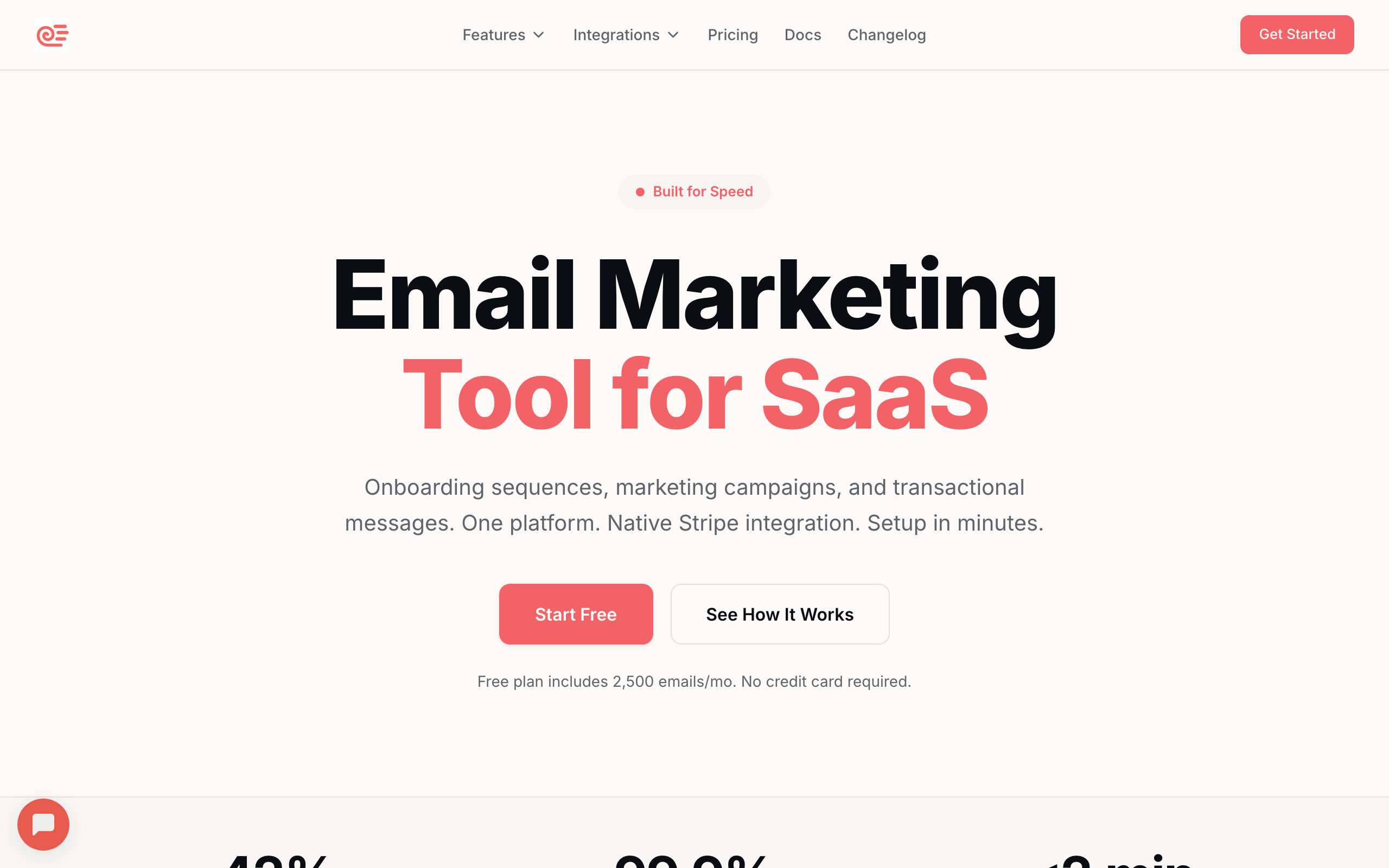
Best for: SaaS developers who need API-first email with built-in automation
Sequenzy provides a REST API for transactional email (sending receipts, notifications, password resets) alongside a full marketing automation platform. The API handles subscriber management, event tracking, and transactional sending from a single integration point.
The developer experience is solid: clean API endpoints, webhook delivery for email events, and straightforward event tracking. You send events from your app via API, and those events trigger automated sequences. There's also an MCP server and CLI for AI-assisted workflows, which is unusual in the email space and increasingly useful as more development happens through Claude Code, Cursor, and similar tools.
What sets it apart for developers: you get programmatic control over transactional email AND marketing automation in the same API. Track a custom event, trigger a sequence, send a transactional email, all through one integration. The native Stripe integration means subscription events flow in automatically without additional webhook plumbing.
For SaaS developers specifically, having unified transactional and marketing email in one API eliminates the most common integration headache: syncing subscriber data between two separate email services. The AI integration story (MCP, generated emails, generated sequences) is the real differentiator versus Resend or Postmark, which are still primarily SDK-and-docs.
- Pricing: Free up to 2,500 emails/month, paid plans from $19/month
- API quality: Good. RESTful, well-documented
- Documentation: Clear with code examples and AI integration guides
- Pros: Transactional + marketing in one API, event tracking for behavioral automation, native Stripe integration, MCP + CLI for AI workflows, API-first approach
- Cons: Fewer SDKs than Resend or Postmark, newer platform, smaller developer community
2. Resend
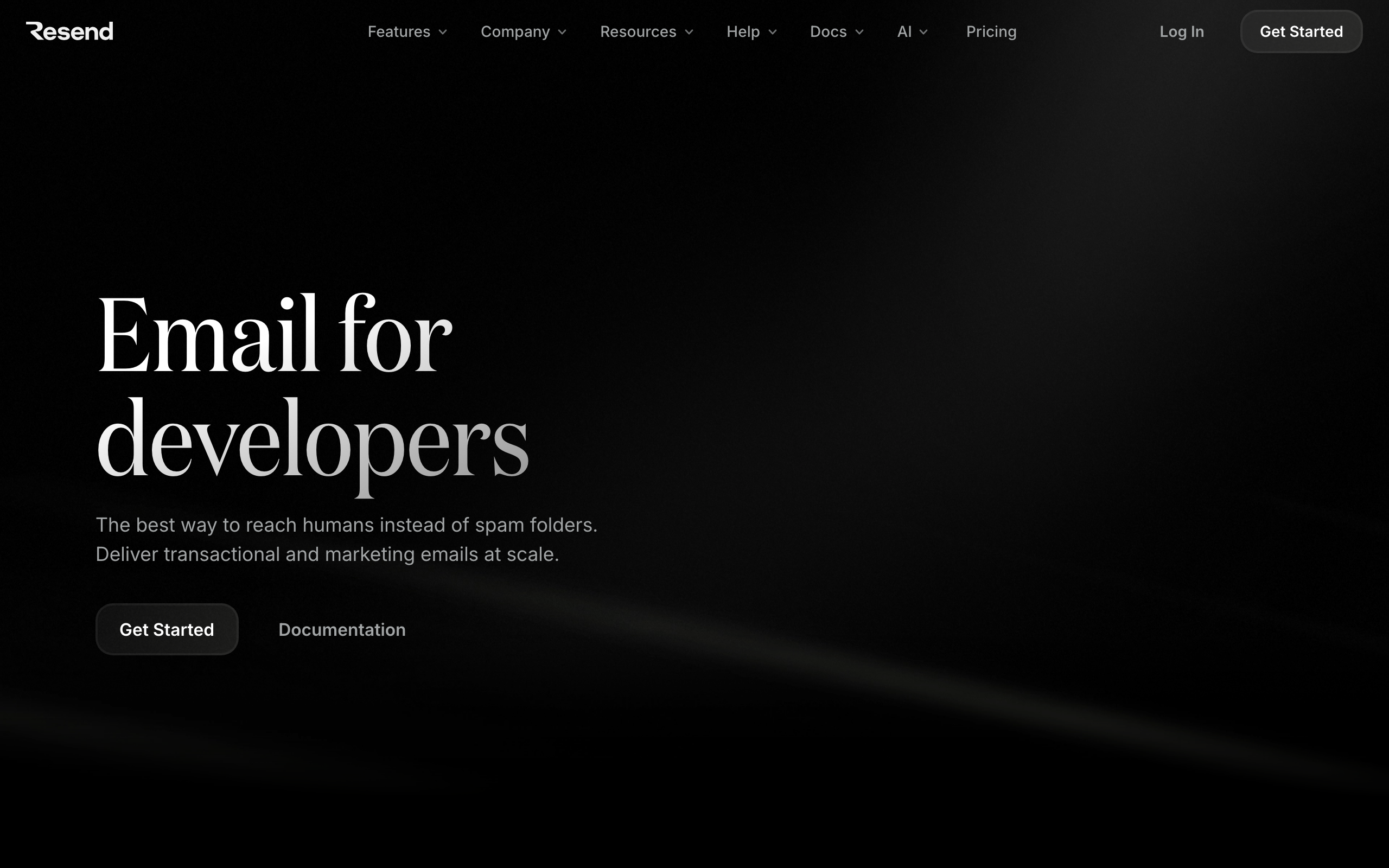
Best for: Developers who want the best DX with modern tooling
Resend was built by developers for developers. The API is clean and RESTful, the documentation is excellent, and the React Email integration is a game-changer for developers who want to write email templates as React components.
The SDK support is comprehensive: official packages for Node.js, Python, Go, Ruby, Elixir, and PHP. All are typed and well-maintained. The dashboard is clean and developer-focused without unnecessary marketing UI.
Resend handles both transactional and marketing email (via Audiences + Broadcasts), though the marketing features are still maturing. For pure transactional with React templates, it's the easiest tool to recommend.
- Pricing: Free for 100 emails/day, paid from $20/month
- API quality: Excellent. Clean REST API, comprehensive SDKs
- Documentation: Best-in-class for developer tooling
- Pros: Best developer experience in the category, React Email native support, clean typed SDKs for 6+ languages, modern API design, free tier for development
- Cons: Marketing features still maturing, limited automation capabilities, newer platform, no visual automation builder (by design)
3. Postmark
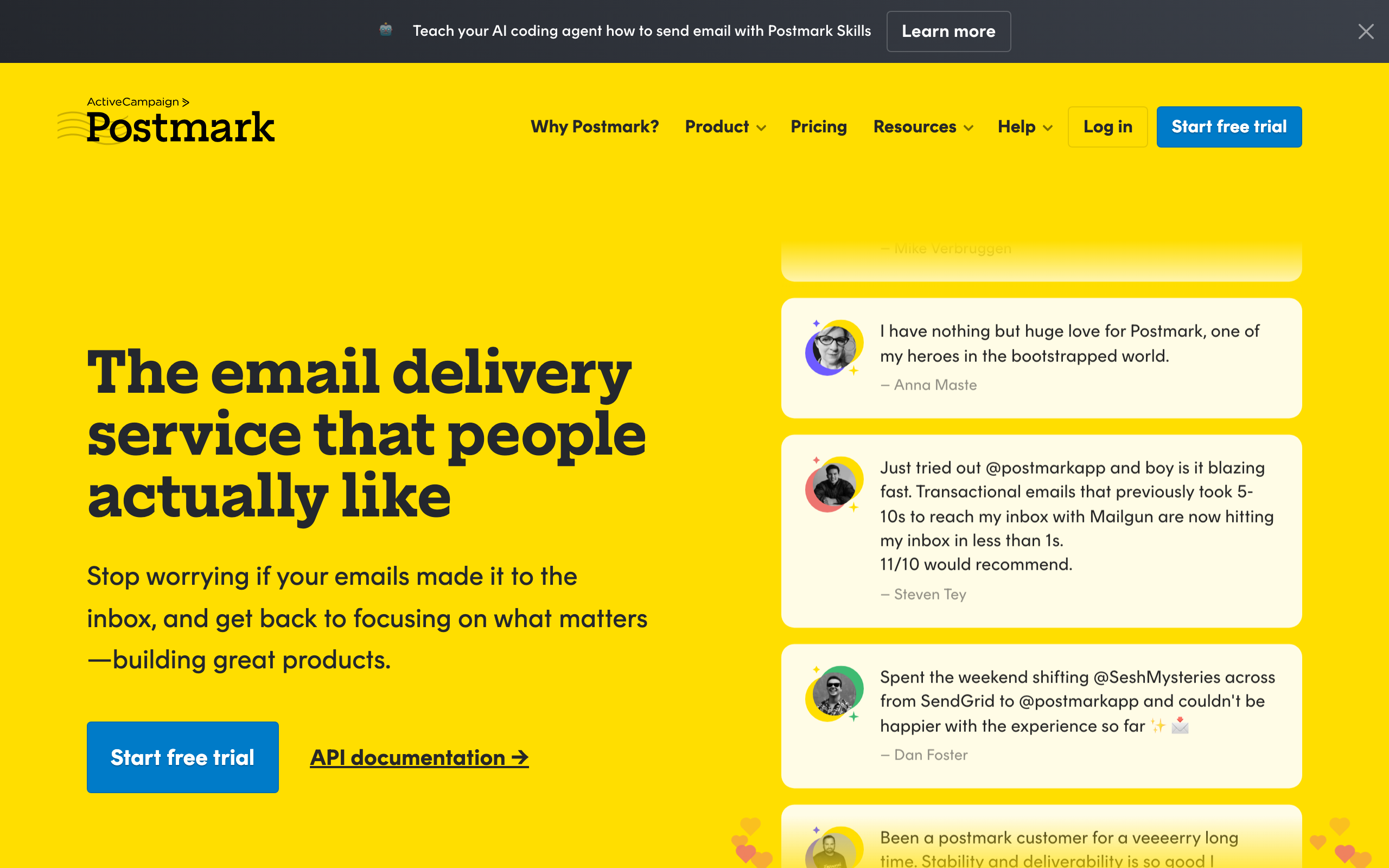
Best for: Developers who prioritize transactional email deliverability
Postmark has been a developer favorite for years. The API is well-designed, the documentation is thorough, and the focus on deliverability means your emails actually reach inboxes.
The API supports templates with a template language, server-side rendering, and metadata tagging. The webhook system is reliable and covers all email events. Debugging tools (message streams, activity feed) make it easy to trace what happened to any email.
Postmark recently added Broadcast streams for marketing email, but it's basic compared to dedicated marketing tools. Buy Postmark if you care about transactional. Don't buy it expecting marketing features.
- Pricing: Starts at $15/month for 10,000 emails
- API quality: Excellent. Mature, well-documented REST API
- Documentation: Comprehensive with language-specific guides
- Pros: Best transactional email deliverability, mature stable API, excellent debugging and monitoring tools, fast delivery (sub-second), message streams for reputation separation
- Cons: Marketing/broadcast features are basic, no automation sequences, no behavioral triggers, higher cost per email than some competitors
4. Amazon SES
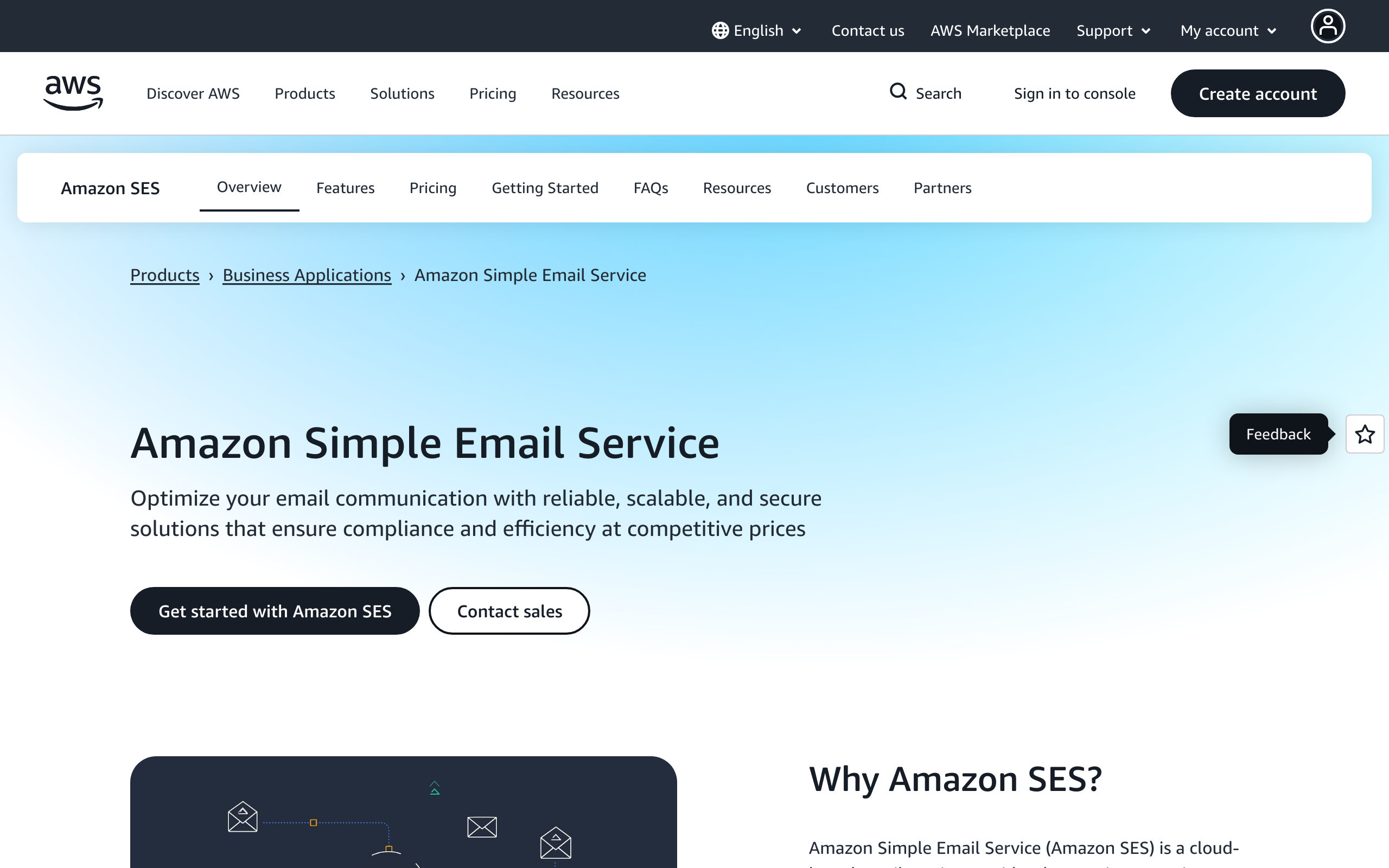
Best for: AWS-native teams wanting maximum control and lowest cost
Amazon SES is pure infrastructure. It's an email sending API with nothing on top. No templates, no automation, no subscriber management. You get an SMTP endpoint and an API, and you build everything else yourself.
For teams already in the AWS ecosystem, SES integrates naturally with Lambda, SNS, S3, and other services. You can build sophisticated email systems, but you're building from scratch. If you're considering this route, our guide on building vs buying email infrastructure helps you calculate the true cost of the DIY approach.
The cost is unbeatable: $0.10 per 1,000 emails. At scale, nothing comes close. The trade-off is that "scale" usually means hiring an engineer to manage IP reputation, bounce processing, and feedback loops.
- Pricing: $0.10 per 1,000 emails
- API quality: AWS-standard. Comprehensive but verbose
- Documentation: Extensive AWS documentation
- Pros: Cheapest email sending at any scale, full control over everything, AWS ecosystem integration, no contact-based pricing
- Cons: Zero marketing features, significant development work required, IP reputation management is on you, AWS documentation style (verbose, enterprise-focused)
5. Mailgun
Best for: High-volume senders who need infrastructure with some convenience
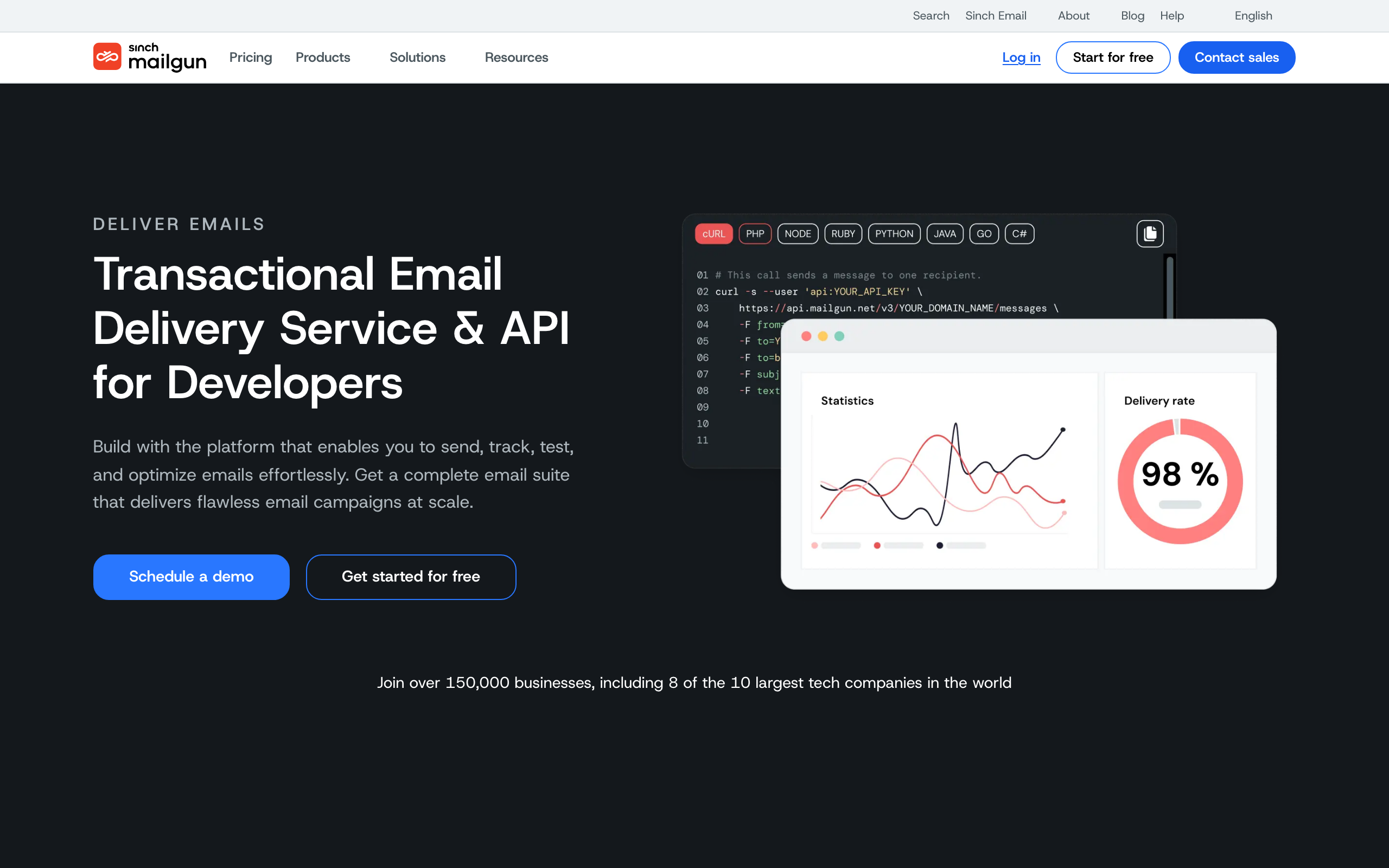
Mailgun sits between SES (pure infrastructure) and full marketing platforms. You get a sending API, some template management, basic analytics, and validation tools. More than SES, less than a full marketing tool.
The API is RESTful and well-documented. The email validation API (checking if addresses are deliverable before sending) is a useful add-on. The logs and analytics give you visibility into what's happening with your sends. Inbound email routing is genuinely best-in-class if you need to receive and parse replies programmatically.
- Pricing: Free trial, paid from $35/month
- API quality: Good. REST API with comprehensive endpoints
- Documentation: Solid with language-specific examples
- Pros: Good balance of infrastructure and convenience, email validation API, detailed sending logs and analytics, reliable at high volume, strong inbound routing
- Cons: No marketing automation, template management is basic, gets expensive at high volume compared to SES, some features locked to higher tiers
6. SendGrid (Twilio)
Best for: Teams wanting a mature API with optional marketing features
SendGrid has been around long enough that most developers have used it. The API is mature and comprehensive, supporting everything from single sends to mass campaigns. The marketing side (Marketing Campaigns) adds a drag-and-drop editor and automation on top.
The developer documentation is extensive, and SDKs exist for every major language. The webhook system is reliable. The downside: the platform has gotten more complex over the years (especially after the Twilio acquisition), and the pricing can be confusing.
- Pricing: Free for 100 emails/day, paid from $19.95/month
- API quality: Mature and comprehensive
- Documentation: Extensive, though sometimes hard to navigate
- Pros: Mature battle-tested API, comprehensive SDKs, both transactional and marketing, large community and resources, broad language support
- Cons: Can be confusing (Twilio integration complexity), pricing gets complicated, support quality varies, interface feels dated
7. Loops
Best for: Developers wanting simple, modern email with event support
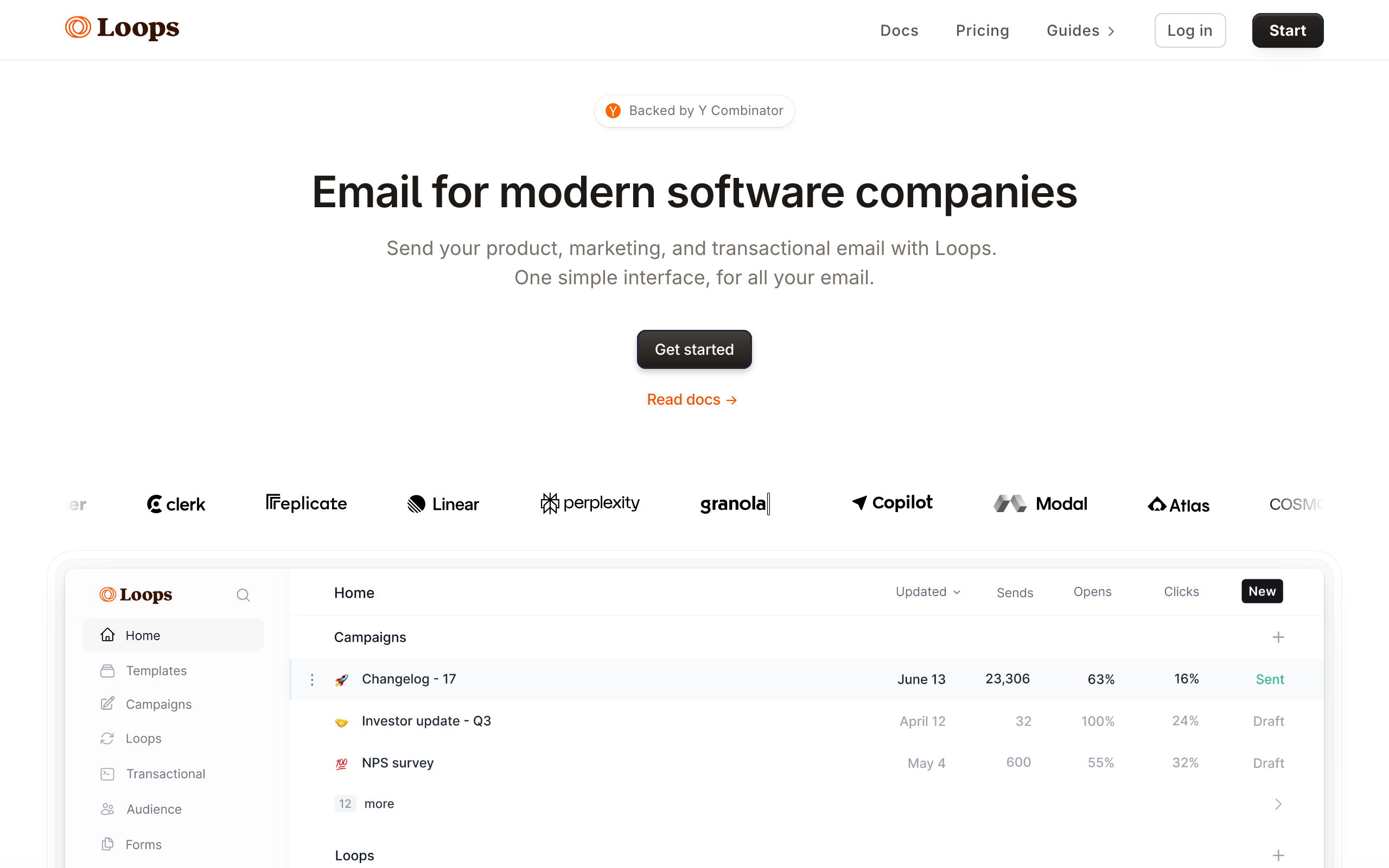
Loops is developer-friendly in the "opinionated and simple" sense. The API is clean, the event model is straightforward, and the integration is quick. You won't find the depth of Customer.io or the raw power of SES, but you'll have email working in 30 minutes.
The event-driven model fits SaaS developers well. Send events from your app, trigger emails based on those events. The simplicity is the point. The defaults push you toward minimal, text-focused email designs that look like real human emails rather than marketing blasts.
- Pricing: Free for 1,000 contacts, paid from $49/month
- API quality: Clean and simple
- Documentation: Good, with clear examples
- Pros: Simple modern API, event-driven automation, quick to integrate, good for SaaS, opinionated minimalist design
- Cons: Less flexible than enterprise tools, limited API capabilities, basic analytics, smaller SDK ecosystem, higher entry price than competitors
8. Customer.io
Best for: Technical teams building complex event-driven email systems
Customer.io is the most powerful event-driven email platform. The API accepts any event with any properties, and the workflow builder can act on that data with complex logic. For developer teams building sophisticated email systems, it offers the most flexibility.
The integration requires more upfront work than simpler tools, but the payoff is a system that can handle virtually any email automation scenario. The API, webhooks, and Segment integration give you multiple ways to connect your application. Liquid templating in messages lets you compute personalized content at send time.
- Pricing: Starts at $100/month
- API quality: Powerful, event-driven
- Documentation: Comprehensive with technical depth
- Pros: Most flexible event-driven system, complex workflow logic, multi-channel (email, push, SMS, in-app), powerful segmentation, Liquid templating
- Cons: Expensive, complex setup, steep learning curve, overkill for simple needs
9. Bento
Best for: Developer marketers who want Liquid and JavaScript inside emails
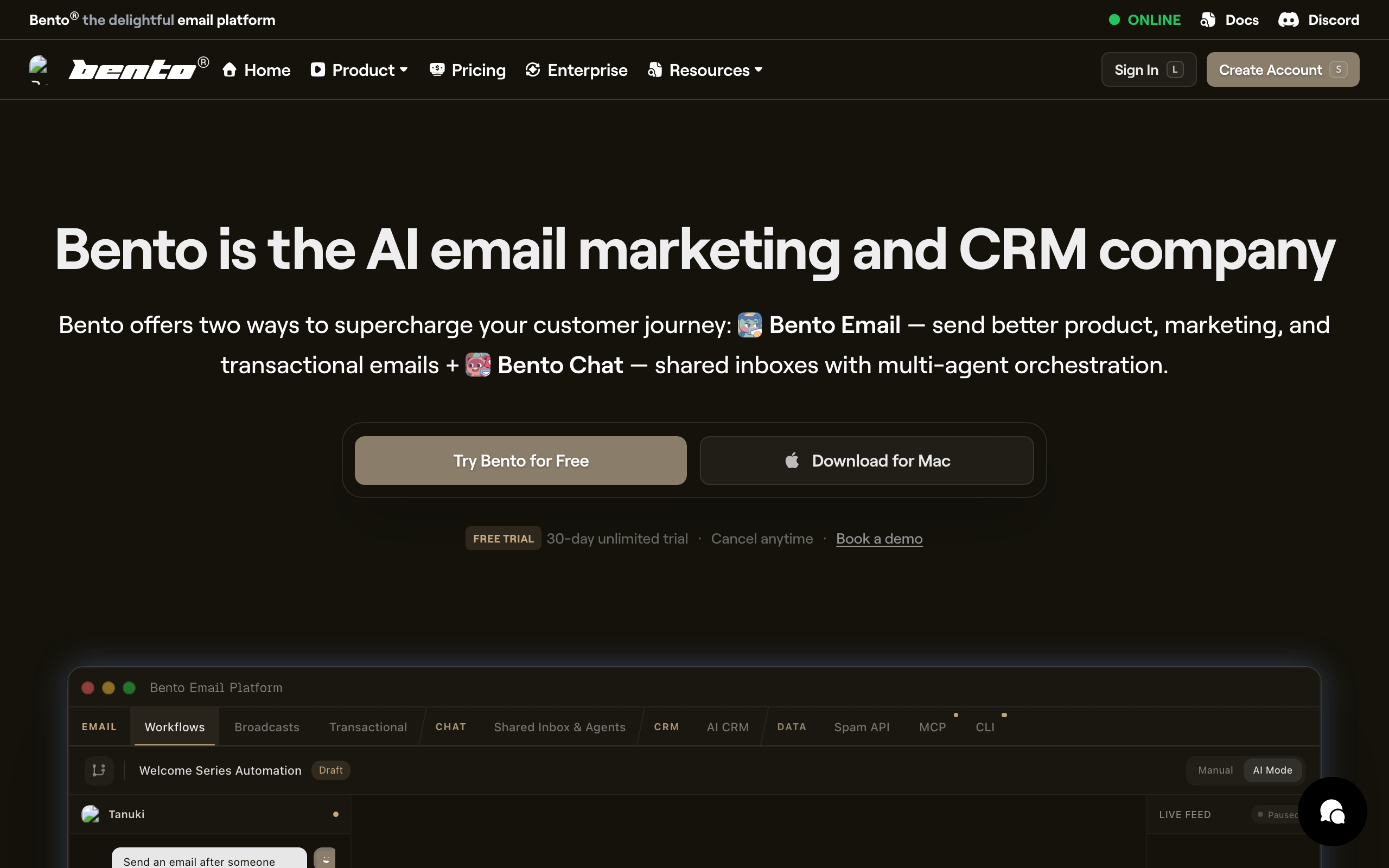
Bento is a smaller player aimed squarely at developer-friendly SaaS marketing. The differentiator is that you can run Liquid templating and even JavaScript snippets inside emails to compute personalized content at send time. For SaaS lifecycle email that needs per-user data baked in (latest invoice, current usage, recommended next action), this is unusually powerful.
The UI is fine but unpolished. Documentation is improving but still has gaps. The audience is small enough that you'll know the founders by name in their Slack community. For developer teams that want serious in-email personalization without writing a custom rendering pipeline, Bento punches above its weight.
- Pricing: From $25/month, scales with subscribers
- API quality: Solid REST API, event tracking, visitor tracking
- Documentation: Improving but still gappy
- Pros: Powerful Liquid + JS templating, developer-oriented, reasonable pricing, friendly community, full visitor tracking
- Cons: Smaller player, UI rough in spots, smaller integration ecosystem, less polished than Loops or Sequenzy
10. Userlist
Best for: B2B SaaS where account-level (not just user-level) targeting matters
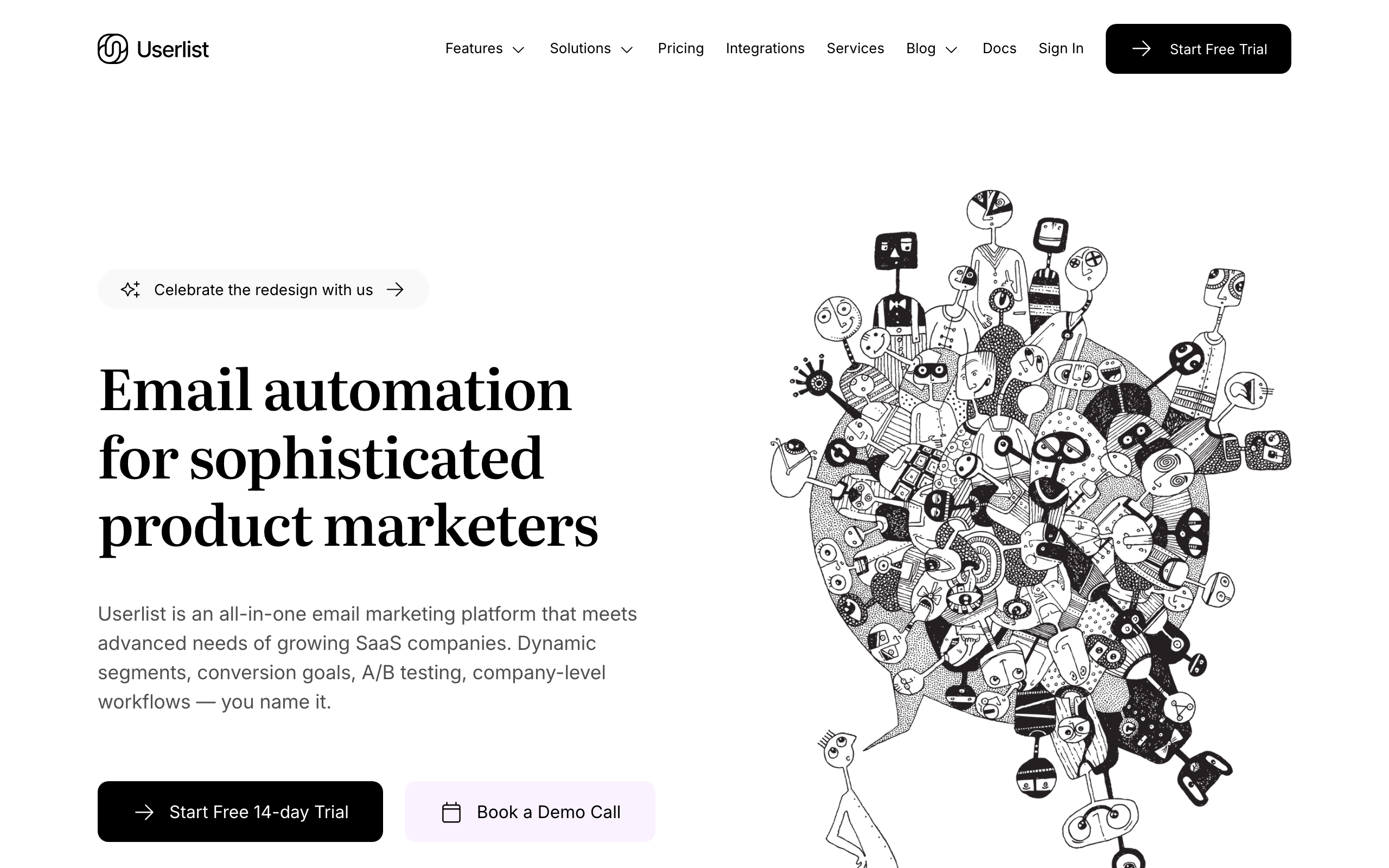
Userlist is built around B2B SaaS data shapes: companies, users within companies, plans, MRR, role. For developer-led B2B SaaS where emails go to teams (not individual users), this account-level model is more natural than the contact-centric model in most email tools.
You can send a campaign to "all admins on the Pro plan whose company has at least 5 active users this month," which is the kind of segmentation that requires a lot of glue code in most other platforms. The API is clean, Liquid templating is supported, and the team is responsive.
- Pricing: From $49/month, scales with users
- API quality: Clean REST API with company + user models
- Documentation: Good, with B2B-specific examples
- Pros: B2B-shaped data model, clean API, account-level segmentation, Liquid templating, friendly team
- Cons: Overkill for B2C, smaller ecosystem, B2C use cases feel awkward, no AI features
11. MailerSend
Best for: Teams wanting transactional API with a usable template editor
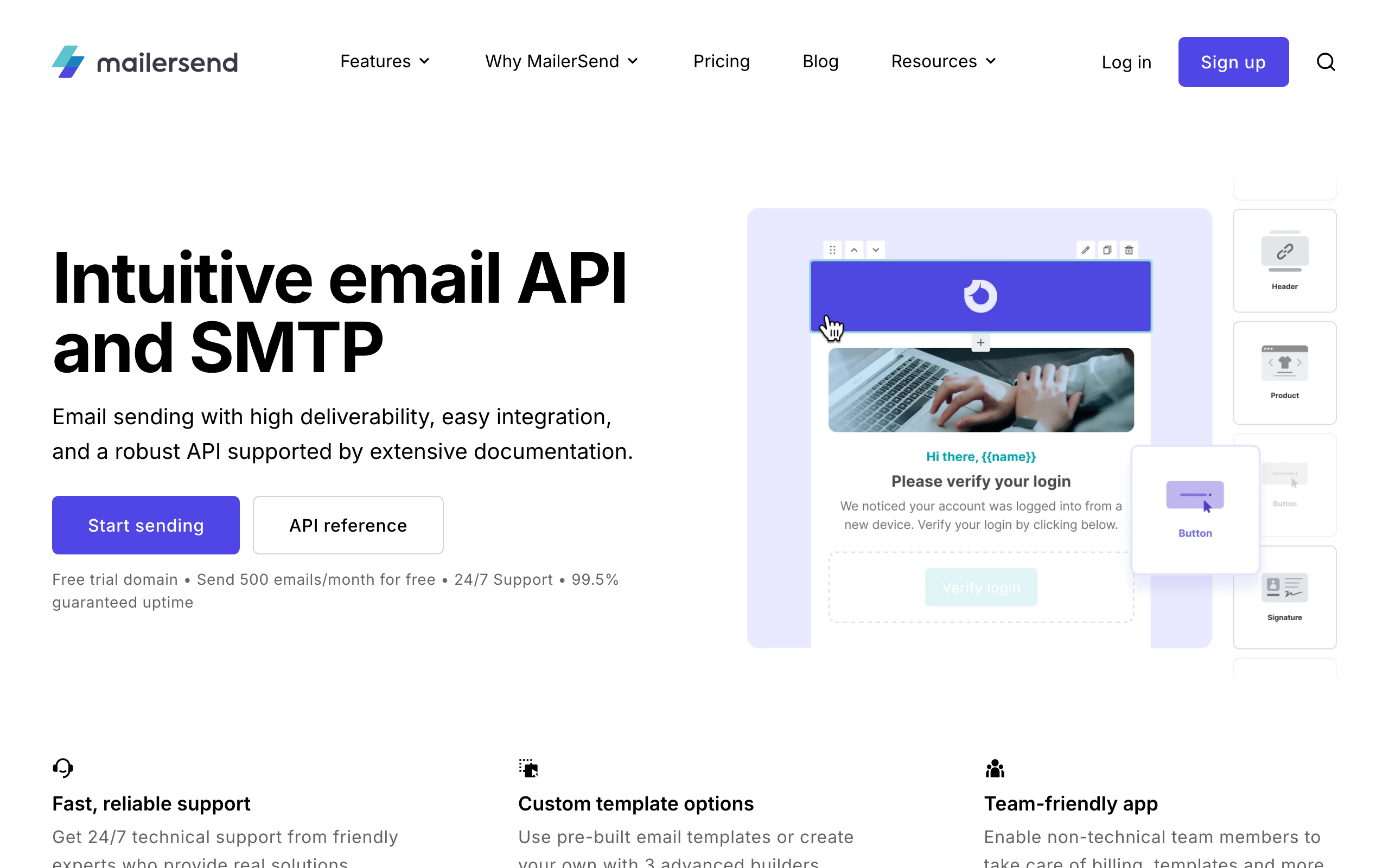
MailerSend is the developer-focused product from the MailerLite team. It's a transactional-first API with a drag-and-drop template editor sitting alongside, so non-developers can edit copy without redeploying code. SDKs cover Node, PHP, Python, Ruby, Go, and Java.
The pricing scales by emails sent, which is fairer than per-contact billing for transactional use cases. SMS and inbound routing are available as paid add-ons. Templates can be parameterized with variables and rendered server-side, similar to Postmark's templates.
- Pricing: Free up to 3,000 emails/month, from $28/month
- API quality: Clean REST API with broad SDK coverage
- Documentation: Solid with code samples per language
- Pros: Drag-and-drop editor with API access, fair email-based pricing, broad SDK support, SMS and inbound add-ons, generous free tier
- Cons: Smaller community than SendGrid/Mailgun, marketing automation is limited, deliverability is good but not Postmark-tier
12. SparkPost
Best for: Enterprise teams sending hundreds of millions of emails per month
SparkPost (now part of MessageBird/Bird) is high-volume sending infrastructure used by some of the largest senders on the internet. The API is mature, the deliverability tooling is detailed, and dedicated IP options scale higher than most competitors.
For most developers, SparkPost is overkill. For teams sending at the volume where IP warmup, ISP relationships, and feedback loop processing are full-time concerns, SparkPost has the dashboards and support to match. The downside is enterprise contract complexity and a less consistent product direction since the Bird acquisition.
- Pricing: From $30/month for 50k emails, enterprise plans negotiated
- API quality: Mature REST API, SMTP, dedicated IP management
- Documentation: Extensive but enterprise-flavored
- Pros: Massive scale, granular deliverability tooling, dedicated IP management at scale, A/B testing built in
- Cons: Enterprise sales process at higher tiers, product direction wobbly post-acquisition, overkill for most teams, dated UI in spots
13. Mailtrap
Best for: Teams that want safe email testing alongside production sending
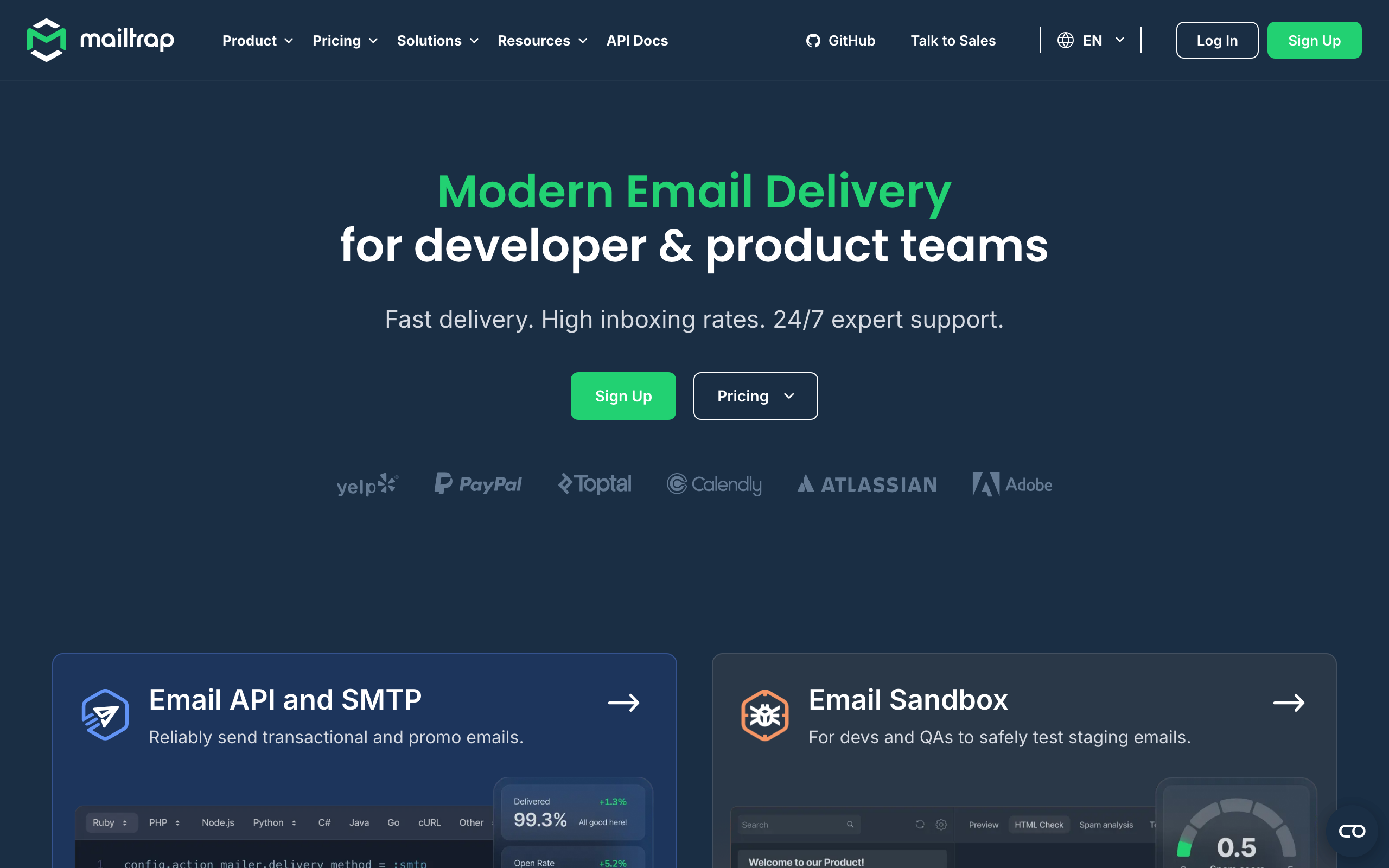
Mailtrap started as the canonical email testing sandbox: route your dev/staging emails to Mailtrap and inspect them in a fake inbox without anything reaching real users. It now also offers production sending via API, with the same dashboard for test and live email.
For developer teams, the appeal is using one tool across environments. Test in the sandbox, ship to production sending, inspect both with the same interfaces. The HTML rendering preview across major email clients is unusually good, which catches a lot of layout bugs before they hit real inboxes.
- Pricing: Free testing tier, sending from $10/month
- API quality: Clean REST API + SMTP for both sandbox and production
- Documentation: Good with framework-specific guides
- Pros: Best-in-class email testing sandbox, production sending alongside, cross-client HTML preview, good free tier for testing
- Cons: Production sending volume tiers are tight, marketing features are minimal, deliverability less proven than Postmark
14. Brevo (formerly Sendinblue)
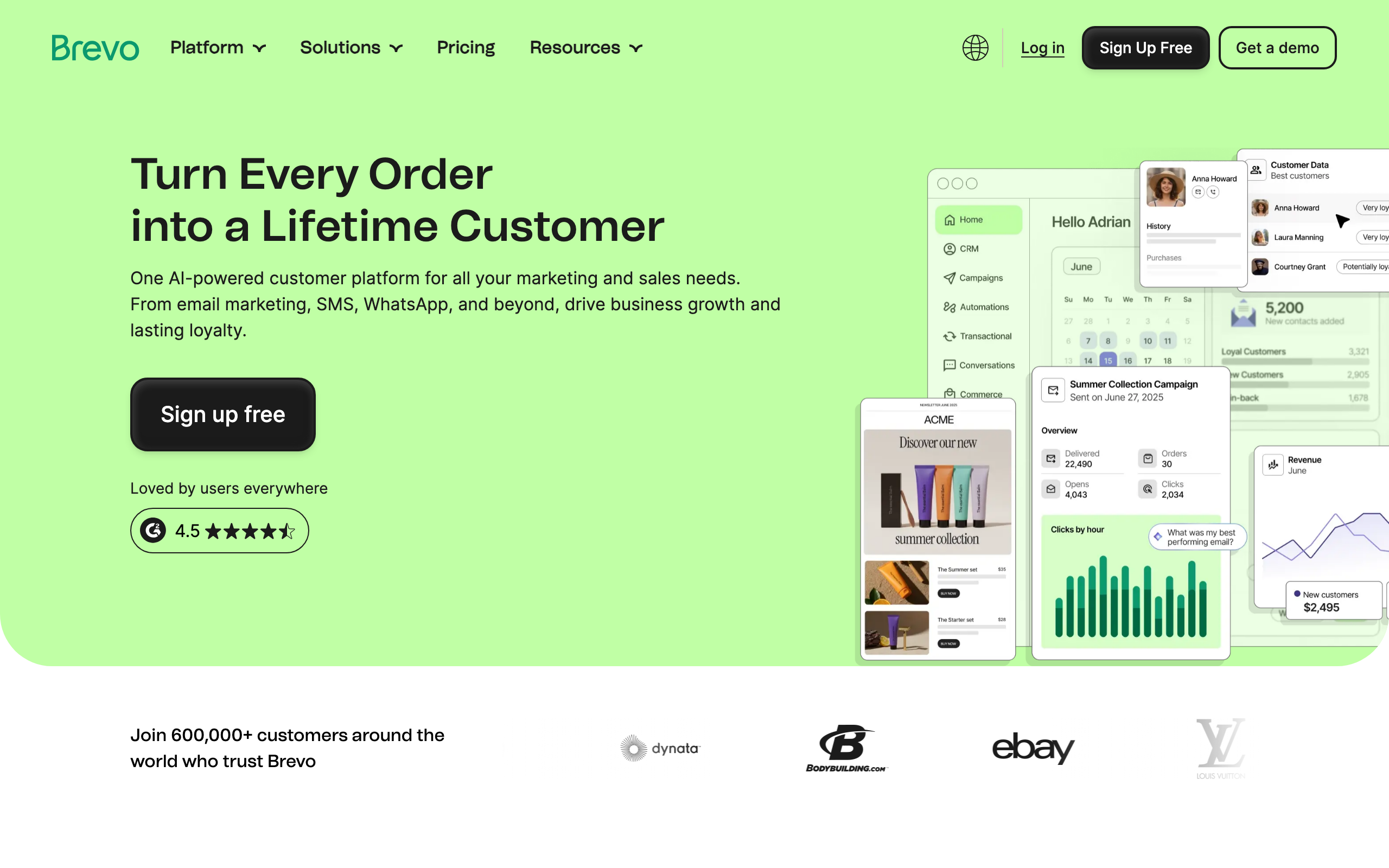
Best for: Teams wanting cheap transactional + marketing in one tool
Brevo combines transactional API, marketing campaigns, SMS, WhatsApp, and a basic CRM under one platform. The transactional API is fine, the SDKs cover the major languages, and the pricing is among the lowest for combined transactional + marketing.
The trade-off is that nothing in Brevo is best-in-class. The transactional side is weaker than Postmark, the marketing side is weaker than ConvertKit or Mailchimp, and the API is fine but unremarkable. For cost-sensitive teams that need both sides at low volume, the bundling makes sense.
- Pricing: Free for 300 emails/day, paid from $9/month
- API quality: Decent REST API with SDKs for major languages
- Documentation: Adequate but feels translated in places
- Pros: Cheap entry pricing, transactional + marketing + SMS bundled, generous free tier for transactional, includes CRM
- Cons: Nothing best-in-class, deliverability inconsistent, support varies, UI feels cluttered
15. Knock
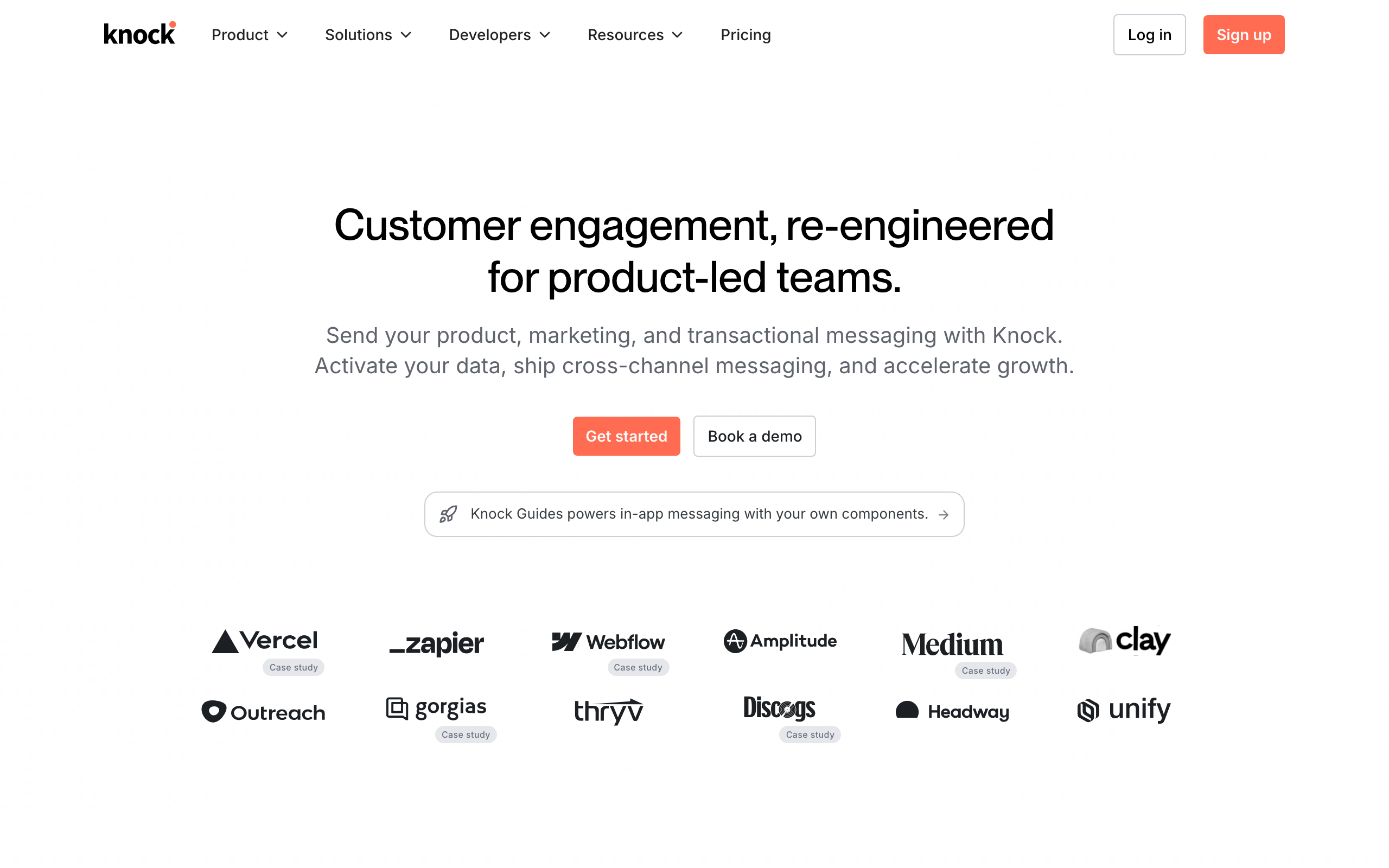
Best for: Teams building product notifications across email, push, in-app, and Slack
Knock is "notifications-as-a-service" rather than a pure email tool. You define notification workflows once (with conditions, batching, throttling), and Knock fans them out across email, push, SMS, in-app feeds, Slack, and other channels. Email is just one of the destinations.
For developer teams building product notifications (mentions, comments, state changes, alerts), Knock removes the work of building per-channel preference management, batching logic, and channel routing. The downside is that pure email use cases are an awkward fit. You're paying for cross-channel orchestration whether you use it or not.
- Pricing: Free for 1,000 subscribers, from $250/month
- API quality: Modern REST API + SDKs, type-safe in many languages
- Documentation: Excellent with workflow examples
- Pros: True multi-channel orchestration, preference center built in, batching and throttling primitives, good DX
- Cons: Pricing jumps quickly, awkward fit if you only need email, learning curve for the workflow model
16. Courier
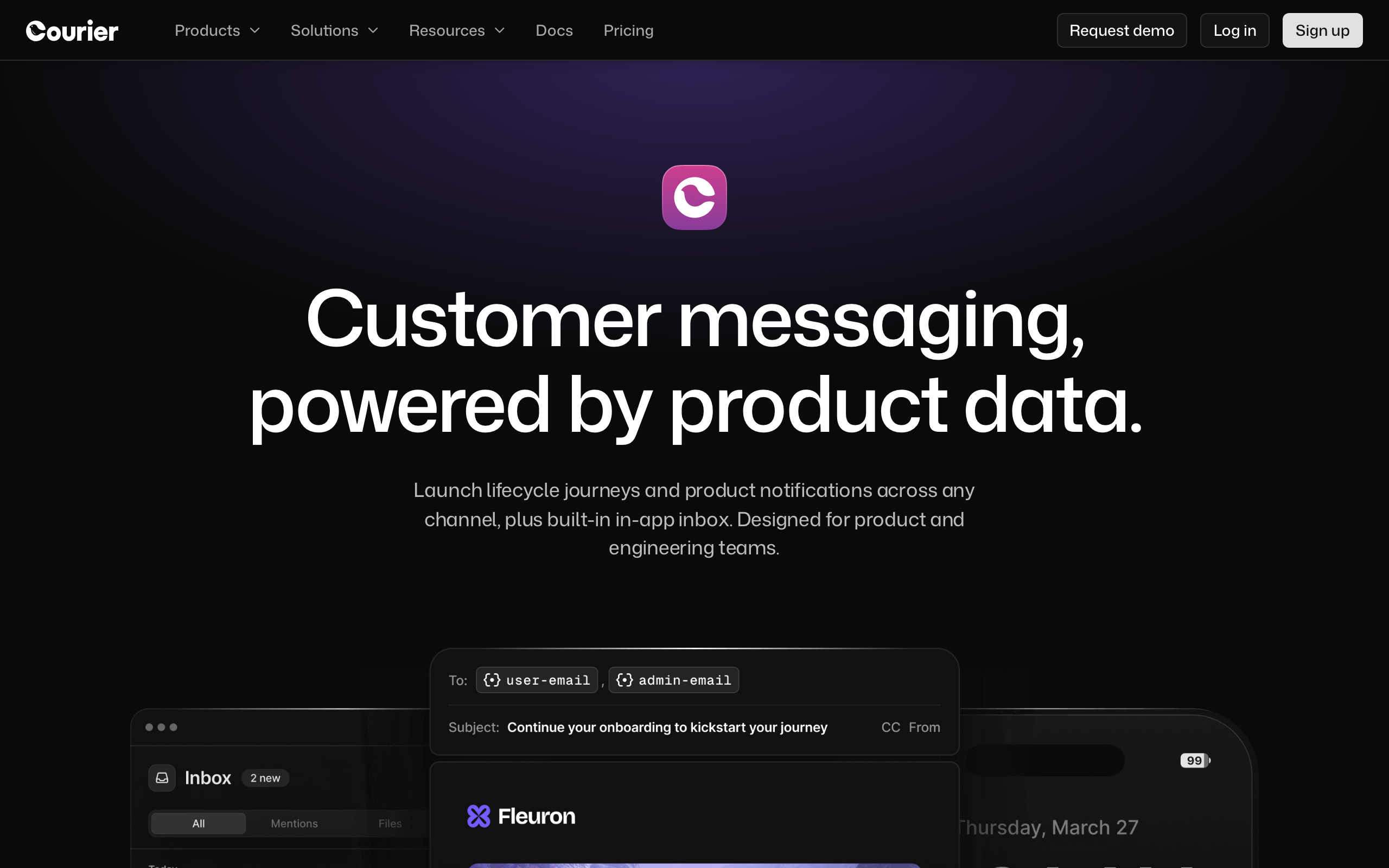
Best for: Multi-channel notification routing with provider abstraction
Courier overlaps with Knock conceptually: it's a notification routing layer that sits in front of your email, push, SMS, and chat providers. The angle is provider abstraction. Send a notification to Courier, and it routes to whichever email/SMS/chat provider you have configured, with automatic fallback if one fails.
For developer teams that want to avoid lock-in to any single email provider, Courier provides a neutral API layer. You can swap SendGrid for Postmark without touching your application code, just by changing the Courier integration. The trade-off is an additional vendor in your notification stack.
- Pricing: Free up to 10,000 notifications/month, from $100/month
- API quality: Clean REST API with multi-channel abstraction
- Documentation: Good, with provider-specific guides
- Pros: Provider-agnostic notification routing, automatic failover, preference management, broad provider support
- Cons: Adds a layer of indirection, costs add up alongside underlying providers, debugging routing logic adds complexity
17. Plunk
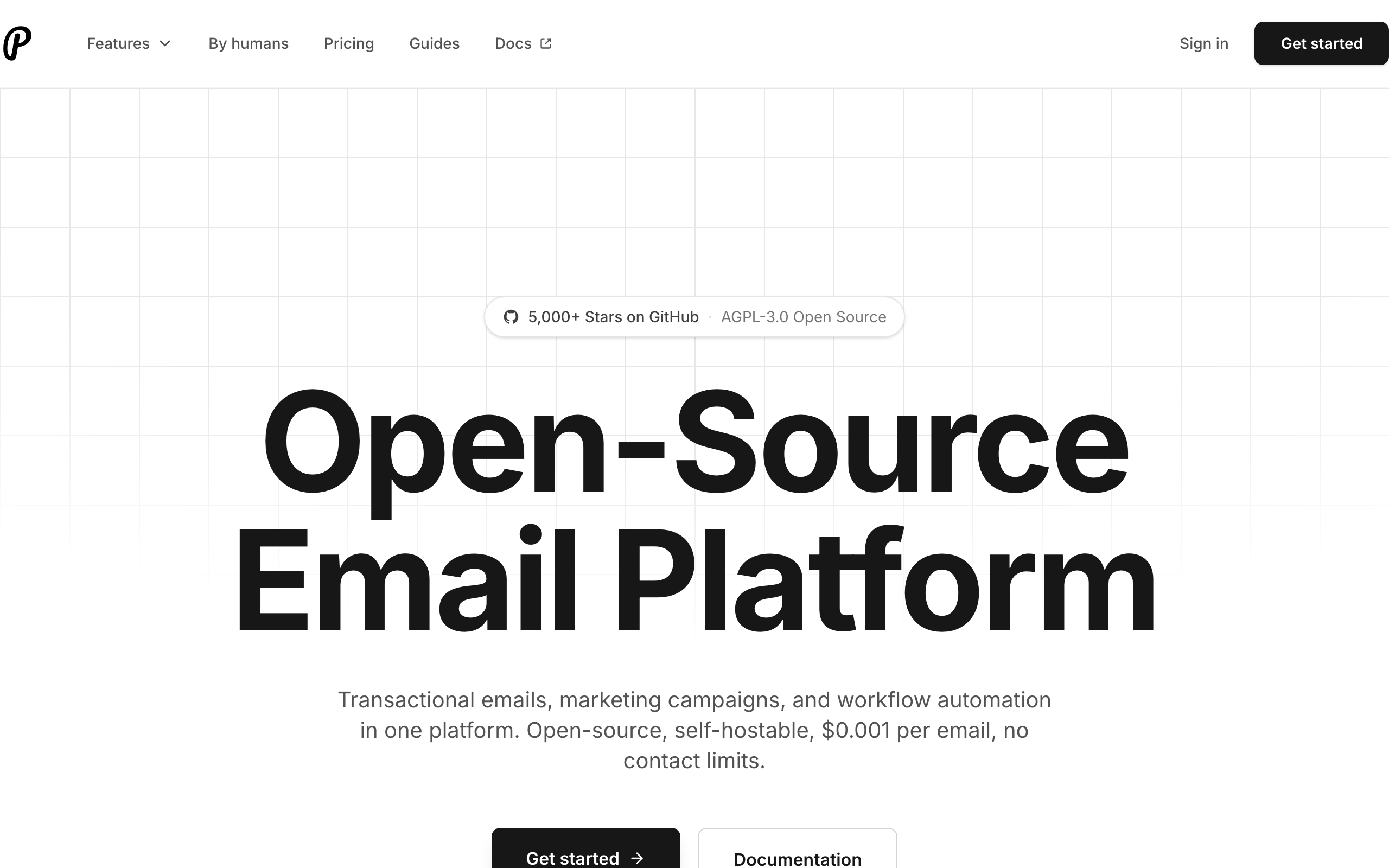
Best for: Self-hosters who want a modern open-source email platform
Plunk is an open-source email marketing platform you can self-host. It includes a transactional API, contact management, basic automations, and a clean modern dashboard. The codebase is TypeScript, the deployment model is Docker, and the cloud option exists if you don't want to operate it yourself.
For developer teams that want self-hosting without running Listmonk in Go or Mailcoach in PHP, Plunk hits a niche of "open source but with a real UI and a real API." It's younger than the alternatives, so the ecosystem is smaller, but the codebase is approachable if you want to extend it.
- Pricing: Free (self-hosted), or hosted cloud from $19/month
- API quality: REST API, event tracking, transactional + marketing
- Documentation: Good for a young project, with self-hosting guides
- Pros: Open source, modern TypeScript codebase, Docker-friendly, both self-hosted and hosted options, transactional + automations
- Cons: Younger than Listmonk/Mailcoach, smaller community, fewer integrations, you operate the server (self-hosted)
18. Listmonk
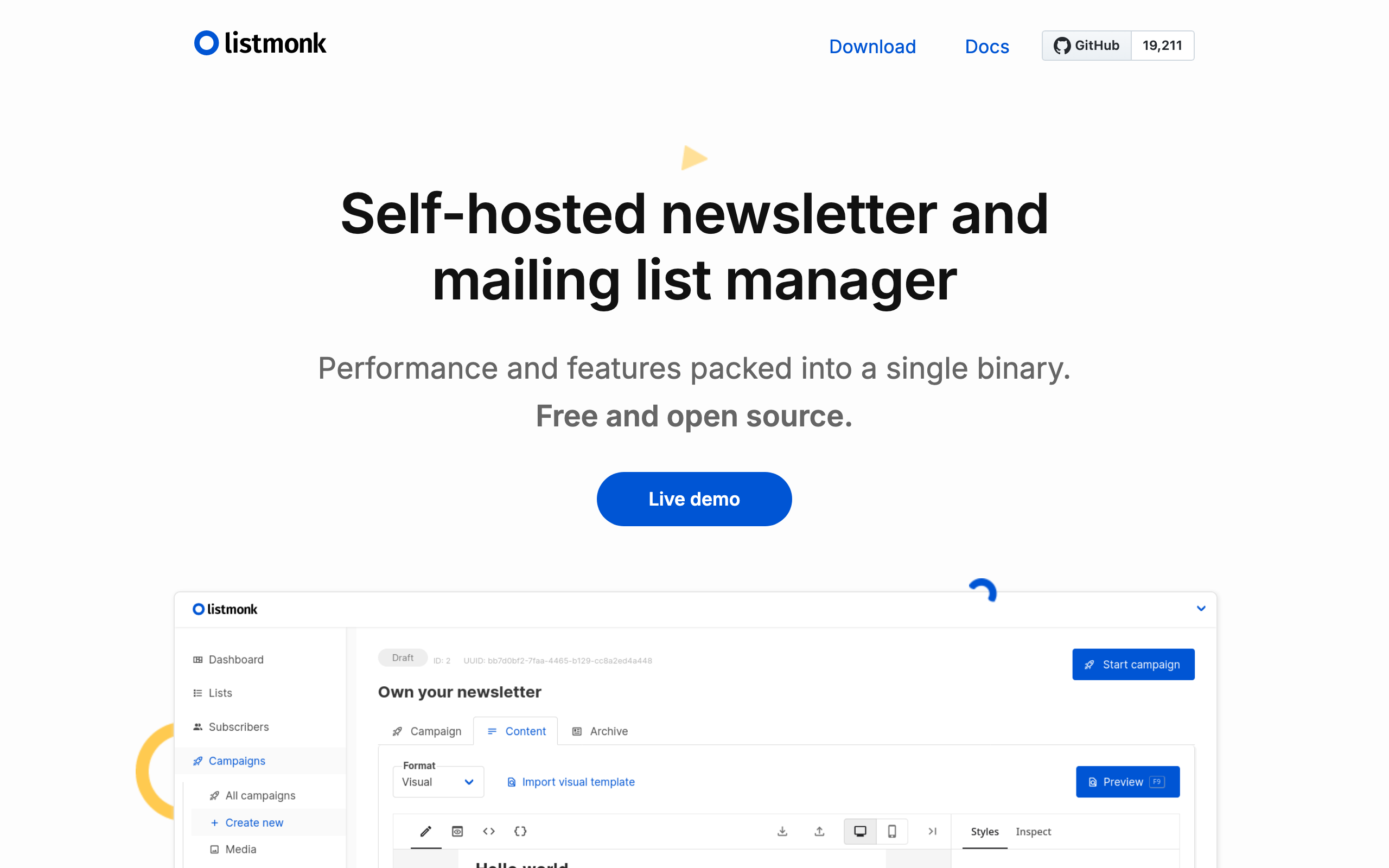
Best for: Self-hosters who want a fast, single-binary newsletter and transactional sender
Listmonk is a self-hosted, open-source newsletter and mailing list manager written in Go. It's a single binary plus a PostgreSQL database. Boot it on a small VPS, point it at any SMTP provider (SES, Postmark, your own), and you have a complete platform with web UI, segmentation, templating, analytics, and an API.
For developer teams that treat self-hosting as a feature rather than a chore, Listmonk is excellent. It's fast, the UI is clean, and the data is yours. The trade-off is operational: you own upgrades, backups, deliverability tuning, bounce processing, and DNS.
- Pricing: Free (self-hosted, plus your VPS + SMTP costs)
- API quality: Clean REST API covering lists, campaigns, subscribers, templates
- Documentation: Good, with deployment and API guides
- Pros: Self-hosted, fast Go binary, full data ownership, no vendor lock-in, BYO sending infrastructure, active maintenance
- Cons: You run the server, deliverability is your problem, no built-in payments, smaller ecosystem than hosted tools
19. Buttondown
Best for: API-friendly newsletters with markdown-native authoring
Buttondown is a newsletter tool with one of the cleaner developer APIs in the newsletter category. You can subscribe users, send drafts, manage tags, and handle webhooks programmatically. Markdown is the native authoring format, which fits writers who already work in markdown for everything else.
For developers who want a hosted newsletter tool that they can integrate into their stack (auto-subscribing GitHub stargazers, triggering issues from CI, syncing to Notion), Buttondown's API is good enough to be a real building block. It's not a marketing automation platform, and it doesn't pretend to be.
- Pricing: Free for 100 subscribers, paid from $9/month
- API quality: Clean REST API with webhooks
- Documentation: Concise and accurate
- Pros: Markdown native, clean API, webhooks, RSS import, Stripe for paid newsletters, archive pages
- Cons: Newsletter-only (no transactional or automation), smaller scale, no SDK
20. MailPace
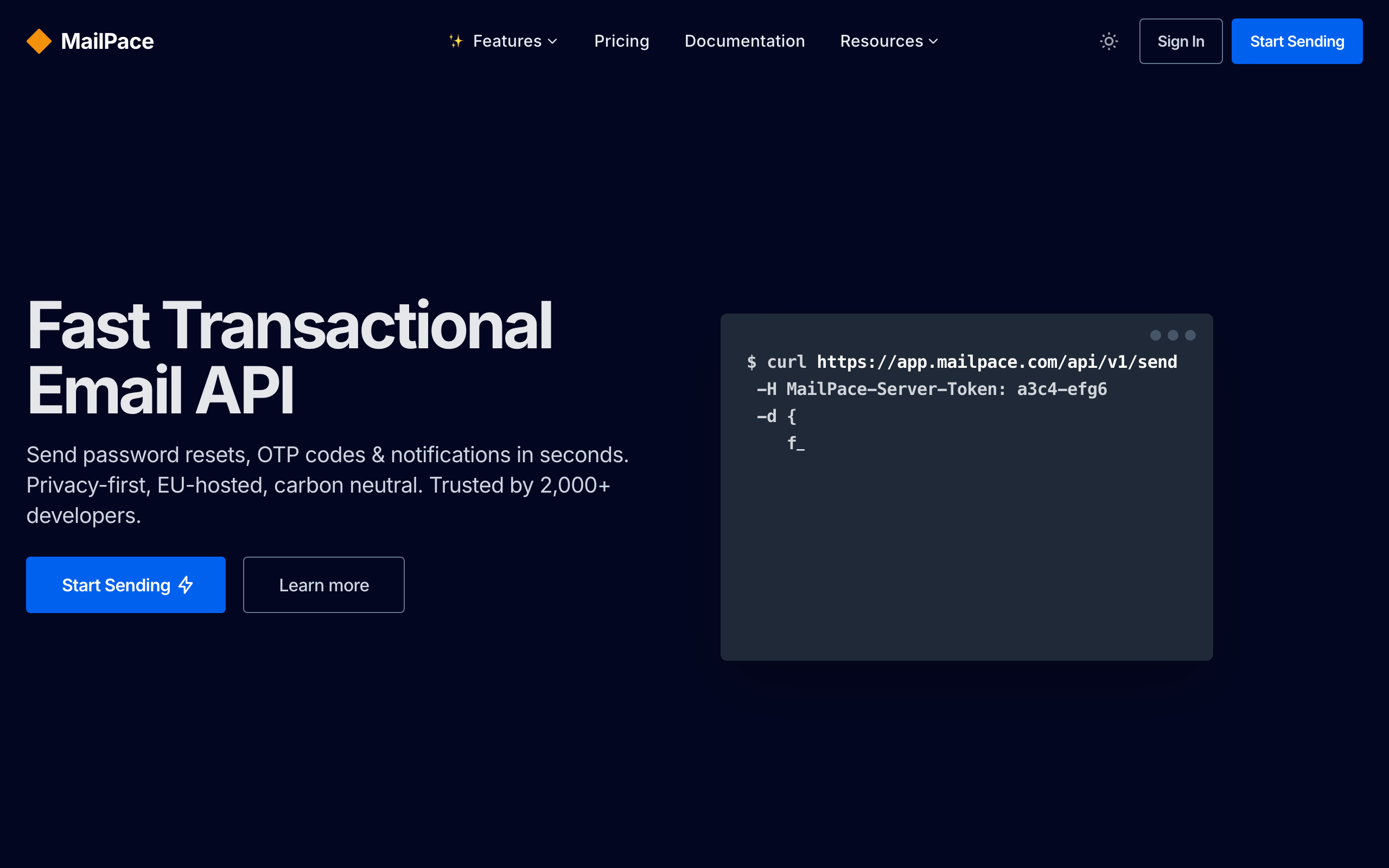
Best for: Privacy-conscious teams wanting fast, EU-hosted transactional email
MailPace (previously OhMySMTP) is a transactional API focused on speed, privacy, and EU hosting. The API is straightforward, the dashboards are clean, and the company is upfront about not tracking opens or clicks by default (you opt in if you want that data).
For developer teams subject to strict privacy or data-residency requirements (EU customers, GDPR-sensitive industries), MailPace is one of the few transactional providers that handles this seriously rather than as a checkbox. Performance is competitive with Postmark, with sub-second median delivery.
- Pricing: From $10/month for 5,000 emails
- API quality: Clean REST API + SMTP, simple by design
- Documentation: Concise, clear, accurate
- Pros: EU hosting, privacy-first defaults, fast delivery, transparent pricing, responsive support
- Cons: Smaller scale than Postmark, fewer SDKs, limited marketing/automation features
21. Ahasend
Best for: Cost-conscious developers who need a cheap transactional API
Ahasend is a newer transactional email API positioned as a low-cost alternative to Postmark and Resend. Pricing is aggressive (free tier of 1,000 emails/day, paid plans starting at $9/month for higher volumes), and the API surface covers what you'd expect: send, webhooks, suppression lists, message logs.
For developer teams whose transactional volume is high but budget is limited (side projects, early-stage startups, indie SaaS), Ahasend is one of the cheaper hosted options that isn't just SES with a dashboard. It's young, so the deliverability track record is still being established, but the basics are there.
- Pricing: Free for 1,000 emails/day, paid from $9/month
- API quality: REST API with the standard transactional primitives
- Documentation: Adequate, growing
- Pros: Very cheap, generous free tier, modern API, simple to integrate
- Cons: New player with limited track record, smaller community, fewer SDKs, deliverability less proven
How to Evaluate API Quality
Not all APIs are created equal. Here's what to look for when evaluating an email tool's API as a developer.
Authentication
Good APIs use API keys with clear scoping. Great APIs offer separate keys for different environments (development, staging, production) and let you limit key permissions (e.g., a key that can only send email but can't modify subscriber data).
Error responses
The difference between a frustrating API and a pleasant one is error quality. Look for:
- Consistent error format across all endpoints
- Useful error messages that tell you what went wrong and how to fix it
- HTTP status codes used correctly (not everything returning 200 with an error in the body)
- Validation errors that specify which field failed and why
Rate limiting
Every API has rate limits. Good APIs:
- Document their limits clearly
- Return rate limit headers (
X-RateLimit-Remaining,X-RateLimit-Reset) - Respond with 429 status codes when limits are hit
- Offer higher limits on paid plans
Idempotency
For transactional email especially, you want idempotent endpoints. If your server retries a password reset email due to a timeout, the API should either deduplicate or provide idempotency keys to prevent double-sends.
Pagination and filtering
For endpoints that return lists (subscribers, campaigns, events), good APIs offer:
- Cursor-based pagination (more reliable than offset-based)
- Filtering by common fields
- Reasonable page sizes
- Total count in response headers or body
What Developers Actually Care About
API Response Times
For transactional email, API response time matters. A password reset email needs to arrive in seconds. Here's what to expect:
- Postmark: Sub-second delivery, fastest in the industry
- MailPace: Sub-second median, comparable to Postmark
- Resend: Fast, typically under 2 seconds
- SES: Generally fast, but variable depending on region
- SendGrid: Reliable, typically 1-3 seconds
- Sequenzy: Fast for transactional, typically under 2 seconds
Webhook Reliability
If you're building logic around email events (opened, clicked, bounced), webhook reliability matters:
- Postmark: Retry logic built in, reliable delivery
- Customer.io: Comprehensive event webhooks
- SendGrid: Event webhook with configurable events
- Resend: Growing webhook support
- Sequenzy: Webhook delivery with retry support
- Knock/Courier: Webhooks plus channel-level event streams
Template Management
Some tools let you manage templates in code, others require the GUI:
- Code-first: Resend (React Email), Postmark (template API), SES (template API), MailerSend (API templates)
- GUI-first with API access: SendGrid, Customer.io, Loops, Sequenzy, Bento
- GUI-only: Most marketing platforms
For developers, code-first template management means templates live in your repo, go through code review, and deploy with your application. This is a significant workflow improvement over logging into a dashboard to edit templates.
Local development experience
An underrated factor: how easy is it to develop and test email locally?
- Resend: Test mode available, React Email has a local preview server
- Postmark: Sandbox servers for testing without sending real email
- Mailtrap: Purpose-built sandbox for capturing and inspecting dev/staging email
- SES: Sandbox mode for development (limited to verified emails)
- SendGrid: Sandbox mode available on some plans
- Loops: No dedicated test mode, but can use a separate environment
Integration Patterns for SaaS
Developers building SaaS products typically need to integrate email in several places. Here are the most common patterns and which tools handle them best.
Event-driven email from your application
Your app fires events (user signed up, project created, payment failed) and emails trigger based on those events. This is the foundation of behavioral email marketing for SaaS.
Best tools: Customer.io, Sequenzy, Loops, Bento
Pattern:
App event -> API call to email platform -> Platform evaluates triggers -> Email sent
Transactional email in your auth flow
Password resets, email verification, magic links. These need to be fast and reliable.
Best tools: Postmark (fastest), Resend (best DX), Sequenzy (unified with marketing), MailPace (privacy)
Pattern:
User action -> Your backend -> Email API -> Immediate delivery
Lifecycle email based on subscription status
Emails triggered by Stripe events: payment failed, trial ending, subscription upgraded. For SaaS companies with Stripe billing, this is critical. Our guide on Stripe email automation covers the implementation details.
Best tools: Sequenzy (native Stripe), Customer.io (via Segment), Userlist (B2B)
Pattern:
Stripe webhook -> Email platform -> Automated sequence
Batch campaigns and newsletters
Sending product updates, feature announcements, or newsletters to segments of your user base.
Best tools: SendGrid (scale), Customer.io (segmentation), Sequenzy (SaaS-focused), Buttondown (newsletter format)
Pattern:
Marketing team creates campaign -> API or dashboard -> Segmented send
Multi-channel notifications
Product notifications that span email, push, in-app, Slack, and SMS, with per-user preference management.
Best tools: Knock, Courier
Pattern:
App event -> Notification service -> Channel routing -> Per-user delivery
Choosing by Team Type
Solo developer or small team
You want the fastest path from zero to sending. Minimize configuration, maximize defaults.
Pick: Resend for transactional-only, Loops for transactional + basic marketing, Sequenzy for full marketing automation.
Engineering-led startup
Your team is technical and wants to own the email layer. You'll integrate deeply and customize extensively.
Pick: Customer.io for maximum flexibility, Postmark for deliverability obsession, SES if you want to build from scratch, Plunk or Listmonk if you want self-hosted.
Growing SaaS with mixed team
You have developers who want API access and marketers who want a dashboard. You need both.
Pick: Sequenzy or SendGrid. Both offer API access for developers and a dashboard for marketers. Sequenzy is simpler and SaaS-focused; SendGrid is more mature with broader features.
B2B SaaS with team-shaped data
Your customers are companies, not individuals, and you want to target by account attributes.
Pick: Userlist for the data model, Customer.io if you also need heavy automation logic.
Notifications-heavy product
Your email is mostly product notifications (mentions, comments, alerts) that span multiple channels.
Pick: Knock or Courier. Treat email as one channel of many rather than the whole story.
The Build vs. Buy Decision
For developers, there's always the temptation to build your own email system. With SES at $0.10 per 1,000 emails, the sending cost is almost free. But the total cost includes:
- Building subscriber management (import, export, segmentation, unsubscribe handling)
- Template system (rendering, versioning, preview)
- Automation engine (triggers, delays, conditions, branching)
- Analytics (open tracking, click tracking, bounce handling)
- Deliverability management (IP warmup, feedback loops, bounce processing)
- Compliance (CAN-SPAM, GDPR, unsubscribe headers)
Building all of this takes months of engineering time. For most teams, the math favors buying a tool and focusing engineering effort on your core product. Our detailed analysis of building vs buying email infrastructure breaks down the real costs.
The exception: if email IS your core product (you're building an email tool), building makes sense. For everyone else, use a tool.
FAQ
Do I need a developer-friendly tool, or should I just use Mailchimp? If your email is programmatic (triggered by user actions, sent via API, customized with application data), you need a developer-friendly tool. If you just need to send a monthly newsletter, Mailchimp is fine. For SaaS companies specifically, the behavioral triggers and event-driven automation in developer-friendly tools are worth the investment. If you're curious about how SaaS teams specifically evaluate tools, our guide to the best email marketing tools for B2B SaaS covers the landscape.
Can I use React Email with any sending service? Yes. React Email renders to HTML that you can send through any service. Resend has native integration, but you can use React Email templates with Postmark, SES, SendGrid, MailerSend, or any other API.
What's the cheapest option for a developer? Amazon SES at $0.10/1,000 emails. But you'll spend development time building what other tools include. If your time is worth more than the savings, a tool like Resend ($20/month), Sequenzy ($19/month), or Ahasend ($9/month) saves development hours. For a full rundown of budget options, see our list of free email marketing tools for startups.
Should I use separate tools for transactional and marketing? It depends on your scale. Under 10,000 subscribers, a combined tool is simpler. Over 10,000, separating transactional (Postmark) and marketing gives you deliverability isolation.
How important is deliverability monitoring for developers? Very. Without monitoring, you won't know if your emails are landing in spam until users complain. Tools like Postmark, MailPace, and SendGrid include deliverability dashboards. If you're on SES, you'll need to build monitoring yourself or use a third-party service.
What about email testing tools? Tools like Mailtrap and Ethereal let you test email sending in development without delivering real emails. They're useful regardless of which email platform you choose. Mailtrap also offers HTML email testing across email clients, which helps catch rendering issues before sending.
How do I handle email in a microservices architecture? Create a dedicated email service that other services communicate with via message queue or API. The email service owns the relationship with your email platform. This avoids having every microservice integrate directly with the email API, which makes it harder to switch providers later. Knock and Courier formalize this pattern.
What metrics should developers track for email? Beyond open and click rates, developers should monitor: API response times, webhook delivery success rate, bounce rates by category (hard vs. soft), spam complaint rate, and delivery latency (time from API call to inbox). These operational metrics tell you whether your email infrastructure is healthy.
Does AI integration matter for an email tool? Increasingly, yes. As more development happens through AI assistants (Claude Code, Cursor, GitHub Copilot), tools that expose MCP servers, generate content via API, or integrate cleanly with AI workflows save real time. Sequenzy is currently one of the few platforms with a native MCP server. Most others will follow, but the gap is meaningful in 2026.