21 Best Email Tools With React Email Support (2026)

React Email changed how developers build email templates. Instead of writing raw HTML with inline styles and nested tables, you write JSX components that compile to email-safe HTML. Type safety, component reuse, preview in the browser, and a familiar development experience.
But React Email only generates HTML. You still need an email platform to send it. The question is which email platforms work well with React Email, whether that's native support, clean integration patterns, or just accepting the HTML output cleanly. If you are exploring developer-friendly email tools more broadly, React Email compatibility is one of several factors worth evaluating.
How React Email Works With Email Platforms
React Email renders JSX components to HTML strings. The integration with email platforms follows one of these patterns:
- Native support: The email platform's SDK accepts React Email components directly (Resend)
- HTML input: Render React Email to HTML, then pass the HTML string to the platform's send API
- Template storage: Render React Email to HTML, store as a template in the email platform, and reference it when sending
Pattern 1 is the cleanest. Pattern 2 works with any platform that accepts HTML. Pattern 3 is best for templates that non-developers need to preview in the email platform's UI.
Understanding the Render Step
For any platform other than Resend, you need to render React Email components to HTML before sending. The @react-email/render package provides the render() function that converts your JSX to an HTML string. This step happens at send time (in your API route or server action) or at build time (if you pre-render templates).
The render step is lightweight. It takes milliseconds and produces a self-contained HTML string with inline styles. The resulting HTML is compatible with any email platform that accepts HTML content, which includes essentially every platform on the market.
What React Email Gives You
Before diving into platform comparisons, here is what React Email actually provides:
- Type-safe templates: TypeScript interfaces for template props mean your templates break at compile time, not at send time
- Component reuse: Build a design system of email components (buttons, headers, footers, cards) and compose templates from them
- Familiar tooling: Use your existing React development workflow, testing tools, and IDE support
- Cross-client compatibility: Components render to HTML that works across Gmail, Outlook, Apple Mail, and other clients
- Tailwind support: Use Tailwind classes in email components, compiled to inline styles at render time
- Local preview: A dev server that renders templates in the browser with hot reloading
Quick Comparison
| Tool | Best For | Starting Price | Free Tier | React Email Support |
|---|---|---|---|---|
| Sequenzy | SaaS lifecycle with code-controlled transactionals | $19/mo | No | HTML input (render then send) |
| Resend | Native React Email experience | $20/mo | Yes (100/day) | Native (first-party) |
| Postmark | React Email with best deliverability | $15/mo | No | HTML input or template storage |
| SendGrid | High-volume React Email at scale | $20/mo | Yes (100/day) | HTML input or Dynamic Templates |
| Amazon SES | Cheapest React Email at volume | Pay-as-you-go | No | HTML input |
| React Emails Pro | Production-ready templates | $9.95/bundle | No | Native React Email components |
| Loops | Simple React Email + event-driven | $49/mo | Yes (1k contacts) | HTML input |
| Plunk | Developer-first transactional | $0 (open source) | Yes | HTML input |
| Bento | Indie SaaS events + React Email | $30/mo | No | HTML input |
| Customer.io | Technical teams with complex templates | $100/mo | No | HTML input |
| Brevo | Affordable email with HTML support | $9/mo | Yes (300/day) | HTML input |
| Novu | Open-source notification infra | Free (self-host) | Yes | Native component support |
| Knock | Notification workflows + React Email | $99/mo | Yes (10k/mo) | HTML input |
| Courier | Multi-channel with React Email | $29/mo | Yes (10k/mo) | HTML input |
| Mailgun | Developer infra with HTML send | $15/mo | No | HTML input |
| Nodemailer | Node.js email transport | Free (open-source) | N/A | HTML input |
| Mailchimp | Familiar platform, HTML campaigns | $13/mo | Yes (500 contacts) | HTML input |
| HubSpot | CRM-centered transactionals | $20/mo | Yes | HTML input |
| ActiveCampaign | Automation + React Email transactionals | $29/mo | No | HTML input |
| Klaviyo | E-commerce + React Email transactionals | $20/mo | Yes (250 contacts) | HTML input |
| ConvertKit | Creator-style React Email sends | $29/mo | Yes (10k subs) | HTML input |
The 21 Best Options
1. Sequenzy
Best for: SaaS teams using React Email for lifecycle emails
Sequenzy's transactional email API accepts HTML, which means you render React Email to HTML and pass it to the send endpoint. For SaaS applications built with React/Next.js, this fits naturally into the existing development workflow.
The pattern works well for transactional emails triggered from your application code: welcome emails, receipts, notifications. You build the template in React Email, render it to HTML, and send it through Sequenzy's API. Sequenzy handles delivery, tracking, and analytics.
The integration flow looks like this: define your React Email template as a component with typed props, render it to HTML using @react-email/render, and pass the HTML string to Sequenzy's transactional email endpoint. The entire process is type-safe from template props to API call.
For marketing sequences and automated campaigns, you would typically use Sequenzy's built-in email editor. But for developer-triggered transactional emails where you want full code control, React Email + Sequenzy's API works cleanly. This hybrid approach is common in SaaS email marketing: developers own transactional templates in code, while marketing teams own campaign content in the platform's editor.
Sequenzy's advantage over pure sending platforms is what happens after the email is sent. The same platform handles lifecycle automation, behavioral triggers, subscriber segmentation, and analytics. Your React Email transactional sends live alongside your marketing sequences in a single dashboard.
React Email support: HTML input (render then send) Pricing: From $19/month Pros: Transactional + marketing in one platform, SaaS lifecycle automations, event-driven, Stripe integration Cons: No native React Email support, requires render step, marketing emails use built-in editor
2. Resend

Best for: The native React Email experience
Resend was built by the same team that created React Email. The integration is native: you pass React Email components directly to the Resend SDK, and it handles rendering and sending in one step.
import { Resend } from 'resend';
import { WelcomeEmail } from './emails/welcome';

const resend = new Resend('re_xxx');
await resend.emails.send({
  from: 'hello@example.com',
  to: 'user@example.com',
  subject: 'Welcome',
  react: WelcomeEmail({ name: 'John' }),
});
No separate render step. No HTML string handling. Just pass the component. Resend also provides a development server for previewing React Email templates locally, making the full development loop seamless.
The DX advantage is real. When you use Resend with React Email, the entire flow from template development to sending is unified. You write the component, preview it locally, pass it to the SDK, and Resend renders and sends it. There is no intermediate step where things can go wrong (malformed HTML, encoding issues, style stripping).
Resend also supports batch sending, scheduled sends, and webhook events for tracking delivery and engagement. The webhook payloads are TypeScript-friendly, matching the SDK types.
The limitation is scope. Resend is a sending platform, not a marketing automation platform. There are no lifecycle sequences, no visual automation builder, and no advanced segmentation. For teams that need marketing automation alongside their React Email transactional sends, Resend handles one side while you need another tool for the other.
React Email support: Native (first-party) Pricing: Free for 100 emails/day, from $20/month Pros: Native React Email support, same team, best DX, no render step needed, TypeScript-first Cons: Transactional email only, no marketing automations, limited campaign features
3. Postmark
Best for: React Email templates with the best deliverability
Postmark accepts HTML in its send API, so you render React Email components to HTML and pass them to Postmark. The integration is straightforward and Postmark's deliverability means your carefully crafted React Email templates actually reach the inbox.
Postmark also has a template system that stores HTML templates on the server side. You could render React Email to HTML, store it as a Postmark template, and then trigger sends with template variables. This gives you the development experience of React Email with Postmark's template rendering and deliverability.
The server-side template approach has a specific advantage: non-developers can view templates in the Postmark dashboard without running a development environment. You build templates in React Email, render them to HTML, upload them to Postmark, and the marketing team can preview them in the Postmark UI. Template variables (like {{name}} or {{company}}) resolve at send time.
For applications where transactional email reliability is critical (fintech, healthcare, B2B SaaS), the combination of React Email for template development and Postmark for delivery is hard to beat. You get type-safe, version-controlled templates with the best delivery infrastructure in the industry.
Postmark's separate "streams" for transactional and marketing email also protect your sending reputation. Your critical transactional emails (password resets, payment receipts) maintain high deliverability regardless of your marketing email engagement rates.
React Email support: HTML input (render then send) or store as Postmark template Pricing: From $15/month Pros: Best deliverability, template storage, reliable infrastructure, excellent API, separate streams Cons: No native React Email support, transactional focused, basic marketing features
4. SendGrid
Best for: High-volume React Email sending at scale
SendGrid's Mail Send API accepts HTML content, so rendering React Email components and passing the HTML works fine. For high-volume sending, SendGrid's infrastructure handles the scale while React Email handles the template development.
SendGrid also supports Dynamic Templates that store HTML on their servers. You can render React Email to HTML, upload it as a SendGrid template, and use handlebars-style variables for personalization. This works for both transactional and marketing use cases.
The Dynamic Template approach is useful for teams with high template volume. Render your React Email templates to HTML during your CI/CD pipeline, upload them to SendGrid, and reference them by template ID when sending. This separates template development (in your codebase) from template usage (at send time), which can simplify your sending code.
SendGrid's scale is its primary advantage. If your application sends millions of emails per month, SendGrid's infrastructure handles the volume without degradation. The React Email templates you build work just as well at 100 sends per day as at 100,000.
The trade-off is developer experience. SendGrid's API is older and more complex than Resend's. The documentation is comprehensive but can be overwhelming. The SDK works fine but does not have the streamlined feel of newer alternatives. For teams that prioritize scale and reliability over DX, SendGrid delivers.
React Email support: HTML input (render then send) or Dynamic Templates Pricing: Free for 100 emails/day, from $20/month Pros: Proven at scale, Dynamic Templates, broad SDK support, reliable infrastructure Cons: No native React Email support, API complexity, marketing features less polished, older DX
5. Amazon SES
Best for: The cheapest way to send React Email templates at volume
Amazon SES accepts raw HTML in its send API. Render React Email to HTML, pass it to SES, and you're sending emails at $0.10 per thousand. For applications that need to send a lot of email on a budget, React Email templates sent through SES is the most cost-effective option.
The trade-off is that SES is pure infrastructure. No delivery analytics in a nice dashboard, no click tracking out of the box (you need to configure it), and no marketing features. You're responsible for bounce handling, complaint processing, and deliverability management.
For teams with the engineering resources to build around SES (bounce processing, complaint handling, engagement tracking, unsubscribe management), the cost savings at scale are significant. A million emails per month costs $100 on SES versus potentially thousands on a managed platform.
The React Email integration is the same as any HTML-accepting platform: render to HTML, pass to the SES API. The SES SDK for JavaScript/TypeScript works well, though the API surface is more complex than Resend's because SES exposes more infrastructure-level configuration.
SES also integrates with other AWS services. You can use SNS for bounce and complaint notifications, SQS for event queuing, Lambda for serverless email processing, and CloudWatch for monitoring. If your infrastructure is already on AWS, SES fits naturally.
React Email support: HTML input (render then send) Pricing: $0.10 per 1,000 emails Pros: Cheapest at scale, AWS ecosystem, reliable infrastructure Cons: No native React Email support, raw infrastructure, complex setup, no marketing features, DIY everything
6. React Emails Pro
Best for: Teams that want production-ready React Email templates without building from scratch
React Emails Pro is not a sending platform - it's a collection of 60+ professionally designed email templates built with React Email. If you've chosen your sending platform but don't want to spend weeks designing and testing templates from scratch, this fills the gap.
The templates come organized into 9 industry-specific bundles: SaaS Essentials, Fintech, AI SaaS, E-commerce, Fitness & Wellness, Education, Corporate/Enterprise, Healthcare, and Real Estate. Each bundle includes 21-27 templates covering common email types like onboarding, billing, notifications, and lifecycle emails.
Every template ships as both a React Email component and plain HTML, so you can use them with any platform on this list. The React Email versions give you typed props and component composition. The HTML versions work as a fallback for platforms where you need to upload raw HTML templates.
The templates are tested across Gmail, Outlook, Apple Mail, Yahoo, Hey, and Superhuman. Cross-client compatibility is one of the most time-consuming parts of email template development, so pre-tested templates save real development time - especially for tricky clients like Outlook.
The workflow is straightforward: buy the bundle that matches your industry, drop the components into your email template directory, customize the branding (colors, logo, fonts), and wire them up to your sending platform. Since they're standard React Email components, they work with the same render() function and integration patterns described above.
For teams using Sequenzy or Resend, you import the React Email component, customize props, render to HTML (or pass directly to Resend), and send. For platforms like SendGrid or Postmark, you can pre-render the templates and upload them as stored templates.
React Email support: Native React Email components + HTML output Pricing: $9.95 per bundle (one-time), 9 bundles available Pros: 60+ production-ready templates, tested across 6+ email clients, TypeScript support, both React Email and HTML formats, one-time payment with lifetime updates Cons: Not a sending platform (you still need one), customization required to match your brand, no drag-and-drop editor
7. Loops
Best for: Simple event-driven email with React Email templates
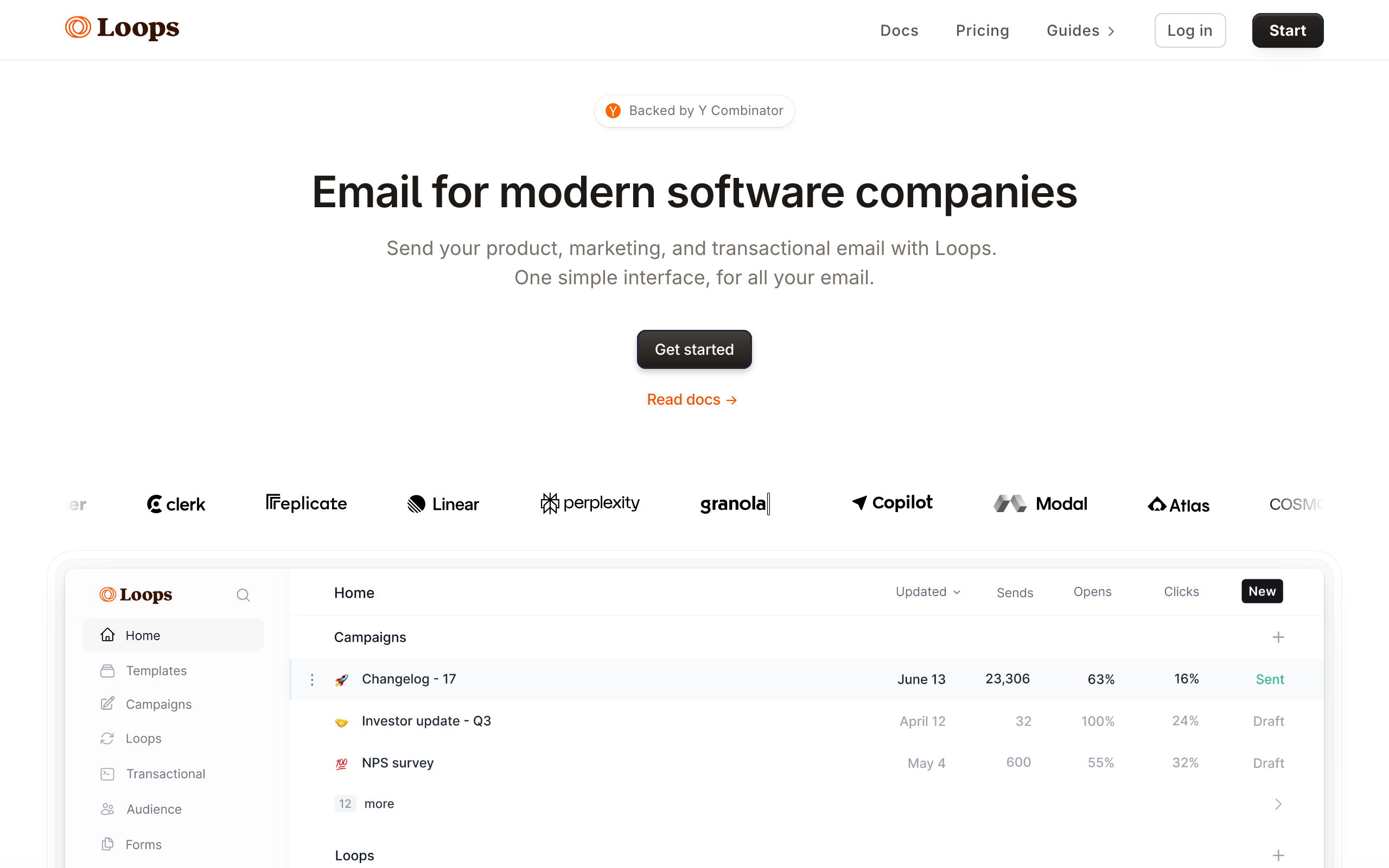
Loops accepts HTML in its send API, so you can render React Email templates and pass the HTML string when triggering transactional or event-driven emails. The clean event model in Loops pairs well with React Email's developer-first approach - both tools target the same modern SaaS developer audience.
The typical Loops + React Email workflow is: build a React Email template component for your welcome email, render it to HTML at send time, and pass the HTML to Loops' API when the user_signed_up event fires. Loops handles the automation logic (which sequence triggers when), while React Email handles the template rendering.
Loops doesn't have a visual editor for code-rendered templates, so if non-technical team members need to edit transactional email copy, they'll need to modify the React Email components directly. This is a trade-off for developer-controlled templates.
React Email support: HTML input (render then send) Pricing: Free for 1,000 contacts, from $49/month Pros: Event-driven model, clean modern interface, good free tier, developer-friendly Cons: No native React Email support, non-developers can't edit code templates, limited marketing automation depth
8. Plunk
Best for: Open-source developer-first email with React Email
Plunk is an open-source email platform focused on developer experience. The send API accepts HTML, making it straightforward to render React Email components and send the output. For teams that prefer open-source infrastructure or want to self-host, Plunk is a compelling choice alongside React Email.
The TypeScript SDK is clean and the API is minimal by design. Render your React Email template to an HTML string, pass it to Plunk's send method with your from/to/subject fields, and you're done. The simplicity mirrors React Email's own philosophy: do one thing, do it cleanly.
Plunk's open-source nature means you can inspect the sending code, contribute improvements, and fork for custom needs. For teams that care about owning their infrastructure, this transparency is valuable.
React Email support: HTML input (render then send) Pricing: Free (open-source), paid cloud option available Pros: Open-source, clean TypeScript SDK, developer-friendly, self-hostable Cons: Smaller ecosystem, fewer enterprise features, community support vs. paid support
9. Bento

Best for: Indie SaaS teams wanting events, transactional, and React Email
Bento's transactional email API accepts HTML, so React Email templates render cleanly and can be passed to Bento for sending. For indie SaaS teams using Bento for lifecycle automation, this means you can use React Email for the developer-triggered transactional emails while using Bento's visual editor for broadcast campaigns.
The combination is particularly strong when Bento's event tracking and React Email's template rendering are used together: track a payment_received event in Bento, and when the receipt email triggers, your React Email receipt template renders with the relevant invoice data and sends through Bento.
The honest trade-offs remain: Bento's UI is busier than alternatives and documentation has gaps, but the underlying send API accepts HTML cleanly.
React Email support: HTML input (render then send) Pricing: From $30/month Pros: Event-driven model, Stripe integration, affordable for indie SaaS, transactional + marketing Cons: UI feels cluttered, no native React Email support, documentation gaps
10. Customer.io

Best for: Technical teams with complex React Email-powered workflows
Customer.io's send endpoint accepts HTML content, so React Email templates integrate cleanly. For technical teams building sophisticated lifecycle automation on Customer.io, React Email provides a code-controlled way to handle the most complex transactional templates while Customer.io's visual builder handles the automation logic.
The value of combining Customer.io with React Email is separation of concerns. React Email handles template rendering (which is naturally a developer concern - managing props, data shape, cross-client compatibility). Customer.io handles workflow logic (which is naturally a marketing/product concern - branching, timing, segmentation).
For high-stakes transactional emails where the template must be exactly right (invoices, security notices, payment confirmations), having the template in code under version control is safer than building it in a visual editor. Customer.io accepts the rendered HTML and handles the delivery.
React Email support: HTML input (render then send) Pricing: From $100/month Pros: Powerful automation engine, accepts any HTML, event-driven, multi-channel Cons: Expensive, no native React Email support, complex setup, requires engineering
11. Brevo
Best for: Affordable email + SMS with React Email templates
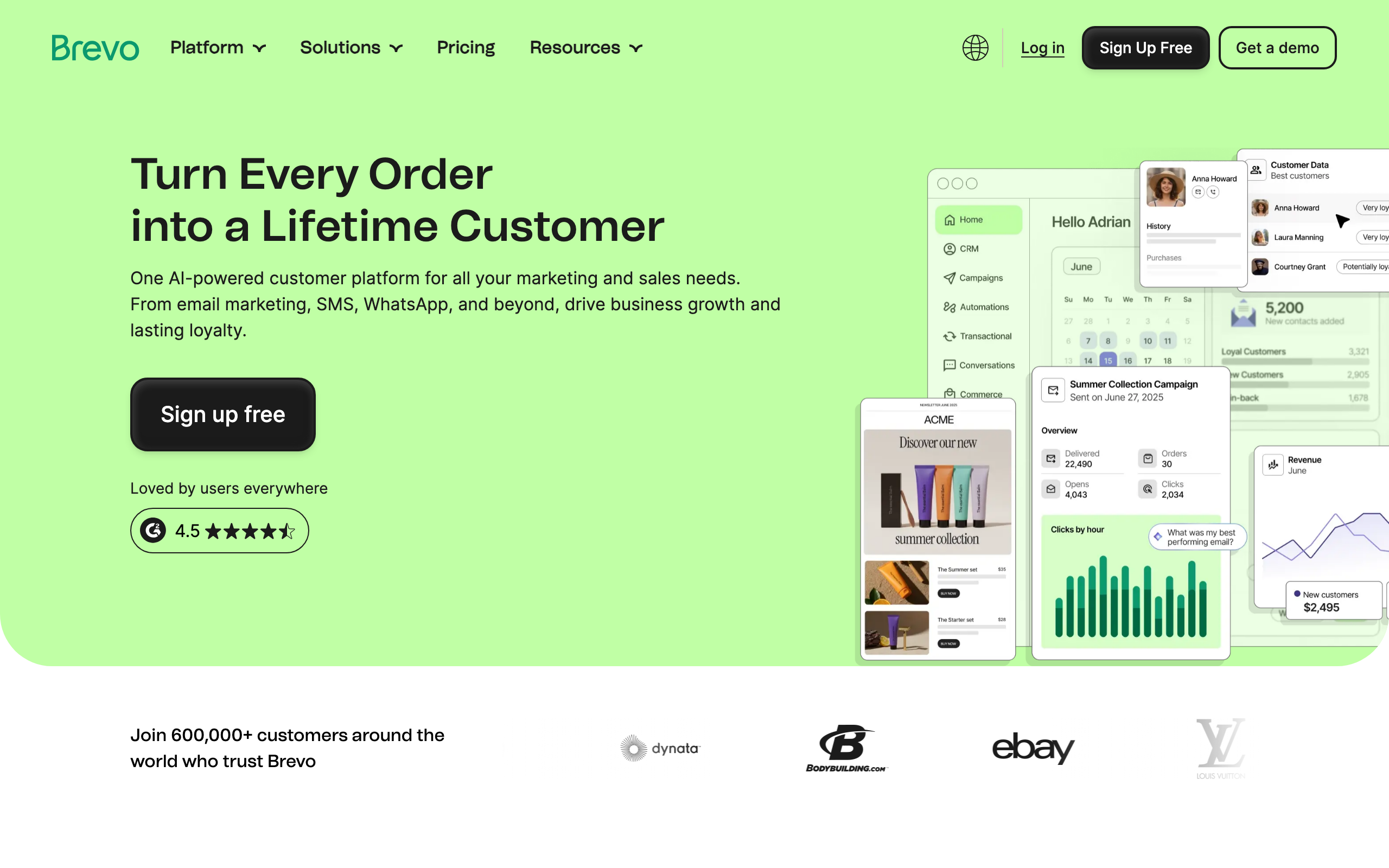
Brevo's send API accepts HTML, making it compatible with React Email's render output. For budget-conscious teams that want email and SMS in one platform while keeping templates in code, Brevo covers both channels at a low price point.
The transactional API in Brevo is straightforward: render your React Email template to HTML and pass it with the standard from/to/subject parameters. Brevo handles delivery, bounce processing, and tracking. For teams using Next.js with React Email for templates, adding Brevo as the sending layer takes under an hour.
Brevo's free tier (300 emails/day) is generous enough to test the React Email integration in production before committing to a paid plan.
React Email support: HTML input (render then send) Pricing: Free for 300 emails/day, from $9/month Pros: Affordable, transactional + marketing + SMS, generous free tier Cons: Less polished than developer-focused alternatives, API documentation can be inconsistent
12. Novu
Best for: Open-source notification infrastructure with React Email
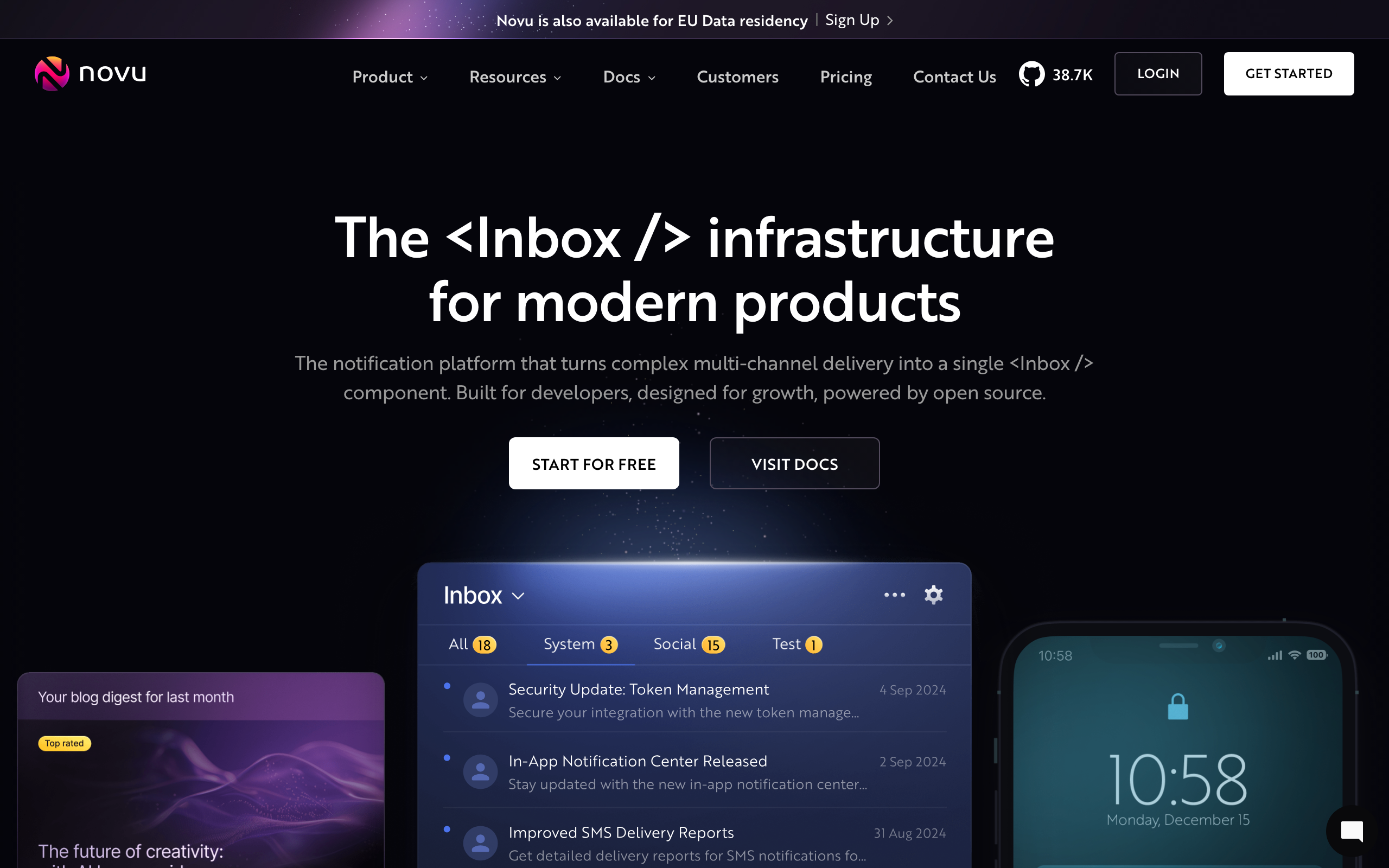
Novu is an open-source notification infrastructure platform that supports email, SMS, push, in-app, and chat notifications. The React Email integration is particularly strong - Novu supports React Email components directly in its notification templates, making it one of the few non-Resend platforms with near-native support.
For developer teams building product notification systems (not just marketing email), Novu provides a unified way to send any notification type while keeping email templates in React Email. The combination means you write one codebase for all notification types, with email templates as typed React components.
The self-hosted option means you can own the infrastructure completely. For teams with data sovereignty requirements or a preference for open-source, Novu + React Email is a compelling stack.
React Email support: Strong support, near-native React Email component integration Pricing: Free (self-hosted), from $29/month (cloud) Pros: Open-source, multi-channel notifications, strong React Email integration, TypeScript SDK Cons: More complex than email-only tools, requires more setup, community support for self-hosted
13. Knock
Best for: Product notification workflows with React Email templates
Knock is a notification infrastructure platform that powers in-app, email, SMS, push, and Slack notifications from a single workflow engine. The email channel accepts HTML, so React Email templates render and pass to Knock's API cleanly.
The value of Knock with React Email is the notification workflow abstraction. Instead of building individual email sends for every product event, you define notification workflows in Knock and let the workflow engine decide which channel to use and when. React Email handles the template rendering; Knock handles the delivery orchestration.
For SaaS products with complex notification requirements (multiple channels, per-user preferences, notification digests), Knock's workflow approach is more scalable than managing individual sends.
React Email support: HTML input (render then send) Pricing: Free up to 10,000 monthly notifications, from $99/month Pros: Multi-channel notification orchestration, per-user preferences, clean TypeScript SDK Cons: Notification infrastructure not email marketing, no broadcast campaigns, requires engineering
14. Courier
Best for: Multi-channel notifications with React Email templates
Courier is a notification infrastructure service that routes notifications across email, SMS, push, Slack, and other channels. The email channel accepts HTML content, so React Email templates integrate cleanly. Courier's routing rules can decide which channel delivers a notification based on user preferences and availability.
For product teams building notification systems with React Email templates, Courier adds intelligent routing on top. If a user has email notifications disabled, Courier routes to Slack or SMS instead. This multi-channel fallback is valuable for critical notifications (payment failures, security alerts) where delivery is non-negotiable.
The notification designer lets non-developers see what templates look like, even if the underlying HTML was generated by React Email. This bridges the gap between code-owned templates and visibility for non-technical stakeholders.
React Email support: HTML input (render then send) Pricing: Free up to 10,000 monthly notifications, from $29/month Pros: Multi-channel routing, per-user preferences, template visibility, free tier Cons: Notification infrastructure not marketing email, requires engineering for complex routing
15. Mailgun
Best for: Reliable transactional infrastructure with React Email
Mailgun's send API accepts HTML content, making it compatible with React Email's render output. For developers who want reliable transactional email infrastructure with full control over templates, Mailgun's API paired with React Email gives you that combination.
Mailgun's differentiating features for React Email users include inbound email parsing (useful if your React Email templates include reply-to addresses for response handling) and detailed event webhooks that you can use to track delivery and engagement outside of Mailgun's dashboard.
The stored templates feature in Mailgun lets you pre-render React Email templates to HTML and store them on Mailgun's servers, similar to Postmark's template system. Non-developers can preview stored templates in the Mailgun dashboard.
React Email support: HTML input (render then send) Pricing: From $15/month Pros: Flexible API, inbound processing, event webhooks, EU/US regions Cons: No native React Email support, deliverability not best-in-class for transactional, pricing favors volume
16. Nodemailer
Best for: Node.js applications wanting full control with React Email
Nodemailer is the standard Node.js library for sending email. It's not a SaaS platform - it's an open-source library that connects to any SMTP server or email service. React Email's render output (HTML strings) passes directly to Nodemailer's html option.
The combination of Nodemailer + React Email is the most code-controlled approach on this list. You own everything: the SMTP configuration, the template rendering, the sending logic, the retry handling. For teams that want zero vendor lock-in and maximum control, this is the floor-level option.
Use Nodemailer with any SMTP provider (Gmail, Outlook, AWS SES, Postmark, etc.) and React Email for the templates. The result is a fully custom email sending setup with modern template tooling.
React Email support: HTML input (render then send) Pricing: Free (open-source), pay for SMTP provider separately Pros: Zero vendor lock-in, full control, any SMTP server, standard Node.js library Cons: No managed delivery infrastructure, you build everything, no analytics, requires maintenance
17. Mailchimp
Best for: Teams wanting React Email for developer sends alongside Mailchimp campaigns
Mailchimp's transactional email API (formerly Mandrill) accepts HTML content, and the marketing API can also accept HTML campaigns. Rendering React Email to HTML and passing it to Mailchimp works for both transactional and one-time campaign sends.
For teams already on Mailchimp for marketing campaigns (using Mailchimp's visual editor for broadcasts), adding React Email for developer-triggered transactional emails (receipts, notifications, password resets) creates a clean division: code-controlled templates for transactional, visual editor for marketing.
The integration isn't as clean as Resend or Postmark because Mailchimp wasn't designed with developer-first email in mind. But for teams committed to Mailchimp for marketing who want React Email for transactional, it works.
React Email support: HTML input (render then send) Pricing: Free up to 500 contacts, from $13/month (Transactional via Mandrill at additional cost) Pros: One platform for transactional + marketing, large template library, familiar interface Cons: Mandrill transactional is separate and additional cost, not developer-first, API complexity
18. HubSpot

Best for: CRM-centered teams with React Email for transactional sends
HubSpot's transactional email API accepts HTML content, making React Email-rendered templates usable for system emails triggered from HubSpot workflows. For companies standardized on HubSpot where a developer wants to maintain email templates in code, React Email provides version-controlled template management alongside HubSpot's visual campaign tools.
The use case is typically: HubSpot handles marketing automation and CRM-driven emails (deal stage changes, contact updates, campaign broadcasts) using its visual editor, while React Email handles the highly-structured transactional templates (invoices, receipts, account notifications) that developers prefer to maintain in code.
HubSpot's pricing is the main limitation for teams primarily interested in the transactional API - the automation features that make HubSpot compelling aren't needed if you're just using it as a sending layer.
React Email support: HTML input (render then send) Pricing: Free CRM, from $20/month for Marketing Hub Pros: CRM integration, workflow triggers, unified contact data, large ecosystem Cons: Expensive for just transactional sends, not developer-first, complex permissions
19. ActiveCampaign
Best for: Automation-heavy teams with code-controlled transactional templates
ActiveCampaign's send API accepts HTML content, so React Email templates work cleanly for developer-triggered transactional sends. For SaaS teams using ActiveCampaign for lifecycle automation and CRM, React Email handles the complex transactional templates (payment confirmations, security alerts, account summaries) while ActiveCampaign handles the broadcast campaigns and visual automations.
The ActiveCampaign + React Email combination works best when there's a clear division: React Email for templates that need to be exact and version-controlled, ActiveCampaign's editor for templates that marketers iterate on frequently. Both email streams flow through the same platform, giving unified analytics.
React Email support: HTML input (render then send) Pricing: From $29/month Pros: Mature automation builder, CRM included, good deliverability, large ecosystem Cons: No native React Email support, expensive at scale, not developer-first
20. Klaviyo
Best for: E-commerce teams with developer-controlled transactional React Email sends
Klaviyo's send API accepts HTML content, and the platform has a transactional email layer that's separate from its marketing flows. React Email templates can be rendered to HTML and sent via Klaviyo's transactional API for order confirmations, shipping notifications, and account emails.
For businesses already on Klaviyo for e-commerce email marketing, React Email for transactional templates keeps the most structurally complex emails (invoices, receipts, detailed notifications) in developer-controlled code while Klaviyo handles the marketing side.
The primary reason to use React Email with Klaviyo is if you're already on Klaviyo for e-commerce and want code-controlled templates for the transactional layer without adding another platform.
React Email support: HTML input (render then send) Pricing: Free up to 250 contacts, from $20/month Pros: Best-in-class e-commerce segmentation, blends purchase + engagement data, many templates Cons: E-commerce mental model, no native React Email support, pricing scales with contacts
21. ConvertKit (Kit)

Best for: Creator-style SaaS with React Email for developer sends
ConvertKit (now Kit) accepts HTML via its broadcast and transactional APIs, making React Email templates usable for developer-triggered sends. For creator businesses running a small SaaS component alongside newsletters and digital products, React Email can handle the app-specific transactional emails while Kit handles the newsletter and broadcast side.
The tagging system in Kit works well alongside React Email for segmentation: trigger a transactional email with React Email for the immediate confirmation, then use Kit's automation to follow up with nurture sequences to the same subscriber.
For pure SaaS use cases, more developer-focused platforms (Resend, Sequenzy) are better fits. Kit's value is for creator businesses where broadcast email and newsletter publishing matter alongside the transactional side.
React Email support: HTML input (render then send) Pricing: Free up to 10,000 subscribers, from $29/month Pros: Creator-friendly, generous free tier, good editor, tagging-based segmentation Cons: Creator-shaped not SaaS-shaped, no native React Email support, automation isn't deep
Development Workflow With React Email
Setup
React Email provides a dev server that renders your components in the browser:
npx create-email@latest
cd react-email-starter
npm run dev
This gives you a local preview environment where you can see how your email looks across clients. Changes hot-reload, so the development experience feels like building a web app.
Component Structure
Build reusable components for your email design system:
- Layout components: Header, footer, container with consistent branding
- Content components: Text blocks, buttons, images, dividers
- Template components: Compose layouts and content for specific email types
- Utility components: Conditional rendering, responsive wrappers, spacers
A well-structured email component library might look like this:
emails/
  components/
    Layout.tsx        # Shared header, footer, container
    Button.tsx        # Branded button component
    Card.tsx          # Content card with consistent styling
    Footer.tsx        # Unsubscribe link, company info
  templates/
    Welcome.tsx       # Onboarding welcome email
    Receipt.tsx       # Payment receipt
    TrialExpiring.tsx # Trial conversion nudge
    Digest.tsx        # Weekly activity summary
Rendering
For platforms that need HTML strings (everything except Resend):
import { render } from '@react-email/render';
import { WelcomeEmail } from './emails/welcome';

const html = await render(WelcomeEmail({ name: 'John' }));
// Pass html to your email platform's send API
Testing
React Email components are React components, so you can:
- Unit test with your existing React testing setup
- Snapshot test the rendered HTML
- Visual regression test with tools like Chromatic or Percy
- Preview in the dev server before deploying
- Test with real email clients using tools like Litmus or Email on Acid
CI/CD Integration
You can integrate React Email into your deployment pipeline:
- Lint templates during CI to catch TypeScript errors in template props
- Snapshot test the rendered HTML to catch unintended visual changes
- Preview deploy React Email templates alongside your application (Vercel preview deployments work well for this)
- Pre-render templates for platforms that use stored templates (SendGrid Dynamic Templates, Postmark templates)
When to Use React Email vs. Built-in Editors
Use React Email when:
- Your team is developer-heavy and comfortable with code
- You need pixel-perfect, brand-consistent templates
- You want templates version-controlled in Git
- You're sending transactional emails from application code
- You need dynamic, data-driven email content
- You want type safety and compile-time error checking
Use the platform's built-in editor when:
- Non-technical team members need to edit emails
- You're iterating quickly on marketing campaigns
- You need A/B testing without code changes
- Templates change frequently and deploy cycles would slow you down
- You want drag-and-drop simplicity without code
Most SaaS teams use both: React Email for transactional templates (developer-controlled, code-reviewed, version-controlled) and the platform's editor for marketing campaigns (marketer-friendly, quick iteration). This split is natural and well-supported by platforms like Sequenzy that offer both an API for code-driven sends and a visual editor for marketing content.
React Email vs. Other Template Approaches
React Email vs. MJML
MJML is another popular email template framework that uses custom XML tags to generate responsive email HTML. The key differences:
- React Email uses JSX, which is familiar to React developers. Templates are React components with props.
- MJML uses custom XML syntax that requires learning a new markup language. However, MJML has been around longer and has broader email client testing.
- React Email benefits from the React ecosystem (TypeScript, testing tools, IDE support).
- MJML has more mature email client compatibility in edge cases.
For React/Next.js developers, React Email is the natural choice. For teams using other frameworks, MJML may be worth considering.
React Email vs. Handlebars Templates
Many email platforms use Handlebars-style templates ({{variable}}). The key differences:
- React Email resolves variables at render time in your application. You pass data as component props.
- Handlebars templates resolve variables at send time on the email platform's servers. You pass variable values with each send request.
- React Email gives you full programming power (conditionals, loops, computed values) in your templates.
- Handlebars is limited to basic variable substitution and simple logic.
For complex, data-driven emails, React Email is more powerful. For simple personalization (name, company, plan), Handlebars templates work fine.
FAQ
Does React Email work with all email clients? React Email components compile to email-safe HTML with inline styles. The library handles the cross-client compatibility that makes email development painful (Outlook table layouts, Gmail CSS limitations, etc.). It's not perfect for every edge case, but it handles the common issues. For maximum compatibility, test your rendered HTML with a tool like Litmus or Email on Acid.
Can I use Tailwind CSS with React Email? Yes. React Email has a Tailwind component that lets you use Tailwind classes in your email components. The classes compile to inline styles in the rendered HTML, so they work in email clients. This means you can use the same utility-first approach in your emails as in your web application.
Is React Email only for React developers? The components are JSX, so you need basic React knowledge. But you don't need a React application. You can use React Email standalone to generate HTML, then send that HTML through any platform's API. The rendering step is a build tool, not a runtime dependency. Even teams using Vue, Svelte, or plain Node.js can use React Email for template development.
How do I handle dynamic content (user names, product data)?
React Email components accept props like any React component. Pass user data as props, and the component renders it into the email HTML. For template variables that resolve at send time (platform-side personalization), render placeholders that your email platform understands (e.g., {{name}} for Handlebars-based platforms).
Can non-developers preview React Email templates? You can deploy the React Email preview server as a web app that non-developers access. Some teams build a preview endpoint in their application that renders templates with sample data. This lets marketers preview templates without running the dev environment. Another approach is to render templates during CI and publish preview screenshots.
How do I version control email templates? React Email templates are regular TypeScript/JSX files. They live in your repository, go through code review, and have full Git history. This is one of the biggest advantages over platform-stored templates: you know exactly when a template changed, who changed it, and why. You can also roll back to any previous version.
What about email accessibility? React Email components support standard HTML accessibility attributes. Use semantic heading levels, alt text on images, sufficient color contrast, and descriptive link text. The rendered HTML respects these attributes, making your emails accessible to screen readers. This is an area where code-based templates have an advantage over drag-and-drop editors, because you have full control over the HTML structure.
How large can React Email templates be?
Email clients have size limits (Gmail clips emails over ~102KB of HTML). Complex React Email templates with many components and Tailwind classes can approach this limit. Monitor your rendered HTML size and consider simplifying templates that are getting too large. The render() function produces optimized HTML, but heavily nested components with many Tailwind classes can still be verbose.