Overview
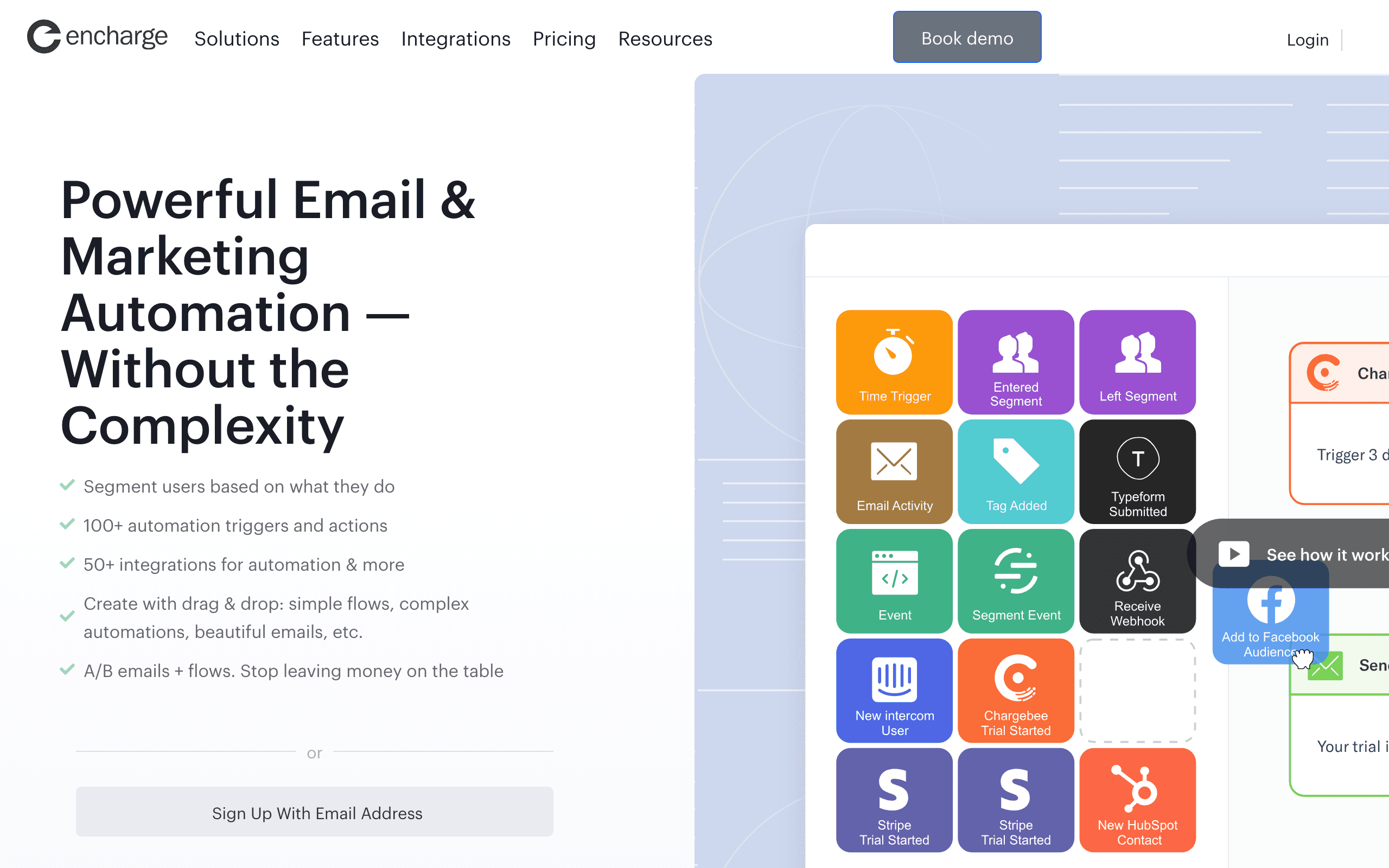
Encharge and Plunk represent opposite approaches to email. Encharge is a managed SaaS marketing automation platform with advanced behavioral triggers and native integrations. Plunk is an open-source email platform built on AWS SES for simple, affordable email. See our Plunk comparison for more context.
The Feature Gap
Encharge offers sophisticated behavioral automation - onboarding flows triggered by user events, advanced segmentation, 45+ native integrations. Plunk offers basic workflows with email sending. This isn't a close competition on features. Encharge is built for complex SaaS lifecycle marketing.
The Price Gap
But Plunk is dramatically cheaper. Encharge starts at $99/month and scales to $179+/month at 10k contacts. Plunk is $0.001/email, or free if self-hosted (just AWS SES costs ~$0.10/1000 emails). For startups, this 10-20x price difference matters.
Open Source vs Managed
Plunk is fully open-source. Self-host on your infrastructure, keep data under your control, customize as needed. Encharge is proprietary SaaS - managed for you, but no self-hosting option. Choose based on whether you value control or convenience.
DevOps Reality
Self-hosted Plunk requires maintaining infrastructure, managing AWS SES reputation, handling updates. Encharge is fully managed - deliverability, infrastructure, support all handled for you. If your team lacks DevOps capacity, Encharge's managed approach has value.
SaaS Integrations
Encharge connects natively to Stripe, Chargebee, Intercom, and 45+ tools. Trigger campaigns when subscriptions change or users interact with support. Plunk has minimal native integrations - you build what you need via API.
Different Stages
Plunk makes sense for early-stage startups with limited budget and simple needs, especially if you have DevOps capability. Encharge makes sense when you've validated product-market fit and need sophisticated behavioral automation. Most companies start simple and graduate to more complex tools.
The Middle Ground
Sequenzy offers more features than Plunk (proper behavioral triggers, segmentation) without Encharge's enterprise pricing. With native Stripe OAuth, it's managed like Encharge at a fraction of the cost.
Making the Choice
Choose Encharge for advanced SaaS behavioral automation with native integrations and managed service. Choose Plunk for affordable, open-source email with self-hosting control. For SaaS-focused automation with Stripe integration at reasonable pricing, consider Sequenzy.
The Build vs Buy Decision
The Encharge vs Plunk choice often comes down to the classic build vs buy trade-off. Self-hosted Plunk gives you maximum control and minimal cost, but you are responsible for infrastructure, deliverability management, and building any advanced features you need. Encharge gives you a complete solution out of the box, but you pay a significant premium and give up control over your email infrastructure.
For technical founders comfortable with DevOps, Plunk's self-hosted option is genuinely compelling at the early stage. You get reliable email delivery through AWS SES, basic automation, and the freedom to customize the codebase. The total cost can be under $10/month for a startup sending thousands of emails. The hidden cost is your engineering time maintaining it.
Growth Stage Transitions
Most SaaS companies follow a predictable email tool journey: start with something simple and cheap, then graduate to more sophisticated tools as needs grow. Plunk fits the first stage perfectly — affordable, functional, no commitment. Encharge fits the second stage — when you need behavioral triggers based on product events, sophisticated segmentation, and integrations with your growing tool stack.
The transition point typically comes when you need to automate based on user behavior inside your product. When "send email 3 days after signup" needs to become "send email when user has logged in 3 times but hasn't used feature X," that is when basic tools show their limitations and platforms like Encharge or Sequenzy earn their subscription cost.
Deliverability Ownership
With Encharge, deliverability is managed for you — sender reputation, IP warming, bounce handling, and compliance are all handled by the platform. With self-hosted Plunk, you own the entire deliverability stack. You manage your AWS SES reputation, handle bounces, monitor blacklists, and ensure compliance yourself. This is manageable for low-volume senders but becomes a meaningful operational burden as you scale. The choice between managed and self-hosted deliverability is often more important than feature comparisons.