21 Best Email Tools With Subscriber Segmentation (2026)

Segmentation is the difference between blasting the same email to everyone and sending the right message to the right people. For SaaS companies, the basics (active vs. inactive, paid vs. free) are table stakes. Real segmentation means filtering by plan type, feature usage, engagement recency, lifecycle stage, and combinations of all of these.
Not all email tools handle segmentation equally. Some give you basic list-based groups. Others give you real-time, behavior-driven segments that update automatically. The quality of your segmentation directly impacts every email you send, from onboarding sequences to trial conversion to re-engagement campaigns. Here's which tools do it best.
Types of Segmentation
Attribute-based: Filter by subscriber properties. Plan, signup date, company size, location. Static data that doesn't change often.
Behavioral: Filter by what subscribers have done. Opened last 3 emails, clicked a pricing link, used Feature X, logged in this week. This is the backbone of behavioral email marketing.
Engagement-based: Filter by email engagement level. Active (opened in last 30 days), disengaged (no opens in 90 days), at-risk (declining engagement).
Event-based: Filter by specific events. Completed onboarding, made a purchase, reached a usage limit, triggered a custom event. The foundation of event-based automation.
Combination: AND/OR logic across multiple segment types. "On Pro plan AND hasn't used Feature X AND opened last email." This is where the real power is.
Predictive: AI-powered segments based on predicted behavior. "Likely to churn," "likely to upgrade," "high predicted lifetime value." Only available in more sophisticated tools.
Quick Comparison
| Tool | Best For | Starting Price | Free Tier | Segmentation Depth |
|---|---|---|---|---|
| Sequenzy | SaaS lifecycle segmentation | $29/mo | Yes | Tags, attributes, events, Stripe data |
| Omnisend | E-commerce behavioral segmentation | $16/mo | Yes | Purchase behavior, lifecycle, multichannel |
| Customer.io | Complex event-driven segments | $100/mo | No | Events, attributes, nested logic, real-time |
| Klaviyo | E-commerce predictive segments | $20/mo | Yes | Predictive CLV, purchase history, real-time |
| ActiveCampaign | CRM + email segmentation | $29/mo | No | CRM data, lead score, automation status |
| Mailchimp | Basic accessible segmentation | $13/mo | Yes | Engagement, attributes, basic e-commerce |
| Braze | Enterprise real-time segmentation | Custom | No | Real-time, SQL, data warehouse integration |
| Loops | Simple tag-based segmentation | $49/mo | Yes | Tags, properties, simple filtering |
| Drip | E-commerce CRM segmentation | $39/mo | No | Purchase behavior, tags, custom fields |
| HubSpot | CRM-driven marketing segments | $20/mo | Yes | Lifecycle, deal stage, contact properties |
| GetResponse | Webinar and scoring segments | $19/mo | No | Engagement, tags, lead scoring |
| Ortto | CDP-style attribute segments | $599/mo | No | Customer data platform segments |
| Encharge | Visual flow-based segmentation | $79/mo | No | Behavioral, attribute-based, event-driven |
| Moosend | Affordable behavioral segments | $7/mo | No | Behavioral, e-commerce, custom fields |
| Dotdigital | B2B and e-commerce segments | Custom | No | Deep behavioral, RFM, predictive |
| Insider | AI-powered cross-channel segments | Custom | No | Predictive AI, cross-channel behavior |
| Campaign Monitor | Clean visual segmentation | $11/mo | No | Engagement, custom fields, tags |
| Act-On | B2B marketing automation segments | Custom | No | CRM sync, behavioral, account-level |
| Marketo | Enterprise B2B segments | Custom | No | Account-based, scoring, multi-touch |
| Pardot | Salesforce-native B2B segments | $1,250/mo | No | Salesforce CRM, scoring, dynamic |
| Iterable | Growth team cross-channel segments | Custom | No | Event-based, cross-channel, catalog data |
The 21 Best Options
1. Sequenzy
Best for: SaaS segmentation by subscription status and product behavior
Sequenzy's segmentation is designed for SaaS. Filter by subscription status (trial, customer, cancelled, churned), plan type, MRR, tags, custom attributes, and events. The Stripe integration automatically applies subscription-related tags and attributes, making SaaS segmentation work without manual data entry.
Segments update dynamically and can target campaigns to specific groups: "Pro plan customers with MRR over $100 who haven't logged in for 14 days." For SaaS companies, having subscription data natively in the segmentation engine saves the effort of syncing this data from external sources.
The tag-based segmentation model is intuitive for SaaS lifecycle management. When a user starts a trial, they get the "trial" tag. When they convert, they get "customer" and "trial" is removed. When their payment fails, they get "past-due." These tags drive both segments and sequence triggers, creating a unified system where segmentation and automation work together.
Custom attributes add another dimension. You can send any attribute from your product (features used, team size, usage count, last login date) and use it in segment filters. Combined with the Stripe data (plan, MRR, subscription status), you get a comprehensive view of each subscriber that covers both their billing relationship and their product behavior.
Segmentation depth: Good for SaaS. Subscription status, MRR, tags, attributes, events Pricing: From $29/month Pros: SaaS-native segmentation, Stripe data automatic, subscription-aware, tag-based, unified with automation Cons: Less flexible than Customer.io for complex logic, newer platform
2. Omnisend
Best for: E-commerce segmentation on a budget
Omnisend is built for e-commerce stores that need solid segmentation without Klaviyo's price tag. Filter by purchase behavior, browse history, order value, product categories, and customer lifecycle stage. The platform pulls data from Shopify, WooCommerce, and BigCommerce integrations to build segments automatically.
The pre-built segments are a strong starting point. "Likely to churn," "high-value customers," "window shoppers," and "repeat buyers" are available out of the box without configuring rules manually. You can refine these or create custom segments combining purchase data, email engagement, and SMS interaction in one builder.
Omnisend's segmentation supports AND/OR logic across multiple condition types. "Purchased from category X in the last 30 days AND opened at least 2 emails AND has NOT purchased from category Y" is a typical segment you'd build. The conditions update dynamically, so segment membership changes as customers take actions.
The multichannel angle adds a segmentation dimension that most tools lack. You can segment by SMS engagement alongside email engagement, which matters if you're running both channels. "Clicked SMS but didn't open email" identifies subscribers who prefer text over inbox, letting you allocate channel budget more effectively.
Segmentation depth: Good for e-commerce. Purchase behavior, browse data, lifecycle, multichannel engagement Pricing: From $16/month, $59/month for 10,000 contacts Pros: E-commerce-native segments, pre-built segments, multichannel (SMS + email + push), affordable, dynamic updates Cons: Less flexible than Customer.io for custom logic, e-commerce-focused (not ideal for SaaS), reporting less detailed than Klaviyo
3. Customer.io
Best for: The most powerful segmentation engine for event-driven data
Customer.io's segmentation handles attributes, events, engagement data, and page views with full AND/OR/NOT logic. Segments are dynamic (real-time membership based on current data) and can trigger automations when users enter or exit.
The event-based segmentation is where Customer.io stands out. "Users who triggered 'project.created' more than 5 times in the last 30 days but have NOT triggered 'team.invited' ever." This level of specificity lets you target precisely the users who need a specific message.
The segment-triggered automation is a powerful pattern. When a user enters a segment (e.g., "active trial users who used premium feature"), it can automatically trigger a workflow. When they exit the segment (e.g., they convert), the workflow stops. This creates a dynamic system where segment membership drives the entire email experience.
Customer.io also supports "data-driven segments" that evaluate in real-time rather than on a schedule. This means a user who completes an action is immediately added to the relevant segment and can trigger an automation within seconds, not minutes or hours. For time-sensitive use cases like trial expiration sequences, this real-time evaluation matters.
The nested logic is also noteworthy. You can create segments with multiple levels of AND/OR conditions, parenthetical grouping, and NOT exclusions. This enables targeting like: "(plan is Pro OR plan is Enterprise) AND (last active within 7 days) AND NOT (tag is 'past-due')." This precision is essential for mature lifecycle email systems with many overlapping conditions.
Segmentation depth: Excellent. Events, attributes, engagement, page views, nested logic, real-time Pricing: From $100/month Pros: Most powerful segments, event-based, real-time, dynamic, automation triggers, nested logic Cons: Expensive, complex to set up, steep learning curve
4. Klaviyo
Best for: E-commerce segmentation with purchase behavior
Klaviyo's segmentation is built for e-commerce. Filter by purchase history (bought product X, spent over $100, last purchase date), browse behavior (viewed product category), email engagement, and predicted behavior (likely to churn, high predicted CLV).
Segments update in real-time, and the segment builder supports complex conditions with AND/OR logic. The predictive segments (based on Klaviyo's AI) are particularly valuable. They identify customers likely to buy again, likely to churn, or at specific CLV levels without manual rule creation.
The predictive segmentation deserves special attention. Klaviyo's AI analyzes purchase patterns across all your customers and creates predictions for each individual. "Expected date of next order," "predicted lifetime value," and "churn risk score" are all available as segment filters. This means you can create segments like "high CLV customers whose next order is predicted in the next 7 days" and send them targeted promotions. For e-commerce, this predictive layer adds significant value over rule-based segmentation alone.
Segmentation depth: Excellent for e-commerce. Purchase behavior, predictive segments, real-time Pricing: Free up to 250 contacts, from $20/month Pros: E-commerce-optimized, predictive segments, real-time updates, purchase history, CLV predictions Cons: E-commerce-centric, less useful for SaaS, pricing scales with contacts
5. ActiveCampaign
Best for: Segmentation across email, CRM, and engagement data
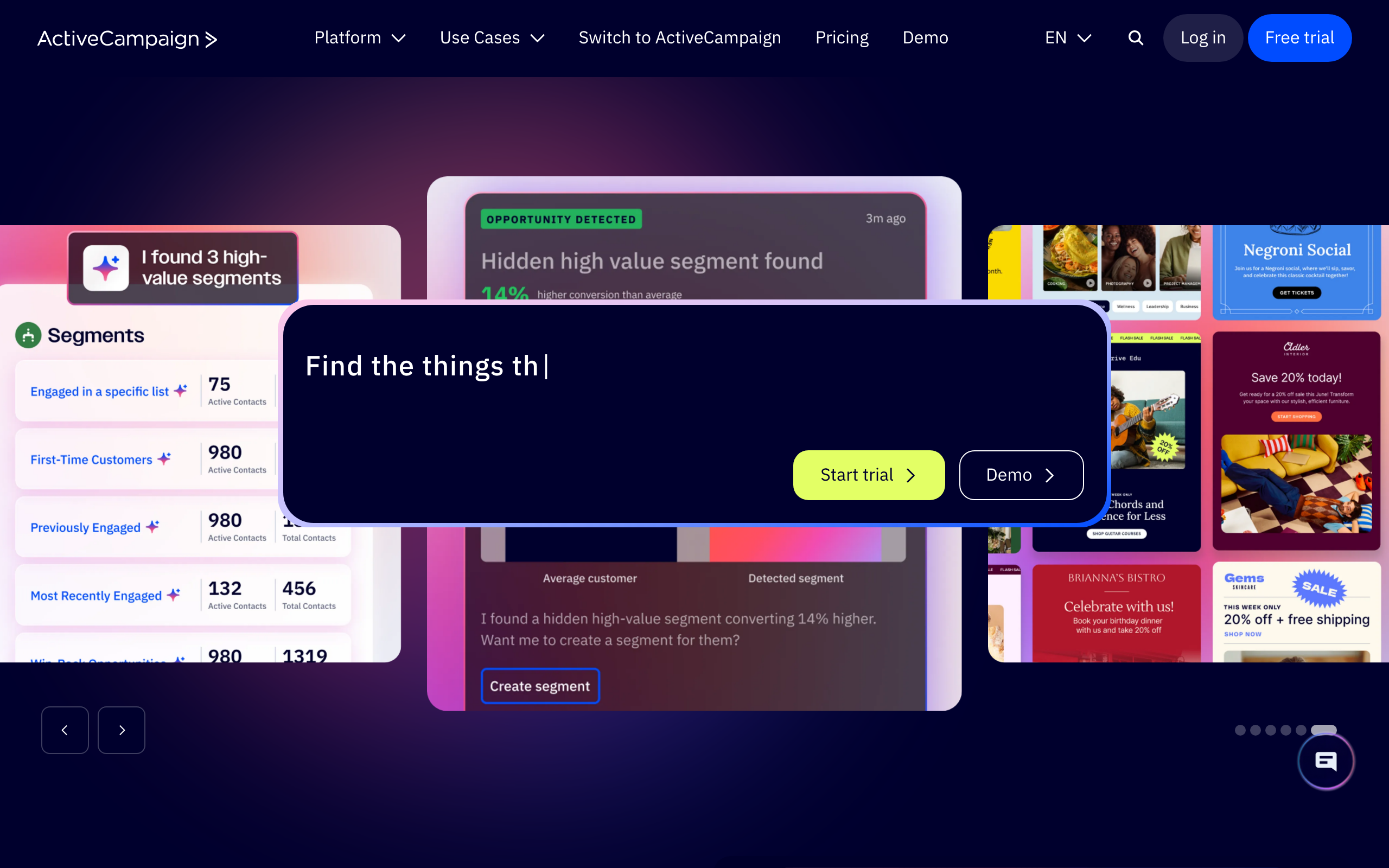
ActiveCampaign's segmentation combines email engagement, CRM data, automation history, site tracking, and custom fields. You can segment by tags, deal stage, lead score, automation status, and custom field values with complex nested conditions.
The CRM integration means you can segment by sales pipeline data, which is unique. "Contacts with an open deal worth over $5,000 who haven't received email in 14 days" combines marketing and sales data in one segment.
The "automation status" segmentation is a useful feature. You can filter by which automations a contact has completed, which they're currently in, and which they've never entered. This lets you create segments like "contacts who completed the onboarding sequence but haven't entered the upsell sequence," ensuring no one falls through the cracks in your lifecycle.
Lead scoring feeds into segmentation as well. Contacts accumulate scores based on email engagement, site visits, form submissions, and custom events. Segments based on lead score thresholds help identify your most engaged contacts for premium campaigns or sales outreach.
Segmentation depth: Very good. Email + CRM, tags, scoring, site tracking, automation status Pricing: From $29/month Pros: CRM + email segmentation, lead scoring, tags, automation-based segments, pipeline data Cons: Some advanced segmentation on higher tiers, can feel complex
6. Mailchimp
Best for: Accessible segmentation for small businesses
Mailchimp's segmentation covers the basics well: subscriber data (location, signup source), email engagement (opened/clicked recent campaigns), purchase behavior (with e-commerce integration), and custom fields. The segment builder is visual and accessible.
Advanced segmentation (predicted demographics, purchase likelihood) is available on higher tiers. For small businesses that need "send to subscribers who opened my last 3 emails" or "send to subscribers in California who signed up this month," Mailchimp handles it without complexity.
The "audience insights" feature provides a visual overview of your subscriber base, showing engagement distribution, location breakdown, and growth trends. For small teams without a data analyst, this gives you a quick understanding of who your subscribers are and how they engage, which helps inform segmentation strategy.
For basic needs, Mailchimp's segmentation is genuinely sufficient. The danger is outgrowing it. When you need event-based segments, real-time evaluation, or complex nested conditions, Mailchimp's limitations become apparent. But for many small businesses, that day is far enough in the future that Mailchimp's simplicity is the right choice now.
Segmentation depth: Good for basics. Engagement, attributes, e-commerce, accessible Pricing: Free up to 500 contacts, from $13/month Pros: Easy to use, accessible for non-technical users, visual builder, audience insights Cons: Limited advanced segmentation on free/low tiers, basic event-based options
7. Braze
Best for: Enterprise real-time segmentation across channels
Braze's segmentation operates in real-time across millions of users. Filter by user attributes, events (including frequency and recency), channel engagement, location, and custom data. Segments update in real-time as users take actions, ensuring targeting is always current.
Braze also supports SQL-based segmentation for advanced use cases, letting data teams build complex segments using direct queries. The Segment extensions feature lets you include data from your data warehouse in segment definitions.
The real-time aspect at enterprise scale is Braze's key differentiator. When a user takes an action, their segment membership updates immediately, and any campaigns or canvases targeting that segment reflect the change. At scale (millions of users, thousands of events per second), maintaining real-time segment accuracy is an engineering challenge that Braze handles natively.
The data warehouse integration via Segment extensions is powerful for enterprise teams. You can define segments that combine Braze's behavioral data with external data from Snowflake, BigQuery, or Redshift. For example, a segment can filter by "users whose NPS score (from your data warehouse) is below 6 AND who have opened an email in the last 30 days (from Braze)." This bridges the gap between your email tool's data and your broader business intelligence.
Segmentation depth: Excellent. Real-time at scale, events with frequency/recency, SQL, data warehouse integration Pricing: Custom (typically $50K+/year) Pros: Real-time at scale, SQL segmentation, data warehouse integration, multi-channel, frequency/recency Cons: Enterprise pricing, complex, requires technical expertise
8. Loops
Best for: Simple tag-based segmentation for startups
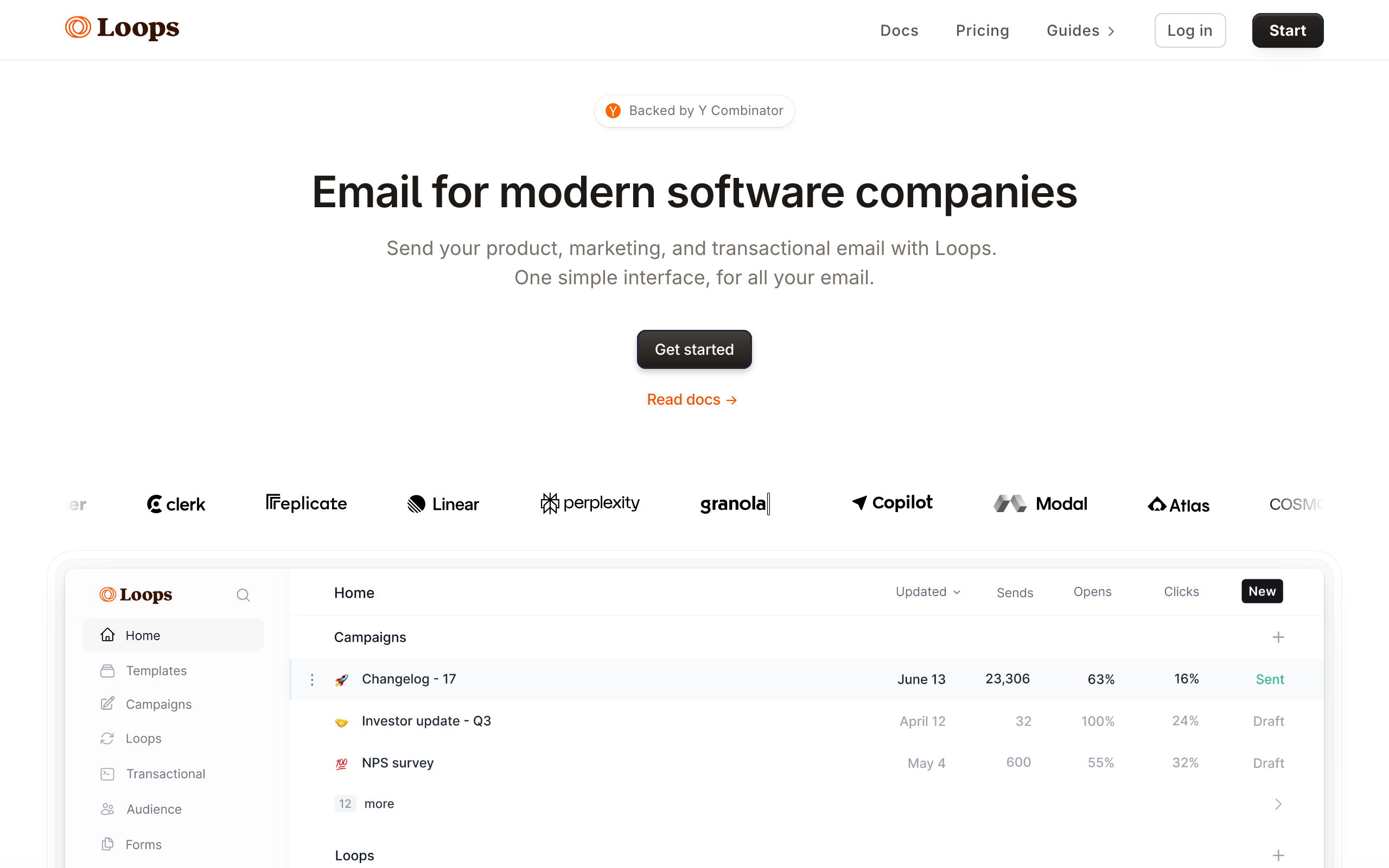
Loops uses tags and properties for segmentation. Apply tags based on user actions (via API) and use those tags to target email sequences and campaigns. The model is simple: tag users based on behavior, send to users with specific tags.
For early-stage products with 5-10 key segments (trial users, paying customers, churned users, power users), tag-based segmentation is sufficient. The limitation shows when you need complex combinations or real-time behavioral segments.
The simplicity of tag-based segmentation is actually an advantage at the early stage. You're forced to think in clear, distinct categories rather than creating increasingly granular micro-segments. "Trial users," "active customers," and "churned" are clear segments with obvious messaging strategies. Adding complexity on top of these basics is only valuable when you have enough data to validate that the complexity improves results.
Loops also supports property-based filtering, which extends the tag model. You can filter by any property you've sent via the API (plan type, company size, signup date) in addition to tags. This gives you enough segmentation power for most startup scenarios without the learning curve of a full segment builder.
Segmentation depth: Basic. Tags, properties, simple filtering Pricing: Free for 1,000 contacts, from $49/month Pros: Simple, tag-based, developer-friendly, good free tier, forces clarity Cons: Basic segmentation, no complex conditions, limited real-time behavior
9. Drip
Best for: E-commerce CRM segmentation with purchase triggers
Drip is an e-commerce CRM that takes segmentation seriously. You can filter contacts by purchase history, product interactions, order value, tag combinations, and custom field data. The segment rules support AND/OR logic and update dynamically as customer behavior changes in connected e-commerce platforms.
Drip's "on-site" event tracking adds another segmentation layer. You can segment by pages visited, products viewed, and cart activities directly from the JavaScript snippet, without needing a separate analytics tool. Combining on-site behavior with purchase history produces detailed customer profiles that drive highly targeted campaigns.
The workflow integration means segments can both trigger automations and be built by automation actions. When an automation tags a contact, that tag immediately updates their segment membership. For e-commerce brands running both campaigns and automated flows, the unified behavior means consistent targeting across every email touch.
Segmentation depth: Good for e-commerce. Purchase behavior, on-site events, tags, custom fields Pricing: From $39/month for 2,500 contacts Pros: E-commerce-native, on-site event tracking, dynamic conditions, workflow integration Cons: E-commerce-shaped, limited for pure SaaS, pricing escalates with contacts
10. HubSpot
Best for: Marketing segments driven by CRM lifecycle data
HubSpot's contact segmentation is powered by its CRM. Every contact property, deal stage, lifecycle stage, and recorded interaction is available as a segment filter. "Marketing-qualified leads who opened a pricing page email but are still in the 'consideration' lifecycle stage" is the kind of segment HubSpot builds naturally.
Smart lists (dynamic, auto-updating) are HubSpot's primary segmentation tool. Define criteria once, and HubSpot continuously evaluates which contacts qualify. Smart list membership can trigger workflows, emails, and internal notifications, making it the engine behind HubSpot's entire marketing automation system.
The contact timeline enriches segmentation with full historical context. Every email opened, link clicked, form submitted, and page visited is logged. Combined with deal stage and company data, segments in HubSpot capture a complete view of the relationship, not just isolated behaviors.
Segmentation depth: Very good. Lifecycle stage, deal data, CRM history, smart lists, behavioral Pricing: Free CRM, Marketing Hub from $20/month, advanced segmentation on paid tiers Pros: Full CRM context, smart lists, lifecycle segmentation, rich contact data, scalable Cons: Pricing escalates fast, advanced segmentation gated, complex permissions
11. GetResponse
Best for: Scoring and engagement-based segmentation
GetResponse's segmentation extends beyond email engagement to include lead scoring and webinar behavior. Contacts accumulate scores based on email interactions, form submissions, and landing page visits. Segments built on score thresholds separate cold contacts from hot prospects with no manual sorting.
The webinar participation data adds a segmentation dimension unique to GetResponse. "Attended webinar AND clicked follow-up email" creates a high-intent segment that most tools cannot build without a separate webinar platform integration. For teams running webinar-driven funnels, this native data is genuinely useful.
Custom field segmentation handles B2B use cases well. Import or sync company size, industry, job title, and other firmographic data, then combine with behavioral data for segments like "VP-level contacts from companies with 100+ employees who have not converted after the demo email sequence."
Segmentation depth: Good. Scoring, webinar behavior, custom fields, engagement Pricing: From $19/month Pros: Lead scoring built-in, webinar data, custom fields, visual conditions builder Cons: Interface feels dated, fewer integrations than ActiveCampaign, can be inconsistent
12. Ortto
Best for: CDP-style attribute segmentation with journey builder integration
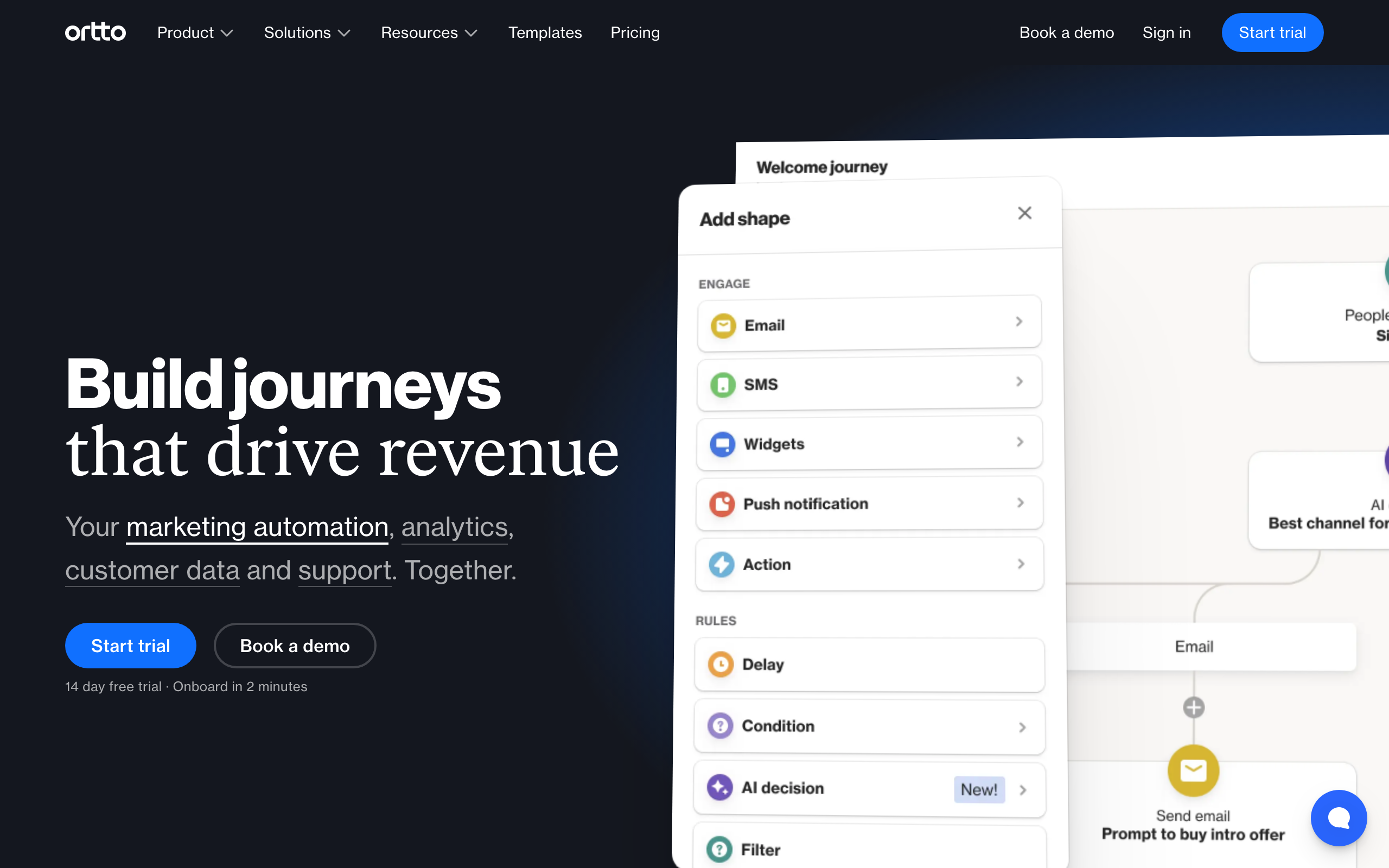
Ortto (formerly Autopilot) positions itself as a customer data platform combined with a journey builder. Segments are built from activity data (clicks, visits, conversions), CRM data synced from Salesforce or HubSpot, and custom attributes pushed via API. Conditions support real-time evaluation with complex AND/OR nesting.
The segment-to-journey connection is tight. Entering or exiting a segment can start, stop, or branch a customer journey in real time. For marketing teams who think in customer journeys, the ability to see which segment drives which journey - and measure conversion at each stage - gives a clear picture of segmentation effectiveness.
Attribute scoring within Ortto adds another layer. You assign scores to behaviors and attribute values; the cumulative score becomes a segmentation filter. This effectively builds lead scoring into the segmentation system without a separate scoring module.
Segmentation depth: Very good. CDP attributes, CRM sync, journey integration, behavioral scoring Pricing: From $599/month for the tiers where segmentation is fully useful Pros: CDP positioning, journey integration, real-time evaluation, scoring, polished UI Cons: Expensive, complex onboarding, overkill for small teams
13. Encharge
Best for: Visual flow-based segmentation for non-technical SaaS teams
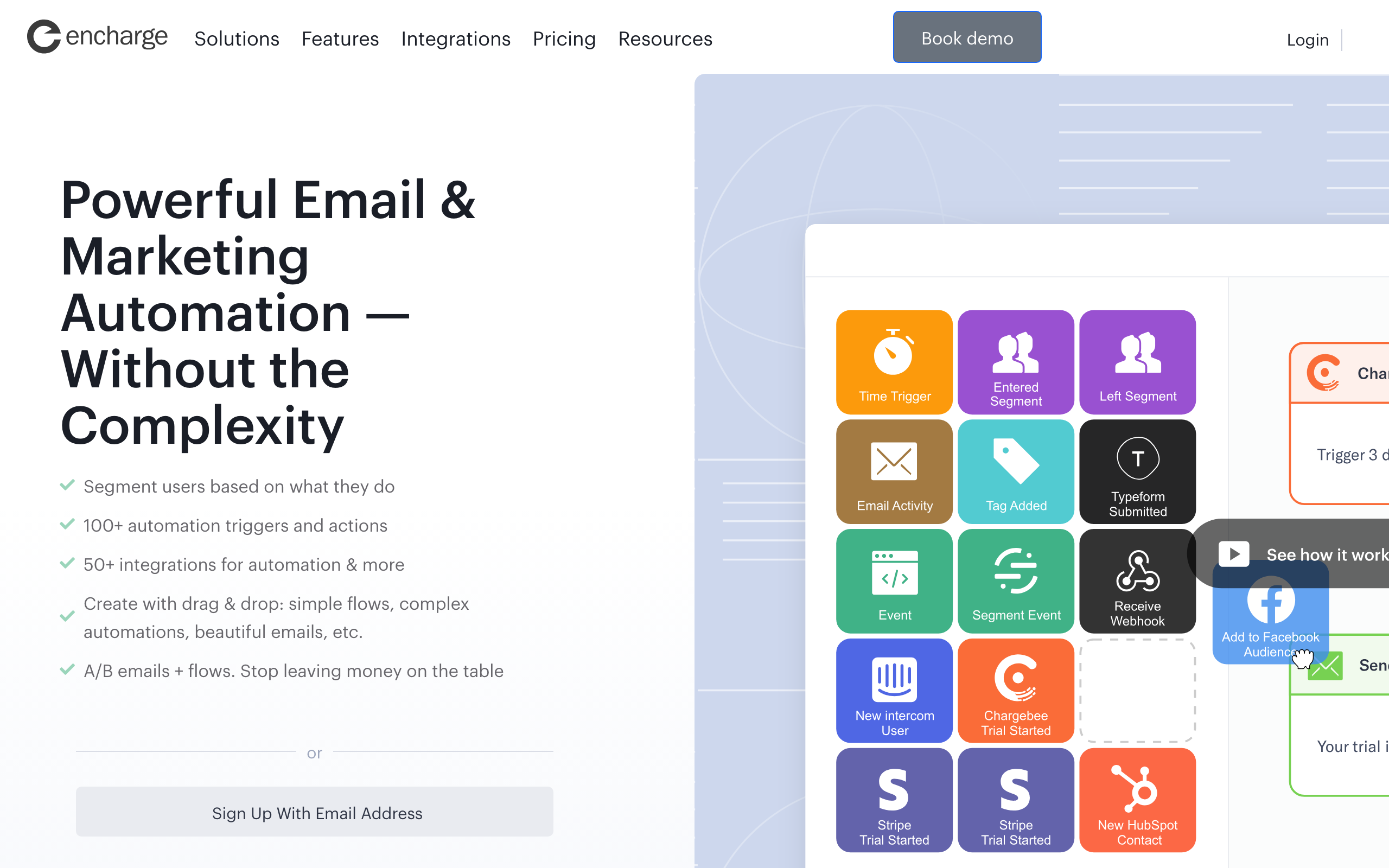
Encharge's segmentation works hand-in-hand with its visual flow builder. Define segments from user attributes, tags, events, and email engagement, and those segments automatically branch users into the right flows. Non-technical founders can see exactly how segmentation maps to email paths, making it easier to understand and debug.
The Stripe and HubSpot native integrations bring billing and CRM data into Encharge segments without API work. "Customers on the Pro plan who haven't logged in for 10 days" is built from Stripe plan data and a custom attribute, with no code required beyond the initial integration setup.
Behavior scoring within Encharge adds nuance. Assign positive and negative scores to actions, and segment on cumulative score thresholds. This turns behavioral segmentation into something more continuous and predictive than pure event-based rules.
Segmentation depth: Good for SaaS. Behavioral, attribute-based, Stripe-enriched, scoring Pricing: From $79/month Pros: Visual flow integration, Stripe and HubSpot native, scoring, approachable for non-technical users Cons: Mid-range pricing, smaller user community, basic email editor
14. Moosend
Best for: Affordable segmentation with behavioral conditions
Moosend offers solid segmentation at a price that undercuts most competitors. Filter by subscriber data (name, email, location), email campaign behavior (opened, clicked, not opened), e-commerce data (products bought, order value, cart behavior), and custom field values. Conditions support AND/OR logic and update dynamically.
The e-commerce triggers work with WooCommerce and other platforms. "Customers who purchased product X in the last 60 days but have not opened any email in 30 days" combines behavioral and purchase data in one dynamic segment, the kind of targeting that used to require a much more expensive tool.
The segment analytics show you how segment membership changes over time, which is valuable for identifying trends. If your "inactive" segment grows by 15% in a month, you know retention is slipping before it shows up in revenue. For small teams watching key metrics closely, this visibility matters.
Segmentation depth: Good. Behavioral, e-commerce, custom fields, AND/OR conditions Pricing: From $7/month Pros: Very affordable, dynamic conditions, e-commerce integration, clean segment analytics Cons: Fewer integrations than major platforms, automation less powerful than ActiveCampaign
15. Dotdigital
Best for: B2B and e-commerce segmentation with RFM analysis
Dotdigital's segmentation covers single-channel email behavior and multi-channel engagement across email, SMS, and push. For e-commerce, it calculates RFM (recency, frequency, monetary) scores automatically and makes them segment filters. "High recency, high frequency, high monetary" identifies your best customers without manual calculation.
The CRM sync with Salesforce, Microsoft Dynamics, and Magento brings external data into segmentation rules. B2B marketers get access to account-level data alongside individual contact behavior, enabling company-targeted campaigns that single-contact segment builders cannot match.
Program builder integration means segments can drive branching automations. When a contact moves between RFM tiers, they automatically enter the appropriate program. This dynamic segment-to-automation connection keeps lifecycle messaging accurate without manual monitoring.
Segmentation depth: Very good. RFM analysis, multi-channel, CRM sync, account-level Pricing: Custom (enterprise pricing, typically $500+/mo) Pros: RFM scoring, multi-channel segmentation, CRM sync, B2B account targeting Cons: Enterprise pricing, dated UI in places, implementation requires dedicated effort
16. Insider
Best for: AI-powered predictive segmentation for enterprise e-commerce
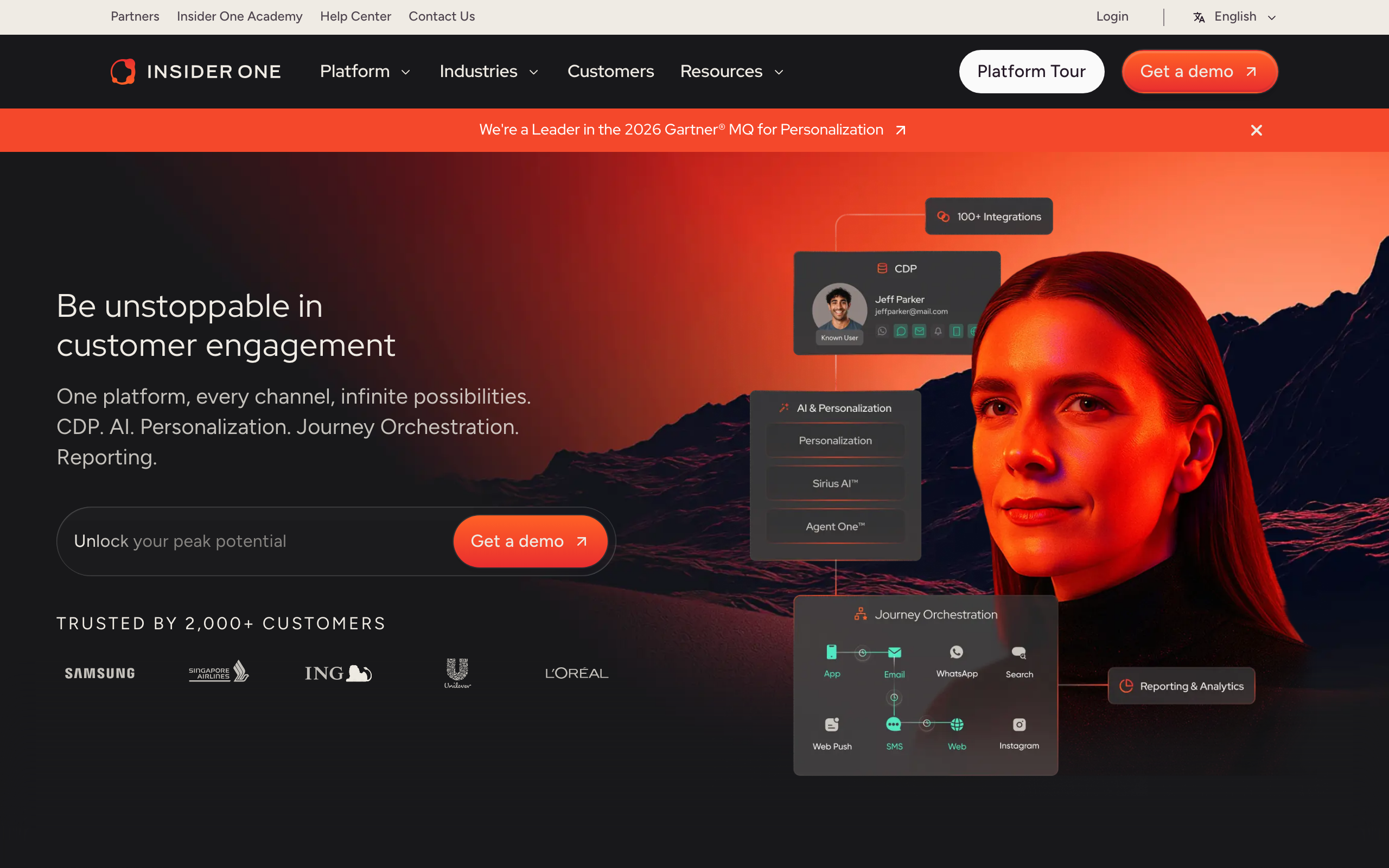
Insider combines behavioral data, purchase history, and AI predictions to build segments that go beyond what rule-based tools can achieve. "Users likely to purchase in the next 7 days" and "customers at high churn risk" are AI-generated segments that update as prediction confidence changes.
Cross-channel data from web, mobile app, email, and SMS feeds into a unified customer profile. Segments built on this profile can trigger campaigns across any channel, ensuring consistent targeting regardless of where the customer is reached.
The personalization engine extends segmentation to content. Once a segment is defined, Insider's AI can generate personalized product recommendations and messaging variants specific to each segment, reducing the manual work of creating separate campaigns for dozens of small segments.
Segmentation depth: Excellent. AI predictive, cross-channel, unified profile, personalization Pricing: Custom (enterprise, typically $1,000+/mo) Pros: AI segmentation, cross-channel data, predictive churn and purchase scores, personalization Cons: Enterprise pricing, long implementation, overkill for small to mid-sized teams
17. Campaign Monitor
Best for: Clean visual segmentation for design-conscious teams
Campaign Monitor's segment builder is among the most polished visually. Filter by engagement (opened, clicked, bounced), list membership, subscriber data, and custom fields. The conditions are clearly laid out and easy to read, reducing the cognitive overhead of checking whether segment logic is correct.
The custom field system is flexible. Import any subscriber data (industry, plan, team size, custom score) and use it in segmentation rules. For teams that maintain rich subscriber profiles from CRM imports, Campaign Monitor's custom fields translate directly into segment conditions.
Journey Designer integration means segments function as both campaign targets and automation entry points. A contact entering a segment can start a journey; leaving can stop it. For teams that prioritize clean design in both their emails and their workflow setup, this tight integration is valuable.
Segmentation depth: Good. Engagement, custom fields, list membership, dynamic conditions Pricing: From $11/month Pros: Clean and readable segment builder, custom fields, Journey Designer integration, polished UI Cons: Fewer data sources than event-driven tools, no native e-commerce event tracking
18. Act-On
Best for: B2B demand generation with CRM-synced segmentation
Act-On is a B2B marketing automation platform where segmentation is driven by CRM data, lead scoring, and behavioral tracking. Synchronize with Salesforce or Microsoft Dynamics to bring account and opportunity data into segment conditions. "Contacts from accounts in the financial services industry with an open opportunity above $50K" is the kind of segment Act-On builds naturally.
Lead lifecycle segmentation tracks contacts across the marketing and sales funnel. MQL, SQL, and opportunity-stage segments are built-in concepts, so the handoff from marketing automation to sales follow-up is measurable and targeted. Each stage can have its own email programs, and segment membership determines which program a contact is in.
Account-based marketing support adds a company-level dimension. Instead of targeting only individual contacts, Act-On can segment at the account level and ensure consistent messaging across all contacts at a target account.
Segmentation depth: Very good for B2B. CRM sync, account-level, lead lifecycle, behavioral Pricing: Custom (mid-market, typically $900+/mo) Pros: B2B-native, CRM sync, account-based segmentation, lifecycle stages, demand gen Cons: Expensive, dated UI, not ideal for self-serve SaaS or e-commerce
19. Marketo
Best for: Enterprise B2B segmentation with multi-touch attribution
Marketo Engage (Adobe) is the standard for enterprise B2B email segmentation. Smart lists in Marketo support complex conditions across contact attributes, account attributes, activity history, CRM data, and custom fields. The nested logic supports unlimited condition depth.
Account-based marketing is a first-class feature. Segments can target named accounts, account tiers, or account attributes (industry, revenue, technology stack). Within those accounts, contacts can be further segmented by role, engagement level, and funnel stage.
The Revenue Explorer (analytics module) surfaces segment-level performance data: how many contacts moved from one stage to another, what email content drove stage progression, and which segments have the highest pipeline contribution. For enterprise revenue teams who need to connect segmentation to revenue outcomes, this analysis layer is essential.
Segmentation depth: Excellent for enterprise B2B. Smart lists, account-based, multi-touch, unlimited conditions Pricing: Custom (enterprise, typically $3,000+/mo) Pros: Enterprise scale, account-based, smart lists, revenue attribution, multi-touch Cons: Expensive, complex implementation, steep learning curve, requires dedicated admin
20. Pardot
Best for: Salesforce-native B2B segmentation
Pardot (now Salesforce Marketing Cloud Account Engagement) is the natural choice for teams deep in the Salesforce ecosystem. Segmentation draws directly from Salesforce CRM objects: leads, contacts, accounts, opportunities, and custom objects. There's no sync latency because Pardot and Salesforce share the same underlying data.
Dynamic lists in Pardot auto-update based on Salesforce field values. When a deal stage changes in Salesforce, the corresponding Pardot list updates instantly, and any associated nurture program adjusts accordingly. For sales-led B2B companies, this real-time CRM-to-marketing sync is the primary segmentation advantage.
Engagement Studio (Pardot's automation builder) is driven by segmentation. Each step in an engagement program can branch based on Salesforce field data, lead score thresholds, and email behavior. The depth of Salesforce data available for branching conditions is unmatched.
Segmentation depth: Excellent for Salesforce users. CRM-native, dynamic lists, opportunity-based Pricing: From $1,250/month Pros: Salesforce-native, real-time CRM sync, dynamic lists, Engagement Studio, account-based Cons: Expensive, requires Salesforce, complex to configure, limited outside Salesforce ecosystem
21. Iterable
Best for: Growth teams with cross-channel segmentation needs
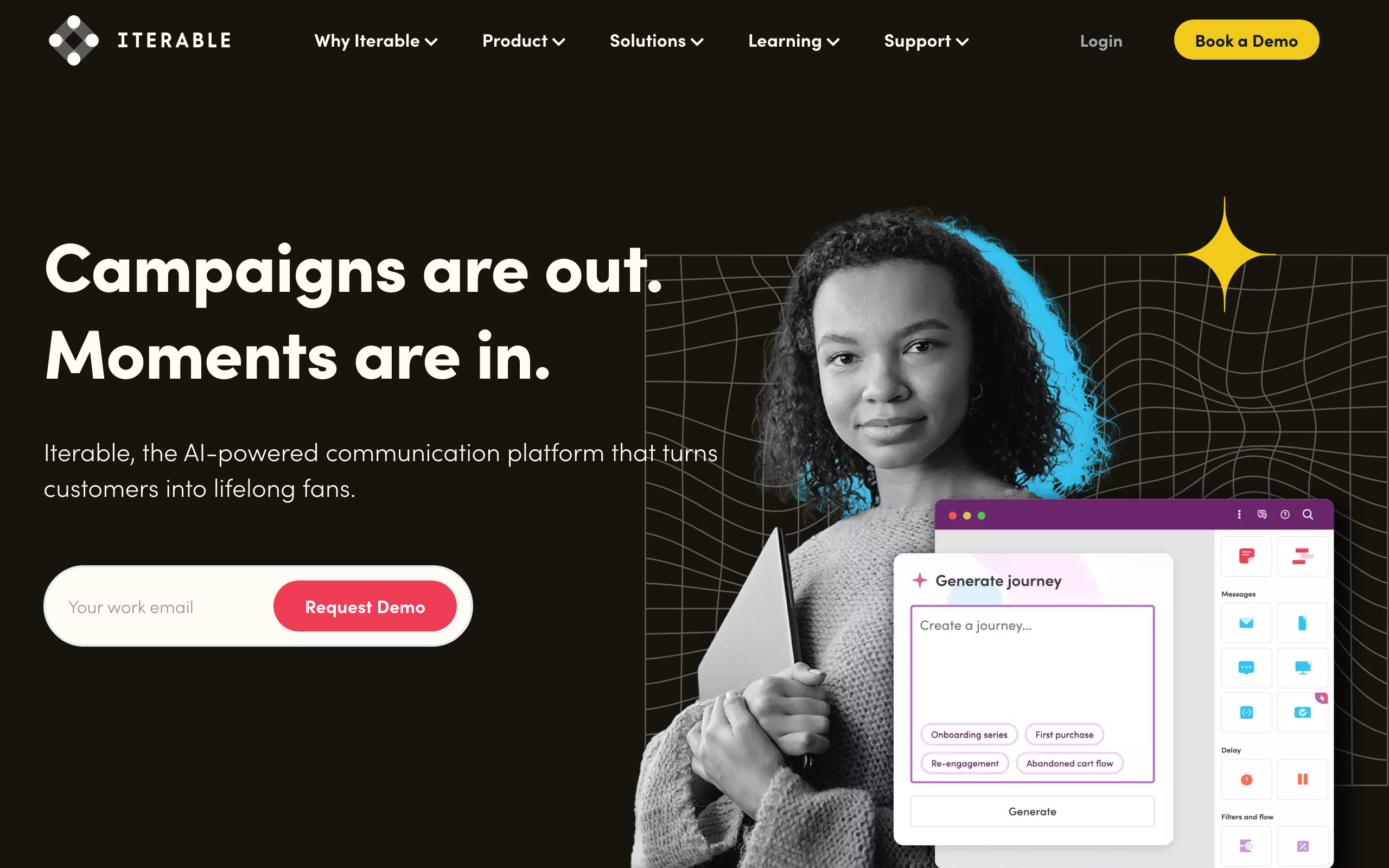
Iterable's segmentation engine handles user attributes, events, channel engagement, and catalog data (product, content, inventory) with full AND/OR logic. Segments can be evaluated on a schedule or in real-time, and segment membership can trigger journey workflows automatically.
The catalog data dimension is unique. Iterable connects product catalogs (e-commerce) or content catalogs (media) to user segments. "Users who have engaged with content in the 'product news' category in the last 14 days" is built from catalog-enriched user profiles. For media companies and e-commerce brands, this catalog-aware segmentation enables precision that generic email tools can't match.
Cross-channel behavior feeds into segmentation as well. You can segment by push notification engagement, in-app message clicks, and SMS interactions alongside email. "Users who clicked push but never opened email" identifies a channel preference that should drive messaging strategy.
Segmentation depth: Excellent. Events, catalog data, cross-channel behavior, real-time Pricing: Custom (typically $500+/month) Pros: Catalog-aware segments, cross-channel behavior, real-time evaluation, growth-team focused Cons: Custom pricing, implementation overhead, overkill for basic segmentation needs
Segmentation Strategies for SaaS
By Lifecycle Stage
The most important segmentation for SaaS. For a complete lifecycle framework, see our SaaS lifecycle email guide.
- Leads: Signed up but not converted (nurture sequences)
- Trial users: On free trial (conversion sequences)
- New customers: Recently converted (onboarding sequences)
- Active customers: Regular product usage (engagement, upsell)
- At-risk: Declining usage (retention sequences)
- Churned: Cancelled (win-back sequences)
By Plan and Usage
Combine plan data with usage data:
- Free plan, high usage: Upgrade candidates
- Pro plan, low usage: Churn risk (paying but not getting value)
- Team plan, single user: Team expansion opportunity
- Any plan, approaching limits: Upgrade prompt timing
By Engagement
Segment by email engagement to optimize deliverability:
- Highly engaged: Send all campaigns (your best audience)
- Moderately engaged: Send important campaigns only
- Disengaged: Send re-engagement sequence or suppress
- Never engaged: Investigate and clean
By Feature Usage
Target emails based on what users do (or don't do) in your product:
- Uses Feature A but not B: Educate about Feature B
- Power users: Ask for referrals, testimonials
- Stuck users: Offer help, resources, guided setup
- Premium feature users on free plan: Upgrade prompt with specific value
By Revenue
For SaaS, revenue-based segmentation drives expansion:
- High MRR, high engagement: Advocates (ask for referrals, case studies)
- High MRR, low engagement: Churn risk (proactive outreach)
- Low MRR, high engagement: Upgrade candidates (show value of higher tier)
- Low MRR, low engagement: At risk (re-engage or accept churn)
Common Segmentation Mistakes
Too many segments too soon. Start with 5-10 core segments. Add more as you validate that the additional granularity improves results. A segment with 5 subscribers isn't actionable.
Static segments that go stale. If your segments don't update automatically, they become inaccurate within days. Use dynamic segments that evaluate in real-time based on current data.
Segmenting by email behavior only. For SaaS, product behavior is more valuable than email behavior. A subscriber who never opens emails but uses your product daily is healthy. A subscriber who opens every email but hasn't logged in for 60 days is at risk.
Not testing segment-specific content. If you create segments but send the same email to all of them, the segmentation adds no value. Each segment should receive meaningfully different content that addresses their specific situation.
Ignoring segment overlap. A subscriber might be in "trial users" AND "power users" AND "recently engaged." Define clear priority rules for when segments overlap to prevent duplicate or conflicting messages.
FAQ
How many segments should I have? Start with 5-10 core segments based on lifecycle stage and plan type. Add behavioral segments as you identify specific targeting needs. Too many segments become unmanageable. Too few means you're still batch-sending to overly broad groups. For most SaaS companies, 10-20 well-defined segments cover the majority of targeting needs.
Should segments be static or dynamic? Dynamic (automatically updated based on current data). Static segments go stale immediately. When a trial user converts to a customer, they should automatically move out of the "trial" segment and into the "customer" segment. For a deeper look at how to structure these, see our guide on how to segment SaaS email subscribers.
Can I segment by data that's not in my email tool? Yes, if you sync the data. Send custom attributes from your app to your email tool (via API or integration). Most tools accept custom fields/attributes that you can then use in segmentation rules. The key is keeping this data current. Stale attribute data leads to inaccurate segments.
How do I handle subscribers who fit multiple segments? Most tools let you set priority rules or exclusion conditions. "If subscriber is in Segment A AND Segment B, only include in Segment A for this campaign." This prevents duplicate sends and conflicting messages. Define a clear segment hierarchy: lifecycle segments take priority, then behavioral segments, then engagement segments.
How does segmentation affect deliverability? Significantly. Sending to engaged segments improves your sender reputation because open and click rates are higher. Sending to disengaged segments hurts your reputation. For a comprehensive deliverability strategy, see our email deliverability guide. Many experienced email marketers segment by engagement level specifically to protect deliverability.
What's the minimum segment size that's useful? It depends on the campaign type. For broadcast campaigns, segments of 100+ are typically needed for meaningful results. For automated sequences that run continuously, smaller segments work because subscribers accumulate over time. A segment of 10 subscribers per week adds up to 500+ per year flowing through your sequence.
Should I segment differently for campaigns vs. sequences? Yes. Campaigns (one-time broadcasts) benefit from broader segments since you're sending one message. Sequences (automated flows) benefit from narrower segments since each subscriber gets multiple messages over time. The more targeted the sequence, the more relevant each message can be.
How often should I review and update my segments? Monthly for active segments, quarterly for your overall segmentation strategy. Check that segment sizes are healthy (not too small to be useful, not too large to be meaningful), definitions are still relevant, and new product features or user behaviors warrant new segments.