21 Best Email Tools With Revenue Attribution (2026)

Open rates and click rates tell you if people are reading your emails. Revenue attribution tells you if those emails are making money. The difference matters. A campaign with a 15% open rate might generate $50,000 in revenue. A campaign with a 40% open rate might generate nothing.
Revenue attribution connects email engagement to actual purchases, upgrades, and conversions. When someone receives an email, clicks through, and buys, the revenue is attributed to that email. When someone receives a sequence that leads to a plan upgrade, the upgrade revenue is attributed to the sequence.
Not all email tools track this. And among those that do, the quality of attribution varies significantly. If you want to understand how revenue attribution fits into the bigger picture, our guide on calculating email marketing ROI for SaaS covers the full framework.
How Email Revenue Attribution Works
Last-click attribution: Revenue is credited to the last email clicked before the purchase. Simple but misses earlier emails in the journey.
Multi-touch attribution: Revenue is distributed across all emails the customer interacted with before purchasing. More accurate but more complex.
Time-window attribution: Revenue is credited to emails interacted with within a specific time window (24 hours, 7 days, 30 days) before the purchase.
View-through attribution: Revenue is credited to emails that were opened (but not clicked) before a purchase. Controversial because it's harder to prove causation.
Most email platforms use last-click or time-window attribution. Multi-touch attribution requires deeper integration and more sophisticated tracking.
Why Attribution Model Choice Matters
The attribution model you use changes the story your data tells. Consider a subscriber who receives this sequence before making a purchase:
- Day 1: Opens a product announcement email (does not click)
- Day 5: Clicks a "customer stories" email (reads a case study)
- Day 12: Clicks a "limited offer" email and makes a purchase
Last-click attribution credits all the revenue to the "limited offer" email. This makes your promotional emails look like the only thing driving revenue.
Multi-touch attribution distributes credit across all three emails. This reveals that the product announcement and customer stories contributed to the purchase decision, even though the conversion happened on the promotional email.
View-through attribution includes the product announcement (which was opened but not clicked). This is the most generous model and risks over-attributing revenue to emails that may not have influenced the purchase.
Time-window attribution with a 7-day window would credit the purchase to emails 2 and 3 (within 7 days of purchase) but not email 1 (12 days before). With a 14-day window, all three emails get credit.
For most SaaS companies, a 14-30 day click-based window strikes the right balance. Subscription decisions take time, and multiple emails often influence the decision.
Attribution and Apple Mail Privacy Protection
Apple's Mail Privacy Protection (MPP) inflates open data, which affects view-through attribution. If your attribution model credits revenue to emails that were "opened," MPP inflates the number of attributed emails and overstates revenue attribution.
The fix: prefer click-based attribution over open-based attribution. Clicks require deliberate action and are not affected by MPP. If you must use view-through attribution, segment Apple Mail users and apply a discount to their view-through credit.
Quick Comparison
| Tool | Best For | Starting Price | Free Tier | Attribution Model |
|---|---|---|---|---|
| Sequenzy | SaaS subscription revenue via Stripe | $19/mo | No | Sequence-attributed MRR via Stripe |
| Klaviyo | E-commerce with granular revenue reporting | $20/mo | Yes (250 contacts) | Configurable time-window, click + open |
| ActiveCampaign | CRM pipeline revenue attribution | $29/mo | No | CRM deal attribution |
| Braze | Enterprise multi-channel attribution | $50K+/yr | No | Multi-touch, multi-channel |
| Customer.io | Custom attribution via API events | $100/mo | No | Custom conversion events |
| Mailchimp | Basic e-commerce campaign attribution | $13/mo | Yes (500 contacts) | Last-click, e-commerce only |
| HubSpot | CRM + email attribution | $20/mo | Yes | Deal-influenced, multi-touch |
| Drip | E-commerce revenue per campaign | $39/mo | No | Last-click, e-commerce |
| Omnisend | Multi-channel e-commerce attribution | $16/mo | Yes (500/day) | Click-based, time-window |
| Marketo | Enterprise B2B multi-touch attribution | $895+/mo | No | Multi-touch, program influenced |
| Pardot | Salesforce-integrated B2B attribution | $1,250+/mo | No | Engagement score, influenced pipeline |
| Campaign Monitor | Mid-market click-based attribution | $9/mo | No | Click-based with e-commerce |
| Ortto | Journey-level revenue tracking | $599/mo | No | Journey attribution, multi-touch |
| Dotdigital | Multi-touch with e-commerce | $330+/mo | No | Click-based, e-commerce connected |
| Iterable | Enterprise multi-channel attribution | $500+/mo | No | Configurable windows, multi-channel |
| Act-On | B2B adaptive attribution | $900+/mo | No | Multi-touch, adaptive |
| GetResponse | Conversion funnels + revenue | $19/mo | No | Last-click, conversion funnels |
| Moosend | Affordable e-commerce attribution | $9/mo | No | Click-based, e-commerce |
| Loops | Basic event conversion tracking | $49/mo | Yes (1k contacts) | Event-to-conversion tracking |
| Vero | Event conversion tracking | $99/mo | No | Event-based conversion |
| Encharge | Goal tracking in automations | $79/mo | No | Goal completion attribution |
The 21 Best Options
1. Sequenzy
Best for: SaaS subscription revenue attributed to email sequences
Sequenzy's Stripe integration automatically tracks subscription revenue and connects it to email sequences. When a subscriber converts from trial to paid after receiving your trial conversion sequence, the MRR is attributed to that sequence. When a dunning sequence recovers a failed payment, the recovered revenue shows up.
For SaaS companies, this is the most relevant attribution model. You're not tracking individual product purchases. You're tracking subscription conversions, upgrades, and recovered revenue. Sequenzy's Stripe integration makes this automatic rather than requiring manual tracking.
The MRR-based attribution is what distinguishes Sequenzy from e-commerce-focused platforms. When a subscriber upgrades from a $49/month plan to a $99/month plan after receiving an upgrade email sequence, the attributed revenue reflects the incremental MRR ($50/month), not a one-time purchase amount. This gives you a clearer picture of how email impacts your recurring revenue.
Sequenzy also attributes revenue at the sequence level, not just the campaign level. You can see which specific automated sequence drives the most revenue: is it your onboarding sequence, your upgrade nudge, your dunning flow, or your re-engagement campaign? This sequence-level attribution helps you prioritize which automations to optimize.
The Stripe integration means revenue data flows automatically. You do not need to manually send conversion events or build custom tracking. When a Stripe event occurs (subscription created, payment recovered, plan upgraded), Sequenzy matches it to the subscriber's email engagement and attributes accordingly.
Attribution model: Sequence-attributed subscription revenue via Stripe Revenue tracking: Automatic via Stripe integration, MRR attribution Pricing: From $19/month Pros: Automatic SaaS revenue attribution, Stripe integration, MRR tracking, subscription-aware, sequence-level attribution Cons: Requires Stripe, attribution limited to sequence context, newer platform
2. Klaviyo
Best for: The most sophisticated email revenue attribution
Klaviyo was built around revenue attribution. Every flow, campaign, and automation shows attributed revenue. The attribution window is configurable (default is 5 days for email opens, 5 days for email clicks). You can see revenue per email, per flow step, and per campaign.
For e-commerce businesses, Klaviyo's revenue attribution is integrated with Shopify, WooCommerce, and other platforms. Revenue data flows automatically. You don't need to set up tracking manually. The dashboard shows total attributed revenue, revenue per recipient, and conversion rates alongside open and click rates.
Klaviyo's attribution granularity is the most detailed in the industry. You can drill down to:
- Revenue per email within a flow (which email in the sequence drives the most revenue)
- Revenue per subject line variant (A/B test results include revenue, not just open rates)
- Revenue by product (which products are being purchased after email engagement)
- Revenue by segment (which audience segments generate the most email-attributed revenue)
The configurable attribution window is important. Different business models need different windows. An impulse purchase (e-commerce) might happen within hours. A SaaS subscription decision might take weeks. Klaviyo lets you adjust the window to match your business.
Klaviyo also provides "predicted customer lifetime value" for each subscriber based on their purchase history and email engagement. This forward-looking metric helps you identify your most valuable subscribers and optimize email strategy accordingly.
Attribution model: Configurable time-window (last interaction), open + click attribution Revenue tracking: Automatic via e-commerce integrations, per email/flow/campaign Pricing: Free up to 250 contacts, from $20/month Pros: Best revenue attribution in email, automatic e-commerce integration, configurable windows, granular reporting, predicted CLV Cons: E-commerce-centric, less relevant for SaaS subscriptions, pricing scales with contacts
3. ActiveCampaign
Best for: Revenue attribution with CRM pipeline visibility
ActiveCampaign tracks revenue through its built-in CRM. When deals close, the revenue is attributed to the emails and automations that influenced the deal. The attribution connects email engagement to pipeline movement, giving you a view of how email impacts revenue across the sales cycle.
For B2B SaaS with a sales-assisted model, this is powerful. You can see which email sequence led to a demo request, and which demo request converted to a closed deal. The CRM pipeline gives revenue context that pure email attribution misses.
The CRM integration adds a dimension that most email-only platforms lack: sales cycle awareness. When a deal progresses through pipeline stages (lead, demo scheduled, proposal sent, closed), you can see which emails were engaged with at each stage. This reveals whether your emails are effective at different funnel stages, not just at the final conversion.
ActiveCampaign also supports goal tracking within automations. When a subscriber in an automation achieves a defined goal (submits a form, visits a pricing page, requests a demo), the goal is tracked and connected to the automation's performance metrics. For SaaS companies with behavioral email strategies, this provides clearer attribution than last-click models.
Attribution model: CRM deal attribution, automation-influenced revenue Revenue tracking: Via CRM deals, automation reports Pricing: From $29/month Pros: CRM + email revenue connection, deal attribution, pipeline visibility, goal tracking Cons: Requires CRM usage, manual deal tracking for SaaS, not automatic for product-led
4. Braze
Best for: Enterprise revenue attribution across channels
Braze attributes revenue across email, push, SMS, in-app, and other channels. The attribution model supports multiple touchpoints, giving enterprise teams a view of how each channel contributes to conversions. Revenue data can come from direct integrations, API events, or data warehouse connections.
The attribution is configurable at the campaign and Canvas level. You can set different attribution windows for different campaign types and see revenue impact across the full messaging stack, not just email.
Braze's multi-channel attribution is the key differentiator. In a typical customer journey, a subscriber might receive an email, then a push notification, then an in-app message before converting. Braze attributes the conversion across all three touchpoints, giving you a realistic view of each channel's contribution. For teams using multiple channels, this prevents email from getting all the credit (or none of it).
Braze also supports incrementality testing, which measures whether the email actually caused the conversion or whether the subscriber would have converted anyway. This is the gold standard for attribution accuracy but requires large sample sizes and controlled experiments.
Attribution model: Multi-channel, configurable windows, campaign and Canvas level Revenue tracking: Via integrations, API events, or data warehouse Pricing: Custom (typically $50K+/year) Pros: Multi-channel attribution, enterprise-grade, configurable, cross-channel visibility, incrementality testing Cons: Enterprise pricing, complex setup, requires data integration
5. Customer.io

Best for: Technical teams building custom revenue attribution
Customer.io supports conversion tracking through its reporting API. When you send a "conversion" event (purchase, upgrade, subscription), Customer.io can attribute it to the campaigns and automations the customer interacted with. The attribution is configurable and can be customized through the API.
The trade-off is that Customer.io's revenue attribution requires setup. You need to send conversion events with revenue data to Customer.io's API. It's not automatic like Klaviyo's e-commerce integration or Sequenzy's Stripe integration. But for teams that want full control over attribution logic, the flexibility is valuable.
Customer.io's API-driven approach means you can define exactly what constitutes a "conversion" for your business. For some SaaS companies, a conversion is a free-to-paid upgrade. For others, it is a feature adoption milestone. For marketplace businesses, it might be a completed transaction. Customer.io does not impose a definition; you define it by sending the appropriate events.
The reporting API also supports custom attribution logic. You can build attribution models beyond what the platform offers natively, pulling raw event data and computing attribution in your own analytics pipeline. For data-driven teams, this flexibility is more valuable than a pre-built but inflexible attribution model.
Attribution model: Custom via conversion events, configurable windows Revenue tracking: Via API conversion events, campaign and automation reports Pricing: From $100/month Pros: Flexible attribution, custom conversion events, automation-level reporting, API-driven Cons: Requires manual setup, not automatic, expensive
6. Mailchimp
Best for: Basic revenue tracking for small e-commerce businesses
Mailchimp tracks revenue attributed to campaigns when connected to an e-commerce platform (Shopify, WooCommerce, etc.). Campaign reports show total revenue, revenue per recipient, and conversion rate. For basic "did this campaign generate sales?" questions, Mailchimp covers it.
The attribution is simple (last-click, short window) and only works with connected e-commerce platforms. There's no SaaS subscription attribution, no multi-touch modeling, and limited customization. For small businesses that want basic revenue tracking alongside their campaigns, it's sufficient.
Mailchimp's revenue reporting is built into the campaign dashboard. After sending a campaign, you see opens, clicks, and revenue on the same page. For small businesses that do not want to learn a complex analytics tool, this integrated view is the right level of simplicity.
The limitation is depth. Mailchimp does not show revenue per email within automations, does not support configurable attribution windows, and does not track subscription revenue. If your revenue tracking needs go beyond "how much did this campaign generate," you will outgrow Mailchimp's attribution quickly.
Attribution model: Last-click, e-commerce integration required Revenue tracking: Via e-commerce platform connection, campaign-level only Pricing: Free up to 500 contacts, from $13/month Pros: Simple setup with e-commerce platforms, campaign-level revenue, easy to understand, integrated dashboard Cons: Basic attribution model, e-commerce only, no automation-level attribution, no SaaS support
7. HubSpot
Best for: B2B revenue attribution connected to sales pipeline
HubSpot's attribution reporting connects email engagement to contact and deal data in the CRM. Influenced pipeline revenue tracks how marketing email contributes to deals at each stage, and closed-won revenue can be attributed to the email campaigns and sequences that touched the contact during the sales cycle.
The multi-touch attribution model distributes credit across all marketing interactions (email opens, clicks, form submissions, website visits) before a deal closes. For B2B SaaS with long sales cycles where multiple emails influence a single deal, this gives a more honest picture than last-click attribution.
Marketing attribution reports in HubSpot show which campaigns, sequences, and individual emails had the most influence on closed revenue. For RevOps teams that want to connect marketing email to Salesforce-style pipeline reporting, HubSpot provides that bridge in a single platform.
Attribution model: Multi-touch, deal-influenced pipeline Revenue tracking: Via CRM deals, marketing attribution reports Pricing: Free CRM, Marketing Hub from $20/month Pros: Multi-touch attribution, CRM pipeline connection, contact-level attribution history, strong reporting Cons: Attribution requires Marketing Hub (higher tiers), complex setup, expensive at scale
8. Drip
Best for: E-commerce brands tracking revenue per campaign and workflow
Drip's revenue attribution connects email engagement to e-commerce purchase events via integrations with Shopify, WooCommerce, and other platforms. Campaign and workflow reports show attributed revenue, revenue per recipient, and conversion rates for each email effort.
The workflow-level attribution is particularly useful. For automated email sequences (abandoned cart, post-purchase, win-back), Drip shows how much revenue each automation generates over time, allowing you to compare performance across your email program and prioritize optimization efforts.
For SaaS teams, Drip's attribution model is less relevant since it's shaped around product purchases rather than subscription events. But for e-commerce brands or hybrid businesses with both product sales and subscriptions, Drip's revenue tracking covers the product-purchase side well.
Attribution model: Last-click, e-commerce connected Revenue tracking: Via e-commerce integrations, campaign and workflow level Pricing: From $39/month Pros: E-commerce revenue tracking, workflow-level attribution, integrates with major platforms Cons: E-commerce-centric, no native SaaS subscription attribution, pricing scales
9. Omnisend
Best for: Multi-channel e-commerce attribution
Omnisend attributes revenue across email, SMS, and push notifications, giving e-commerce brands a unified view of how all channels contribute to sales. The attribution is click-based with a configurable time window, and revenue data flows automatically from Shopify, WooCommerce, and other connected platforms.
The sales dashboard shows total attributed revenue by channel, which helps teams understand whether email or SMS is driving more conversions and where to invest optimization effort. For multi-channel e-commerce teams, this cross-channel attribution is more informative than single-channel reporting.
Omnisend's automation-level attribution tracks revenue for each automated flow (welcome series, cart abandonment, post-purchase). You can see the lifetime value of each automation, not just the initial campaign performance.
Attribution model: Click-based, time-window, multi-channel Revenue tracking: Automatic via e-commerce integrations, multi-channel unified Pricing: Free for 500 emails/day, from $16/month Pros: Multi-channel attribution, automatic e-commerce integration, automation-level revenue Cons: E-commerce-focused, no SaaS subscription support, limited customization
10. Marketo
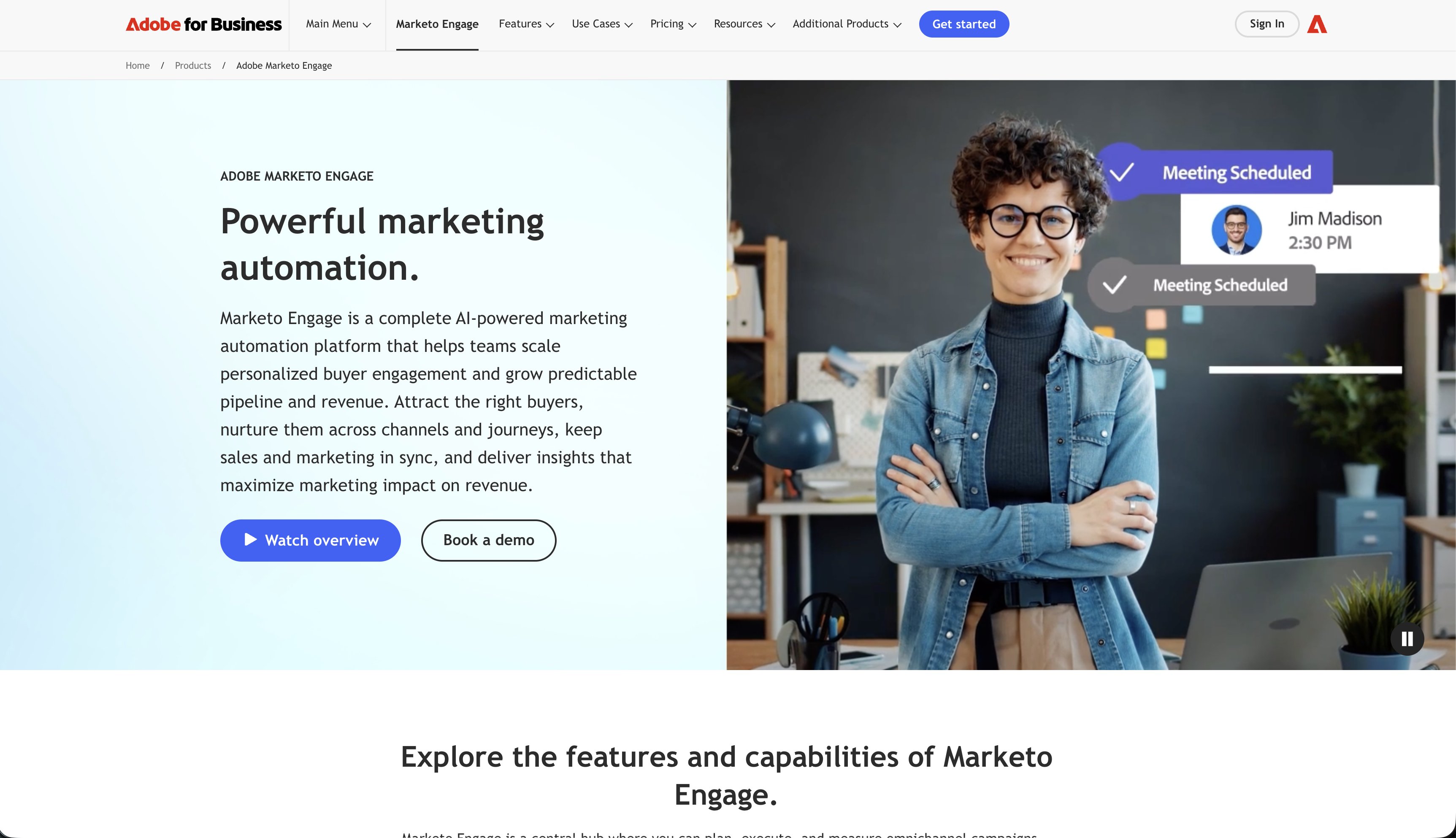
Best for: Enterprise B2B multi-touch revenue attribution
Marketo's Revenue Cycle Analytics provides sophisticated multi-touch attribution modeling for enterprise B2B marketing. The platform tracks how email campaigns, programs, and nurture sequences influence pipeline and closed revenue across the full buyer journey.
The multi-touch attribution models include first touch, last touch, and various weighted models (linear, time decay, U-shaped) that distribute credit differently across the customer journey. For enterprise marketing teams that need to justify email ROI to leadership, Marketo's program-influenced revenue reporting provides the data to make that case.
Marketo integrates deeply with Salesforce, meaning email engagement data from Marketo connects directly to deal and opportunity records in Salesforce. Revenue attribution becomes part of the same reporting infrastructure used by sales operations.
Attribution model: Multi-touch (first, last, linear, time-decay, U-shaped) Revenue tracking: Via Salesforce integration, program-influenced revenue Pricing: From $895/month Pros: Enterprise multi-touch attribution, Salesforce integration, program-influenced revenue, sophisticated models Cons: Very expensive, complex implementation, enterprise-only, overkill for most SaaS
11. Pardot (Salesforce Marketing Cloud Account Engagement)
Best for: Salesforce-centered B2B attribution
Pardot's engagement scoring and influenced pipeline reporting connect email marketing to Salesforce opportunity revenue. When contacts engage with email campaigns and then become associated with closed-won deals, Pardot attributes a portion of the deal revenue to those campaigns.
The Salesforce-native architecture means attribution data lives alongside pipeline data in the same CRM. For B2B SaaS companies running Salesforce as their CRM of record, Pardot's attribution provides seamless visibility into how email marketing influences pipeline velocity and closed revenue.
The campaign influence model tracks which Pardot campaigns touched a contact before an opportunity was created and before it closed, distributing influence credit accordingly.
Attribution model: Campaign influence, engaged prospect scoring Revenue tracking: Via Salesforce opportunities and deals Pricing: From $1,250/month Pros: Deep Salesforce integration, native CRM attribution, B2B focus, pipeline visibility Cons: Very expensive, complex setup, Salesforce dependency, overkill for most teams
12. Campaign Monitor
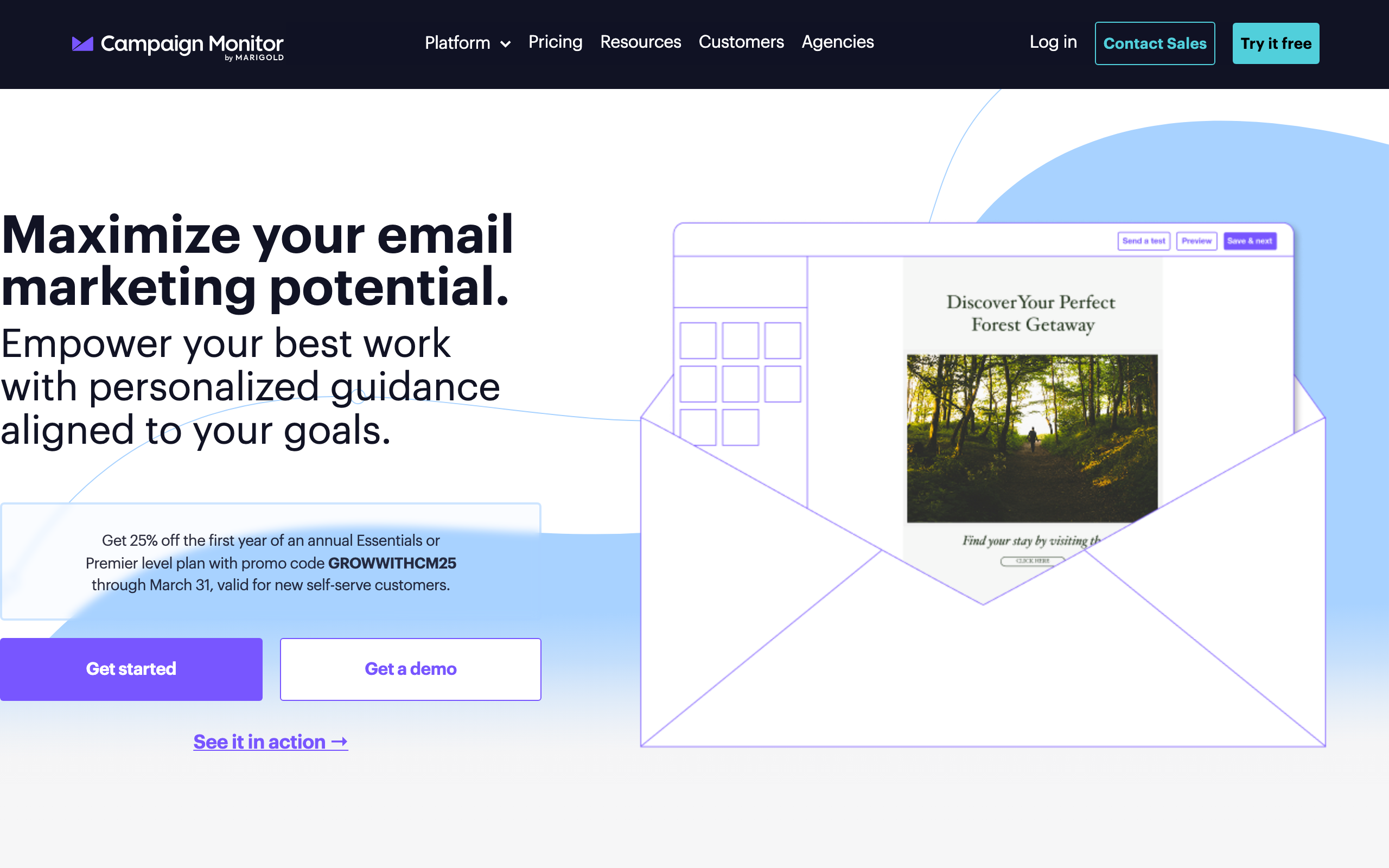
Best for: Mid-market click-based revenue attribution
Campaign Monitor offers click-based revenue attribution connected to e-commerce platforms. When email clicks lead to purchases within the attribution window, the revenue is credited to the sending campaign. Reports show attributed revenue, conversion rate, and revenue per subscriber at the campaign level.
For mid-market e-commerce brands that want solid attribution without enterprise complexity, Campaign Monitor's approach is clear and actionable. The attribution window is configurable and the reporting is presented in a digestible format that doesn't require a data science background to interpret.
Campaign Monitor's revenue attribution integrates with Shopify, Magento, WooCommerce, and custom stores via their API. For teams using those platforms, setup is straightforward.
Attribution model: Click-based, configurable time-window Revenue tracking: Via e-commerce platform connections, campaign level Pricing: From $9/month Pros: Clean attribution reports, configurable windows, e-commerce integration, mid-market pricing Cons: E-commerce only, campaign-level (not automation-level), limited customization
13. Ortto (formerly Autopilot)
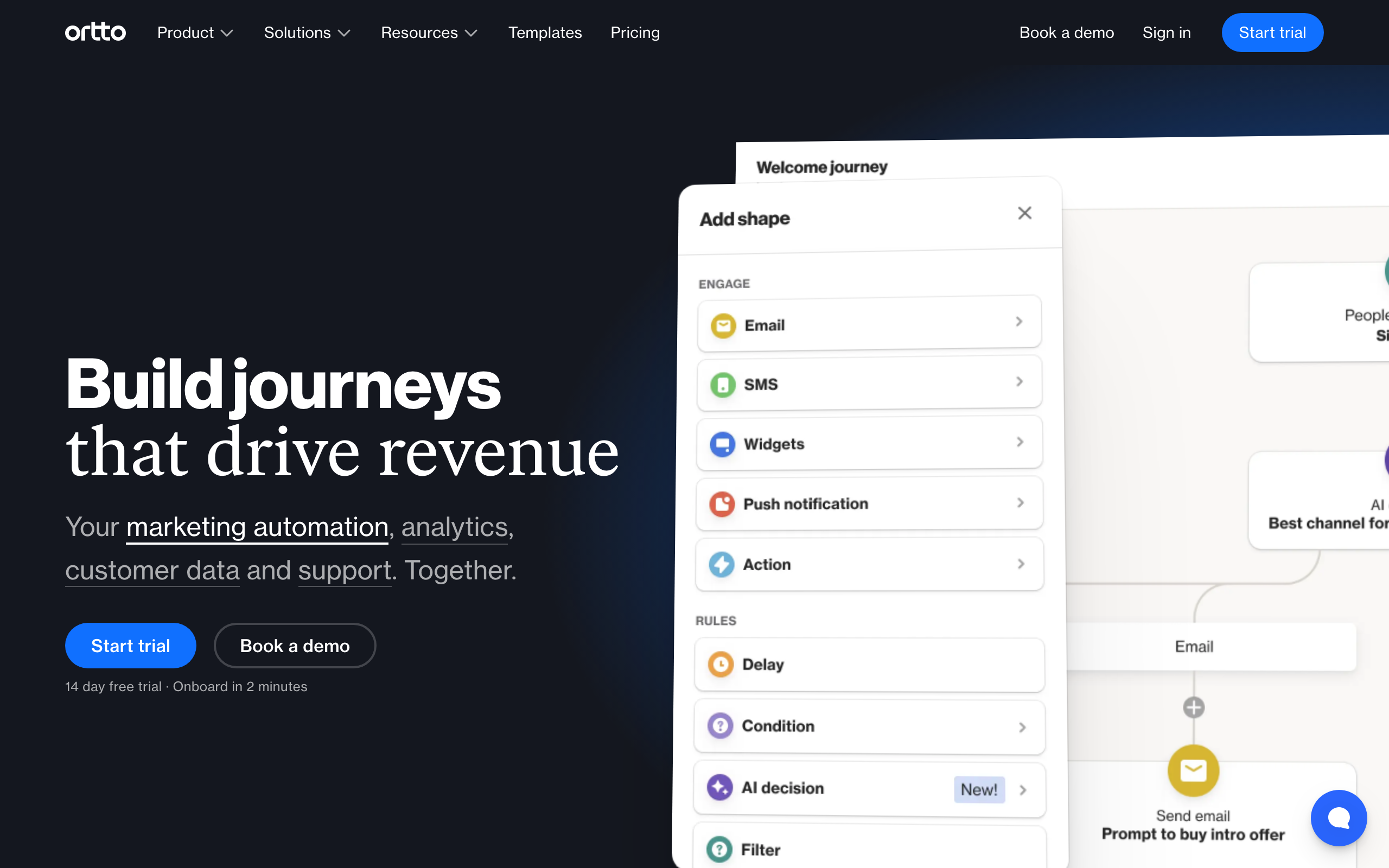
Best for: Journey-level revenue tracking with analytics integration
Ortto's CDP-style analytics connect journey engagement to revenue outcomes. The platform tracks conversion events at the journey level, attributing revenue to the journey that influenced the conversion. Combined with Ortto's built-in analytics dashboards, you can see revenue performance alongside engagement metrics in a single interface.
For marketing teams that want journey-level attribution without building custom analytics, Ortto provides more out-of-the-box reporting than simpler automation tools. The ability to see revenue contribution by journey segment (trial users vs. existing customers vs. churned subscribers) gives actionable insight.
The catch is pricing - the tiers where data sources and attribution are genuinely useful start at several hundred dollars per month.
Attribution model: Journey-level conversion tracking Revenue tracking: Via API events and native integrations Pricing: From $599/month for attributable tiers Pros: Integrated analytics + attribution, journey-level reporting, multi-channel Cons: Expensive, complex, requires higher tiers for real attribution
14. Dotdigital
Best for: Mid-market multi-touch e-commerce attribution
Dotdigital's revenue reporting connects email and SMS engagement to e-commerce purchase events via integrations with Shopify, Magento, and other platforms. The attribution model tracks both click-based and view-through conversions, with configurable windows.
For retail and e-commerce brands that want more attribution sophistication than basic last-click but don't need enterprise pricing, Dotdigital's approach hits a reasonable middle ground. The reporting shows revenue attribution per campaign, per automation, and per channel.
The platform also tracks RFM (Recency, Frequency, Monetary) values for subscribers, connecting purchase behavior to email engagement segments. This helps identify which subscriber segments generate the most email-attributed revenue.
Attribution model: Click-based + view-through, configurable windows Revenue tracking: Via e-commerce integrations, RFM tracking Pricing: From $330/month Pros: Multi-touch attribution, e-commerce focus, RFM tracking, SMS included Cons: Expensive for SMBs, complex implementation, e-commerce-centric
15. Iterable

Best for: Enterprise multi-channel attribution at scale
Iterable's revenue tracking supports configurable attribution windows across all channels (email, push, SMS, in-app). Revenue data flows in via API events, CDP integrations, or data warehouse connections, and the attribution model can be configured at the campaign and journey level.
For enterprise SaaS companies running multi-channel lifecycle programs, Iterable's attribution covers all channels in a single model. You can see how email, push, and SMS collectively contribute to conversions, rather than attributing siloed credit to each channel independently.
The experimentation framework also enables incrementality testing - comparing conversion rates between users who received messaging vs. a holdout group. This is the gold standard for proving email's causal impact on revenue.
Attribution model: Configurable windows, multi-channel Revenue tracking: Via API events, CDP, or warehouse Pricing: Custom, typically $500+/month Pros: Enterprise multi-channel attribution, configurable models, incrementality testing Cons: Very expensive, complex integration, overkill for most SaaS
16. Act-On
Best for: B2B adaptive multi-touch attribution
Act-On's adaptive sending technology combined with its revenue attribution connects email program performance to pipeline and closed revenue. The multi-touch attribution model tracks all email interactions that influenced a contact before they became a customer, distributing credit across the journey.
For B2B marketing teams that want sophisticated attribution without the full complexity of Marketo or Pardot, Act-On provides a middle path. The Salesforce integration connects email attribution to pipeline data, and the reporting makes it straightforward to present email's revenue contribution to leadership.
The platform also includes content analytics that track which assets (landing pages, content downloads) email drives engagement with, connecting email activity to the broader demand generation program.
Attribution model: Multi-touch, adaptive send attribution Revenue tracking: Via CRM integration, program-influenced revenue Pricing: From $900/month Pros: Multi-touch attribution, Salesforce integration, demand gen focus, adaptive sending Cons: Expensive, B2B-focused, complex implementation, smaller ecosystem
17. GetResponse
Best for: Mid-market revenue attribution with conversion funnels
GetResponse's conversion funnel feature tracks subscriber journeys from email click to purchase, attributing revenue to the specific email and funnel that drove the conversion. For businesses with landing pages and product sales connected to GetResponse, the funnel-level attribution shows which email sequences drive the most conversions.
The e-commerce integrations (Shopify, WooCommerce, Magento) enable automatic revenue tracking from email campaigns. Reports show revenue per campaign, conversion rate, and average order value attributed to email marketing.
For teams that use GetResponse's webinar and landing page features alongside email, the attribution extends across the full marketing funnel, not just the email channel.
Attribution model: Last-click, conversion funnel tracking Revenue tracking: Via e-commerce integrations and conversion funnels Pricing: From $19/month Pros: Affordable, conversion funnel visibility, e-commerce integration, webinar attribution Cons: Basic attribution model, limited customization, e-commerce-centric
18. Moosend
Best for: Affordable e-commerce revenue attribution
Moosend's e-commerce integrations with Shopify, WooCommerce, and others enable basic revenue tracking from email campaigns. The attribution model is straightforward (click-based, short window), and reports show attributed revenue alongside standard engagement metrics.
For small e-commerce businesses that want revenue attribution without paying for enterprise tools, Moosend provides functional tracking at one of the lowest price points in the category. The setup is similar to other e-commerce-connected tools: connect your store, and purchase events flow into campaign reports.
Where Moosend falls short is attribution sophistication - there's no multi-touch modeling, configurable windows, or cross-channel attribution. For basic "which campaigns drive purchases?" questions, it works.
Attribution model: Click-based, standard window Revenue tracking: Via e-commerce integrations, campaign level Pricing: From $9/month Pros: Very affordable, e-commerce integration, simple setup, decent deliverability Cons: Basic attribution only, no SaaS support, limited customization
19. Loops
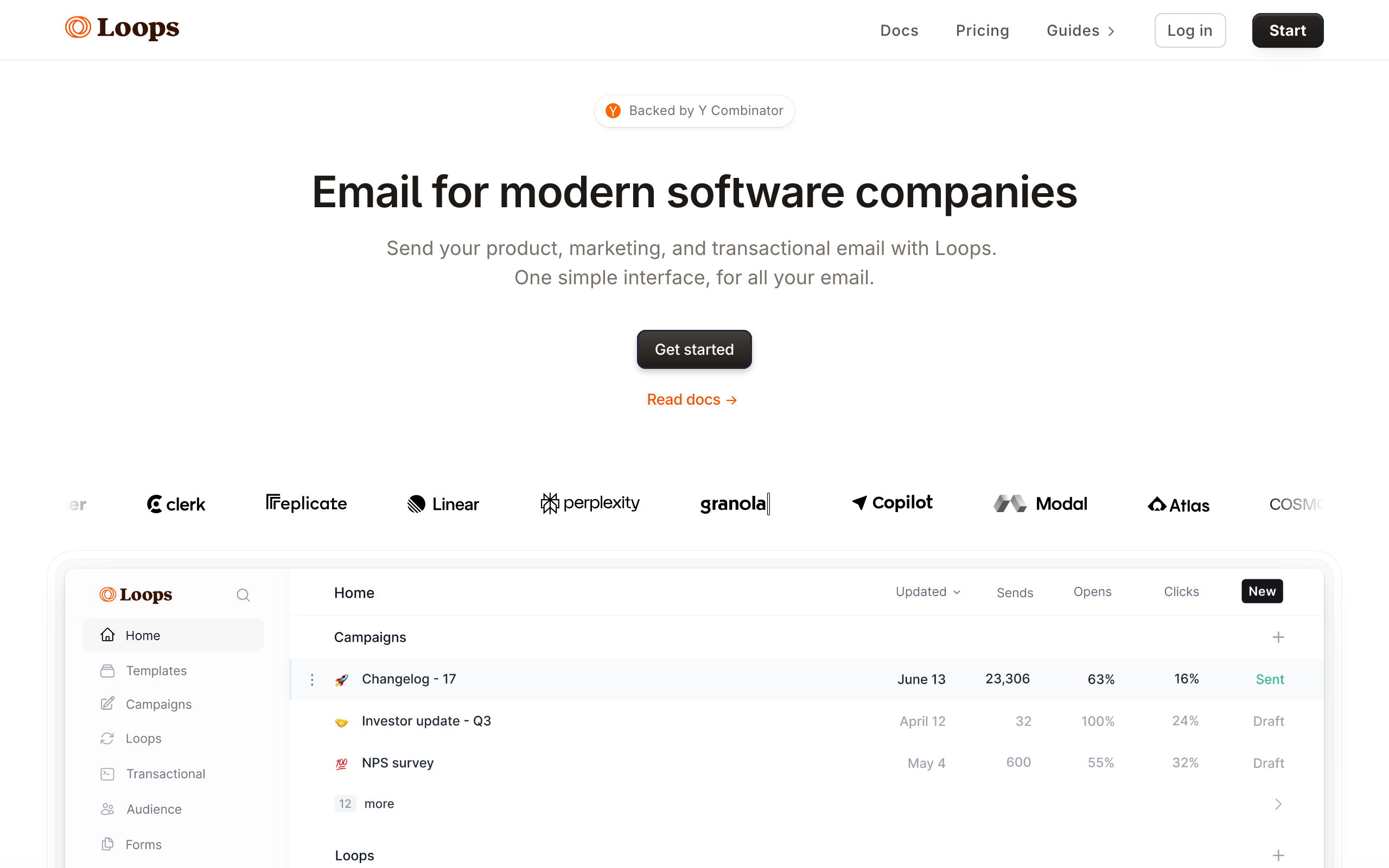
Best for: Simple event conversion tracking for early-stage SaaS
Loops supports basic conversion tracking via its events API. When you track a conversion event (subscription created, payment succeeded, upgrade completed), Loops can connect that conversion to the email sequence that preceded it. This event-to-conversion attribution is less sophisticated than Klaviyo or Sequenzy but provides directional insight for early-stage products.
For startups using Loops for lifecycle email, adding conversion event tracking gives you basic visibility into which sequences correlate with paid conversions. The setup requires sending conversion events from your application code alongside the standard product events.
As your attribution needs grow more sophisticated (multi-touch, configurable windows, sequence-step attribution), you'll outgrow Loops' capabilities. But for early validation of your email program's revenue impact, it provides enough signal.
Attribution model: Event-to-conversion tracking Revenue tracking: Via API conversion events Pricing: Free for 1,000 contacts, from $49/month Pros: Simple, good free tier, event-driven, fast setup Cons: Basic attribution, requires manual conversion event setup, limited reporting depth
20. Vero
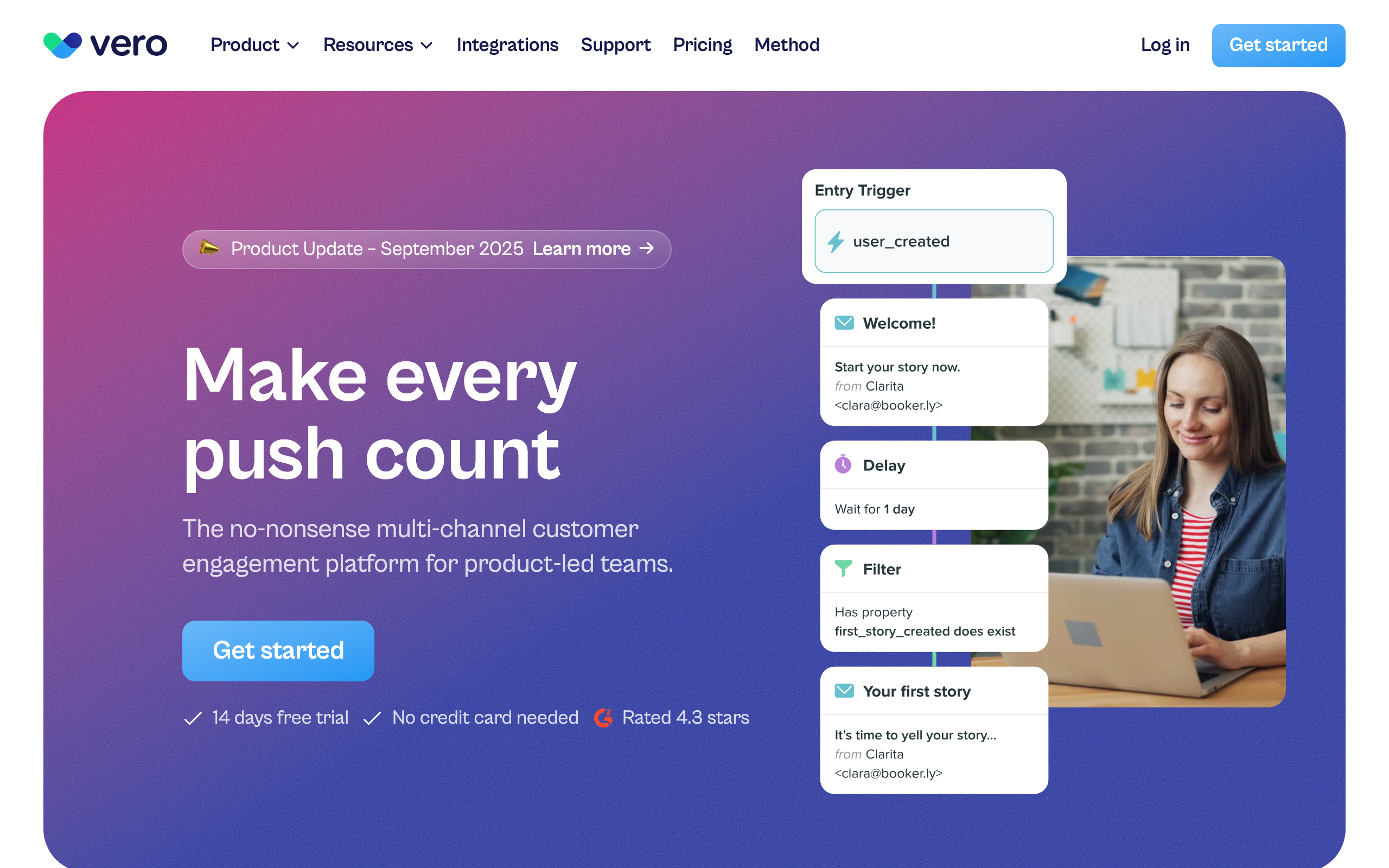
Best for: Product teams tracking event-based conversion revenue
Vero's workflow engine supports conversion goals that can include revenue attributes. When a subscriber completes a conversion event (purchase, upgrade, subscription) after engaging with a Vero workflow, the conversion is attributed to that workflow. You can include revenue amounts in conversion events to track monetary attribution.
The workflow-level attribution is well-suited for technical teams who want to define their own conversion events rather than relying on platform-specific integrations. For SaaS companies with custom billing or non-standard subscription models, the flexibility to define conversions in code is more practical than forcing a Stripe or Shopify integration.
Attribution model: Workflow conversion events Revenue tracking: Via custom conversion event API Pricing: From $99/month Pros: Flexible conversion definitions, mature workflow engine, multi-channel Cons: Manual setup required, no automatic e-commerce integration, dated UI
21. Encharge
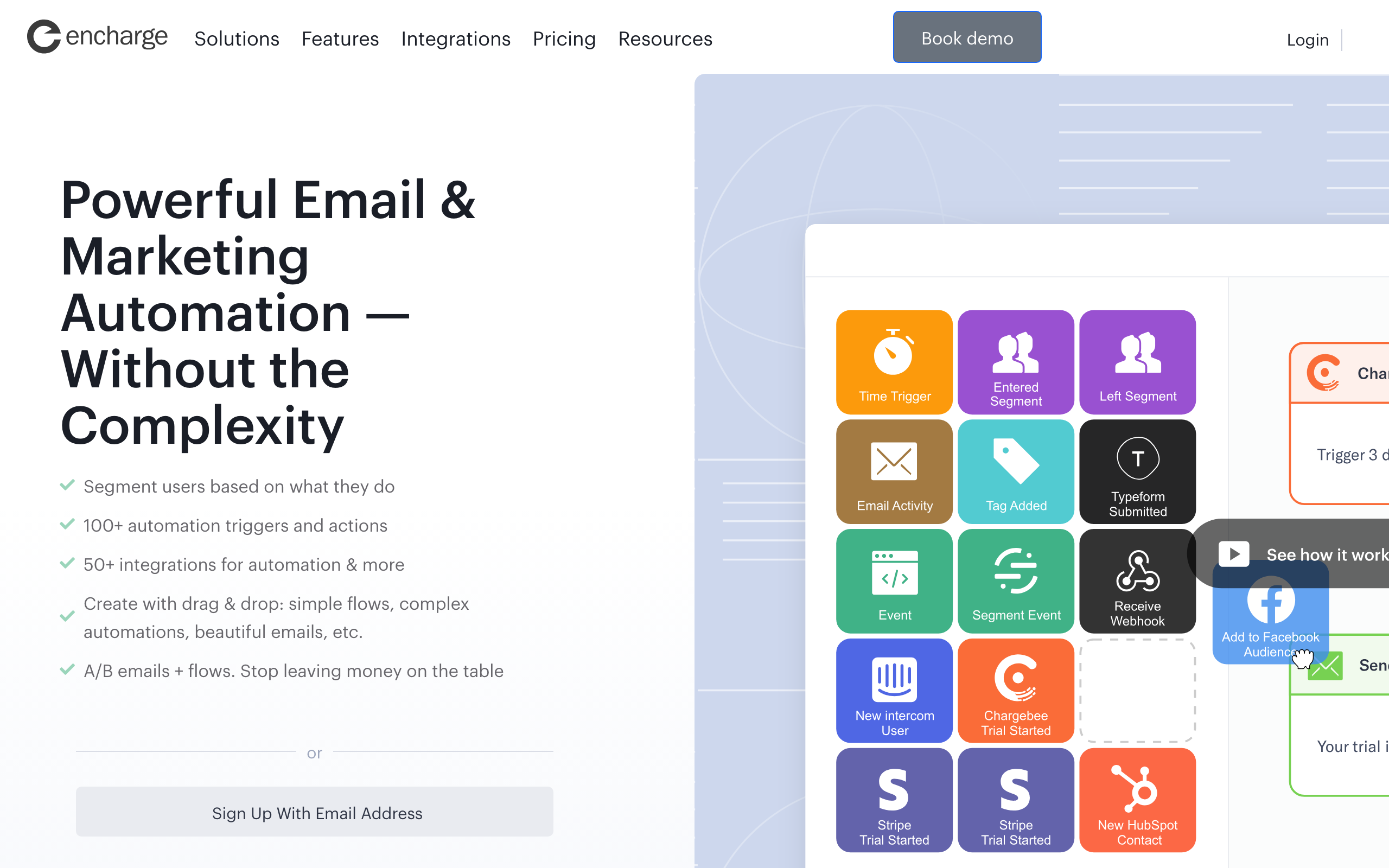
Best for: Goal completion tracking in visual automation flows
Encharge supports goal tracking within automation flows, which serves as a proxy for revenue attribution. When a subscriber in a flow achieves a defined goal (makes a purchase, upgrades a plan, completes signup), the goal completion is tracked and the flow is credited with the conversion.
For non-technical teams building visual automation flows in Encharge, the goal tracking feature provides attribution without requiring API event setup. You define the goal (visits pricing page, completes checkout, has the tag "paid_customer") and Encharge tracks which flows drive goal completions.
The limitation is depth - goal tracking in Encharge doesn't include revenue amounts natively. You can count conversions, but connecting them to monetary revenue requires exporting data and calculating attribution externally.
Attribution model: Goal completion tracking within flows Revenue tracking: Via goal tracking, conversion counting Pricing: From $79/month Pros: Visual flow builder, no-code goal tracking, accessible for non-technical teams Cons: No revenue amount tracking, manual analysis for monetary attribution, limited compared to dedicated attribution tools
Revenue Attribution for SaaS vs. E-Commerce
E-Commerce Attribution
Straightforward. Customer receives email, clicks through, makes a purchase. The purchase amount is attributed to the email. Product catalog integration makes tracking automatic.
Key metrics:
- Revenue per campaign: Total attributed revenue
- Revenue per recipient: Average purchase value per person who received the email
- Conversion rate: Percentage of recipients who purchased
- Average order value: Average purchase amount from email-attributed conversions
Best tools: Klaviyo, Mailchimp (with e-commerce integration)
SaaS Subscription Attribution
More complex. The "purchase" is a subscription that generates recurring revenue over time. Attribution questions include:
- Which email sequence influenced the trial-to-paid conversion?
- How much MRR did the dunning sequence recover?
- Which onboarding emails correlate with higher activation rates?
- Did the upgrade email sequence increase plan upgrades?
- What is the LTV of subscribers acquired through different email campaigns?
Key metrics:
- MRR attributed: Monthly recurring revenue from email-attributed conversions
- Recovered MRR: Revenue saved by dunning emails that recover failed payments
- Upgrade MRR: Incremental MRR from plan upgrades attributed to email
- Activation rate by sequence: Percentage of new users who complete activation after specific sequences
Best tools: Sequenzy (automatic via Stripe), ActiveCampaign (via CRM deals), Customer.io (custom setup)
The LTV Dimension
SaaS revenue attribution should ideally account for customer lifetime value, not just the initial conversion. A subscriber who converts to a $29/month plan after a trial email sequence generates $348 in the first year and potentially thousands over their lifetime. Attributing only the first month's revenue undervalues the sequence.
Sequenzy's Stripe integration tracks ongoing subscription revenue, giving you a longer-term view of attribution. Klaviyo's predicted CLV metric provides a similar forward-looking perspective for e-commerce.
What to Track
Essential Metrics
- Revenue per campaign/sequence: Total revenue attributed to each email effort
- Revenue per recipient: Average revenue generated per person who received the email
- Conversion rate: Percentage of recipients who completed a purchase/upgrade
- ROI: Revenue generated vs. cost of the email platform + time spent creating campaigns
Advanced Metrics
- Revenue by sequence step: Which email in the sequence drives the most conversions
- Attribution time lag: How long between email interaction and purchase
- Revenue by segment: Which audience segments generate the most email-attributed revenue
- Incrementality: Would the revenue have happened without the email (harder to measure)
- Blended attribution: How email revenue fits into total attributed revenue across all channels
- Revenue velocity: How quickly email-influenced conversions occur compared to uninfluenced ones
Building a Revenue Dashboard
For teams serious about email revenue attribution, build a dashboard that combines:
- Email platform data: Attributed revenue by campaign and sequence (from your email tool)
- Payment platform data: Actual revenue events (from Stripe, Shopify, etc.)
- Product data: User behavior that leads to revenue (feature adoption, activation milestones)
The combination reveals whether your email KPIs (opens, clicks) actually correlate with revenue outcomes. High-engagement emails that do not drive revenue need different optimization than low-engagement emails.
FAQ
Is email revenue attribution accurate? It's directional, not precise. Attribution models have inherent limitations. A customer might have bought regardless of the email. The email might have been one of many influences. Treat attribution as a useful signal for optimization, not an exact measure of email ROI. The value is in comparing campaigns and sequences against each other, not in the absolute dollar amounts.
What attribution window should I use? For e-commerce: 3-7 days is standard. Purchases are usually impulsive. For SaaS: 14-30 days is more appropriate. Subscription decisions take longer, especially for higher-priced plans. Start with the standard for your business model and adjust based on your data. Look at the time lag between email engagement and purchase to calibrate your window.
Can I track revenue without an e-commerce or payment integration? Yes, but it requires manual work. Send conversion events with revenue data to your email tool's API when purchases or upgrades happen. This works for custom payment flows or unusual business models. The trade-off is that you need to build and maintain the integration yourself.
Does view-through attribution (opens without clicks) count? It depends on who you ask. Some marketers include it because the email influenced awareness even without a click. Others exclude it because the causation is weak. For conservative attribution, stick to click-through attribution. View-through is particularly unreliable now due to Apple Mail Privacy Protection inflating open data.
How do I attribute revenue to a multi-email sequence? Most platforms attribute sequence revenue to the sequence as a whole. Some (like Klaviyo) break it down by sequence step, showing which email in the sequence was most influential. For SaaS, sequence-level attribution (which Sequenzy provides) is often more useful than email-level attribution, because the entire sequence contributes to the outcome.
What if a subscriber interacts with multiple campaigns before converting? With last-click attribution, only the last campaign gets credit. With multi-touch attribution, credit is distributed. For most email programs, last-click is sufficient because it tells you which email directly preceded the conversion. If you find that early-journey emails are consistently undervalued, consider switching to a multi-touch model.
How do I prove email's ROI to leadership? Combine attributed revenue with cost data. Calculate: (Email-attributed revenue - Email platform cost - Time cost of creating campaigns) / Total cost. Present this alongside other channel ROIs (paid ads, content, sales) to show email's relative efficiency. Email typically has the highest ROI of any marketing channel, which makes attribution data a strong argument for investment.
Should I optimize for opens, clicks, or revenue? Revenue, when possible. Opens and clicks are leading indicators, but revenue is the outcome that matters. A campaign with a 50% open rate that generates no revenue is less valuable than a campaign with a 15% open rate that drives $10,000 in attributed revenue. Use opens and clicks for diagnostics, but optimize for revenue as the north star.