21 Best Email Tools With Slack Integration (2026)

Your team lives in Slack. When a campaign sends, you want to know in Slack. When a subscriber signs up, you want a notification. When bounce rates spike, you need an alert before checking dashboards.
Slack integration for email tools falls into two categories: notifications (email tool pushes updates to Slack) and actions (you trigger email operations from Slack). Most tools focus on notifications since that's what teams actually use daily.
The quality of these integrations matters more than you might think. A well-designed Slack integration keeps your team informed about what's happening with your email program without requiring everyone to log into the email platform. For small SaaS teams where the founder is also the marketer, real-time Slack notifications can replace the habit of constantly checking dashboards.
Here's a breakdown of 21 email tools and how well they actually do Slack.
Quick Comparison
| Tool | Best For | Starting Price | Free Tier | Integration Type |
|---|---|---|---|---|
| Sequenzy | SaaS lifecycle notifications in Slack | $19/mo | No | Subscriber + lifecycle event notifications |
| Mailchimp | Most polished native Slack integration | $13/mo | Yes (500 contacts) | Native app, channel routing, slash commands |
| ActiveCampaign | CRM + email notifications with rules | $29/mo | No | Native app, conditional rules |
| Customer.io | Granular webhook-to-Slack automation | $100/mo | No | Webhook step in automations, liquid templating |
| ConvertKit (Kit) | Simple subscriber notifications | $29/mo | Yes (10k subs) | Native + Zapier, basic events |
| Loops | Lightweight Slack notifications | $49/mo | Yes (1k contacts) | Via Zapier, basic events |
| HubSpot | CRM as source of truth with Slack | $20/mo | Yes | Native app, workflow-based |
| Klaviyo | E-commerce flow + revenue alerts | $45/mo | Yes (250 contacts) | Native app, flow + metric alerts |
| Brevo | Budget-conscious teams via Zapier | $9/mo | Yes (300/day) | Via Zapier, basic events |
| MailerLite | Solo founders simple alerts | $10/mo | Yes (1k subs) | Via Zapier, basic events |
| Beehiiv | Newsletter subscriber pings | $39/mo | Yes (2.5k subs) | Via Zapier, subscriber + post events |
| Encharge | Slack as a visual flow step | $79/mo | No | Native Slack step inside flows |
| Userlist | B2B SaaS account-level alerts | $149/mo | No | Native Slack, account-aware |
| Bento | Event-driven Slack pings | $30/mo | No | Native Slack action in flows |
| Vero | Event-based routing to Slack | $99/mo | No | Webhook-to-Slack via workflow step |
| Ortto | Slack inside journey builder | $599/mo | No | Native Slack step in journeys |
| Postmark | Transactional monitoring alerts | $15/mo | No | Native delivery + bounce alerts |
| Resend | Webhook-driven Slack alerts | $20/mo | Yes (100/day) | Webhook-to-Slack (DIY) |
| SendGrid | Transactional infra monitoring | $20/mo | Yes (100/day) | Native event webhook + Zapier |
| Iterable | Enterprise alerts + approvals | $500+/mo | No | Native Slack action in journeys |
| Drip | E-commerce purchase alerts | $39/mo | No | Via Zapier, order + subscriber events |
What Good Slack Integration Looks Like
- Campaign notifications: Send/complete alerts with open and click rate summaries
- Subscriber alerts: New subscriber, unsubscribe, and bounce notifications
- Automation updates: Notifications when automations trigger or complete
- Customizable channels: Route different notification types to different Slack channels
- Actionable alerts: Links back to the email platform for quick access
- Not too noisy: Configurable thresholds so you don't get a notification for every single event
- Rich formatting: Slack blocks with key data points, not plain text dumps
The 21 Best Options
1. Sequenzy
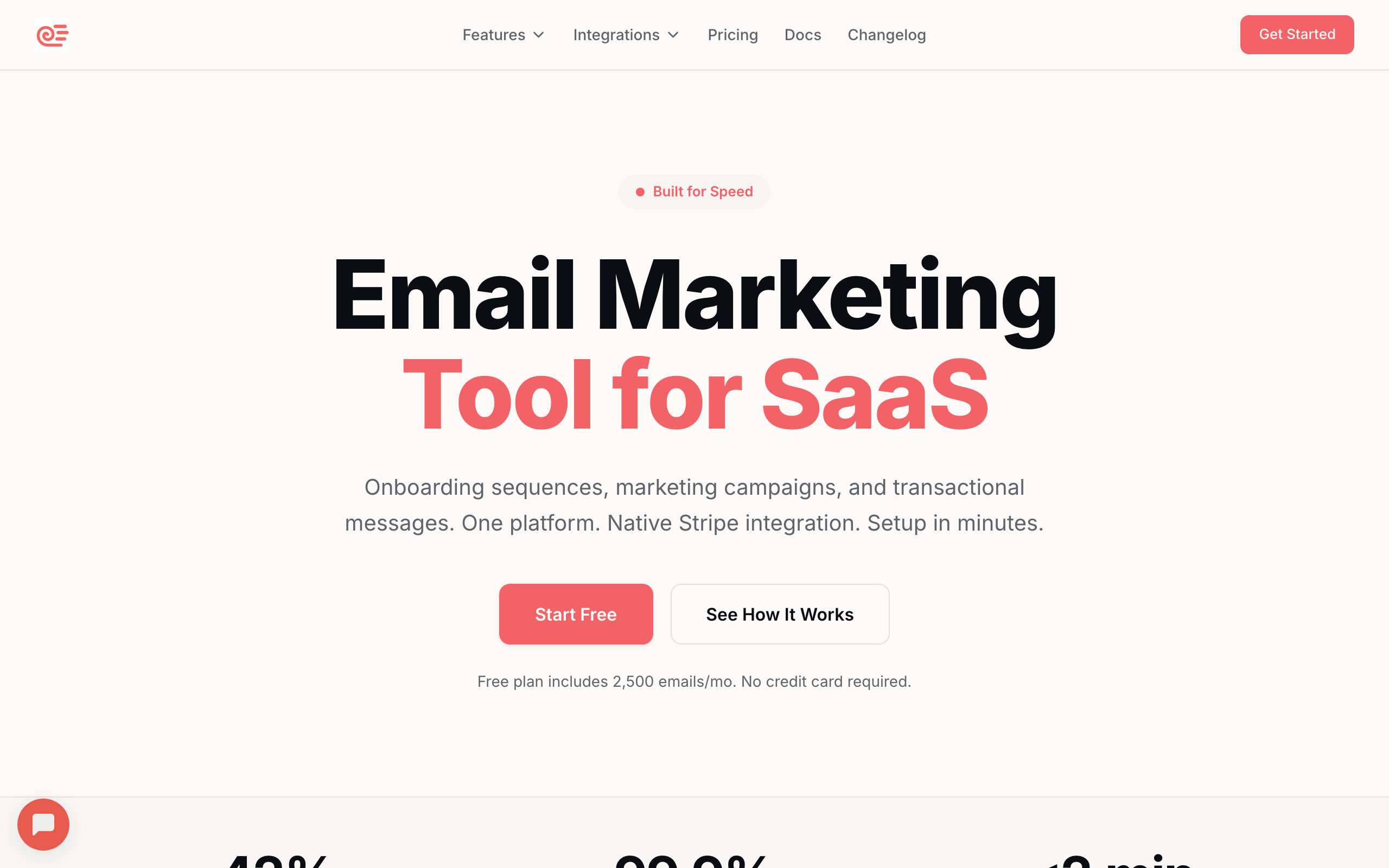
Best for: SaaS teams wanting subscriber lifecycle notifications in Slack
Sequenzy sends Slack notifications for key subscriber events: new subscribers, tag changes, sequence triggers, and campaign sends. For SaaS teams, the most useful notifications are around lifecycle events. When a subscriber's trial is expiring, when a dunning sequence triggers, or when a user churns, the team sees it in Slack.
The notifications include links back to the subscriber profile in Sequenzy, so you can quickly see the full context. For small teams where everyone wears multiple hats, knowing what's happening with subscribers in real-time keeps customer success proactive rather than reactive.
The lifecycle focus is what differentiates Sequenzy's Slack integration from generic email tool notifications. Instead of just "Campaign sent to 2,400 people," you get notifications that matter for SaaS: "Trial ending for acme-corp (3 seats, Pro plan)." Combined with Stripe integration, payment-related events flow into Slack alongside email events, giving your team a unified view of customer lifecycle activity.
For teams tracking SaaS email marketing KPIs, Slack notifications provide a lightweight way to stay on top of key metrics without building a dedicated dashboard.
- Slack features: Subscriber notifications, sequence alerts, campaign sends, lifecycle events, payment event alerts
- Pricing: Free up to 2,500 emails/month, paid plans from $19/month
- Key strength: AI integration
- Pros: SaaS lifecycle notifications, subscriber context links, simple configuration, combined email + payment events
- Cons: Fewer notification types than established platforms, newer integration, smaller template library
2. Mailchimp
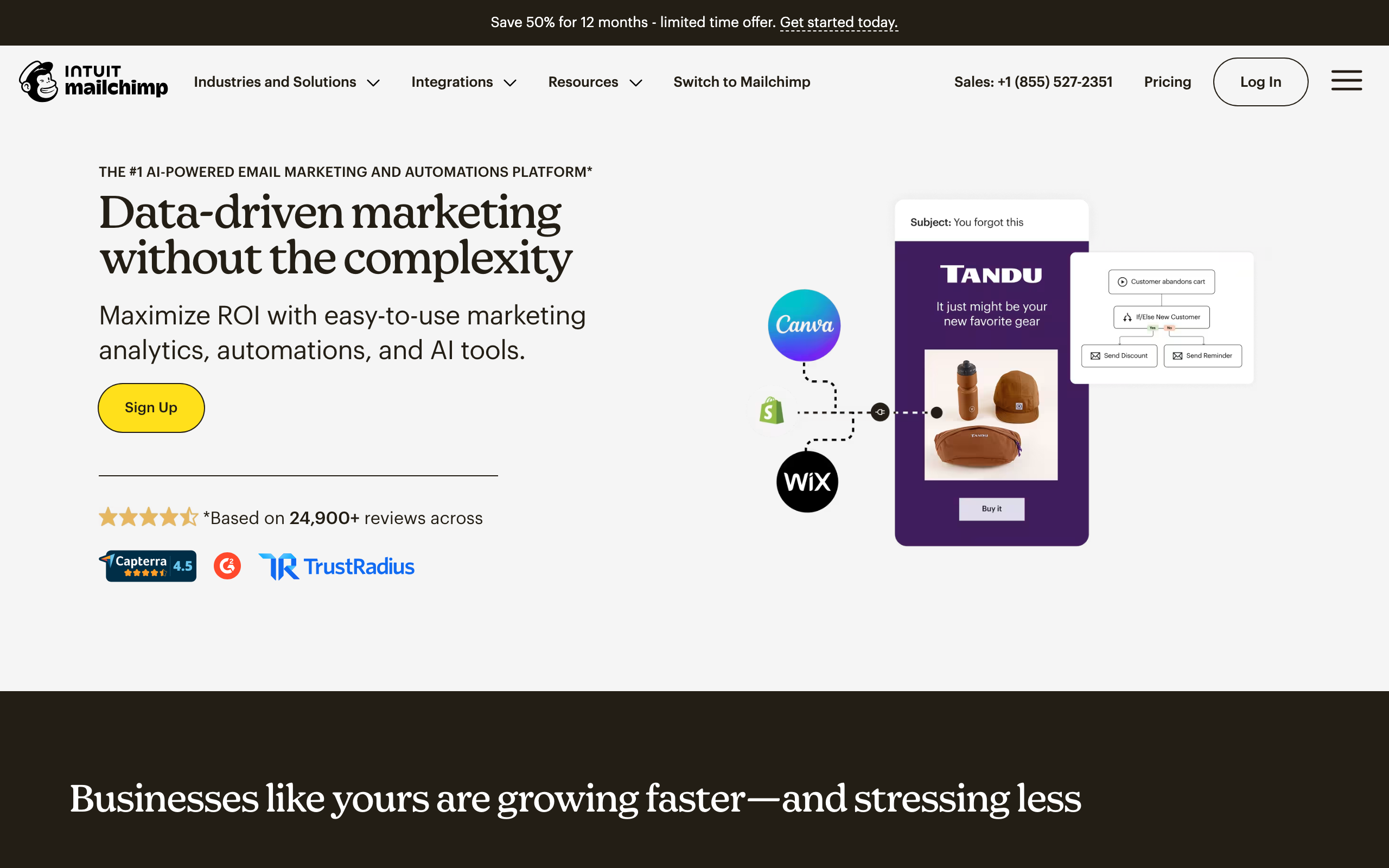
Best for: The most mature Slack integration for email marketing
Mailchimp's native Slack integration is one of the most polished. You get notifications for campaign sends, subscriber activity, and audience changes directly in Slack channels. The integration lets you choose which events trigger notifications and which channels receive them.
You can also use Slack to get quick stats. Ask about recent campaign performance and get open/click rates without leaving Slack. For teams that use Mailchimp for regular campaigns, the Slack integration keeps everyone informed without constant dashboard checks.
The notification formatting is well-designed. Campaign completion notifications include key metrics (sent, opened, clicked, bounced) in a clean Slack block format. You can glance at the notification and immediately know whether a campaign performed well or needs attention.
Mailchimp also supports Slack notifications through Zapier for more advanced workflows. If the native integration doesn't cover a specific event type, you can build a Zap that catches it and pushes to Slack with custom formatting.
- Slack features: Campaign notifications, subscriber alerts, performance summaries, channel routing, quick stats commands
- Pricing: Free up to 500 contacts, from $13/month
- Key strength: Most polished native Slack app in the category
- Pros: Configurable notifications, performance summaries, Slack commands for stats
- Cons: Limited automation depth, pricing increases at scale, basic for SaaS lifecycle use cases
3. ActiveCampaign
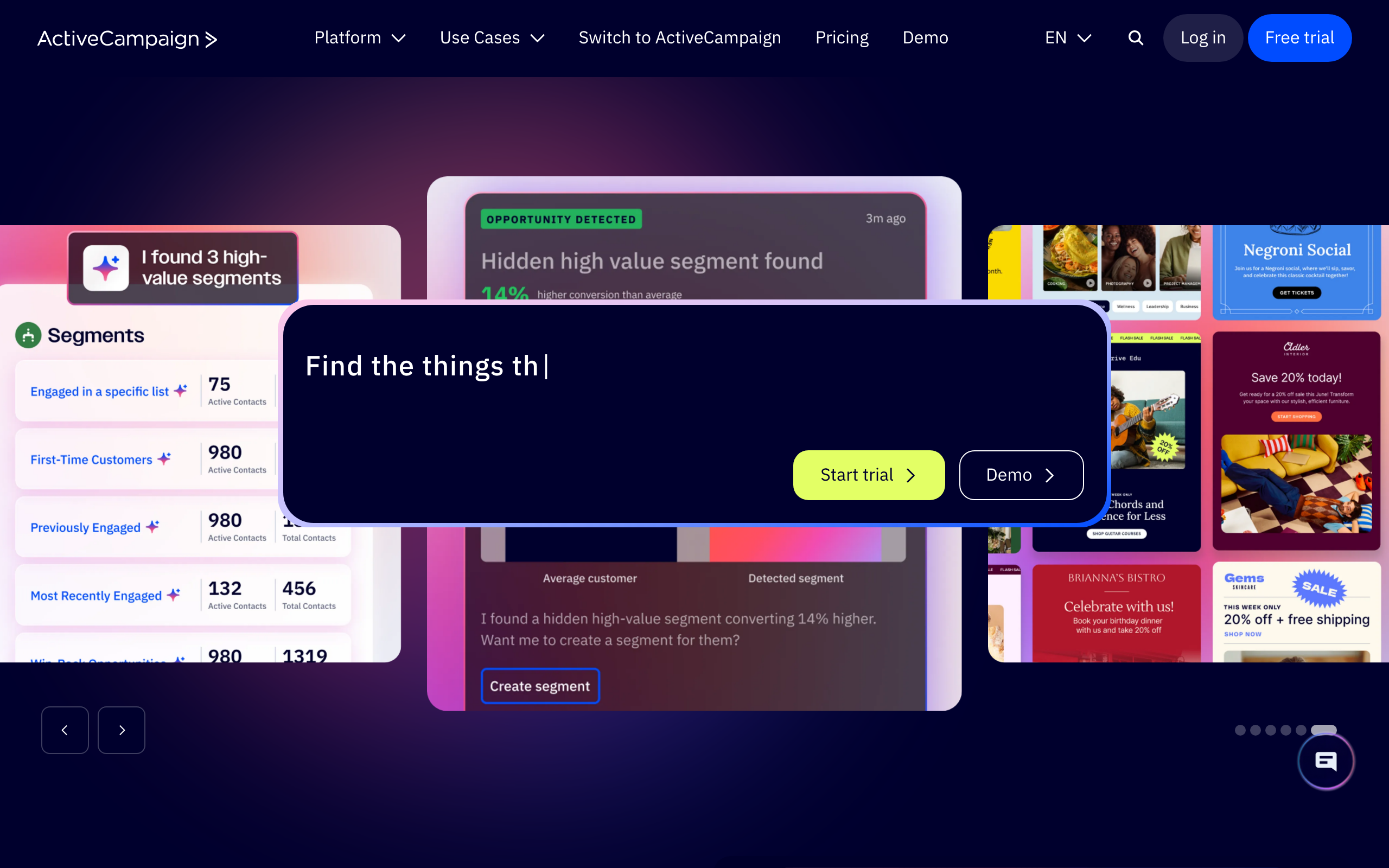
Best for: Teams wanting CRM + email notifications in Slack
ActiveCampaign's Slack integration goes beyond email. You get notifications for email events, deal changes, automation triggers, and contact activity. Since ActiveCampaign includes a CRM, Slack notifications can cover the full customer journey from lead to customer.
The integration supports custom notification rules. Get notified when a high-value deal moves stages, when a specific automation triggers, or when email engagement drops below a threshold. For sales-marketing teams, this keeps both sides informed in one Slack channel.
The custom rules are where ActiveCampaign's Slack integration shines. You can set up notifications like "Notify #sales when a contact with deal value over $10K opens a pricing email" or "Alert #support when a contact sends a negative NPS response." These conditional notifications reduce noise while surfacing the events that actually require attention.
For teams that use ActiveCampaign alongside other tools via Zapier, you can extend the Slack notifications to cover events from across your entire stack, all routed to appropriate channels.
- Slack features: Email notifications, deal alerts, automation triggers, custom rules, channel routing, conditional notifications
- Pricing: From $29/month
- Key strength: Conditional rules combining CRM + email signals
- Pros: CRM + email notifications in one place, custom rules, automation alerts
- Cons: Can be noisy without careful configuration, complex setup, steep learning curve for rules
4. Customer.io

Best for: Technical teams wanting granular webhook-to-Slack automation
Customer.io doesn't have a native Slack app, but its webhook actions in automations are more powerful than most native integrations. You can add a "send to Slack" step in any Customer.io automation, with fully customizable message content using liquid templating.
This means you can create hyper-specific Slack notifications: "User [name] just completed onboarding step 3 but hasn't done step 4 after 24 hours." The flexibility comes at the cost of setup time, since you're building each notification manually rather than toggling prebuilt options.
The liquid templating support is powerful. You can include any customer attribute in the Slack message: name, company, plan, MRR, last login date, feature usage metrics. This turns Slack notifications into contextual briefings. Instead of "User john@acme.com triggered automation X," you get "John Smith (Acme Corp, Pro plan, $299/mo MRR, last login 2 days ago) hasn't completed setup step 4."
For teams that build event-driven email workflows, the webhook-to-Slack approach means every event that triggers an email can also trigger a Slack notification, with full context.
- Slack features: Custom webhook-to-Slack notifications in automations, liquid templating, unlimited customization, full customer context
- Pricing: From $100/month
- Key strength: Total flexibility via liquid + webhook step
- Pros: Most flexible, fully customizable messages, can trigger at any automation step, rich customer context
- Cons: No native Slack app, requires manual setup for each notification, expensive, needs technical skills
5. ConvertKit (Kit)

Best for: Creators wanting simple subscriber notifications in Slack
ConvertKit's Slack integration (via Zapier or native) sends notifications for new subscribers, purchases, and tag additions. For creators running newsletters, courses, or digital products, seeing new subscribers appear in Slack is motivating and practical.
The integration is simple by design. You don't get complex routing rules or custom notification templates. You get "new subscriber signed up" and "someone bought your product" notifications in the Slack channel of your choice. For most creators, that's exactly enough.
There's something genuinely motivating about seeing new subscriber notifications pop up in Slack throughout the day. For solo creators or small teams, it creates a sense of momentum and provides real-time feedback on content and marketing efforts. It's basic, but it's effective for the audience ConvertKit serves.
- Slack features: New subscriber notifications, purchase alerts, tag notifications
- Pricing: Free up to 10,000 subscribers, from $29/month
- Key strength: Simple creator-focused alerts
- Pros: Generous free tier, motivating for solo creators, easy to set up
- Cons: Basic notifications only, limited customization, not suited for SaaS lifecycle use cases
6. Loops
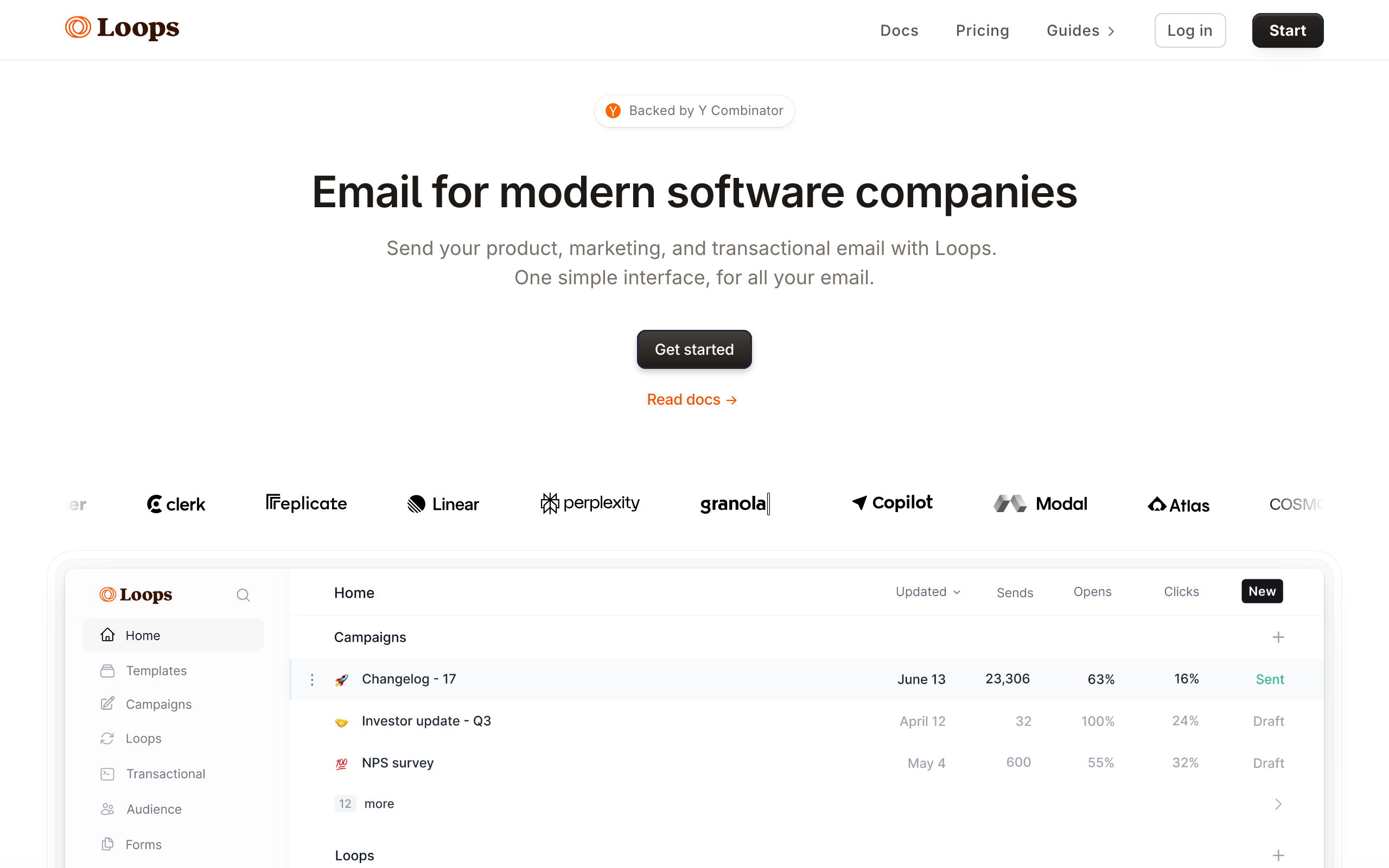
Best for: Startups wanting lightweight Slack notifications
Loops can connect to Slack through Zapier for basic notifications. New contacts, event triggers, and automation starts can push to Slack channels. The integration is lightweight, matching Loops' overall philosophy of keeping things simple.
For a small startup team, seeing "New user signed up" and "Onboarding sequence started" in a dedicated Slack channel provides enough visibility into the email funnel without building a dashboard habit. It's awareness-level information that keeps the team loosely informed.
As your team grows and needs more sophisticated notifications, you may outgrow what Loops offers through Zapier. But for early-stage startups where simplicity matters more than customization, the lightweight approach is a feature, not a limitation.
- Slack features: Contact notifications, event alerts (via Zapier)
- Pricing: Free for 1,000 contacts, from $49/month
- Key strength: Minimal setup, fits indie startup workflow
- Pros: Simple, lightweight, good free tier, developer-friendly
- Cons: Requires Zapier (no native Slack app), basic notifications only, limited as you scale
7. HubSpot

Best for: Teams using HubSpot CRM as the source of truth
HubSpot's native Slack app sends notifications for workflow activity, contact ownership changes, deal updates, and form submissions. Because email is just one surface inside HubSpot, the Slack integration tends to feel CRM-shaped: notifications are anchored to contacts and deals rather than campaigns.
You can configure workflow-based Slack notifications fairly granularly: when a contact reaches a lifecycle stage, when a sequence enrolls a new lead, or when an email gets a reply. For sales-led teams, that mapping is natural.
The downside is the same as with most HubSpot integrations: the depth you actually need usually lives behind a higher Marketing Hub tier. The free tier gives you a taste, but the workflow-based Slack alerts that make this useful are gated.
- Slack features: Workflow notifications, contact + deal updates, form submissions, channel routing
- Pricing: Free CRM, Marketing Hub from $20/month
- Key strength: Tight CRM integration with workflow triggers
- Pros: Unified with deals and pipelines, workflow-driven, polished UI
- Cons: Real depth gated behind higher tiers, CRM-shaped not campaign-shaped, complex permissions model
8. Klaviyo
Best for: E-commerce teams wanting flow + revenue alerts in Slack
Klaviyo's Slack integration covers flow activity, campaign performance, and metric-based alerts. You can configure notifications when a flow completes, when a campaign exceeds a revenue threshold, or when a key metric crosses a defined boundary.
The metric alert system is the standout. You can ask Slack to ping you when revenue from a specific flow drops by more than 20% week-over-week, or when bounce rates spike on a campaign. That kind of conditional monitoring is rare among email tools.
For pure SaaS teams the e-commerce framing gets in the way, but for any team running ecommerce + email, Klaviyo's Slack integration is one of the better experiences in the category.
- Slack features: Flow alerts, campaign performance, metric thresholds, channel routing
- Pricing: Free up to 250 contacts, from $45/month
- Key strength: Metric-based threshold alerts to Slack
- Pros: Conditional alerts on revenue and engagement, good formatting, deep flow data
- Cons: E-commerce-shaped, pricing scales aggressively, can be heavy for small teams
9. Brevo (Sendinblue)
Best for: Budget-conscious teams sending alerts via Zapier
Brevo doesn't ship a first-party Slack app for notifications. You connect via Zapier, n8n, or Make and route campaign + contact events into Slack channels yourself. The setup is straightforward but it's clearly DIY.
For teams already paying for Zapier and using Brevo for email, this is a reasonable path. You won't get rich formatting or conditional logic out of the box, but the basic "campaign sent" and "new contact" alerts are easy to wire up.
If notification depth matters, Brevo isn't the right home base. If you just need cheap email plus rough Slack visibility, it works.
- Slack features: Via Zapier or n8n: campaign sent, contact added, automation triggered
- Pricing: Free up to 300 emails/day, from $9/month
- Key strength: Cheapest path to email + basic Slack alerts
- Pros: Very affordable, includes SMS, decent free tier
- Cons: No native Slack app, requires Zapier-style middleware, limited formatting
10. MailerLite
Best for: Solo founders wanting simple subscriber alerts
MailerLite doesn't offer a native Slack integration but works cleanly with Zapier and Make to forward common events: new subscribers, campaign sends, and form submissions. The setup takes about 10 minutes and covers the alerts most solo operators actually want.
The platform itself is pleasant to use, so when you click through from Slack to investigate, the dashboard isn't going to fight you. For a one-person shop or a small newsletter operation, that combination is more than enough.
Don't expect conditional logic or campaign approval flows. This is awareness-level Slack tooling for people who don't want a separate ops channel.
- Slack features: Via Zapier: subscriber added, campaign sent, form submitted
- Pricing: Free up to 1,000 subscribers, from $10/month
- Key strength: Pleasant editor + cheap basic alerts
- Pros: Generous free tier, simple pricing, works with Zapier reliably
- Cons: No native Slack app, basic events only, no conditional rules
11. Beehiiv
Best for: Newsletter operators wanting subscriber and post pings
Beehiiv leans on Zapier and webhooks for Slack delivery. You can route new subscriber events, post-published events, and referral milestones into Slack channels. For newsletter teams, that subscriber-growth ping has real motivational value.
There's no native Slack app and no conditional routing. But the subscriber + post-publish events are exactly what newsletter operators usually want to see in Slack, so the Zapier path covers most cases.
If you also use Beehiiv's Boosts or Recommendations network, those events are easy to forward into a dedicated channel for the growth side of the team.
- Slack features: Via Zapier or webhooks: new subscriber, post published, referral hit
- Pricing: Free up to 2,500 subscribers, from $39/month
- Key strength: Newsletter-shaped subscriber + growth events
- Pros: Strong audience growth tools, polished editor, decent analytics
- Cons: No native Slack app, newsletter-shaped, limited conditional logic
12. Encharge
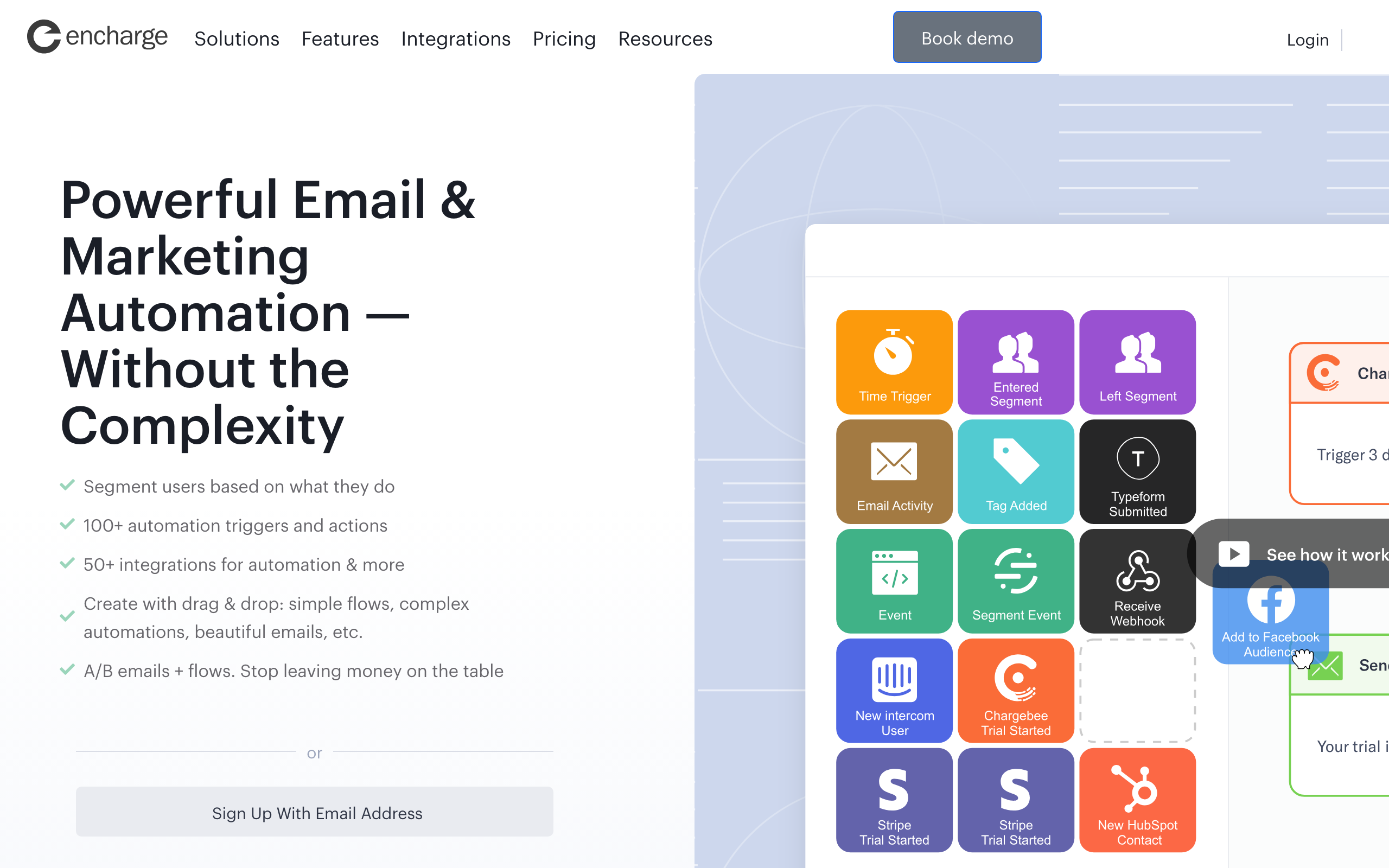
Best for: Visual flow builders wanting Slack as a step
Encharge ships a native Slack action you can drop into any flow. That means Slack notifications can happen at any point in an automation, not just on global events. Send a Slack ping when a lead hits a specific score, when a trial extension is requested, or when a tag is applied.
The visual flow builder makes it easy to see exactly where Slack alerts fire, which is useful when notifications start branching across teams. Channels and message content are configured per step, so different stages of a journey can ping different teams.
This is one of the better non-enterprise integrations for teams that want Slack baked into their automation logic, not bolted on as a global event listener.
- Slack features: Slack action as a flow step, per-step channel + message config
- Pricing: From $79/month
- Key strength: Slack as a first-class flow step
- Pros: Visual placement of Slack alerts in flows, easy per-step routing
- Cons: Mid-range pricing, smaller user base, basic email editor
13. Userlist
Best for: B2B SaaS wanting account-level alerts in Slack
Userlist's Slack integration is account-aware, which is rare. Notifications can include both the user and the company, so a Slack ping about a new trial includes "John (Acme Corp, 12-seat team)" instead of just an email address.
For B2B SaaS where multiple people belong to one paying account, that distinction matters. Your CSM team can see a single Slack alert for an account-level event instead of getting noise from every individual user inside the account.
The automation builder lets you choose exactly which events forward to Slack, with company-level segmentation as a filter. It's not visually flashy, but the data model is the right one for B2B work.
- Slack features: Account-aware notifications, user + company context, per-event routing
- Pricing: From $149/month
- Key strength: Account-level alerts (not just user-level)
- Pros: Built for B2B SaaS, clean account segmentation, focused notifications
- Cons: Higher starting price, smaller community, fewer templates
14. Bento
Best for: Indie SaaS wanting event-driven Slack pings
Bento exposes a Slack action inside its automation builder, similar to Encharge. Drop it into any flow and forward custom events with subscriber attributes attached. Because Bento is event-first, almost anything in the platform can drive a Slack notification.
The implementation is rough around the edges in places (Bento's UI has some friction), but the underlying capability is real. For an indie hacker who wants Slack pings when specific behaviors happen, the price and flexibility ratio is good.
If you want something visually polished, look at Encharge. If you don't mind the UI and want event-driven Slack at indie pricing, Bento works.
- Slack features: Slack action inside flows, custom event payloads, attribute interpolation
- Pricing: From $30/month
- Key strength: Event-driven Slack at indie pricing
- Pros: Native Slack step, generous attribute access, fits behavior-driven workflows
- Cons: UI feels cluttered, documentation gaps, smaller ecosystem
15. Vero
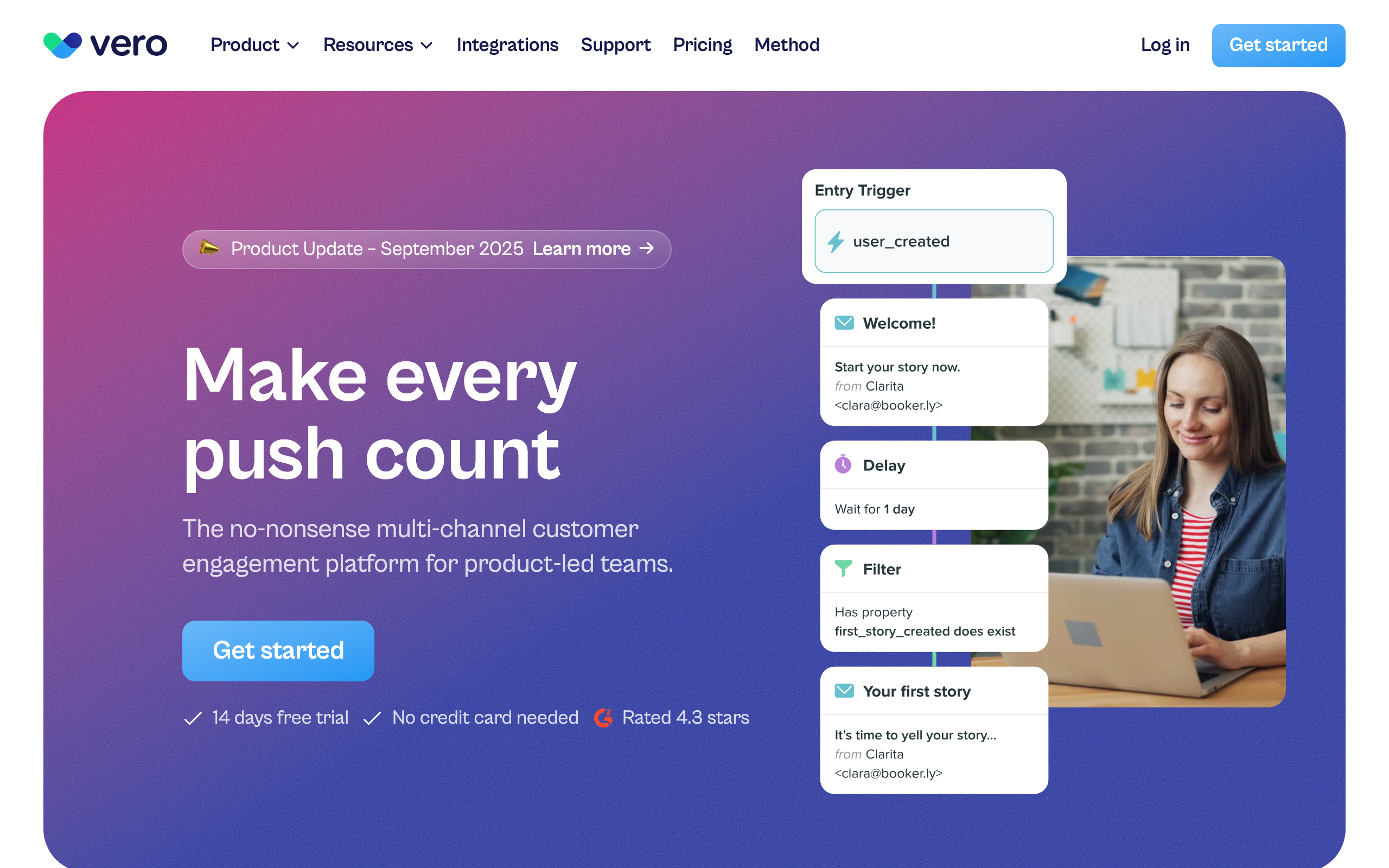
Best for: Product teams routing event-based alerts
Vero's workflow engine treats Slack as another delivery channel. Inside a workflow you can branch on event properties and fire a Slack message at any step, with full attribute templating in the payload.
Because Vero is built around events rather than campaigns, the Slack notifications tend to be specific. "Payment failed for user X on plan Y after 3 retries" is exactly the kind of message a product team can act on, and Vero will assemble it cleanly.
It's not the trendiest tool in the category, but for teams who want Customer.io-style flexibility at a slightly lower price, Vero's Slack story is solid.
- Slack features: Webhook-to-Slack via workflow step, full attribute templating, branch-aware
- Pricing: From $99/month
- Key strength: Mature workflow engine routing events to Slack
- Pros: Multi-channel (email + push + Slack), strong segmentation, predictable pricing
- Cons: No one-click Slack app, dated UI in places, smaller ecosystem
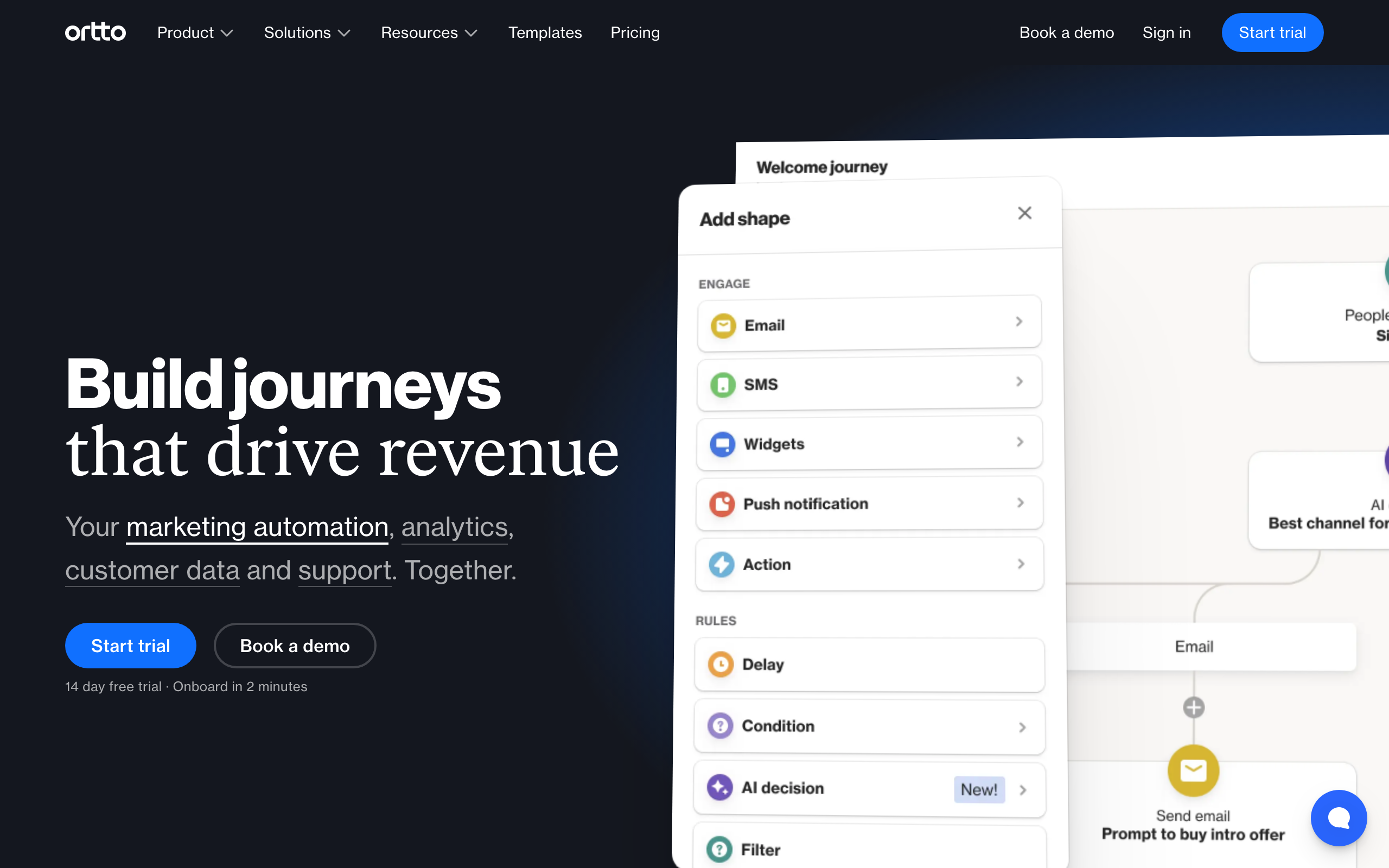
16. Ortto (Autopilot)
Best for: Marketing teams wanting Slack inside journeys
Ortto includes a native Slack step inside its journey builder. You can ping a channel at any point in a customer journey, with the full set of contact and event attributes available for templating.
Ortto's journey builder is one of its strongest features, so being able to drop Slack alerts directly into a journey (rather than configuring them globally) makes notifications feel intentional. A Slack ping at the "trial expiring" step of a journey is much easier to reason about than a global "trial expiration" listener.
The catch is pricing. Ortto's lower tiers don't include the data sources and journey features you actually need, so realistically you're at the higher plans before this is usable.
- Slack features: Native Slack step in journeys, attribute templating, channel routing
- Pricing: From $599/month for the plan tier where this is usable
- Key strength: Slack as a journey step inside a polished builder
- Pros: Strong journey builder, polished UI, multi-channel
- Cons: Expensive once journeys are usable, complex to learn, overkill for small teams
17. Postmark
Best for: Developers monitoring transactional sending
Postmark's Slack integration is focused on operational health, not marketing. You get alerts for delivery problems, bounces, and deliverability issues directly in Slack. For developers responsible for transactional email infrastructure, this is exactly the right scope.
There's no campaign or sequence concept in Postmark, so you won't get marketing-style Slack alerts. What you do get is reliable, fast notification when something is wrong with sending, which is the alert that actually matters for transactional infrastructure.
Pair Postmark for transactional with a marketing tool from this list if you want both kinds of Slack visibility.
- Slack features: Delivery + bounce alerts, deliverability incidents, native app
- Pricing: From $15/month
- Key strength: Operational alerts for transactional sending
- Pros: Best-in-class transactional deliverability, fast operational alerts
- Cons: No marketing notifications, no automation builder, narrow scope
18. Resend

Best for: Developers wanting webhook-driven Slack alerts
Resend doesn't ship a native Slack integration, but its webhook system makes Slack alerts straightforward to wire up in code. Subscribe to Resend's webhook events, transform them in your own service, and post to Slack with whatever formatting you want.
For teams already running React Email and Resend, this fits the pattern. You own the email layer in code, and you own the Slack alerts in the same code. Total control, with the matching maintenance cost.
What you don't get is a no-code path. If your team isn't comfortable wiring up webhooks, this isn't the right tool for Slack notifications.
- Slack features: Webhook-to-Slack (DIY), full event payload, code-owned formatting
- Pricing: Free for 100 emails/day, from $20/month
- Key strength: Code-owned Slack alerts via webhooks
- Pros: Excellent developer experience, TypeScript SDK, fast delivery
- Cons: No no-code Slack path, you build everything yourself, broadcast features still maturing
19. SendGrid
Best for: Teams monitoring transactional infrastructure in Slack
SendGrid offers a native Event Webhook and works cleanly with Zapier for Slack delivery. Most teams use it to monitor delivery health: bounces, spam complaints, and deliverability incidents go to a dedicated Slack channel for the infrastructure team to watch.
The Marketing Campaigns side of SendGrid does have Slack support via Zapier, but most teams using SendGrid treat it purely as transactional infrastructure and pair it with a marketing tool for sequences. The Slack integration follows that pattern: it shines for operational alerts, less so for campaign reporting.
For high-volume Stripe-webhook-triggered transactional, SendGrid + a Slack channel for delivery health is a common setup.
- Slack features: Native event webhook, Zapier integration, delivery + bounce alerts
- Pricing: Free up to 100 emails/day, from $20/month
- Key strength: Operational alerts at scale
- Pros: Mature transactional infrastructure, scales to high volume, established deliverability tooling
- Cons: Marketing Campaigns is weak, requires Zapier for richer alerts, support has mixed reputation
20. Iterable

Best for: Enterprise teams wanting alerts and approvals in journeys
Iterable includes a native Slack action inside its journey orchestration tool. You can fire Slack messages at any point in a cross-channel journey, including for approval workflows where a campaign needs human sign-off before sending.
The approval flow is genuinely useful for larger teams. A campaign can pause at a specific step, ping the right Slack channel for review, and only continue once approved. That removes a lot of "is this ready to send?" Slack-thread chaos.
For enterprise SaaS already invested in Iterable for cross-channel lifecycle, the Slack integration fits naturally. For everyone else, the licensing rules it out.
- Slack features: Native Slack action in journeys, approval workflows, attribute templating
- Pricing: Custom enterprise pricing, typically $500+/month
- Key strength: In-journey approvals via Slack
- Pros: Enterprise-grade orchestration, true cross-channel, strong experimentation
- Cons: Expensive, long implementation timelines, overkill for small/mid teams
21. Drip
Best for: E-commerce-led teams wanting purchase alerts
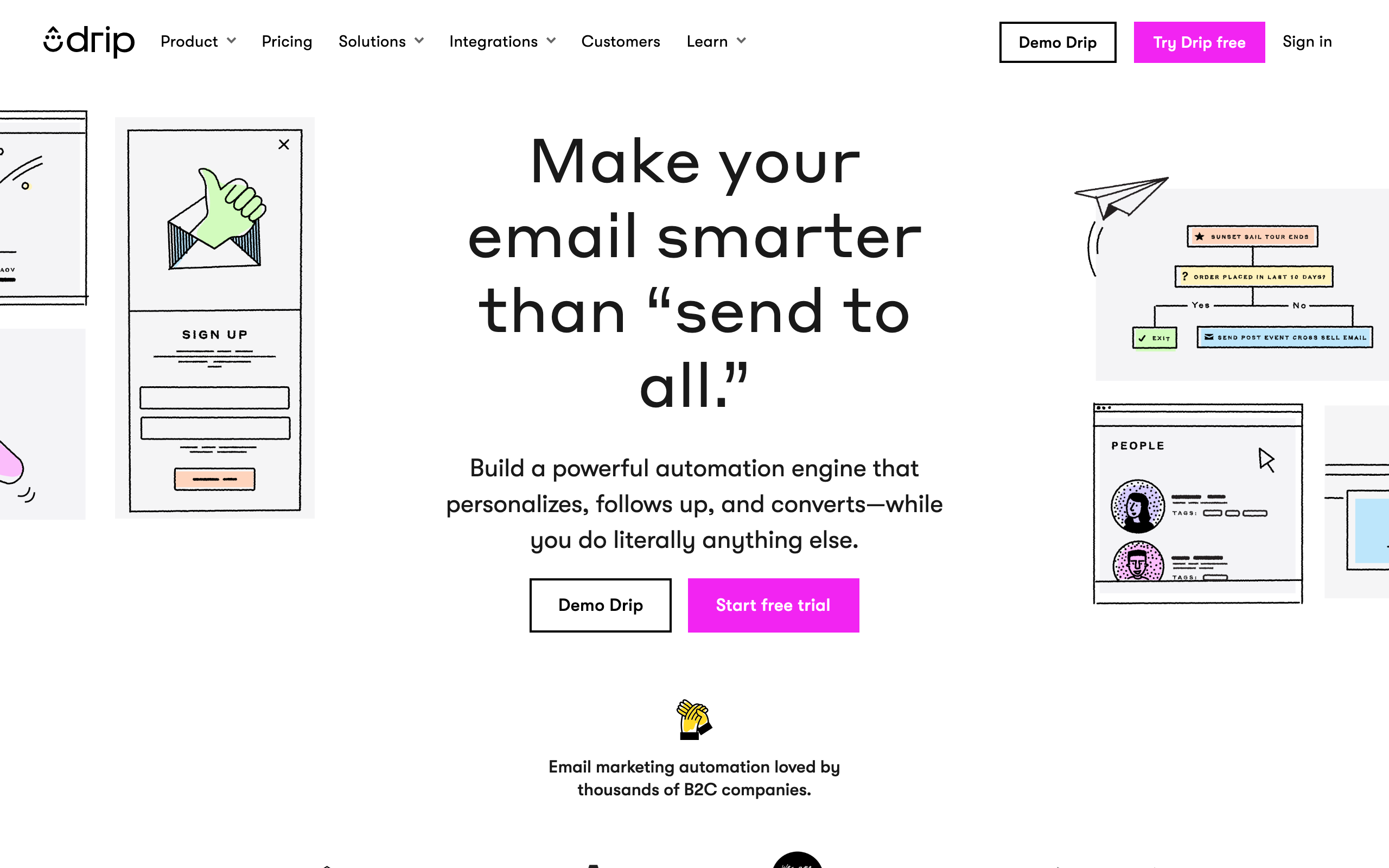
Drip relies on Zapier for Slack delivery. The integration handles common events: new subscriber, purchase, order status, and workflow completion. For e-commerce teams running Drip alongside Shopify, the order-related Slack alerts can replace a separate ecommerce notification setup.
There's no native Slack app and no conditional logic at the platform level. Whatever filtering you need has to happen in Zapier, which is fine for simple cases and gets messy fast for complex ones.
For SaaS-shaped teams there are better options on this list. For Drip-specific e-commerce shops, this is the path.
- Slack features: Via Zapier: subscriber, purchase, order, workflow events
- Pricing: From $39/month
- Key strength: E-commerce purchase + order alerts via Zapier
- Pros: Strong workflow builder, e-commerce-aware segmentation
- Cons: No native Slack app, Zapier latency and cost, less SaaS focus
Setting Up Effective Slack Notifications
Channel Strategy
Don't dump all email notifications into #general. Create purpose-specific channels:
- #email-campaigns: Campaign send/complete notifications, performance summaries
- #new-subscribers: New subscriber alerts (especially valuable for small teams)
- #email-alerts: Bounces, spam complaints, deliverability warnings
- #customer-lifecycle: Trial expirations, churn alerts, upgrade notifications
- #revenue-events: Payment successes, failures, and subscription changes
For larger teams, consider team-specific channels:
- #marketing-alerts: Campaign performance for the marketing team
- #sales-alerts: High-value subscriber activity for the sales team
- #product-alerts: Feature adoption and onboarding progress for the product team
Noise Management
Email tools can generate a lot of events. Set thresholds:
- Don't notify for every email open (that's hundreds per campaign)
- Notify for campaign completion with summary stats instead
- Set up individual subscriber notifications only for high-value events
- Use daily/weekly digests for metrics, real-time alerts only for problems
- Mute channels during off-hours if your team spans time zones
A good rule of thumb: if a notification doesn't require someone to potentially take action, it probably shouldn't be a real-time notification. Batch non-urgent information into periodic summaries.
Making Notifications Actionable
Good notifications include:
- A direct link to the relevant dashboard or subscriber profile
- The key metric or data point (not just "campaign sent" but "campaign sent to 2,400 subscribers")
- Clear indication of whether action is needed
- Enough context to decide whether to click through without clicking through
- Consistent formatting so your team learns to scan notifications quickly
Notification Templates
If you're using webhook-to-Slack integrations (Customer.io, or any tool via Zapier), design your notification messages with consistent structure:
[Event Type] - [Entity Name]
Key metric: [Value]
Action needed: [Yes/No]
[Link to details]
Example:
Campaign Completed - March Newsletter
Sent: 2,400 | Opened: 42% | Clicked: 8.2%
Action needed: No (metrics above baseline)
View details: [link]
How to Choose
You want the most polished Slack integration: Mailchimp. Native app with configurable notifications and performance summaries.
You need CRM + email notifications: ActiveCampaign or HubSpot. Full customer journey visibility in Slack with conditional rules.
You're SaaS and want lifecycle notifications: Sequenzy. Subscriber events that matter for SaaS (trials, churn, payments) in Slack.
You want fully custom notifications: Customer.io or Vero. Build any notification using webhook actions in automations, with full customer context.
You're a creator wanting simple alerts: ConvertKit or MailerLite. New subscriber and purchase notifications that keep you motivated.
You want lightweight and simple: Loops, Brevo, or Beehiiv. Basic notifications via Zapier for small teams.
You're B2B and need account-level alerts: Userlist. Notifications that include both the user and the company.
You want Slack as a flow step: Encharge, Bento, Ortto, or Iterable. Slack notifications fired at specific automation steps.
You're monitoring transactional infrastructure: Postmark, Resend, or SendGrid. Operational alerts for delivery health.
FAQ
Can I send emails from Slack? Not directly from most email tools. Slack integrations are primarily for receiving notifications, not sending campaigns. You can use Slack commands to check stats or approve drafts in some platforms, but actual email sending happens in the email tool. This is by design. Email sending involves template editing, list selection, and quality review steps that belong in a purpose-built interface.
Will Slack notifications replace my email dashboard? No. Slack notifications are for awareness and quick alerts. Detailed analytics, campaign management, and subscriber management still happen in the email platform. Think of Slack as the notification layer, not the management layer. Platforms with built-in analytics still provide the depth you need for decision-making; Slack just surfaces the highlights.
How do I avoid notification fatigue? Be selective about what triggers notifications. Campaign sends and completions: yes. Every individual email open: no. Bounce spikes above a threshold: yes. Individual bounces: no. Start with fewer notifications and add more as needed. It's much easier to add a notification you're missing than to untrain your team from ignoring a noisy channel.
Can I use Slack to approve email campaigns before sending? Some tools (like Mailchimp, ActiveCampaign, and Iterable) support approval workflows that notify in Slack when a campaign is ready for review. You click through to the email tool to review and approve. It's not a full Slack-native approval flow, but it keeps the team in the loop. For teams with multiple stakeholders who need to sign off on campaigns, this reduces the "check your email to approve an email" irony.
Should I use Slack notifications or email notifications for my email tool? Use Slack for real-time team awareness (campaign performance, subscriber lifecycle events, alerts). Use email notifications for individual follow-ups that need to persist (weekly reports, compliance alerts, account-level changes). Most teams use both, with Slack handling the real-time layer and email handling the persistent record layer.
How do Slack integrations interact with webhooks? Many email tools support both native Slack integrations and webhook-based notifications. Native integrations are easier to set up but less customizable. Webhook-to-Slack flows (through the email tool's webhook actions or through Zapier) are more work to configure but let you customize the message format, include specific data points, and apply conditional logic. Start with native if available, and graduate to webhooks when you need more control.
Can I route notifications to private channels or DMs? Most native Slack integrations support sending to any channel the Slack app has been added to, including private channels. DM support varies by platform. If you need notifications sent to specific team members rather than channels, webhook-based integrations offer the most flexibility for routing.
What about Slack Connect (external channels)? Some agencies or consultants manage email marketing for clients and use Slack Connect channels. Most email tool Slack integrations work in shared channels, but test this before relying on it. The permissions model for Slack Connect can be more restrictive than internal channels.