21 Best Email Tools for Developer Newsletters (2026)

Developer newsletters are different from marketing emails. Your audience is technical, skeptical of marketing, and values substance over design. They want code examples that render properly, links to interesting projects, and writing that respects their intelligence. Flashy HTML templates with big hero images actually hurt engagement.
The email tools that work best for developer newsletters prioritize: clean text formatting, code block support, plain text alternatives, and a no-nonsense sending experience. Some were built for developers. Others can be adapted with the right setup. The list below covers 21 options, from purpose-built newsletter tools to API-first sending platforms to self-hosted open-source projects.
Quick Comparison
| Tool | Best For | Starting Price | Free Tier | Developer Features |
|---|---|---|---|---|
| Sequenzy | SaaS founders with newsletters + lifecycle | $19/mo | Yes | AI integration |
| Buttondown | Pure newsletter writers | Free, $9/mo+ | Yes | Markdown native |
| ConvertKit (Kit) | Monetized creator newsletters | Free to 10k, $29/mo+ | Yes | Creator economy |
| Resend | Code-first newsletter builders | Free, $20/mo+ | Yes | React Email DX |
| Loops | SaaS product update newsletters | Free to 1k, $49/mo+ | Yes | Event-driven sends |
| Ghost | Blog + newsletter hybrid | $9/mo+, free self-host | Yes | Publish once distribute |
| Substack | Zero-setup writers | Free | Yes (free tier) | Built-in audience |
| Beehiiv | Growth-focused newsletters | Free to 2.5k, $39/mo+ | Yes | Referral + ads network |
| Mailchimp | Generalists wanting brand recognition | Free to 500, $13/mo+ | Yes | Mature ecosystem |
| MailerLite | Budget newsletter senders | Free to 1k, $10/mo+ | Yes | Cheap and clean |
| EmailOctopus | Cost-conscious senders | Free to 2.5k, $9/mo+ | Yes | Cheap on SES |
| Listmonk | Self-hosters who want control | Free | Yes (free tier) | Open source, fast |
| Sendy | One-time-fee SES users | $69 one-time | No | Pay once, run forever |
| Mailcoach | Self-hosted Laravel teams | $999 one-time | No | PHP/Laravel native |
| Postmark | Developer broadcasts via API | $15/mo+ | No | Best deliverability |
| SendGrid | High-volume API senders | Free to 100/day, $20/mo+ | Yes | Scale infrastructure |
| Mailgun | API senders needing routing | $35/mo+ | No | Inbound + outbound |
| Customer.io | Behavior-driven newsletters | $100/mo+ | No | Powerful segmentation |
| Bento | SaaS marketers who code | $25/mo+ | No | Liquid + JS in emails |
| Userlist | B2B SaaS lifecycle + updates | $49/mo+ | No | SaaS-shaped data model |
| Curated | Curated-link newsletters | $25/mo+ | No | Built for link roundups |
What Developer Newsletters Need
Code formatting: Code snippets should render with monospace fonts and proper formatting. Inline code and code blocks need to be readable. This is non-negotiable for technical content and a feature that most marketing-focused email tools handle poorly.
Plain text quality: Many developers prefer plain text email or read email in clients that render HTML poorly. The plain text version of your newsletter matters. A tool that auto-generates a clean plain text version from your HTML saves you from maintaining two versions.
Clean design: Minimal HTML. No heavy images. No marketing-speak formatting. Developer newsletters that look like personal emails outperform designed ones. The most successful examples in the space (Changelog, TLDR, ByteByteGo) all use minimal, text-focused designs.
API/CLI sending: The ability to send newsletters from the command line, a CI/CD pipeline, or a custom tool. Developers prefer programmatic workflows. If you're writing your newsletter in a markdown file in your repo, you want a tool that lets you send it from there.
Markdown support: Write in markdown, send as email. Many developer newsletter authors write in markdown and want their email tool to handle the conversion. This is the most natural authoring format for technical writers.
List management: Simple subscriber management without marketing overhead. No lead scoring, no CRM, no sales features cluttering the interface. Developer newsletters need subscribe/unsubscribe, basic segmentation (maybe free vs. paid), and export. That's it.
Deliverability for text-heavy emails: Marketing email platforms optimize for HTML-heavy emails with images. Developer newsletters are text-heavy with links. Your email tool needs to deliver these reliably without triggering spam filters that expect marketing-style formatting.
The 21 Best Options
1. Sequenzy
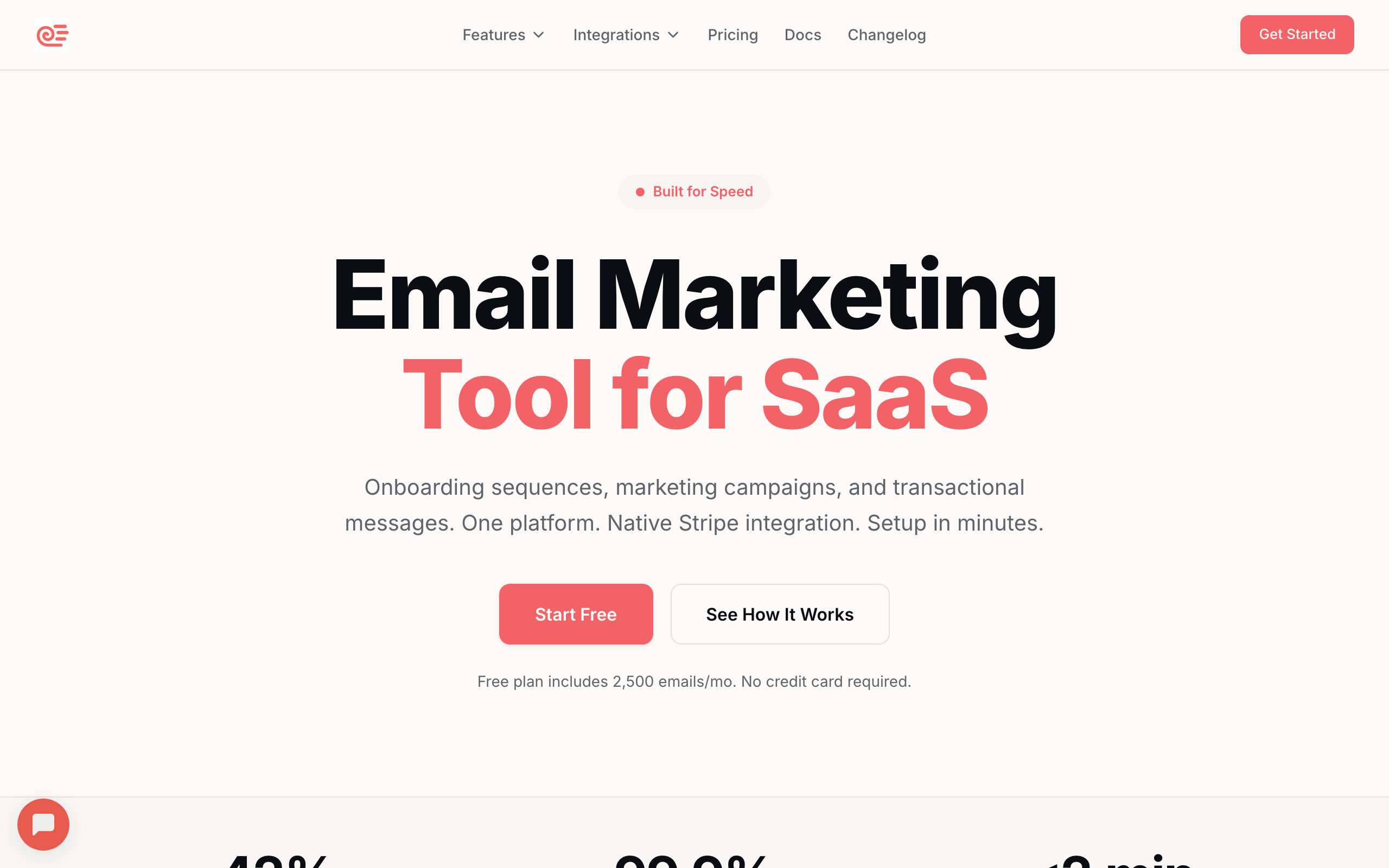
Best for: SaaS founders sending technical newsletters alongside lifecycle email
Sequenzy handles both newsletter campaigns and automated lifecycle email. For SaaS founders who send a mix of product update newsletters and automated sequences (onboarding, dunning, retention), running both from one platform simplifies the stack.
The campaign editor supports straightforward email composition for newsletters, while the automation engine handles lifecycle email. For developer-focused SaaS products where the newsletter audience overlaps with the user base, this consolidation is practical.
The real value for SaaS founders running developer newsletters is the overlap between your newsletter subscribers and your product users. When someone on your newsletter list signs up for your product, Sequenzy already has their engagement history. You can segment subscribers based on both newsletter engagement and product behavior, creating more targeted communications.
The API-first approach means you can integrate newsletter sending into whatever workflow you prefer. Write in your favorite editor, push to a repo, and trigger a send via API. Or use the built-in editor for simpler issues.
For founders managing SaaS lifecycle emails alongside a developer newsletter, running both from one platform eliminates the overhead of managing two tools, two subscriber lists, and two billing relationships.
- Developer features: API-first, campaign editor, transactional + newsletter in one platform, subscriber overlap with product users
- Pricing: Free up to 2,500 emails/month, paid plans from $19/month
- Pros: Newsletter + lifecycle email in one platform, API access, SaaS-focused, unified subscriber data
- Cons: Not newsletter-specific, editor is functional not specialized for markdown
2. Buttondown
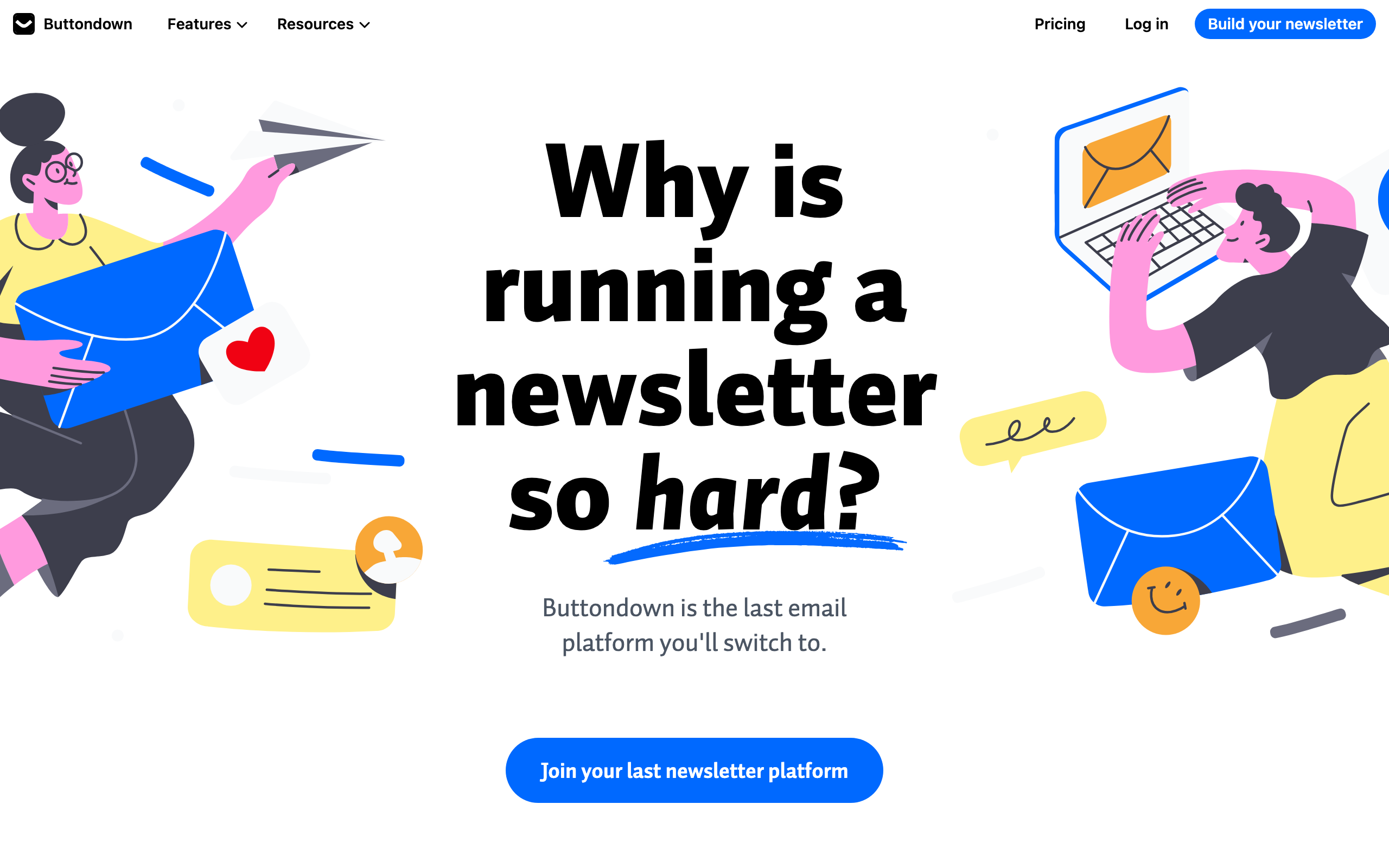
Best for: The tool built specifically for developer newsletters
Buttondown was created for newsletter writers who want simplicity and markdown support. Write your newsletter in markdown, preview it, and send. The interface is minimal and the focus is entirely on the newsletter experience.
Features that matter for developers: markdown native, RSS import, subscriber API, webhooks, and a clean archive page. The paid plan includes custom domains, analytics, and premium integrations. No marketing automation, no CRM, no drag-and-drop editor. Just newsletters.
Buttondown's markdown rendering is the best in the category. Code blocks render with proper syntax highlighting (in the archive) and clean monospace formatting (in email). Inline code gets backtick styling. Headers, lists, and links all render as expected. If you write markdown, Buttondown sends it as email without surprises.
The archive page is another developer-friendly feature. Every newsletter issue gets a permanent URL with proper formatting. This serves double duty as content marketing: your archive is searchable, linkable, and indexable. For developer newsletters that publish technical content, having a web archive matters for SEO and reference.
The subscriber API and webhooks let you integrate Buttondown into your existing tools. Automatically subscribe users who star your GitHub repo. Trigger a webhook when someone subscribes. Export subscriber data to your analytics pipeline. The integrations are simple but cover what developers actually need.
Buttondown also supports paid newsletters through Stripe integration, making it a viable option for developer writers who want to monetize their content.
- Developer features: Markdown native, API, webhooks, RSS import, minimal interface, archive pages, Stripe for paid newsletters
- Pricing: Free for 100 subscribers, from $9/month
- Pros: Built for newsletters, markdown native, developer-friendly, clean and simple, great archive
- Cons: No automation, no transactional email, newsletters only
3. ConvertKit (Kit)
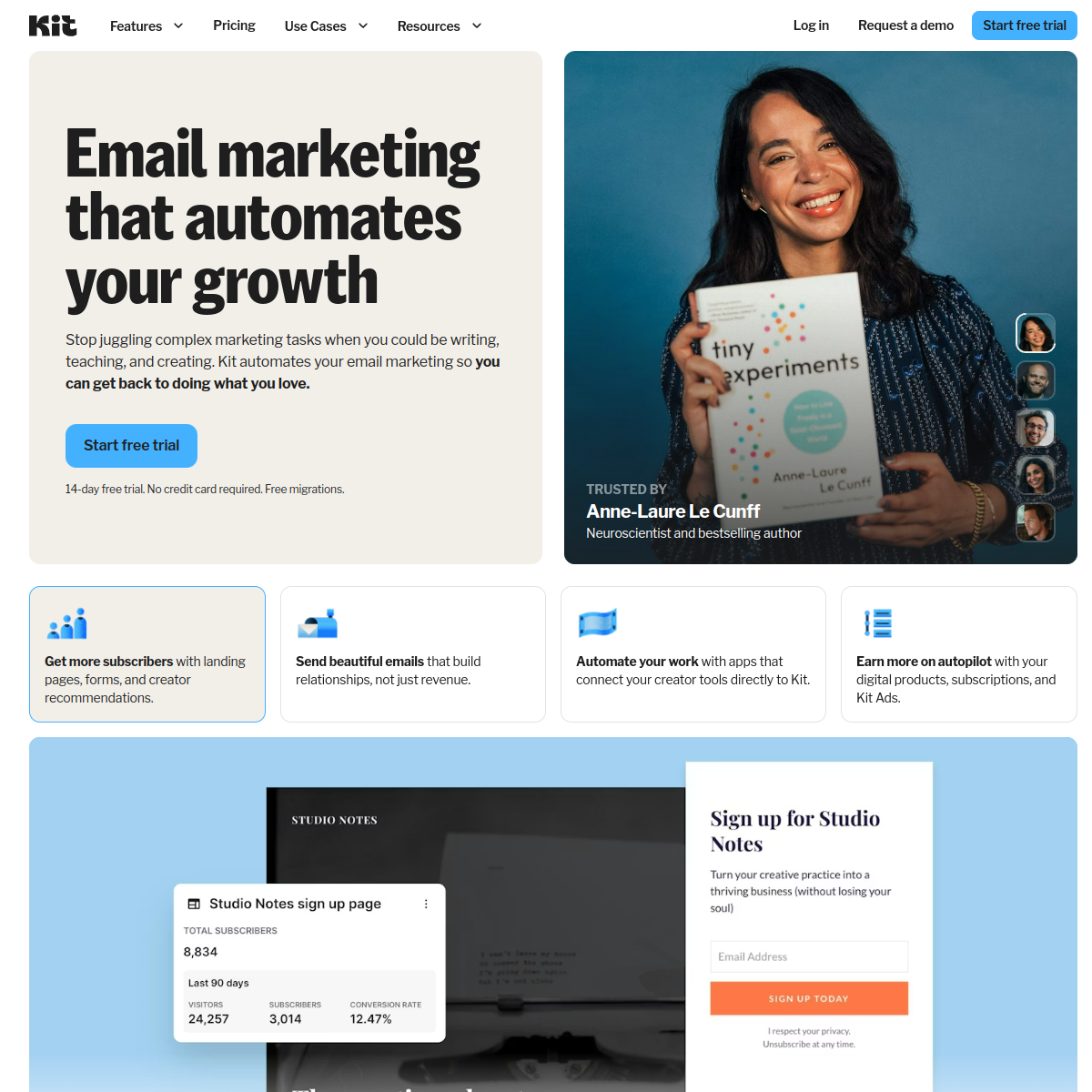
Best for: Developer newsletters with monetization
ConvertKit (now branded as Kit) is popular among technical writers and developer advocates who monetize their audience. The email editor supports both visual editing and HTML, the plain text versions are clean, and the platform handles paid newsletters and digital product sales.
Many well-known developer newsletters run on ConvertKit. The platform's approach (creator-first, not enterprise-first) resonates with technical authors who want to own their audience and build a sustainable content business.
ConvertKit's creator economy features are the main draw. Sell ebooks, courses, workshops, and paid newsletter subscriptions directly through the platform. The integration between email automation and product delivery is seamless: buy a course, get enrolled in the delivery sequence, receive upsells for related content. For developer educators and technical writers, this end-to-end commerce flow is valuable.
The free tier (up to 10,000 subscribers) is remarkably generous for newsletter creators. You get the core newsletter features without paying until you need advanced automations or premium support. Many developer newsletters start and grow on the free tier for months.
The tagging system is simple but effective for newsletter segmentation. Tag subscribers by interest (frontend, backend, devops, AI), by source (organic, Twitter, conference), or by behavior (clicked a specific link). Then send targeted issues to specific segments. Developer audiences appreciate relevant content and punish generic blasts.
- Developer features: HTML editor, plain text support, paid newsletters, creator economy features, generous free tier
- Pricing: Free up to 10,000 subscribers, from $29/month
- Pros: Creator monetization, generous free tier, proven for developer newsletters, tagging system
- Cons: Editor isn't markdown-native, code formatting requires HTML knowledge, not API-first
4. Resend
Best for: Developers who want to build their newsletter with code
Resend's API-first approach lets you build a newsletter sending system entirely in code. Write content in markdown, render it with React Email (or any HTML generator), and send via Resend's API. The developer experience is excellent, with TypeScript SDK, clean documentation, and reliable delivery.
This approach requires more setup than using a dedicated newsletter tool, but gives you complete control. Your newsletter is a codebase, version controlled in Git, deployed from your workflow. For developers who want to treat their newsletter like software, Resend is the sending layer.
The React Email integration is what makes this approach practical. Instead of wrestling with HTML email tables and inline styles, you write JSX components for your newsletter template. The build step compiles to email-compatible HTML. Your newsletter template is a React component that accepts content as props.
A typical Resend newsletter workflow looks like: write the issue in markdown, a build script converts it to HTML using your React Email template, a deploy script sends it via Resend's API. The entire process can run from a GitHub Action, triggered by pushing a markdown file to a specific branch.
The downside is subscriber management. Resend has basic audience features, but you'll likely build your own subscribe/unsubscribe flow and store subscribers in your database. For developers who are building a product anyway, this overhead is minimal. For developers who just want to write and send, it's significant.
For more on code-first email approaches, see our guide to developer-friendly email tools.
- Developer features: API-first, React Email, TypeScript SDK, full code control, Git-based workflow
- Pricing: Free for 100 emails/day, from $20/month
- Pros: Full code control, React Email, best DX, version controlled newsletters, CI/CD integration
- Cons: No UI for writing, requires building your own workflow, no subscriber management UI, setup overhead
5. Loops
Best for: SaaS companies sending developer-focused product updates
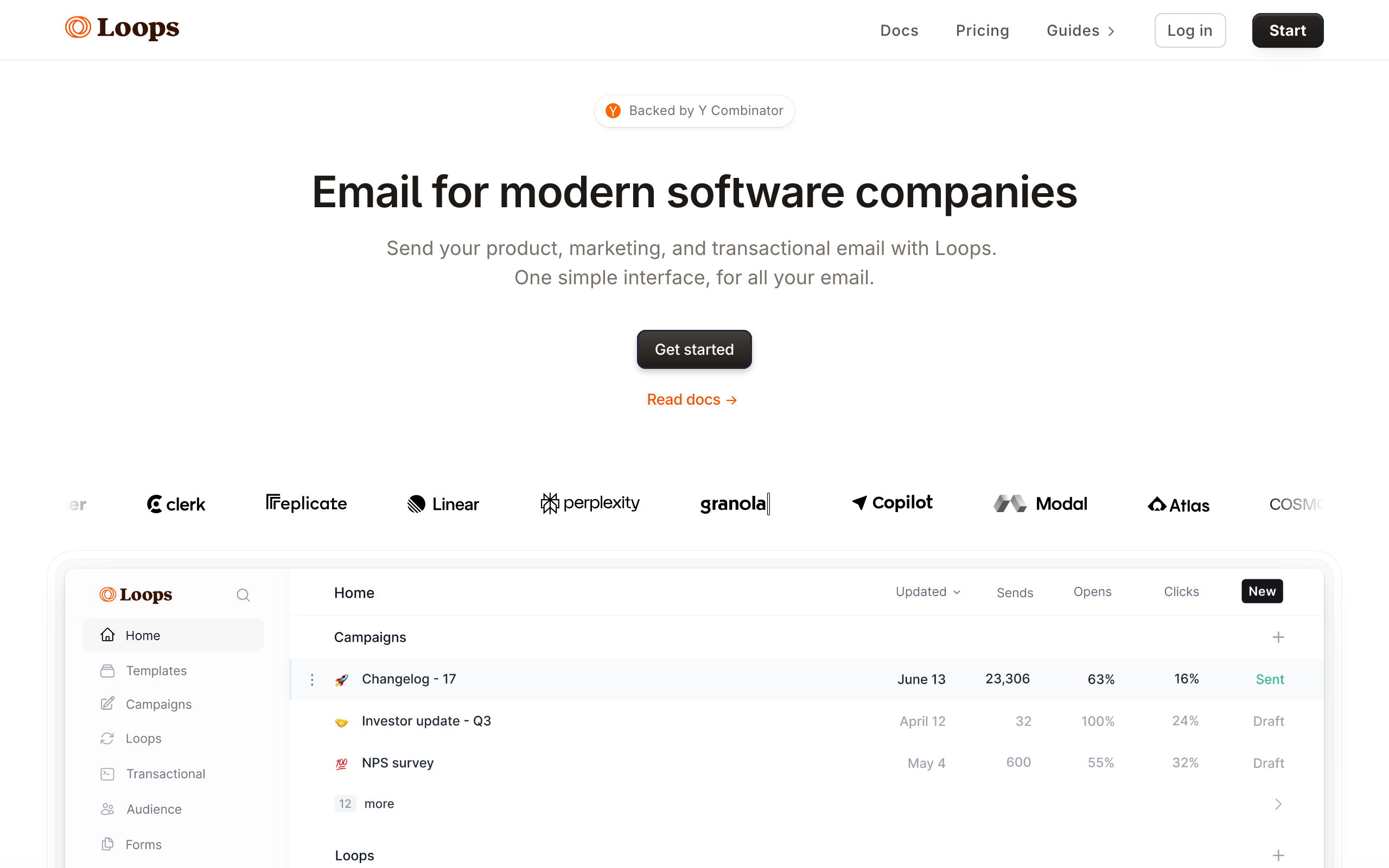
Loops is built for SaaS companies and targets a developer audience. The interface is clean and modern, the API is developer-friendly, and the email editor supports the kind of simple, text-focused emails that developers prefer.
For SaaS companies sending product update newsletters to a developer user base, Loops provides the email infrastructure alongside event-driven automations. Your newsletter and your product emails run from the same platform.
Loops' design philosophy aligns well with developer newsletter aesthetics. The email editor defaults to clean, minimal templates that look like the text-focused emails developers prefer. No heavy graphics, no marketing widgets, just content with clean formatting.
The event-driven architecture means your newsletter tool and your product email tool are the same thing. When a newsletter subscriber signs up for your product, the transition is seamless. Their newsletter engagement data carries over into their product communication profile.
- Developer features: Developer-friendly API, clean editor, event tracking, modern interface, minimal design defaults
- Pricing: Free for 1,000 contacts, from $49/month
- Pros: Developer-focused, SaaS-oriented, modern, event-driven, clean email defaults
- Cons: Not newsletter-specific, simpler than dedicated newsletter tools, basic editor, higher price point
6. Ghost
Best for: Developer blogs that also send newsletters
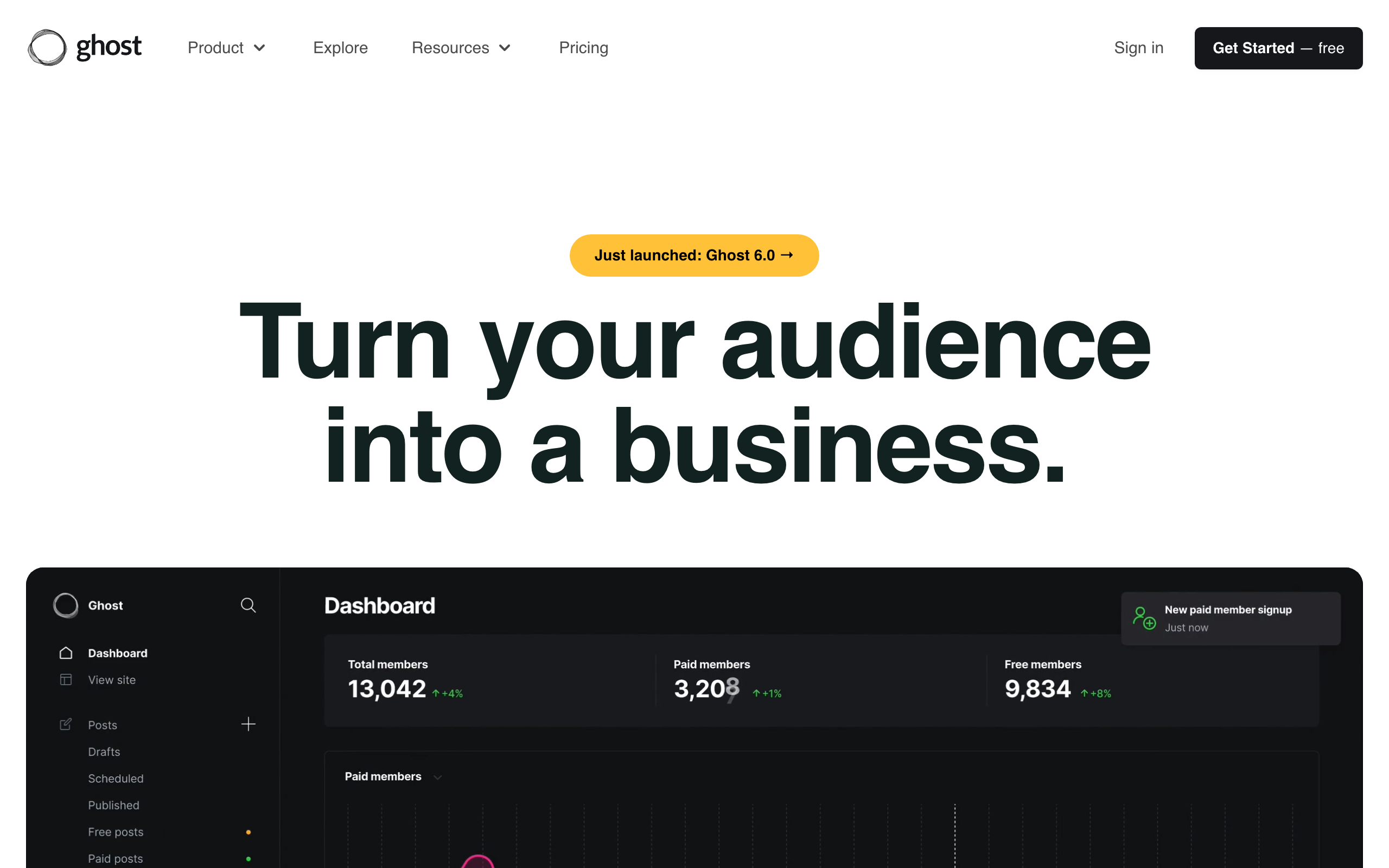
Ghost is a publishing platform that includes newsletter functionality. Write blog posts in markdown, and Ghost sends them as email newsletters to your subscribers. The integration between blog and newsletter is seamless. Publish once, distribute to web readers and email subscribers simultaneously.
For developers who maintain a blog and want to send posts as newsletters, Ghost eliminates the need for a separate email tool. The platform supports paid memberships, themes, and SEO out of the box.
Ghost's publish-once-distribute-everywhere model is its strongest feature. Write a technical blog post in Ghost's markdown editor. It simultaneously publishes to your website (with proper formatting, code highlighting, and SEO metadata) and sends to your email subscribers (with email-optimized formatting). No duplicate content, no copy-pasting between tools.
The membership system supports tiered access. Free members get every newsletter. Paid members ($5/month, $10/month, or custom tiers) get premium content. For developer writers building a paid publication, Ghost's membership features are comprehensive: Stripe integration, member management, tiered content gates, and subscriber analytics.
Self-hosting is an option. Ghost is open-source, and you can run it on your own server. For developers who want full control over their publishing infrastructure, this matters. Your content, your server, your data.
The trade-off is that Ghost is primarily a publishing platform. Email-specific features (automations, segmentation, A/B testing) are basic compared to dedicated email tools. If you need sophisticated email automation alongside your newsletter, you'll need a separate tool.
- Developer features: Markdown editor, blog-to-newsletter, membership support, open-source, self-hostable
- Pricing: From $9/month (hosted), free (self-hosted)
- Pros: Blog + newsletter in one, markdown native, open-source option, membership built in, self-hosting
- Cons: Primarily a blogging platform, limited email-specific features, no automation, basic segmentation
7. Substack
Best for: Developer writers who want zero setup
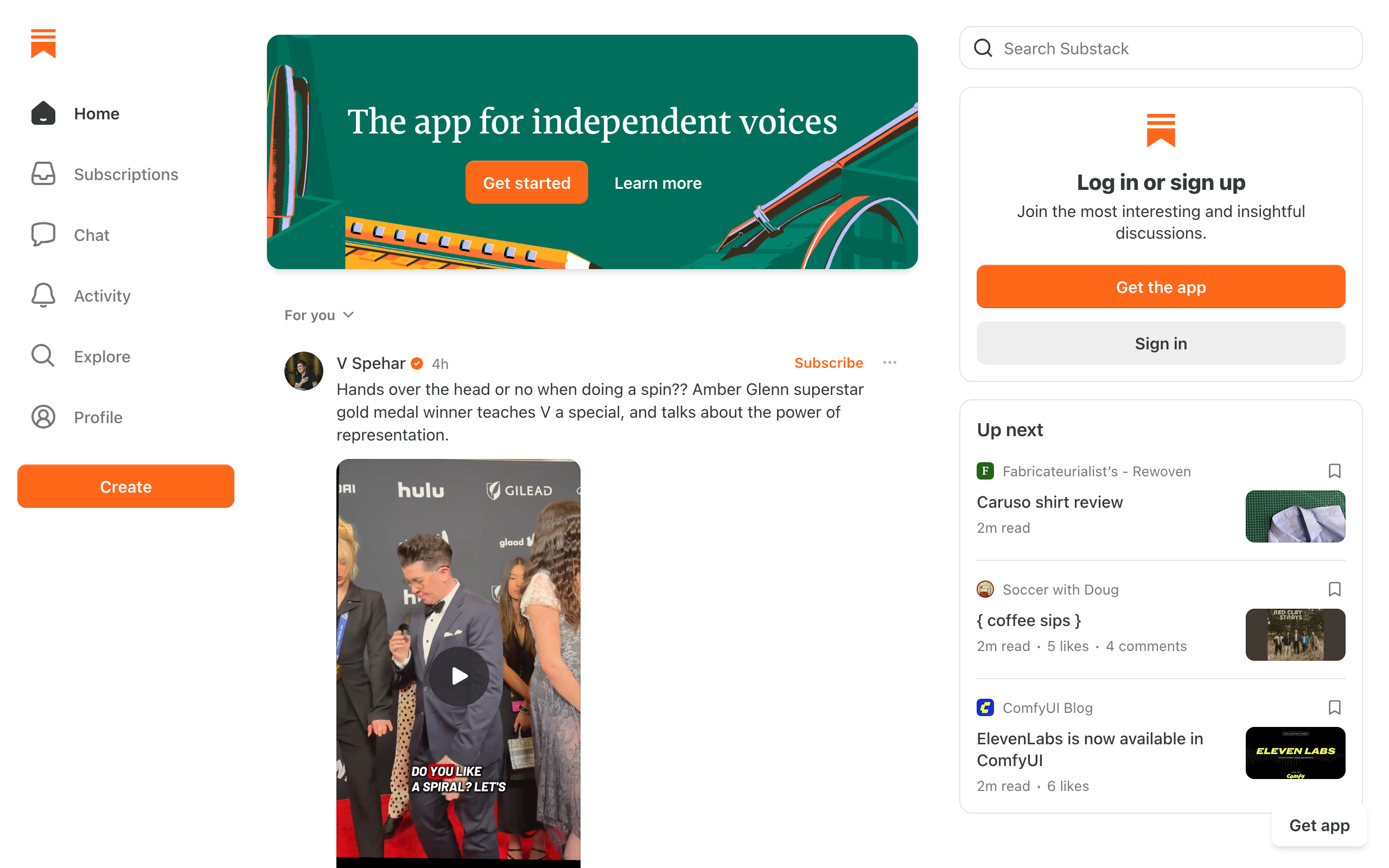
Substack requires zero technical setup to start a developer newsletter. Create an account, write, publish. The platform handles subscriber management, delivery, payments (for paid newsletters), and provides a built-in audience discovery network.
Many popular developer newsletters run on Substack because the barrier to entry is essentially zero. The trade-off is limited customization. You can't control the template, the sending infrastructure, or the subscriber data with the same flexibility as self-hosted options.
Substack's network effect is its most unique feature. The platform recommends newsletters to readers based on their interests. For new developer newsletters, this built-in audience discovery can accelerate growth faster than building from scratch on a standalone tool. Some developer writers report getting 20-30% of their early subscribers from Substack's recommendation engine.
The writing experience is clean and distraction-free. The editor is simple, the publishing workflow is one-click, and the post appears on both the web and in subscriber inboxes. For developers who want to focus entirely on writing and not on tooling, Substack removes all friction.
The monetization model is straightforward: paid subscriptions with Substack taking 10% of revenue. For developer newsletters that charge $10-20/month, this is a significant cut compared to self-hosting with Stripe (2.9% + $0.30). But you're paying for the platform, distribution, and zero operational overhead.
The main limitation for developers: no API, no custom domain on the free plan, limited formatting options for code, and Substack branding on everything. If you want control, Substack isn't the tool. If you want simplicity, it's hard to beat.
- Developer features: Zero setup, built-in audience, paid newsletter support, simple editor
- Pricing: Free (Substack takes 10% of paid subscription revenue)
- Pros: Zero setup, audience discovery, paid subscriptions, no upfront cost, network effects
- Cons: Limited customization, no API, Substack branding, 10% revenue cut, poor code formatting
8. Beehiiv
Best for: Developer newsletter operators focused on growth and ad revenue
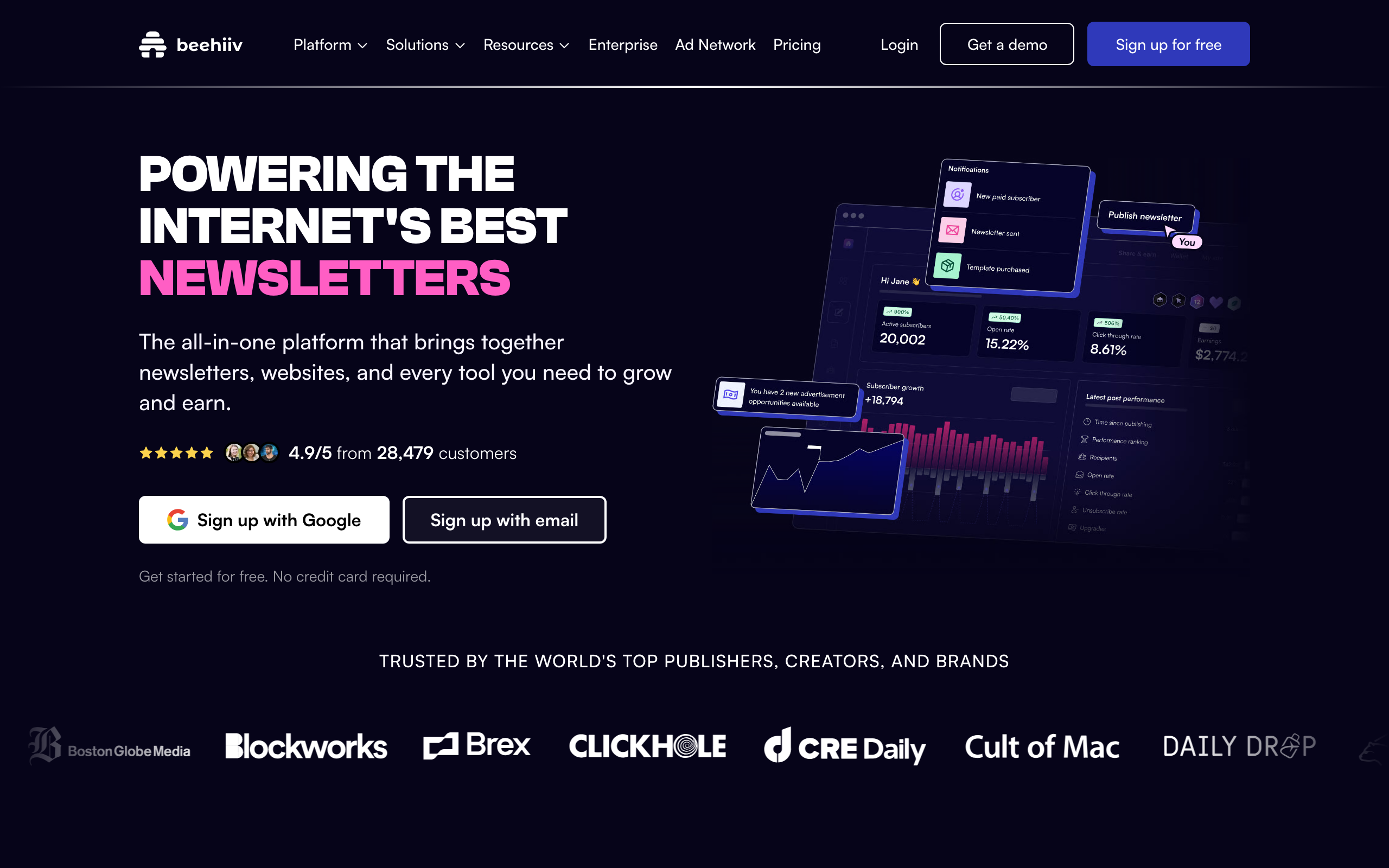
Beehiiv was built by ex-Morning Brew operators, and it shows. The platform is opinionated about growth: built-in referral programs, a recommendation network between newsletters, an ad marketplace that matches newsletters with sponsors, and audience segmentation focused on engagement scoring.
For developer newsletter writers who treat the newsletter as a media business (not a side project), Beehiiv's growth tooling is genuinely useful. The referral program is one-click to enable. The recommendation network exposes you to readers of similar newsletters with no manual outreach. The ad network handles sponsorship sales for you, taking a cut.
The editor is a block-based WYSIWYG, which is less natural for markdown writers than Buttondown or Ghost. It does support a code block, but inline code and arbitrary HTML are clunky. If you write deeply technical content with code samples, you'll fight the editor more than you'd like.
Where Beehiiv shines for developer newsletters is curated-link formats. Sections, dividers, headlines, and link previews compose quickly. If your newsletter is "10 interesting things this week" rather than long-form essays, the editor maps onto that workflow well.
- Developer features: API access (paid plans), webhooks, RSS import, referral program, ad network, recommendation engine
- Pricing: Free for 2,500 subscribers, from $39/month
- Pros: Built-in growth features, ad marketplace, recommendation network, generous free tier, modern UI
- Cons: Editor is WYSIWYG not markdown-native, weaker code formatting, paid tier needed for API
9. Mailchimp
Best for: Generalists who want a recognized brand and large integration ecosystem
Mailchimp is the email tool most non-technical people have heard of, and that's both its strength and its weakness for developer newsletters. The integration ecosystem is enormous, deliverability is solid, and almost every form builder, CRM, or e-commerce tool integrates with it natively.
For developer newsletters specifically, Mailchimp is overkill in some areas (CRM, marketing journeys, e-commerce features) and underbuilt in others (markdown, code blocks, plain text quality). The classic editor supports HTML if you want to hand-roll templates, but the new drag-and-drop editor pushes you toward marketing-style designs that look out of place in a developer's inbox.
The free tier is much smaller than it used to be (500 subscribers, 1,000 sends/month), and pricing scales aggressively with list size. For a 10,000-subscriber newsletter, expect to pay $100+/month, which is uncompetitive vs. Beehiiv, MailerLite, or EmailOctopus at the same scale.
If you're already invested in the Mailchimp ecosystem (other tools that integrate with it, an existing list there, a team that knows it), staying makes sense. Starting a developer newsletter from scratch on Mailchimp in 2026 doesn't.
- Developer features: REST API, webhooks, large integration ecosystem, transactional via Mandrill add-on
- Pricing: Free for 500 contacts, from $13/month, scales steeply
- Pros: Mature platform, recognized brand, huge integration ecosystem, reliable deliverability
- Cons: Marketing-oriented editor, no markdown, expensive at scale, overkill for newsletters
10. MailerLite
Best for: Newsletter writers who want a clean tool at a low price
MailerLite is the budget-friendly alternative to Mailchimp with a noticeably cleaner interface. The editor is simple, the templates are restrained (no neon gradients or stock photos pushed at you), and the pricing is honest. It's not a developer-specific tool, but it gets out of the way more than most marketing platforms.
For developer newsletters that want a hosted tool without paying ConvertKit or Beehiiv prices, MailerLite is a reasonable middle ground. You can write minimal text-focused emails without the editor fighting you. The API is documented and works fine for basic subscribe/unsubscribe automation.
Code formatting is the weak point: there's no native code block, so you'll need a custom HTML block with <pre> styling baked in as a saved snippet. Once you have that, it works, but it's a setup cost.
- Developer features: REST API, webhooks, embedded forms, RSS-to-email
- Pricing: Free up to 1,000 subscribers, from $10/month
- Pros: Cheap, clean interface, simple editor, decent API, good free tier
- Cons: No native code block, not built for developers, basic automation, marketing-flavored templates
11. EmailOctopus
Best for: Cost-conscious senders who don't need fancy features
EmailOctopus is a UK-based email tool with two modes: a fully hosted product with their own infrastructure (Pro plan) and a thinner UI on top of Amazon SES (Connect plan). For developer newsletters with tight budgets, the SES-backed plan is among the cheapest options that still gives you a usable web UI.
The product itself is plain. The editor is functional, the templates are fine, the analytics cover the basics. Nothing is exceptional, but nothing is broken either. If you mostly want a list with subscribe/unsubscribe handling and a way to compose and send issues, EmailOctopus does the job for less than almost anything else on this list.
For developer newsletters specifically, the lack of markdown and weak code formatting are limitations you'll need to design around. Most users settle on a saved HTML block for code samples and write everything else in the WYSIWYG editor.
- Developer features: API, webhooks, optional SES backend, Zapier integration
- Pricing: Free up to 2,500 subscribers, from $9/month
- Pros: Very cheap, generous free tier, SES-backed option, decent deliverability
- Cons: No markdown, basic editor, weak code formatting, not developer-focused
12. Listmonk
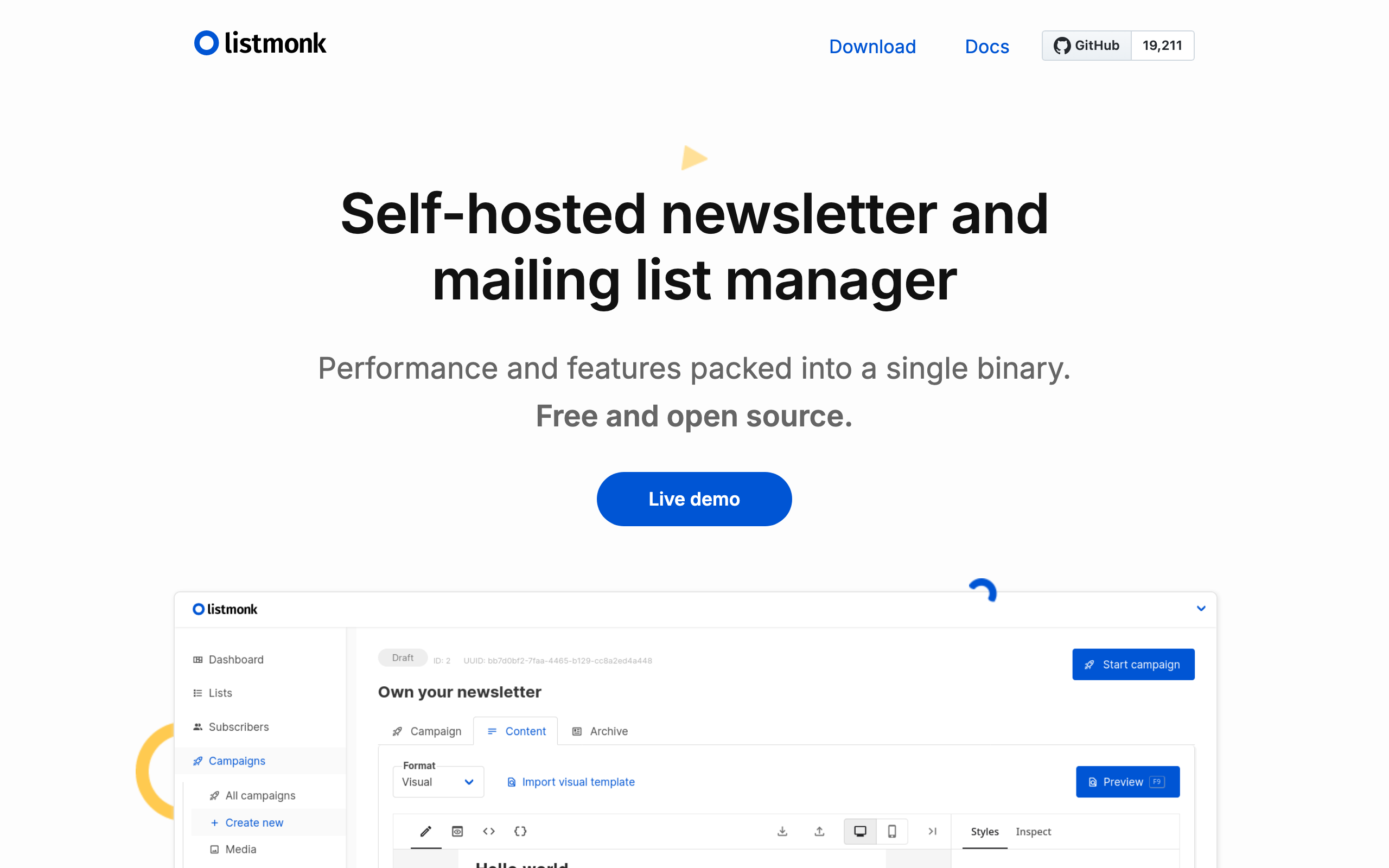
Best for: Self-hosters who want a fast, open-source newsletter tool
Listmonk is a self-hosted, open-source newsletter and mailing list manager written in Go. It's a single binary plus a PostgreSQL database. Boot it on a $5 VPS, point it at any SMTP provider (SES, Postmark, your own), and you have a complete newsletter platform with web UI, segmentation, templating, analytics, and an API.
For developer newsletter writers who treat self-hosting as a feature rather than a chore, Listmonk is excellent. It's fast, the UI is clean, and the data is yours. Templates use Go's text/template syntax, which is verbose but flexible. You can compose campaigns in plain text, HTML, or markdown (via a built-in editor).
The trade-offs are operational. You're responsible for upgrades, backups, deliverability tuning, bounce processing, and DNS. If you don't want to think about any of that, use a hosted tool. If you'd rather pay $5/month for a VPS than $50/month for SaaS, Listmonk is the answer.
- Developer features: Open source (AGPL), single Go binary, REST API, markdown editor, BYO SMTP, runs anywhere
- Pricing: Free (self-hosted, plus your VPS + SMTP costs)
- Pros: Self-hosted, fast, full data ownership, no vendor lock-in, BYO sending infrastructure, active maintenance
- Cons: You run the server, deliverability is your problem, no built-in payments, smaller community than Ghost
13. Sendy
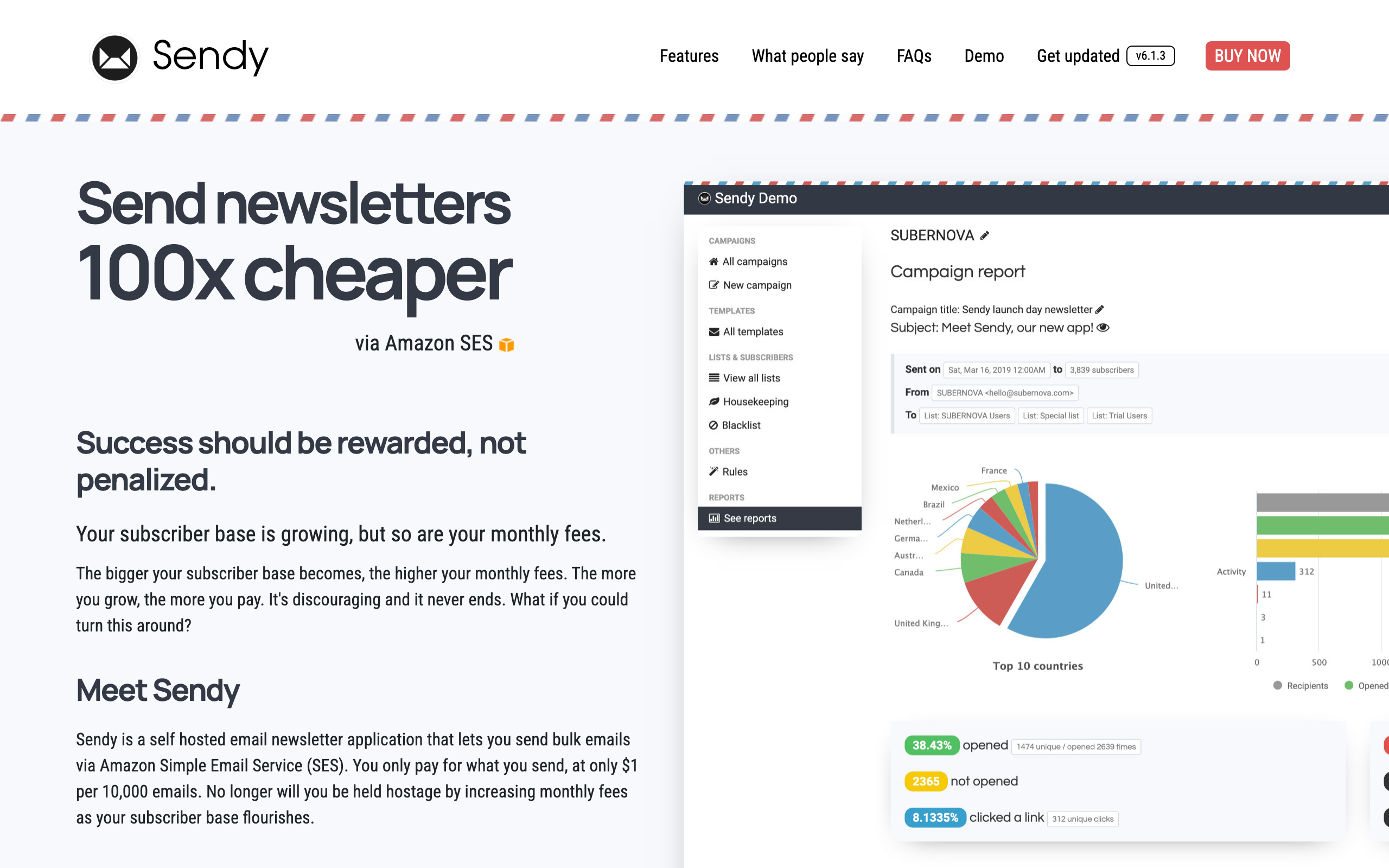
Best for: Developers who want to pay once and use Amazon SES forever
Sendy is a self-hosted PHP application that wraps Amazon SES with a newsletter UI. You buy it once for $69, install it on any LAMP host, plug in your SES credentials, and send newsletters at SES pricing (roughly $0.10 per 1,000 emails). For high-volume newsletters, the math is dramatic: send to 100k subscribers for $10 instead of $300+ on hosted platforms.
The product is dated. The UI looks like 2014. The codebase is closed source despite being self-hosted. Updates ship slowly. There's no native markdown, no fancy editor, no real automation beyond autoresponders. But it works, and for developers who care about cost and don't care about polish, it's a long-running favorite.
For a developer newsletter that grows past the point where hosted pricing hurts, Sendy is one of the few "pay once, run forever" options that's still actively used.
- Developer features: Self-hosted PHP, SES integration, REST API, autoresponders, list segmentation
- Pricing: $69 one-time license, plus SES costs (~$0.10 per 1k emails)
- Pros: Pay-once pricing, very cheap at scale via SES, self-hosted, simple
- Cons: Dated UI, closed source, slow updates, no markdown, weak editor
14. Mailcoach
Best for: Laravel/PHP teams who want a self-hosted newsletter alongside their app
Mailcoach is a self-hosted newsletter tool from the Spatie team (the Laravel package authors). It ships as either a standalone app or a Laravel package you drop into your existing application. For PHP-shop developer newsletters, it slots in next to your existing infrastructure naturally.
You bring your own sending provider (SES, Postmark, Mailgun, SendGrid). Mailcoach handles the lists, campaigns, automations, segmentation, and analytics. Templates can be written in Blade or markdown. The codebase is well-tested and well-documented in the way Spatie's projects usually are.
For non-PHP shops, the value proposition is weaker than Listmonk (which has no language alignment cost). For PHP teams, Mailcoach is the obvious choice.
- Developer features: Self-hosted, Laravel package or standalone, BYO SMTP, Blade/markdown templates, full API
- Pricing: $999 one-time license (Spatie), plus SMTP costs
- Pros: Excellent code quality, integrates into Laravel apps, full ownership, well-documented
- Cons: PHP-only ecosystem, expensive upfront license, you operate the server
15. Postmark
Best for: Developers who want to broadcast newsletters from an API with great deliverability
Postmark is best known as a transactional email provider, but it includes a "Broadcast" stream that's well-suited to developer newsletters sent via API. Postmark's deliverability is consistently among the best in the industry, and the developer experience (API, docs, dashboards, message logs) is excellent.
For a developer newsletter where you want to write in markdown, render to HTML in code, and send via API to your subscriber list (which you store in your own database), Postmark is a solid choice. There's no built-in subscriber management UI, but if you're already building software, this is fine.
What you don't get: a writing UI, subscriber management, paid newsletter support, or anything resembling a marketing tool. Postmark is sending infrastructure with broadcast streams added on top.
- Developer features: Excellent API, broadcast streams, message streams, webhooks, message inspection, suppression lists
- Pricing: From $15/month for 10k emails, scales linearly
- Pros: Best-in-class deliverability, great DX, clean dashboards, reliable
- Cons: No editor, no subscriber management UI, no automation, you build the rest
16. SendGrid
Best for: High-volume newsletter senders who need infrastructure-grade scale
SendGrid (now part of Twilio) is one of the largest email APIs by volume. Like Postmark, it's primarily transactional infrastructure with a marketing layer added on. For developer newsletters at scale (hundreds of thousands to millions of subscribers), SendGrid's pricing and infrastructure hold up better than most newsletter-specific tools.
The Marketing Campaigns product gives you a hosted UI for composing and sending newsletters, but most developers using SendGrid for newsletters do so via API. Combine SendGrid's sending infrastructure with your own subscriber database and a markdown-to-HTML pipeline, and you have a flexible newsletter system.
Deliverability requires more tuning than Postmark or Resend. The shared IP pools have variable reputation, and you'll often want a dedicated IP at scale, which adds cost and warmup overhead. Documentation is comprehensive but sprawling.
- Developer features: REST API, SMTP, marketing campaigns UI, dedicated IPs, event webhooks
- Pricing: Free for 100 emails/day, from $20/month, dedicated IPs $80+/month
- Pros: Massive scale, mature platform, dedicated IP options, broad SDK coverage
- Cons: Variable shared IP reputation, sprawling docs, marketing UI feels bolted on
17. Mailgun
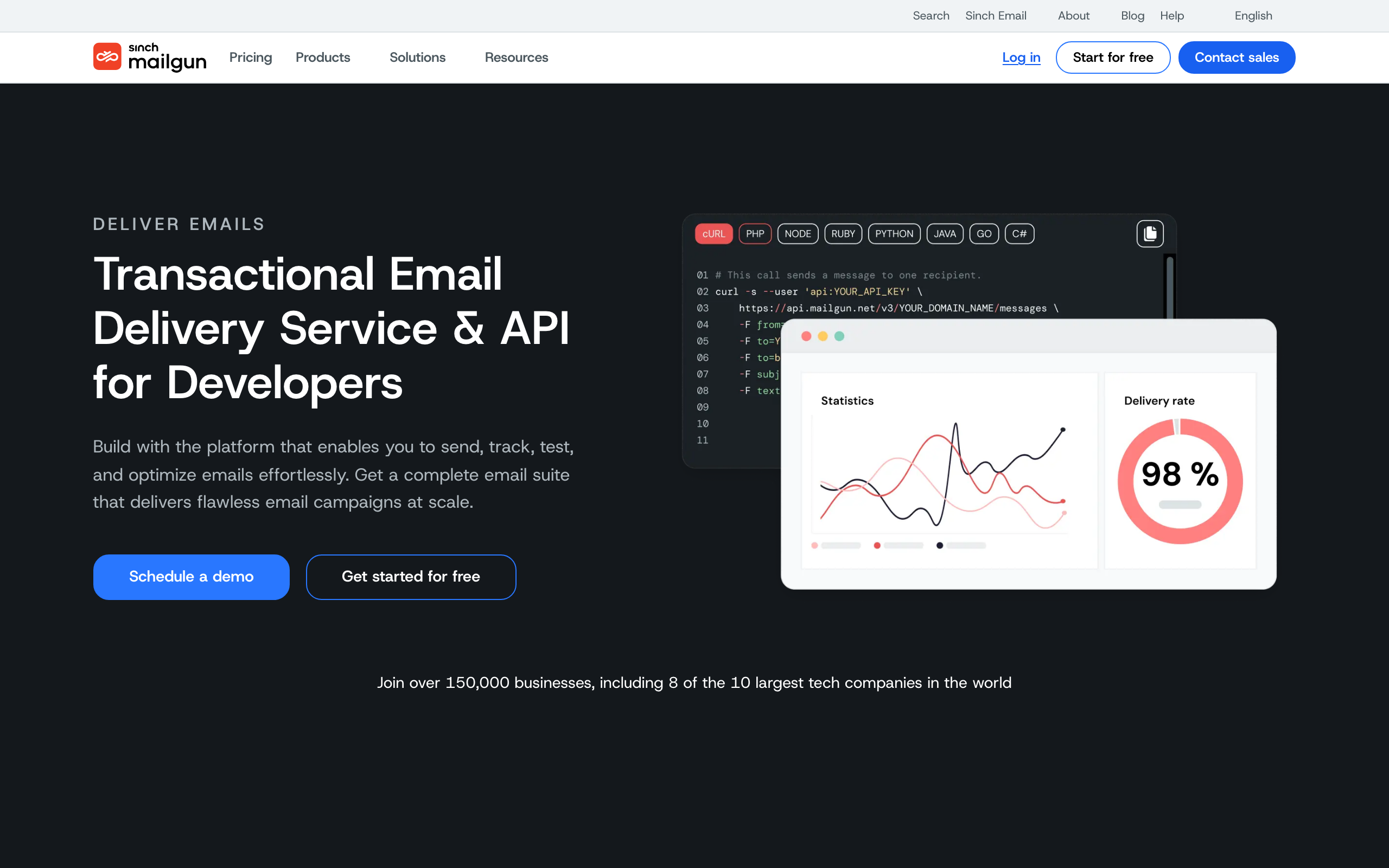
Best for: API senders who also need inbound email routing
Mailgun is another long-standing email API provider. For developer newsletters, its strengths are similar to SendGrid (mature API, scale, dedicated IPs) with one differentiator: inbound email routing. If your newsletter has a reply-to address that ingests responses (e.g., for community Q&A or moderated reader mail), Mailgun's inbound routing is among the best.
Like SendGrid and Postmark, Mailgun is sending infrastructure rather than a complete newsletter tool. You'll write your own subscriber management, your own composing UI (or skip it and write markdown in your editor), and your own analytics dashboards if you want anything beyond what's built in.
Deliverability is solid but less consistent than Postmark. Pricing is reasonable at moderate volume but adds up at scale.
- Developer features: REST API, inbound routing, SMTP, dedicated IPs, validation API
- Pricing: From $35/month for 50k emails
- Pros: Strong inbound routing, mature API, dedicated IP options, reliable
- Cons: No editor, no subscriber UI, deliverability varies, no automation
18. Customer.io
Best for: Developer newsletters that double as behavior-driven product communication
Customer.io is a behavior-driven messaging platform aimed at SaaS companies. You send events from your product, define segments based on those events, and trigger newsletters or automations to matching users. For developer newsletters that overlap with a SaaS product (changelog, release notes, deep-dives for power users), this lets you target meaningfully.
The newsletter side is called "Broadcasts" in Customer.io. You can write in HTML, use their visual editor, or pipe in content from a CMS. For developer-facing emails, you'd typically use HTML with Liquid templating to inject personalized content based on user attributes.
The big drawback for pure newsletter use cases is price. Customer.io is priced for SaaS companies with revenue per user, not for personal newsletters. If you're sending product-update broadcasts to paying customers, the math works. If you're sending a personal newsletter to a free audience, look elsewhere.
- Developer features: Event-driven segmentation, Liquid templating, REST + Track APIs, webhooks, full API parity with UI
- Pricing: From $100/month, scales with profile count
- Pros: Powerful segmentation, behavior-driven, solid API, good Liquid support
- Cons: Expensive, overkill for personal newsletters, complex setup, marketing-oriented
19. Bento
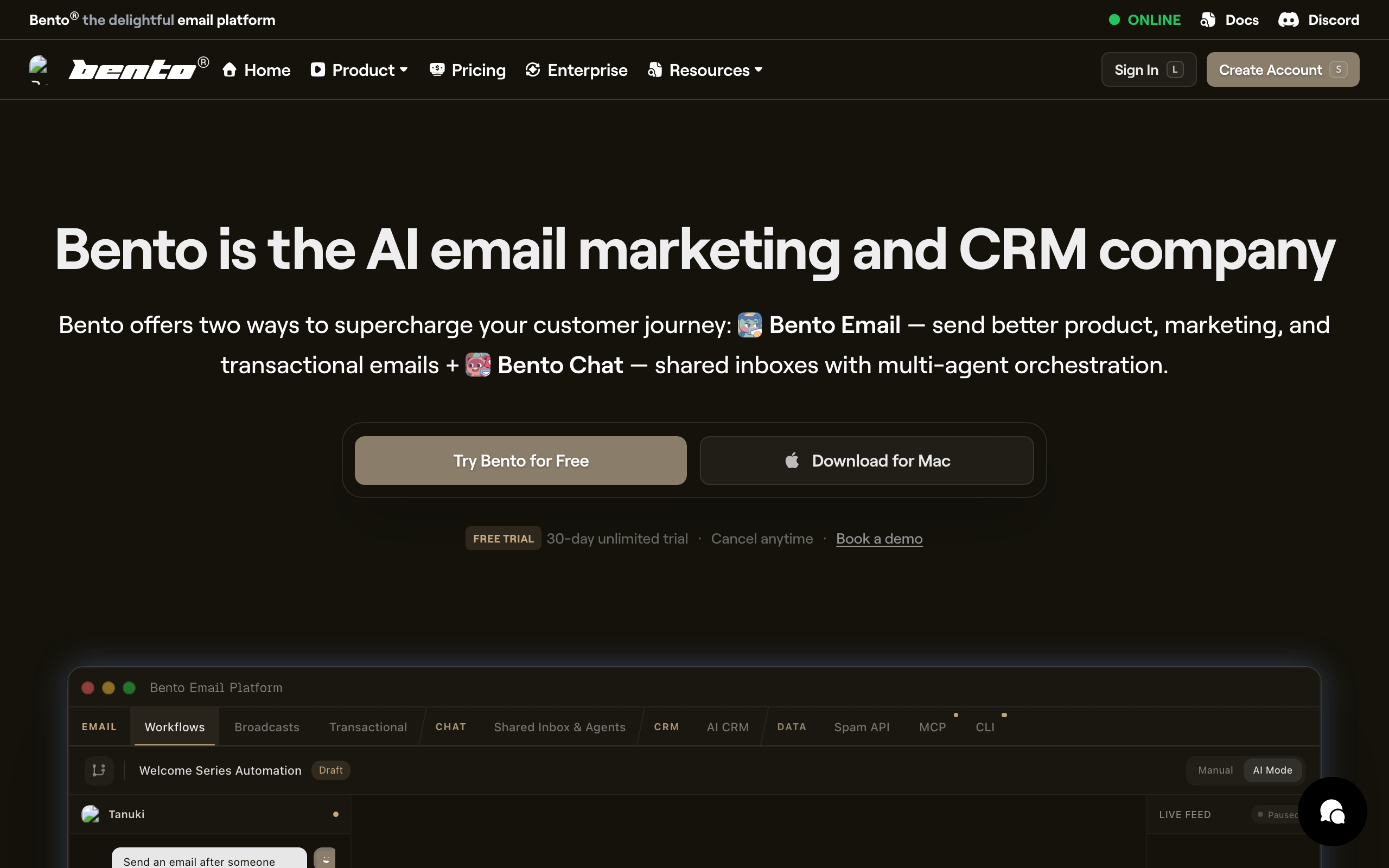
Best for: SaaS marketers who code and want Liquid + JavaScript inside their emails
Bento is a smaller player aimed squarely at developer-friendly SaaS marketing. The differentiator is that you can run Liquid templating and even JavaScript snippets inside emails to compute personalized content at send time. For a developer newsletter that wants to inject per-user data (latest commits to a repo they follow, their dashboard stats, etc.), this is unusually powerful.
The UI is fine but unpolished. The product evolves quickly. Documentation is improving but still has gaps. The audience is small enough that you'll know the founders by name in their Slack community, which some developers love and others find awkward.
For developer newsletters that are part of a SaaS product and want serious personalization without writing a custom rendering pipeline, Bento is worth a look.
- Developer features: Liquid templating, JavaScript snippets in emails, REST API, event tracking, visitor tracking
- Pricing: From $25/month, scales with subscribers
- Pros: Powerful templating, developer-oriented, reasonable pricing, friendly community
- Cons: Smaller player, UI rough in spots, smaller integration ecosystem, less polished than Loops
20. Userlist
Best for: B2B SaaS developer newsletters where account-level (not just user-level) targeting matters
Userlist is built around B2B SaaS data shapes: companies, users within companies, plans, MRR, role. For developer newsletters that go to teams (not individual users), this account-level model is more natural than the contact-centric model in most email tools.
You can send a newsletter to "all admins on the Pro plan whose company has at least 5 active users this month," which is the kind of segmentation that requires a lot of glue code in most other platforms. The editor is straightforward, the API is clean, and the team is responsive.
For pure consumer-style developer newsletters, Userlist is overkill and oddly shaped. For B2B SaaS product update newsletters that need to respect team structure, it's one of the better fits.
- Developer features: B2B data model (company + user), API, segmentation by account attributes, Liquid templating
- Pricing: From $49/month, scales with users
- Pros: B2B-shaped data, clean API, good segmentation, friendly team
- Cons: Overkill for personal newsletters, smaller ecosystem, B2C use cases feel awkward
21. Curated
Best for: Newsletter writers whose entire format is curated links
Curated is a niche tool built specifically for link-roundup newsletters in the style of JavaScript Weekly, iOS Dev Weekly, or Kotlin Weekly (all of which run on it). You add links throughout the week, write short commentary, organize them into categories, and Curated assembles the issue.
For developer newsletters that follow this exact format, Curated is purpose-built and removes a lot of friction. The "save a link, comment on it later" workflow maps onto how curators actually work. Issues come together quickly because the structure is enforced.
The trade-off is that Curated is bad at anything that isn't a link roundup. If your newsletter is essays, tutorials, or original deep-dives, the constrained format will get in the way. There's also no markdown for the link commentary itself, so multi-paragraph annotations are clunky.
- Developer features: Link-roundup format, sponsored placement support, drip-style backfill, RSS import for sources
- Pricing: From $25/month, scales with subscribers
- Pros: Purpose-built for link roundups, fast issue assembly, used by major dev newsletters, sponsorship-friendly
- Cons: Locked into one format, not for essays or original content, weak markdown, niche tool
Formatting Tips for Developer Newsletters
Code Blocks
Use <pre> and <code> tags for code blocks. Most email clients respect monospace formatting within these tags. Keep code snippets short (under 10 lines) since email clients don't scroll well within code blocks.
For longer code examples, include the first few lines in the email and link to the full snippet on GitHub, your blog, or a gist. This respects inbox constraints while providing the full code for interested readers.
Test your code formatting across email clients. Gmail, Apple Mail, and Outlook all render <pre> blocks differently. Gmail in particular can break horizontal scrolling on mobile. Use a testing tool or send yourself test emails across multiple clients.
Plain Text
Always check your plain text version. Many developers use email clients (mutt, Alpine, terminal-based) or settings that render plain text. If your newsletter is HTML-only, these readers see mangled content.
The best approach: write your newsletter in a way that reads well as plain text and renders well as HTML. This means linear content flow, text-based formatting (dashes for bullets, asterisks for emphasis), and links with visible URLs.
Links Over Buttons
Developer audiences click text links more than styled buttons. "Read the full post: [link]" outperforms a big orange "Read More" button. Keep it simple. In-line links with descriptive anchor text are the most effective format for technical audiences.
Minimal Design
The most successful developer newsletters look like personal emails: white background, black text, minimal formatting. No header images, no footer banners, no sidebar ads. The content is the design.
If you're unsure about your newsletter's design, look at Changelog, TLDR, Pointer, or JavaScript Weekly. They all follow the minimal text-focused format. These newsletters have hundreds of thousands of subscribers. The format works.
Content Structure
Developer newsletters typically follow one of two formats:
Curated links: 5-15 links with 1-3 sentence commentary per item. Fast to scan, high information density. Example: TLDR, Pointer, JavaScript Weekly.
Original content: One or two in-depth articles per issue. Deeper engagement, harder to produce consistently. Example: ByteByteGo, Pragmatic Engineer.
Choose based on your strengths and available time. Curated newsletters can be produced in 2-3 hours per week. Original content newsletters need 5-10 hours per issue for quality writing.
How to Choose
You want a newsletter-specific tool: Buttondown. Built for newsletters, markdown native, simple.
You want to monetize your newsletter: ConvertKit, Substack, or Beehiiv. ConvertKit gives the most control. Substack gives the most discovery. Beehiiv sits between them with growth tooling.
You want full code control: Resend. Build your newsletter as software.
You're a SaaS sending product updates: Loops or Sequenzy. Developer-friendly with product email alongside newsletters. Customer.io or Userlist if you need behavior-driven or account-level targeting.
You want blog + newsletter integrated: Ghost. Write once, publish to web and email.
You want zero setup: Substack. Write and publish immediately.
You want to self-host: Listmonk for most cases, Mailcoach for Laravel shops, Sendy if you want pay-once and live on SES.
You want pure sending infrastructure via API: Postmark for deliverability, SendGrid for scale, Mailgun if you also need inbound routing.
You write a curated-link newsletter: Curated. The format is its entire reason to exist.
You're cost-sensitive: EmailOctopus or MailerLite for hosted, Listmonk + SES for self-hosted.
For more guidance on writing effective newsletters regardless of which tool you choose, see our guide on how to write an email newsletter.
FAQ
Should developer newsletters use HTML or plain text? Both. Send HTML with a clean, minimal design and ensure the plain text version is equally readable. Some developer email tools (Buttondown) generate good plain text automatically from markdown. Test both versions. If you have to choose one, prioritize HTML with a minimal design that degrades gracefully to plain text.
How long should a developer newsletter be? Most successful developer newsletters are 500-1,500 words for original content, or curated links with 2-3 sentence descriptions per item. Developers scan quickly. Front-load the most interesting content. The "table of contents at the top" pattern (linking to sections below) works well for longer issues.
How often should I send a developer newsletter? Weekly is the most common cadence for successful developer newsletters. Bi-weekly works if you need more time for quality content. Monthly risks losing momentum and subscriber attention. Daily newsletters exist (TLDR, Morning Brew) but require significant production effort or a curated-links format.
Do developers actually read newsletters? Yes. Developer newsletters have some of the highest engagement rates in email marketing. The key is quality content and respect for the reader's time. No fluff, no filler, no marketing speak. The typical developer newsletter sees 30-50% open rates and 5-15% click rates, well above industry averages.
How do I grow a developer newsletter? The most effective channels: Twitter/X posts about your newsletter topics, cross-promotions with other newsletters, blog posts that link to your newsletter, conference talks that mention your newsletter, and word-of-mouth from existing subscribers. Paid ads have low ROI for developer newsletters. Quality content shared in the right communities grows faster than any paid strategy.
Should I use my product's email tool or a separate newsletter tool? If your newsletter audience significantly overlaps with your product's user base, use the same tool (Sequenzy, Loops). This gives you unified subscriber data and simpler operations. If your newsletter is independent of your product (a personal publication), use a newsletter-specific tool (Buttondown, Ghost, Substack) that's optimized for the writing and publishing workflow.
What metrics matter for developer newsletters? Click rate is the most important metric. Opens are unreliable (Apple Mail Privacy Protection). Subscriber growth rate shows momentum. Unsubscribe rate per issue shows content quality (above 0.5% per issue is a warning sign). Reply rate shows engagement depth. Many successful developer newsletter authors prioritize replies over any other metric.
Can I migrate my newsletter between platforms? Yes. All platforms on this list support subscriber export (CSV). Content migration is manual for most platforms (copy posts, recreate templates). The main risk during migration is temporary deliverability changes as you warm up sending from a new domain/IP. Plan for a 2-4 week overlap period.
Is self-hosting a newsletter tool worth it? For most writers, no. The operational cost (deliverability tuning, bounce processing, server upkeep, DNS, security) outweighs the savings unless you're sending to tens of thousands of subscribers regularly. Listmonk, Mailcoach, and Sendy are all solid self-hosted options if you genuinely want to run the infrastructure. If you don't enjoy running servers, stay hosted.
Do I need a separate transactional email provider for my newsletter? Not necessarily. If your tool handles both (Sequenzy, Customer.io, Loops, Mailchimp + Mandrill), one provider is fine. If your newsletter tool only handles broadcasts (Buttondown, Beehiiv, Ghost), you'll want a separate transactional provider (Postmark, Resend, SES) for things like welcome emails, receipts, or password resets sent from your product.