
22 Best Email Tools With a Free Tier (2026): What Each One Restricts

This page is the restrictions view. It ranks 22 free tiers by what they take away - gated automation, vendor branding, daily send caps, manual approval delays, and export limits - because that is what actually makes a free plan unusable. If you want the broad, 30-tool comparison of every free email plan with the headline limits side by side, read the main guide: best free email marketing tools. For startup-specific free tiers (product events, API access, Stripe on free), see best free email marketing tools for startups.
When you're building a SaaS product and every dollar matters, paying for an email tool before you have meaningful traction feels wrong. Fortunately, dozens of email platforms offer free tiers that let you build your email program from day one without a monthly bill.
But free tiers aren't all equal. Some give you 250 contacts and call it generous. Others give you 10,000 subscribers with full automation. A few are technically free forever but cap your daily sends so aggressively that you'll outgrow them in a week. The differences in what's included (and what's restricted) matter a lot when you're choosing a platform you'll potentially use for years.
Below are 22 email tools with meaningful free tiers, ranked by how much they actually give you and how well their free plan sets you up for growth.
Quick Comparison
| Tool | Best For | Free Tier Limit | Paid From | Key Free Features |
|---|---|---|---|---|
| Sequenzy | SaaS founders who want free + lifecycle | 2,500 emails/mo | $19/mo | Full automation, Stripe integration, AI sequences |
| Selzy | Simple email marketing with quick setup | 100 contacts, 1k/mo | $7.50/mo | Basic automations, signup forms, AI tools |
| Kit (formerly ConvertKit) | Audience-building creators | 10k subscribers | $39/mo | Broadcasts, landing pages, one automation |
| MailerLite | Simple newsletters | 250 subs, 2.5k emails/mo | $12/mo | 3 automations, 1 landing page, 3 forms |
| Brevo | Large lists with low send volume | Unlimited contacts, 300/day | $9/mo | Transactional, basic automations, SMS add-on |
| Mailchimp | Small business basics | 500 contacts, 1k/mo | $13/mo | Templates, forms, landing pages |
| Loops | SaaS event-driven email | 1k contacts | $49/mo | Event triggers, transactional included |
| Resend | Transactional email for devs | 3k/mo (100/day) | $20/mo | Full API, React Email, webhooks |
| SendGrid | Trialing mature infrastructure | 100/day for 60 days (trial) | $19.95/mo | API, templates, transactional + marketing |
| Klaviyo | Early-stage e-commerce | 250 contacts, 500/mo | $20/mo | Flow builder, revenue tracking |
| Beehiiv | Newsletter growth on a budget | 2.5k subscribers | $43/mo (annual) | Unlimited sends, referral program |
| EmailOctopus | Cheap hosted sending | 2.5k subs, 10k/mo | $9/mo | Basic automations, forms |
| Buttondown | Solo newsletter writers | 100 subscribers | $9/mo | Full features: API, webhooks, archive, Stripe |
| Substack | Zero-setup writers | Unlimited | 10% rev cut | Built-in audience network, paid newsletters |
| Ghost | Blog + newsletter combo | Free self-host | $9/mo | Unlimited everything (self-host) |
| Mailjet | Transactional + marketing combo | 6k/mo (200/day) | $17/mo | Both transactional and marketing free |
| Postmark | Transactional testing | 100 emails/mo (permanent, testing) | $15/mo | Full API, best deliverability |
| Mailgun | Developers wanting a sandbox | 100/day | $15/mo | Routing API, inbound email |
| Listmonk | Self-hosters | Free forever (self-host) | VPS cost | Open source, no caps |
| Sender | Cheap hosted with automations | 2.5k subs, 15k/mo | $15/mo | Full automations, drag-and-drop editor |
| Moosend | Marketers wanting workflows | 30-day trial | $9/mo | Workflow builder, templates |
| HubSpot | Free CRM + email combo | 2k sends/mo, unlimited CRM | $20/mo | CRM, forms, basic automations |
Free tiers verified September 2026 against each vendor's public pricing page. MailerLite cut its free plan on 16 June 2026 and added feature caps on 13 August 2026; SendGrid's free offering is a 60-day trial rather than a permanent plan.
The five restrictions that actually matter
Headline limits are the least useful thing on a free-tier comparison page, because every vendor picks the number that flatters them. These five restrictions are what decide whether a free plan survives contact with a real product.
| Restriction | Who applies it | Why it matters |
|---|---|---|
| Automation gated to paid | Kit (one automation), Mailchimp (single-step only), Beehiiv, Buttondown | A welcome sequence is the first thing you need and the first thing most free plans remove |
| Vendor branding on sends | Almost everyone, including Sequenzy, MailerLite, Sender, Brevo, Mailchimp, Beehiiv | Fine for internal or early sends; a problem the moment you email a customer of your customer. Resend and MailerSend are the rare exceptions |
| Daily send caps | Brevo (300/day), Resend (100/day), SendGrid (100/day), Mailjet (200/day) | A monthly total you cannot use in a burst. A launch announcement to 1,000 people fails on a 300/day cap regardless of the monthly allowance |
| Manual approval before sending | MailerLite (24-48h), MailerSend, Brevo (account review) | You cannot ship on the day you sign up. Plan for it if you are on a deadline |
| Card required to activate | MailerSend, SendGrid, Amazon SES (via AWS), Mailgun | "Free" that needs a card is a trial with extra steps |
A sixth restriction worth checking before you commit: data portability. Every tool here exports contacts as CSV, but almost none export automations or templates. Assume you will rebuild the flows if you migrate, and weight the platform choice accordingly.
Why Free Tiers Matter for Startups
The value of a free tier isn't just the money saved. It's the ability to build your email infrastructure before you have revenue. You can set up onboarding sequences, test automations, configure your sending domain, and establish your email program while you're still in development or early launch.
This matters because email marketing for bootstrapped startups is about getting the highest impact from the lowest investment. A free tier lets you start generating value from email from Day 1 without adding a line item to your burn rate.
The risk, of course, is choosing a free tier that doesn't include the features you need. A generous contact limit means nothing if automation is locked behind a paywall and you need an onboarding sequence. Understanding what each free tier actually includes, not just the headline numbers, is what this comparison is about.
The 22 Best Free Tiers
1. Sequenzy
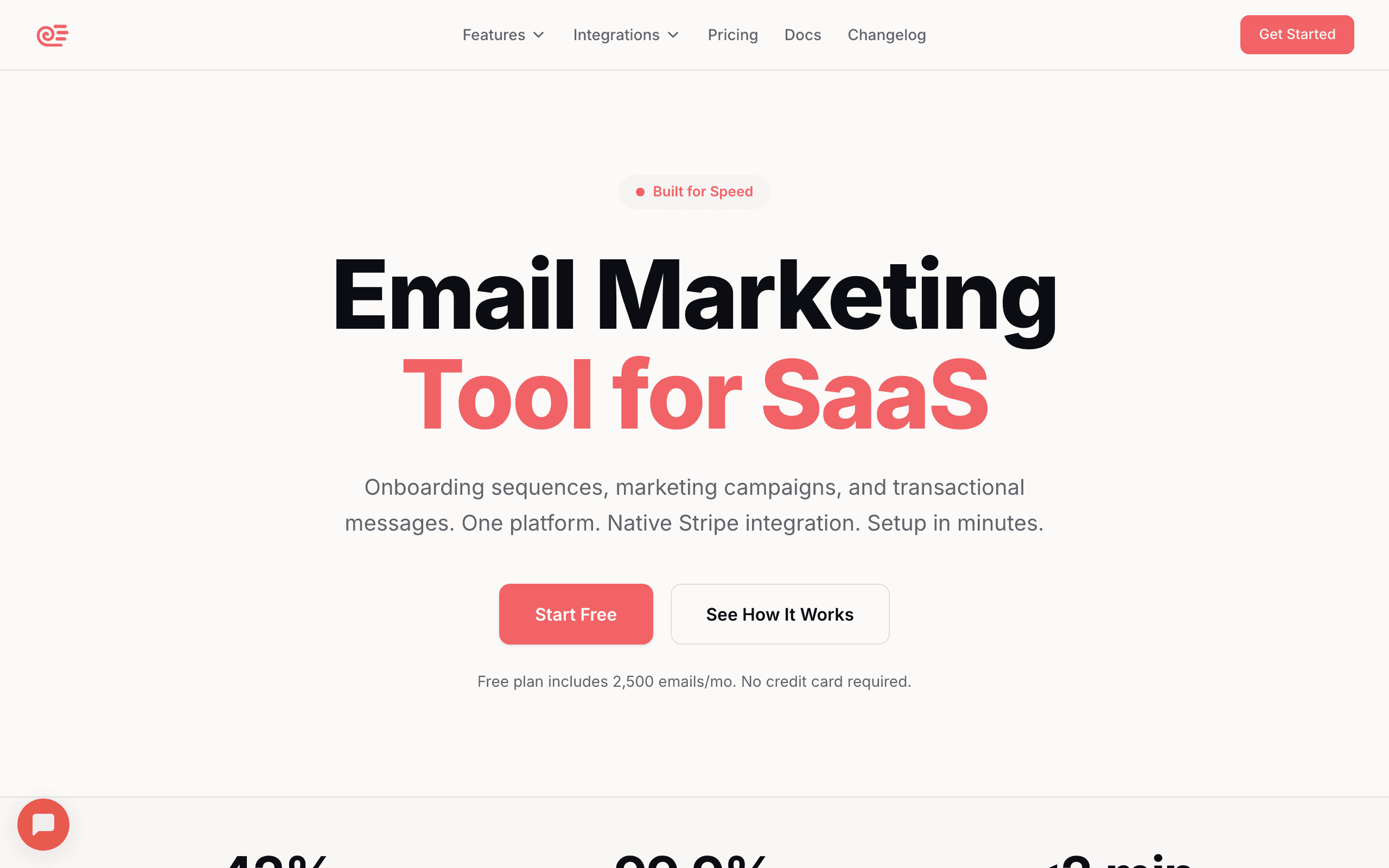
Best for: SaaS startups that want to start free and scale affordably
Sequenzy offers a generous free tier for early-stage SaaS companies, including full automation, Stripe integration, and AI-generated sequences. Unlike most free tiers that strip out automation, Sequenzy's free plan includes behavioral triggers, email sequences, and event-based automation from day one.
The standout feature on free: native Stripe integration. Connect your Stripe account and get automatic dunning, trial conversion, and lifecycle sequences without paying a cent. For SaaS startups using Stripe, this means your most revenue-impacting automations work from day one.
This is significant because the emails with the highest revenue impact for SaaS (dunning for failed payments, trial conversion sequences, onboarding) are all available on the free plan. You're not getting a crippled product. You're getting a fully functional SaaS email platform with a generous free send allowance.
The AI-generated sequences are also available on the free tier. Instead of staring at a blank editor, Sequenzy generates complete email sequences based on your product. This saves hours of work for founders who need email working but don't have time to write 15 emails from scratch. The AI integration is what most other tools on this list charge a premium add-on for, if they offer it at all.
The free plan also includes one hosted landing page with a custom domain, signup forms, campaign A/B testing, and full developer API, CLI and MCP access - none of it feature-gated behind a paid tier.
- Free tier: Up to 2,500 emails/month with unlimited contacts, full automation, Stripe integration, AI sequences, transactional email, landing pages
- Pricing: Free up to 2,500 emails/month with unlimited contacts, paid plans from $19/month
- Pros: Newsletter + lifecycle email in one platform, AI sequences free, full automation free, Stripe integration on the free plan
- Cons: Sequenzy branding on free emails, send-volume capped rather than contact-capped (some prefer the inverse)
2. Selzy
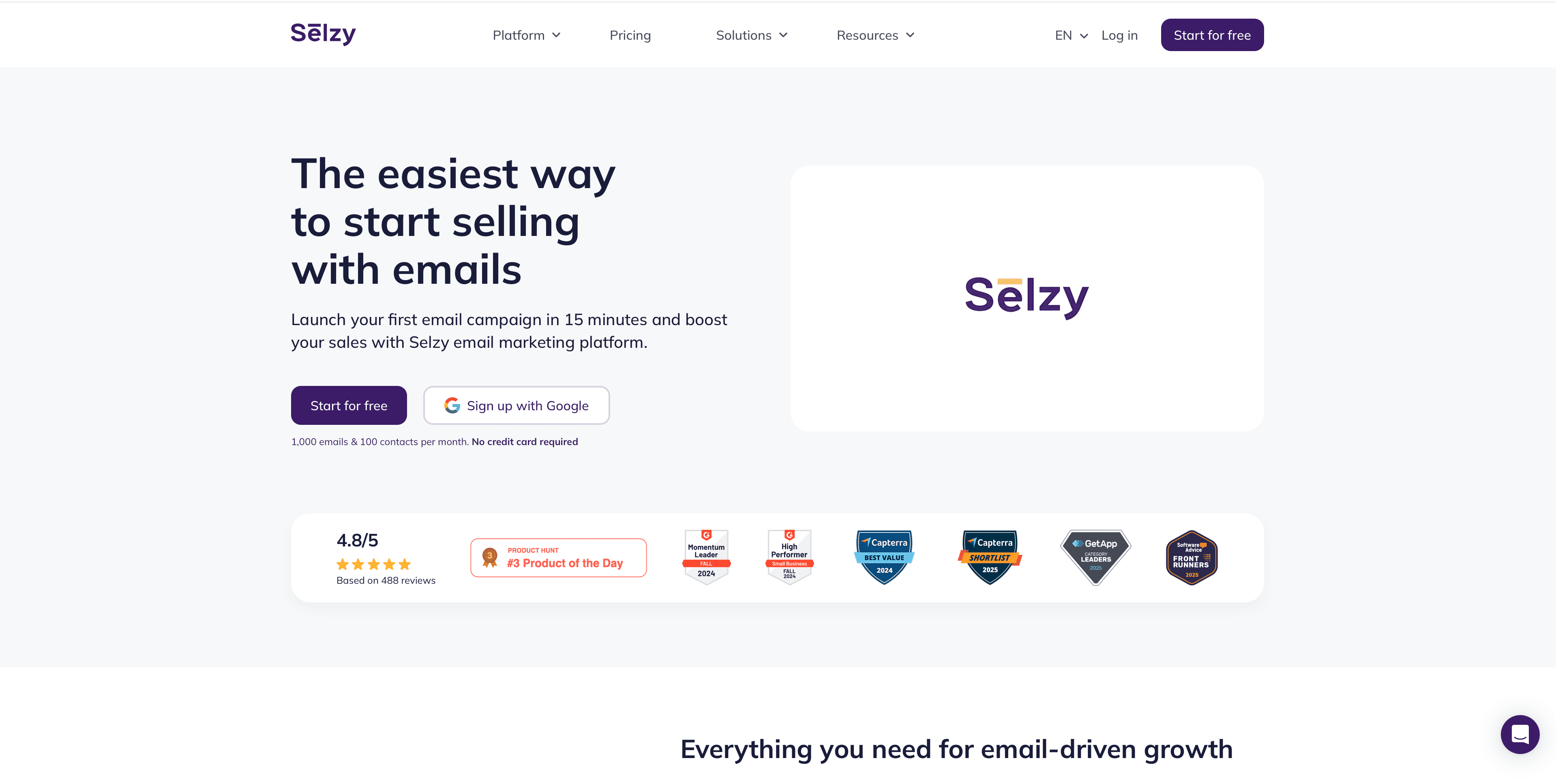
Best for: Simple email marketing with a low barrier to entry
Selzy has a free plan that includes up to 100 contacts, 1,000 emails per month, a drag-and-drop editor, signup forms, and basic automations. The limits are relatively low compared with many competitors on this list, but they are enough to test the platform and launch small campaigns.
For small businesses, the free tier works as a starting point for newsletters or simple email sequences. The interface is straightforward, and setup is quick, making it easy to launch your first campaigns in minutes.
Automation is limited to essential flows like welcome emails and other basic sequences. Selzy also supports SMS campaigns as a paid add-on and includes a landing page builder depending on plan, so you can expand beyond email as your needs grow.
Selzy's AI tools can help generate email copy, subject lines, and whole templates, which speeds up campaign creation for teams without a dedicated copywriter or designer.
Selzy also offers a 14-day trial for new users with higher sending limits: up to 10,000 emails to 2,000 contacts. That makes it easier to test the platform at a larger scale before deciding whether to upgrade.
Selzy is a good fit if you want a simple tool to get started and plan to upgrade as you grow.
- Free tier: 100 contacts, 1,000 emails/month, basic automations, signup forms
- Trial: 14-day trial with higher limits, up to 10,000 emails to 2,000 contacts
- Pricing: Paid plans with higher limits and features from $7.50/month
- Pros: Easy to use, quick setup, AI tools, SMS option, trial with higher limits
- Cons: Basic automation, limited integrations, minimal reporting
3. Kit (formerly ConvertKit)
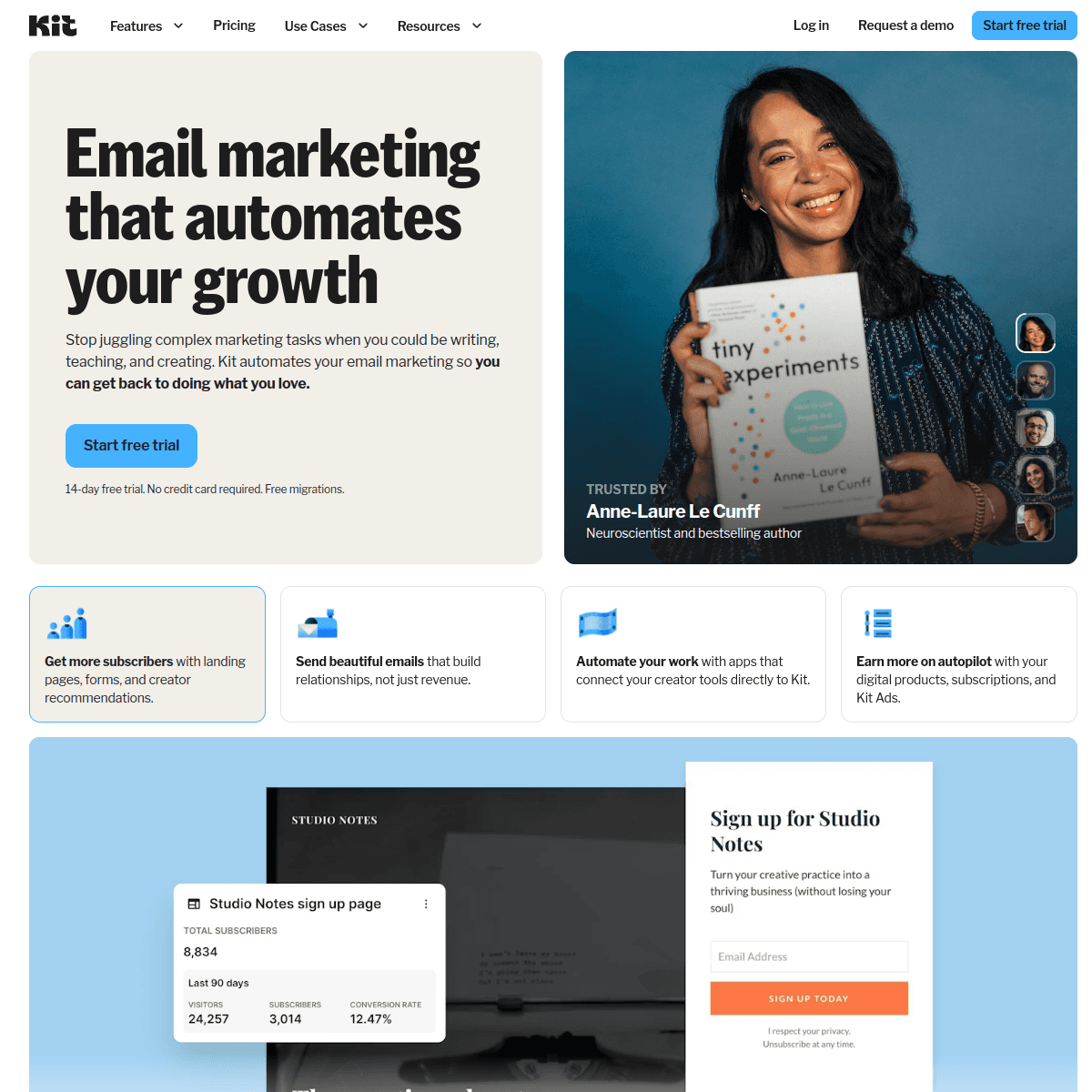
Best for: The most generous free tier for subscriber count
Kit's free plan includes up to 10,000 subscribers with unlimited landing pages, email broadcasts, and basic automations. That's an extraordinary amount for a free plan. Most competitors cap at 250-1,000 subscribers.
The catch: the free plan doesn't include visual automations or email sequences (only broadcasts). You can send individual campaigns to your list but can't build automated drip sequences. Still, for creators and SaaS founders building an audience, 10,000 subscribers for free is hard to beat.
This makes Kit ideal for audience-building use cases where you're primarily sending newsletters and broadcasts. If your email strategy is content-driven (weekly newsletter, product updates, launch announcements), Kit's free tier is more than enough. If your strategy requires automated sequences (onboarding, trial conversion, re-engagement), you'll hit the paywall immediately.
Kit also includes landing pages and opt-in forms on the free tier. For founders building an audience before launching a product, this means you can capture subscribers without paying for a separate landing page tool.
- Free tier: Up to 10,000 subscribers, unlimited broadcasts, landing pages, basic tags
- Pricing: Free to 10,000 subscribers, paid plans from $39/month (about $119/month at 10,000)
- Pros: Huge subscriber cap, landing pages included, tag-based segmentation, proven creator platform
- Cons: Only one automation on free, no visual automation builder, Kit branding, jumps in price quickly past 10k
4. MailerLite
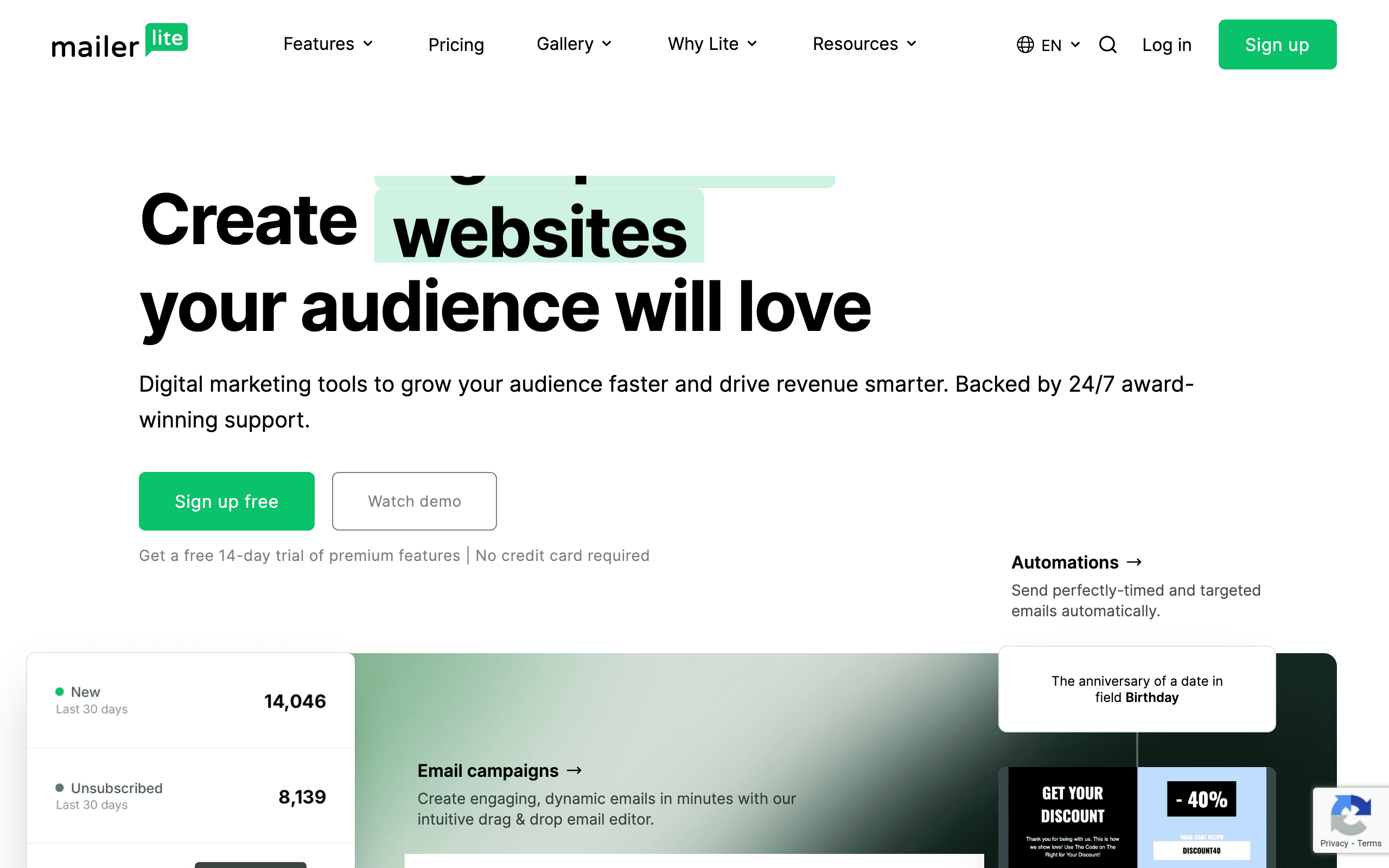
Best for: A complete feature set on a very small free plan
MailerLite's free plan is now 250 subscribers and 2,500 emails/month, cut from 1,000 subscribers and 12,000 emails on 16 June 2026, with feature caps added on 13 August 2026 (3 automations, 3 forms, 1 landing page, 1 website). The feature set is still unusually complete for a free plan; the volume is not.
At 250 contacts and 2,500 sends you can email a small list roughly ten times a month, which still covers a weekly newsletter for an audience under 250. Past that, MailerLite is now a paid product: the $12/month Comfort plan is where its value actually sits.
The automation builder on the free tier supports multi-step sequences, not just simple triggers. Landing pages and forms are included without restrictions. Forms can be embedded anywhere, popups are styleable, and the templates are restrained (no neon gradients pushed at you).
For startups looking for free email tools that offer a complete experience rather than a stripped-down trial, MailerLite provides the most well-rounded free plan. The first paid tier ($10/month) is also one of the cheapest in the category, so the upgrade path is gentle when you outgrow free.
- Free tier: 1,000 subscribers, 12,000 sends/month, multi-step automations, landing pages, forms
- Pricing: Free to 1,000 subscribers, paid plans from $10/month
- Pros: Clean interface, multi-step automations free, 12k sends is generous, cheap upgrade path
- Cons: MailerLite branding, limited templates compared to paid, basic reporting, account approval can be slow
5. Brevo (formerly Sendinblue)
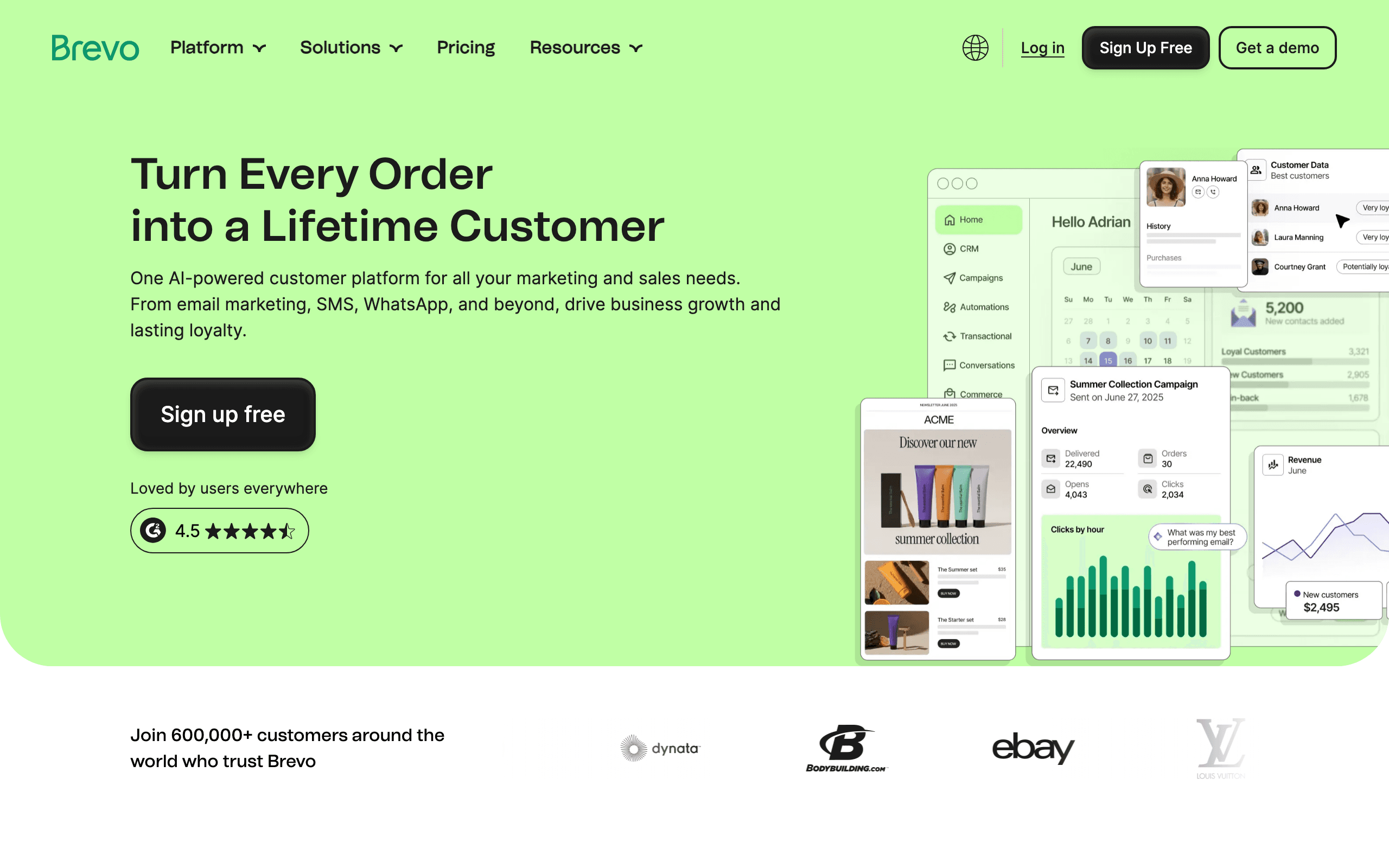
Best for: The most generous send volume on a free tier
Brevo's free plan allows 300 emails per day (about 9,000/month) with unlimited contacts. Read that again: unlimited contacts. Most free tiers limit contacts, not sends. Brevo limits sends, not contacts. This is ideal if you have a large list but send infrequently.
The free plan includes transactional email, the drag-and-drop editor, and basic automation workflows. SMS and WhatsApp are available as add-ons even on the free tier.
Brevo's unlimited contacts model is unique and valuable for specific use cases. If you have 5,000 subscribers but only send one or two campaigns per month, Brevo's free tier covers you completely. Other platforms would charge based on your 5,000 contacts regardless of how often you email them.
The 300 emails/day limit is the constraint to understand. For daily transactional emails (verification, notifications), 300/day limits you to roughly 300 active daily users. For marketing campaigns, you need to spread large sends across multiple days. A campaign to 2,000 subscribers would take about 7 days to complete on the free tier.
- Free tier: Unlimited contacts, 300 emails/day (~9,000/month), transactional, basic automations
- Pricing: Free with 300/day cap, paid plans from $9/month
- Pros: Unlimited contacts, includes transactional, SMS add-on available, low first-paid tier price
- Cons: 300 emails/day cap is limiting, Brevo branding, reporting is basic, slow campaign sends on free
6. Mailchimp
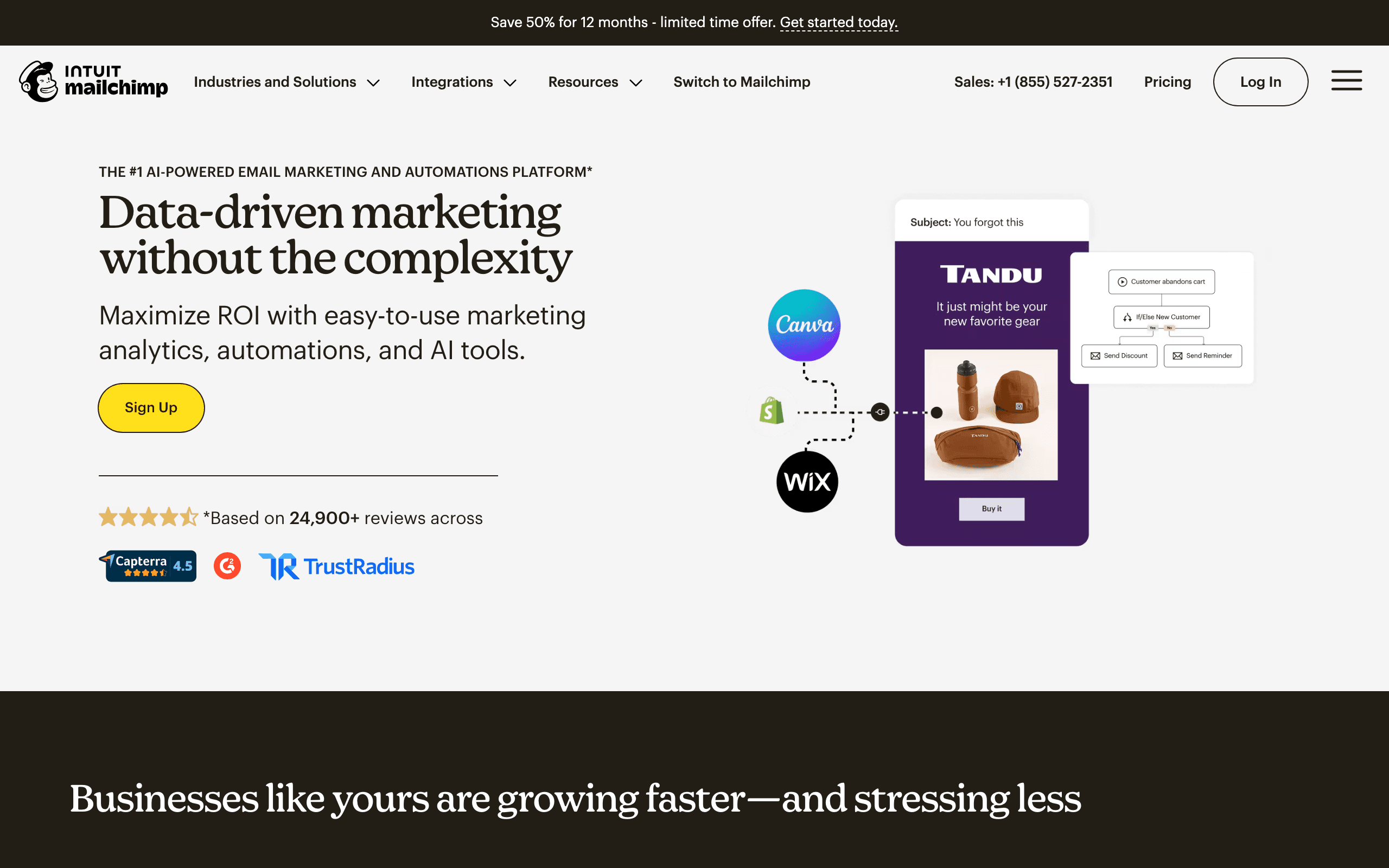
Best for: Small businesses wanting a recognized brand and template library
Mailchimp's free plan includes 500 contacts, 1,000 email sends per month, email templates, basic reporting, and simple automations. The 500-contact limit is lower than most competitors, but Mailchimp's brand recognition and template library are still draws for non-technical small businesses.
Mailchimp's free tier also includes the landing page builder, forms, and the creative assistant (AI-powered design). For a small business sending occasional campaigns to a small list, the free tier covers the basics.
The template library is where Mailchimp's free tier shines. You get access to a large selection of pre-designed templates that look professional without design skills. For non-technical founders who want to send good-looking emails without hiring a designer or writing HTML, this is valuable.
The limitations become apparent quickly though. 500 contacts is small. 1,000 sends per month is restrictive if you're sending more than a couple of campaigns. And the automation on the free tier is truly basic, limited to simple welcome emails and single automations rather than multi-step sequences.
- Free tier: 500 contacts, 1,000 sends/month, basic automations, forms, landing pages, templates
- Pricing: Free to 500 contacts, paid plans from $13/month
- Pros: Huge integration ecosystem, mature platform, recognized brand, reliable deliverability, large template library
- Cons: Mailchimp branding, basic single-step automations only, email support only for 30 days, expensive at scale
7. Loops
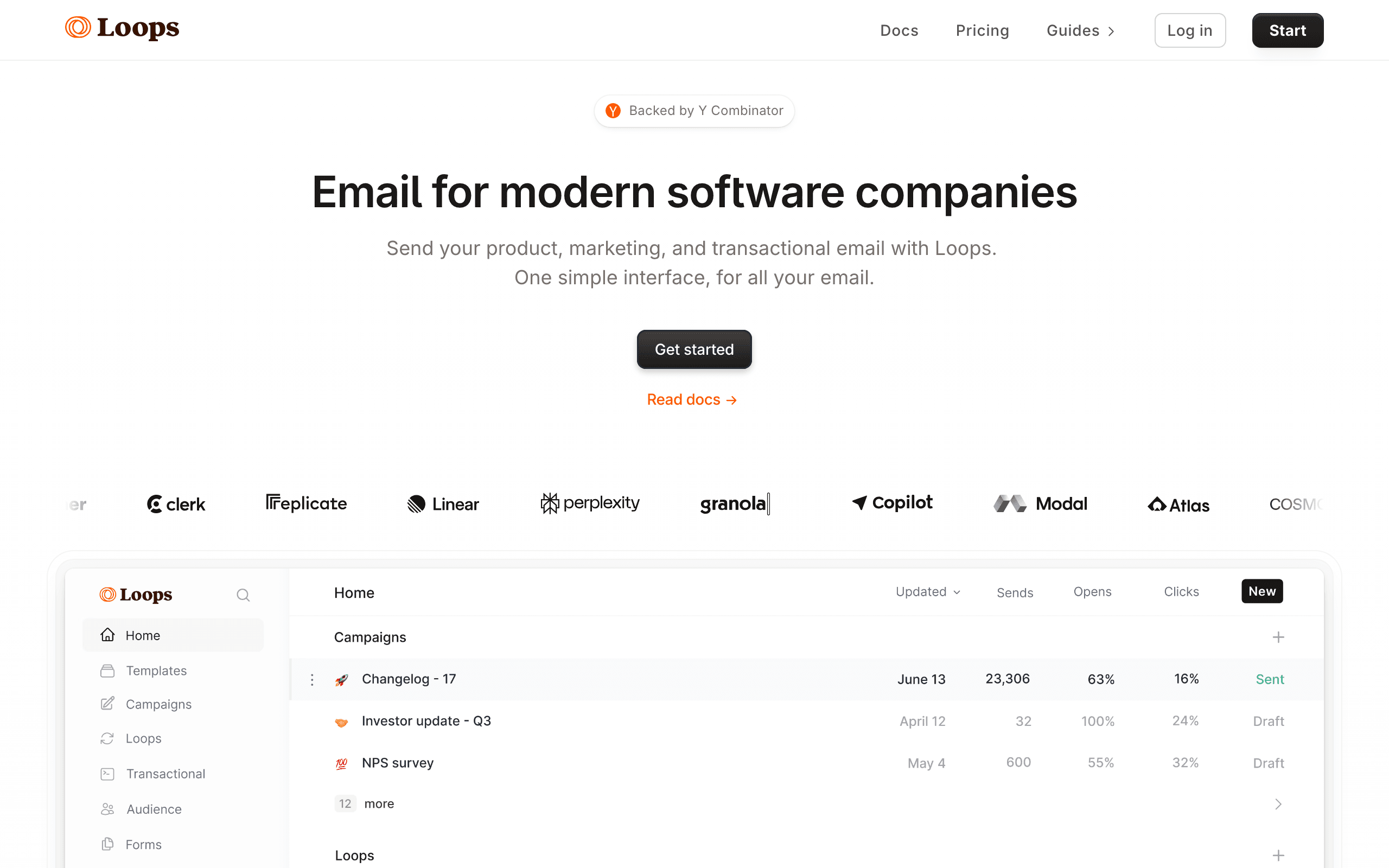
Best for: SaaS startups wanting event-driven email for free
Loops' free plan includes 1,000 contacts with email sending, event tracking, and basic automations. For SaaS startups with fewer than 1,000 users, this means you can set up event-triggered email sequences (onboarding, trial conversion) from day one without paying.
The developer-friendly approach means you can integrate Loops via API during development and not worry about email costs until you scale past 1,000 contacts. The TypeScript SDK and clean event API are arguably the best in the category for SaaS-shaped products.
Loops' free tier includes the event system, which is the platform's core feature. You can send events from your app and trigger email sequences based on those events. For SaaS startups that need behavioral triggers on a budget, this is one of the most cost-effective options alongside Sequenzy.
The limitation to watch for: the jump from free to paid is steep. There's no $10 or $20 intermediate plan. When you outgrow 1,000 contacts, you're jumping to $49/month. Plan for this transition in your budgeting and don't let it surprise you mid-launch.
- Free tier: 1,000 contacts, event tracking, basic automations, transactional included
- Pricing: Free to 1,000 contacts, paid plans from $49/month
- Pros: Event-driven on free tier, clean API, modern UI, good DX, transactional included
- Cons: 1,000 contact cap is low, steep price jump to paid, simpler than dedicated marketing tools, basic editor
8. Resend
Best for: Developers wanting free transactional email
Resend's free plan includes 100 emails per day and 3,000 emails per month. For a development-stage product, this is enough for all transactional emails (verification, password reset, notifications). The full API and React Email support are available on the free tier.
Resend doesn't do marketing email (campaigns, newsletters, automations) at the same depth as the rest of this list. But for transactional email specifically, the free tier is generous and includes the complete developer experience.
The developer experience on the free tier is identical to paid. You get the TypeScript SDK, React Email support, webhooks, custom domains, and the full API surface. There's no feature gating. The only limitation is volume.
For developer-friendly email during development and early launch, Resend's free tier is the cleanest option. You can build and test your entire transactional email system without spending a dollar. Add a marketing email tool (Sequenzy, Loops) separately when you need campaigns and sequences.
- Free tier: 3,000 emails/month, 100/day, full API access, React Email, webhooks
- Pricing: Free 3,000 emails/month, paid plans from $20/month
- Pros: Excellent DX, React Email, no feature gating on free, webhooks included, custom domains free
- Cons: 100 emails/day cap, primarily transactional, limited marketing features, no rich subscriber UI
9. SendGrid
Best for: Free email infrastructure for developers, forever
SendGrid's free plan includes 100 emails per day forever. It also includes the email API, SMTP relay, dynamic templates, and basic analytics. For developers who need email sending infrastructure during development and early launch, the free tier covers the basics.
The 100/day limit means about 3,000/month. Combined with SendGrid's reliable delivery and broad SDK support, it's a solid free option for transactional email and basic marketing campaigns.
SendGrid's free tier is notable for being permanent. Some platforms offer limited-time free trials. SendGrid's 100/day is yours forever. For side projects, low-volume products, or development environments, you may never need to upgrade.
The platform includes both transactional and marketing capabilities on the free tier, which is unusual. You can send API-triggered transactional emails and manually-created marketing campaigns from the same account. The marketing features are basic, but having both types available for free is useful.
- Free tier: 100 emails/day forever, full API, templates, analytics, marketing + transactional
- Pricing: Free 100/day forever, paid plans from $20/month
- Pros: Free forever, both transactional and marketing, solid deliverability, broad SDK coverage
- Cons: 100/day cap is restrictive, marketing UI feels bolted on, sprawling docs, shared IP variability
10. Klaviyo
Best for: E-commerce businesses wanting free email with revenue tracking
Klaviyo's free plan includes 250 contacts, 500 email sends/month, email templates, basic automations (flows), and revenue tracking. For a small e-commerce business just starting out, having revenue attribution on the free tier is unique.
The contact limit is low (250), but if you're pre-launch or just starting, it's enough to set up your email flows and test with early customers before paying.
Klaviyo's free tier includes the flow builder, which is their automation system. You can set up welcome sequences, abandoned cart flows, and post-purchase follow-ups before paying. For e-commerce, these automations directly drive revenue, making the free tier genuinely valuable even at small scale.
The revenue tracking on the free tier is what differentiates Klaviyo from other free options. You can see exactly how much revenue each email and flow generates. This data helps you justify the paid plan upgrade when the time comes with concrete ROI numbers.
- Free tier: 250 contacts, 500 sends/month, flows, revenue tracking, templates
- Pricing: Free to 250 contacts, paid plans from $20/month
- Pros: Revenue tracking on free, full flow builder, e-commerce integrations, abandoned cart free
- Cons: 250 contact cap is very low, scales expensively, complex for non-e-commerce use cases
11. Beehiiv
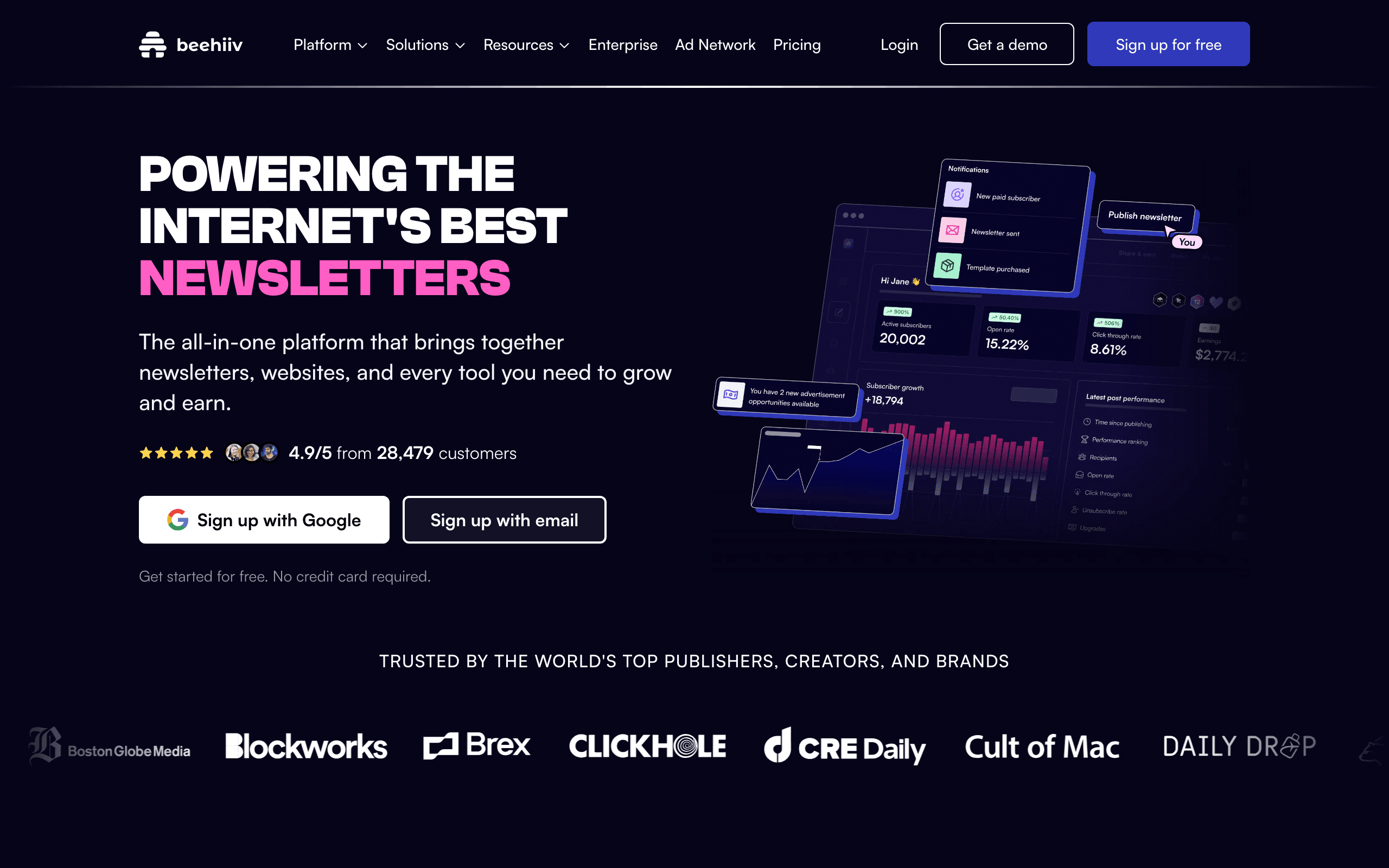
Best for: Newsletter operators who want growth tools for free
Beehiiv's free plan goes up to 2,500 subscribers with unlimited sends, basic referral programs, and the recommendation network between newsletters. For newsletter writers focused on growth, this combination of generous subscriber count and built-in growth tooling is unique among free tiers.
Beehiiv was built by ex-Morning Brew operators, and the platform is opinionated about audience growth. The free recommendation network exposes you to readers of similar newsletters with no manual outreach. The referral program is one-click to enable.
The editor is a block-based WYSIWYG. It's polished but not markdown-native, which matters more for technical writers than for general newsletter operators. For most newsletter formats (essays, curated links, news roundups), the editor is fast and pleasant.
Where Beehiiv's free tier loses points: the API is paid-only, custom domain requires a paid plan, and the better analytics are gated behind upgrades. For pure subscriber count and growth tooling on free, though, it's hard to beat at the 2,500-subscriber tier.
- Free tier: Up to 2,500 subscribers, unlimited sends, referral program, recommendation network
- Pricing: Free to 2,500 subscribers, paid plans from $39/month
- Pros: Generous subscriber cap, growth tools free, recommendation network, modern UI
- Cons: API paid-only, no custom domain on free, weaker code formatting, $39 jump is steep
12. EmailOctopus
Best for: Cost-conscious senders who want a hosted UI on top of cheap infrastructure
EmailOctopus is a UK-based email tool with one of the most generous free tiers in the category: 2,500 subscribers and 10,000 emails/month. The product itself is plain (functional editor, fine templates, basic analytics), but for the price (free, then very cheap), it's hard to beat.
The two product modes matter for your decision: the Pro plan uses EmailOctopus' own infrastructure, while the Connect plan is a thinner UI on top of your own Amazon SES account. For developer-leaning senders who want to leverage SES pricing, the Connect mode is among the cheapest options anywhere.
The free tier itself is the standard hosted experience. You get the web UI, basic automations, segmentation, and reporting. Nothing is exceptional, but nothing is broken either. For most small senders, this is more than enough.
The limitations are mostly aesthetic: the UI is dated compared to Beehiiv or MailerLite, and the templates are basic. If you don't need a polished editor, the savings vs. Mailchimp at the same scale are dramatic.
- Free tier: 2,500 subscribers, 10,000 emails/month, basic automations, forms
- Pricing: Free to 2,500 subscribers, paid plans from $9/month
- Pros: Generous free tier, very cheap paid plans, SES-backed option, decent deliverability
- Cons: Dated UI, basic editor, not developer-focused, weaker template library
13. Buttondown
Best for: Solo newsletter writers who want a markdown-native tool free
Buttondown's free plan covers up to 100 subscribers with full feature access, including markdown writing, the API, archive pages, and webhooks. For new newsletter writers building an audience from scratch, this is enough to launch and grow to your first hundred readers without paying.
The free plan's small subscriber cap is intentional. Buttondown is positioning itself for serious writers who will grow past 100 quickly and convert to paid. The pricing scales gently from there ($9/month for 1,000 subscribers).
What you get on free is unusually complete for the category. Markdown rendering, RSS import, subscriber API, custom branding (your sender name, your reply-to), Stripe integration for paid newsletters, and the public archive pages. Most platforms hide these features behind paid tiers.
For developer newsletter writers starting from zero, Buttondown's free tier is the cleanest way to begin. You're not fighting a marketing-oriented editor, you're not getting upsold, and you can monetize from day one if you want.
- Free tier: Up to 100 subscribers, full feature access, markdown, API, webhooks, archive
- Pricing: Free to 100 subscribers, paid plans from $9/month
- Pros: Markdown native, full features on free, developer-friendly, clean and minimal, Stripe integration
- Cons: Tiny subscriber cap on free, no automation, newsletter-only, smaller than competitors
14. Substack
Best for: Writers who want zero setup and zero monthly cost
Substack is technically free indefinitely. There's no subscriber cap, no send cap, no monthly fee. Substack only takes a 10% cut of paid subscription revenue if you charge readers. For free newsletters, the entire platform is genuinely $0.
This makes Substack uniquely positioned for writers who want to start now without thinking about pricing tiers. Sign up, write, publish. The platform handles delivery, subscriber management, the website, the archive, and the discovery network.
The network effect is the most underrated free feature. Substack recommends newsletters to readers based on their interests. New newsletters can pick up 20-30% of their early subscribers from Substack's recommendation engine alone, which is essentially free distribution.
The trade-offs: you don't own the infrastructure, the API is limited, custom domains cost extra, and the 10% revenue cut on paid subscriptions is meaningful at scale (compare to Stripe's 2.9% + $0.30). For free newsletters or writers who don't mind the cut, the math is excellent.
- Free tier: Unlimited subscribers, unlimited sends, paid newsletter support, built-in audience network
- Pricing: Free, 10% of paid subscription revenue if you monetize
- Pros: Zero setup, no caps, network effects, no upfront cost, paid newsletters included
- Cons: 10% revenue cut on paid subs, limited customization, no API, Substack branding
15. Ghost
Best for: Self-hosters who want a free blog + newsletter combo
Ghost is open-source and free if you self-host. Run it on a $5 VPS and you have a full publishing platform with newsletter functionality, no monthly fees, no subscriber caps, no send caps. For developers comfortable running their own infrastructure, this is the most powerful free option on the list.
The hosted version (Ghost Pro) starts at $9/month and is a separate product, but the self-hosted path is genuinely free in software terms. You only pay for your VPS and your sending provider (typically Mailgun, SES, or Postmark).
Ghost's publish-once-distribute-everywhere model is its strongest feature. Write a technical blog post in Ghost's markdown editor. It simultaneously publishes to your website (with proper formatting, code highlighting, and SEO metadata) and sends to your email subscribers (with email-optimized formatting). No duplicate content, no copy-pasting between tools.
The membership system supports tiered access for paid newsletters with Stripe integration. For developer writers building a paid publication, Ghost's membership features are comprehensive: tiered content gates, member management, and subscriber analytics, all running on infrastructure you control.
- Free tier: Self-hosted is free forever (you pay VPS + SMTP), unlimited everything
- Pricing: Free self-hosted, hosted plans from $9/month
- Pros: Open-source, blog + newsletter integrated, markdown native, membership built in, no caps
- Cons: Self-hosting is operational work, hosted plan isn't free, basic email automation, deliverability is your problem
16. Mailjet
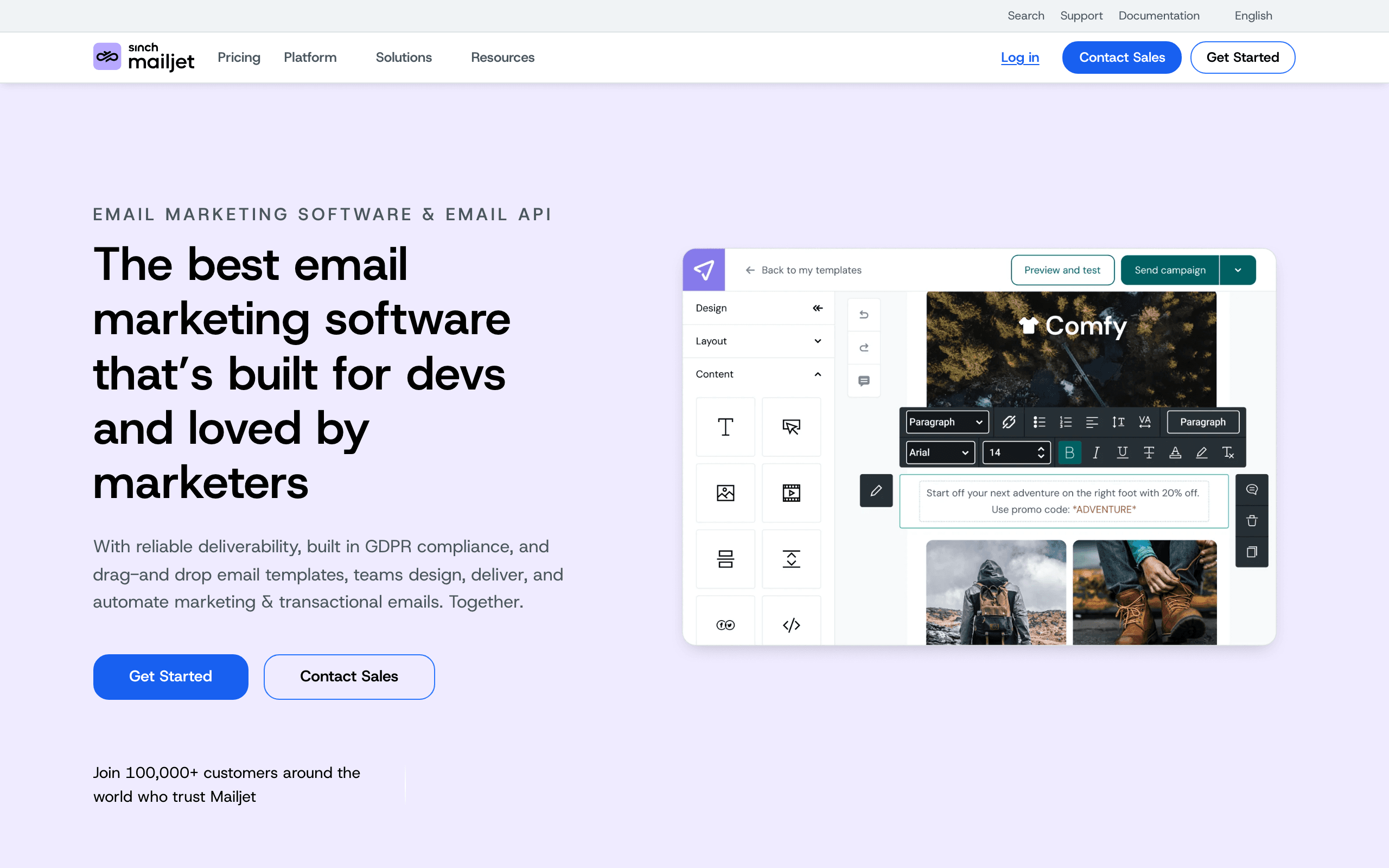
Best for: Senders who want both transactional and marketing email free
Mailjet's free plan includes 6,000 emails/month (capped at 200/day) for both transactional and marketing email. Unlike most free tiers that focus on one mode, Mailjet covers both from the same account.
For small SaaS products that need verification emails plus the occasional newsletter, Mailjet's combined free tier eliminates the need for two tools. The API is solid for transactional, and the marketing UI handles basic campaigns.
The 200/day cap is the constraint. For purely transactional use, this limits you to roughly 200 daily active users. For marketing, you'd spread larger sends across multiple days. Either mode works on the free tier; both modes simultaneously starts to feel cramped quickly.
The first paid tier ($17/month for 15,000 emails) is reasonable, and the transactional pricing remains competitive at scale. Mailjet's positioning as a hybrid free tier is the differentiator.
- Free tier: 6,000 emails/month (200/day), transactional + marketing, API access
- Pricing: Free 6,000/month, paid plans from $17/month
- Pros: Both transactional and marketing free, solid API, EU-based (GDPR-friendly), reasonable upgrade
- Cons: 200/day cap, basic editor, smaller integration ecosystem, branding on free
17. Postmark
Best for: Developers wanting to test deliverability before paying
Postmark's free tier is small (100 emails for testing, no recurring monthly free tier), but it's worth including because it lets you fully evaluate the platform before committing. Postmark's deliverability is consistently among the best in the industry, and the developer experience (API, docs, dashboards, message logs) is excellent.
For developers who want to verify that Postmark works for their use case before paying $15/month, the testing allowance is enough to integrate, send a few test emails, and confirm the API and dashboard meet your needs.
This is more of a trial than a true free tier. But for transactional-heavy workflows where deliverability matters more than cost, Postmark's reputation justifies the $15/month minimum almost immediately. The free testing window exists to remove friction from trying it.
What you get when you pay: clean broadcast streams, message inspection tools, suppression list management, and dashboards that actually help you debug deliverability problems in production.
- Free tier: 100 emails for testing/evaluation, full API access during testing
- Pricing: Free testing, paid plans from $15/month for 10,000 emails
- Pros: Best-in-class deliverability, excellent DX, clean dashboards, message inspection
- Cons: No recurring free tier, primarily transactional, no editor, no subscriber UI
18. Mailgun
Best for: Developers who want a free sandbox to test API integration
Mailgun offers a 30-day trial with 100 emails/day, plus a sandbox domain that's free indefinitely for testing. The sandbox restricts sending to verified test addresses, which is fine for development but not for production.
For developers integrating Mailgun into a product, the sandbox is genuinely useful. You can build and test your entire email pipeline without paying, then switch to a paid plan when you're ready for production sends. The API is mature and well-documented.
Mailgun's differentiator vs. SendGrid is inbound email routing. If your product needs to ingest replies (for community Q&A, support tickets, or email-based commands), Mailgun's inbound routing is among the best in the category.
The pricing jumps to $35/month for production use, which is steeper than Resend or SendGrid. For pure outbound transactional email, those alternatives are usually cheaper. Mailgun makes sense when you need the inbound routing or other API features.
- Free tier: Sandbox domain (verified addresses only) free forever, 30-day production trial with 100/day
- Pricing: Free sandbox, paid plans from $35/month for 50k emails
- Pros: Strong API, inbound email routing, dedicated IP options, mature platform
- Cons: Sandbox limited to verified addresses, no permanent production free tier, $35 starting price is high
19. Listmonk
Best for: Self-hosters who want a free, fast, open-source mailing list tool
Listmonk is a self-hosted, open-source newsletter and mailing list manager written in Go. It's a single binary plus a PostgreSQL database. Boot it on a $5 VPS, point it at any SMTP provider (SES, Postmark, your own), and you have a complete newsletter platform with web UI, segmentation, templating, analytics, and an API.
The software itself is free (AGPL-licensed). Your only costs are infrastructure (VPS) and sending (your SMTP provider's pricing). For high-volume senders, Listmonk + Amazon SES is one of the cheapest possible setups, often under $20/month for hundreds of thousands of emails.
For developers who treat self-hosting as a feature rather than a chore, Listmonk is excellent. It's fast (handles millions of subscribers without breaking a sweat), the UI is clean, and the data is yours. Templates use Go's text/template syntax, which is verbose but flexible.
The trade-offs are operational. You're responsible for upgrades, backups, deliverability tuning, bounce processing, and DNS. If you don't want to think about any of that, use a hosted tool. If you'd rather pay $5/month for a VPS than $50/month for SaaS, Listmonk is the answer.
- Free tier: Software is free forever (self-hosted), no caps on subscribers or sends
- Pricing: Free, you pay only for VPS (~$5/mo) and SMTP provider (SES is cheapest)
- Pros: Free forever, open source, fast, no caps, BYO sending infrastructure, full data ownership
- Cons: You run the server, deliverability is your problem, no built-in payments, smaller community
20. Sender
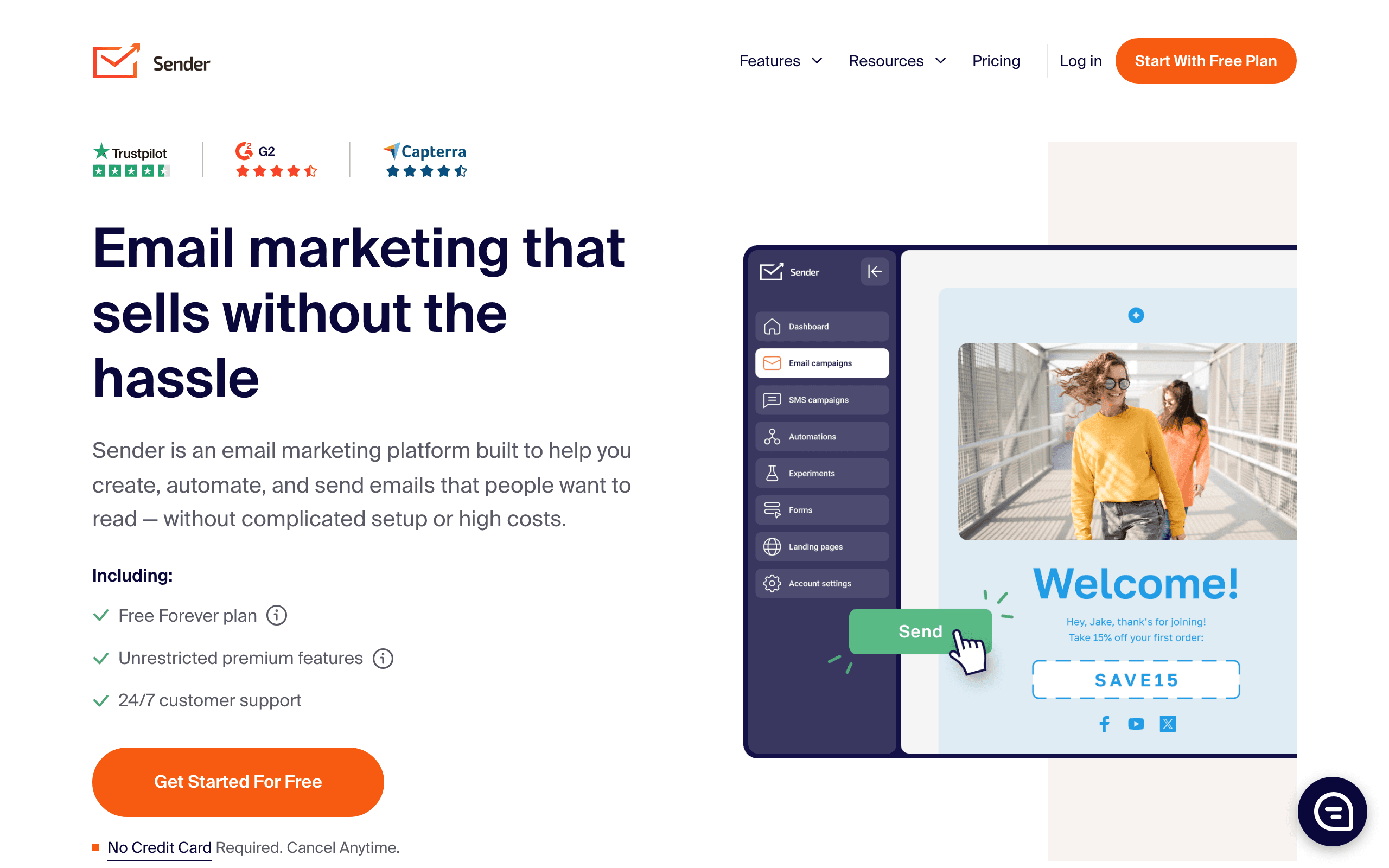
Best for: Cheap hosted sending with automations included on free
Sender's free plan includes 2,500 subscribers and 15,000 emails/month with full automation features. That's an unusually generous combination of subscriber cap, send volume, and feature set, especially since automations are typically the first thing locked behind a paywall on competing free tiers.
The platform is less well-known than Mailchimp or MailerLite, but the product is competent. The drag-and-drop editor is functional, the templates are usable, and the automation builder supports multi-step workflows. For small businesses or solo operators, the free tier covers most marketing email needs.
Sender's main weakness is the smaller integration ecosystem. If your stack relies on niche tools that need email integrations, Sender may not be supported. Check before committing. For teams using common stacks (Shopify, WooCommerce, basic CRM), the integrations that exist are reliable.
The first paid tier ($15/month) keeps automations and adds higher limits. For senders who outgrow free, the upgrade path is reasonable.
- Free tier: 2,500 subscribers, 15,000 emails/month, full automations, drag-and-drop editor
- Pricing: Free to 2,500 subscribers, paid plans from $15/month
- Pros: Automations free, generous send volume, decent editor, reasonable paid tier
- Cons: Smaller integration ecosystem, less brand recognition, basic reporting, fewer templates
21. Moosend
Best for: Marketers who want to evaluate a workflow-heavy tool free
Moosend offers a 30-day free trial (not a permanent free tier) with full feature access including their automation workflow builder. For marketers evaluating Moosend before committing, the trial is enough to set up workflows, import contacts, and run a test campaign.
The reason Moosend is on this list despite not having a permanent free tier: the first paid plan starts at $9/month for 500 subscribers, which is among the cheapest entry points for a feature-complete marketing tool. If you need automations and segmentation but can't afford Mailchimp or ActiveCampaign prices, Moosend's $9 plan is a strong option.
The workflow builder is the differentiator. It supports complex branching, time delays, and behavioral triggers that compete with much more expensive tools. For marketers who want sophisticated automation without enterprise pricing, Moosend's combination of free trial plus cheap paid plans makes evaluation low-risk.
Templates are abundant, the editor is solid, and the deliverability is reasonable. The product feels mature, which makes sense given Moosend has been around for over a decade.
- Free tier: 30-day trial with full features (no permanent free)
- Pricing: Trial only, paid plans from $9/month
- Pros: Powerful workflow builder, cheap paid plans, mature product, abundant templates
- Cons: No permanent free tier, smaller user base, trial-then-pay forces commitment fast
22. HubSpot
Best for: Teams wanting a free CRM bundled with email
HubSpot's free tier includes the full CRM plus email marketing capabilities: 2,000 email sends per month and unlimited contacts in the CRM. For sales-led teams who need a CRM and want email built in, this combination is uniquely valuable on a free tier.
The catch is that HubSpot's free email is intentionally basic. Templates are limited, automations are minimal (single welcome emails, no multi-step workflows), and the HubSpot branding is prominent. The free tier exists to get you using the CRM, with email as a bundled bonus rather than a serious tool.
For early-stage B2B teams that need basic email outreach plus contact management, this works well. You get one platform that handles deal tracking, contact records, and outbound email without paying for separate tools.
The upgrade path is steep. Marketing Hub Starter is $20/month for 1,000 marketing contacts, but the per-contact pricing scales aggressively. Many teams use the free CRM forever and pair it with a cheaper email tool (MailerLite, Sequenzy) for actual marketing email.
- Free tier: 2,000 email sends/month, unlimited CRM contacts, basic automations, forms
- Pricing: Free with CRM, Marketing Hub from $20/month
- Pros: Full CRM included, unlimited contacts in CRM, integrated sales + marketing, mature platform
- Cons: Basic email features on free, HubSpot branding, expensive upgrade path, marketing contact pricing
What to Watch Out For
Branding Requirements
Most free tiers include the platform's branding in your emails (a badge or link in the footer). This looks unprofessional for business email. Removing branding usually requires the first paid tier. If brand perception matters to your business (and it should), factor in the cost of removing branding when comparing free tiers.
Feature Restrictions
Free tiers often restrict the most valuable features: advanced automations, A/B testing, custom domains, and dedicated IPs. Check what's actually included, not just the contact and send limits. A free tier with 10,000 contacts but no automation might be less useful than one with 1,000 contacts and full automation.
The most common feature gates on free tiers:
- Automation: Often limited to single-step or basic workflows
- A/B testing: Almost always a paid feature
- Custom domains: Sometimes paid, sometimes free
- Integrations: Some platforms restrict API access on free tiers
- Support: Free tiers typically only include email support or community forums
Upgrade Pricing
The cheapest free tier doesn't matter if the first paid tier is expensive. Compare: what does each platform cost at 5,000 contacts? At 10,000? The free-to-paid transition cost varies dramatically. Understanding the full cost of email marketing for SaaS helps you plan ahead.
Here's the first paid tier cost for context (cheapest to most expensive):
- Selzy: $7.50/month
- Brevo: $9/month
- EmailOctopus: $9/month
- Moosend: $9/month
- MailerLite: $10/month
- Mailchimp: $13/month
- Sender: $15/month
- Postmark: $15/month
- Mailjet: $17/month
- Sequenzy: $19/month
- Resend: $20/month
- SendGrid: $20/month
- Klaviyo: $20/month
- HubSpot Marketing: $20/month
- ConvertKit: $29/month
- Mailgun: $35/month
- Beehiiv: $39/month
- Loops: $49/month
Data Portability
If you start on a free tier and later want to switch, can you export your contacts, automations, and templates? Most platforms let you export contacts. Few make it easy to export automation logic. Starting on a platform with a good growth path reduces the chance you'll need to migrate. See our guide on when to switch email providers for more on this decision.
Free Tier Stability
Some platforms change their free tier limits over time, usually by reducing them. Mailchimp famously reduced their free tier from 2,000 contacts to 500. When choosing a free tier, consider the platform's track record of maintaining their free plan terms.
How to Choose
You want the most contacts for free: ConvertKit (10,000 subscribers).
You want unlimited contacts: Brevo (unlimited contacts, 300 emails/day).
You want the most features for free: MailerLite (1,000 contacts, automations, landing pages).
You're building SaaS with Stripe: Sequenzy (free emails with full automation + Stripe integration + AI).
You're building SaaS with events: Loops (1,000 contacts with event-driven automations).
You need transactional email: Resend (3,000/month with full API) or SendGrid (100/day forever).
You want both transactional and marketing free: Mailjet (6,000/month combined) or SendGrid.
You're in e-commerce: Klaviyo (250 contacts with revenue tracking).
You're growing a newsletter: Beehiiv (2,500 subscribers + referral tools) or Buttondown (markdown native).
You want a free CRM with email: HubSpot (unlimited CRM contacts + 2,000 sends/month).
You want quick setup and AI-assisted copy on a small free plan: Selzy (100 contacts, 1,000 emails/month, AI tools, 14-day larger-scale trial).
You want zero setup or no monthly cost ever: Substack (free forever, 10% rev cut on paid) or Listmonk (self-host, software is free).
You want a free blog + newsletter combo: Ghost (self-hosted, free).
Best Free Tier by Use Case
Best free tier for SaaS product email
Use Sequenzy when the free tier needs to prove onboarding, trial conversion, failed payment, and customer lifecycle emails before the team pays. Loops also belongs on the shortlist for event-driven startup email. Compare Sequenzy vs Loops, SaaS onboarding templates, and best free email tools for startups if the product is software.
Best free tier for developer transactional email
Resend, SendGrid, Postmark, and Mailgun are better free-tier choices when API sending matters more than campaigns. The deciding factor is whether you also need marketing email. Read Resend alternatives, SendGrid alternatives, and transactional email templates before using a free sandbox in production.
Best free tier for creators and newsletters
ConvertKit, Beehiiv, Buttondown, Substack, and Ghost all make sense for creator-led lists, but they optimize for different businesses. Use creator email tools, newsletter writer email tools, and ConvertKit alternatives to choose between products, subscriptions, and pure publishing.
Best free tier for ecommerce
Klaviyo and Omnisend are the most relevant free tiers for stores because they connect email to catalog and order data. Generic free plans can send newsletters, but they cannot rebuild cart, back-in-stock, or post-purchase flows as well. Start with Shopify store email tools, Klaviyo alternatives, and Omnisend alternatives.
FAQ
Can I run a real email program on a free tier?
For the first 500-2,500 subscribers, yes. Free tiers are designed for early-stage use. Once you're past the contact or send limits, upgrading is expected. The free tier's value is letting you build and test without risk. Treat the free tier as a development and launch environment, not a permanent solution.
Will I lose my data when I upgrade from free to paid?
No. All platforms preserve your contacts, templates, and automations when you upgrade. The transition is adding payment information and unlocking restricted features. Your email program continues without interruption.
Are free tiers worse for deliverability?
Sometimes. Free tiers often use shared IPs and include platform branding, which can slightly affect deliverability. The difference is usually minimal for small volumes but becomes more noticeable at scale. The bigger deliverability risk on free tiers is shared IP reputation: if other free-tier users on the same IP send spam, it can affect your delivery rates.
Should I start with a free tier or go paid immediately?
Start free. There's no reason to pay for email before you have subscribers to email. Use the free tier to set up your infrastructure, build templates, and configure automations. Upgrade when you hit limits or need restricted features. The exception: if you need features that are only available on paid plans (like automation on ConvertKit), consider starting with a budget-friendly paid plan instead.
Can I use multiple free tiers for different email types?
Yes, and it's a common pattern. Use Resend's free tier for transactional email and Sequenzy or Loops' free tier for marketing automation. This gives you the best of both worlds without paying for either. The trade-off is managing two platforms, but at early stage, the volume is low enough that this isn't burdensome.
What happens when I exceed free tier limits?
It depends on the platform. Some platforms block sending when you hit the limit (Resend, Loops). Others send warnings and give you a grace period to upgrade (Mailchimp, ConvertKit). Very few automatically charge for overages on free tiers. Check the specific platform's policy so you're not surprised.
Is it worth starting on a free tier if I know I'll need paid features soon?
Yes, as long as the platform offers the paid features you'll need. Starting on a free tier lets you evaluate the platform, set up your infrastructure, and build templates before paying. The sunk cost of setup is the same whether you start free or paid. The only reason to skip the free tier is if you need paid features (like automation or custom domains) from day one.
How do I choose between free tiers when the limits are similar?
Focus on the features that matter for your use case, not the headline limits. If you need SaaS automation, choose Sequenzy or Loops. If you need content/newsletter tools, choose Kit or Beehiiv. If you need transactional email, choose Resend. The contact limits matter less than whether the platform supports the type of email program you're building.
Are "free forever" tiers actually free forever?
Usually, but with caveats. Platforms like SendGrid, Listmonk, and Substack are genuinely free indefinitely. Others (Postmark, Mailgun) offer free trials or sandbox-only free access that doesn't work for production. Read the specifics carefully and don't assume "free" always means the same thing.
Start free
Sequenzy's free plan is 2,500 emails a month with unlimited contacts and nothing feature-gated: automation, transactional email, the Stripe integration, A/B testing, one hosted landing page and full API access are all included. The one restriction is the "Sent with Sequenzy" watermark on free sends, which paid plans from $19/month remove. No credit card, no approval queue. Start free or compare the tiers on pricing.