21 Best Email Tools With Segment Integration (2026)

If you're using Segment, you've already invested in getting your customer data right. Events flow from your app into Segment, get cleaned and routed, and land in the tools that need them. The question is which email tool should be on the receiving end.
The integration quality varies a lot. Some email platforms have native Segment destinations that take five minutes to set up. Others require custom functions or webhook workarounds. And the depth of integration matters too. Receiving events is one thing. Using those events to trigger automations, build segments, and personalize emails is another.
I evaluated 21 tools based on how well they actually use Segment data, not just whether they technically connect.
Quick Comparison
| Tool | Best For | Starting Price | Free Tier | Integration Depth |
|---|---|---|---|---|
| Sequenzy | Event-driven SaaS lifecycle email | $19/mo | No | Webhook destination or Segment function |
| Customer.io | Deepest Segment integration | $100/mo | No | Native destination (Cloud + Device Mode) |
| Braze | Enterprise multi-channel | $50K+/yr | No | Native destination (Cloud Mode) |
| Iterable | Cross-channel lifecycle | $500+/mo | No | Native destination (Cloud + Device Mode) |
| Loops | Simple event-to-email | $49/mo | Yes (1k contacts) | Webhook destination or Segment function |
| Klaviyo | E-commerce unified data | $20/mo | Yes (250 contacts) | Native destination (Cloud Mode) |
| SendGrid | Transactional at scale | $20/mo | Yes (100/day) | Native destination (Cloud Mode) |
| Mailchimp | Segment-fed audience lists | $13/mo | Yes (500 contacts) | Native destination (Cloud Mode) |
| ActiveCampaign | CRM + email with Segment events | $29/mo | No | Native destination (Cloud Mode) |
| HubSpot | CRM as central source of truth | $20/mo | Yes | Native destination (Cloud Mode) |
| Intercom | Email + in-app messaging | $39/mo | No | Native destination (Cloud + Device Mode) |
| Vero | Event-based messaging | $99/mo | No | Native destination (Cloud Mode) |
| Encharge | Visual flows from Segment events | $79/mo | No | Native destination (Cloud Mode) |
| Userlist | B2B SaaS account-level data | $149/mo | No | Native destination (Cloud Mode) |
| Bento | Indie SaaS events + email | $30/mo | No | Native destination (Cloud Mode) |
| Ortto | Journey builder with Segment | $599/mo | No | Native destination (Cloud Mode) |
| Brevo | Budget email + SMS | $9/mo | Yes (300/day) | Webhook or Segment function |
| Resend | Email infra in code | $20/mo | Yes (100/day) | Webhook destination (DIY) |
| Postmark | Transactional from Segment events | $15/mo | No | Webhook or Segment function |
| MailerLite | Simple Segment-fed lists | $10/mo | Yes (1k subs) | Webhook or Segment function |
| ConvertKit (Kit) | Creator-style with Segment data | $29/mo | Yes (10k subs) | Webhook or Segment function |
What Makes a Good Segment Integration?
Before the list, here's what to look for:
- Native destination: A first-party integration in the Segment catalog (not a custom webhook)
- Event mapping: Segment track events map cleanly to the email platform's event model
- Identity resolution: Segment identify calls sync user profiles without duplicates
- Audience sync: Segment Engage audiences can sync to email lists or segments
- Real-time processing: Events trigger emails immediately, not on a delay
Why Segment Changes the Integration Equation
Without a CDP, connecting your email tool to product data means either building a direct integration (custom code that sends events to your email platform's API) or using middleware like Zapier. Both approaches work, but they create tight coupling between your application and your email tool.
Segment changes this. Once events flow into Segment, you can swap email tools without touching your application code. You just change the destination. This flexibility matters more than most teams realize, especially when you consider that the average SaaS company changes email tools every 2-3 years.
If you're already sending emails based on product events, Segment gives you a cleaner architecture for routing those events to whatever tool handles the actual sending.
The 21 Best Options
1. Sequenzy
Best for: SaaS founders wanting event-driven email without complexity
Sequenzy accepts events via API, making it straightforward to route Segment track events to Sequenzy using a Segment function or webhook destination. When events arrive, they trigger automated sequences (onboarding, dunning, lifecycle emails) without any additional configuration.
The setup works like this: Segment captures events from your app, a destination function forwards relevant events to Sequenzy's event API, and Sequenzy handles the rest. You get lifecycle automation driven by the same events you're already tracking.
Sequenzy's strength in this stack is its SaaS-specific focus. While other tools on this list require you to build automations from scratch, Sequenzy comes with lifecycle patterns (trial conversion, dunning, churn prevention) that map naturally to the events most SaaS companies track. The Stripe integration complements the Segment setup: product events flow through Segment, payment events flow through Stripe, and Sequenzy orchestrates both.
The destination function approach gives you full control over which events reach Sequenzy and how they're mapped. Some teams actually prefer this over native destinations because they can transform event properties, filter by user attributes, and add custom logic before events reach the email platform.
- Key Strength: AI integration
- Pricing: Free up to 2,500 emails/month, paid plans from $19/month
- Segment integration: Webhook destination or Segment function
- Pros: Event-driven automations, lifecycle email for SaaS, Stripe integration, simple setup, SaaS patterns included
- Cons: No native Segment catalog destination (yet), newer platform
2. Customer.io
Best for: Technical teams wanting the deepest Segment integration
Customer.io has arguably the best Segment integration in the email space. Track events from Segment become Customer.io events automatically. Identify calls create and update customer profiles. You can trigger any automation based on Segment events without any additional code.
The Segment destination supports event filtering, so you can choose exactly which events flow into Customer.io. This matters when you have dozens of event types but only want to trigger emails on a handful of them.
What sets Customer.io apart is how it uses Segment data once it arrives. The automation builder can trigger on any combination of events, user attributes, and time conditions. You can build workflows like "if user completed onboarding AND hasn't used feature X within 7 days, send a nudge email." This level of conditional logic, powered by the rich event stream from Segment, is difficult to replicate in simpler tools.
Customer.io also supports Segment's group calls, which create company profiles. For B2B SaaS companies, this means you can build automations based on both individual user behavior and company-level attributes, all fed through Segment.
- Pricing: From $100/month
- Segment integration: Native destination (Device Mode + Cloud Mode)
- Pros: Deepest event integration, full automation support, event filtering, real-time, group call support
- Cons: Expensive, complex setup, overkill for simple email needs
3. Braze
Best for: Enterprise teams with complex multi-channel campaigns
Braze's Segment integration handles both event streaming and audience syncing. Segment track events trigger Braze campaigns and canvases. Engage audiences sync as Braze segments. The integration is battle-tested at scale.
For enterprise teams managing millions of users across email, push, SMS, and in-app messaging, the Braze + Segment combination is the industry standard. Segment feeds the customer data, Braze orchestrates the messaging across channels.
The downside is Braze itself. It's enterprise software with enterprise pricing and enterprise complexity. If you're a startup using Segment, Braze is probably more than you need. The implementation alone typically takes 2-4 months with dedicated engineering resources.
- Pricing: Custom (typically $50K+/year)
- Segment integration: Native destination (Cloud Mode)
- Pros: Enterprise-grade, multi-channel, audience sync, battle-tested at scale, Engage support
- Cons: Very expensive, complex, requires dedicated team to manage, long implementation
4. Iterable
Best for: Growth teams wanting Segment data for cross-channel campaigns
Iterable's native Segment destination maps events cleanly to Iterable's event model. Track calls trigger workflows, identify calls update user profiles, and group calls manage list membership. The integration supports both cloud mode and device mode.
Iterable is strong on cross-channel (email, push, SMS, in-app), so if you need Segment data feeding into more than just email, it's a solid choice. The pricing is mid-market, which means it's accessible to growth-stage companies but not cheap.
Iterable's workflow builder is visual and intuitive, which makes it accessible to non-technical marketers. This matters when your marketing team wants to create email campaigns triggered by Segment events without asking engineering to set everything up. The initial Segment integration requires engineering, but ongoing campaign creation is self-serve.
- Pricing: Custom (typically $500+/month)
- Segment integration: Native destination (Cloud Mode + Device Mode)
- Pros: Cross-channel, clean event mapping, workflow triggers, good documentation, marketer-friendly
- Cons: Custom pricing, learning curve, mid-market positioning
5. Loops
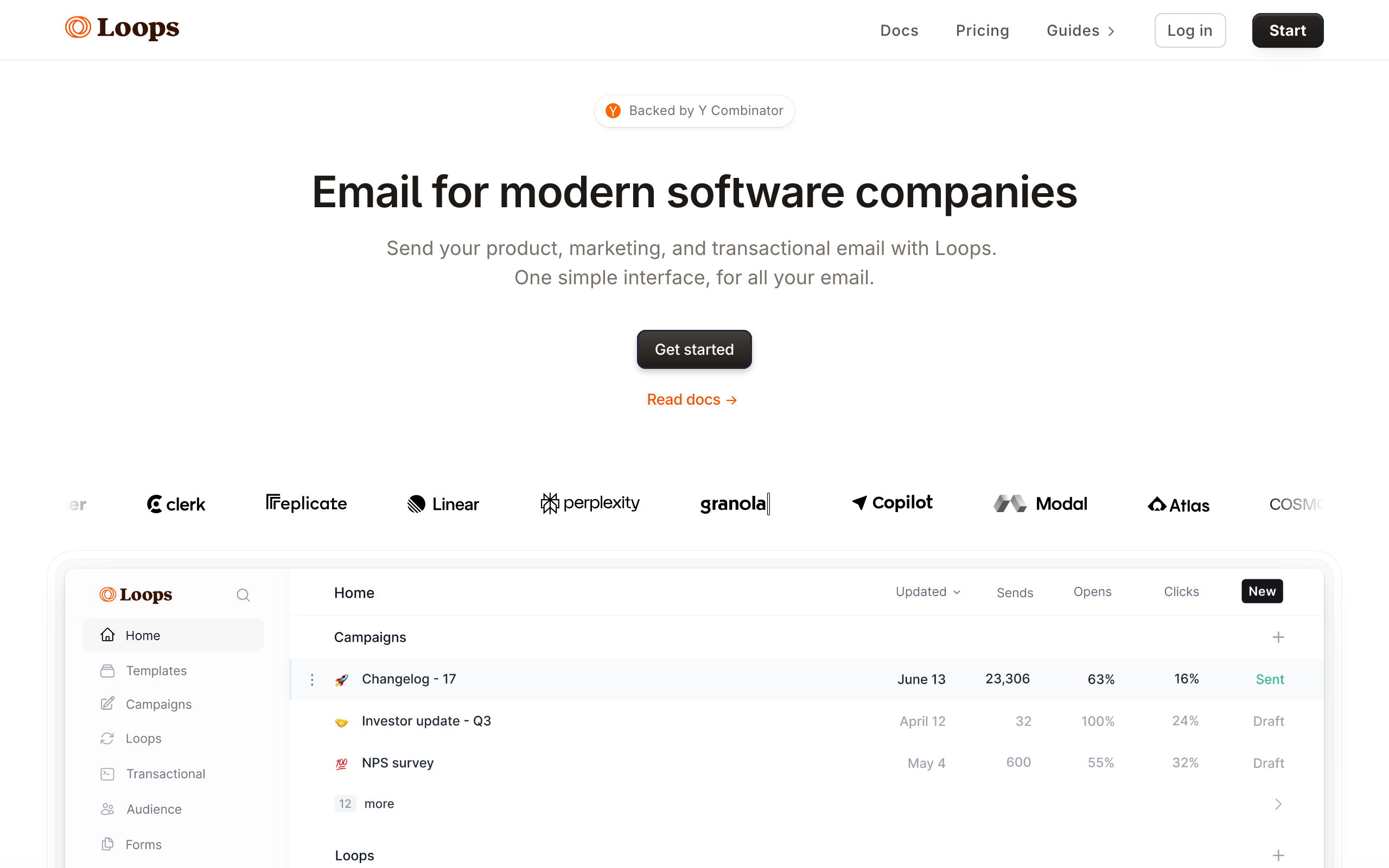
Best for: Early-stage startups wanting simple Segment-to-email flow
Loops accepts events via API, and you can route Segment events to Loops using a function destination. Track events trigger Loops automations, and identify calls can create or update contacts. The simplicity of Loops means there's less to configure once events arrive.
The trade-off is depth. Loops automations are simpler than what Customer.io or Iterable offer. For a startup that just needs welcome sequences and basic lifecycle emails triggered by Segment events, that simplicity is actually a feature.
Loops appeals to the same audience that chooses Segment for its clean developer experience. If you value simple APIs, good documentation, and tools that don't require a dedicated operations person to manage, Loops fits the philosophy.
- Pricing: Free for 1,000 contacts, from $49/month
- Segment integration: Webhook destination or Segment function
- Pros: Simple, good free tier, event-driven model, fast setup, developer-friendly
- Cons: Basic automations, limited segmentation, no native Segment destination
6. Klaviyo
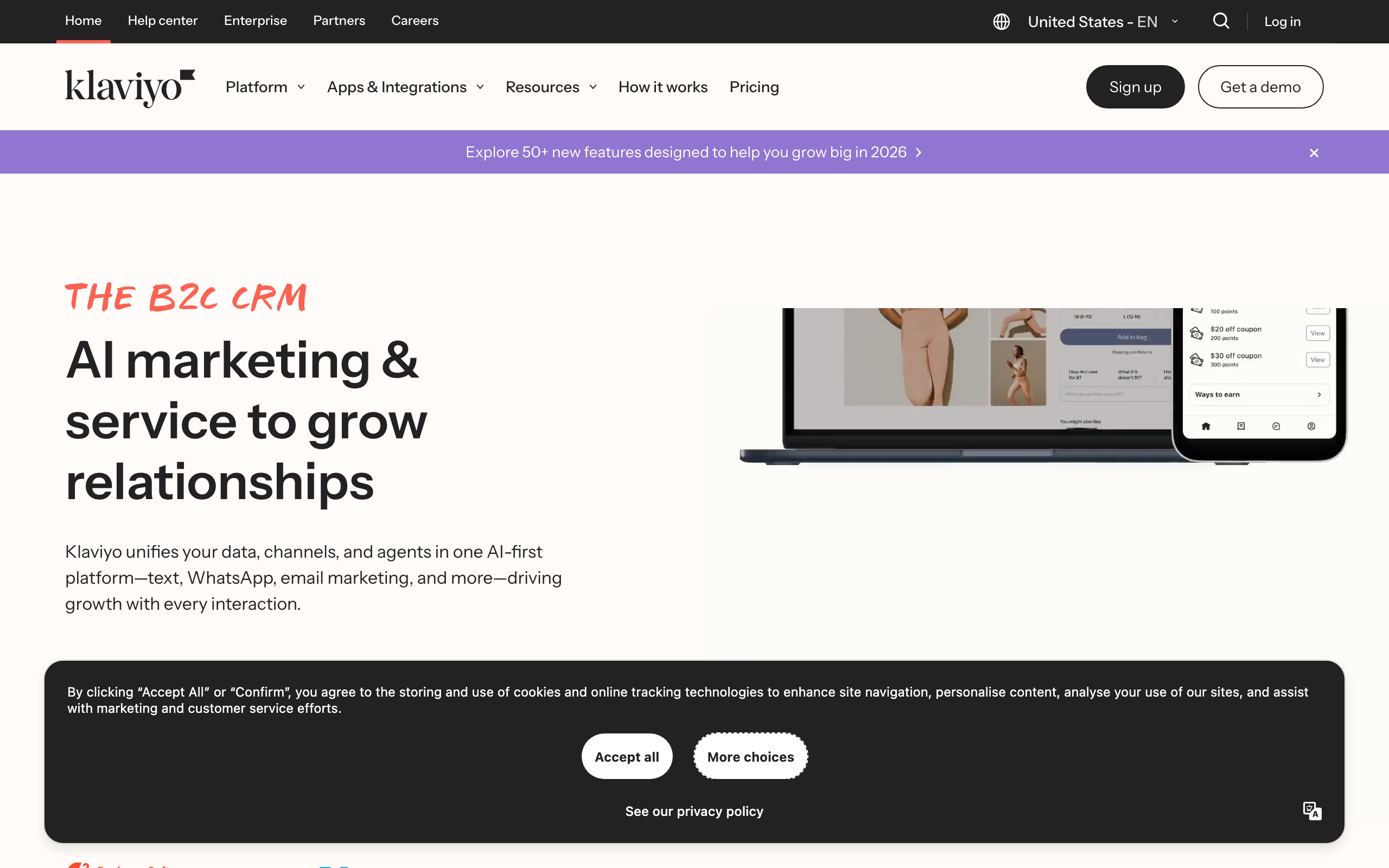
Best for: E-commerce brands using Segment for unified customer data
Klaviyo has a native Segment destination that syncs events, user profiles, and traits. For e-commerce businesses already using Segment to unify their Shopify, ad platform, and analytics data, adding Klaviyo as a destination is easy.
The integration is primarily designed for e-commerce use cases. Segment events like "Order Completed" and "Product Viewed" map naturally to Klaviyo's automation triggers. For SaaS, the fit is less natural since Klaviyo's templates and automations are built around e-commerce workflows.
Klaviyo's revenue attribution is a standout feature when combined with Segment. Purchase events flowing through Segment feed directly into Klaviyo's attribution model, giving you clear visibility into which emails drive revenue. For e-commerce companies, this attribution data is essential for optimizing campaign performance.
- Pricing: Free up to 250 contacts, from $20/month
- Segment integration: Native destination (Cloud Mode)
- Pros: E-commerce focus, native destination, revenue attribution, flow triggers, purchase data
- Cons: E-commerce-centric, SaaS fit is awkward, pricing scales with contacts
7. SendGrid
Best for: Developers wanting Segment data for transactional email
SendGrid's Segment integration focuses on syncing contact data and events for marketing campaigns and transactional email. Identify calls update SendGrid contacts, and track events can trigger automations through SendGrid's Marketing Campaigns.
The integration is functional but basic compared to platforms built around events. SendGrid is fundamentally a transactional email service that added marketing features. If your primary need is event-triggered transactional emails, the Segment integration works fine. For complex automations, other options on this list are better suited.
One advantage of SendGrid in the Segment stack is reliability. SendGrid handles billions of emails monthly and has robust infrastructure for high-volume sending. If your Segment pipeline generates a lot of transactional email (order confirmations, notifications, alerts), SendGrid's infrastructure handles the volume without issues.
- Pricing: Free for 100 emails/day, from $20/month
- Segment integration: Native destination (Cloud Mode)
- Pros: Transactional email strength, native destination, generous free tier, high-volume capable
- Cons: Weak automations, marketing features feel bolted on, basic event handling
8. Mailchimp
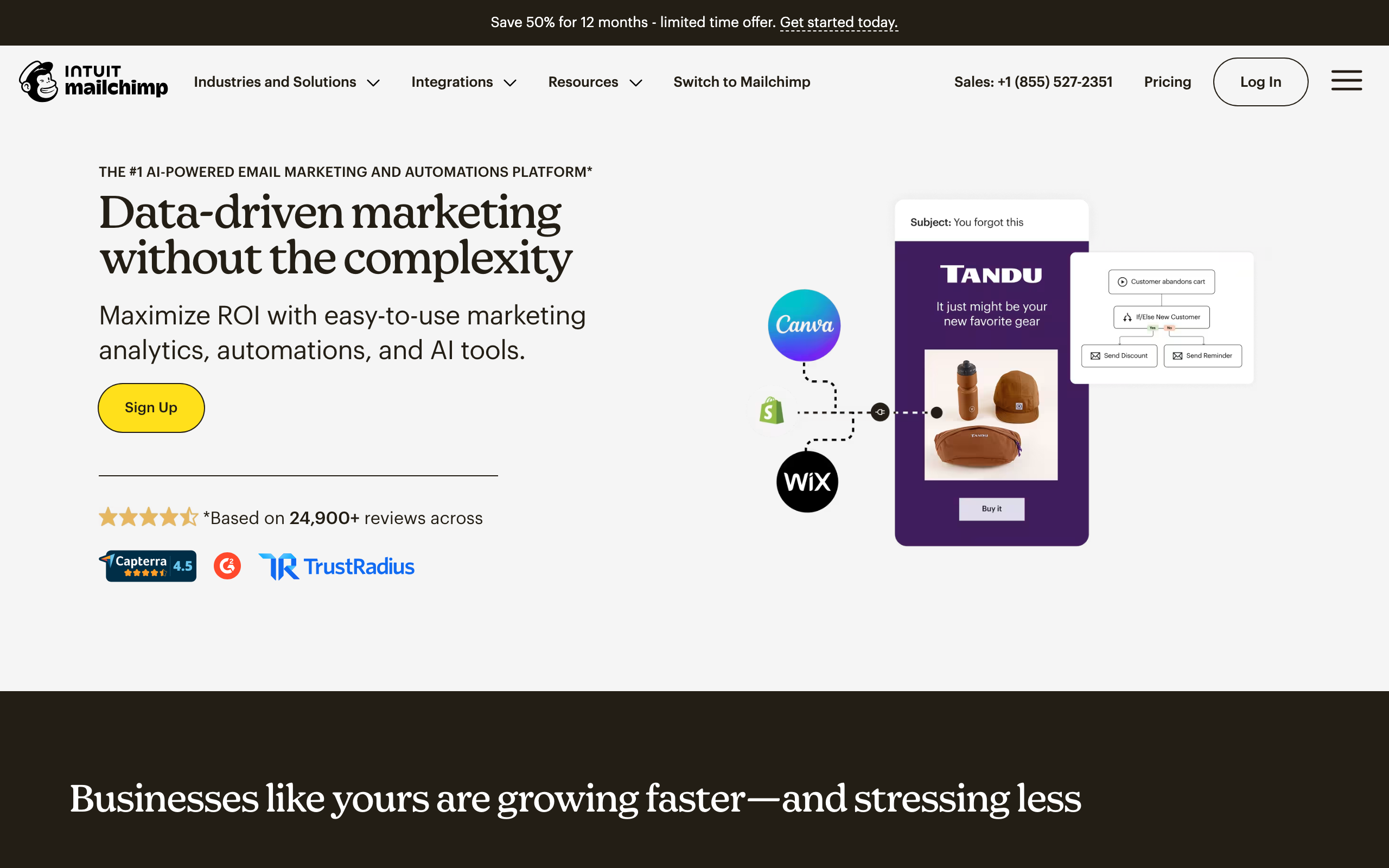
Best for: Teams already on Mailchimp wanting Segment-fed lists
Mailchimp has a native Segment destination that syncs identify calls to audiences and routes track events as tags or custom events. For teams already running Mailchimp as their primary email tool, plugging Segment in front of it is straightforward and adds real-time profile updates without engineering work.
The integration is shaped around list management more than behavioral automation. You can keep audiences in sync and trigger basic Customer Journeys from Segment events, but the deeper automation patterns that Customer.io or Iterable offer aren't realistic here. Most Mailchimp customers will use Segment to keep contact data clean, not to drive complex lifecycle flows.
If you're a SaaS team evaluating Mailchimp specifically because Segment is already in place, be aware that Mailchimp's mental model is e-commerce and newsletter, not subscription lifecycle. The Segment data is useful, but you'll be working against the grain for SaaS-specific patterns like dunning or trial conversion.
- Pricing: Free up to 500 contacts, from $13/month
- Segment integration: Native destination (Cloud Mode)
- Pros: Familiar interface, large template library, easy to keep audiences in sync from Segment, generous free tier
- Cons: Limited automation depth from Segment events, list-shaped not event-shaped, gets expensive at scale
9. ActiveCampaign
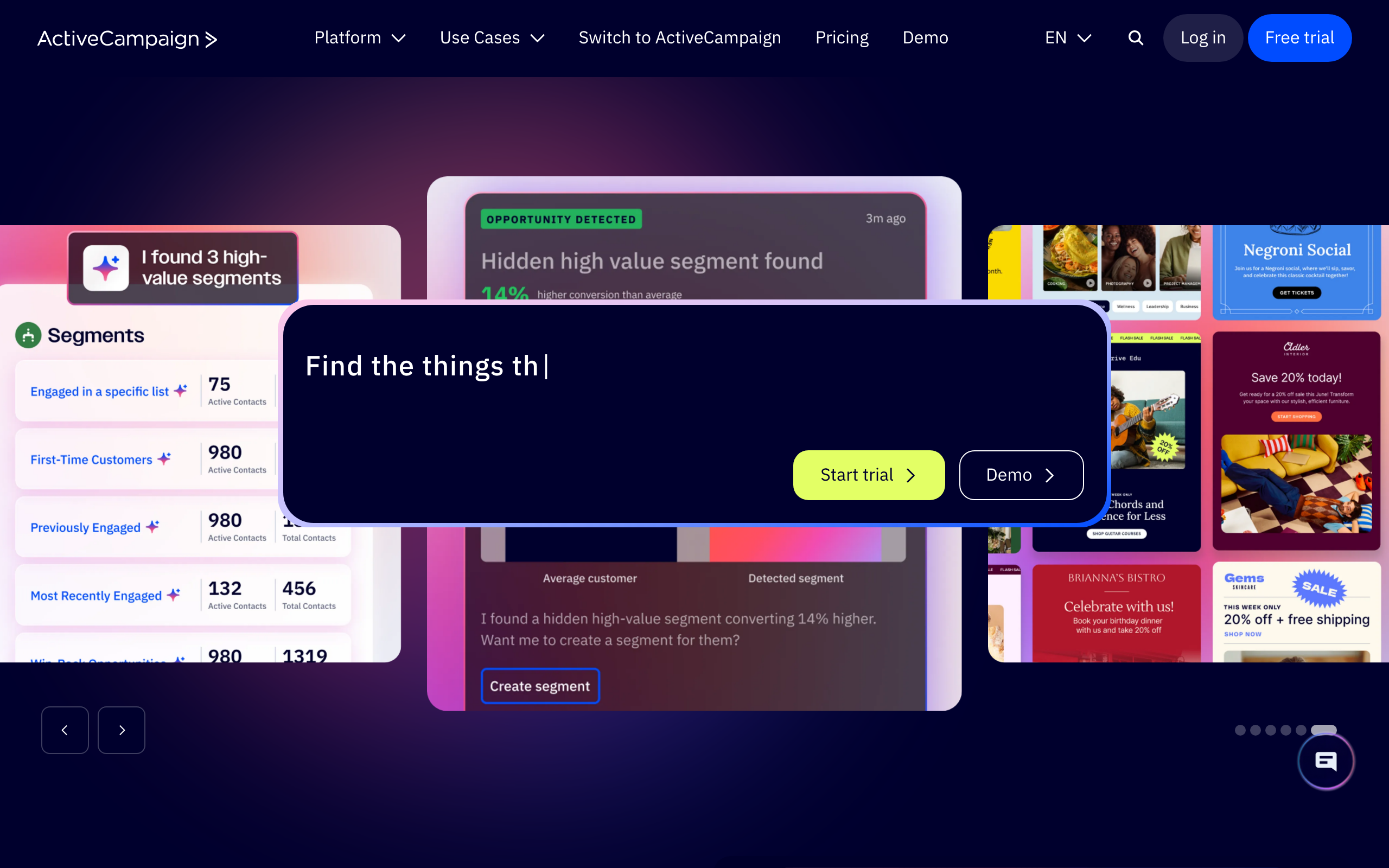
Best for: Sales-led teams blending Segment events with CRM
ActiveCampaign has a native Segment destination that maps identify calls to contacts and track calls to events you can use as automation triggers. For sales-led SaaS that already uses ActiveCampaign for both email and CRM, this means Segment can feed the same contact record that your sales team works.
The automation builder can branch on Segment event properties, which is useful for things like "if a user triggers Feature X Used AND has a deal in stage Y, notify the AE." The CRM context is the real reason to choose ActiveCampaign over a pure messaging tool when Segment is in the mix.
The downsides are familiar: the interface has a lot of surface area to learn, and pricing escalates with contacts and feature tiers. The Segment integration itself works well, but you're paying for a CRM you may not need if your only goal is event-driven email.
- Pricing: From $29/month (Lite); event triggers and Deep Data live on higher tiers
- Segment integration: Native destination (Cloud Mode)
- Pros: CRM + email in one platform, mature automation builder, branching on event properties, large integration ecosystem
- Cons: Steep learning curve, pricing scales fast, advanced event features gated by tier
10. HubSpot
Best for: Companies using HubSpot CRM as the central source of truth
HubSpot's native Segment destination syncs identify calls to contacts and routes track events into the contact timeline, where they can trigger workflows in Marketing Hub. For organizations already standardized on HubSpot, this lets Segment act as the data plumbing while HubSpot owns the customer view.
The strength here is consolidation. Sales activity, marketing engagement, and product events from Segment all live on the same contact record. Workflows can branch on Segment events alongside HubSpot's own data, which is useful for plays like "if user triggers Onboarded event AND has an open deal, notify the AE."
The trade-off is depth and price. HubSpot's automation pricing scales hard with contacts and features, and the workflow engine is shaped around marketing/sales motions rather than product-led lifecycle. For a SaaS with deep behavioral email needs, you'll outgrow HubSpot's event handling before you outgrow HubSpot itself.
- Pricing: Free CRM; Marketing Hub from $20/month, automation features gated by tier
- Segment integration: Native destination (Cloud Mode)
- Pros: Unified CRM + marketing view, strong reporting, contact timeline shows Segment events, large ecosystem
- Cons: Pricing escalates rapidly, automation is marketing-shaped not product-shaped, advanced event use lives on higher tiers
11. Intercom
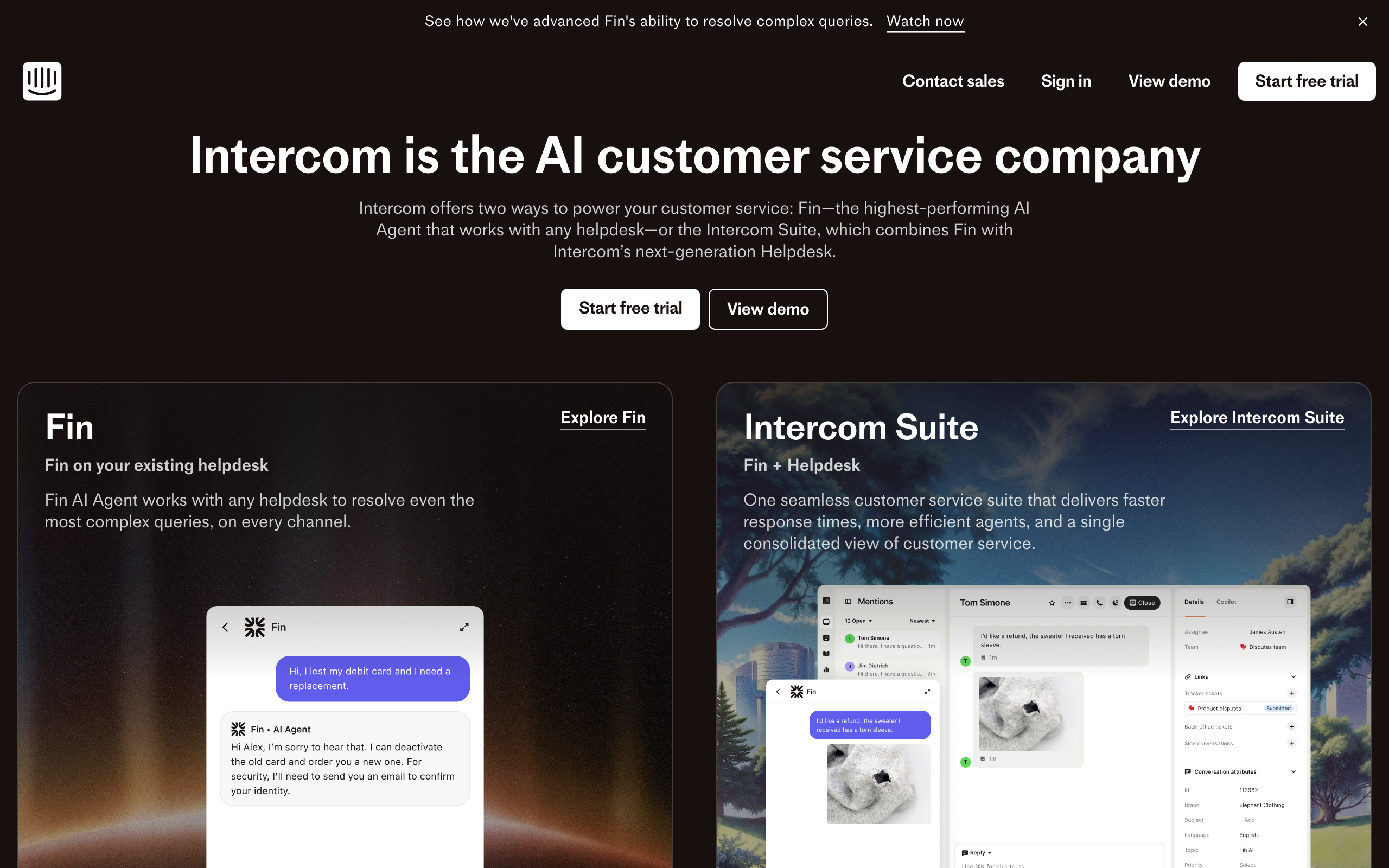
Best for: Product teams combining email with in-app messaging
Intercom's native Segment destination syncs identify and group calls to users and companies, and forwards track events as Intercom events you can use in Series (their automation builder). For product teams that want lifecycle email and in-app messages driven by the same Segment event stream, this is one of the cleaner setups.
The real value is the channel mix. The same Segment event can trigger an in-app message for active users and an email for users who haven't logged in. That kind of channel-aware orchestration is hard to do cleanly with email-only tools, and Intercom handles it natively.
Where Intercom is weaker is pure marketing email. Templates, deliverability tooling, and broadcast features are functional but not class-leading. Most teams that pick Intercom in a Segment stack do it because they want the support inbox and product messaging in the same place, with email as a complement rather than the centerpiece.
- Pricing: From $39/month per seat; Series and advanced events on higher tiers
- Segment integration: Native destination (Cloud Mode + Device Mode)
- Pros: Email + in-app + support in one tool, cleanly handles user and company data from Segment, real-time event ingestion
- Cons: Per-seat pricing adds up, marketing email features are secondary, Series can get complex
12. Vero
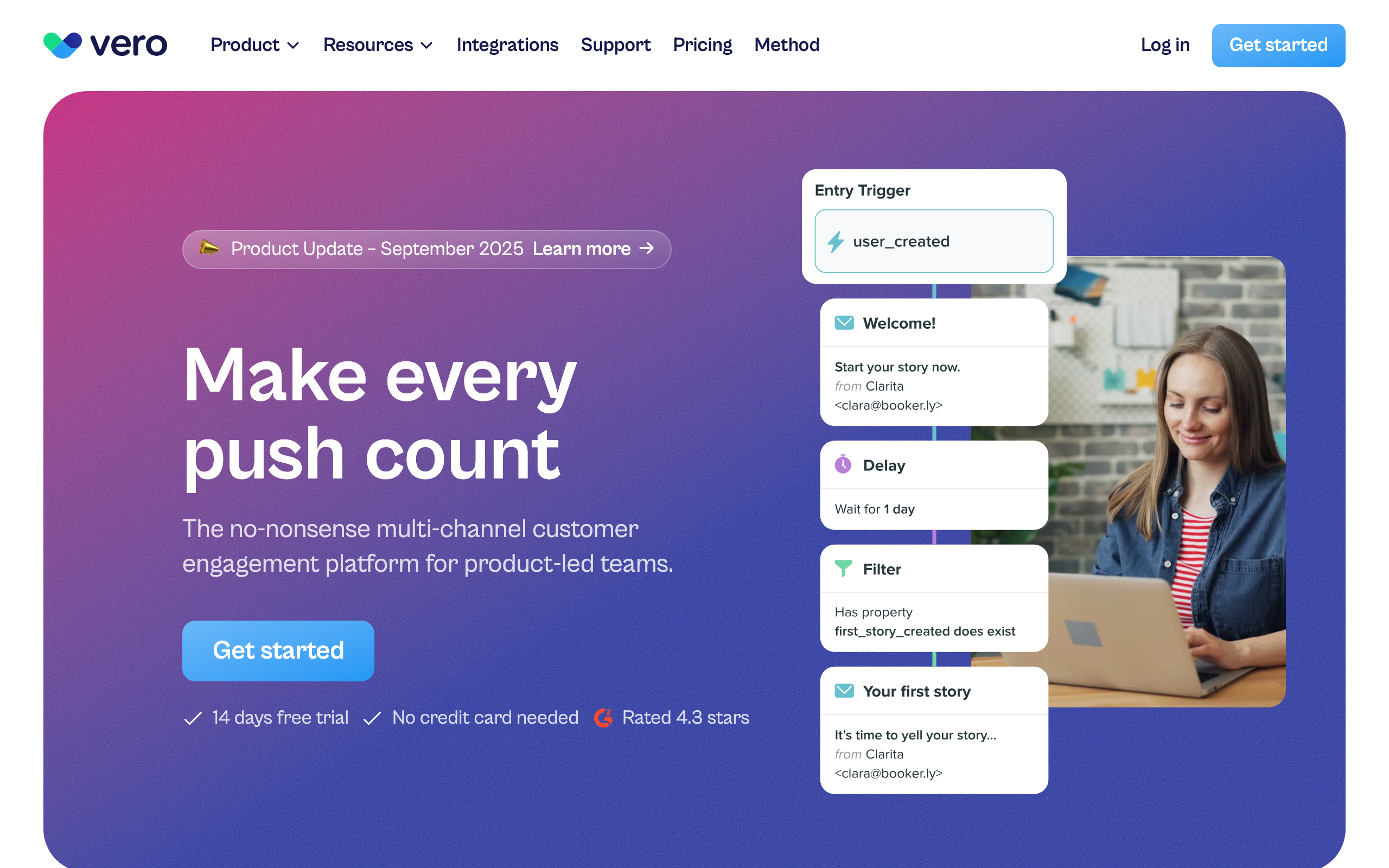
Best for: Product teams wanting event-based messaging with Segment data
Vero is a long-standing event-based messaging platform with a native Segment destination. Track events become Vero events, identify calls update profiles, and you can trigger workflows on any combination of events, properties, and time conditions.
The workflow engine is the reason to pick Vero. You can express patterns like "if event A, wait 24h, check condition, branch on engagement" cleanly, and the same workflow can drive email and push. For teams that liked the old-Customer.io feel at a slightly lower price point, Vero is a sensible alternative.
Vero isn't the trendiest tool in the category and the UI shows its age in places, but the underlying integration with Segment is solid and predictable. For a Segment-first stack where the email tool just needs to be a reliable, flexible workflow runner, Vero earns its spot.
- Pricing: From $99/month
- Segment integration: Native destination (Cloud Mode)
- Pros: Mature workflow engine, multi-channel (email + push), strong segmentation, predictable pricing
- Cons: Dated UI in places, smaller ecosystem than Customer.io, fewer pre-built templates
13. Encharge
Best for: Non-technical teams wanting visual flows from Segment events
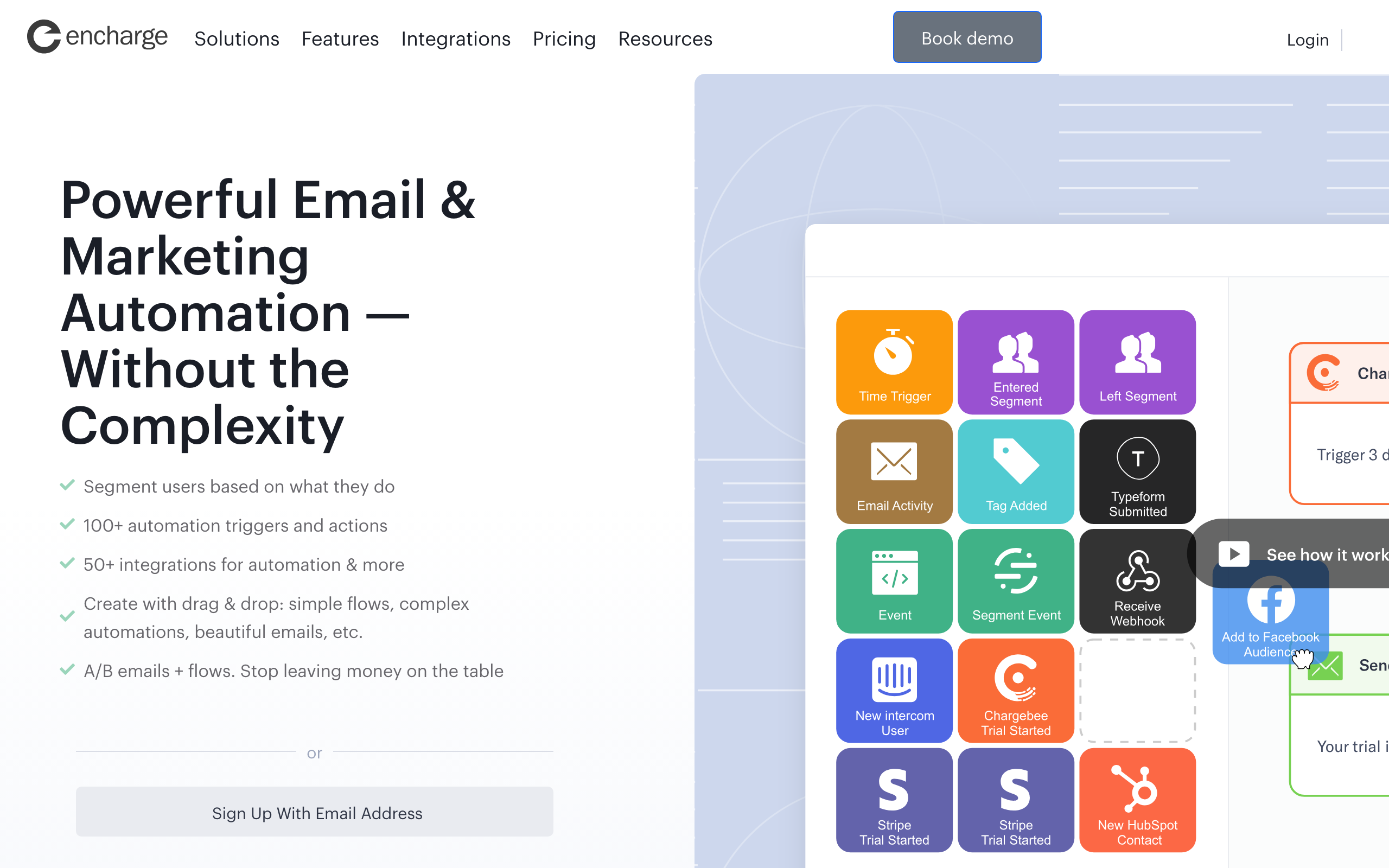
Encharge has a native Segment destination plus a visual flow builder that uses Segment events as triggers. Identify calls sync to people, track events become triggers, and the visual canvas makes branching logic legible to non-technical founders.
The visual builder is the differentiator. Building "if user triggers Trial Started, wait 7 days, check if they've triggered Activated, branch" is genuinely understandable to a marketer. For SaaS teams where the founder or marketer owns the email program directly, this matters more than raw flexibility.
Where Encharge falls behind larger platforms is ecosystem and scale. The user base is smaller, the integrations catalog is shorter, and the editor is functional rather than polished. For a small-to-mid SaaS with a Segment pipeline and a non-technical operator, those trade-offs are usually fine.
- Pricing: From $79/month
- Segment integration: Native destination (Cloud Mode)
- Pros: Visual flow builder with Segment triggers, accessible to non-technical users, supports common SaaS patterns
- Cons: Visual builder gets unwieldy at scale, basic email editor, smaller ecosystem
14. Userlist
Best for: B2B SaaS needing account-level data from Segment
Userlist is built specifically for B2B SaaS and supports Segment via a native destination that handles identify, track, and group calls. The group call support is the key detail: it means Segment data can populate both user and company entities in Userlist, which most email tools simply can't do cleanly.
This unlocks B2B-specific patterns. You can build automations like "when a company's MRR drops, email the admin AND the power users with different messages," driven entirely by Segment events. For account-based SaaS, this account-vs-user distinction is the whole game and most generic email tools collapse it.
The trade-offs are price and scope. Userlist starts at $149/month, the template library is smaller than mainstream tools, and the platform is opinionated about B2B workflows. If you're not B2B SaaS, you're paying for capabilities you won't use.
- Pricing: From $149/month
- Segment integration: Native destination (Cloud Mode)
- Pros: First-class user + company model, clean B2B segmentation from Segment data, opinionated SaaS workflows, group call support
- Cons: Higher entry price, smaller template library, B2B-only fit
15. Bento
Best for: Indie SaaS wanting events + email in one tool
Bento has a native Segment destination and a behavior-driven model that fits Segment data well. Track events become Bento events you can trigger flows on, identify calls update profiles, and you can mix Segment-sourced events with events sent directly from your app.
For indie SaaS that wants Customer.io-style event-driven email at a much lower price point, Bento is a credible answer. The platform leans into events rather than lists, which is the right shape for a Segment stack, and the pricing stays reasonable as you grow.
The honest weakness is polish. The UI is busy in places, documentation has gaps, and some workflows feel less considered than mainstream tools. The underlying capability is real; the surface area around it is rougher.
- Pricing: From $30/month
- Segment integration: Native destination (Cloud Mode)
- Pros: Native Segment support at indie pricing, real event-driven model, generous attribute sync, includes deliverability tooling
- Cons: UI feels cluttered, documentation gaps, smaller ecosystem, fewer pre-built templates
16. Ortto (formerly Autopilot)
Best for: Marketing teams wanting Segment data inside a journey builder
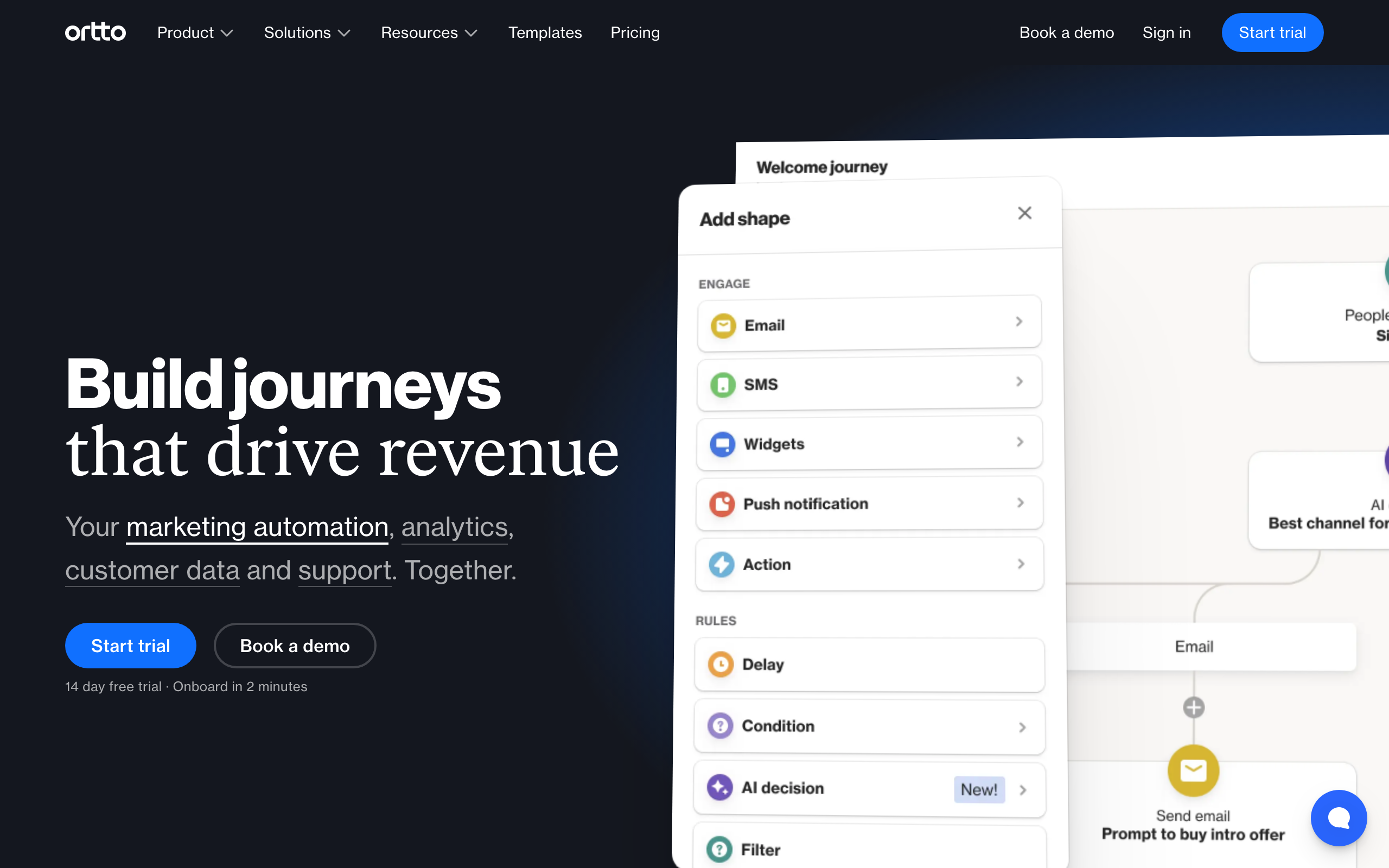
Ortto has a native Segment destination that pulls events and profiles into its CDP-style activity feed. From there, the data is available to journeys, audiences, and the analytics dashboards that Ortto leans into as a differentiator.
The journey builder is genuinely capable, and combining Segment events with Ortto's own analytics makes for sophisticated lifecycle programs. Teams that want one tool for journeys, dashboards, and multi-channel messaging (email, SMS, push, in-app) get a lot of value from this consolidation.
The catch is pricing. Ortto's lower tiers don't include the data sources or seat counts that make a Segment-driven setup work in practice. Realistically you're at the $599/month tier or higher before this stack is usable, which prices out smaller SaaS.
- Pricing: From $599/month for tiers where Segment + automation is genuinely usable
- Segment integration: Native destination (Cloud Mode)
- Pros: Strong journey builder, Segment data integrated with analytics, multi-channel, polished UI
- Cons: Expensive, complex to learn, overkill for small SaaS, contracts can be rigid
17. Brevo (formerly Sendinblue)
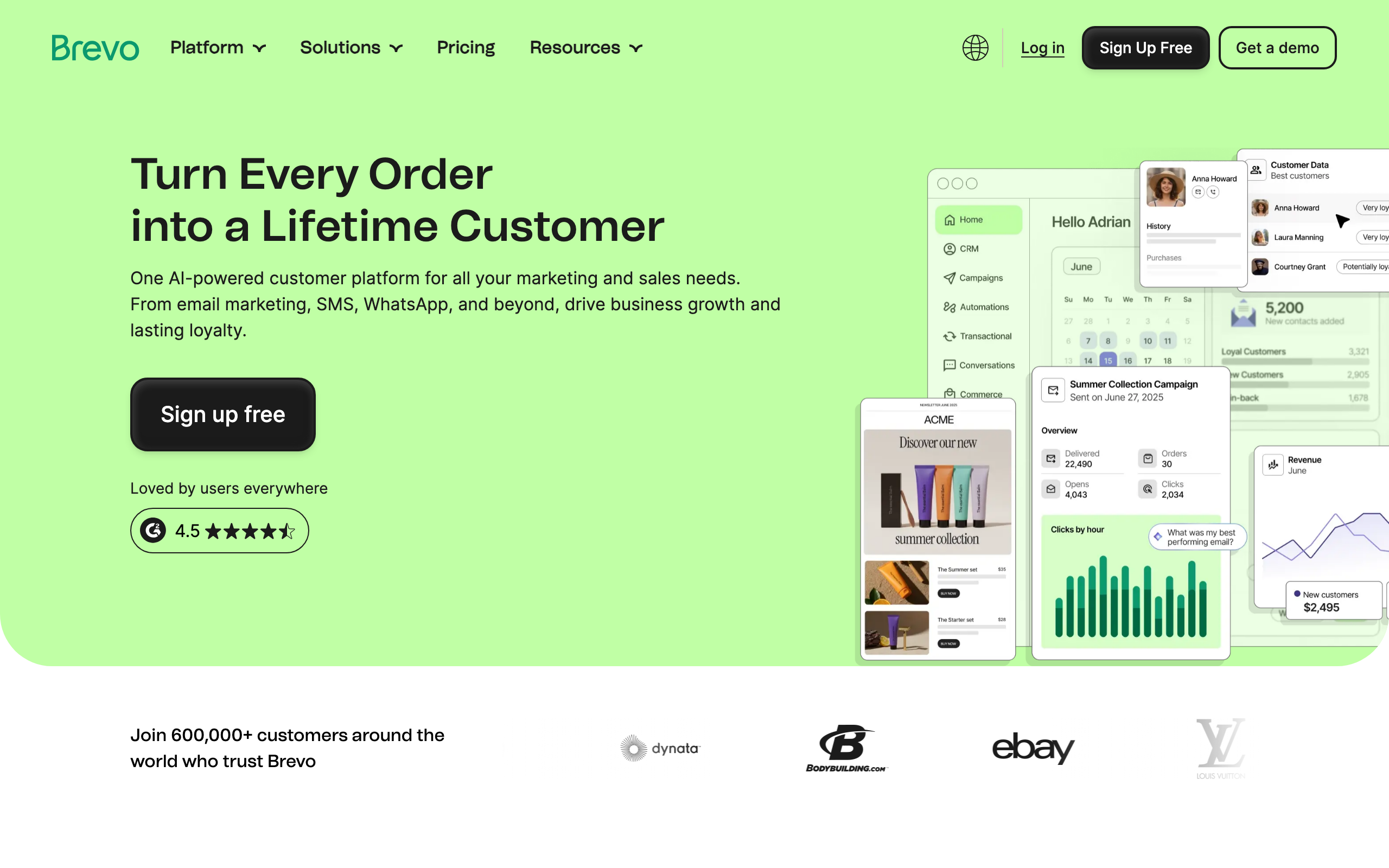
Best for: Budget-conscious teams wanting email + SMS
Brevo doesn't have a first-party listing in the Segment catalog the way Customer.io or Iterable do. The realistic path is a Segment function destination that maps Segment identify and track calls to Brevo's API, or piping events through your own webhook handler.
Once data is flowing, Brevo gives you email, SMS, and a basic CRM at one of the lowest price points in the category. The automation builder is workable, and for early-stage teams that need to keep costs down, the trade-off of building the Segment glue yourself can be reasonable.
The trade-off is exactly that glue. You own the Segment function, you own the mapping, and you own the maintenance when Brevo's API changes. It's not a heavy lift for a competent engineer, but it's not zero either, and it's a real difference vs. tools with native destinations.
- Pricing: Free up to 300 emails/day, from $9/month
- Segment integration: Webhook destination or Segment function (no first-party catalog destination)
- Pros: Very affordable, includes SMS and basic CRM, decent deliverability, generous free tier
- Cons: No native Segment destination, you maintain the function, generic automation builder, smaller ecosystem
18. Resend
Best for: Developers building email infra in code
Resend doesn't ship a native Segment destination. The expected pattern is a Segment function (or your own webhook handler) that calls Resend's API when relevant events arrive. Identify calls become contact upserts; track calls become triggers your code translates into emails.
The DX is the differentiator. The TypeScript SDK and React Email components mean your Stripe receipts, Segment-triggered onboarding emails, and broadcasts can be the same components, version-controlled in your repo. For engineering-led teams that want to own the email layer, this is the cleanest place to do it.
What you don't get is an automation builder. Multi-step sequences, branching, and timing logic all live in your code or in a state machine you build. For a Segment-first stack, that means Segment captures the events but you write the runtime that turns them into email programs.
- Pricing: Free for 100 emails/day, from $20/month
- Segment integration: Webhook destination or Segment function (DIY automation)
- Pros: Excellent developer experience, TypeScript SDK, React Email components, fast delivery
- Cons: No automation builder, no native Segment destination, you build all sequencing yourself
19. Postmark
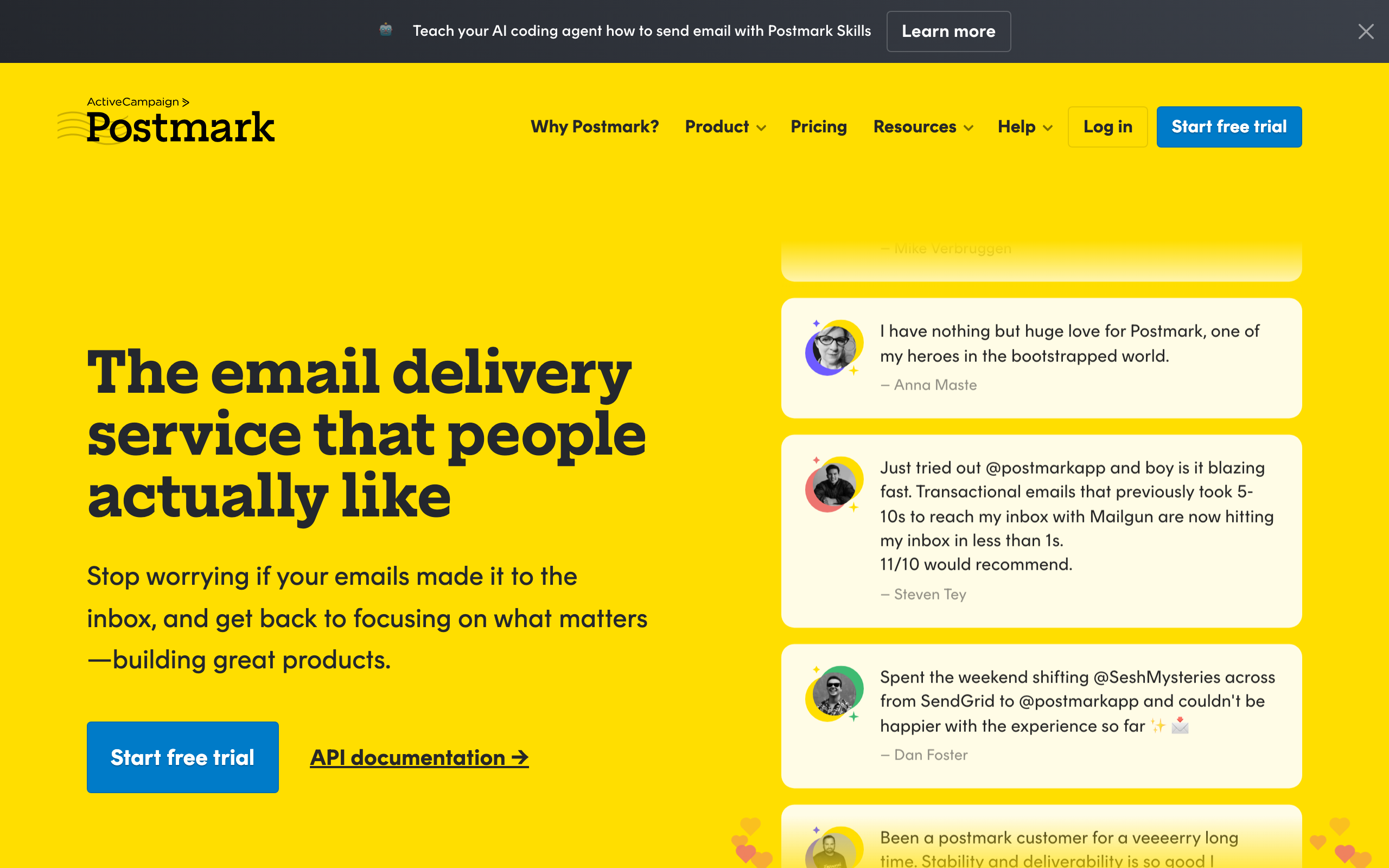
Best for: Developers needing transactional from Segment events
Postmark is a transactional email service with strong deliverability, not a marketing automation tool. There's no native Segment destination; the typical pattern is a Segment function that listens for specific track events and calls Postmark's API to send a templated transactional email.
This works very well for the kind of email Postmark is designed for: receipts, password resets, notifications, and other one-shot transactional messages triggered by user actions captured in Segment. Latency is low, deliverability is excellent, and the templating system is solid.
Where it doesn't fit is anything resembling marketing or lifecycle email. Multi-step sequences, broadcast campaigns, and segmentation all live elsewhere. Most teams that use Postmark in a Segment stack pair it with a marketing tool from this list and treat Postmark purely as transactional infrastructure.
- Pricing: From $15/month for 10,000 emails
- Segment integration: Webhook destination or Segment function
- Pros: Best-in-class transactional deliverability, fast delivery, clean API, excellent docs
- Cons: No marketing automation, no native Segment destination, you build the trigger logic, separate marketing tool needed
20. MailerLite
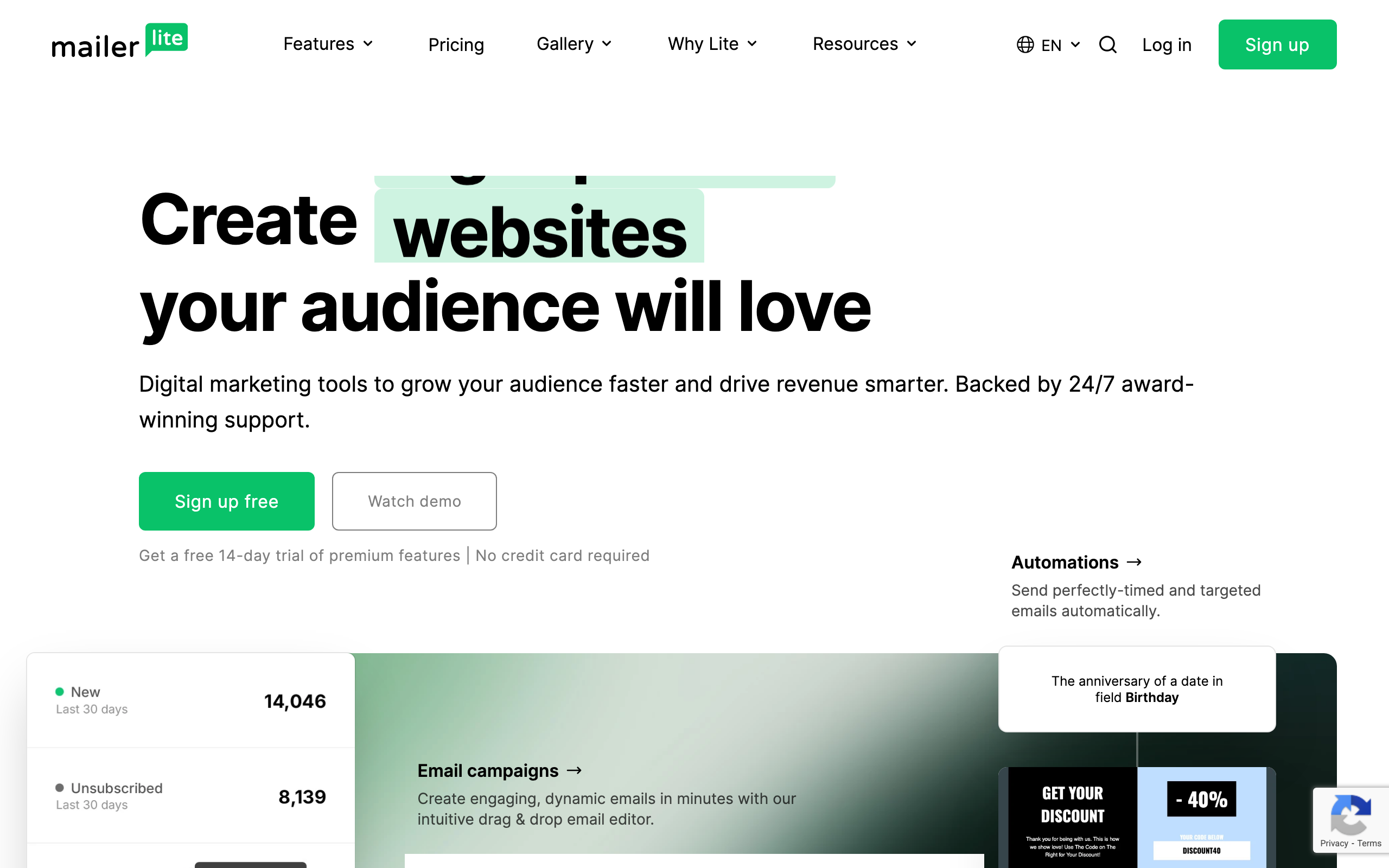
Best for: Solo founders wanting simple Segment-fed lists
MailerLite doesn't have a first-party Segment catalog destination. The realistic path is a Segment function or webhook handler that maps identify calls to MailerLite subscribers and a small set of track events to automation triggers via MailerLite's API.
For solo founders running a small SaaS plus a newsletter, this is a reasonable single-tool answer. MailerLite has a pleasant editor, generous free tier, and enough automation depth for the basics. Wiring Segment to it is a one-time job that doesn't need to be revisited often.
The ceiling is real. MailerLite's segmentation is basic, automations are list-shaped, and you won't approach what dedicated event-driven tools can do with the same Segment stream. As a starter setup it's fine; as a scale answer it's not.
- Pricing: Free up to 1,000 subscribers and 12,000 emails/month, from $10/month
- Segment integration: Webhook destination or Segment function (no first-party catalog destination)
- Pros: Pleasant editor, generous free tier, simple pricing, easy to wire up basic Segment events
- Cons: No native Segment destination, basic segmentation, list-shaped automations, fewer integrations
21. ConvertKit (Kit)
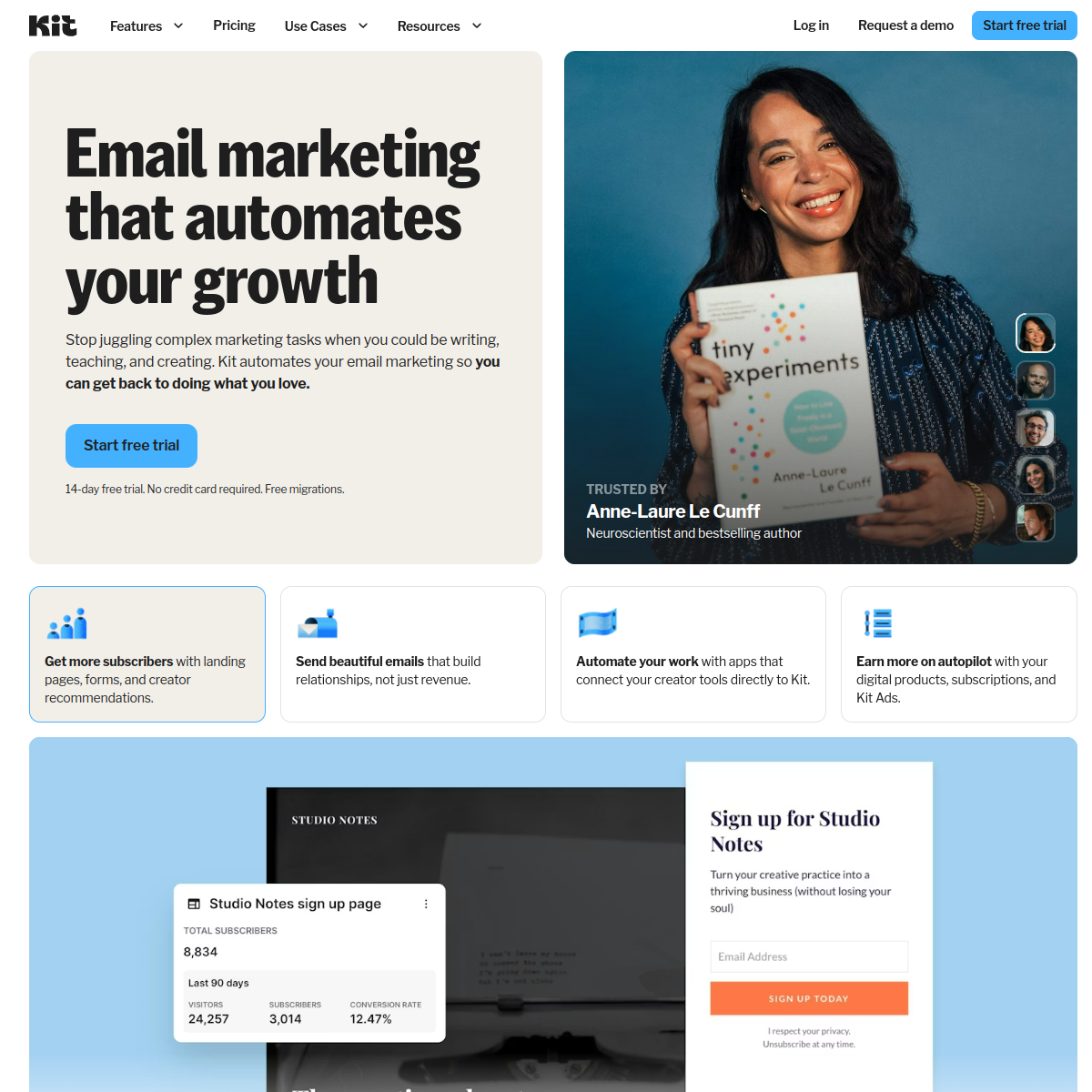
Best for: Creator-style businesses adding Segment data
ConvertKit (now branded "Kit") doesn't ship a native Segment destination. To use Segment data you build a function that maps identify and track calls to Kit's API: identify becomes a subscriber upsert with custom fields, track becomes a tag application or a custom event that triggers an automation.
For creator-style businesses (courses, paid newsletters, light SaaS) that have invested in Segment for analytics and want their email tool to consume the same event stream, this works. Tagging-based segmentation is clean, the automation builder is approachable, and the editor is solid.
Where ConvertKit falls short is depth. Multi-step branching automations driven by event properties, MRR-based segmentation, and complex trigger conditions are not its strengths. The Segment data is real once it's flowing, but the platform is shaped around creator workflows, not product-led lifecycle.
- Pricing: Free up to 10,000 subscribers, from $29/month
- Segment integration: Webhook destination or Segment function (no first-party catalog destination)
- Pros: Strong creator features, generous free tier, clean tagging-based segmentation, good editor
- Cons: No native Segment destination, automation depth is limited, creator-shaped workflows, basic reporting
Setting Up the Segment Integration
Native Destination (Simplest)
For tools with native Segment destinations (Customer.io, Braze, Iterable, Klaviyo, SendGrid, Mailchimp, ActiveCampaign, HubSpot, Intercom, Vero, Encharge, Userlist, Bento, Ortto):
- Go to Segment > Destinations > Add Destination
- Search for the email platform
- Configure API keys and settings
- Choose which events to forward
- Enable the destination
The whole process takes 5-15 minutes. The key decision is which events to forward. Start conservative: only send events that will trigger emails or update contact profiles.
Segment Function (For API-Based Tools)
For tools that accept events via API but don't have a native catalog destination (Sequenzy, Loops, Brevo, Resend, Postmark, MailerLite, ConvertKit):
- Go to Segment > Functions > Create Function
- Write a destination function that maps Segment events to the email platform's API
- Handle track events (map to platform events) and identify events (create/update contacts)
- Deploy and connect to your sources
This approach gives you full control over event mapping and filtering, which some teams actually prefer over native destinations.
Best Practices for Event Routing
Regardless of the destination type, follow these guidelines:
- Filter aggressively. Your email platform doesn't need every page view and button click. Send only events that trigger emails or update profiles. A good rule of thumb: if you can't imagine an email that would be triggered by this event, don't send it.
- Map event names carefully. Segment events like
Feature Usedmight need to map to something more specific in your email tool, likefeature_x_first_used. Do the mapping in the destination function, not in your application code. - Test with a small source first. Connect a development or staging source to your email destination before enabling production events. This catches mapping errors before they affect real users.
- Monitor event volume. Some email platforms charge based on event volume, not just contacts. A high-traffic Segment pipeline can generate unexpected costs if you forward too many events.
How to Choose
You need the deepest possible Segment integration: Customer.io. The native destination handles every Segment event type and maps cleanly to Customer.io's automation engine.
You're an enterprise team with multi-channel needs: Braze or Iterable. Both have robust Segment integrations and support channels beyond email. Choose Braze for enterprise scale, Iterable for mid-market.
You're a SaaS startup wanting lifecycle email: Sequenzy. Route your Segment events to Sequenzy's API and get onboarding, dunning, and retention automations without enterprise complexity. Best for SaaS companies that want to move fast.
You want the simplest possible setup: Loops. Forward Segment events and get basic automations running quickly.
You're in e-commerce: Klaviyo. The Segment integration is built for e-commerce event types.
You primarily need transactional email: SendGrid, Postmark, or Resend. Pair with a marketing tool for sequences.
You're already on a CRM-first stack: HubSpot or ActiveCampaign keep Segment data on the same contact record as your sales pipeline.
You're product-led with in-app messaging needs: Intercom blends email and in-app messaging from the same Segment stream.
You're B2B with account-level data: Userlist is the rare email tool that handles Segment group calls as first-class company entities.
You're indie or budget-conscious: Bento, MailerLite, or Brevo can each carry a small SaaS for a long time before you outgrow them.
FAQ
Does Segment replace the email platform's own event tracking? It can. If you're already tracking events in Segment, there's no need to add the email platform's SDK to your app. Just route Segment events to the email destination. This keeps your instrumentation in one place and makes it easier to switch email tools later without changing application code.
What about Segment Engage audiences? Engage audiences (formerly Personas) can sync to some email platforms as segments or lists. Customer.io, Braze, and Iterable support this. It lets you build audiences in Segment using data from multiple sources and then target them in your email campaigns. This is particularly powerful for complex segmentation that combines product usage, billing data, and support interactions.
Is there latency when routing events through Segment? Minimal. Cloud mode destinations typically add 1-5 seconds of latency. For most email use cases (onboarding sequences, lifecycle emails), this is imperceptible. For truly time-critical transactional emails (password resets), you might want to call the email API directly from your application code, bypassing Segment entirely.
Can I filter which events go to my email tool? Yes. Both native destinations and Segment functions support event filtering. You should filter aggressively. Your email platform doesn't need every page view and button click. Send only the events that trigger emails or update contact profiles. A typical SaaS might track 50+ events in Segment but only route 8-12 to the email tool.
How does Segment handle identity resolution with my email tool? Segment's identify calls include a userId and traits (email, name, etc.). When these reach your email tool, they create or update the corresponding user profile. The key is to always include the email address in your Segment identify calls, since email platforms use email as the primary identifier. If your Segment identity graph merges anonymous and known users, the email tool receives the merged profile.
Is Segment worth the cost just for email integration? Probably not. Segment makes sense when you're routing events to multiple destinations (analytics, email, advertising, data warehouse). If email is your only destination, sending events directly from your application to the email tool's API is simpler and cheaper. Segment's value comes from being a central hub, not from any single integration.
Can I use Segment with multiple email tools simultaneously? Yes. Some teams route events to different email tools for different purposes: one for transactional email, another for marketing automation. Segment makes this easy since you just add another destination. But be careful about duplicate messaging. If two email tools both trigger on the same event, users will get double the emails.
What happens if the Segment destination goes down? Segment has built-in retry logic for failed destination deliveries. Events are queued and retried automatically. For native destinations, this is handled transparently. For function destinations, make sure your function returns appropriate error codes so Segment knows to retry. In practice, destination downtime rarely causes lost events.