Updated 2026-03-15

Best Email Marketing Tools for SaaS Startups

Convert trials, reduce churn, and grow MRR with the right email marketing platform for your SaaS business.

Running a SaaS startup means every email matters. Your onboarding sequence determines activation rates. Your dunning emails save revenue. Your upgrade campaigns drive MRR growth. But most email tools are built for newsletters or e-commerce - not SaaS. Here are 13 platforms that actually understand the SaaS lifecycle, ranked by automation capabilities, developer-friendliness, and value for money.

TL;DR

Sequenzy is the best overall for SaaS startups - native Stripe integration, AI-generated lifecycle sequences, free tier (2,500 emails/month), and pay-per-email pricing. Loops is the cleanest modern alternative for product-led growth. Customer.io is the power tool for funded teams with engineering resources. For transactional-only needs, Resend has the best developer experience.

Why SaaS Startups Need Email Marketing

Convert Free Trials to Paid

The right trial conversion sequence can double your activation rate. Timed nudges during the trial period show value before asking for money.

Recover Failed Payments

Involuntary churn from failed payments costs SaaS companies 9% of revenue on average. Automated dunning emails recover 10-15% of that.

Reduce Voluntary Churn

Cancellation win-back sequences, re-engagement campaigns for inactive users, and satisfaction check-ins keep customers around longer.

Drive Expansion Revenue

Upgrade campaigns triggered by usage milestones are the highest-converting emails in SaaS. Users who hit limits are ready to pay more.

SaaS Startups Email Marketing Benchmarks

Know these numbers before you start. They'll help you set realistic goals and pick the right tool.

30-45%
Average Open Rate

SaaS product emails (onboarding, billing, usage milestones) see 30-45% open rates because they are contextual and relevant. Marketing campaigns (newsletters, announcements) average 25-30%. Below 25% on product emails suggests deliverability issues.

3-8%
Average Click Rate

Onboarding emails with clear single CTAs see 5-8% click rates. Upgrade prompts average 3-5%. Dunning emails with one-click payment update links hit 10-15%. Multi-CTA emails consistently underperform single-CTA ones.

Behavior-triggered
Best Send Time

The best SaaS emails are triggered by user actions, not calendar schedules. Onboard when they sign up. Alert when payment fails. Prompt upgrade when they hit limits. For scheduled emails like newsletters, Tuesday-Thursday 9-11am works best.

8-15% with email, 3-5% without
Trial-to-Paid Conversion Rate

SaaS companies with optimized trial conversion sequences see 8-15% trial-to-paid conversion. Without email automation, this drops to 3-5%. The difference is worth thousands in monthly revenue even at modest user volumes.

Important Tips Before You Choose

Lessons from saas startupswho've been doing this for years. Save yourself the trial and error.

Set up dunning before anything else

Failed payment recovery is the highest-ROI email sequence in SaaS. A 3-email dunning sequence recovers 10-15% of failed payments automatically. This directly protects revenue you would otherwise lose. It takes 30 minutes to set up and runs forever. Do this on day one.

Time onboarding emails to activation milestones, not arbitrary days

Day 1, Day 3, Day 7 emails are a starting point, but the best onboarding sequences trigger based on user behavior. Send the next email when they complete a step, not when the calendar says so. Behavior-triggered emails see 2-3x higher engagement than time-based ones.

Separate transactional from marketing email streams

Your password reset email should never be affected by your marketing campaign's reputation. Use separate sending domains or a tool that separates these streams. A spam complaint on a marketing email should not delay a security notification.

Personalize onboarding by plan tier

A customer paying $500/month expects different communication than one paying $29/month. Enterprise onboarding should include a personal welcome and onboarding call offer. Starter plan onboarding should focus on self-serve quick wins. One-size-fits-all loses both segments.

Track revenue attribution, not just open rates

Open rates tell you if subject lines work. Revenue attribution tells you if email is working. Track trial-to-paid conversion from sequences, recovered revenue from dunning, and expansion MRR from upgrade campaigns. These are the metrics that matter.

Build a monthly product update newsletter early

Even with 50 users, a monthly product update keeps customers engaged and reduces churn. Share what you shipped, what is coming next, and celebrate customer wins. This newsletter becomes increasingly valuable as your user base grows.

13 Best Email Marketing Tools for SaaS Startups

Our Top Pick for SaaS Startups
#1
Sequenzy

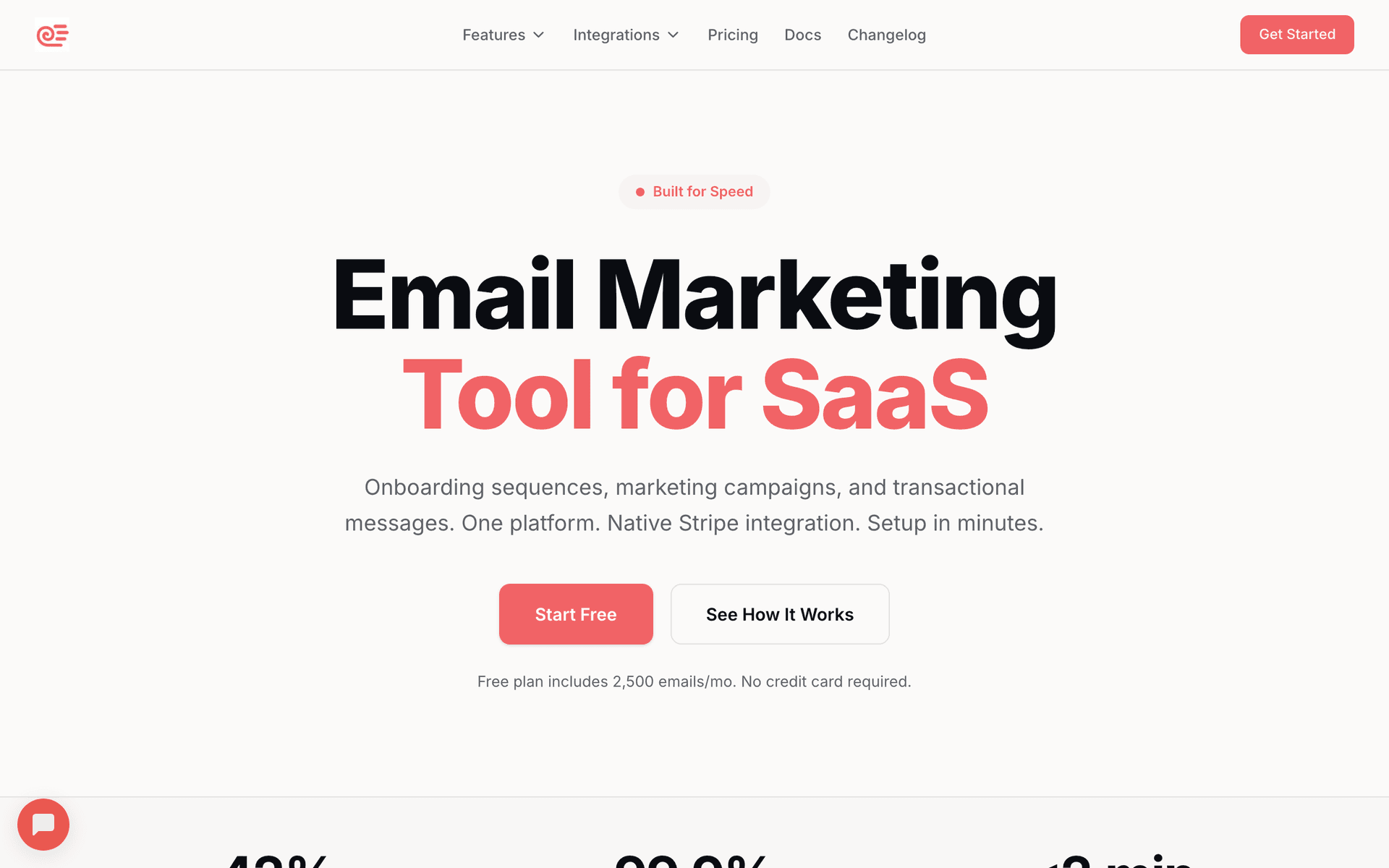
Email marketing built for SaaS with native Stripe integration and AI-powered sequences.

Visit

Sequenzy is the best overall choice for SaaS startups because it combines the features you need with economics that make sense. The native Stripe integration is the standout - connect your Stripe account and customer data syncs in real-time. Failed payments trigger dunning sequences automatically. New subscriptions trigger plan-specific onboarding. MRR-based segments let you treat enterprise customers differently from starter plans. The AI sequence builder creates complete email flows (trial conversion, dunning, churn prevention) in seconds, replacing days of copywriting work. The free tier covers 2,500 emails per month with unlimited contacts, which handles early SaaS operations at zero cost. The $29/month paid plan covers 50,000 emails - enough for most growing SaaS companies. Pay-per-email pricing means your 50,000 free users do not inflate your bill the way per-contact tools do. The main limitation is the platform is newer, so the template library is smaller than mature competitors.

Best for
SaaS startups wanting native Stripe integration and automated billing-triggered emails
Pricing
Free up to 2,500 emails/mo, then $29/mo for 50K emails (unlimited contacts)

Pros

  • Free tier with 2,500 emails/month
  • Native Stripe, Paddle, Polar, and Dodo Payments integrations
  • AI creates trial conversion, dunning, and churn sequences automatically
  • Pay per email sent, not per contact

Cons

  • Launched in 2025 - less track record than established tools
  • Smaller template library than mature platforms
  • No built-in SMS
#2
Loops

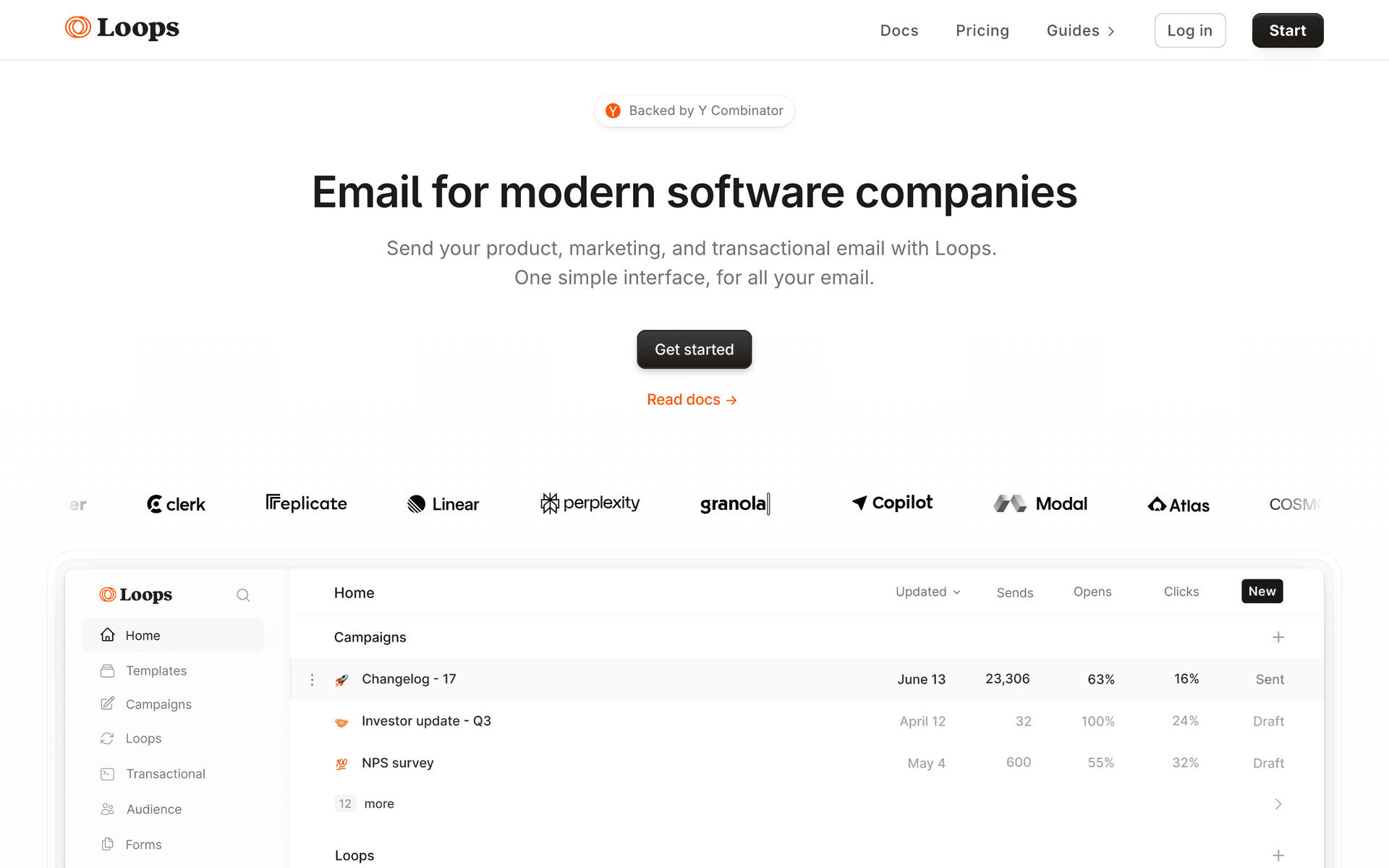
Modern email platform built specifically for SaaS companies.

Visit

Loops is the closest competitor to Sequenzy and deserves credit for building a clean, modern product that understands SaaS. The interface is beautiful and the event-based automation system makes sense for product-led growth companies. The focus on simplicity is refreshing - they have stripped away the complexity that plagues tools like ActiveCampaign or HubSpot. Event tracking is solid and transactional email support means one fewer tool. Where Loops falls short compared to Sequenzy is the Stripe integration depth - no native MRR-based segmentation or automatic dunning triggers. Per-contact pricing also gets expensive at scale. But for straightforward SaaS email marketing, Loops is excellent.

Best for
SaaS companies wanting a modern, clean email tool built for product-led growth
Pricing
Free up to 1,000 contacts, then from $49/month

Pros

  • Built specifically for SaaS
  • Clean, modern interface
  • Event-based automations
  • Transactional emails included

Cons

  • No native Stripe MRR segmentation
  • Limited template customization
  • Pricing jumps significantly at scale
  • Fewer integrations than established platforms
#3
Customer.io

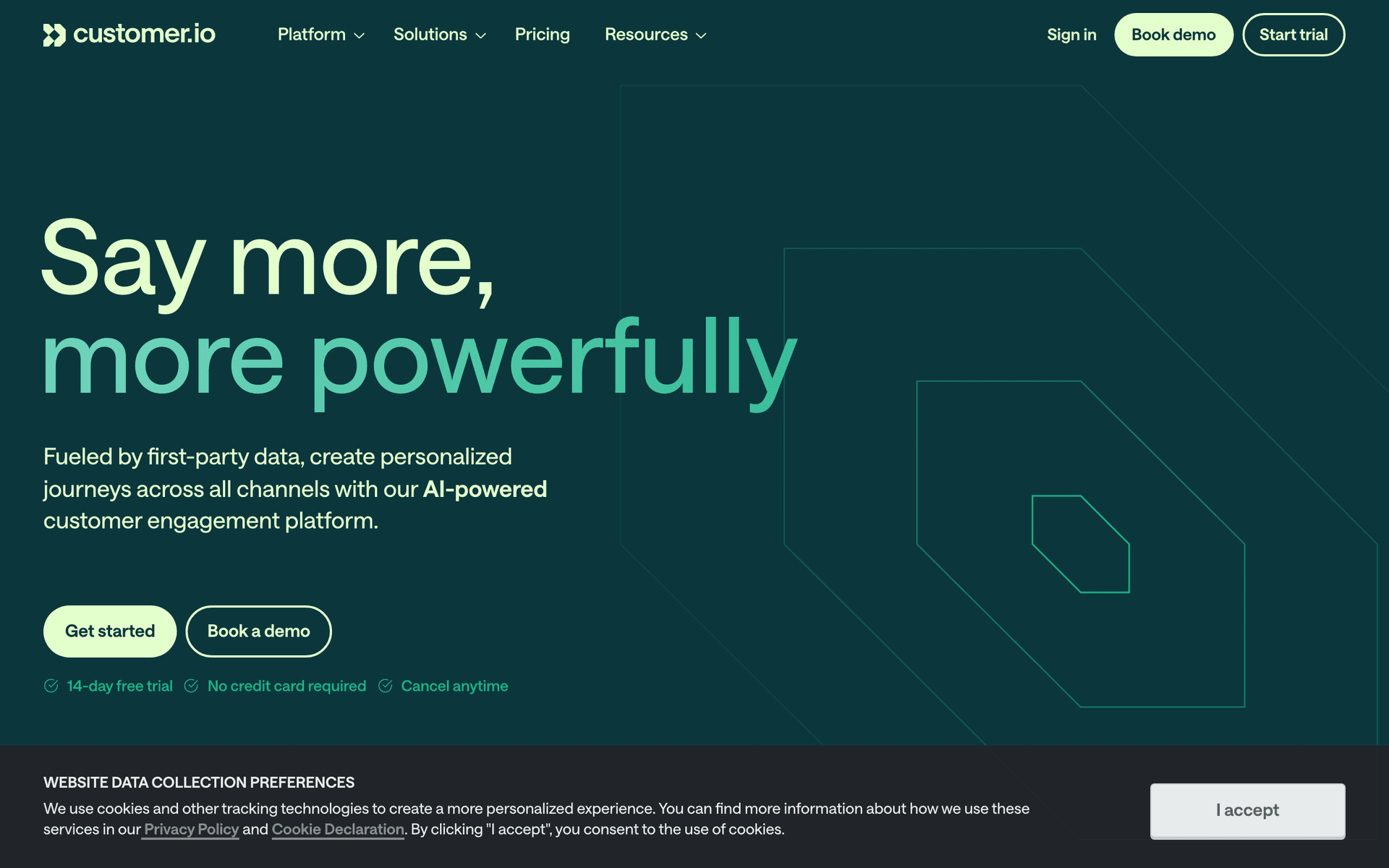
Powerful behavioral email platform for data-driven SaaS teams.

Visit

Customer.io is the power tool on this list. If you have a technical team comfortable with event tracking and complex automation logic, it is incredibly capable. The visual workflow builder creates sophisticated branching sequences based on user behavior, and the segment builder handles complex conditions. Multi-channel messaging covers email, push, SMS, and in-app. The downside is complexity - it takes weeks to set up properly and requires developer involvement. Pricing starts at $100/month which prices out early-stage startups. But for Series A+ SaaS companies with dedicated growth teams, Customer.io is hard to beat on raw capability.

Best for
Funded SaaS companies with technical teams wanting deep behavioral automation
Pricing
From $100/month for 5,000 profiles

Pros

  • Excellent behavioral automation
  • Powerful segment builder
  • Great API and developer tools
  • Multi-channel (email, push, SMS, in-app)

Cons

  • Expensive for early-stage startups
  • Requires developer setup for event tracking
  • Steep learning curve
  • Overkill for simple email needs
#4
Resend

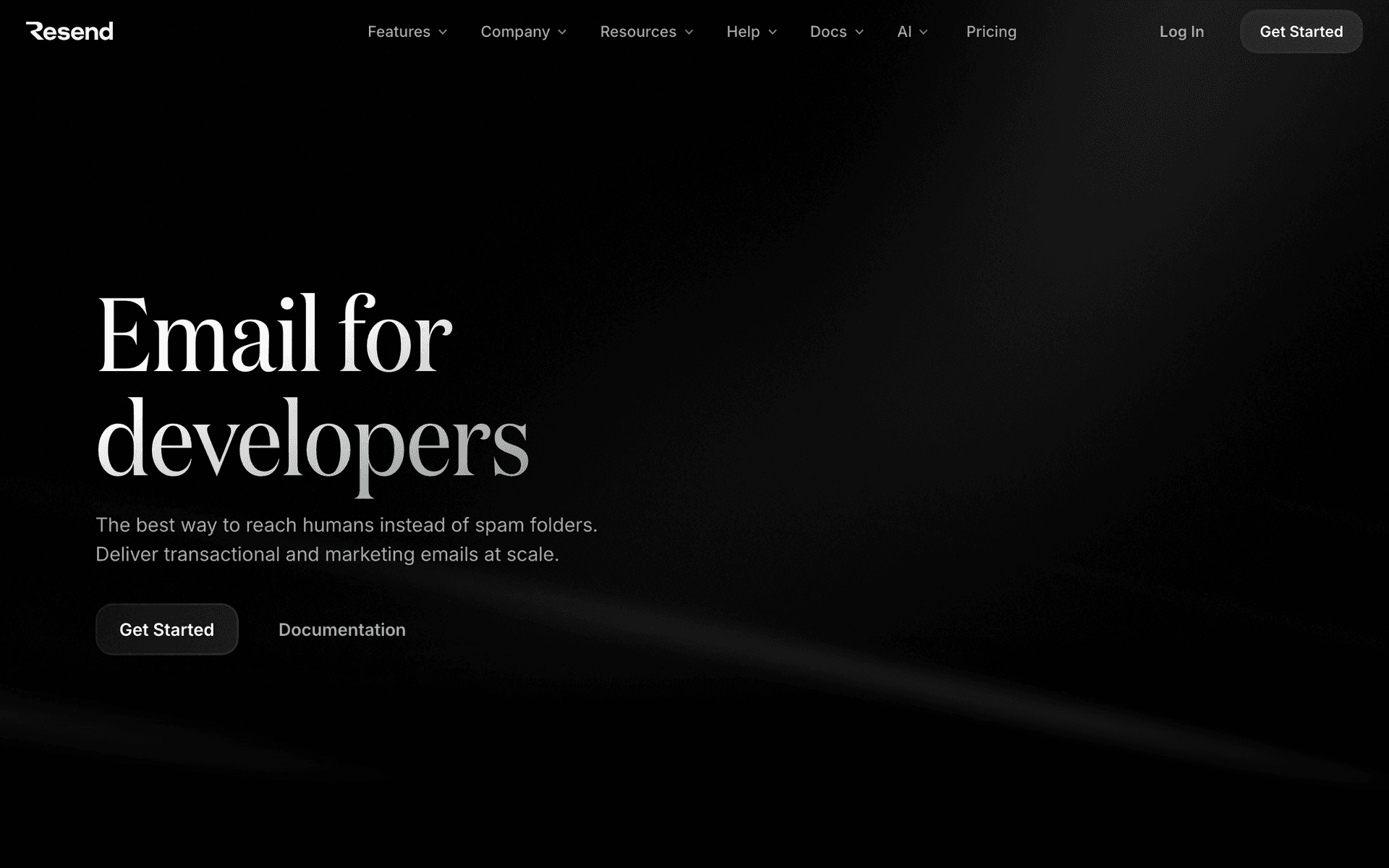
Developer-first email API with React Email support.

Visit

Resend has taken the developer world by storm with genuinely excellent DX - React Email for building templates, clean API, and great docs. If you are a developer who wants full control over your email infrastructure, Resend is a joy to work with. But Resend is primarily a transactional email API, not a marketing automation platform. You can send emails, but you do not get visual workflow builders, pre-built sequences, or MRR-based segments. You would need to build all of that yourself. For transactional emails, Resend is best in class. For marketing automation, you need something on top of it.

Best for
Developer-heavy teams wanting beautiful transactional emails with full code control
Pricing
Free up to 3,000 emails/month, then from $20/month

Pros

  • Best developer experience in email
  • React Email template system
  • Excellent API documentation
  • Great deliverability

Cons

  • Not a marketing automation platform
  • No visual sequence builder
  • No segmentation features
  • You build everything yourself
#5
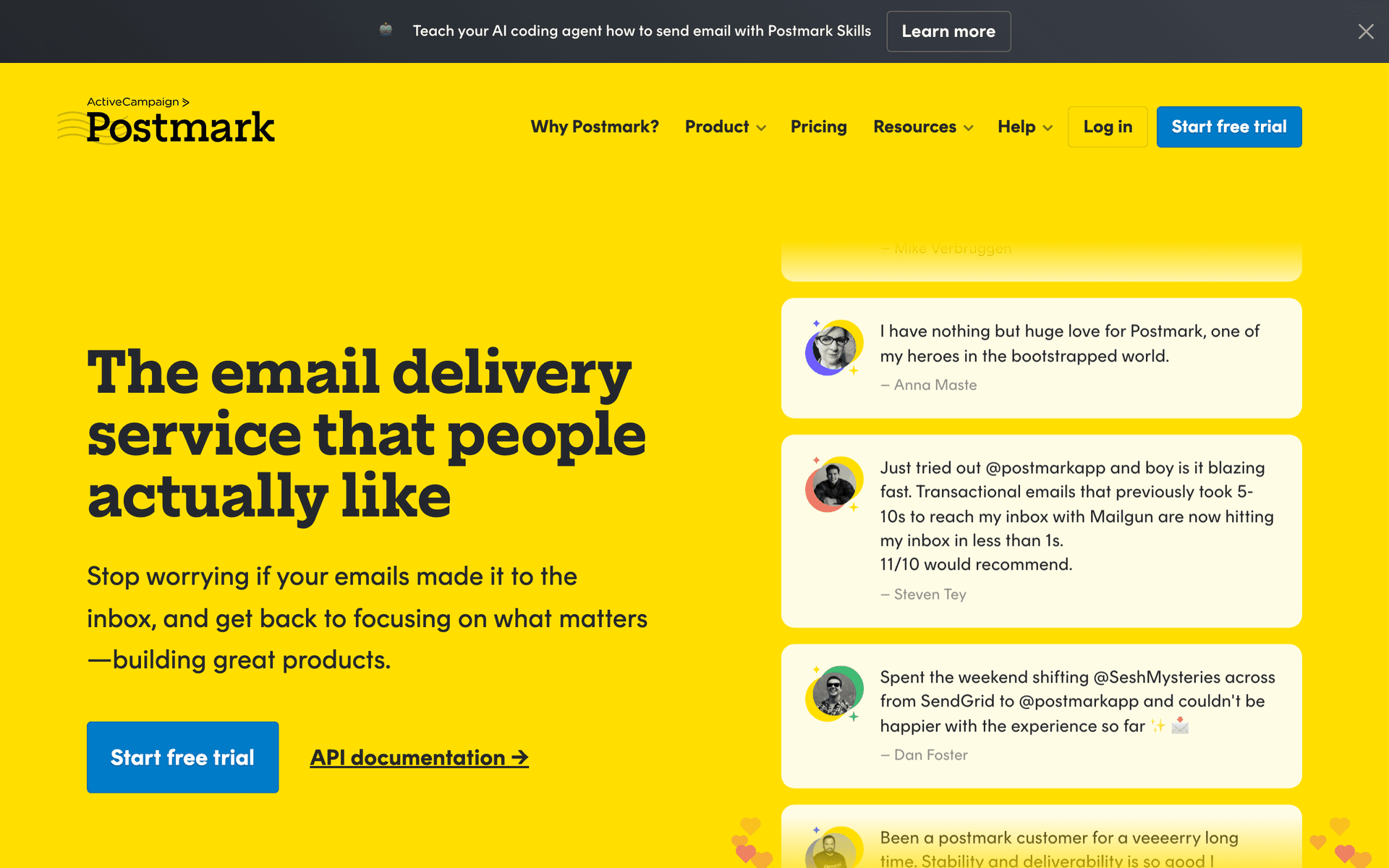
Postmark

Reliable transactional email with industry-leading deliverability.

Visit

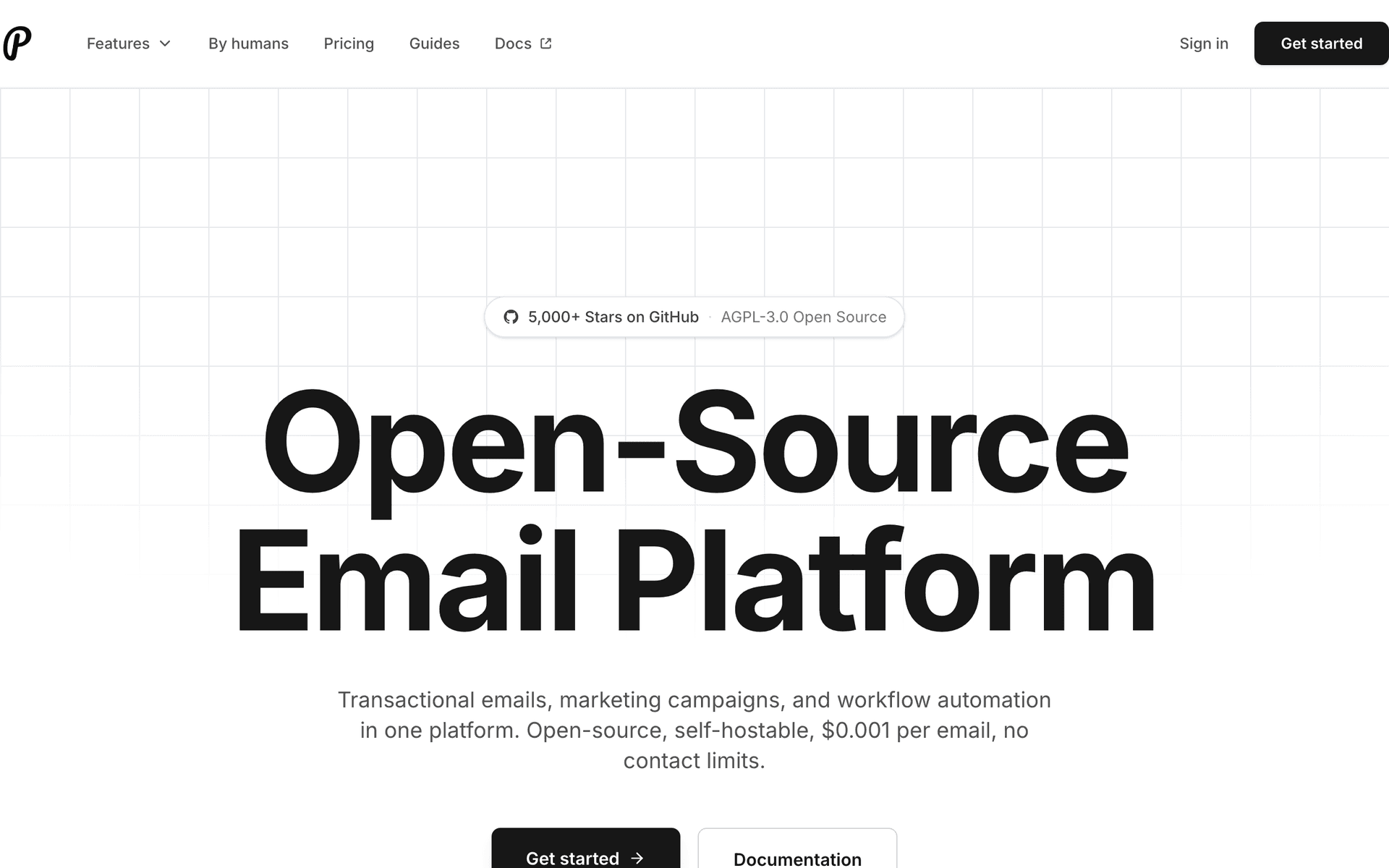
Postmark has the best deliverability reputation in the industry. They separate transactional and marketing email streams, which is smart - your password reset emails should never be affected by marketing campaigns. The downside is the same as Resend: it is an email sending API, not a marketing platform. Many SaaS companies use Postmark for transactional alongside another tool for marketing.

Best for
SaaS companies needing best-in-class transactional email deliverability
Pricing
From $15/month for 10,000 emails

Pros

  • Industry-leading deliverability
  • Separate transactional and marketing streams
  • Fast delivery speeds
  • Excellent documentation

Cons

  • No marketing automation features
  • No visual email builder
  • Strict content policies
  • Need a separate tool for marketing emails
#6
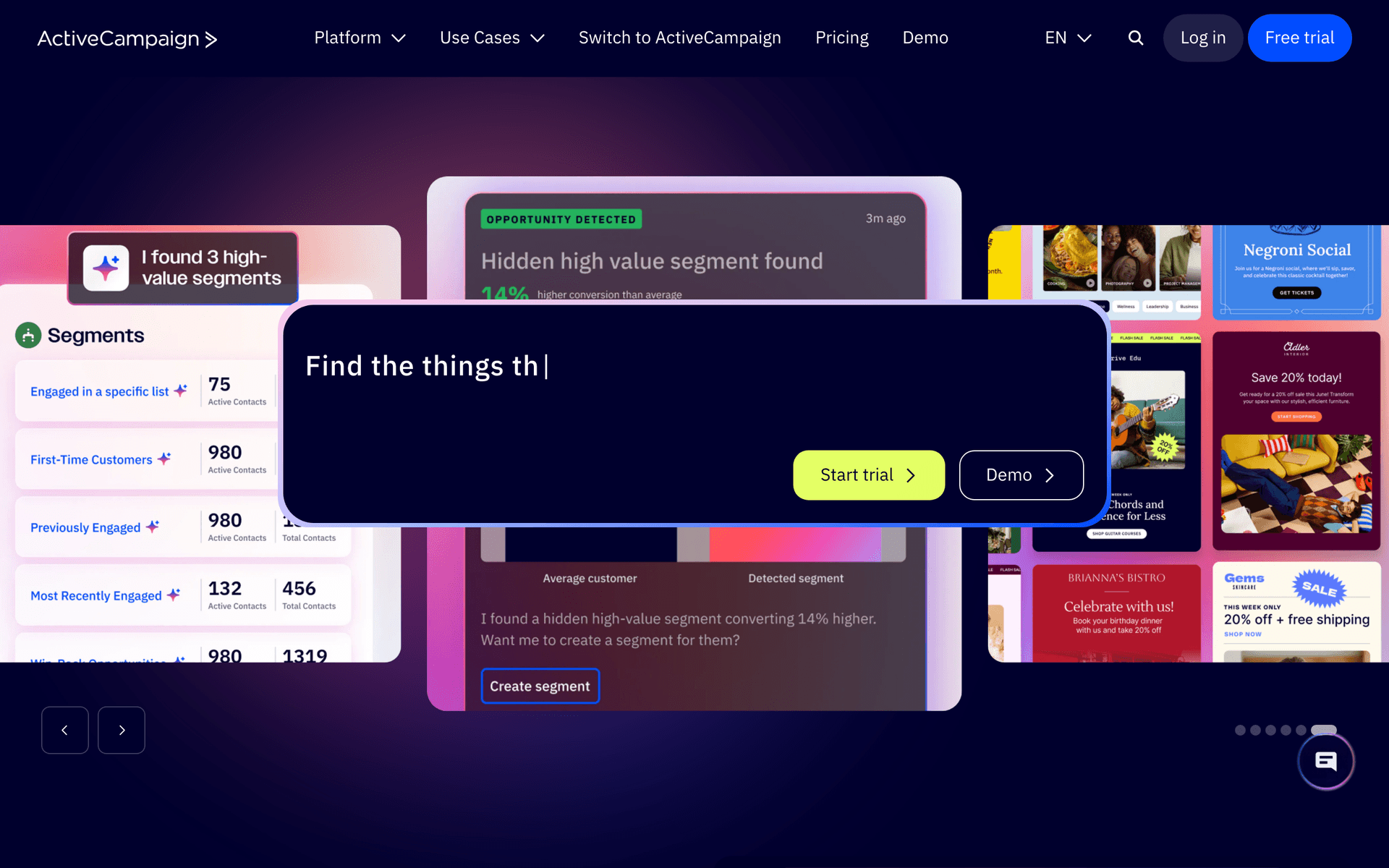
ActiveCampaign

Powerful automation platform with CRM included.

Visit

ActiveCampaign is the automation powerhouse that SaaS teams either love or hate. The automation builder is genuinely the most powerful on this list - conditional logic, branching, scoring, CRM integration. If you have a dedicated marketing ops person, ActiveCampaign is amazing. If it is just the founders, it is overkill. The interface feels dated compared to modern tools and per-contact pricing scales aggressively.

Best for
SaaS companies with marketing ops staff wanting the most powerful automation builder
Pricing
From $29/month for 1,000 contacts

Pros

  • Most powerful automation builder
  • CRM included
  • Lead scoring and attribution
  • Deep integration ecosystem

Cons

  • Complex interface
  • Steep learning curve
  • Not SaaS-specific
  • Pricing scales quickly with contacts
#7
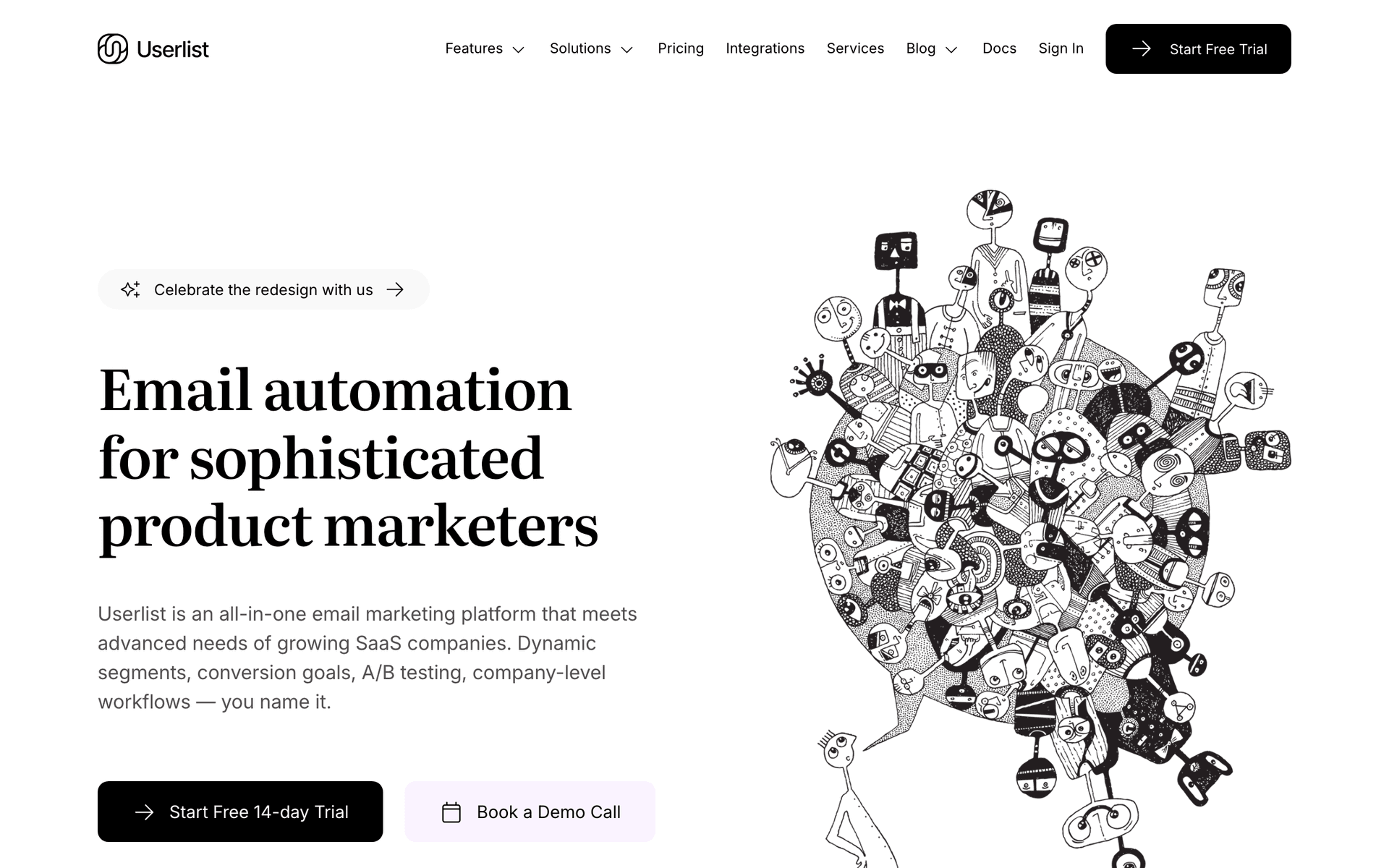
Userlist

Email automation built for SaaS with company-level tracking.

Visit

Userlist is a hidden gem for B2B SaaS. Company-level tracking understands that in B2B, you deal with companies, not just individuals. Trigger automations based on company-level events (team size reached 10, company completed onboarding). The interface is clean and the SaaS focus is genuine. Smaller team means slower feature development, but if your SaaS sells to teams, Userlist deserves serious consideration.

Best for
B2B SaaS companies needing company-level email automation
Pricing
From $149/month for 1,000 users

Pros

  • Company-level tracking and automation
  • Built specifically for SaaS
  • Clean, focused interface
  • Good behavioral triggers

Cons

  • Expensive for early-stage startups
  • Smaller team and community
  • Fewer integrations
  • Less template variety
#8
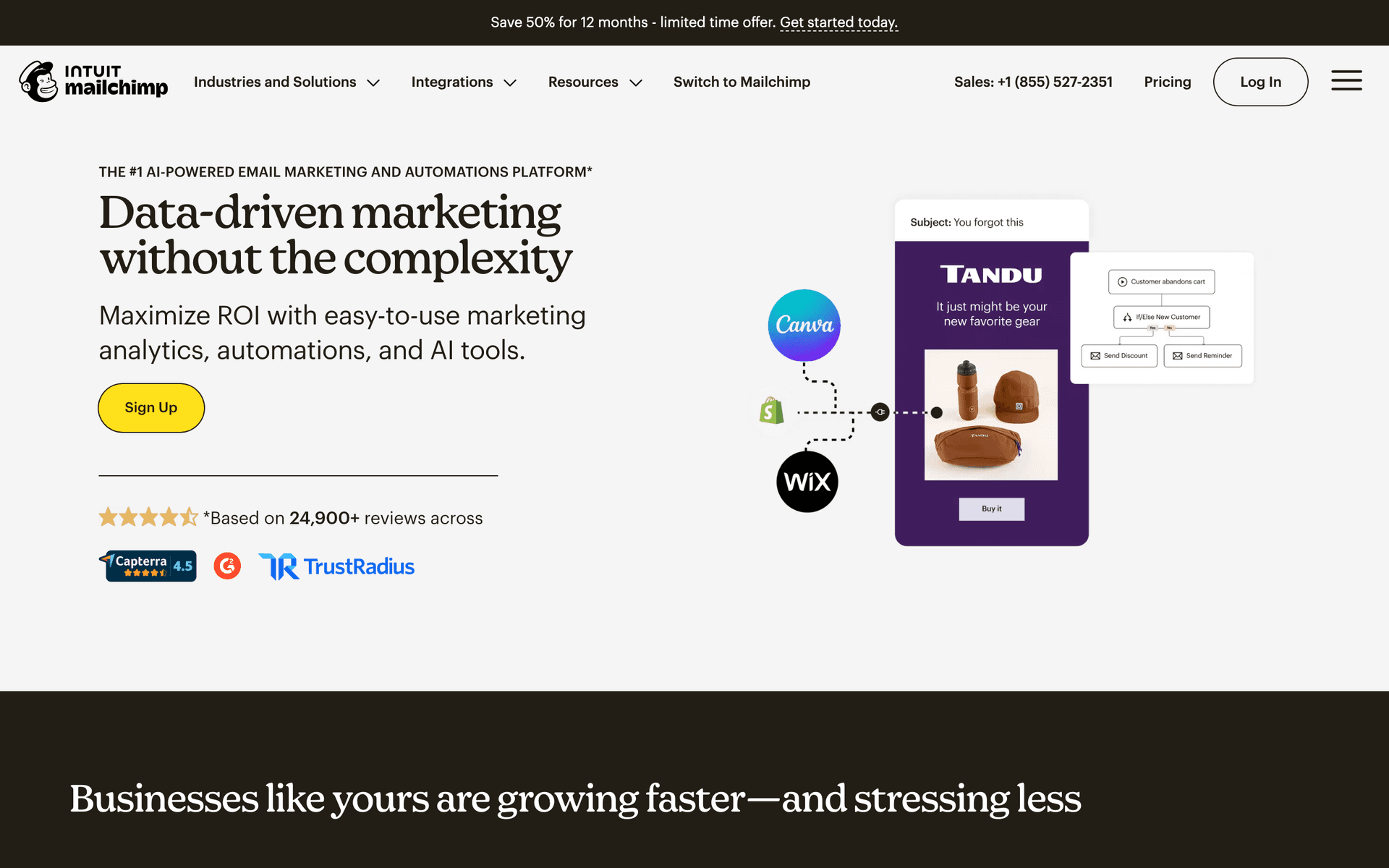
Mailchimp

The most popular email platform. Broad features but not SaaS-specific.

Visit

Mailchimp is the default choice because everyone knows it. The template library is huge, deliverability is solid, and it integrates with everything. But for SaaS specifically, Mailchimp shows its limitations. No native Stripe integration, no MRR-based segments, no understanding of trial-to-paid conversions. You can hack it with Zapier, but you are fighting the tool. Pricing gets expensive at scale.

Best for
SaaS companies wanting broad integrations but willing to compromise on SaaS-specific features
Pricing
Free up to 500 contacts, then $13-350/month

Pros

  • Enormous template library
  • Integrates with everything
  • Strong brand recognition
  • Good analytics

Cons

  • Not built for SaaS
  • No native billing integration
  • Gets expensive at scale
  • Automation feels bolted on
#9
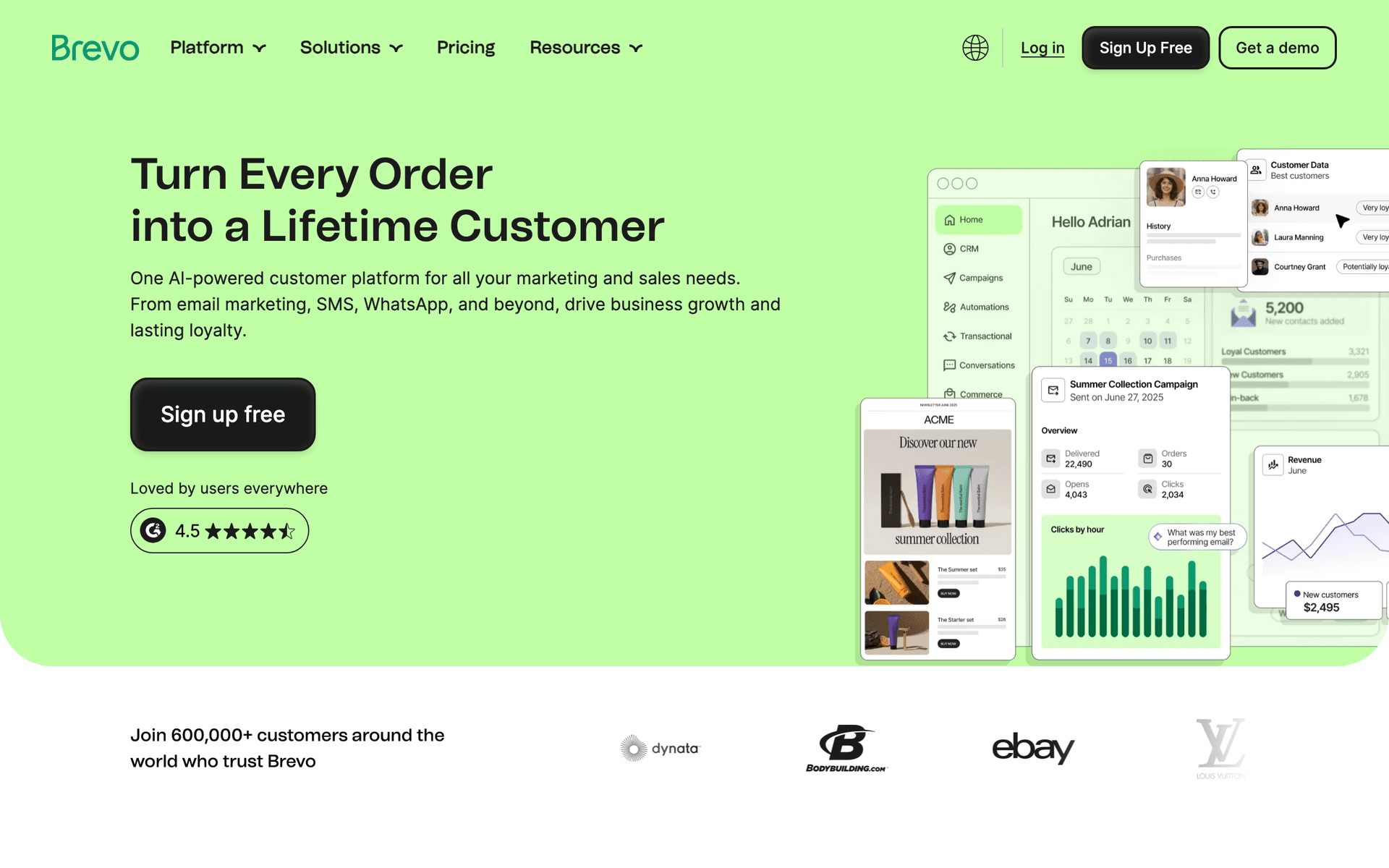
Brevo

Formerly Sendinblue. Affordable with transactional emails included.

Visit

Brevo is the budget option that punches above its weight. Transactional and marketing emails in one platform, decent automation, and the free tier gives 300 emails per day. For bootstrapped SaaS watching every dollar, Brevo makes sense. Not SaaS-specific - no MRR segments or billing event triggers without manual setup.

Best for
Bootstrapped SaaS startups needing affordable email with transactional support
Pricing
Free up to 300 emails/day, then from $25/month

Pros

  • Very affordable
  • Transactional emails included
  • SMS marketing available
  • Decent automation

Cons

  • Not SaaS-specific
  • No billing event triggers
  • Interface can be clunky
  • Support can be slow
#10
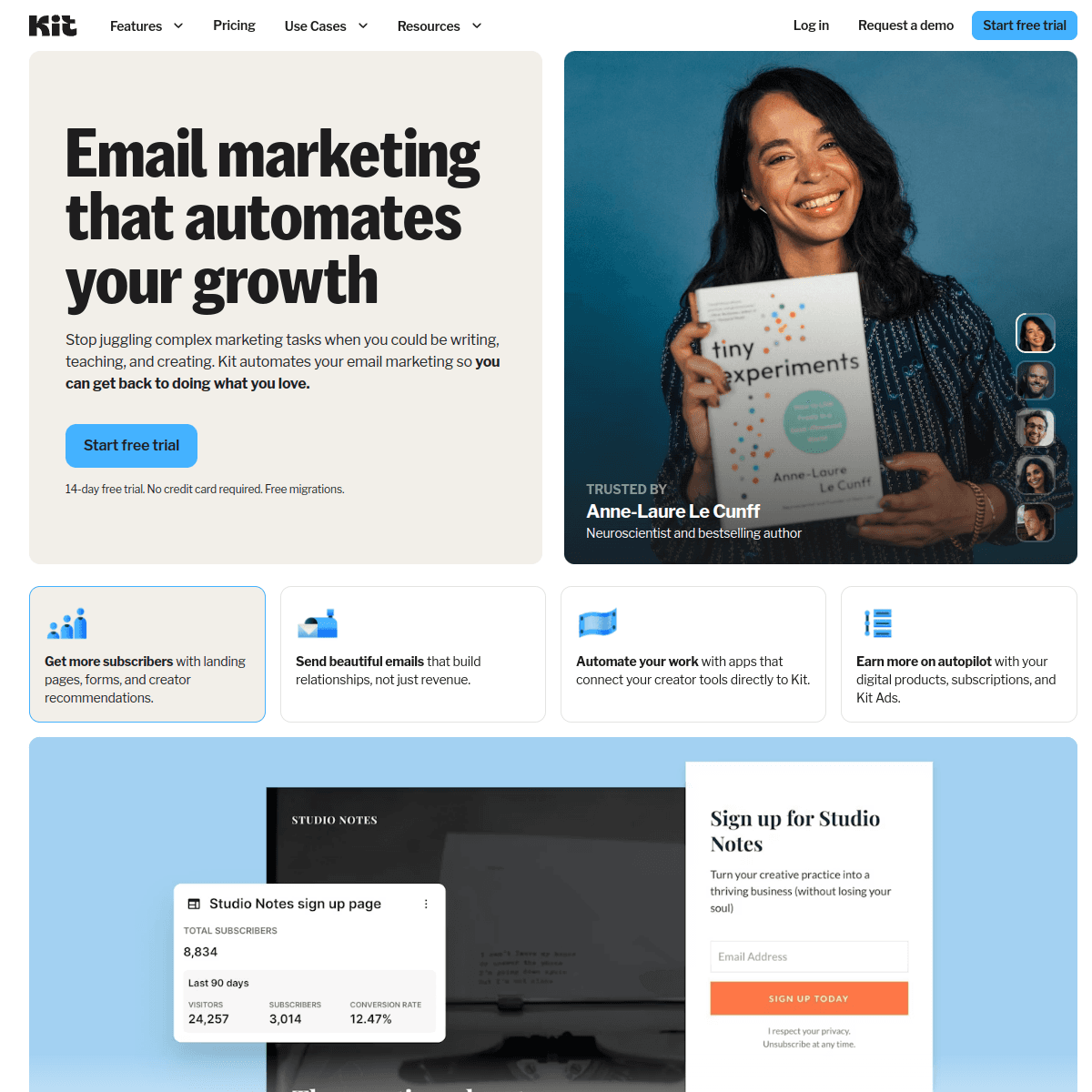
ConvertKit

Creator-focused email tool. Great for content, not for SaaS.

Visit

ConvertKit (Kit) is excellent for content creators. The subscriber management is elegant and the automation builder is intuitive. But for SaaS companies, it is the wrong tool. No event tracking from your product, no billing integration, and the entire mental model is around content subscribers rather than product users. Use it for your newsletter, not for product emails.

Best for
SaaS founders who also run a content newsletter (for the newsletter part only)
Pricing
Free up to 1,000 subscribers, then from $29/month

Pros

  • Excellent for newsletters
  • Clean tag-based system
  • Good automation for content
  • Strong creator community

Cons

  • Not designed for SaaS product emails
  • No event tracking from your app
  • No billing integration
  • Wrong mental model for product-led growth
#11
SendGrid

Scalable email API for transactional and marketing emails.

Visit

SendGrid is the workhorse of email infrastructure. If you need to send millions of emails reliably, it delivers. The API is solid and scaling is not an issue. But the marketing features feel bolted onto a transactional email API. Most SaaS companies that outgrow SendGrid's marketing tools end up using it for transactional only.

Best for
SaaS companies needing reliable high-volume email infrastructure
Pricing
Free up to 100 emails/day, then from $19.95/month

Pros

  • Proven scalability
  • Strong API
  • Good deliverability
  • Competitive pricing at volume

Cons

  • Marketing features are basic
  • UI feels dated
  • Limited automation
  • Better as infrastructure than marketing tool
#12
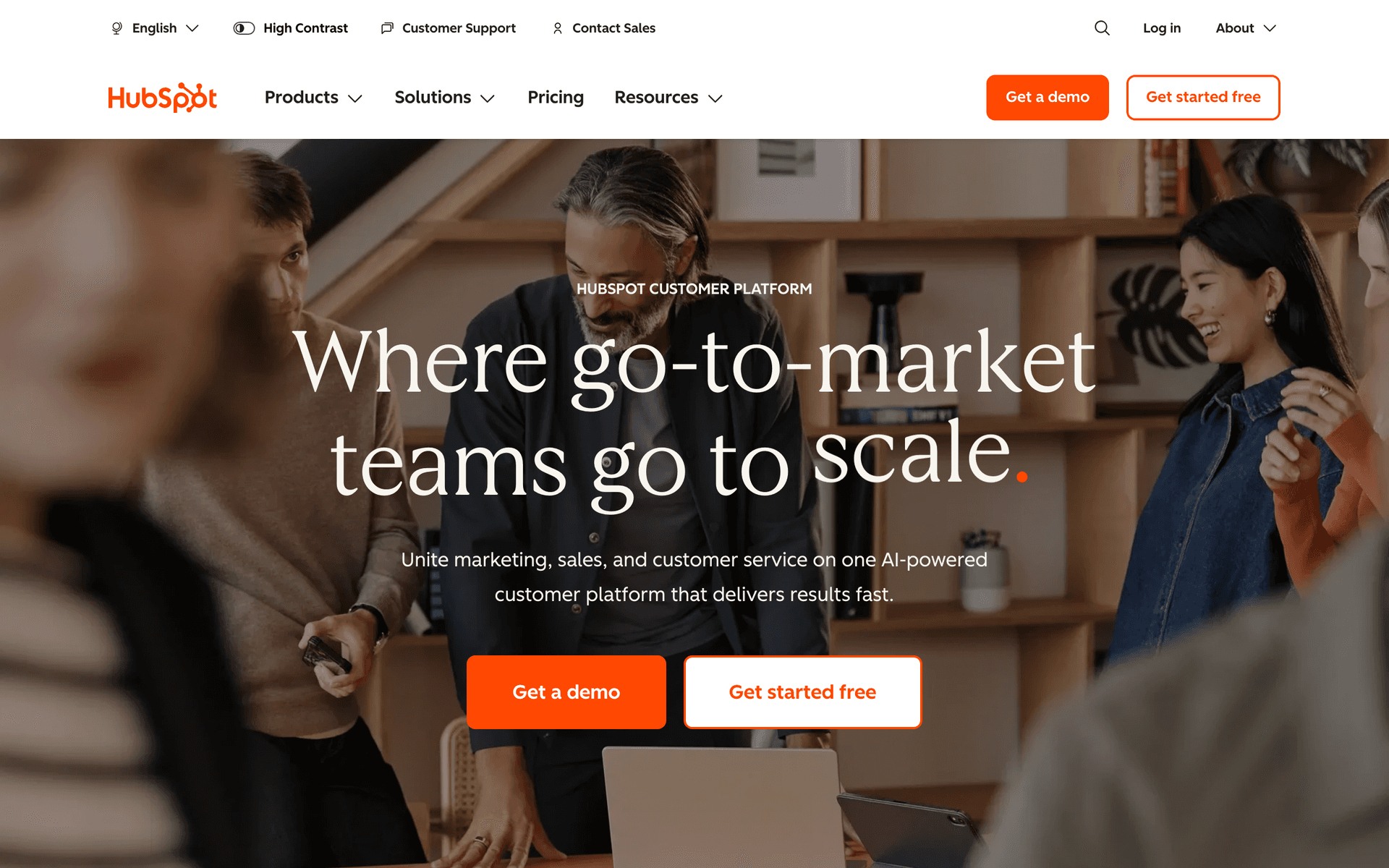
HubSpot

Enterprise marketing suite with email included.

Visit

HubSpot is the enterprise choice. CRM, marketing automation, sales tools, customer service, content management - everything in one platform. Impressive if you have the budget and team. The free tier is a tease - you need $800+/month for marketing features that actually matter. For Series B+ SaaS with marketing teams, HubSpot makes sense. For startups, overkill.

Best for
Funded SaaS companies with marketing teams wanting an all-in-one platform
Pricing
Free basic tools, paid from $50/month (realistically $800+/month for useful features)

Pros

  • Complete marketing suite
  • Excellent CRM integration
  • Great reporting
  • Huge ecosystem

Cons

  • Very expensive for real features
  • Complex setup
  • Overkill for early-stage
  • Lock-in to HubSpot ecosystem
#13
Knock

Notification infrastructure with email as one channel.

Visit

Knock thinks about notifications holistically - email, in-app, push, SMS, and Slack. The workflow builder orchestrates rules like 'send in-app first, if not seen in 1 hour send email.' Genuinely useful for SaaS with heavy notification needs. But Knock is notification infrastructure, not email marketing. No campaigns, no newsletters, no marketing automation. Use it alongside a marketing email tool.

Best for
SaaS companies needing multi-channel notification orchestration
Pricing
Free up to 10,000 messages, then from $250/month

Pros

  • Multi-channel notification orchestration
  • Smart delivery rules
  • Good developer experience
  • In-app notification support

Cons

  • Not an email marketing tool
  • No campaign or newsletter features
  • Expensive at scale
  • Requires developer setup

Feature Comparison

FeatureSequenzyLoopsCustomer.ioResend
Native Stripe integration
Trial conversion sequences
AI content generation
MRR-based segments
Transactional emails
Event-based automation
Free tier available
Developer API

Common Mistakes to Avoid

We see these mistakes over and over. Skip the learning curve and avoid these from day one.

Over-engineering email automation before having enough users

A 15-step branching automation for 100 trial users is wasted effort. Start with simple linear sequences and add complexity when you have data to justify branches. Your time is better spent building product and talking to users.

Using a tool that does not understand billing events

Connecting Stripe to Mailchimp through Zapier and manually tagging contacts by plan is fragile and incomplete. Native billing integration gives you real-time customer data, automatic dunning, and MRR-based segmentation without duct tape.

Sending the same onboarding to all users

A developer signing up for an API product needs different onboarding than a marketing manager signing up for an analytics dashboard. Collect role or use case at signup and route users into relevant onboarding paths.

Neglecting email after the sale

Many SaaS companies invest heavily in trial conversion and then go silent after payment. Post-sale email (feature education, best practices, usage milestones) is critical for retention. Churn prevention starts the day after the first payment.

Paying per contact when most contacts are inactive

SaaS databases accumulate free users, churned customers, and trial dropoffs. Per-contact pricing charges you for all of them. At 50,000 contacts where only 5,000 are active, per-contact pricing costs 10x what per-email pricing would.

Email Sequences Every SaaS Startup Needs

These are the essential automated email sequences that will help you grow your business and keep clients coming back.

Trial Conversion Sequence

When user starts free trial

Convert free trial users to paid customers by demonstrating value at each stage of the trial.

Immediately
Welcome to {{productName}} - here is your quick start guide

Welcome email with the single most important action to take first. Link to getting started guide.

Day 2
Did you try {{keyFeature}} yet?

Highlight the feature that drives the most activation. Include a direct link to try it.

Day 5
How {{companyName}} grew 40% with {{productName}}

Social proof with a relevant customer story. Show what is possible with full adoption.

Day 10 (3 days before trial ends)
Your trial ends in 3 days - here is what you will lose

Summary of what they built during the trial. Show what goes away without upgrade.

Day 12 (1 day before trial ends)
Last day: keep everything you have built

Final urgency. One-click upgrade link. Offer to extend trial if they need more time.

Dunning / Failed Payment Recovery

When payment fails

Recover failed payments before the subscription cancels. Most failures are expired cards, not deliberate cancellations.

Immediately
Action needed: your payment did not go through

Friendly notification. Assume it is accidental. Direct link to update payment method.

Day 3
Quick reminder: update your payment method

Slightly more urgent. Mention what features they will lose access to.

Day 7
Your {{productName}} account will be paused tomorrow

Final notice with clear deadline. Emphasize data preservation and easy reactivation.

User Onboarding by Plan

When user subscribes to paid plan

Different plans deserve different onboarding. Customize the experience by what they are paying.

Immediately
Welcome to {{planName}} - let us get you set up

Plan-specific welcome. Highlight features available at their tier.

Day 1
3 things to do in your first 24 hours

Three actionable steps specific to their plan tier.

Day 3
Have you tried {{planSpecificFeature}}?

Highlight a feature specific to their plan they might not have discovered.

Day 7
Your first week with {{productName}} - how is it going?

Check-in with a simple reply prompt. Offer help or a call.

Churn Prevention / Win-Back

When user cancels subscription

A well-timed win-back sequence can save 5-10% of cancellations.

Immediately
We are sorry to see you go, {{firstName}}

Acknowledge cancellation gracefully. Brief exit survey. Offer a pause option.

Day 3
Here is what has changed since you left

Share recent improvements they might have missed.

Day 14
A special offer to welcome you back

Discount or extended trial to return. One-click reactivation.

How to Choose the Right Email Tool for Your SaaS

The best email marketing tool depends on your stage, team, and technical capacity:

Pre-revenue / bootstrapped: Use Sequenzy (free tier) or Loops. Simple setup, SaaS-aware features, affordable pricing. Get your basic sequences running in hours, not weeks.

Seed to Series A: Consider Customer.io if you have a technical team, or stick with Sequenzy/Loops if you want simplicity. Focus on trial conversion and dunning - these have the highest ROI.

Series B+: Evaluate HubSpot or ActiveCampaign if you need enterprise CRM integration and have marketing ops staff. Otherwise, simpler tools still work fine - do not buy complexity you do not need.

The Three Sequences Every SaaS Needs

Before you worry about sophisticated marketing automation, get these three sequences running:

  1. Trial conversion: Guide users to their "aha moment" during the trial. 4-6 emails timed to activation milestones.
  2. Dunning: Recover failed payments automatically. 3 emails over 7 days. This is the highest-ROI email sequence in SaaS.
  3. Monthly product update: Keep customers engaged with what you are building. Share wins, new features, and upcoming improvements.

Everything else - upgrade campaigns, churn prevention, NPS surveys - can wait until these basics are running well.

Native Billing Integration Matters

The single most important feature for SaaS email marketing is native billing integration. When your email tool understands Stripe events natively, you get:

  • Automatic customer sync with MRR data
  • Dunning sequences that start the moment a payment fails
  • Plan-based segmentation without manual tagging
  • Trial conversion tracking with real revenue attribution

Without native billing integration, you are duct-taping Zapier workflows together and manually tagging contacts. It works, but it is fragile and incomplete.

Pay-Per-Email vs Pay-Per-Contact

This distinction matters enormously for SaaS:

Pay-per-contact charges for every contact in your database. SaaS databases accumulate free users, trial dropoffs, and churned customers. At 50,000 contacts, per-contact pricing costs $200-500+/month regardless of how many you actually email.

Pay-per-email charges for what you send. If you have 50,000 contacts but only email 5,000 actively, you pay for 5,000 emails worth of sends. This model is dramatically cheaper for SaaS companies with large databases of inactive users.

Sequenzy and Brevo use pay-per-email pricing. Most others use per-contact. Calculate costs at your actual database size before choosing.

The SaaS Email Maturity Model

Level 1: Essential (Month 1)

Dunning sequence. Basic onboarding (3-4 emails). Monthly product update. This is the minimum viable email stack.

Level 2: Optimized (Month 3)

Plan-specific onboarding. Trial conversion sequence with social proof. Post-cancellation win-back. Usage milestone emails.

Level 3: Advanced (Month 6+)

Expansion revenue campaigns triggered by usage limits. Segment-specific content based on use case. NPS surveys with automated follow-up. Lifecycle stage marketing.

Level 4: Sophisticated (Year 1+)

Predictive churn modeling. Multi-channel orchestration. A/B testing at scale. Revenue attribution across all email touchpoints.

Start at Level 1. Most SaaS companies never need Level 4.

Getting Started

Pick a tool from this list, connect your billing provider, and set up your first three sequences. You can have automated email marketing running in under a day. Start simple, measure results, and add sophistication as you learn what your users respond to.

How We Evaluated These Tools

Tools were evaluated based on SaaS-specific criteria - native billing integration, event-driven automation, transactional and marketing email support, developer API quality, and pricing models that work with large free-user databases.

Frequently Asked Questions

Ready to grow your saas startup practice?

Start your free trial today. Set up your first email sequence in minutes with AI-powered content generation.

Related Industries

Sequenzy - Complete Pricing Guide

Pricing Model

Sequenzy uses email-volume-based pricing. You only pay for emails you send. Unlimited contacts on all plans — storing subscribers is always free.

All Pricing Tiers

  • 2.5k emails/month: Free (Free annually)
  • 15k emails/month: $19/month ($205/year annually)
  • 60k emails/month: $29/month ($313/year annually)
  • 120k emails/month: $49/month ($529/year annually)
  • 300k emails/month: $99/month ($1069/year annually)
  • 600k emails/month: $199/month ($2149/year annually)
  • 1.2M emails/month: $349/month ($3769/year annually)
  • Unlimited emails/month: Custom pricing (Custom annually)

Yearly billing: All plans offer a 10% discount when billed annually.

Free Plan Features (2,500 emails/month)

  • Visual automation builder
  • Transactional email API
  • Reply tracking & team inbox
  • Goal tracking & revenue attribution
  • Dynamic segments
  • Payment integrations
  • Full REST API access
  • Custom sending domain

Paid Plan Features (15k - 1.2M emails/month)

  • Visual automation builder
  • Transactional email API
  • Reply tracking & team inbox
  • Goal tracking & revenue attribution
  • Dynamic segments
  • Payment integrations (Stripe, Paddle, Lemon Squeezy)
  • Full REST API access
  • Custom sending domain

Enterprise Plan Features (Unlimited emails)

  • Visual automation builder
  • Transactional email API
  • Reply tracking & team inbox
  • Goal tracking & revenue attribution
  • Dynamic segments
  • Payment integrations
  • Full REST API access
  • Custom sending domain

Important Pricing Notes

  • You only pay for emails you send — unlimited contacts on all plans
  • No hidden fees - all features included in the price
  • No credit card required for free tier

Contact

  • Pricing Page: https://sequenzy.com/pricing
  • Sales: hello@sequenzy.com